
Atari Flashback: The Essential Companion Guide 1980
Golf

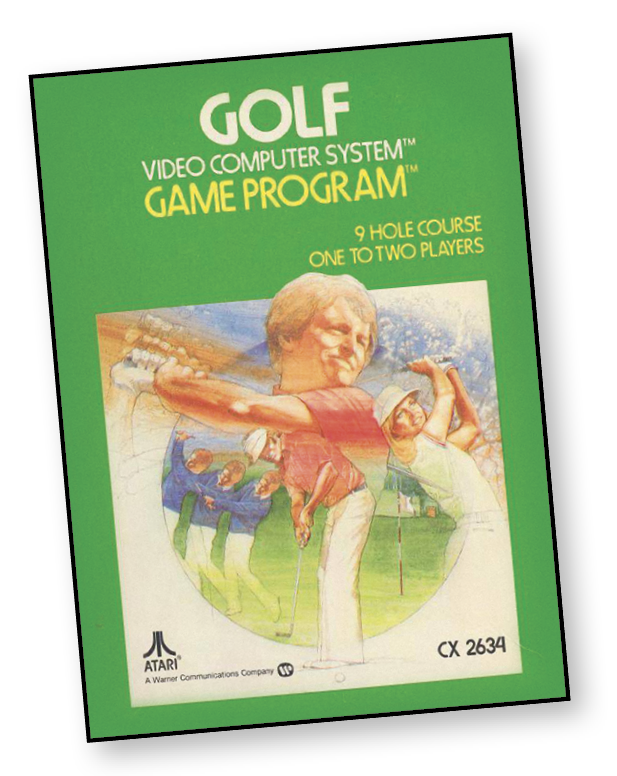
It’s nine holes of golf where you control the direction and the power of your shot. Watch out for the hazards!
About the Game
Videogames were still a relatively new phenomenon when the Atari launched. Parents at that time had not grown up playing them, which is why a game like Golf was important in homes where parents were perhaps reluctant about buying a home system. Properly handled, Golf became a bargaining chip to get parents to try Atari. Convince them there was a game for them and parents became more likely to buy an Atari for the house.
The case for Golf was simple. It’s a familiar game, unlike the others that featured shooting and driving and loud noises. And whereas other Atari sports games depended on quick reflexes, Golf allowed the player to take his or her time to line up potential shots.
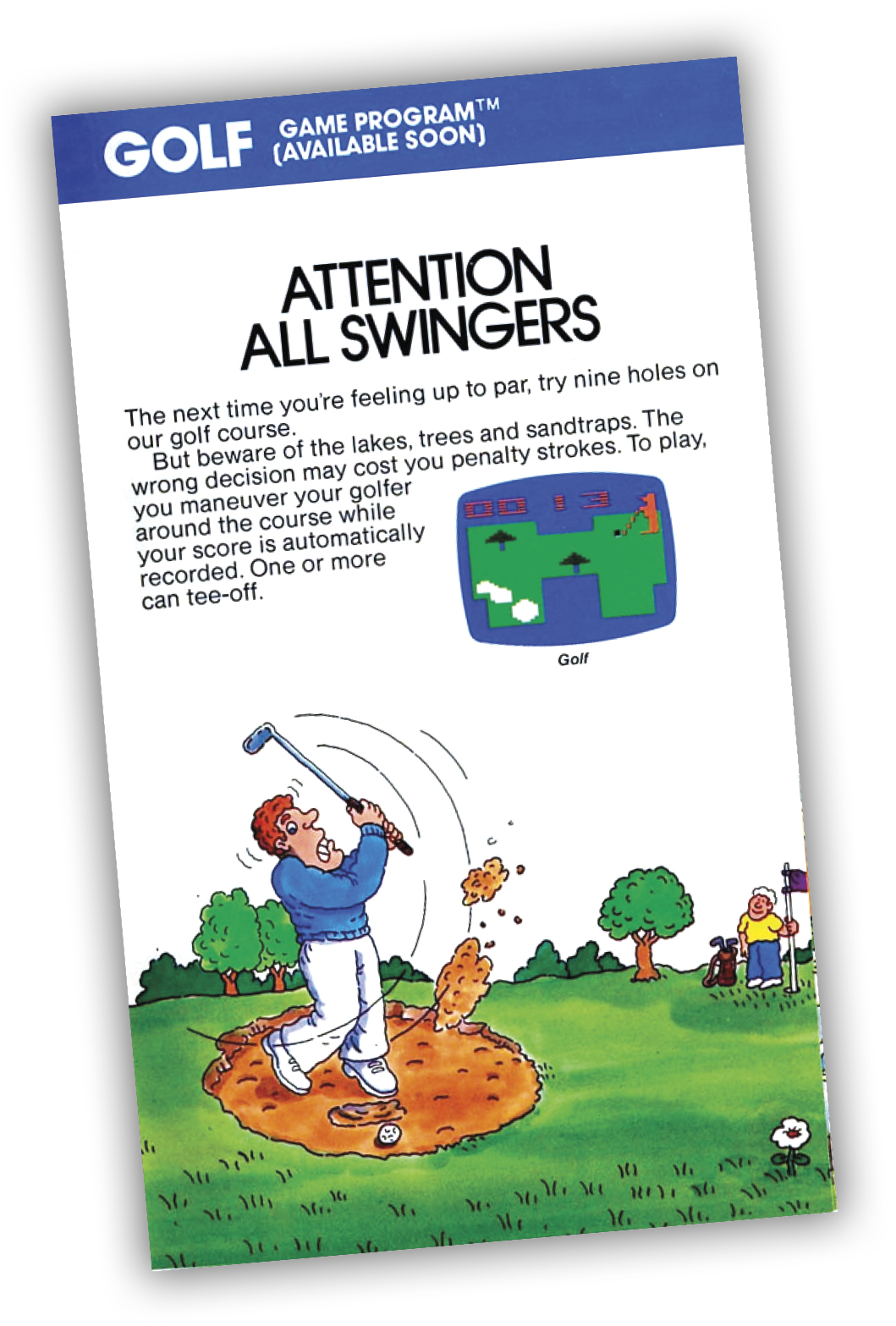
Object of the Game
When playing a one-player game, try to match or beat par. In two-player games, the player with the fewest strokes is the winner. The left player’s stroke count appears in the upper-left corner of the screen, while the right player’s score (two-player game only) is displayed in the upper-right side of the screen.
How to Play
A stroke occurs each time you hit the ball. Although the number of strokes you take to hit the ball into the cup is unlimited, each hole has a designated par score. In two-player games, player one plays the entire hole, then the second player completes the same hole before the first player moves to the next hole.
Par represents the number of strokes you ideally need to complete the hole. Total par for the course is 36. Par for each hole appears as a red number next to the hole number. Your total stroke count appears to the left of the hole number.
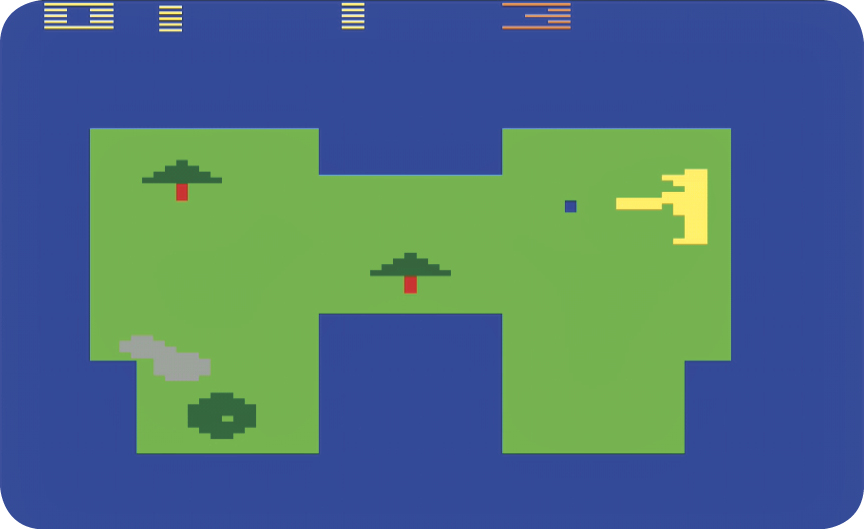
Move the golfer around the course by using the joystick. The golfer’s club always points toward the ball. To change the angles of the club (in relation to the ball), position the tip of the club over the ball and walk the golfer around the ball. When you find the desired position (see “Examples of Ball Direction” image), leave the tip of the club over the ball and press the controller button to start a backswing.
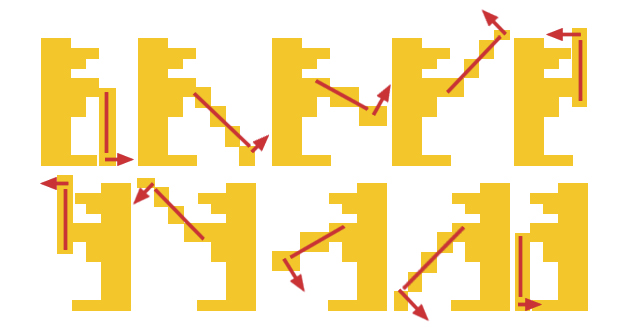
Hold down the red controller button to begin your backswing. A longer backswing results in the ball traveling further when hit. Release the red controller button to start your forward swing. If any part of the club (or the golfer) hits the ball while the forward swing is in progress, the ball is set in motion.
The direction in which the ball travels is set the moment the backswing begins. You cannot change the direction once the swing has started in motion. If you begin your backswing prematurely, move your golfer away from the ball. There is no penalty stroke for missed swings.
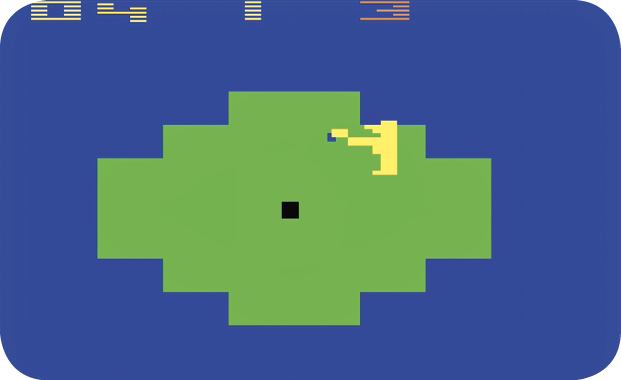
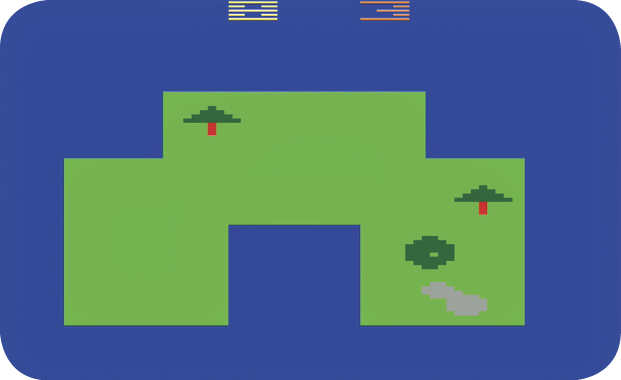
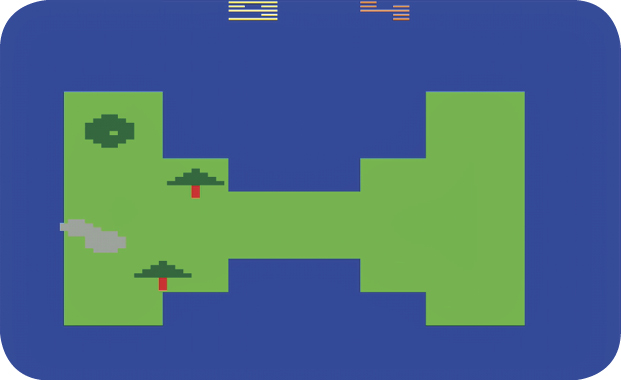
When the ball stops on the green, the screen changes to a close-up view of the green. With an accurate shot, it’s possible to sink the ball from the fairway view without going into the close-up view.
Depending on the difficulty setting, the ball slows down and becomes invisible when entering the “rough” (the blue area on the screen that surrounds each fairway or green). Move the golfer and club through the rough and note the direction the club points. When hitting the ball from the rough, it starts with one-half the normal momentum.
Hazards (such as sand traps, trees, and water) are a different story. Given enough power or momentum and a certain distance, the ball can fly over or pass through hazards.
Sand traps are similar to the rough. A ball that lands in a sand trap loses momentum and becomes invisible. Balls hit from a sand trap also lose half their momentum.
When a ball hits a tree without sufficient momentum it bounces directly backward.
When a ball lands in a water hazard, it returns to the fairway closest to the point of entry and a penalty shot is added to your score.
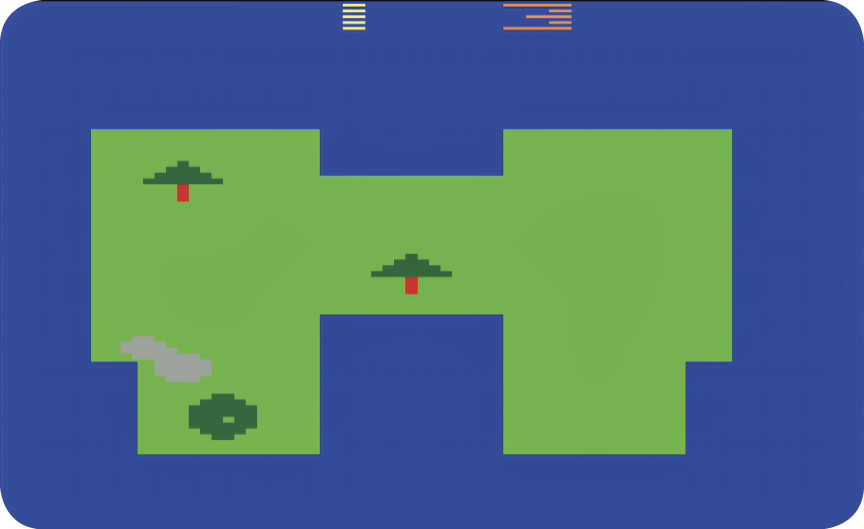
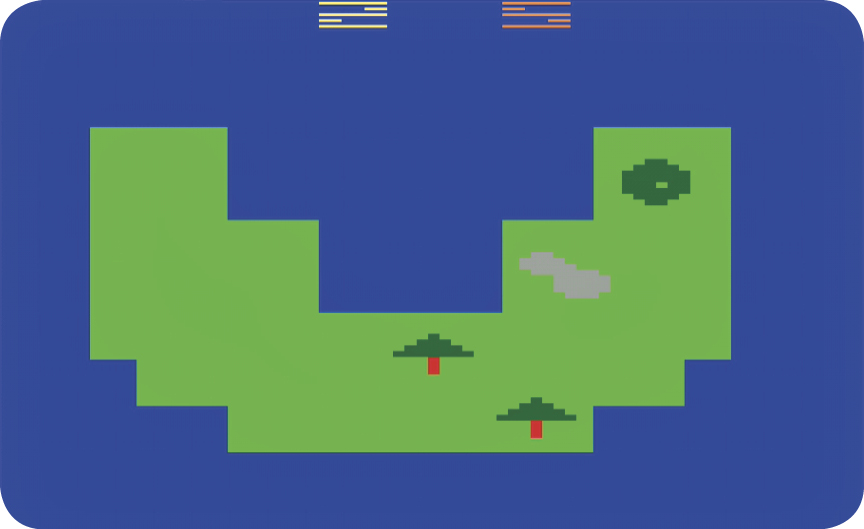
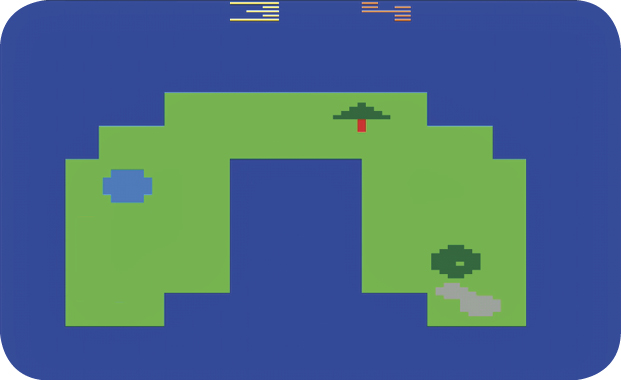
Atari Golf Course Layout
The computer automatically tracks your score. Each time your golfer hits the ball, one stroke is recorded by the computer. A ball that lands in a water hazard adds one penalty stroke.
|
Hole # |
1 |
2 |
3 |
4 |
5 |
6 |
7 |
8 |
9 |
TOTAL |
|
Par |
3 |
5 |
4 |
4 |
4 |
5 |
4 |
3 |
4 |
36 |
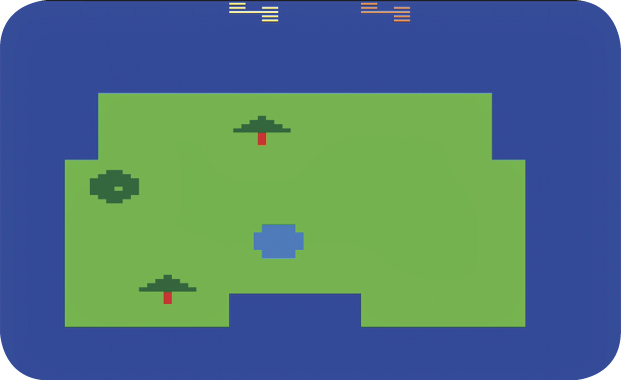
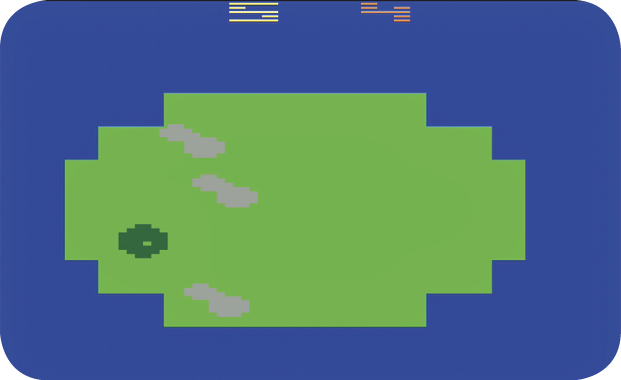
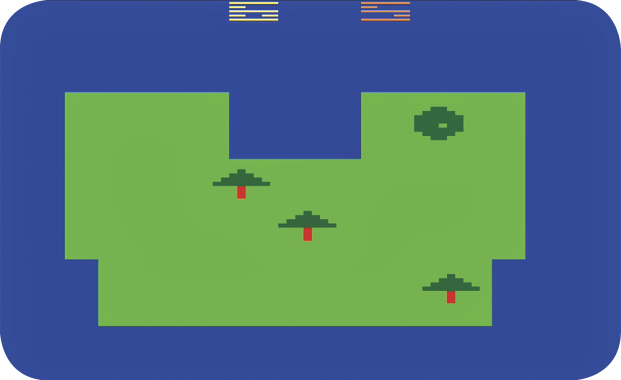
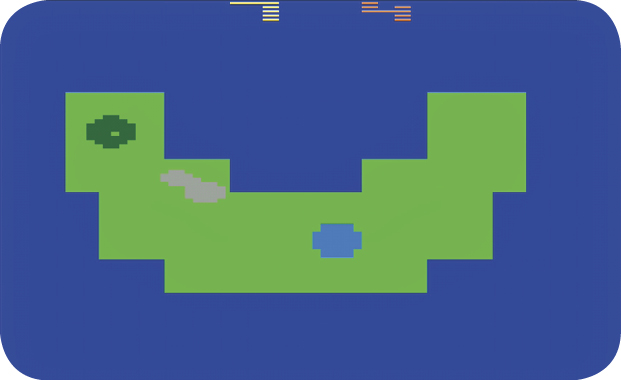
Difficulty Options
When the difficulty is set to the B position, each hole’s cup is large and the ball stops at the edge of the rough. In the A position, each hole is smaller. Also, the ball travels off the course and into the rough when hit off target.