
Atari Flashback: The Essential Companion Guide 1978
Space War

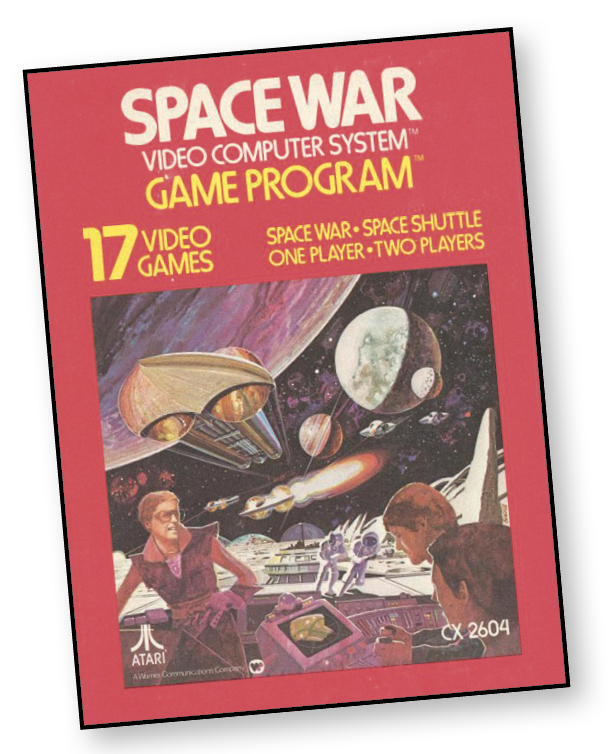
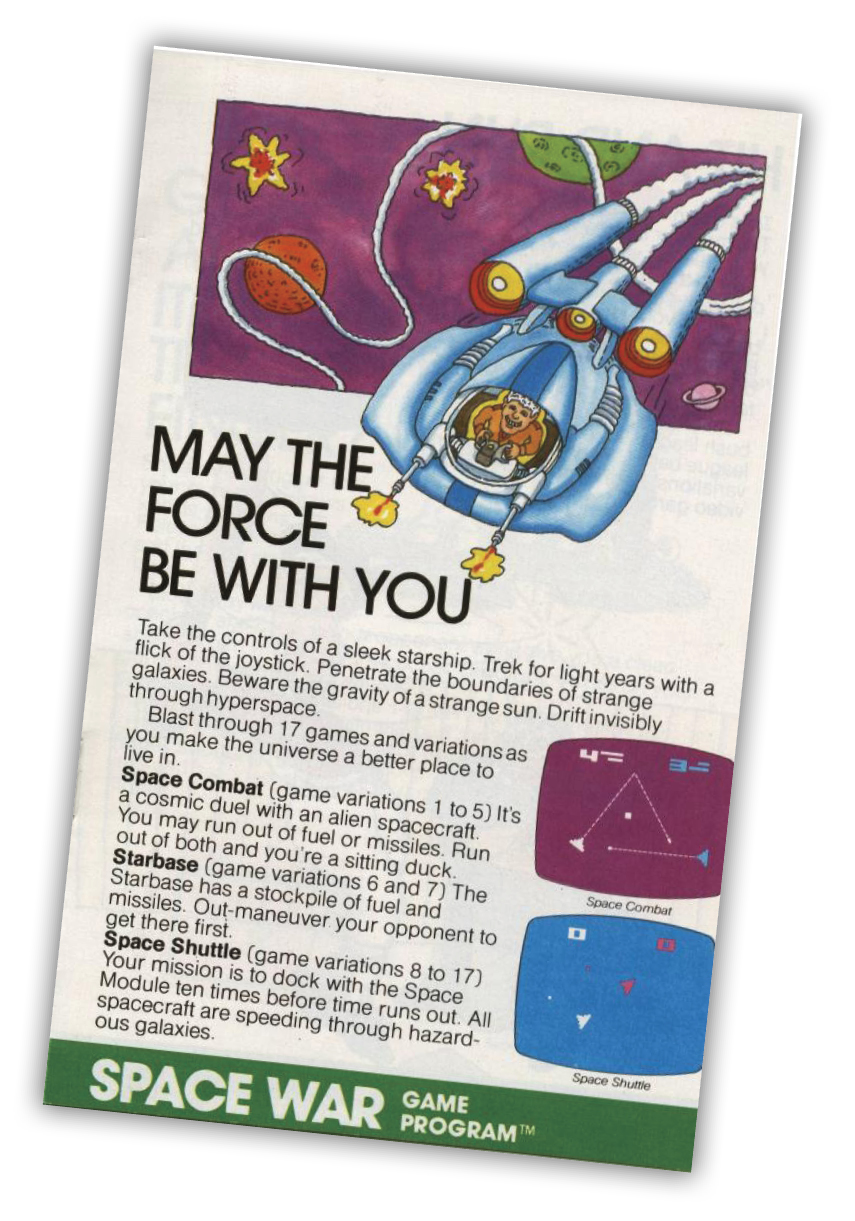
Take the controls of a sleek starship. Trek for light years with a flick of the joystick. Penetrate the boundaries of strange galaxies. Beware the gravity of a strange sun. Drift invisibly through hyperspace.
About the Game
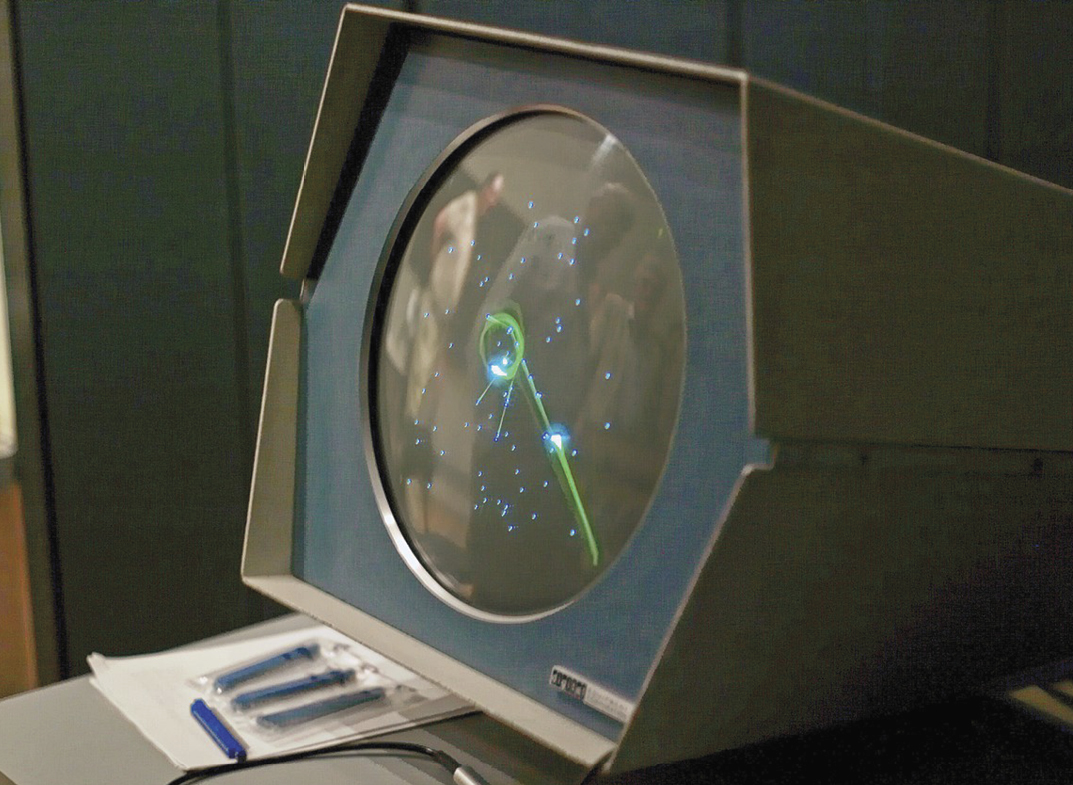
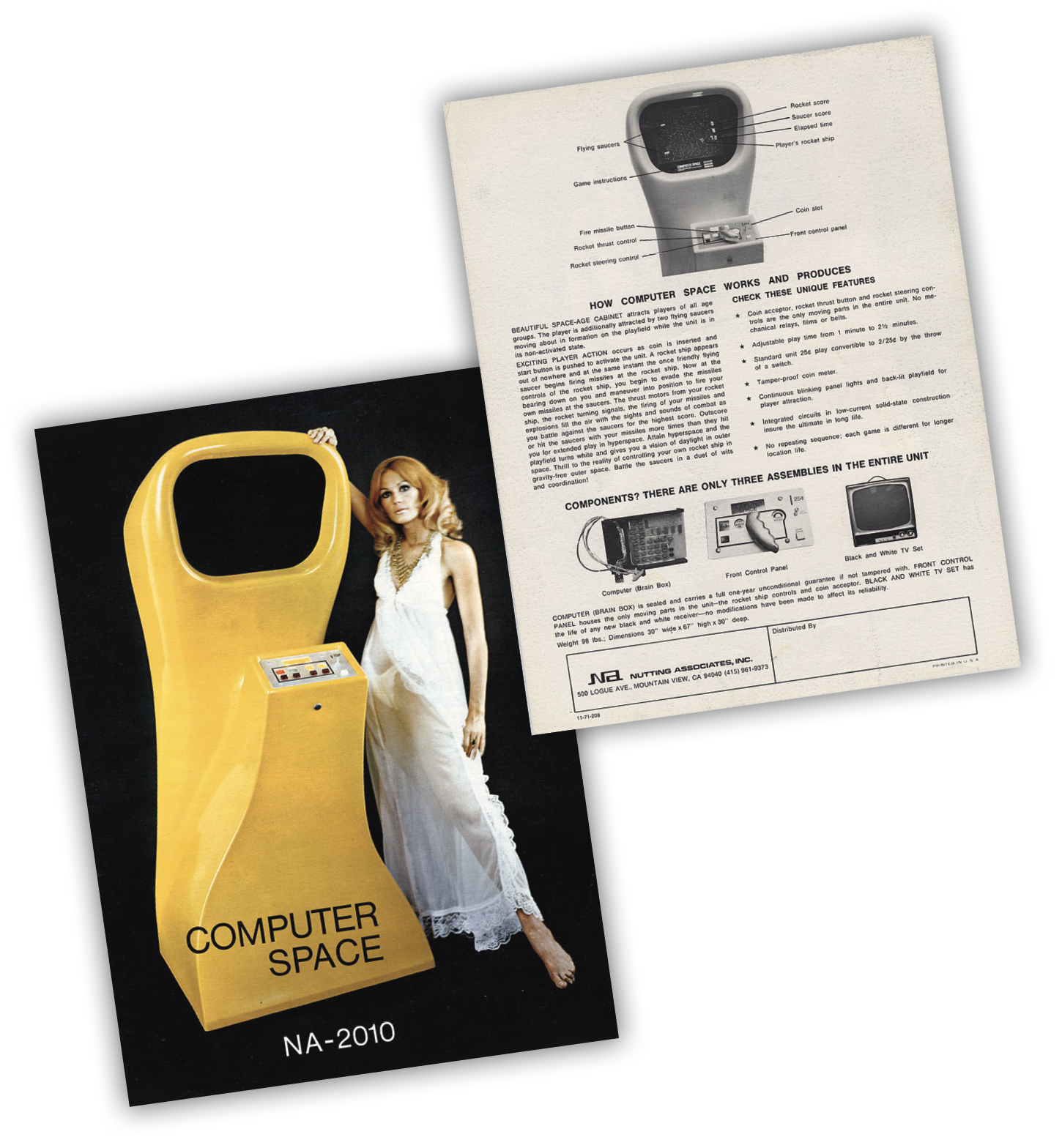
Space War has a long history behind it. It is a generational successor to the original 1962 PDP-1 game Spacewar!, which is one of the world’s first widespread, multi-platform video games. As Spacewar!’s popularity grew, it spawned multiple clones, derivatives and upgrades, including Nolan Bushnell’s and Ted Dabney’s Computer Space from Nutting Associates.
Inspiration from Spacewar! can also be seen in other Atari games such as Asteroids. Meanwhile a traditional port of the 1960s classic would be released for the VCS/2600 almost two decades later. Even before the 1980s, it showed its age in terms of graphics and design, but there is no denying its impact on gaming even today.
Object of the Game
Space War games last 10 minutes or until one player scores 10 points.
During Space Shuttle games, you are given 10 minutes to score a maximum of 10 points. During two-player games, each player maneuvers his own Star Ship to score points. In two-player games with two Space Modules, the target Space Module is the same color as your Star Ship. The first player to score 10 points or the most points in 10 minutes wins.
How to Play
Space War Games
You and an opponent blast off into space. Each player controls one Star Ship using the joystick controller. The object is to score points by shooting your opponent’s Star Ship with missiles fired by pressing the red button on the joystick controller. Aim the nose of your Star Ship in the direction you want to fire.
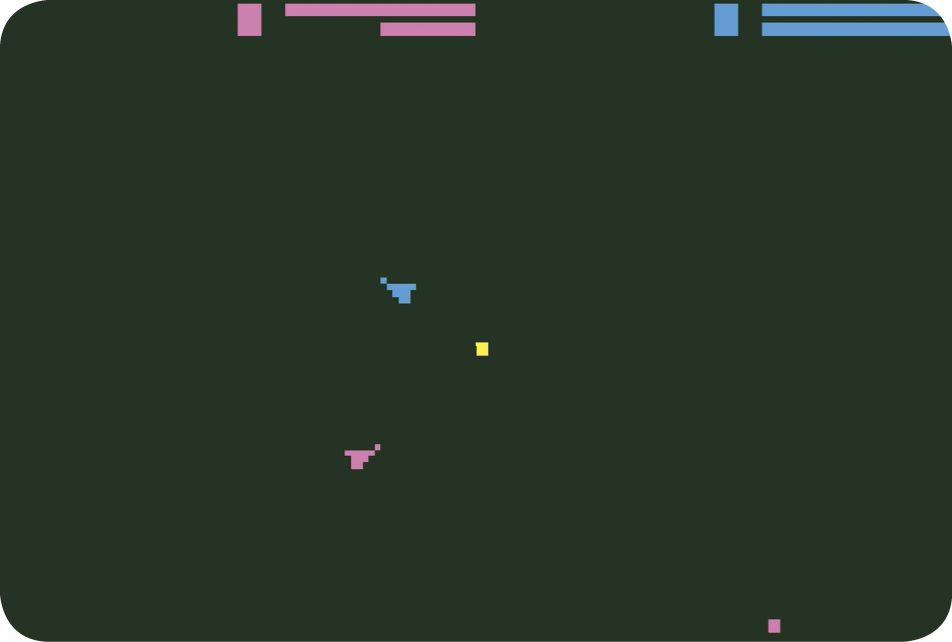
A player’s score appears at the top of the playfield and is color coordinated with the Star Ships.
The two lines to the right of your score refer to fuel and missile supply. The top line is the fuel gauge; the bottom line is the number of missiles remaining. Each player begins with eight missiles. Once the arsenal is depleted, the game automatically resets each player with eight additional missiles, but only when both players run out.
In most Space War game variations, fuel cannot be resupplied. In games 6 and 7, though, players can refuel and resupply missiles by docking with the Starbase. Fuel is used by adding “thrust” to your Star Ship or by putting your ship into Hyperspace.
Game 1
It’s war in space, as two players attempt to score 10 points first. There are galaxy boundaries in this game variation.
Game 2
Engage in combat in a galaxy that features galaxy boundaries and Hyperspace.
Game 3
Battle your space opponent in a galaxy that has Warp Drive. Use Hyperspace as a defensive move.
Game 4
The Space Sun in the center of the galaxy exerts a gravitational pull during combat. Avoid your opponent or collision with the Space Sun by utilizing Hyperspace. Galaxy boundaries also exist in this game variation.
Game 5
The Space Sun, Warp Drive, and Hyperspace are the features in the galaxy playfield.
Starbase Games
Game 6
You can refuel and receive additional missiles at any time by steering your Star Ship to the Starbase. This galaxy also features galaxy boundaries and Hyperspace.
Game 7
Steer your Star Ship to the Starbase at any time during the game to refuel or receive more missiles. This galaxy also features Warp Drive and Hyperspace.
Space Shuttle Games
The objective is to connect your Star Ship with the Space Module and score points in the process. The recommended strategy is to match your Star Ship’s speed to the Space Module’s speed. After doing so, slowly maneuver your Star Ship toward the Space Module. During Space Shuttle games, the Star Ships have an unlimited supply of fuel.
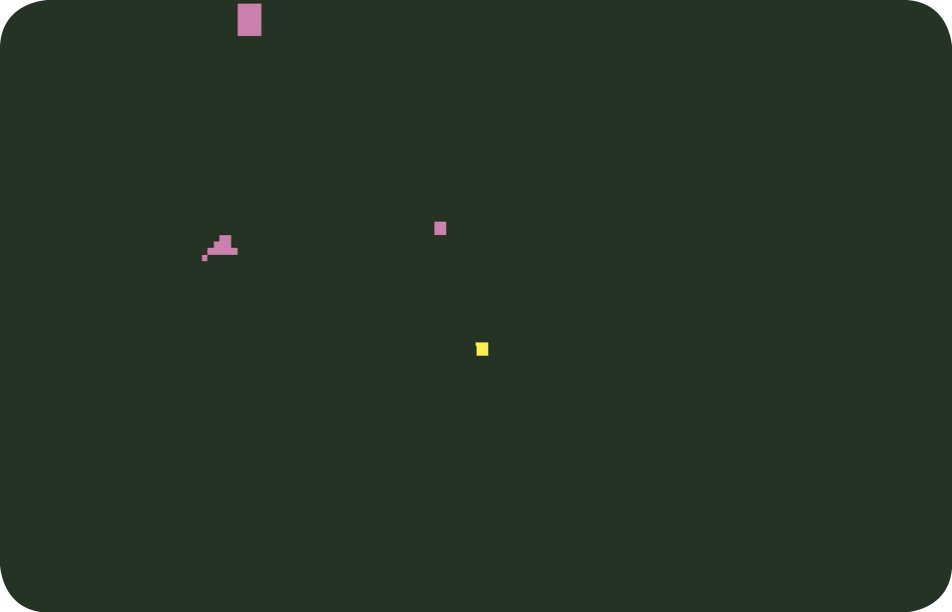
In one-player Space Shuttle games, you control one Star Ship using the left joystick controller and compete against the clock.
Two-Player Games
Game 8
Two players each control one Star Ship and attempt to connect with the Module, which is color coordinated with the Ship. Warp Drive is present in this galaxy.
Game 9
Two players each control one Star Ship and compete to connect with the same Space Module. This galaxy features Warp Drive.
Game 10
Each player controls a Star Ship and attempts to connect with the color coordinated Space Module. A Space Sun and Warp Drive add extra dimension to the strategy in this game variation.
Game 11
Each player controls a Star Ship and attempts to connect with a color coordinated Space Module. This galaxy has a Space Sun and galaxy boundaries.
Game 12
Galaxy boundaries are present in this galaxy. Each player controls a Star Ship and attempts to connect to the same Space Module.
Game 13
Each player controls a Star Ship and attempts to connect with the Space Module that is color coordinated to the Star Ship. Galaxy boundaries are featured.
One-Player Games
Game 14
One player controls a Star Ship and attempts to connect with the Space Module. This galaxy features Warp Drive.
Game 15
A Space Sun and Warp Drive are featured in this space galaxy. One player steers the Star Ship to connect with the Space Module.
Game 16
One player controls a Star Ship and attempts to dock it with the Space Module. Galaxy boundaries are present in this playfield.
Game 17
A Space Sun and galaxy boundaries could affect one player’s strategy to connect the Star Ship with the Space Module.
Just like learning to drive a car, it takes a bit of practice to learn how to control your Star Ship. The following exercises will help you gain proficiency in controlling your Star Ship. Game 14, a Space Shuttle game, is an excellent practice field.
Exercise 1
After cycling to Game 14, push the game reset button. Push the joystick to the left to make the Star Ship rotate counterclockwise (left). Push the joystick to the right to make the Star Ship rotate clockwise (right). Practice rotating your Star Ship in both directions and notice how the Star Ship looks when it is each position.
Exercise 2
Push the game reset button. By pushing the joystick forward (toward the TV screen), give your Star Ship three quick short bursts of “thrust”. Notice that your Star Ship is now travelling in a forward motion toward the bottom of the playfield. By turning the Star Ship either clockwise or counter clockwise, turn the Star Ship so it is facing away from the forward motion.
Give the Star Ship three short quick bursts of thrust. Your Star Ship will slow almost to a stop. Push the game reset button again and try again. Practice this exercise until you can completely stop the Star Ship.
Exercise 3
Push the game reset button. Turn your Star Ship so it is facing to the right. Give your Star Ship continuous “thrust” by pushing the joystick forward and holding it in position. When the Star Ship is travelling rapidly across the playfield, turn your Star Ship in the opposite direction and push the joystick forward to give your Star Ship reverse “thrust,” thereby slowing down your Ship. Practice this exercise until you can bring your Star Ship to a complete halt.
Exercise 4
Push the game reset button. Turn your Star Ship so it is facing to the right and down (approximately 45 degrees). Give your Star Ship continuous “thrust” until it is moving rapidly across the playfield.
Alternate using horizontal “thrust” and vertical “thrust” to bring the Star Ship to a near standstill in the middle of the playfield. After mastering these exercises, you should be an experienced Star Ship captain, ready to do battle among the stars!
Scoring
During Space War games (1 through 7), a player scores one point when his opponent’s Star Ship explodes. A Star Ship will explode when:
- A missile makes a direct hit.
- The Star Ship collides with the Space Sun (games 4 and 5).
- The Star Ship runs out of fuel while in Hyperspace (games 2 through 7).
- The Star Shipattempts to enter Hyperspace when it is out of fuel (games 2 through 7).
In one and two-player Space Shuttle games (8 through 17), one point is scored each time the Star Ship successfully docks with the Space Module.
Game Options
|
Game Type |
Game # |
# Players |
Features |
|
Space War |
1 |
2 |
GB |
|
2 |
2 |
GB & HY |
|
|
3 |
2 |
WD & HY |
|
|
4 |
2 |
GB & SS & HY |
|
|
5 |
2 |
WD & SS & HY |
|
|
6 |
2 |
GB & HY & SB |
|
|
7 |
2 |
WD & & SS HY |
|
|
Space Shuttle |
8 |
2 |
WD |
|
9 |
2 |
1M & WD |
|
|
10 |
2 |
WD & SS |
|
|
11 |
2 |
GB & SS |
|
|
12 |
2 |
1M & GB |
|
|
13 |
2 |
GB |
|
|
14 |
1 |
WD |
|
|
15 |
1 |
WD & SS |
|
|
16 |
1 |
GB |
|
|
17 |
1 |
GB & SS |
Features
Single Module (1M)
Both players compete to connect with a single Space Module.
Galaxy Boundary (GB)
In some galaxies, your Star Ship can’t penetrate the playfield boundaries. Instead, it will bounce off the edges.
Warp Drive (WD)
Move your Star Ship off one edge of the galaxy boundary to make it go into Warp Drive, thereby reappearing on the opposite side. For example, move your Star Ship off the right edge and it will reappear on the left edge.
Space Sun (SS)
Fight the pull of gravity from the sun in the center of the Space Galaxy. In some game variations, your Star Ship will explode from exposure due to the extreme heat and reset to the starting position.
Hyperspace (HY)
Pull the joystick toward you to make your Star Ship enter Hyperspace, becoming invisible in the process. When in this stage, your Star Ship uses more fuel.
It is impossible to get hit by an opponent’s missiles or collide with the Space Sun while in Hyperspace. To make your Star Ship exit Hyperspace, pull the joystick toward you.
Starbase (SB)
Make contact with the Starbase at the center of the galaxy to refuel and resupply your missiles. Your missile and fuel gauges at the top of the playfield will reflect resupplies as your Star Ship resets to the starting point.
Difficulty Options
The left and right difficulty buttons must be set to position B during all Space War games. In Space Shuttle games, change the button to the A position and you must perfectly match your Star Ship’s velocity to the Space Module’s velocity. While in the B position, your Star Ship need not travel at the same speed to dock with the Space Module.