
Atari Flashback: The Essential Companion Guide 1980
Championship Soccer
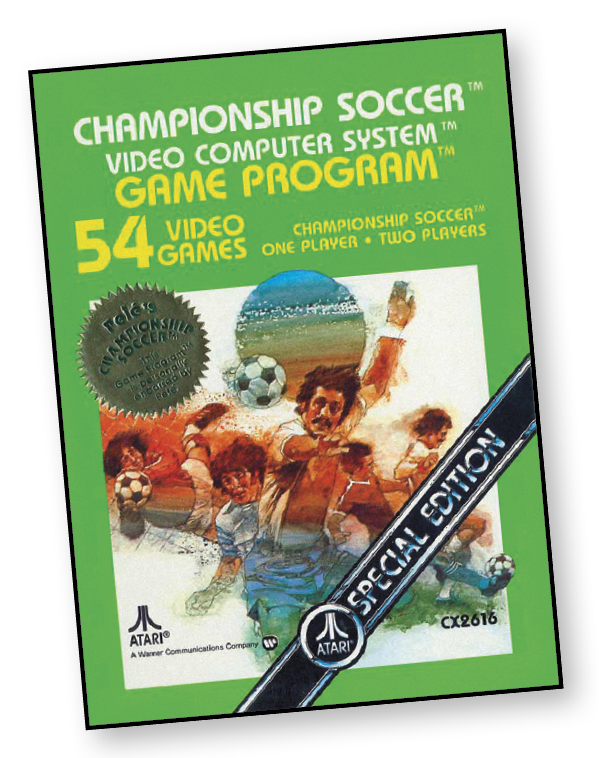
Soccer is a game of skill and strategy. It takes a lot of practice to play a winning game. And what’s true on the field is true on your Atari Video Computer System. Pele’s Championship Soccer challenges you every inch of the way. Passing. Dribbling. Kicking. Blocking. Attacking. Defending. You choose the level of difficulty you want to play and, with 54 separate games from which to choose, even Pele will find plenty of challenge. It’s more than a video game. It’s a game of skill and strategy for the whole family.
Okay, soccer fans, the Atari Championship Soccer Team challenges you to a game. The Atari computer team is waiting impatiently inside your Game Program cartridge for you to select one of the single-player games (Games 28 through 54). They want to show you their stuff. Here’s a brief rundown on each player, so you’ll know who you’re up against.
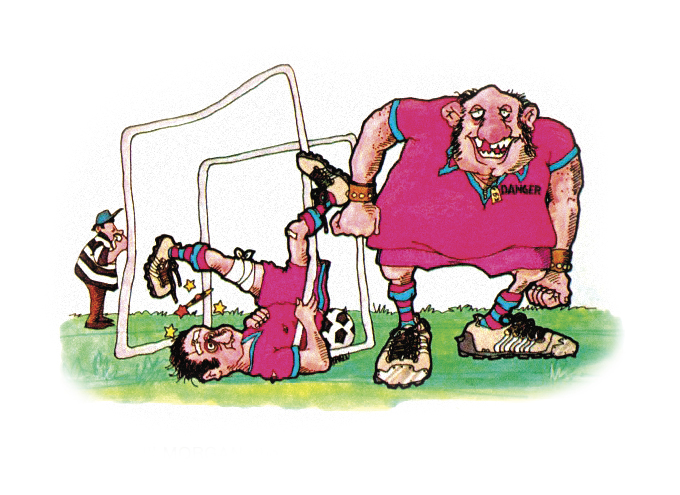
“Crash” Morgan, the galloping goalie, is the fastest man on the team. “Crash” got his nickname because he is forever slamming into the goal posts chasing after the ball. Fortunately, the goal posts are never damaged, but sometimes you can score a goal on him before his ears stop ringing.
Nick Danger, the frantic forward, is mean and nasty and just loves to blast the ball into your goal shouting, “Eat leather, chump.” Don’t let his bad manners bother you; it’s just his way of rattling the opposition.
“Lumpy” Duran, the left back, is without a doubt the clumsiest player in the world of soccer. Penalized twice for stepping on the ball instead of kicking it, he was finally thrown out of one game for toe-kicking the referee!
Alexie Putsnowski (Putsy), the right back. What can we say Putsy? A real ladies man, a great soccer player, a sore loser. Even though “The Puts” has kicked and gouged his way to soccer stardom, he has been voted the “least liked” player for three years in a row.
About the Game
With 56 different play modes, Championship Soccer is a game that has a nearly endless amount of gameplay. Within the different play modes, there are several variables that create difficulties ranging from the computer’s skill to unique challenges.
Championship Soccer has a high entertainment value, however, it does fall short of having quality in the detail between each play mode. Yes, there are many play modes with a great amount of different options, however, quantity does not mean quality. If all you are looking for a soccer game that works and is not so shallow that you can at least show off some skill, this game will do it for you. So, for being one of the first sports games to be released on the Atari 2600, Championship Soccer provides for a great blueprint toward the perfect soccer game.
Object of the Game
The object is to score points by kicking the ball into your opponent’s goal. One point is scored for each goal. The team with the most points wins the game.
How to Play
Team Moves
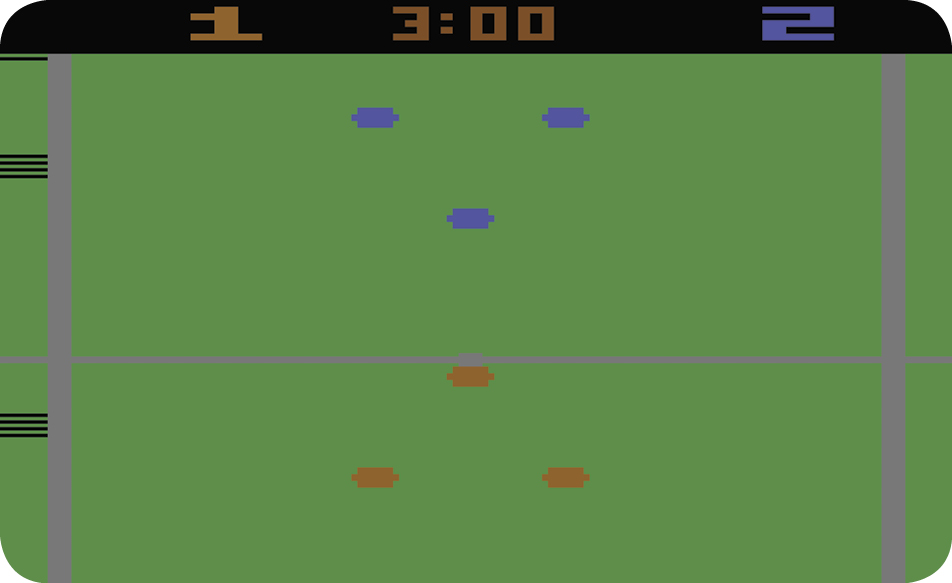
Each team consists of three players (a Forward and two Backs) and a goalkeeper. The fielders, who are controlled by using the joystick, always move together in the direction the joystick is pressed (up, down, right, left, or diagonally).
The goalie moves from side to side within the goal area. While the ball is in play, the computer controls the goalkeeper and keeps him in front of the ball. You can make him move faster by moving the joystick left and right. When the goalkeeper takes possession of the ball, you gain control of him.
The Referee
The black lines that appear on the left side of the screen represent the referee and the linesman. The referee blows the whistle to start and stop play and positions the ball for kickoffs and penalties.
The Clock
A game of Championship Soccer takes place over the course of two halves. A half lasts from 3 to 5 minutes, depending on the Team Speed of the game you select. The clock (located at top center of the screen) starts counting down the seconds to the end of the first half when you press down the game reset button.
There is no break between the first and second half. As soon as the first half ends, it resets and starts counting down the time remaining in the second half. The referee’s whistle signals both the end of the first half and the start of the second.
The Opening Kickoff
At the start of the game, the ball is placed on the centerspot and both teams line on either side of the centerline. Use the left joystick to control the Red team. Use the right joystick to control the Blue team.
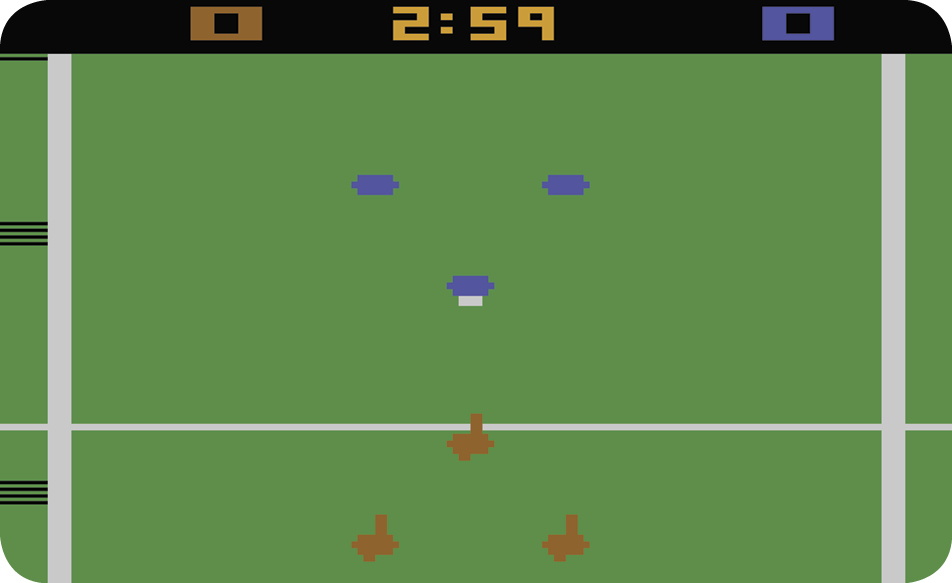
The Red team’s Forward kicks off. The kickoff is a kick backward to one of the same team’s Backs. Move the left joystick diagonally back left or right to start the kickoff. There’s no need to press the red button to start the kickoff, but you can kick faster if you move the joystick and then quickly press the button.
The Gameplay
After the opening kickoff, the Red team (the attacking team) dribbles and kicks the ball toward the Blue team’s goal. The Blue team (the defending team) attempts to steal the ball and attack the Red team’s goal. In Championship Soccer, the defending team has an advantage because it moves faster than the attacking team.
When an attacking team is within range of the opponent’s goal, the attackers attempt to kick the ball past the goalkeeper into the goal. If the goalkeeper catches the ball, he attempts to kick the ball upfield to a teammate. The attackers try to intercept and make a goal.
The Second Half
The teams switch sides at the half. The Blue team’s Forward kicks off to one of the team Backs to continue the game.
Horizontal Limits
If your Forward is playing the ball close to a sideline, one of your Backs will be positioned over the sideline. This is perfectly legal in all games, including games with sidelines out of bounds.
Vertical Limits
Teams can approach the goal line close enough to trap the ball, but they cannot cross the goal line.
Out of Bounds - Penalty Plays
Each time an out-of-bounds infraction occurs, the referee blows his whistle. The team against which the penalty is called flashes, indicating that it forfeits the ball. One of three penalty plays results: a Throw-In, a Goal Line Kick, or a Corner Kick.
Throw-In
The Throw-In penalty play results when a team puts the ball over a sideline. The ball is then thrown in to a player at the point at which the ball went out of bounds. To receive a Throw-in, move your player up to the ball and touch it. The ball will jump from the sideline and your receiver will trap it. The ball is back in play as soon as the Throw-in is completed.
Goal Line Kick
When an attacking team maneuvers the ball over the defending team’s goal line, the referee calls a penalty against the attacking team. The referee places the ball on the goal line in front of the defending team’s goalkeeper and the goalkeeper traps the ball. He then kicks it upfield to a teammate. The attacking team can intercept the kick, since the ball is back in play as soon as the goalkeeper kicks it.
Corner Kick
If the defending team maneuvers the ball outside its own end line, the referee calls a penalty against the defending team. The referee places the ball at the corner close to the defending team’s goal. The attacking team then kicks it upfield to a teammate. The defending team cannot intercept the ball until after the attacking team touches it, or it rolls to a stop.
To perform a corner kick, position the attacking team to receive the ball and press the button on the joystick.
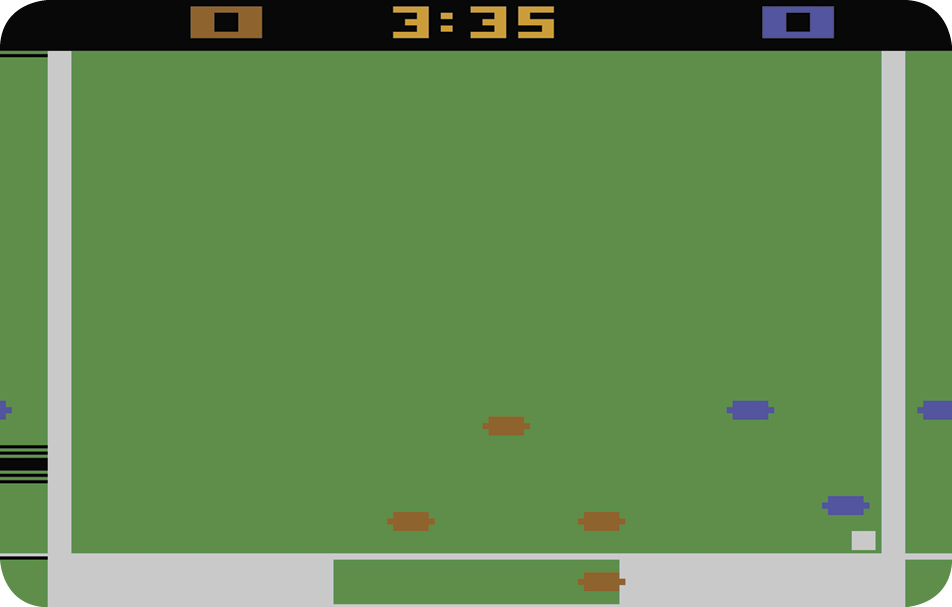
The ball will sail from its spot at a 45-degree angle, as long as you hold in the button. If you release the button, the ball will cut in front of the goal line, at which time you can attempt to kick a goal.
Ball Control
Dribbling
Use the joystick to dribble the ball. Move your team up to the ball until a player traps it. After doing so, quickly move the joystick in the direction you want the ball to go. The ball will move a short distance and stop, unless it is intercepted before it stops.
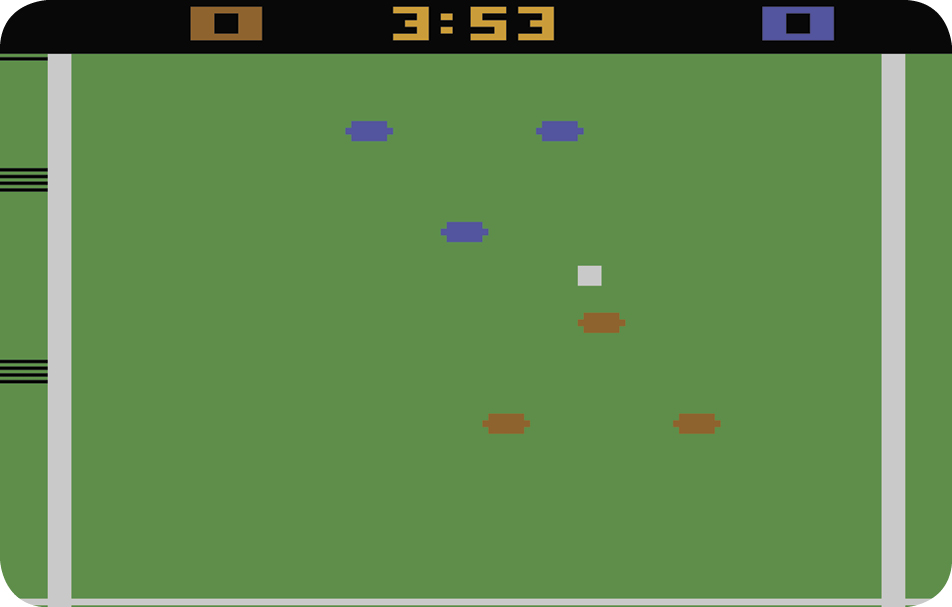
Important Reminder: When sending your players after the ball, remember that you can touch the ball and immediately take off in any direction. You don’t have to go around the ball to establish the direction you want to move; think of it as “touch and go”.
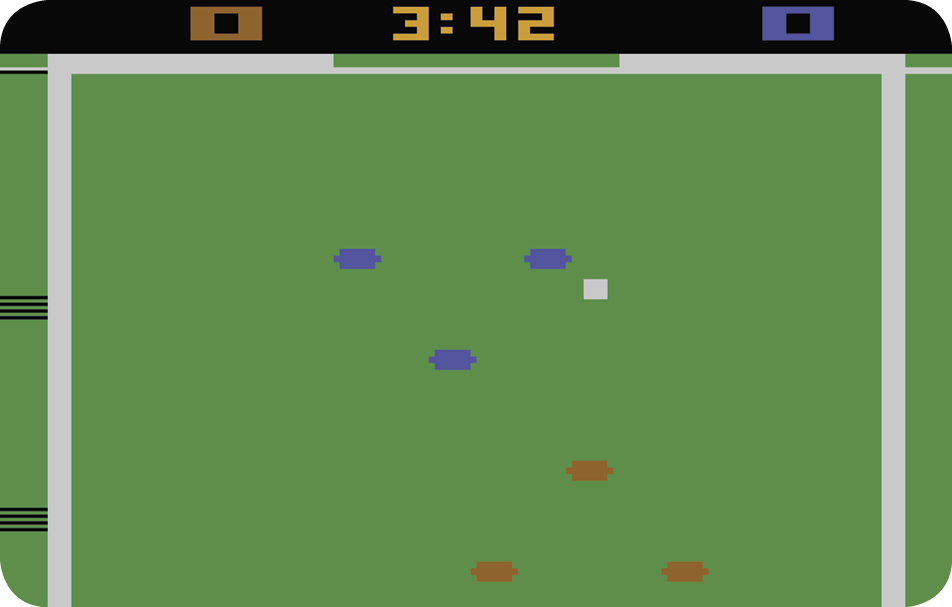
Kicking
To kick the ball after your player traps it, move the joystick in the direction you want the ball to go and press the red controller button. The longer you hold the button, the longer the kick will be. To avoid kicking the ball in the wrong direction, always move the joystick before pressing the button. If you press the button without moving the joystick, the ball is kicked straight upfield, or straight downfield, depending on whether your player is above or below the ball when the kick occurs.
Toe Kick
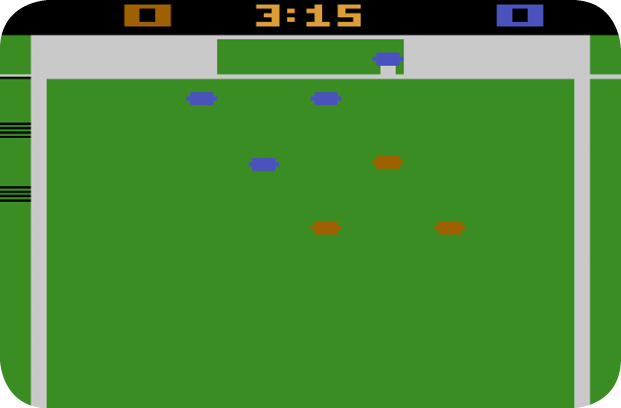
The toe kick is fast and powerful, making it the most effective way to drive the ball toward the goal. This kick extends your player’s trapping range and moves the ball downfield very fast. This technique enables you to out-distance the defending team and keep control of the ball.
To execute a toe kick, move a player within a short distance of the ball, push the joystick in the direction you want the ball to go, and press the red button. You can use the toe kick while your team is moving across the field, as well as when it is moving upfield or downfield.
Game Difficulty
Games are normally played with the left and right difficulty buttons set to the B position. To give yourself a handicap, set the difficulty button to the A position. This makes the goal larger, making it harder to defend and easier for your opponent to score.
Game Options
Choosing a Game
Select your game number from the Game Select Matrix. The matrix describes each of the 54 games variations in Championship Soccer. Games 1 through 27 are two-player games against the computer.
The Game Select Matrix describes two-player games in terms of how fast the teams move (Team Speed), the size of the goals (Goal Size), and which penalties apply, if any (Penalties).
Some two-player games have no out-
of-bounds penalties (Penalties N in the Game Select Matrix). In these games, the ball rebounds from boundaries (sidelines and goal lines). In other two-player games, the ball rebounds from goal lines but there is a penalty if the ball crosses a sideline (Penalty S). In the remaining two-player games, there are penalties if the ball crosses either a sideline or a goal line (Penalties SG).
The easiest two-player game is Game 1. The teams move slowly (S), there are no penalties (N), and the goals are larger (L). The most difficult two-player game is probably Game 27 with fast teams (F), out-of-bounds (SG), and small goals (S).
There are no penalties in single-player games.
|
2-Player Game #. |
1-Player Game # |
Goal Size |
Team Speed |
Penalties (2-Player only) |
Computer Difficulty (1-Player only) |
|
1 |
28 |
L |
SL |
NP |
EZ |
|
2 |
29 |
M |
SL |
NP |
EZ |
|
3 |
30 |
S |
SL |
NP |
EZ |
|
4 |
31 |
L |
SL |
SP |
MD |
|
5 |
32 |
M |
SL |
SP |
MD |
|
6 |
33 |
S |
SL |
SP |
MD |
|
7 |
34 |
L |
SL |
SG |
DF |
|
8 |
35 |
M |
SL |
SG |
DF |
|
9 |
36 |
S |
SL |
SG |
DF |
|
10 |
37 |
L |
MF |
NP |
EZ |
|
11 |
38 |
M |
MF |
NP |
EZ |
|
12 |
39 |
S |
MF |
NP |
EZ |
|
13 |
40 |
L |
MF |
SP |
MD |
|
14 |
41 |
M |
MF |
SP |
MD |
|
15 |
42 |
S |
MF |
SP |
MD |
|
16 |
43 |
L |
MF |
SG |
DF |
|
17 |
44 |
M |
MF |
SG |
DF |
|
18 |
45 |
S |
MF |
SG |
DF |
|
19 |
46 |
L |
FA |
NP |
EZ |
|
20 |
47 |
M |
FA |
NP |
EZ |
|
21 |
48 |
S |
FA |
NP |
EZ |
|
22 |
49 |
L |
FA |
SP |
MD |
|
23 |
50 |
M |
FA |
SP |
MD |
|
24 |
51 |
S |
FA |
SP |
MD |
|
25 |
52 |
L |
FA |
SG |
DF |
|
26 |
53 |
M |
FA |
SG |
DF |
|
27 |
54 |
S |
FA |
SG |
DF |
Number of Players
Depending on the game variation, you can play against an opponent using the other controller, or you can play against the computer. There are many difficulties in either of these modes.
Features
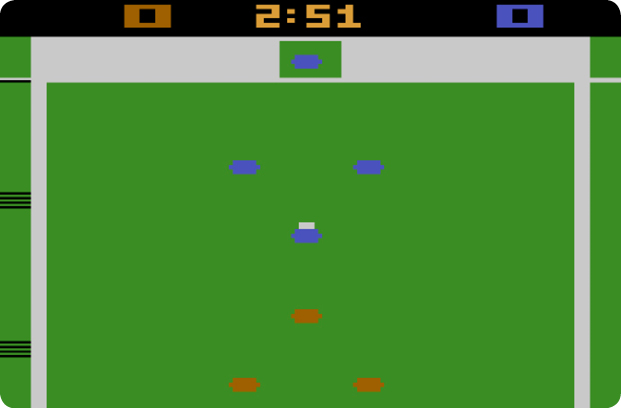
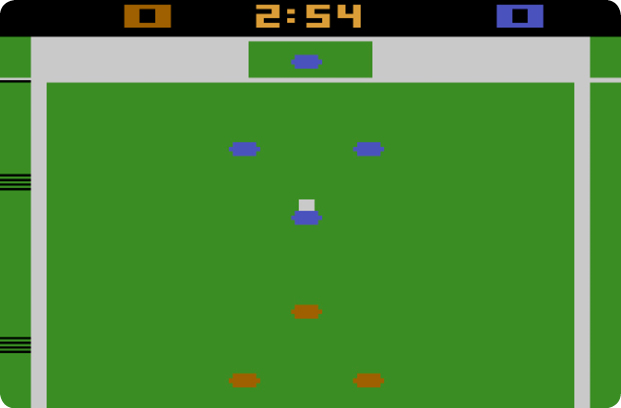
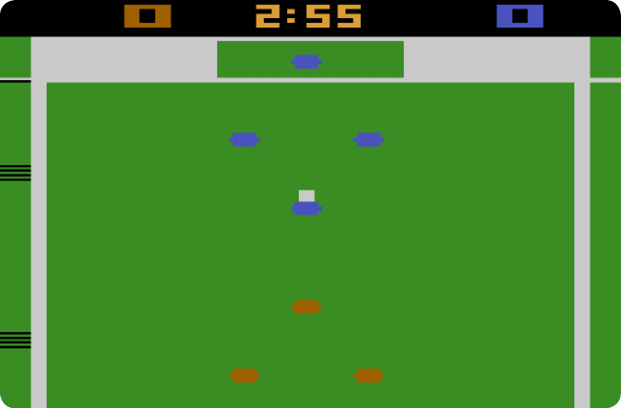
Goal Size
The goal’s width is set to large (L), medium (M), or small (S).
Team Speed
Team Speed affects both the speed of your players and the length of each half. Slow (SL) teams play three-minute halves. Moderately fast (MF) teams play four-minute halves. Fast (FA) teams play five-minute halves.
Penalties
Penalties apply only to two-player games; all one-player games use no penalty (NP) rules. A penalty is called in Sideline penalty games (SP) when the ball goes over a sideline.
Penalties are called when the ball crosses a sideline or the goal line in Sideline and Goal Line penalty games (SG). Penalties result in out-of-bounds plays.
Computer Difficulty
The computer play ranges from easy (EZ) to moderately difficult (MD) to difficult (DF). The computer will play harder as your lead grows, or it will ease up if it takes a lead, regardless of the starting difficulty.