
Atari Flashback: The Essential Companion Guide 1988-90
Sprint Master

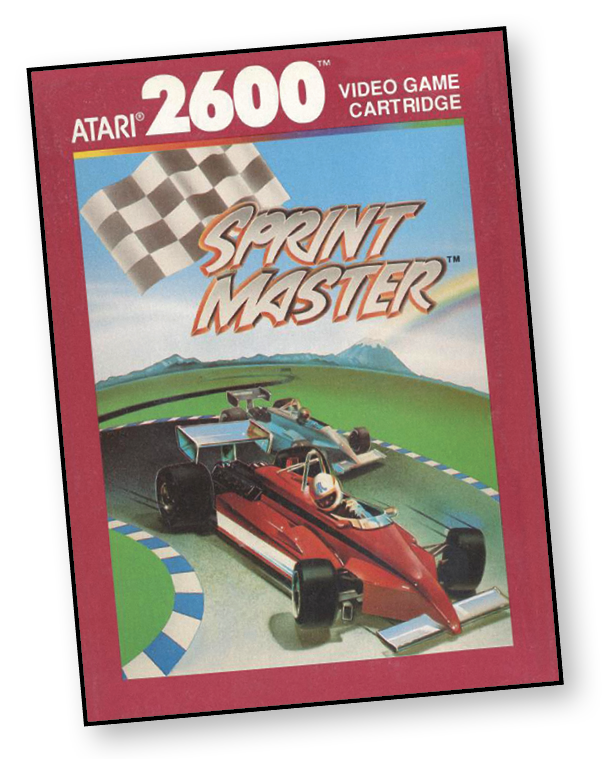
Ready, set, go!
Speed into the Sprint Master hall of fame! Choose your track, from practice-caliber squares to the curvaceous championship courses. Rev up at the starting line, and take off!
Keep a good grip on the controls. You’ll need a delicate touch and a cool head to avoid sliding into the wall on those arcing curves.
Watch your time. Take advantage of the bonus speed and traction boxes at the necessary moments. Grab the lead on the first lap, or let your challenger outpace you and then make him eat dust in the final laps.
Outrace an opponent, or go at it again to beat your own time. Sprint to the finish and win!
About the Game
Sprint Master was based on the 1986 arcade game Super Sprint by Atari Games. Super Sprint supported up to three players, each with a racing wheel to control the corresponding car. The arcade game made 59th place in Next Generation magazine’s Top 100 Games of All Time in 1996.
Sprint Master, however, was limited to two players and didn’t support the driving controller for the 2600. Given the hardware limitations of the 2600 when compared with the arcade, Sprint Master’s graphics were much simpler than those of its arcade inspiration. These limitations didn’t seem to detract from the gameplay, which established Sprint Master as a solid racing game for the Atari 2600.
Object of the Game
The object of Sprint Master is to beat your opponent to the finish line. You encounter hazards and power-ups, so strategy is key as you race toward the goal. Avoid hitting the walls and other hazards that slow you down. Utilize speed boosts and traction power-ups to keep an edge on the other car.
How to Play
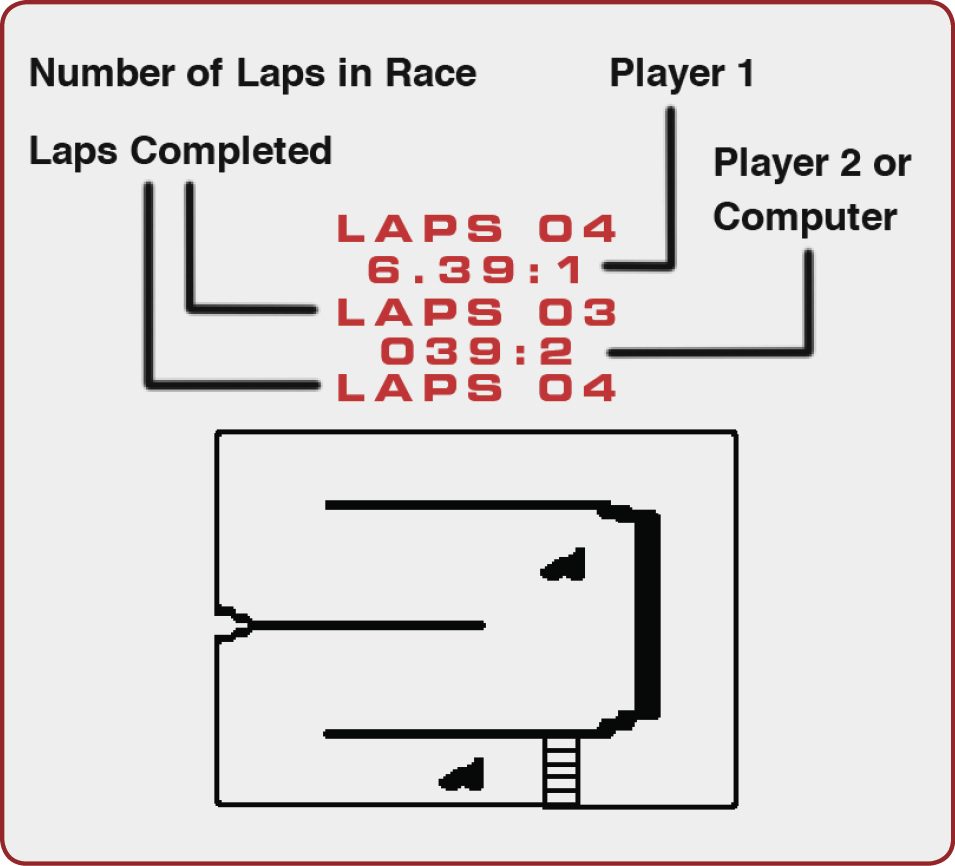
Both cars are positioned at the starting line. Then it’s ready, set, go! Accelerate with the red controller button and steer with your joystick. Push the joystick left or right to turn in that direction. Pull the joystick back for an emergency brake. Release the controller button to slow down.
Laps and times appear at the top of the screen.
Drive over the blue box on the track to gain traction. Drive over the red box for a burst of speed. Hitting an unpredictable tar slick makes you speed up or slow down. Smacking into a wall costs you time, so move back into position and get going! The race car that completes the required laps in the fastest time wins!
After a game, press the Reset button or the first player’s controller button to run the same race again. Press the Game Select button or move the first player’s joystick in any direction to return to the title screen.
Difficulty Options
Use the left difficulty button on the console to change your steering. In the A setting, steering becomes more difficult, as you have less traction. In the B setting, more traction makes steering easier.
Game Options
Use the joystick to select a one-player or two-player game. (In a one-player game, you race against the computer.) When the option you want flashes, press the controller button. Then do the same to choose whether the cars will bounce or crash when they collide with something, and how many laps (up to 50) the cars will run.
Press the controller button to get to the raceway. The current selected track appears, with a grid of all track selections above it.
Use the joystick to see each track selection. When the track you want is on-screen, press the controller button.
Finally, use the joystick to change the selected type of track—blacktop, dirt, or ice. Once that’s selected, press the controller button to begin.