
Atari Flashback: The Essential Companion Guide 1978
Night Driver

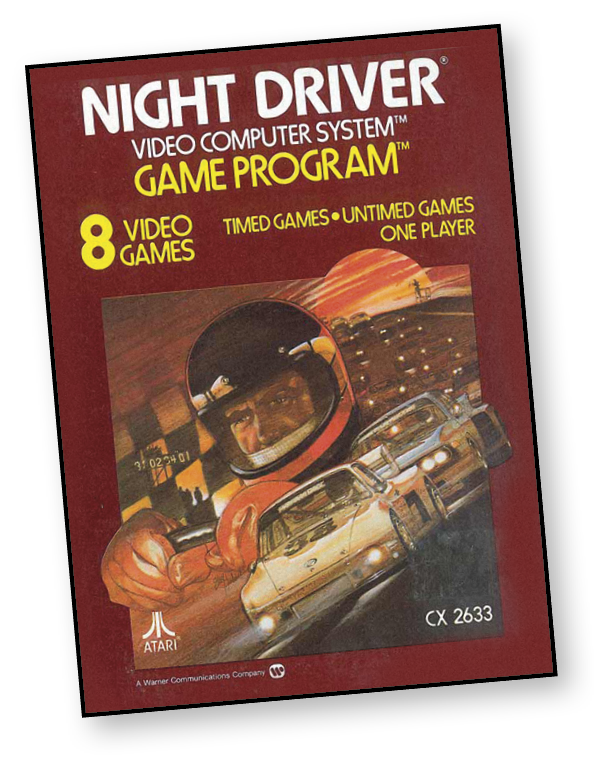
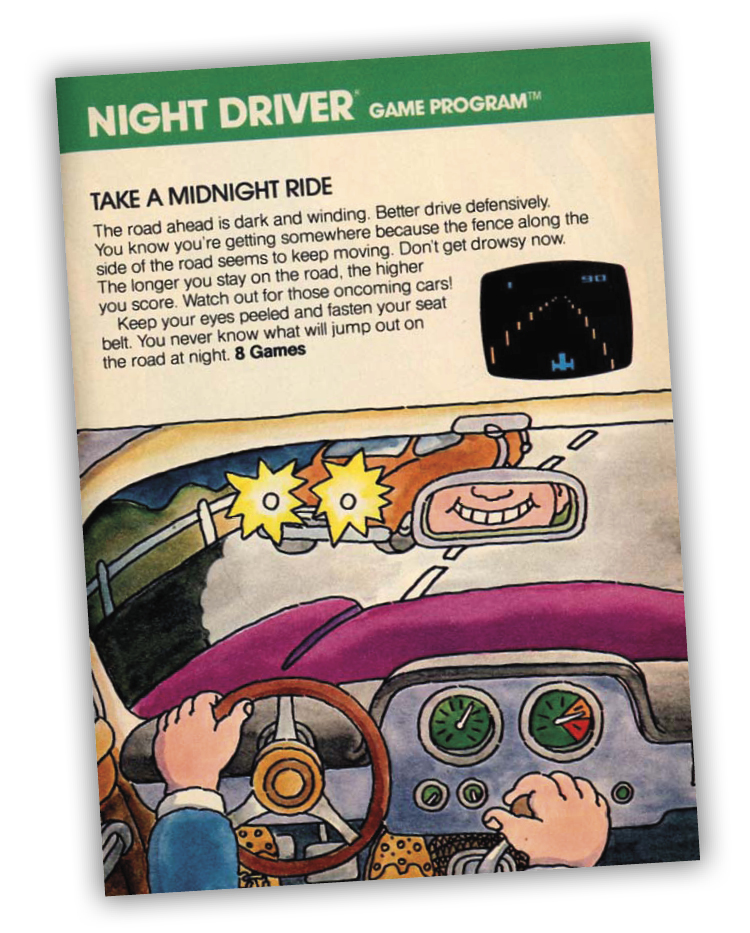
The road ahead is dark and winding. Better drive defensively. You know you’re getting somewhere because the fence along the side of the road seems to keep moving. Don’t get drowsy now. The longer you stay on the road, the higher your score. Watch out for those oncoming cars!
Keep your eyes peeled and fasten your seat belt. You never know what will jump out on the road at night.
About the Game
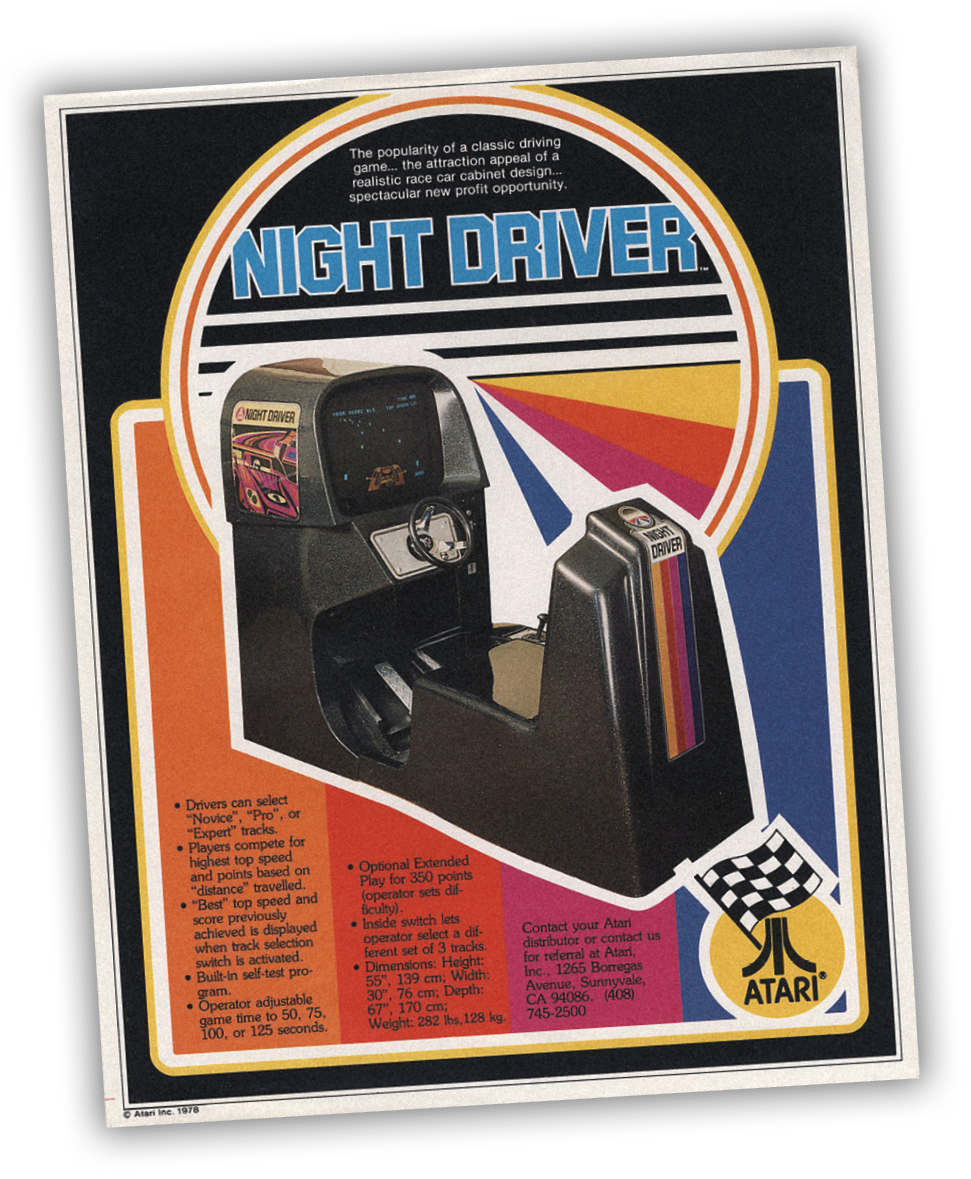
Night Driver is the home port of the 1976 arcade game, which in turn is cited as one of the earliest first-person racing games. It was distributed in a sit-down cabinet, complete with steering wheel! Rob Fulop did the programming for the Atari VCS/2600 version of Night Driver. He was also involved in other notable ports, such as Missile Command for the VCS and Space Invaders for multiple Atari systems.
Object of the Game
The object of the games is to obtain the high score. The computer tallies the score automatically while you drive the course.
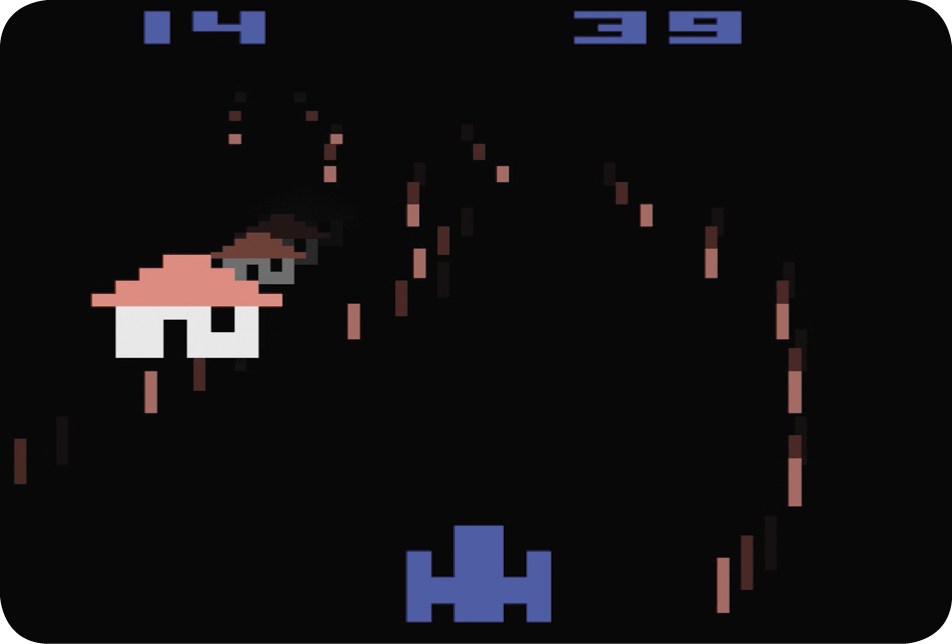
You’re in the driver’s seat and the track is on the TV screen. Your vehicle is permanently fixed at the bottom of the screen. You need to accelerate and steer the car through one of the four tracks. If you veer off the track and hit a pylon or oncoming car, a simulated crash scene appears on-screen.
How to Play
The knob on the Paddle controller serves as the steering wheel, while the red button is the accelerator. Hold the controller with the red button on the left. You must press that button to accelerate and start the action.
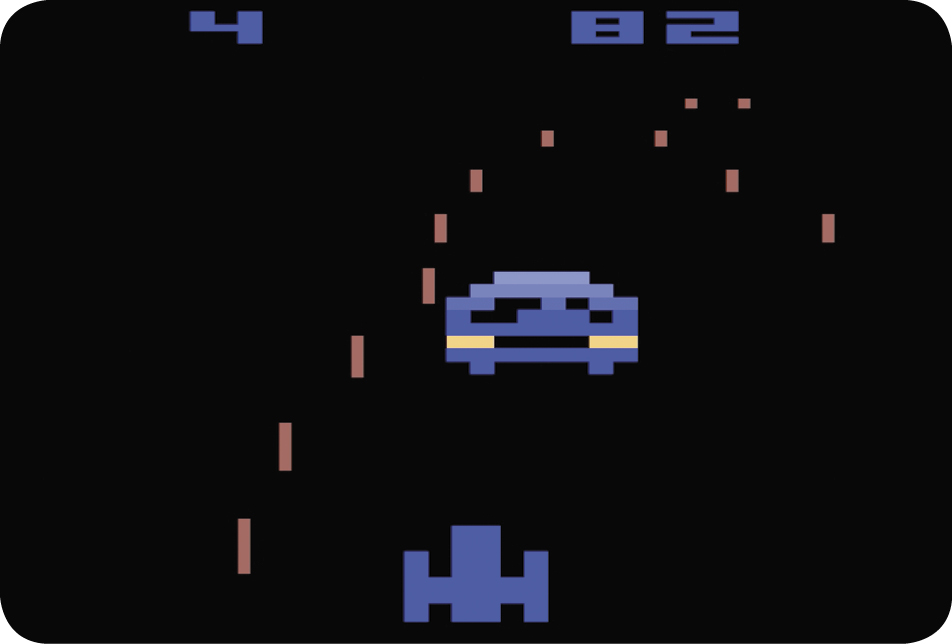
Turn the controller knob to the right to steer the car to the right and left to steer to the left. Try to avoid hitting the pylons on either side of the road as well as any oncoming cars. Your initial tendency will probably be to “oversteer” the car, which may result in a crash. Don’t be discouraged if this happens. With time and practice, you will get the hang of it and eventually become quite skilled.
Game Options
|
Time Limit |
Game # |
Track |
|
90 seconds |
1 |
Novice |
|
2 |
Pro |
|
|
3 |
Expert |
|
|
4 |
Random |
|
|
None |
5 |
Novice |
|
6 |
Pro |
|
|
7 |
Expert |
|
|
8 |
Random |
Games 1, 2, 3 and 4
These game variations are timed. At the beginning of each game, a “clock” starts counting down from 90 seconds at the upper-right corner of the screen.
Games 5, 6, 7, and 8
These game variations have no time limit. They can be played for an indefinite period of time; there isn’t a clock on-screen.
Beginning players should start with Games 1 and 5, as these games have the easiest track (Novice), while Games 2 and 6 have the medium difficulty track (Pro). The Expert track in Games 3 and 7 is more difficult than the Novice or Pro tracks.
All of the tracks described thus far (Games 1, 2, 3, 5, 6, and 7) are stored in the game’s program memory. So even though the Novice, Pro and Expert tracks get progressively more difficult, each track always follows a fixed course. This makes it possible for players to eventually memorize the track as their driving skill increases. The “random” track, which appears on Games 4 and 8, follows a different course each time, making it challenging for the most skilled players.
Difficulty Buttons
The right difficulty button controls the maximum speed that your car will travel. In the A position, the car will travel the fastest; in the B position, the maximum speed will be slower. Beginners should start with the right difficulty in the B position.
The left difficulty button can act as a warning device, depending on its position. In the A position, oncoming cars will not honk before they appear on-screen. In the B position, however, oncoming cars will honk just before they appear.
Scoring
As you pass certain spots on the track (which are invisible to the player), the computer automatically tallies one point to your score, which is displayed in the upper-left corner of the screen. In games with no time limit (Games 5, 6, 7 and 8), a player’s scoring possibilities are infinite.