
Atari Flashback: The Essential Companion Guide 1980
Dodge ‘Em

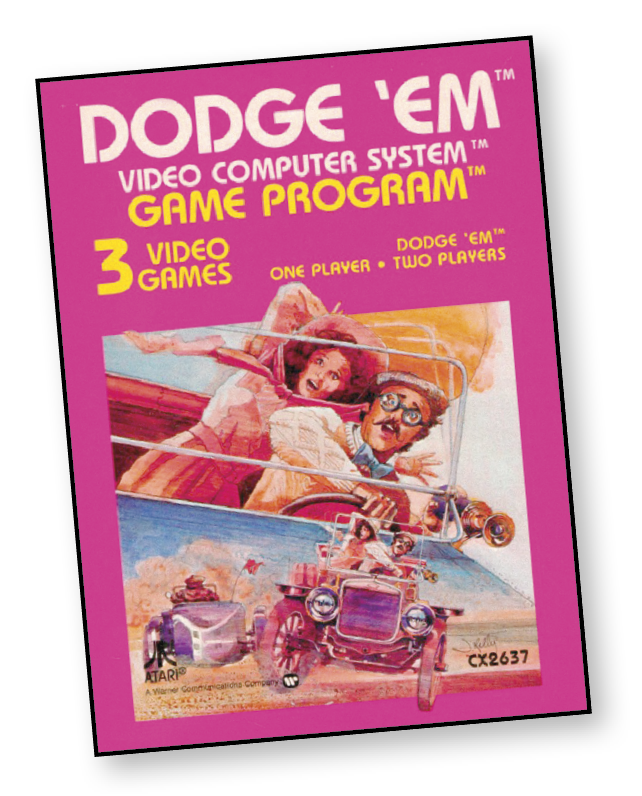
It’s you against the crash car. Accelerate. Change lanes. Each driver gets three heats. A crash ends the heat. If your score looks too good, another crash car comes on course. Levels of difficulty keep the game a constant challenge.
About the Game
Dodge ‘Em was programmed by Carla Meninsky, one of the era’s most notable female engineers and creator of another Atari hit, Warlords. In terms of design, it is a close relative to Sega and Gremlin’s Head-On, which was released in the previous year.
Object of the Game
Steer your racecar counterclockwise on the four-lane track. The objective is to score as many points as possible by running over the dots that appear on the track’s lanes.
At the end of a game, the scores alternately flash on-screen. In one-player games, try to beat your previous score. In two-player games, the player with the highest score after three heats is the winner.
How to Play
Each player controls a car: red car, left controller player; green car, right controller player; blue car, computer controlled (except in Game 3).
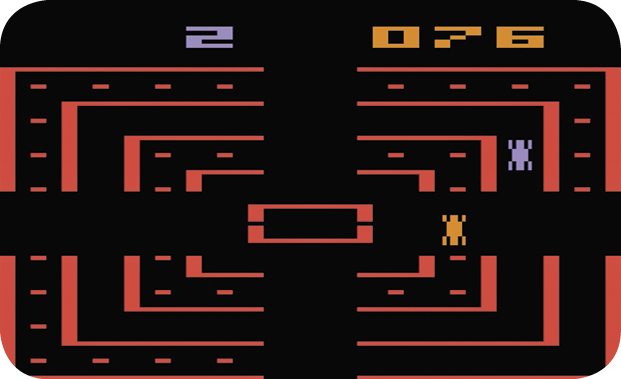
In all games, your racecar automatically moves forward/counterclockwise around the four-lane track. To steer your car right or left, move the joystick forward or backward (toward yourself). The red controller button acts as the vehicle’s gas pedal.
The computer car races clockwise around the track and tries to crash into your car. When a crash occurs, you lose a turn. If you run over two sets of dots, two computer cars will appear on the track.
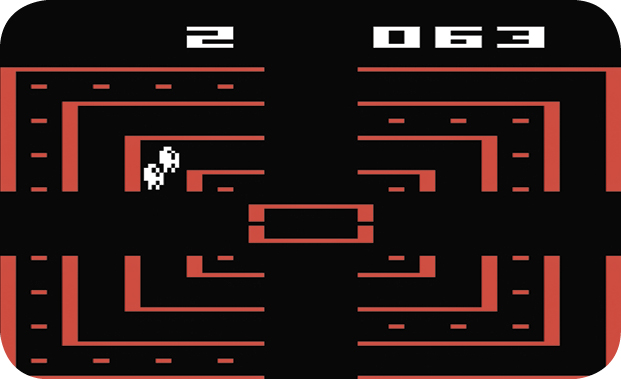
To avoid the computer car and score points, timing is important. Use the accelerator and your skill at steering from one lane to another to win.
You can change a maximum of two lanes at a time, except when accelerating. When accelerating, you can only change one lane at a time.
In one-player games, try to score as many points as possible during your three turns.
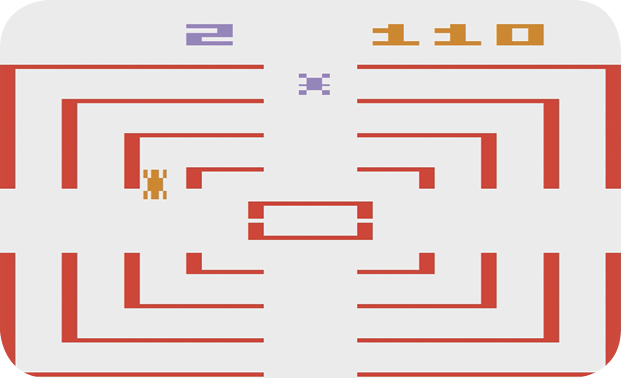
There are two two-player games:
- You and an opponent take turns scoring while the computer controls the other car (Game 2).
- You and an opponent go for it at the same time. The player using the left joystick starts as the point-scoring car (moving left to right on-screen); the right player controls the crash car with one speed and no point scoring. When a crash occurs, the roles are reversed (Game 3).
The number at the top-right corner of the screen represents both players’ scores; it changes color according to the color of each car.
Scoring
Each player receives three turns, or “heats,” during a game. Each turn ends when your car crashes—three heats, three crashes! When you run over all the dots on the track, you score eight bonus points and another set of dots appears. However, you are only allowed five sets of dots per turn. The number of your remaining turns is displayed at the top of the playfield.
Game/Difficulty Options
GAME 1:
One player.
GAME 2:
Two players; the computer controls one car.
GAME 3:
Two players alternately control a point-scoring car and a crash car.
Game Select Button
Use this button to select the game number you want to play. The number of each game appears momentarily at the upper-left corner of the screen.
Left Difficulty Button
In the A position, the computer car (or cars) travel at twice their normal speed after the first and third sets of bonus points are awarded. In the B position, the car (or cars) travel at a slower or normal speed.
Right Difficulty Button
In the A position, the computer car begins game play in different playfield positions. In the B position, the computer car always begins next to your racecar.
Game Reset Button
Use this button to start gameplay.