Atari Flashback: The Essential Companion Guide 1979
Video Chess

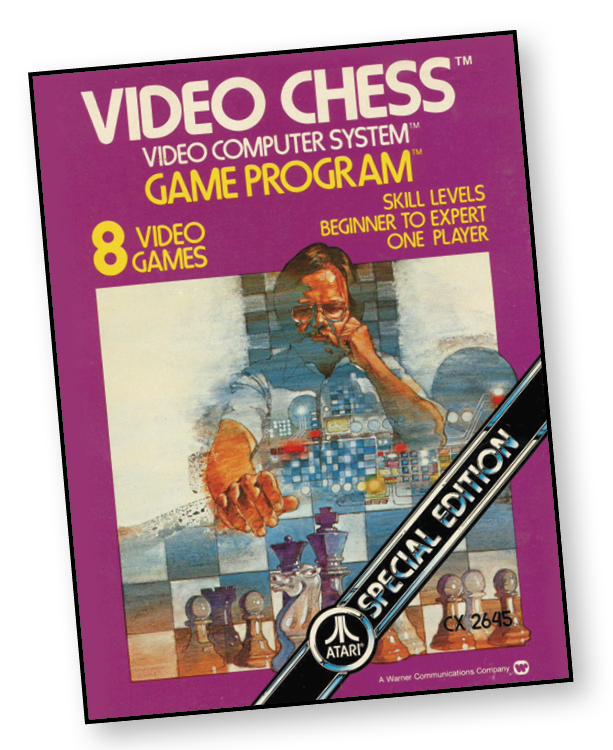
It’s your 22nd move of the game. Your defense is set with a tight King position. You move in your Queen and capture your opponent’s Rook—his only defense—checkmate!
Sharpen your wits and prepare to become a “master” withVideo Chess. It’s you against the computer in one of the most sophisticated approaches to the classical thinking man’s game.
About the Game
As one of man’s oldest games, chess is believed to have originated in India between 350 and 400 AD. The first written record of the game was 700 AD. There are many variations of chess played throughout the world.
The game of chess was a classic far before gamers even knew about the Atari gaming system. However, the ability to play against a computer was rather difficult before the advent of Video Chess. The fact that players could play against a computer (or even a friend) on the TV screen was the real draw to this game. Despite the graphics, Video Chess was a marvel to the gaming industry due to the various difficulties and levels of computer response.
Video Chess can be played for your own entertainment, or to train yourself in chess. To this day, games have been designed to contain gradual increases in difficulty and, even though the game’s mechanics generally don’t change too much, they do change enough to keep it interesting. In Video Chess, the only thing that changes as the difficulty increases is how much smarter the computer gets. This forces you to think about your moves a little more each time. There is one drawback to the difficulty setting feature. Due to the number of calculations the computer must do at higher difficulties, it can take a long time to make a decision. At level 7, for example, each turn can take up to 10 hours!
Object of the Game
In any chess game, the object of the game is to capture the opponent’s king.
How to Play
The computer sets up the pieces on the board in their proper order. Each player begins with 16 pieces. They include: one king; one queen; two rooks; two bishops; two knights; and eight pawns. Each piece has its own distinctive move.
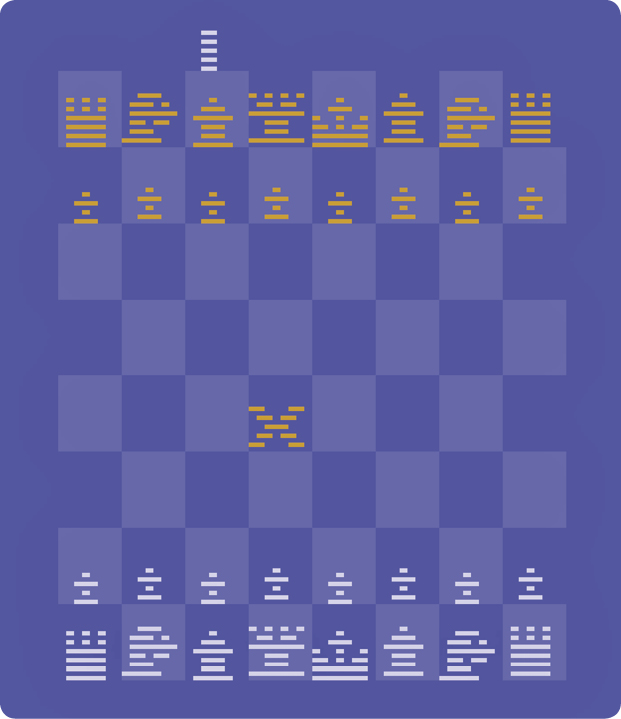
King
The King is the most important piece in the game. The king isn’t very mobile, as he can only move one square at a time. However, you can move the king in any direction—on the rank (sideways); on the file (forward or backward); or diagonally.
All other pieces should be sacrificed to save the king. The computer will not allow the king to move to a square that is under attack by an enemy piece.
Queen
The queen is the most mobile and versatile piece on the board, making her the most powerful. She moves in any direction and for as many open squares as desired. The queen combines the powers of the rook and bishop.
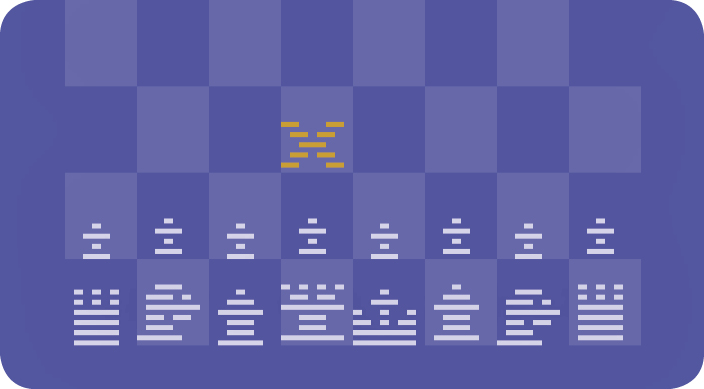
Rook
The rook moves on the rank or file (forward, backward, sideways) for as many open squares as desired. The rook is usually considered next in importance to the king and queen.
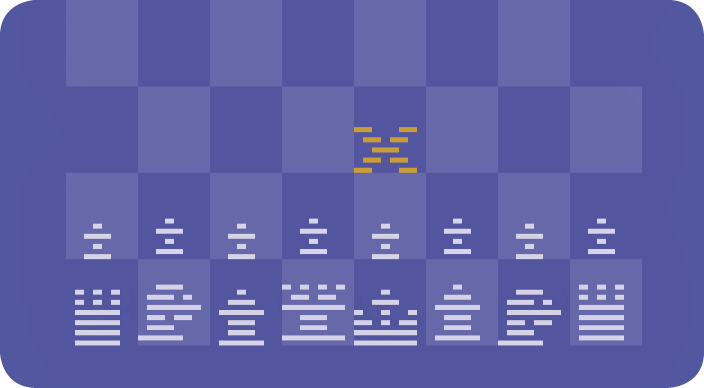
Bishop
The bishop moves back and fourth in a diagonal line and can move as many squares as the board offers unless blocked by another piece in its way. The two bishops on each side are set such that one is tied to the light blue squares, while the other is tied to the dark blue squares. A bishop is considered slightly more important than a knight, depending on its board position.
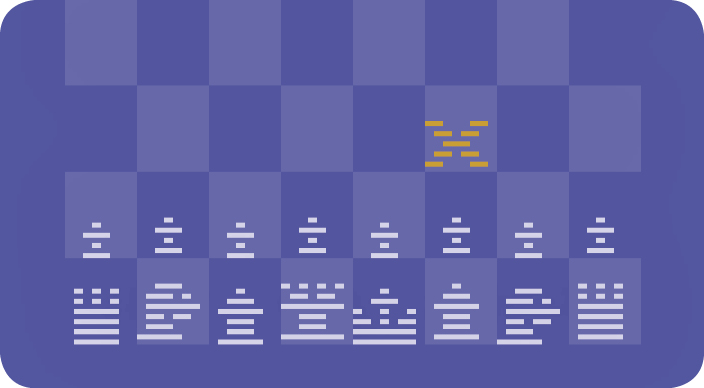
Knight
The knight moves from point to point, following the “one up and two across” or “two up and one across” pattern, which makes an “L” shape. The knight is unique in that it cannot be blocked. It can jump over the other pieces provided its destination is an open square, or one in which it can take and capture an opponent’s piece.
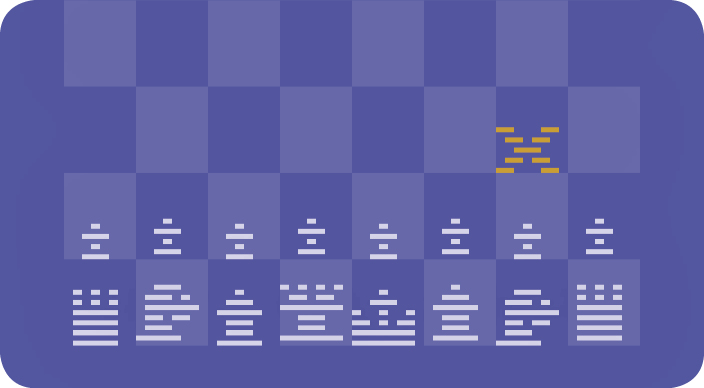
Pawn
The pawn moves straightforward one square at a time; it cannot move backward. If desired, the pawn can advance two moves but only on its initial move. The pawn can capture opponent pieces by taking them on a diagonal move, which is the only time the pawn can move diagonally. (With one exception, see “Double Moves.”) Although the pawn is sometimes considered the least important piece, it is the “foot soldier” of chess and is vital in holding territory.
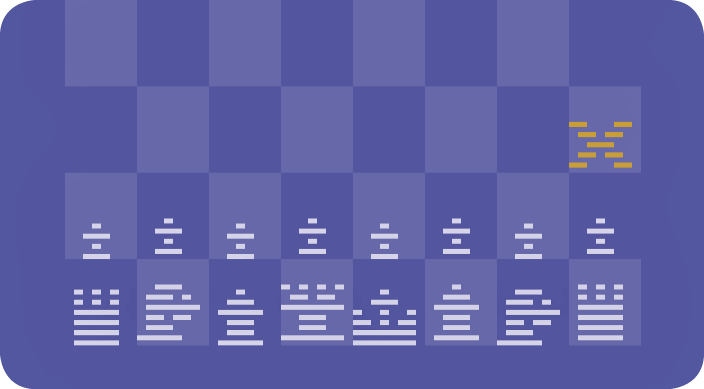
Pawn Promotion
If you advance a pawn safely to the last or eighth square (eighth rank) on the opposite side of the board, it can be “promoted” to any other piece except a king. The computer will automatically promote your pawn to a queen, since it is the most powerful piece. Press the left difficulty button to the A position, simply press the red controller button to exchange the queen for any other piece except a king.
Capturing Pieces
Pieces (except pawns) can capture in the same manner as they move. If a piece can move to a square that is occupied by an enemy unit, that unit can be captured. The captured piece is permanently removed from the board, and the capturing piece occupies that space. Capturing is optional; you are not required to capture enemy pieces.
Pieces cannot displace or capture pieces of their own color. When capturing or moving, none of the pieces are allowed to jump over other units—except the knight. Traditionally, the capture of the king is never actually carried out. If the king is under attack but has room to escape, it is said to be in “check.” The computer in Video Chess has a distinct method of showing when a king is in check. If the king cannot escape, it is said to be “checkmated” and the game ends.
Double Moves
There are two “double moves” allowed in chess. One is known as “castling,” the other is known as “en passant.” The computer opponent (as well as regular players) in Video Chess can use either or both during the course of a game.
Castling
Castling can be an offensive or defensive move. To castle, the squares between the king and one of the rooks must be clear. The king or the rook may not have been previously moved. This move protects the king and moves the rook to the center of the board where it can be more effective.
When this situation occurs, move your king two spaces to the right or left (depending on which way you are castling), and push the red controller button. The computer will automatically bring the rook around the king, thereby completing your castling move. The computer will then determine its next move.
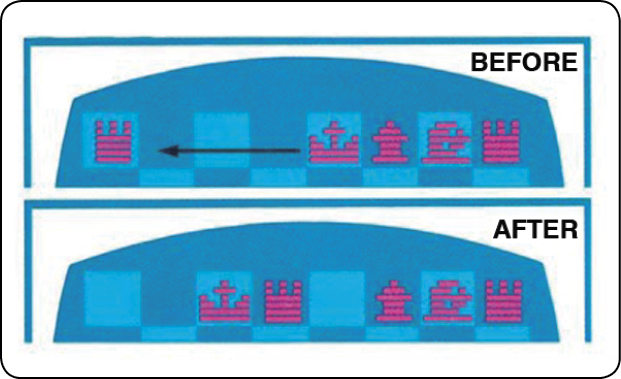
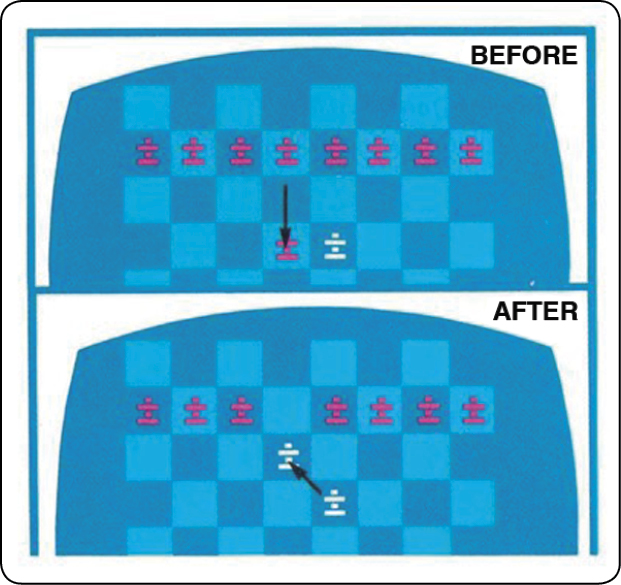
A player cannot use the castling move when the king is in check. Additionally, a player can’t castle to the king’s side if any of the squares between the king and the rook are threatened. The former example is called “castling out of check”; the later example is known as “castling across the check.”
En Passant (In Passing)
This move is used to counteract the enemy pawn’s initial double move on an adjacent file. To carry out the en passant, advance your pawn to the fifth rank. Your opponent then has the option of moving his or her pawn one square (where it would be under attack) or two squares. If your opponent elects to move two squares, the “en passant” move allows you to take that pawn by diagonally moving your pawn to the square that was skipped over.
The en passant capture must be made immediately, meaning when the opportunity is first available or not at all. It cannot be executed during a later turn.
Difficulty Options
In the A position, the computer plays white pieces and moves first. In the B position, the human player controls the white pieces and moves first. The color of the number at the top of the playfield (also denoting skill level) indicates which color you’re playing. If it is white, for example, then you’re playing the white pieces.
While in the A position, you can set up the board for a particular problem or situation. Move the cursor to the square where you want to place a particular piece. Each time you press the red controller button, the computer puts a different piece on that square, starting with the computer’s king, and cycling through the player’s pawn. After placing the piece on the board, move the curser to the next position and repeat the process.
To remove a piece from the board, place the cursor over the piece and cycle past the player’s pawn. An “X” will appear and that piece will be removed from the board. When the board is set up properly, press the left difficulty button to the B position and begin play. At this point, you must move first, whether or not the right difficulty button is in the A or B position.
Game Select Button
Depress the game select button to choose the game’s level of difficulty. Level 8 is a learning level for beginning players. It is the least difficult, so it makes for good practice for beginners. After practicing at level 8, beginning players should move to level 1. Levels 1 through 7 become progressively more difficult, with level 7 being the most difficult. You can change the level of difficulty any time during a game by depressing the game select button.
Game Reset button
Depress the game reset button to start or restart a game. If the computer is playing the red (black) pieces, it is not necessary to depress this button when turning on the game.
If the computer is playing the white pieces, though, you must depress the game reset button before the computer makes its first move.
Skill Levels
There are seven progressively harder skill levels in Video Chess and one level for beginners. As the levels increase from 1 to 7, the computer will take longer to compute its next move. The times listed below for each skill level are an average, since the length of time depends on the complexity of the board and the level chosen.
|
Level |
Time |
|
Level 1 |
15 seconds |
|
Level 2 |
30 seconds |
|
Level 3 |
45 seconds |
|
Level 4 |
2 min. 45 sec. |
|
Level 5 |
3 min. 15 sec. |
|
Level 6 |
12 minutes |
|
Level 7 |
10 hours |
|
Level 8 |
10 seconds |
Number of Players
Video Chess can be played as a single-player game against the computer or against a live opponent on the second controller.