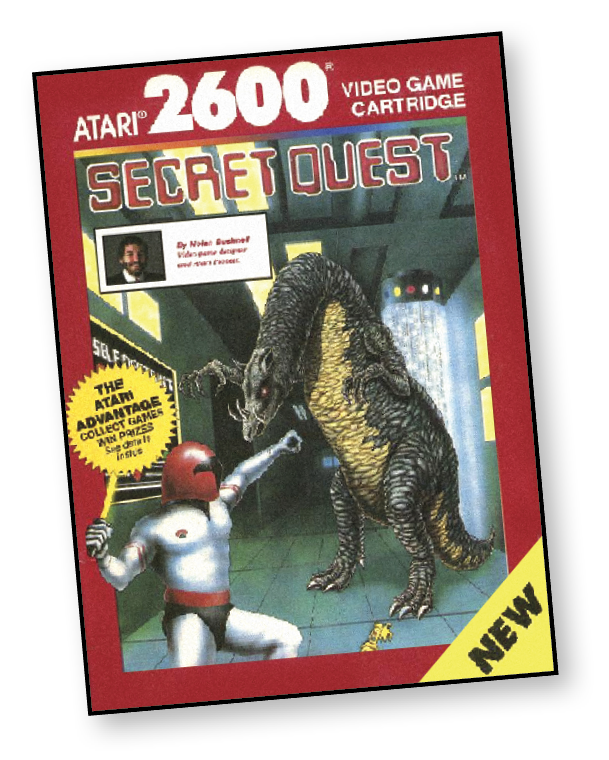
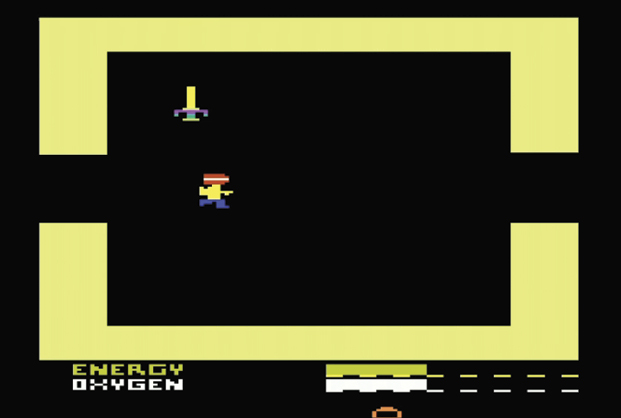
First there was one alien space station, then there were three. Now there are eight. If left unchecked, laser gates, dragons, and other evil creatures will wipe out the human race.
To destroy each station, you must confront the aliens in face-to-face combat and discover the secret destruct code. Once you have the code, use it to activate the station’s self-destruction mechanism. Then the race begins. Can you get to the teleport room before the station explodes into the vacuum of space?
Are you ready? Remember, you’ll need precision battle skills, a keen sense of direction, speed, and pure guts to save the human race.
About the Game
In the late 1980s, Atari founder Nolan Bushnell signed an agreement to design and develop video games on an exclusive basis for the Atari 2600 and 7800 consoles through his company, Axlon, which most famously made talking plush toy AG Bear (1985). This was actually the second time Bushnell signed an agreement with Atari since leaving the company in 1978. The first was in 1983 when Bushnell offered Atari the consumer rights to arcade games from Sente, a company he had purchased.
Since Bushnell had no ability to program Atari 2600 games himself, the task fell to programmer Steve DeFrisco. Under Bushnell’s design guidance, DeFrisco advanced the state of action adventure gaming on the Atari 2600 with Secret Quest roughly eight years after Adventure. Although nowhere near as beloved as Warren Robinnet’s early masterpiece, Secret Quest is perhaps the best example of how well understood programming the Atari 2600 had become by that time and how much of a difference additional memory (256 bytes of extra RAM thanks to the SARA Superchip in the cartridge) and ROM space (in this case, 16K versus Adventure’s 4K) could make in a game’s overall feature-set.
Secret Quest proved to be the last game Atari released for the Atari 2600 in the US. It’s been said that Secret Quest’s development and release was part of a last-ditch effort by Atari to demonstrate that the software library on their modest system from 1977 could still compete with more sophisticated 1980s consoles like the Nintendo Entertainment System and games like The Legend of Zelda (1987). Whatever the cause for its creation, the end result proved to be a great send-off for the venerable console.
Object of the Game
Destroy all eight alien space stations. The secret orders you received list basics on how to destroy a station. The rest is up to you.
Search through the rooms and find the secret destruct code on each level.
Find the self-destruction mechanism and activate it by entering the secret destruct code(s).
Race to the teleporter room and escape the alien station before it explodes. The teleporter automatically sends you to the next station.
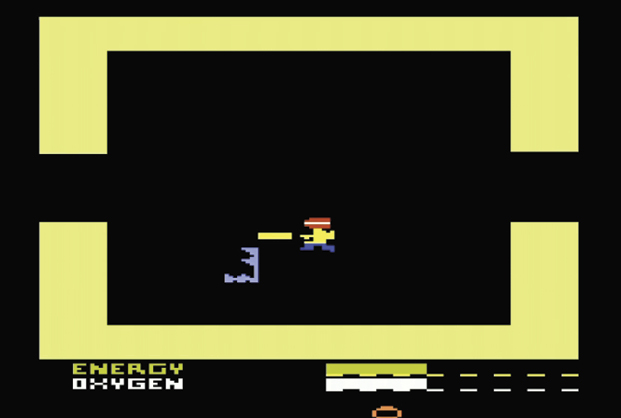
Along the way you pick up weapons and other objects and fight alien creatures such as Spinner and Dragon. Fighting aliens takes precious oxygen and energy, which you can replenish each time you destroy all aliens in a room.
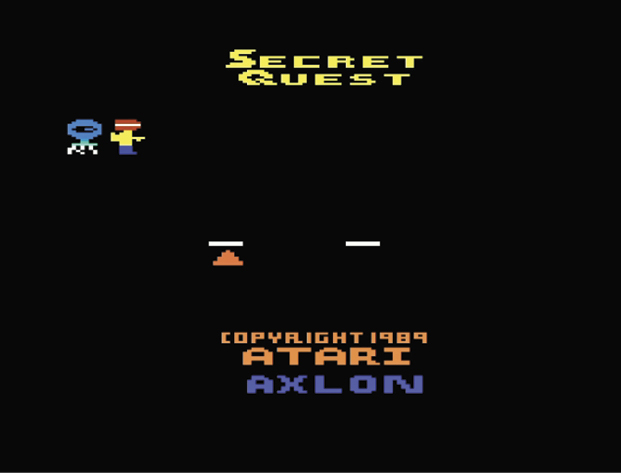
The game ends when you destroy all eight stations, run out of oxygen, or don’t make it to the teleporter room in time after activating the self-destruct mechanism. When the game ends, the title screen appears with your total score.
How to Play
Once the title screen appears, enter your initials by moving your controller up or down until the letter you want appears and left or right to move between the two entry positions. You must enter both initials to start the game.Press Reset or the red controller button to start play. During play, you can press Reset to return to the title screen.Moving Around the StationsUse the directional control to move around the stations. Each time you pass through a door the screen changes to show the next room.Finding and Using ObjectsIf you’re good, you will find weapons, oxygen bottles, energy pods, and sonic keys. To pick up an object, walk over to it and touch it. You will be able to pick up all objects you find, but you can have only one active weapon or sonic key. You can change the active weapon/sonic key from the status screen. To use an active object, press the red controller button.WeaponsYou will need weapons to fight the aliens. There are three weapons to find: the energy sword, sonic blaster, and the particle beam. When you touch your first weapon, it appears in your hand as the active weapon.
Finding the Energy Sword.Press the fire button to use the active weapon. You may have to zap an alien a number of times to destroy it.Each weapon has a strength and energy value. Stronger weapons do more damage to the aliens. When you use a weapon, you lose energy units.The following chart shows the strength and energy depletion value of each weapon type.
Weapon
Strength Value
Energy Used
Energy Sword
2
1
Sonic Blaster
4
2
Particle Beam
8
4
Oxygen Bottles & Energy Pods
Each time you destroy a room full of aliens, an oxygen bottle or energy pod appears. Touch these objects to replenish lost oxygen and energy. Fighting aliens depletes energy and/or oxygen. Exploring depletes oxygen at the rate of one oxygen bottle every minute. The game ends if you run out of oxygen. If you run out of energy, the game continues, but you will not be able to use any weapons until you find more energy.
Indicator bars at the bottom of the screen show how much energy and oxygen you have. Each mark on the indicator equals 16 units of energy or one bottle of oxygen.
Sonic Keys
Sonic doors appear throughout the space stations. In order to open a sonic door, you must have a sonic key. These keys are scattered around the stations. When you find a sonic door, make sure the sonic key is active, then press the red controller button to open the door and reveal a secret stairway. Activate a sonic key from the status screen as explained under Active Object in the Status Screen section. Each sonic key can only be used once.
Status Screen
The status screen shows the following:
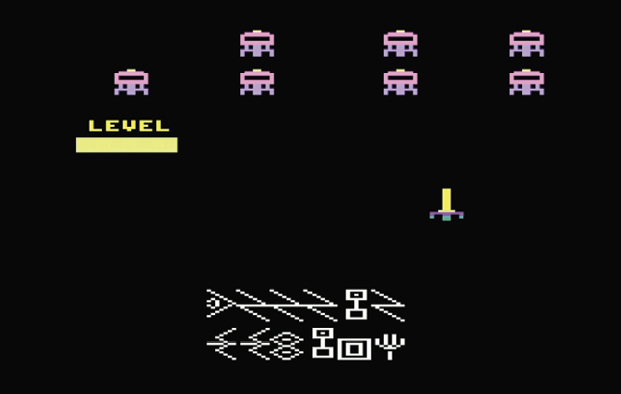
Current Station: When you destroy a station, it disappears from the status screen. The current station flashes.
Current Level: A stack of bars indicates how many levels the current station contains. The current level flashes.
Active Object: The active object is either a weapon or a sonic key. To change active objects, press the red controller button until the object you want appears.
Re-entry Code: If you want to exit the game so you can return later at the same station, write down this code so you can restart at the status screen.
Destroying a Station
Your secret orders specify the following procedure for destroying a station. The procedure is dangerous and risky, but it’s the only known way to destroy these evil space stations.
On each level of a station, look for a code symbol (station 1 has only 1 level; all others have multiple levels). To move to different levels within a station, use the stairs and sonic doors. You might want to write down the code(s).
When you find the codes on all levels of a station, search for a room with a flashing horizontal bar. This room contains the self-destruct mechanism. When you arrive at this room, move the directional control forward to display codes and left or right to move between the entry positions. Be sure to enter the codes in the correct sequence.
When you enter all codes, press the fire button, and race to the teleporter room. A number countdown appears to show you how many seconds you have to make it.
When you arrive at the teleporter room, touch the teleporter to escape the station before it explodes into smithereens. Once you touch the teleporter, you are transported to the next station.
Saving a GameYou can leave a game in progress and start again later at the same station with the points you’ve already earned. Any number of games can be left and resumed, as long as each game is started with a different set of initials.SaveTo leave a game you wish to restart later, follow these steps:
Note the initials you entered when you started the game.
Push TV Type to display the status screen.
Write down the re-entry code sequence that appears at the bottom of the screen.
Continue playing or switch off your system.RestartFollow these steps to restart a game:
Start a new game.
Enter your initials. You must enter the initials you used when you started the game you want to resume.
When the game screen appears (the first room of station 1), push TV Type to display the status screen. You can only restart the game from the first room of station 1.
Push Select to begin changing codes. The first code will flash.
Move the directional control forward or backwards to change codes and left or right to move between the codes. Be sure to enter the codes in the correct sequence.
Push Select to return to the game screen at the previous level.
Scoring
The following table shows the number of points you earn each time you destroy an alien.