
Atari Flashback: The Essential Companion Guide 1988-90
Double Dunk

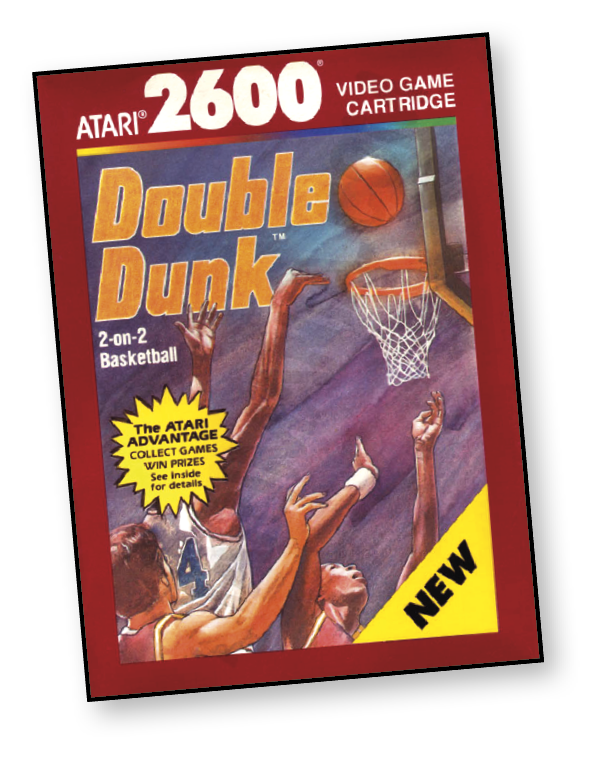
You’ve spent the day playing some friendly two-on-two basketball. You and our buddy are psyched. You’ve aced the last three games, and the other guys are getting desperate.
Your inside man dribbles deftly toward the basket. But their man moves in quickly. If he gets the ball, you may get bounced!
Your man passes. You get the ball and line up your shot. The last few seconds of the game tick away. Sink this shot quickly and the game is yours!
About the Game
Programmer Matthew Hubbard’s Double Dunk was the third and final basketball game created for the Atari 2600. Following Basketball (1978) and the unreleased RealSports Basketball (1983), Double Dunk distinguishes itself from this group by featuring two-on-two, top-down, half court gameplay that’s far flashier than its predecessors. All three basketball games are available on the Atari Flashback products.
Object of the Game
Test your skills as you lead your team to victory. On offense, use the joystick and the red controller button to choose your plays, set picks, pass, jump, and shoot. On defense, use the red controller button to block shots and grab rebounds.
How to Play
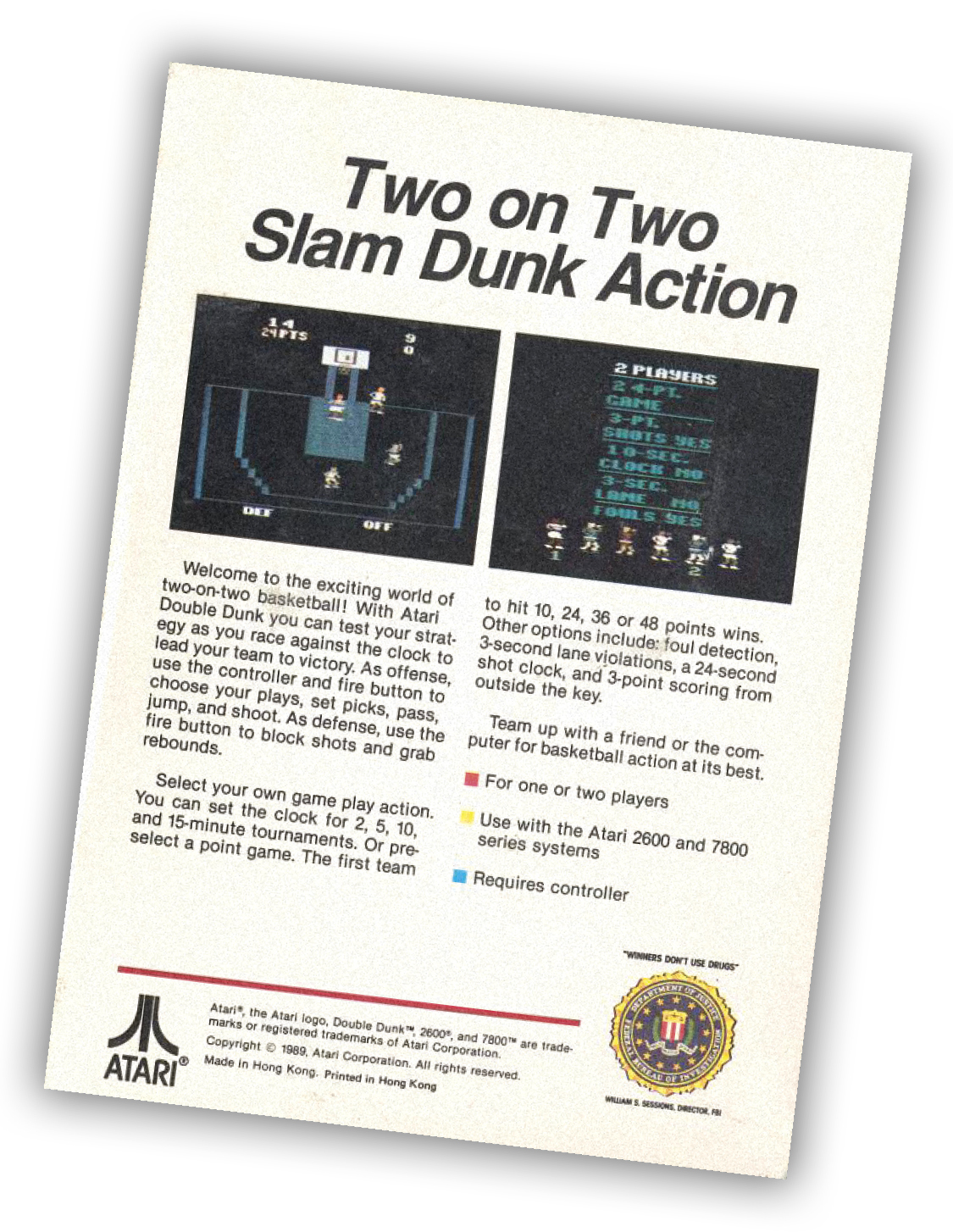
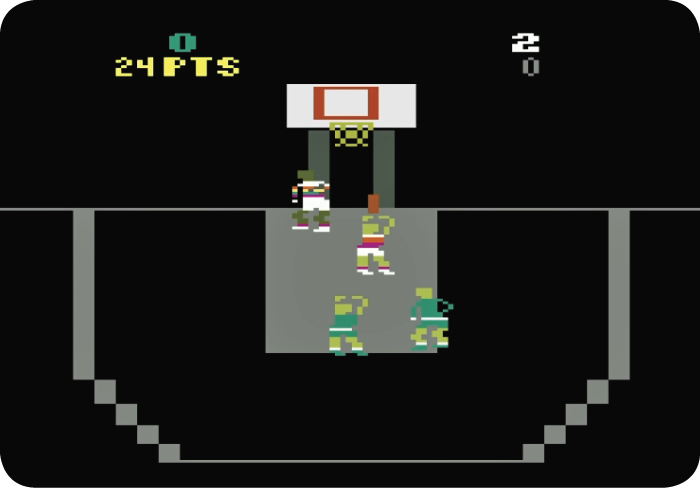
Two teams with two players (Mr. Inside and Mr. Outside) on each team compete in this basketball game. You control your players with the joystick controller. If your team has the ball, your controller moves the player who has the ball. If the other team has the ball, your controller moves the player who is guarding the man with the ball (the player with his hands raised).
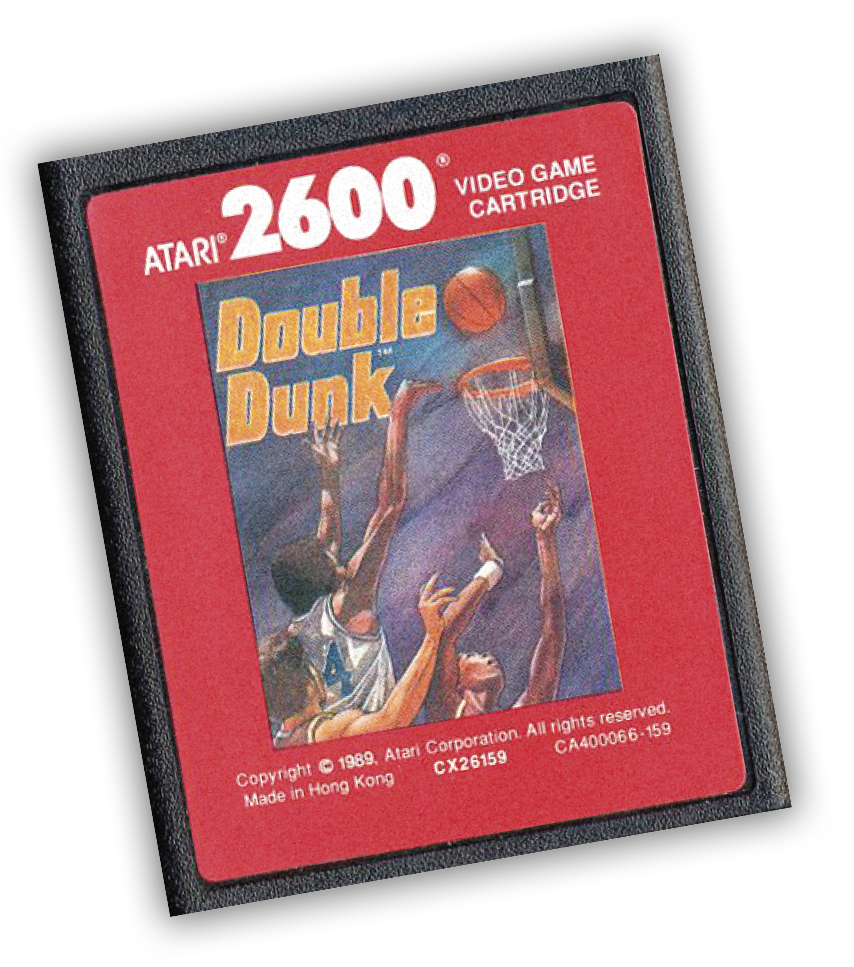
Both players on each team have different playing skills. Mr. Inside (the bigger player) is great at rebounding and blocking shots, can dunk easier, and sets picks for Mr. Outside. Mr. Outside (the smaller player) is adept at stealing the ball and making long shots.
One of the most effective plays is the pick play. The purpose of a pick play is to get both defensive players hung up on the offensive Mr. Inside, allowing the offensive Mr. Outside to get an open shot.
The defensive team can anticipate a pick play by selecting the lower-left or lower-right position on the joystick controller during play selection. This allows the defensive Mr. Inside to pick up coverage on the offensive Mr. Outside because the defensive Mr. Outside is hung up on the offensive Mr. Inside.
Choose your offensive or defensive play before the ball is put into play. After a score or a turnover, select your offensive or defensive play (you don’t get to select a play after a defensive foul, rebound, or a steal).
OFF and DEF flash at the bottom of the screen until you choose an offensive or defensive play. To select your play, move the joystick controller into the appropriate position and press the red controller button.
Once the ball is in play, use the controller to move your players. When your team is on the offense, press the red controller button once to start the next part of your selected play.
If you pull the joystick back and press the button while the ball is in play, the player with the ball will ignore the play and perform a jump shot. When the player jumps, press the button a second time to make the player shoot the ball.
If a player is close to the basket when he shoots, he will dunk the ball. After an opponent misses a shot and you get the rebound, you must clear the ball by moving your player until both feet are behind the 3-point line before you can shoot again.
If your team is on defense, you can either attempt to steal the ball or jump to block a shot. To attempt a steal, press the red
controller button while your defensive player is close to the ball handler. Make sure the ball handler is dribbling when the attempt is made.
To block a shot, wait until the shooter jumps for the shot. Time your own jump to block the shot.
The score appears at the top of the screen, along with the number of points needed to win the game (or the game clock) and the 10-second shot clock.
Scoring
You score 2 points for each successful shot. If you shoot a 3-pointer, you score 3 points for a successful shot. Shots from the foul line after a defensive foul are worth 1 point each.
Offensive Plays
Match the offensive play descriptions below to the controller positions indicated. After moving the controller in the direction indicated for a play, press the red controller button. Depending upon the number of times you press the button, a different action occurs when play begins.
|
Play |
Controller Position |
Number of Button Presses |
|
Pick and Roll Left or Right |
Upper left or upper right |
1. Mr. Inside moves to post to set up quick. 2. Pass to Mr. Inside. 3. Jump 4. Shoot |
|
Give and Go Left or Right |
Left or right |
1. Mr. Inside moves to post to set up quick. 2. Pass to Mr. Inside. 3. Pass to Mr. Outside. 4. Jump 5. Shoot |
|
Pick Left or Right |
Lower left or lower right |
1. Mr. Inside moves to post to set up pick. 2. Jump 3. Shoot |
|
Mr. Inside Shoots |
Top |
1. Pass to Mr. Inside. 2. Jump 3. Shoot |
|
Mr. Outside Shoots |
Bottom |
1. Bottom 2. Jump 3. Shoot |
Defensive Plays
Select the defensive play by moving the controller in one of the directions indicated. The defensive play you select matches the corresponding offensive play for the same controller position.
|
Play |
Controller Position |
Description |
|
Lane Defense |
Top |
Inside defender guards against pass. |
|
Tight Defense Right |
Upper right |
Defenders guard close. |
|
Pass Defense Right |
Right |
Defenders guard against passes. |
|
Pick Defense Right |
Lower right |
Inside defender switches off if pick is successful. |
|
Rebound Position Defense |
Bottom |
Inside defender stays close to basket. |
|
Pick Defense Left |
Lower left |
Inside defender switches off if pick is successful. |
|
Pass Defense Left |
Left |
Defenders guard against passes. |
|
Tight Defense Left |
Upper left |
Defenders guard close. |
Game Options
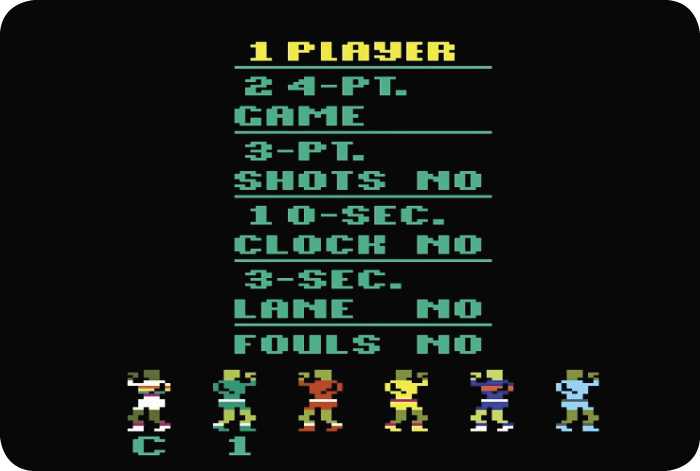
After the Double Dunk title screen appears on-screen, press Select to display the game options screen. Move the joystick controller up or down to select from the seven options. Then, move the controller left or right to change (yes or no, 1 or 2 players, and so on) that game option.
Press Reset or the left controller button to begin the game. During play, press Select to return to the options screen. Press Reset to restart the game.
|
Option |
Description |
|
One or two players |
Play against the computer or an opponent. Select a l-player or 2-player game. |
|
Game length |
The game lasts a set amount of time (2, 5, 10, or 15 minutes) or until one of the teams reaches a certain score (10, 24, 36, or 48 points). Select the time or score you want to use. |
|
3-point shots |
Award 3 points for shots made from the area outside the curved line. Select either yes or no. |
|
10-second clock |
If the offensive team does not shoot within 10 seconds, the other team gets the ball. Select either yes or no. |
|
3-second lane violation |
If an offensive player stays in the lane longer than 3 seconds at a time, the other team gets the ball. Select either yes or no. |
|
Foul detection |
Penalizes players for fouls. Select either yes or no. |
|
Team color selection |
Select from six team colors. A C (computer), 1 (first player), or 2 (second player) appears under a team’s selected color. To select a team’s color, move the joystick controller right or left to identify a color. Press Select. Choose a different color for each player or the computer. |