
Atari Flashback: The Essential Companion Guide 1977
Surround

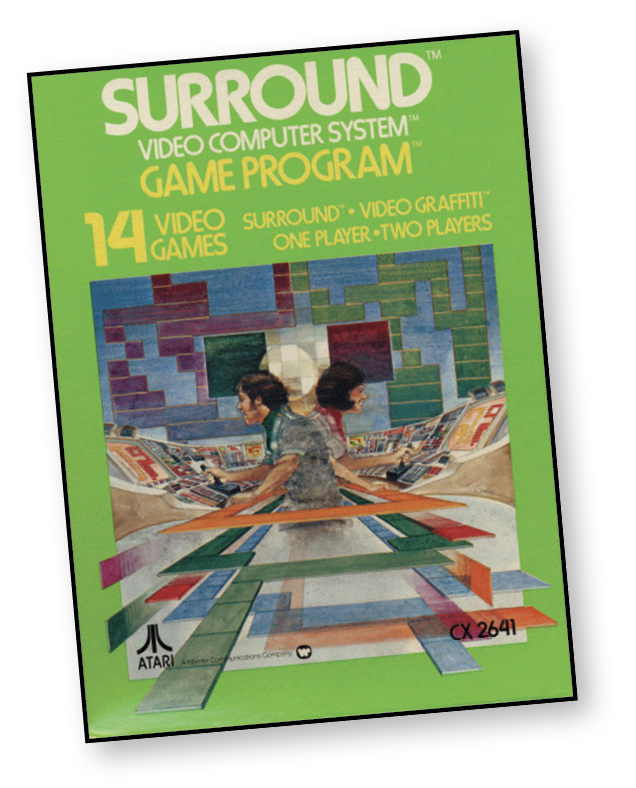
Trap your opponent before he traps you!
You control a moving wall, strategically forcing your opponent’s moving wall into a position where it can’t move in any direction. It’s a game full of quickness, skill, and smarts.
About the Game
Surround’s concept has been around seemingly forever; it would eventually be remade time and again in future games. However, Surround itself is also based on multiple 1970s games, such as Atari’s Dominos, Gremlin’s Blockade, and Meadow’s Bigfoot.
Object of the Game
The basic objective is to surround your opponent, causing him to run out of space in which to move. At the same time, you must avoid running into anything. You can set up a blockade, force your opponent into a corner, or wander off and hope that your opponent runs into something on his own.
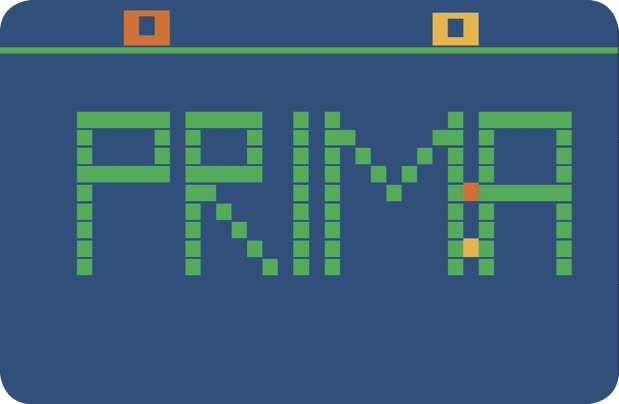
In the game variation Video Graffiti, it’s more about having fun without the competitive edge. Video Graffiti actually allows you to draw on the screen!
How to Play
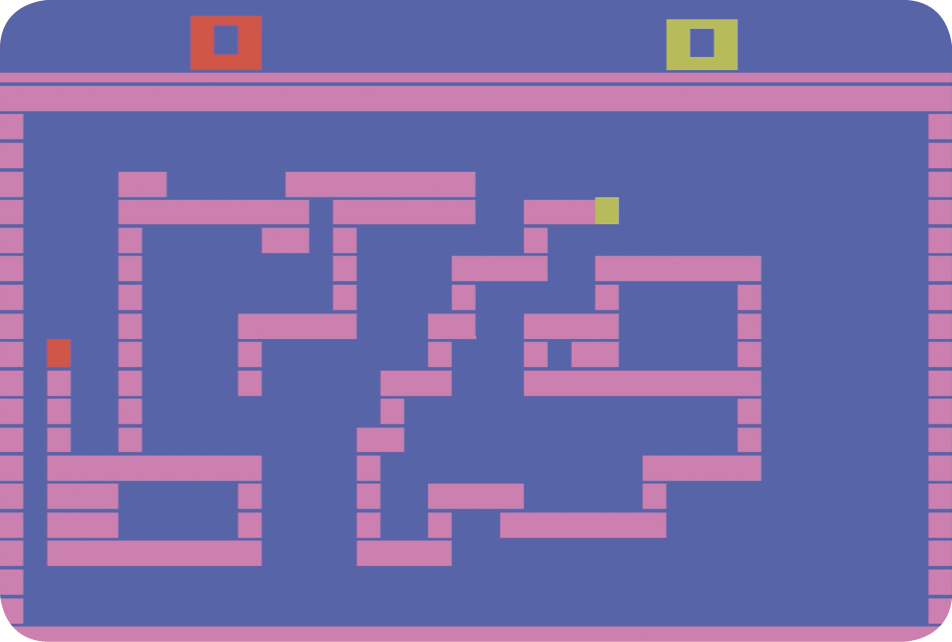
Use the joystick controller to leave tracks on the playfield. The game automatically moves the blocks. You control the horizontal and vertical movement of the tracks with the joystick.
For example, move the joystick to the left to move the tracks to the left; move the joystick forward to continue the tracks of blocks up the field; move the joystick toward you to steer the tracks down the screen.
Scoring
You score one point when your opponent steers his leader block into another part of his track or your track. If you are playing a game that does not offer Wrap-Around, you can also score a point when your opponent collides with a playfield boundary. All games have a playfield boundary except games with the feature Wrap-Around.
The first player to score 10 points wins the games. The leader block of your track is color coordinated with the score at the top of the playfield. You’ll hear the tracks zip across the playfield, collide with other tracks and “beep” when a player scores one point.
Video Graffiti
Write a word. Draw a picture. One or two players use the joystick to control the movement and directions of the track. Push the joystick forward to create a vertical line from the bottom. Push the joystick to the right and the track moves horizontally to the right.
The track will move in the direction you move the joystick. If you don’t move the joystick, no line will appear.
Game Options
Game Select Button
Press the game select button to choose the game you wish to play. There are 14 games in total. The game number changes at the top-left corner of the screen when you press down the game select switch.
Game Reset Button
After choosing a game to play, press the game select button to start the game. Use the game reset switch to start a new game or reset a game in progress at any time.
|
Game Type |
Game # |
# Players |
Features |
|
Surround |
1 |
2 |
|
|
2 |
1 |
||
|
3 |
2 |
SU |
|
|
4 |
1 |
SU |
|
|
5 |
2 |
DM |
|
|
6 |
2 |
SU & DM |
|
|
7 |
2 |
SU & DM & ER |
|
|
8 |
2 |
WA |
|
|
9 |
2 |
SU & WA |
|
|
10 |
2 |
SU & DM & WA |
|
|
11 |
2 |
SU & DM & WA |
|
|
12 |
2 |
SU & DM & ER & WA |
|
|
Video Graffiti |
13 |
1-2 |
ER & WA |
|
14 |
1-2 |
DM & ER & WA |
Features
Speed Up (SU)
Tracks increase in speed over time (listen for the gear shifts).
Diagonal Movement (DM)
Diagonal movement allowed in addition to vertical and horizontal movement.
Erase (ER)
Pressing the red controller button interrupts laying tracks. Your leader block continues to move, but will not leave behind tracks while the button is pressed.
Wrap-Around (WA)
Moving off the edge of the screen moves your leader block to the opposite side of the screen.
Difficulty Options
In all game variations of Surround, beginner players should slide the switch to the B position. This position prevents players from backing onto their previous track block.
During one-player games against the computer, slide the left difficulty switch to the B position to make playing against the computer much easier; slide it to the A position to play against a tougher computer competitor. There is no difficulty factor in Video Graffiti games.