
Atari Flashback: The Essential Companion Guide 1978
Breakout

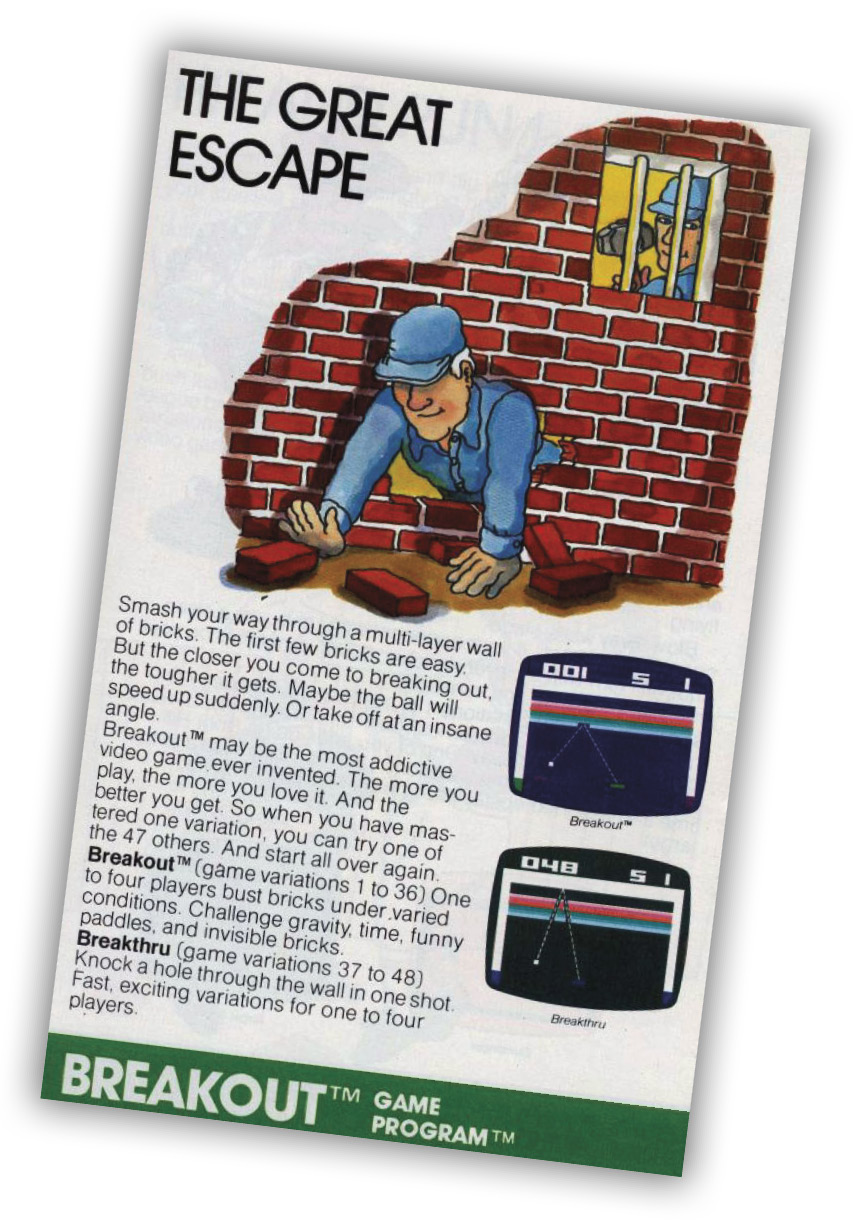
Smash your way through a multi-layer wall of bricks. The first few bricks are easy. But the closer you come to breaking out, the tougher it gets.
About the Game
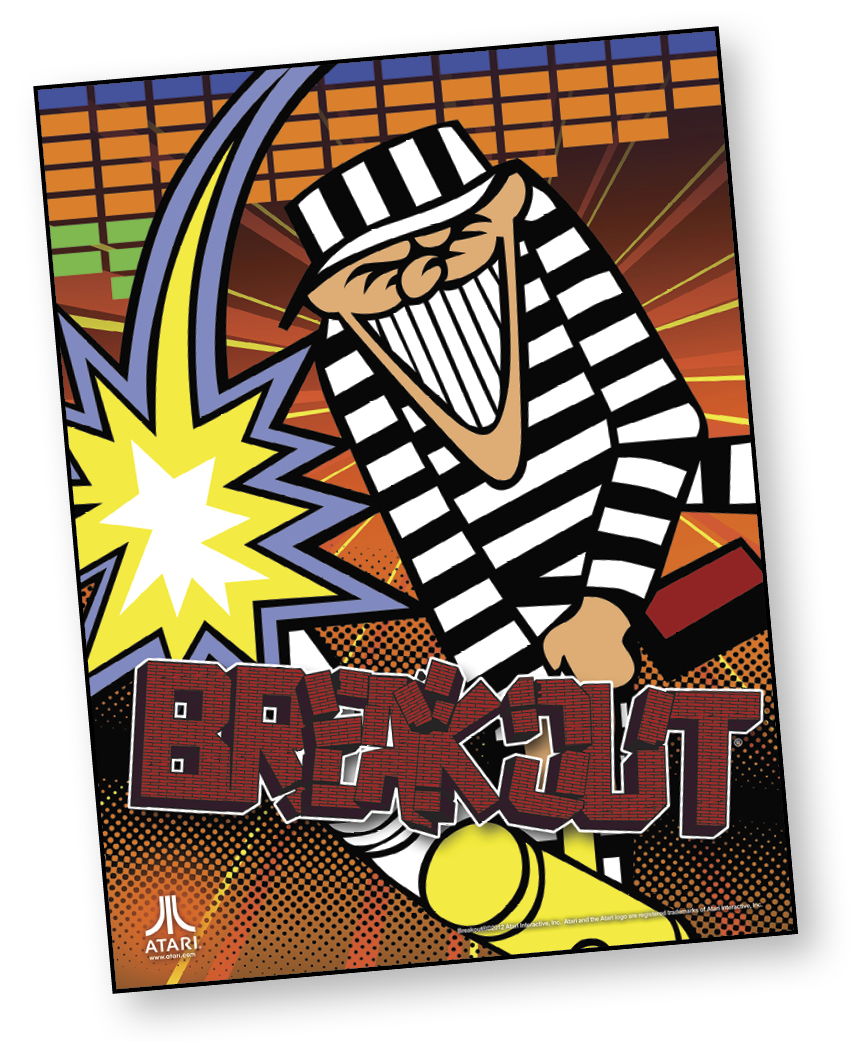
Steve Jobs of Apple fame became Atari’s 40th employee in 1974, working at the fledgling company as an hourly technician. He left Atari for a yearlong hiatus to India, returning to work with a shaved head and traditional Indian attire. Atari had already scored big with its arcade version of Pong and was about to repeat its success with the home version through a lucrative deal with Sears. Jobs, now a night-shift engineer thanks in part to his eccentricities and inability to relate to many of his co-workers, was asked to create a prototype for a single-player, vertical Pong variant called Breakout.
Unfortunately, the technology required to create a Breakout machine would tear into Atari’s profits, so the company wanted a design that used as few chips as possible. Faced with such a difficult engineering challenge, Jobs sought the help of his old friend, Steve Wozniak. Then head of Atari, Nolan Bushnell, claims company management was hoping for this anyway.
Previously, Atari had witnessed Wozniak’s impressive, self-built home Pong clone, but failed to woo him away from his position at technology giant Hewlett-Packard. Nevertheless, Wozniak, a fan of both Atari arcade games and engineering challenges, came to his friend’s rescue. He completed the bulk of the work in only four days with an efficient design that used far fewer chips than any other Atari arcade game at the time. Atari’s engineers were impressed and Jobs received a nice payout and bonus—most of which he famously kept for himself. Unfortunately, Wozniak’s design was so efficient that it proved difficult to manufacture, so Atari went with an alternate design that replicated the experience, but used more than double the number of chips. Despite its somewhat tortured development, the game still proved irresistibly fun upon its spring 1976 release and was another big hit for Atari.
While the original arcade machine utilized a black-and-white monitor with strips of colored cellophane covering where the bricks were displayed, Brad Stewart’s port for the Atari 2600 made excellent use of the platform’s superior color hardware. Combined with the Atari 2600’s excellent paddle controllers (which matched the arcade’s controls), the cartridge version of Breakout proved to be a superior conversion.
Object of the Game
The first player (or team) to completely destroy both walls or score the most points after playing five balls wins the game. To score the maximum number of points, 864, you must destroy both walls.
At the end of two-team games, the playfield of both teams (or players) will flash on and off the screen. That way, players can compare scores. Begin a new game and create a new brick wall by pressing the reset button.
In other games, you must rely on the speed of your game skill. A timer records the cumulative minutes and seconds of each turn during a game. The team or player who destroys both walls with five balls in the least amount of time wins the game.
How to Play
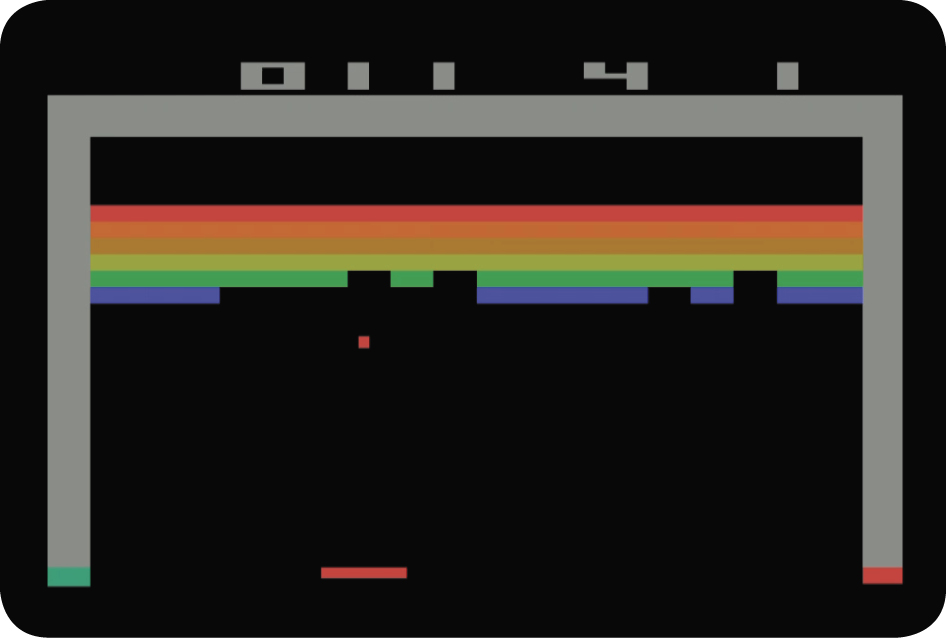
Use the controller to move the paddle across the bottom of the screen. Using the paddle, hit the ball into the wall. Each time the ball hits a brick, the brick disappears and you score points.
A player or team receives five balls per game. When you miss a ball with your paddle, the ball disappears from the screen. Press the red controller button to serve another ball until all five balls have been played.
When a team or player destroys the first brick wall, a second brick wall automatically appears on-screen. Continue to hit the bricks and score more points.
One-Player Games
Using the controller, one player attempts to destroy both walls using five balls. Or, a player can win by scoring the maximum number of points, 864.
Two-Player Games
Two players take turns hitting the wall. Each player receives five balls and a brick wall that appears during a player’s turn. One player continues to hit a ball into the wall until he misses the ball. When that happens, the opponent’s wall appears on-screen. The opponent then takes his turn hitting the ball into the wall. The first player to destroy two walls, or score the most points after playing five balls, wins the game.
Three-Player Games
Two players act as a team and play against a one-player team. Just as in two-player games, the two teams take turns hitting the ball. Each team receives five balls and a separate brick wall. When one team misses the ball, the opposing team’s wall appears and play begins. The first team to destroy a wall, or score the most points after playing five balls, wins the game.
Four-Player Games
With two players on each team, these games are played just like two- and three-player games. The first team to destroy a wall, or score the most points after playing five balls, wins the game.
When a team or player destroys the brick wall, a new brick wall automatically appears on-screen. If any bricks still remain on-screen after five balls are played, begin a new game and create a new brick wall by pressing the reset button.
Timed Games
Some games rely on speed scores instead of point scores to win. For these game variations, a timer replaces the scoreboard in the upper-left corner. The objective is to destroy the wall as quickly as possible. The timer counts the seconds as you attempt to break your own record in one-player games. In two-, three-, and four-player games, the mission is to destroy the wall with five balls in less time than your opponent.
Invisible Games
It’s the same Breakout action, except this time it’s in the dark! The wall is invisible until you hit a brick with the ball. When this occurs, you score points and the entire wall lights up.
Paddle
Each player uses a standard paddle controller to move the paddle horizontally across the bottom of the play field. With the paddle, a player hits the ball into the wall.
Scoreboard/Timer
Depending on the game variation, a scoreboard or timer will appear in the left corner.
Scoreboard: Some games determine winners using only point scores. During these game variations, each player’s score appears in this position. Scores are determined by the bricks hit during a game.
Timer: Instead of determining the winner using the point value of bricks, some games feature a timer in the upper-left corner.
Your mission during these games is to destroy the walls in as little time as possible. The timer tracks the cumulative minutes and seconds of each turn.
Number of Players/Team Numbers
In this playfield position, two numbers will appear at different times during the game.
Number of Players: After selecting the game variation, you must indicate the number of players. Press Select until the number of players appears. For example, when the number 3 appears, the computer is set for a three-player game.
Team Number: The team that is currently hitting the ball is designated by a Team Number. In one-player games, the number 1 will always appear in this position. In two-player games, each player is designated by the numbers 1 or 2. In three- or four-player games, the teams are referred to as teams 1 or 2. When your team number appears, it’s your turn to score.
Balls/Game Numbers
In this position, two numbers will appear at different times during the game.
Game Number
Before play begins, select the game variation you want to play by using the Select button. The number that appears refers to the game you will play.
Balls
After pressing Reset, play action can begin. The number 5 appears in this playfield position and refers to the five balls you or your team can serve. Throughout the game, the number will reflect the number of balls that remain.
Scoring
Brick Wall
|
Color |
Points |
|
Red |
7 points |
|
Orange |
7 points |
|
Yellow |
4 points |
|
Green |
4 points |
|
Aqua |
1 point |
|
Blue |
1 point |
There are six rows of bricks. The brick’s color determines the number of points.
controller Action
|
Action |
Perform |
|
To serve the ball |
Press the red controller button to make the ball appear. |
|
To move the paddles |
To move the paddles across the playfield, turn the controller knob. Turn it clockwise to move the paddle to the right; turn it counterclockwise to move the paddle to the left. |
|
To steer the balls |
Some Breakout and Breakthru games feature steerable balls. In these games, turn the control knob clockwise to move the ball to the right; turn it counterclockwise to move the ball to the left. |
|
To catch the ball |
Some Breakout and Breakthru games feature catch. When the ball makes contact with your paddle, press the red controller button. Continue to press the button and the ball will remain on the paddle, allowing you more time to carefully aim your shots. To release the ball, release the red controller button. |
Difficulty Options
Change the difficulty from B to A and your paddle is reduced to half size.
Game Options
Breakout Games
|
Game Number |
Description |
|
1 |
Using a controller, players attempt to smash their way through the wall and score points. |
|
2 |
This game features steerable balls so you can make every hit count. |
|
3 |
Take a breather. This game features catch, which gives you time to use strategy. |
|
4 |
Don’t blink. The only time you’ll see your Breakout wall is when the ball hits a brick. The rest of the time you’re playing in the dark! |
|
5 |
The pressure is on! The time at the top of the playfield will record the time it takes to complete a Breakout. |
|
6 |
The timer provides the suspense. The steerable balls provide some of the strategy moves you’ll make during this game. |
|
7 |
How long does it take? The time in this game will tick away the seconds as you aim your balls with catch. |
|
8 |
The wall lights up only when you hit a brick. Then you’re playing in the dark again as the timer records your game time. |
Breakthru Games
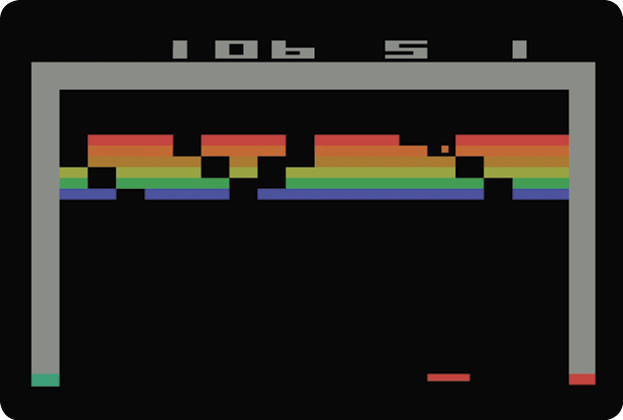
Breakthru is played the same way as Breakout games. The only difference is the ball action. Once the ball hits a brick, the ball continues to penetrate the wall, hitting more bricks and scoring more points.
|
Game Number |
Description |
|
9 |
POW! POW! POW! Make a direct hit on a brick and the ball continues to travel through the wall in this basic Breakthru. |
|
10 |
Steerable missiles increase your control over the ball during this fast game. |
|
11 |
Slow down the action with catch in this game variation. |
|
20 |
The Breakthru wall only appears when you hit a brick. Any other time and it’s invisible. |
|
Game Type |
Game # |
Features |
|
Breakout |
1 |
|
|
2 |
ST |
|
|
3 |
CA |
|
|
4 |
IN |
|
|
Timed Breakout |
5 |
|
|
6 |
ST |
|
|
7 |
CA |
|
|
8 |
IN |
|
|
Breakthru |
9 |
|
|
10 |
ST |
|
|
11 |
CA |
|
|
12 |
IN |
Features
Steerable (ST)
You have limited control over the ball. Turn the control knob clockwise to move the ball to the right. Turn the control knob counterclockwise to move the ball to the left.
Catch (CA)
To catch the ball, press the red button on your controller when the ball touches your paddle. As long as you keep the button pressed, the ball sticks to your paddle. This allows you to position the ball for more accurate shots at the bricks.
Invisible (IN)
The wall of bricks remains invisible until the ball touches a brick.