
Atari Flashback: The Essential Companion Guide 1988-90
MotoRodeo

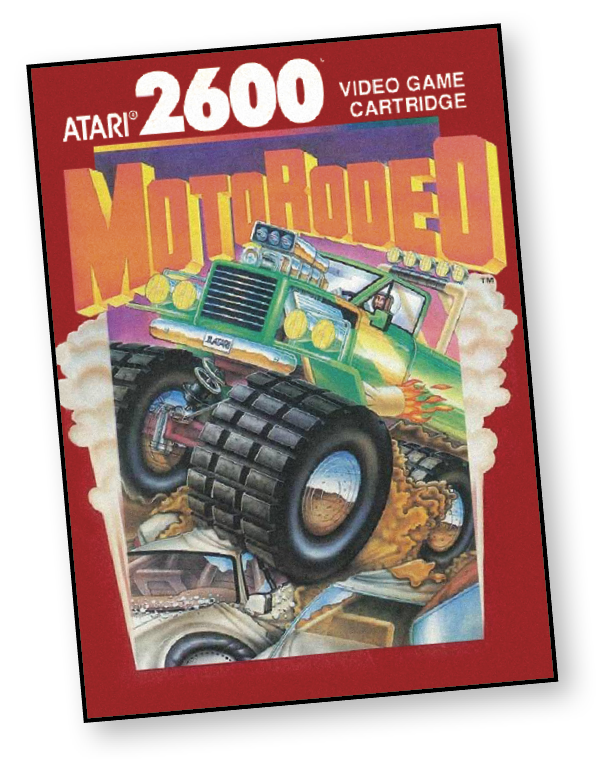
You’re second in the grueling competition of an all-day MotoRodeo. Your customized truck, a cherry little number, speeds through the dangerous obstacle course. You quickly break through a brick wall, rumble through a muddy ditch, and jump high into the air. You grin widely as you land on a Plymouth, crushing it beneath the weight of your monster truck.
Up until now, you and your opponent—Trucker Tom—have been neck and neck throughout the competition, but you’ve just pulled ahead. Your truck paid its dues during the early part of the competition, but you’re confident that you’ve got the skills needed to outmaneuver Tom as you race for the finish line.
Your adrenalin pounds. You psych yourself up for the few remaining obstacles. You’re only slightly ahead of Tom, but there are still a few more walls and cars to crush. Good thing you learned qui ckly to jump the mud, which is slowing Tom down.
You rev your engine, add a burst of acceleration, and jump the last mud hole as you race for the finish line. Trucker Tom has finally met his match!
About the Game
MotoRodeo was released over a decade after the launch of the Atari 2600. Over that time, programmers picked up ways to push the aged system to its limits and it seems each of those tricks went into making this game.
MotoRodeo included options that allow you to practice individual skills outside of a race. Players drove simultaneously and on a split-screen, which meant head-to-head racing was no longer limited to time trials or a track that could fit on a single screen. MotoRodeo even allowed you to customize the conditions for winning a race.
Object of the Game
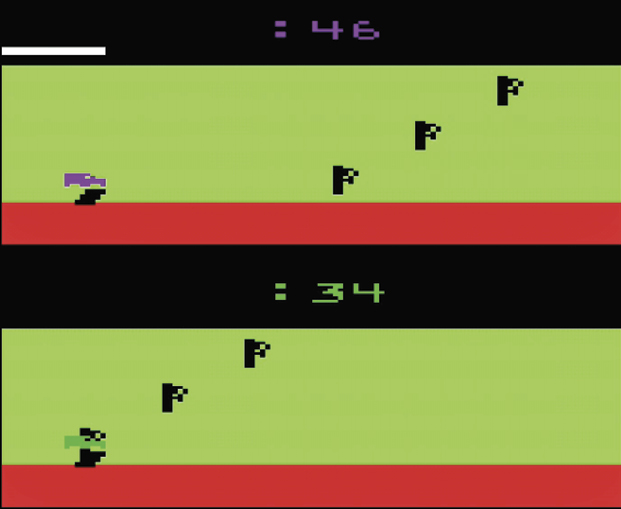
There are two objectives in MotoRodeo, but only one is active at a time. The first objective is to complete the course faster than your opponent, while the second is to complete the course with more points than your opponent.
How to Play
MotoRodeo is a multi-obstacle, split-screen trucking extravaganza. When playing against an opponent (human or computer), each obstacle you encounter requires speed, timing, and maneuvering skill to overcome. Consider skipping ahead to the “Game Options” section first, since the game hits you with a slew of choices even before the first race begins.
Once in control of your vehicle, press the red controller button to accelerate and push the joystick down to perform a wheelie on flat ground. If you pick up a nitro unit (  ), tap the joystick up for a quick burst of acceleration and a small jump.
Pushing left and right on the joystick results in different effects, depending on where your vehicle is located. In muddy bogs, alternate pushing right and left to advance through the mud faster. To control spin during a jump, push the joystick left (clockwise) or right (counterclockwise).
Difficulty Options
The difficulty button does not alter the difficulty of the game. Instead, it is used to determine the objective of a race. Change the left difficulty button to A for point scoring. The goal is to finish the race with the most points, keeping in mind that 100 points are awarded to the first vehicle to cross the finish line. Position B is used for timed races; the first player to cross the finish line wins.
Game Options
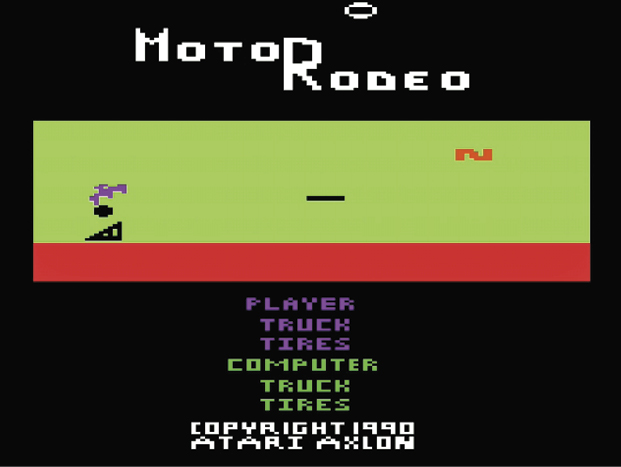
Choosing game options takes place on the title screen. Push up or down on the joystick to cycle through vehicle and control options. You choose driver (player or computer), body type (blazer or truck), and wheel type (tires or trax). When you’re satisfied with the initial set up, press the red controller button to advance to another selection screen.
Features: Competition
When playing for the first time, skip past the Competition options and choose one of the skills under Practice. Use the practice sessions to gain experience with the obstacles that appear during the competition runs.
Choosing Hard, Medium, or Easy changes how many obstacles are located along the course. Easy contains the fewest obstacles, while Hard has the most.
Features: Practice
Select from the following to gain experience with each obstacle encountered during competition runs. Depending on the difficulty button setting, the game either tallies points earned during your run, or tracks your time in completing these shortened courses.
All practice courses include many types of obstacles, not just its namesake. For example, the jump course includes mud, nitro, and 50-point bonuses.
Jump
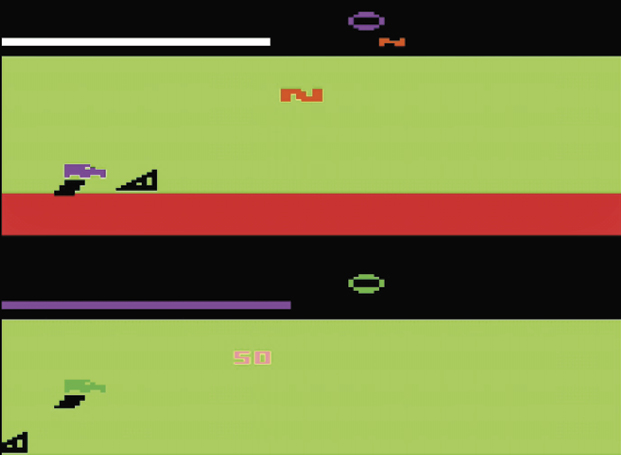
Learn to jump and control your truck or blazer while it’s in the air. You can practice driving up a short triangular ramp while learning to jump and land.
Platform
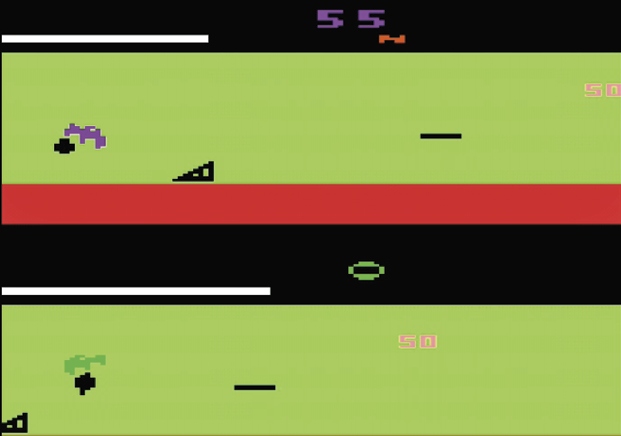
Platforms, which are suspended in mid-air, are the same length as your vehicle. Use platforms to extend your jump, or earn extra points by bouncing on the platform.
Car Crush
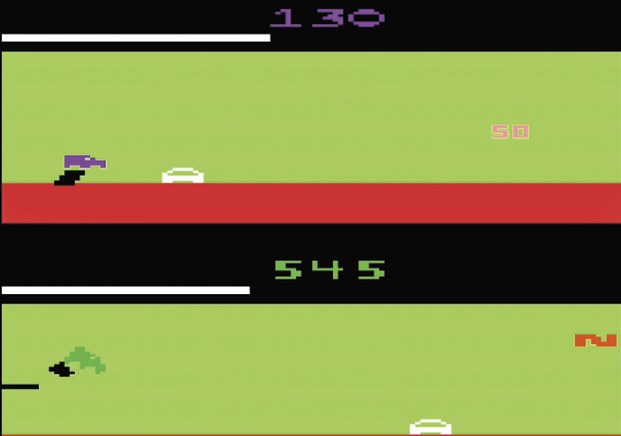
Crush the white cars. After landing on top of a car, wriggle the joystick left and right to continue to crush the car. Perform a wheelie when starting to crush a car to jump over the car instead of continuing to crush it.
Wall
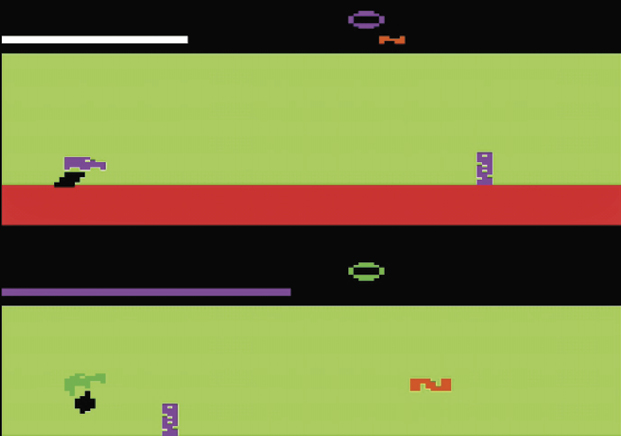
Crash into the wall to knock it down. You may need to hit the wall a few times to finish the job. The faster you drive, the quicker you’ll knock down the wall. Perform a wheelie after building up enough speed to knock down the wall and hop over it.
Spring
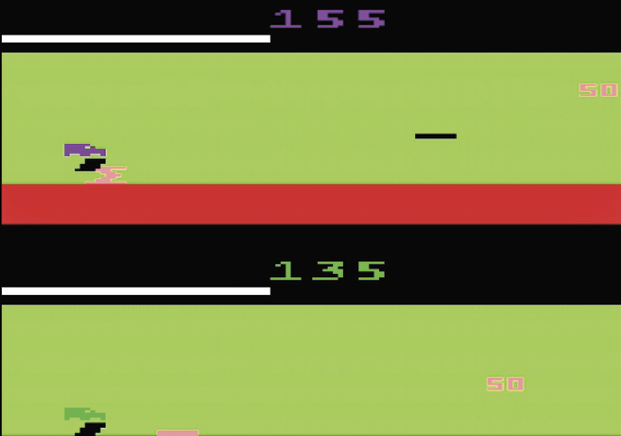
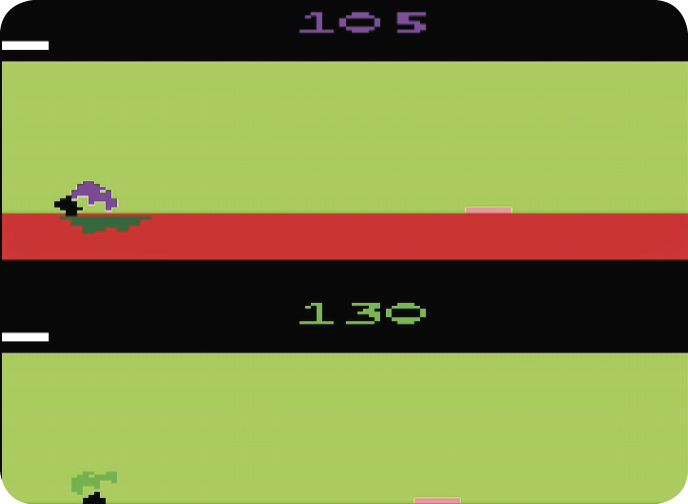
Pink platforms on the ground throw your vehicle into the air when all four wheels are on top of it.
Ramp
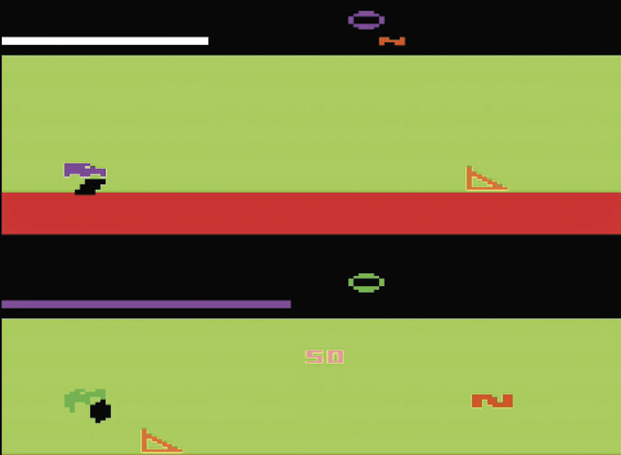
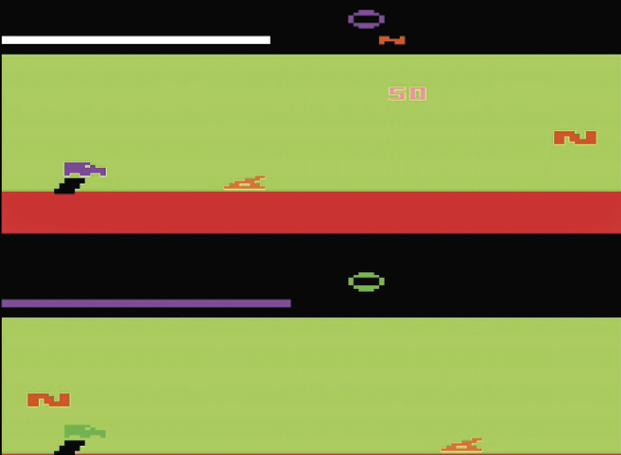
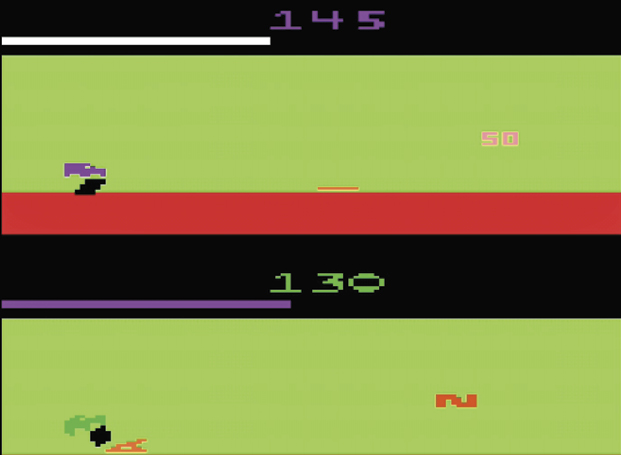
Orange ramps shift between three positions: vertical, jump position, and flat. Vertical ramps serve as barriers. Ramps in jump position work the same as black jump ramps. When an orange ramp is flat on the ground, you can’t use it to jump.
Mud
Jump over mud bogs when possible. If your vehicle becomes mired in a mud bog, wriggle the joystick left and right.
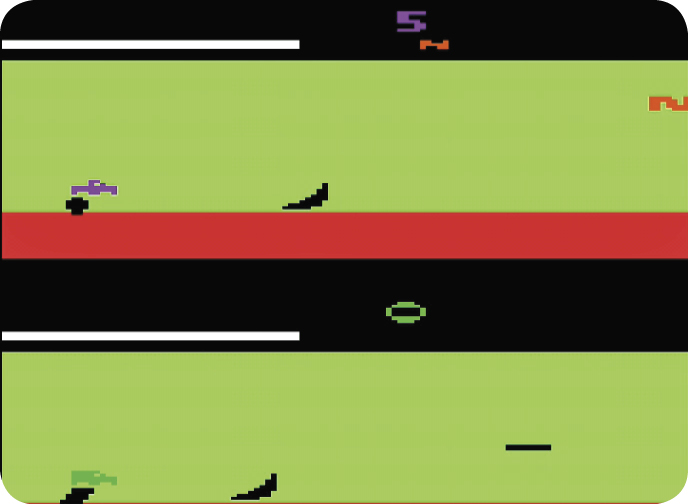
Spin
Curved ramps launch your vehicle into the air and put a spin on it. Wriggle your joystick left or right to spin.
Scoring
|
Event |
Point Value |
|
Land upright and flat from a jump |
5 |
|
Hit a wall |
10 |
|
Crush a car |
20 |
|
Bounce on truck’s tires while on a platform |
25 |
|
Jump to a collapsing ramp |
25 |
|
Touch ‘50’ |
50 |
|
Cross finish line first |
100 |