
Atari Flashback: The Essential Companion Guide 1979
Miniature Golf

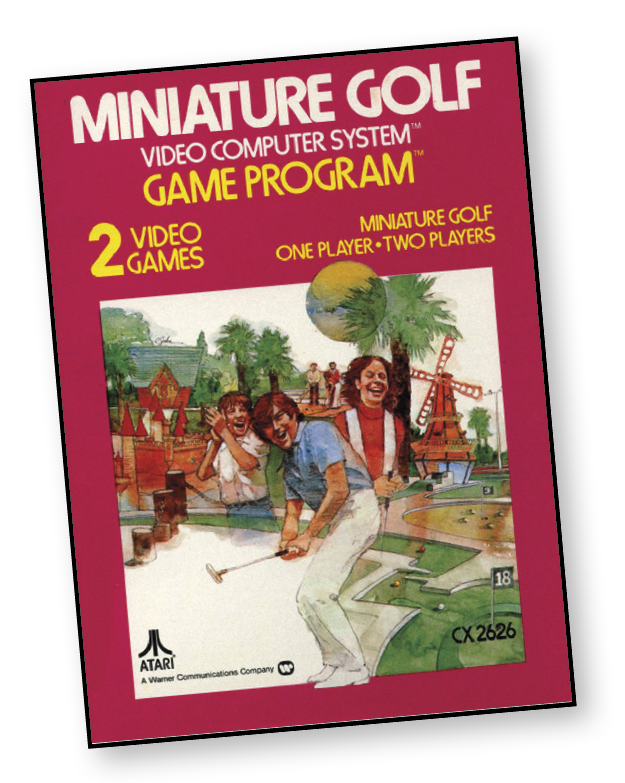
Get your golf grip down pat. Line up the ball to the cup. (Ask your caddy for assistance, if you must.) Now putt away and sink it!
You’ll be putting through a nine-hole course with Miniature Golf. It includes two exciting game modes with moving obstacles and all. Stroke by stroke, your score is automatically kept, so as you shoot for the cup, you’ll be shooting for par.
About the Game
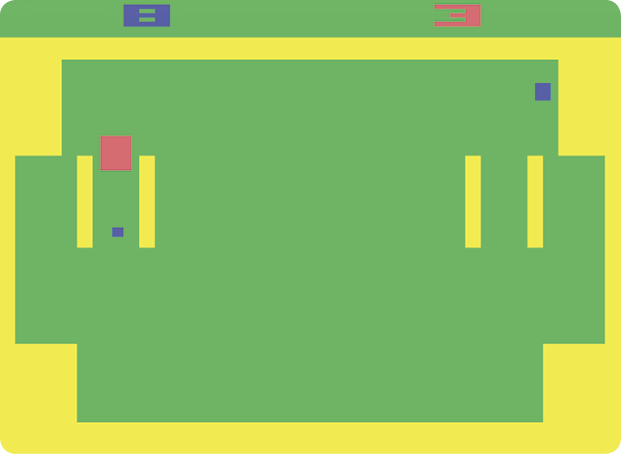
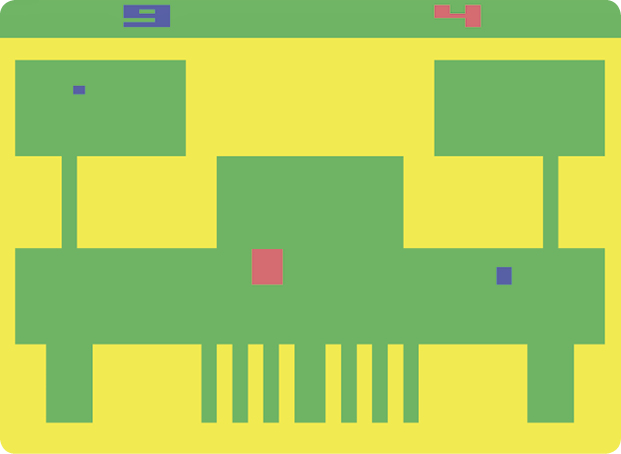
According to Guinness World Records, Miniature Golf was the first ever golf-themed game to be released commercially and the earliest miniature golf game to be released. Such an esteemed title comes at a cost, however, as the primitive nature of the game is apparent in the graphics. The ball, traps, and even the club are rendered as simple rectangles. Miniature Golf did not perform well after its release and Atari stopped production of the game later in the same year.
Object of the Game
Hit the ball in the hole using the fewest shots possible, all while avoiding various obstacles. Ideally, your goal is to match or beat par for each hole. The lower your score the better.
How to Play
There are nine “holes” in which to hit the ball into the “cup.” A “stroke” is counted each time you hit the ball. Although you have an unlimited number of strokes to hit the ball into the cup, each hole has a designated “par” score. Par represents the number of strokes you are ideally supposed to take to complete the hole.
Use the joystick to position the club. Press the red button on the controller to release the club and hit the ball. To position the club more accurately, remember that it moves at a slower speed when travelling close to the ball.
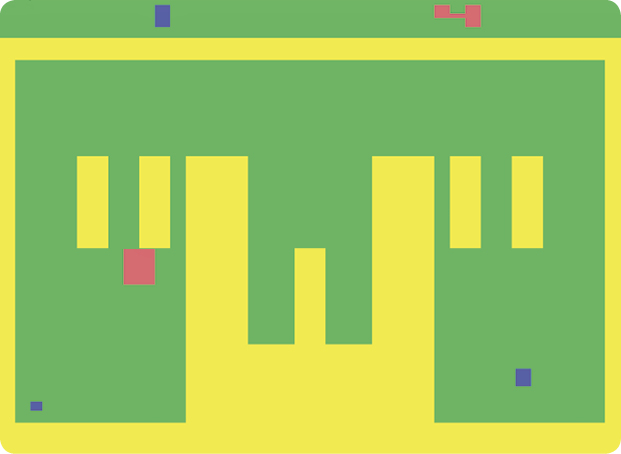
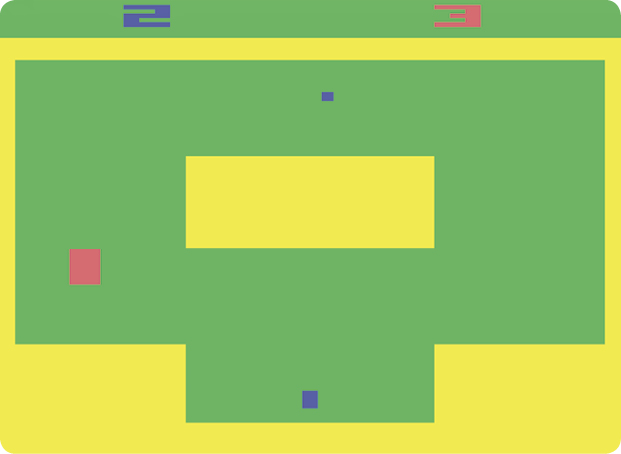
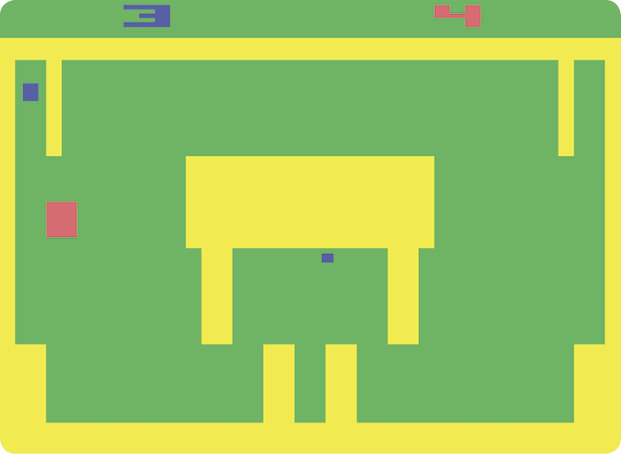
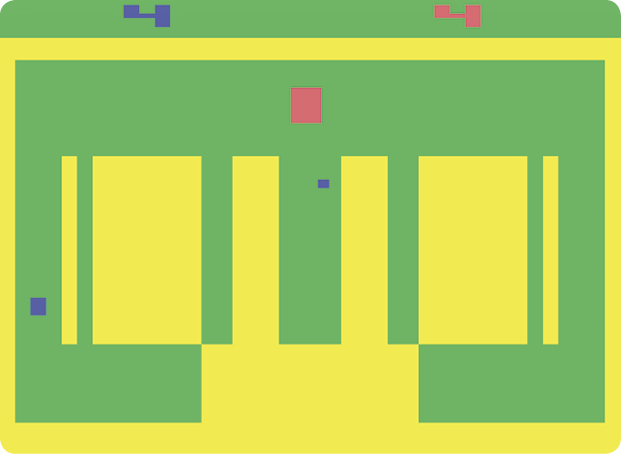
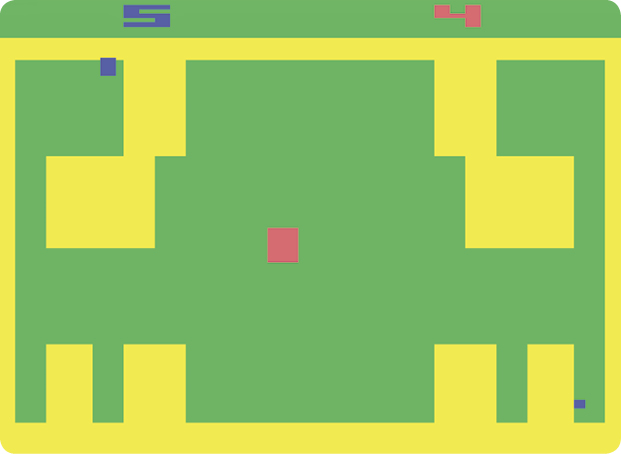
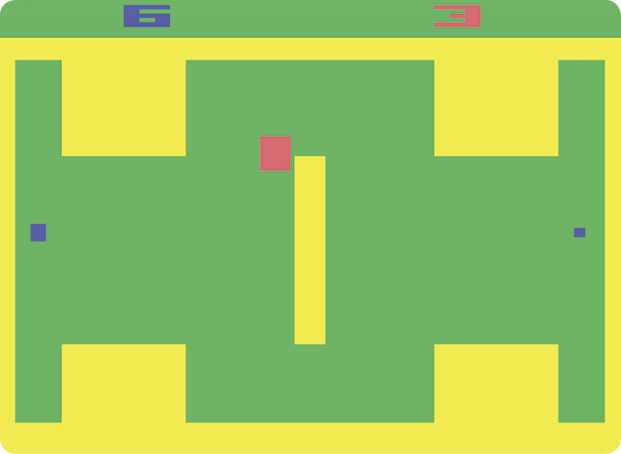
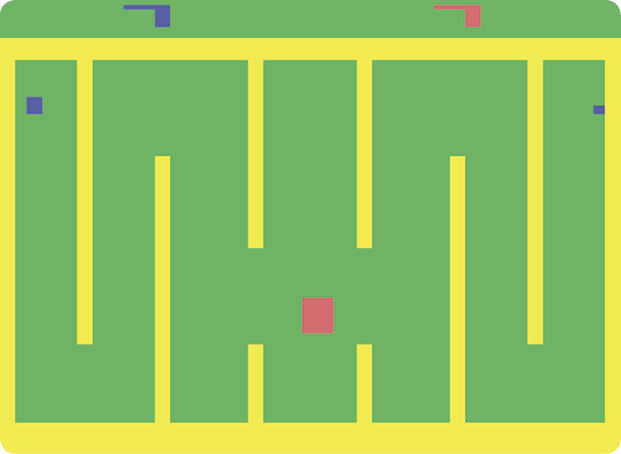
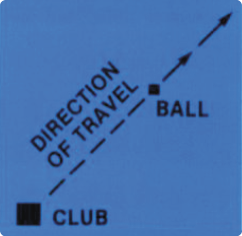
Direction of Travel
After the ball is struck, it travels along the same line of trajectory already established by the club.
Difficulty Options
The ball travels further when the difficulty button is in the A position. Use the left difficulty button for one-player games.
Game Options
To select a game, press the game select button for a one or two-player game. A “1” will appear in the upper-left corner of the screen for a one-player game; a “2” will appear for a two-player game.
Game 1 is for one player only. At the beginning of each hole, before the first stroke, the number for that hole is displayed in the upper-left corner of the screen. The par for that hole is shown in the upper-right corner of the screen. After the first stroke, the player’s running score replaces the hole number. A “0” replaces the par until the beginning of the next hole.
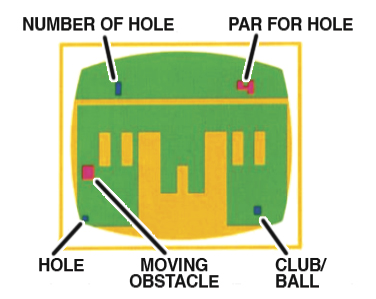
Game 2 is for two players. The left player goes first. After the first stroke by each player, the respective scores are displayed at the top of the screen until the hole is completed. These score totals replace the hole number and the par as in Game 1. To begin the game, press the game reset button.
Scoring
Each time you hit the ball, the computer records one stroke. Your running score is displayed at the top of the screen.
The score for the left player is displayed at the top-left of the screen, while the score for the right player is displayed at the top-right of the screen.