
Super Smash Bros. WiiU/3DS Guide Wii U GAME MODES Wii U - Smash
Controls
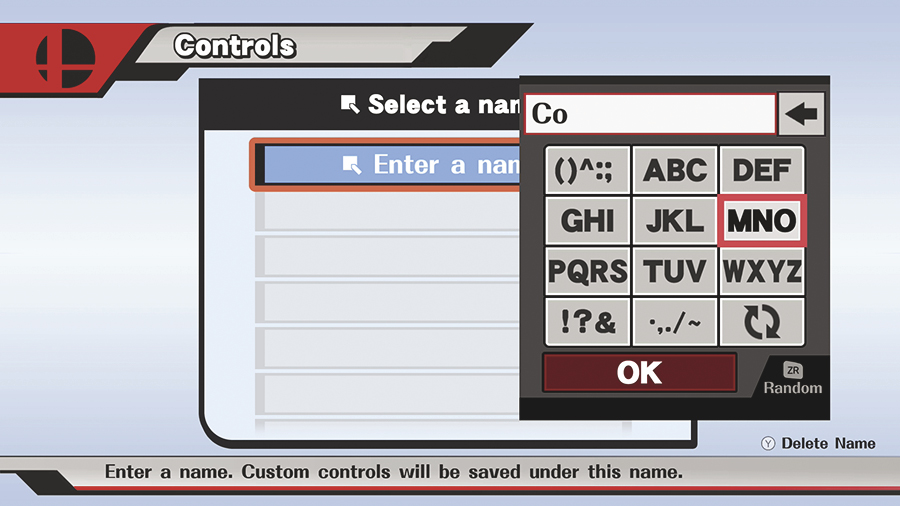
The “Controls” option allows you to customize the game’s controls. The first time you use this option, you’ll be prompted to create a name for the new control scheme. You can revisit this menu to create additional control schemes or to edit an existing set.
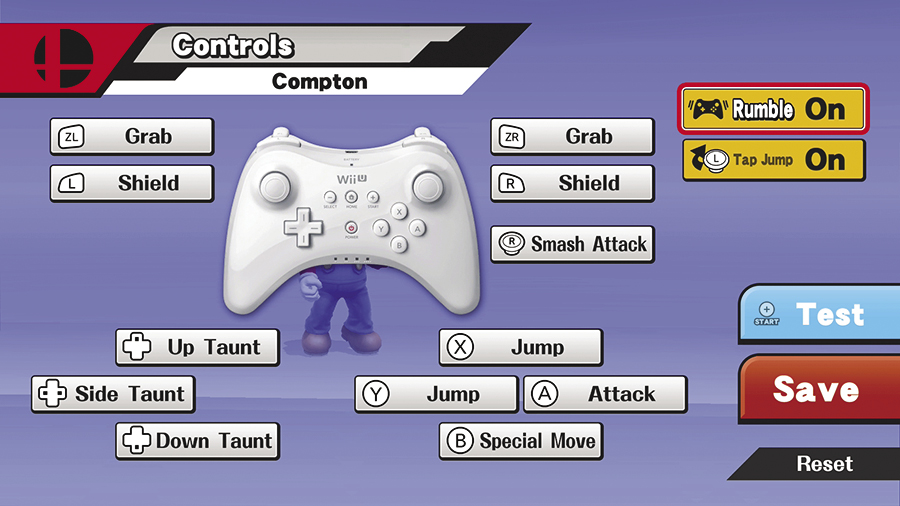
After you select your desired controller type, you’re free to remap the game’s controls to suit your personal playstyle. Select a button, then scroll through the available commands. When you’re finished, you can test your new control scheme, save your changes, or revert to the game’s default controls.