
Super Smash Bros. WiiU/3DS Guide 3DS GAME MODES 3DS - Games & More
Vault
Vault Overview
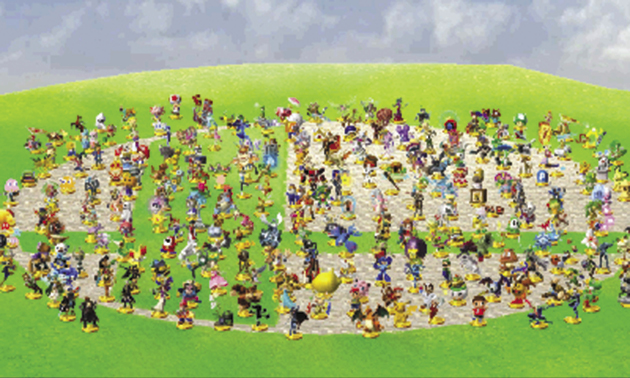
In addition to its galleries and records, the Vault includes the game’s Shop and the Trophy Rush minigame.
Vault Menu
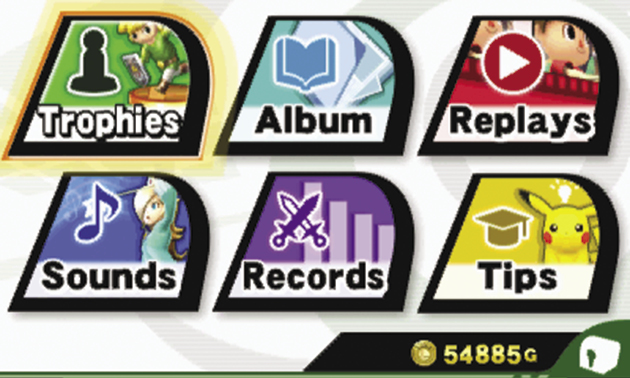
The “Vault” menu contains six options:
- Trophies: Inspect your trophies, or check in for a chance to add new trophies to your collection.
- Album: Review the snapshots you’ve taken while playing the game.
- Replays: Manage the replays you’ve saved while playing the game.
- Sounds: Listen to the music and sounds you’ve unlocked.
- Records: Review records for each fighter, game stats, and earned milestones.
- Tips: Cycle through randomly selected loading screen tips.
Trophies Overview
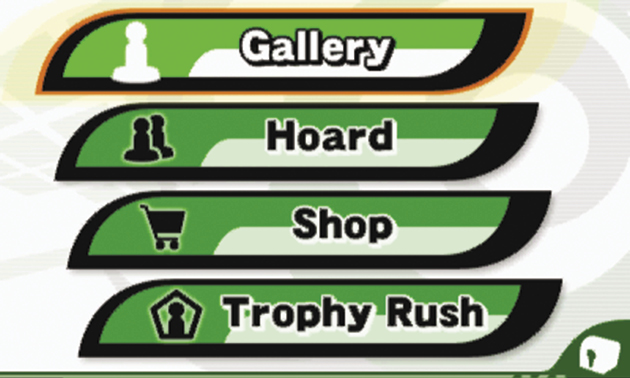
Visit the “Trophies” menu for a closer look at your trophy collection, to purchase new trophies from the Shop, or to play a round of Trophy Rush.
Gallery
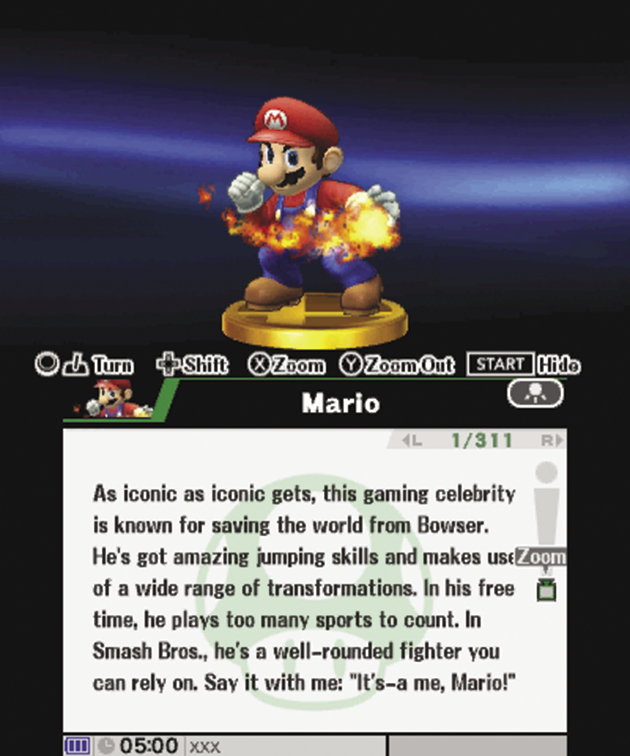
Gallery gives you an up-close look at all of the trophies you’ve collected, as well information about the objects and characters they represent.
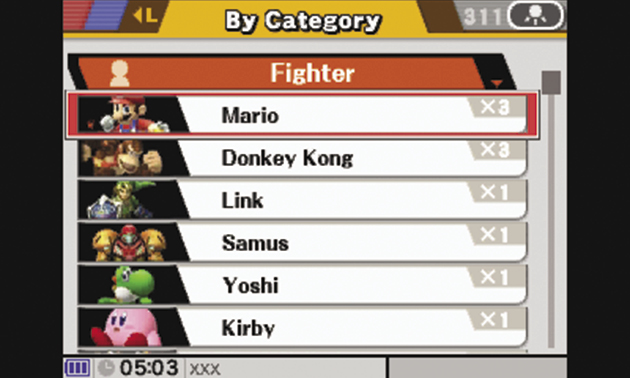
Trophies can be organized by the order in which you obtained them, by series, or by category—use  and
and  to switch between these options. Tap the small icon in the Touch Screen’s upper-right corner to change the background on the Main Display. Once you’ve selected a trophy, use the on-screen commands to make additional adjustments.
Hoard
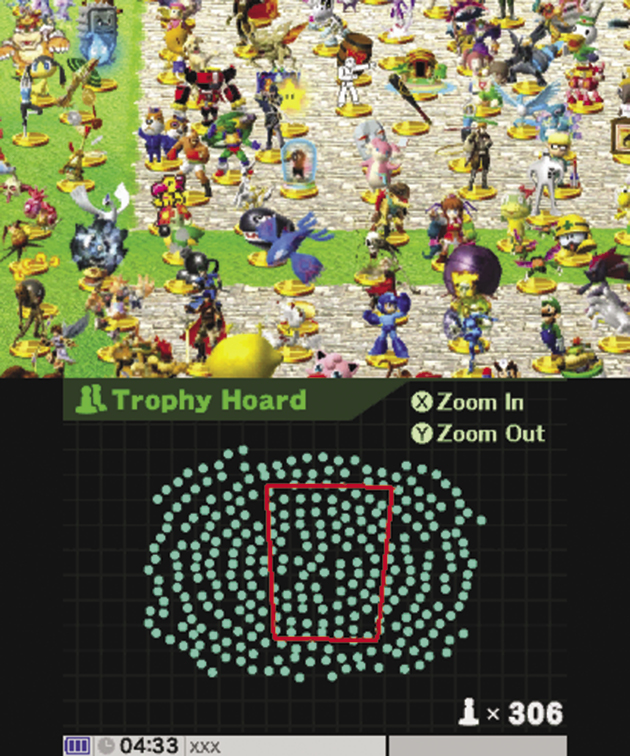
Hoard allows you to see all of your trophies in one large group. Use the Circle Pad to move the camera, and use the on-screen commands to zoom in and out. The Touch Screen shows the trophy locations and how much of the area is caught by the camera.
Shop
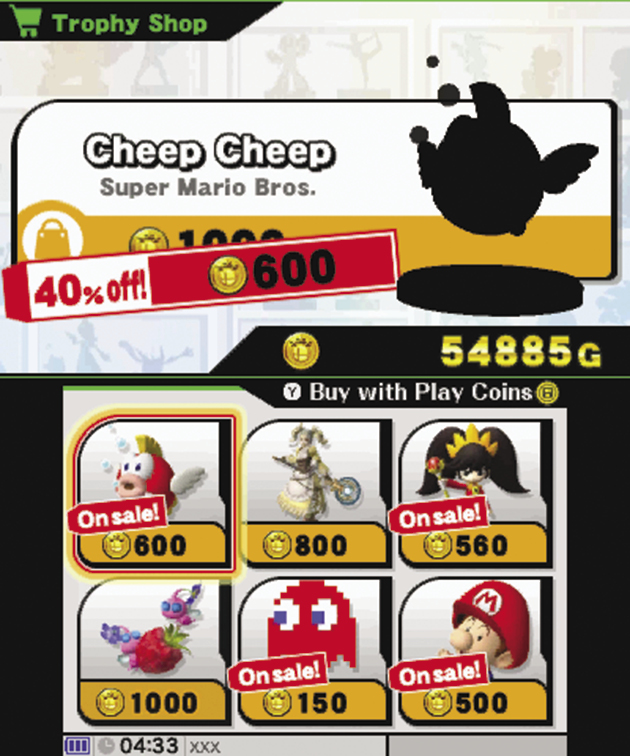
In the game’s Shop, you can use gold or Play Coins to purchase new trophies. Press  to toggle between currencies. The Shop contains up to six trophies at a time, and it features regular sales.
Seven minutes after leaving the Shop, the inventory updates if any of the following conditions have been met:
- You’ve purchased all six of the Shops available trophies.
- You’ve reached a result screen in Smash, Smash Run, Solo, or Trophy Rush.
- You’ve reached the result screen in StreetSmash.
If none of these conditions have been met, the inventory updates after 30 or more minutes of total run time has passed since you last exited the Shop.
Trophy Rush
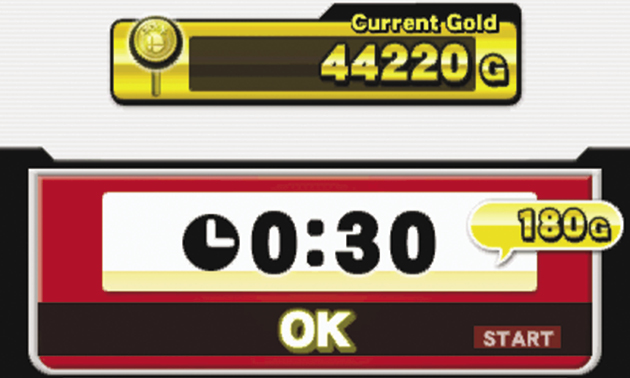
In Trophy Rush, you have a limited time to smash blocks for trophies and other prizes—the more gold you invest, the more time you get! Each second costs six gold. You can purchase a minimum of 30 seconds (for 180 gold) up to a maximum of 2 minutes and 30 seconds (for 900 gold).
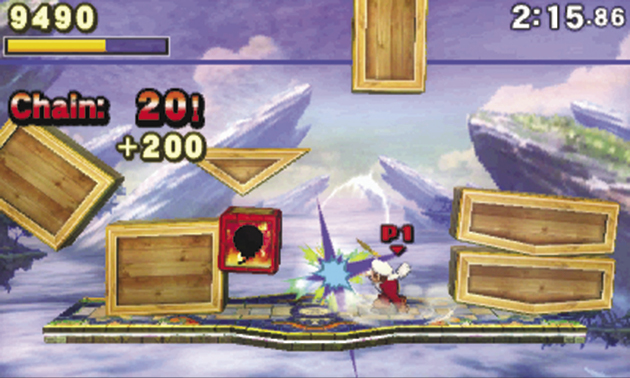
Use your fighter’s combat skills to shatter the blocks as they appear. Destroying blocks adds to your score—earn higher scores to earn more prizes. Many blocks contain trophies, gold, and customization items, so keep an eye out for any blocks marked with relevant icons. Some blocks explode shortly after they land. Destroy explosive blocks before they detonate, or keep your distance to avoid any impending explosions.
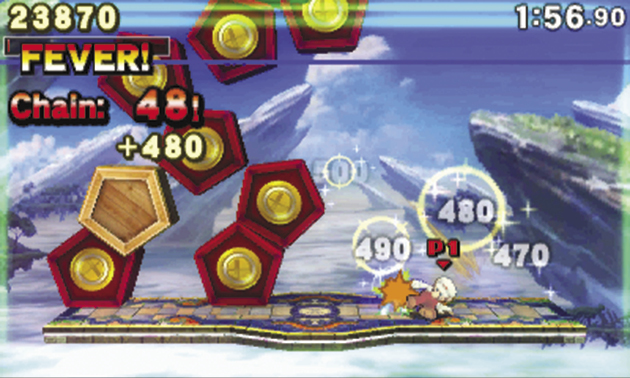
Destroy blocks in quick succession to earn chain bonuses for even more points. Fill the gauge in the upper-left corner of the Main Display to enter Fever Rush. During Fever Rush, most of the available blocks contain additional prizes. If you remain in one spot for too long, a special hazard will drop down to your position. If you take too much damage, you’ll be launched out of the stage—and each time this happens, your remaining time is reduced by 15 seconds. Additionally, allowing the blocks to stack too high will result in a KO! Watch the line near the top of the Main Display; shortly after a stack reaches that line, the entire platform vanishes. If this happens, the platform won’t return until after you’ve fallen out of the stage.
Album
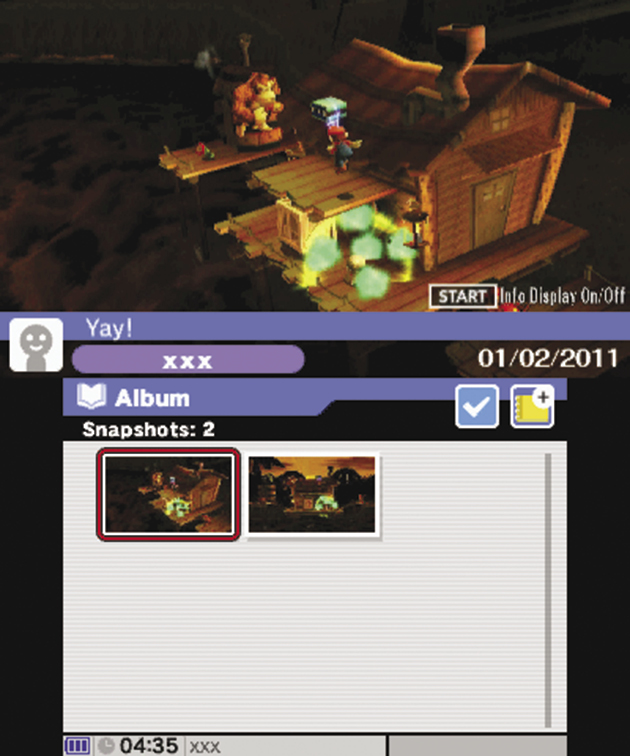
Album lets you review and manage all of the snapshots you’ve taken while playing the game. You can view individual images, add brief comments, and delete unwanted snapshots to save space on your SD card.
Replays
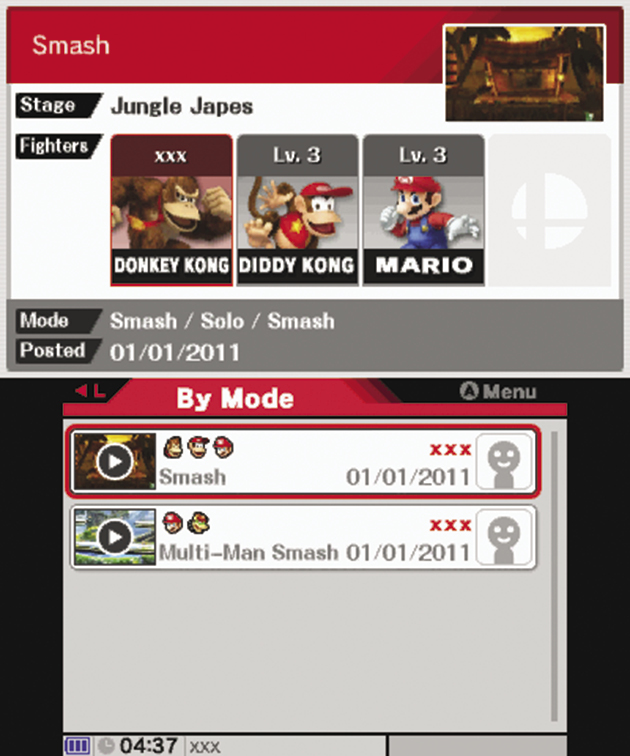
View and manage your saved replays! Replays can be organized by the order in which they were saved, by stage, by creator, or by game mode. Use  and
and  to cycle through these options. Select a replay to view it, add a brief comment, or delete it from your SD card.
Sounds
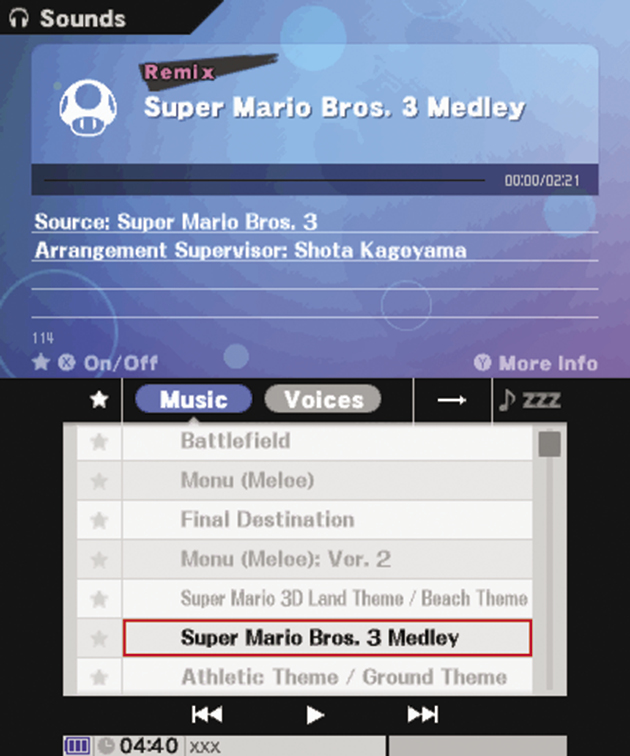
Sounds allows you to listen to all of the music and voice samples you’ve unlocked. Use the Touch Screen to select tracks, toggle between music and voices, mark your favorite songs, or activate the Play in Sleep Mode option (found in the Touch Screen’s upper-right corner).
Records
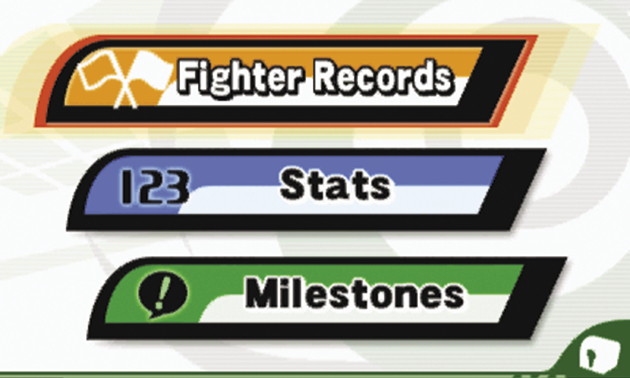
Records contains information about how you’ve been playing the game. Review your fighter records, current stats, and all of the milestones you’ve earned.
Fighter Records
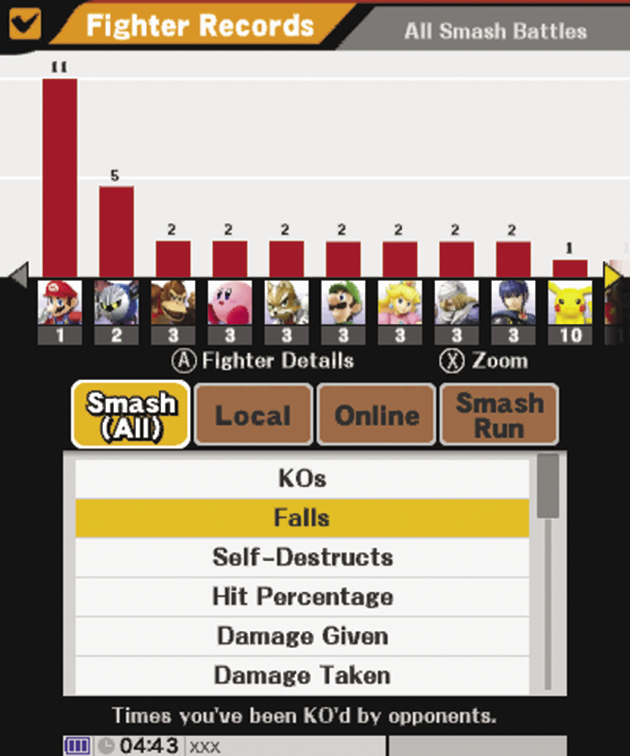
Review extensive records for each of the fighters on your roster! Use the Touch Screen to select specific records, then check the Main Display for each fighter’s current rank. The game tracks virtually everything each fighter does—from the KOs a character has scored to how many items he or she has collected. You’ll have all of the information you need to determine just how effective you’ve been with each fighter.
Fighter records are arranged by game mode; use the Touch Screen to select one of the available options.
Stats
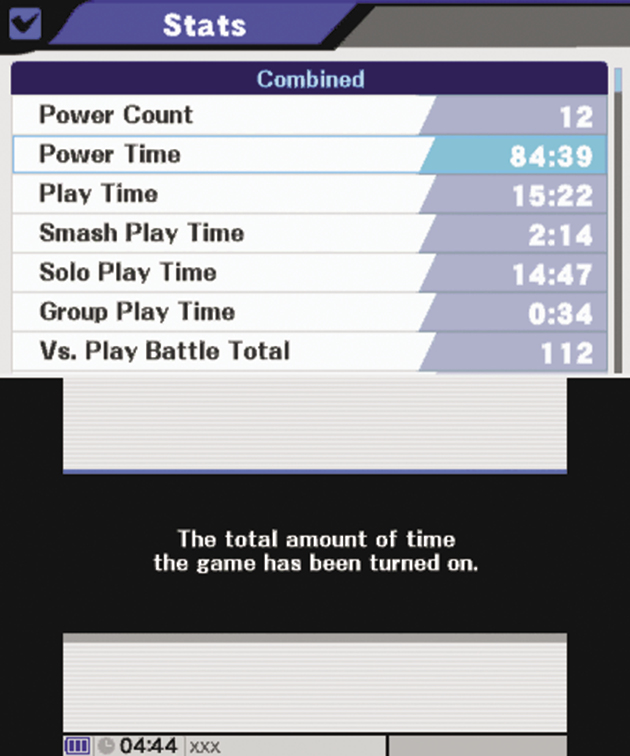
Stats tracks virtually every detail of how you’ve been playing the game. How many times have you turned on the game? How many total KOs have you scored? How much gold have you spent on trophies? If you’re curious about how you’ve spent your time in-game, this is the section for you! Select an item on the Main Display, then refer to the Touch Screen for a more detailed description of the statistic.
Milestones
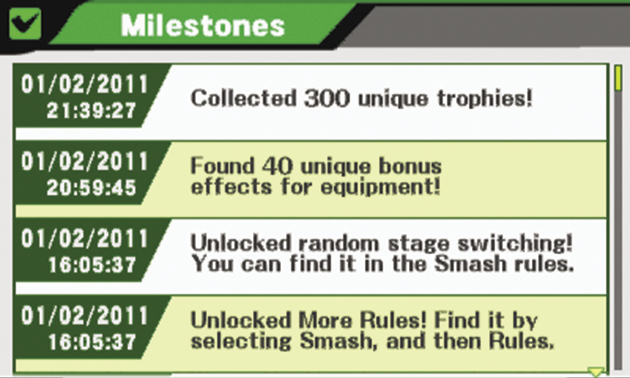
Check all of the milestones you’ve reached in the game and when you reached them. Use the Circle Pad to scroll through your milestones on the Main Display and see just how far you’ve come!
Tips
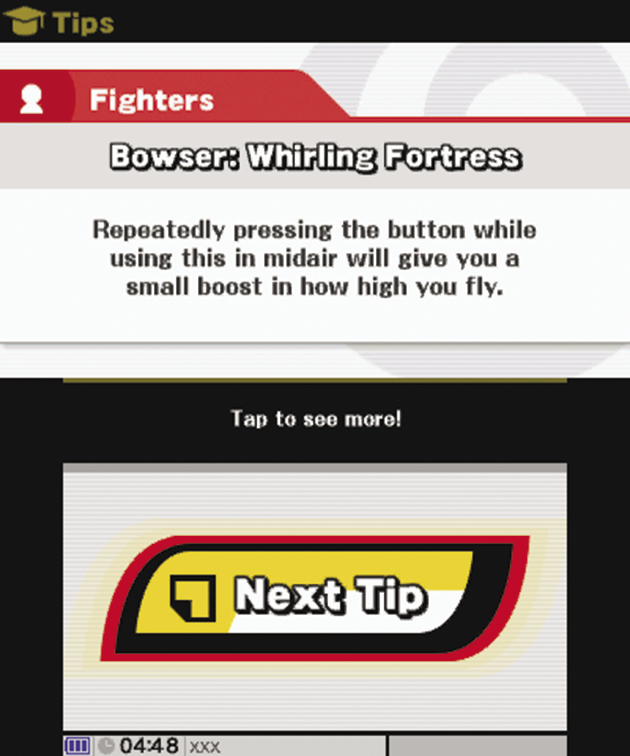
Review this handy collection of helpful tips. Tap the icon on the Touch screen to load a randomly selected tip about fighters, stages, items, game modes, and more!