
Super Smash Bros. WiiU/3DS Guide 3DS GAME MODES 3DS - Smash Run
Custom
Custom Overview
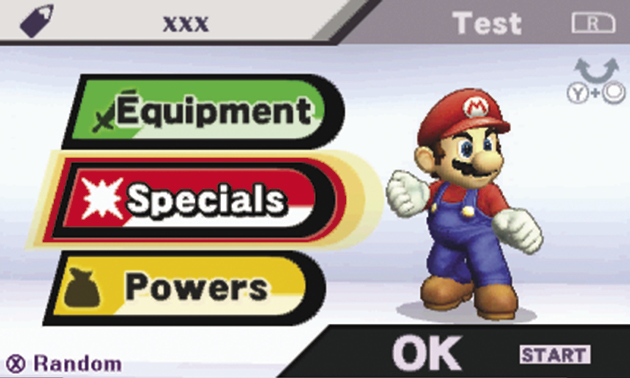
The Smash Run Custom mode and the Games & More Custom mode share many of the same features. Both modes can be used to assign new Specials and equipment to your available characters. This menu, however, also allows you to review your collected Powers and assign them to your fighters’ custom sets.
Custom Sets
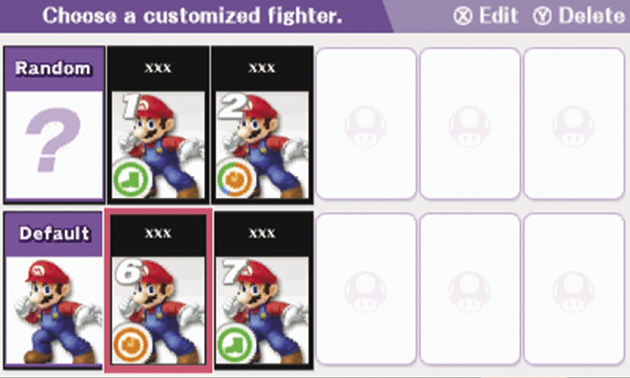
Select any fighter on your roster to create or edit a custom set. Each fighter can have up to 10 custom sets for use in various game modes. Experiment with different combinations of equipment, Specials, and Powers to ensure that you have a fighter for every occasion!
Equipment
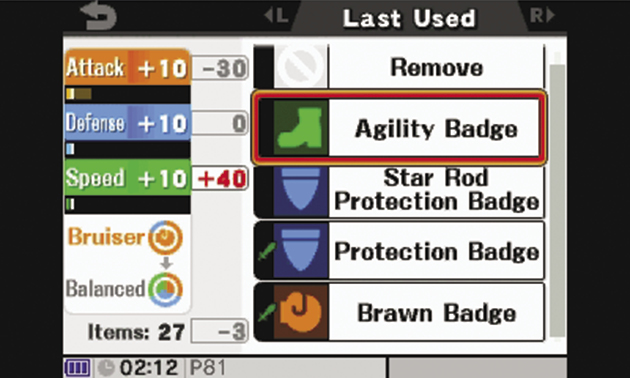
Use equipment to modify a fighter’s attack power, defensive abilities, or movement speed. Many pieces of equipment even offer special bonus effects.
Each custom set can hold up to three pieces of equipment. As you play through the game’s various modes, you’ll collect a wide variety of equipment, so remember to update your custom sets as more powerful items become available. Equipment that raises one stat will generally lower another; this can have a dramatic effect on a fighter’s performance.
Equipment can be organized by category, by the order in which they were collected, or with recently used equipment placed at the top of the list. No matter how you choose to organize your equipment, however, you can use the colored icons to identify each piece’s category:
- Orange: Orange icons indicate a piece of equipment that raises a fighter’s attack power. These items usually lower defensive abilities.
- Blue: Blue icons indicate a piece of equipment that raises a fighter’s defensive abilities. These items usually lower movement speed.
- Green: Green icons indicate a piece of equipment that raises a fighter’s movement speed. These items usually lower attack power.
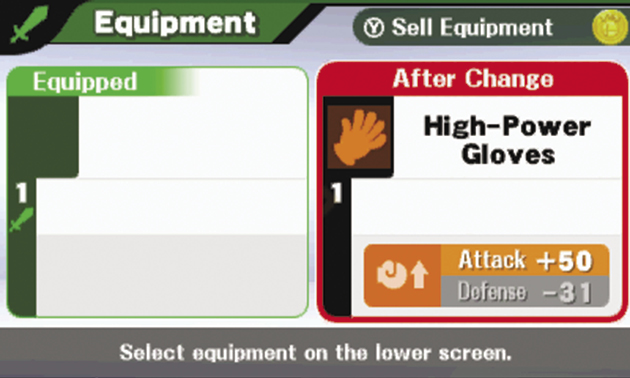
Some equipment can only be used by certain characters. These items can be identified by special icons, and they’ll only appear when you’re creating or editing a custom set for an appropriate character.
Character-Specific Equipment
Bonus Effects
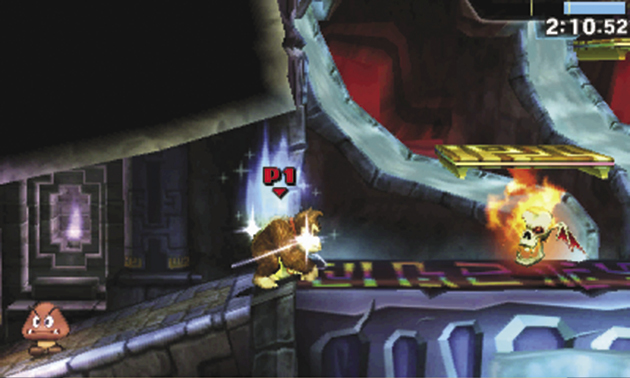
Depending on your playstyle, the bonus effects granted by some equipment can be even more important than stat changes. Some equipment can heal you over the course of a battle, provide you with a special item, or grant a variety of other effects.
Keep in mind that not all effects are advantageous. Some equipment items include negative effects to offset significant bonuses.
Specials
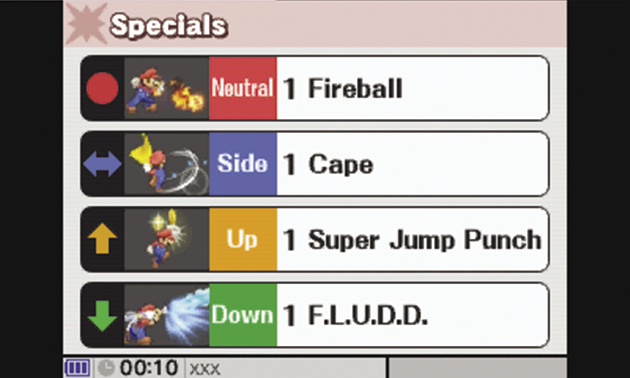
Each fighter is equipped with four default Special moves. As you play through the game’s various modes, however, you’ll discover alternate Specials for each of the characters on your roster. You can then use custom sets to assign new Specials to your fighters.
Each Special move is limited to a specific input:
- Neutral Special
- Side Special
- Up Special
- Down Special
Use the Touch Screen to select an input, then choose one of the available Specials.
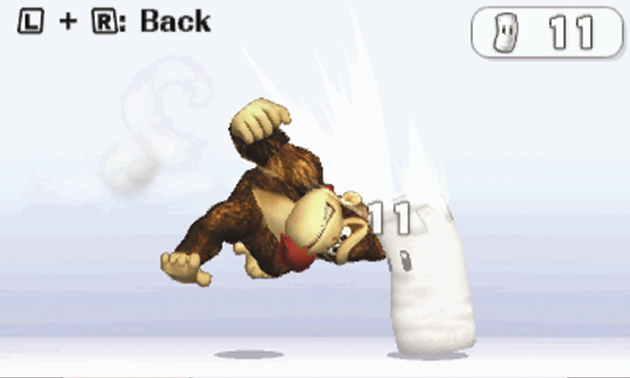
Alternate Specials can dramatically change a fighter’s offensive abilities. Before you save your custom set, press  to test your current loadout against Sandbag. This option provides all the information you’ll need to familiarize yourself with a Special’s unique elements.
Powers
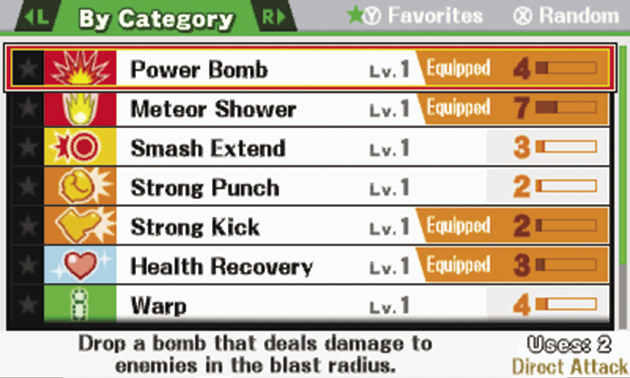
As you collect Powers from the game’s various modes, you can assign them to your fighters’ various custom sets. Press  and
and  to change the way they’re organized. Press
  to mark the highlighted Power as one of your favorites. This ensures that the Power will remain near the top of the list each time.
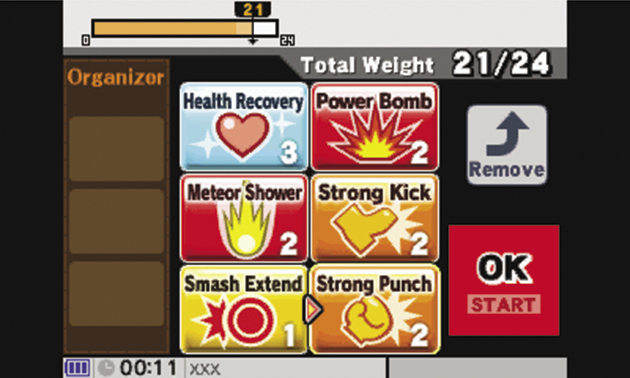
When you select a Power, it appears on the Touch Screen. Touch and drag the Power’s icon to move it to a different slot or to place it in the Organizer for easy access. Near the top of the Touch Screen, you’ll see the combined weight of the equipped Powers. This number cannot exceed your fighter’s weight limit.
Mii Fighters
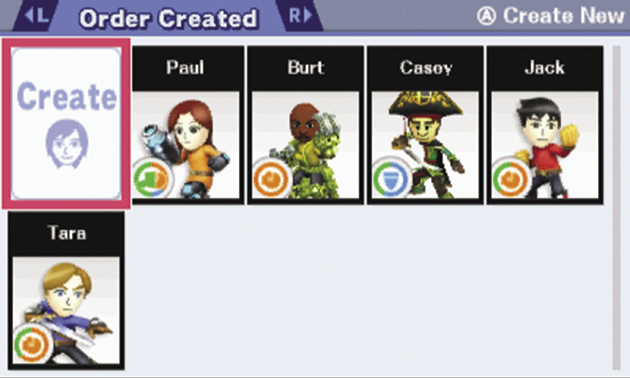
If you’ve already created a Mii Fighter in the Games & More Custom mode, you can use the Smash Run Custom mode to edit or create Mii Fighter custom sets. To do so, simply select the Mii Fighters from your roster.
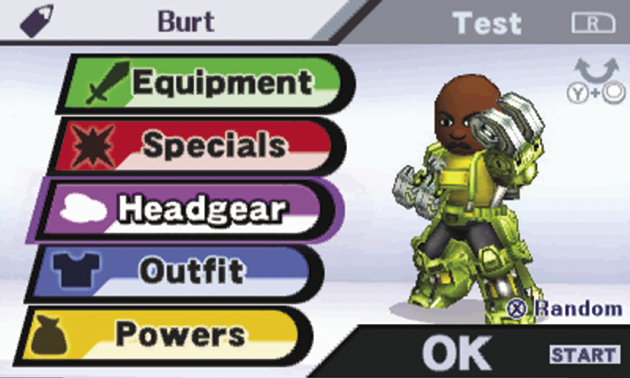
Like the every other character on your roster, Mii Fighters can utilize equipment, Specials, and Powers; however, you can also use the headgear or outfits you’ve managed to collect to alter your Mii Fighter’s appearance. Headgear and outfit items are purely cosmetic—they don’t have any effect on your fighter’s stats or abilities.
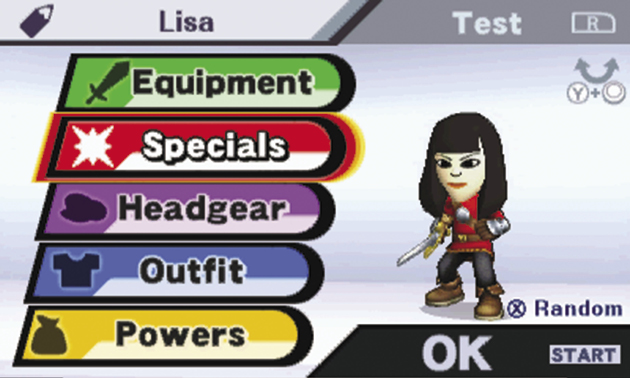
The body type of an imported Mii has a dramatic effect on the resulting Mii Fighter. Larger Miis tend to be slower and stronger, while smaller Miis are faster and harder to hit. Experiment with different height and weight combinations to find a Mii Fighter that complements your playstyle!