Prima Games eGuides
primagames.com Browse Redeem a code Help
Super Smash Bros. WiiU/3DS
Sign in My Guides

Sign in or create an account

We'll email you a link. No password needed, and if you don't have an account yet, the link makes one.

By creating an account or signing in, you agree to our Terms of Service and Privacy Policy.

Have a password?

Had an account on the old eGuides site, or a code from a printed guide? Help and troubleshooting

Sign in with a password

By signing in, you agree to our Terms of Service and Privacy Policy.

Check your email

A sign-in link is on its way. It works once and expires in 15 minutes. Open it and you're in, with an account if you didn't already have one.

Contents

  • GAME BASICS
    • Wii U Menus
    • 3DS Menus
    • How to Play
    • Amiibo Figures
    • From amiibo Figures to Figure Players!
  • CHARACTERS
    • Bowser
    • Bowser Jr.
    • Captain Falcon
    • Charizard
    • Dark Pit
    • Diddy Kong
    • Donkey Kong
    • Dr. Mario
    • Duck Hunt
    • Falco
    • Fox
    • Ganondorf
    • Greninja
    • Ike
    • Jigglypuff
    • King Dedede
    • Kirby
    • Link
    • Little Mac
    • Lucario
    • Lucina
    • Luigi
    • Mario
    • Marth
    • Mega Man
    • Meta Knight
    • Mr. Game & Watch
    • Ness
    • Olimar
    • PAC-MAN
    • Palutena
    • Peach
    • Pikachu
    • Pit
    • R.O.B.
    • Robin
    • Rosalina & Luma
    • Samus
    • Sheik
    • Shulk
    • Sonic the Hedgehog
    • Toon Link
    • Villager
    • Wario
    • Wii Fit Trainer
    • Yoshi
    • Zelda
    • Zero Suit Samus
    • Character Weights
    • Mii Fighters
  • STAGES
    • Stage Selection
    • Wii U Stages
    • 3DS Stages
  • ITEMS
    • Items in Battle
    • Item Categories
    • Item Descriptions
  • Wii U GAME MODES
    • Wii U - Smash
      • Smash Overview
      • Smash Menus
      • Smash
      • 8-Player Smash
      • Special Smash
      • Rules
      • Controls
      • Unlocking Hidden Characters in Smash
    • Wii U - Smash Tour
      • Smash Tour Overview
      • Smash Tour Options
      • Smash Tour Basics
    • Wii U - Games & More
      • Games & More Overview
      • Games & More Menu
      • Vault
      • Solo
      • Group
      • Custom
      • Stage Builder
      • Options
    • Wii U - Challenges
      • Challenges Overview
      • Revealing Challenges
      • Challenge Tips
  • 3DS GAME MODES
    • 3DS - Smash
      • Smash Overview
      • Smash Menus
      • Solo
      • Group
      • Unlocking Hidden Characters in Smash
    • 3DS - Smash Run
      • Smash Run Overview
      • Smash Run Menu
      • Solo
      • Group
      • Custom
      • Select Music
    • 3DS - Games & More
      • Games & More Overview
      • Games & More Menu
      • Solo
      • Group
      • Custom
      • Vault
      • Options
    • 3DS - Challenge
      • Challenge Overview
      • Revealing Challenges
      • Completing Challenge Panels
      • Challenge Panel 1
      • Challenge Panel 2
      • Challenge Panel 3
      • Challenge Tips
  • Super Smash Bros. Time Line
    • Super Smash Bros. Time Line

Super Smash Bros. WiiU/3DS Guide › ITEMS

Items in Battle

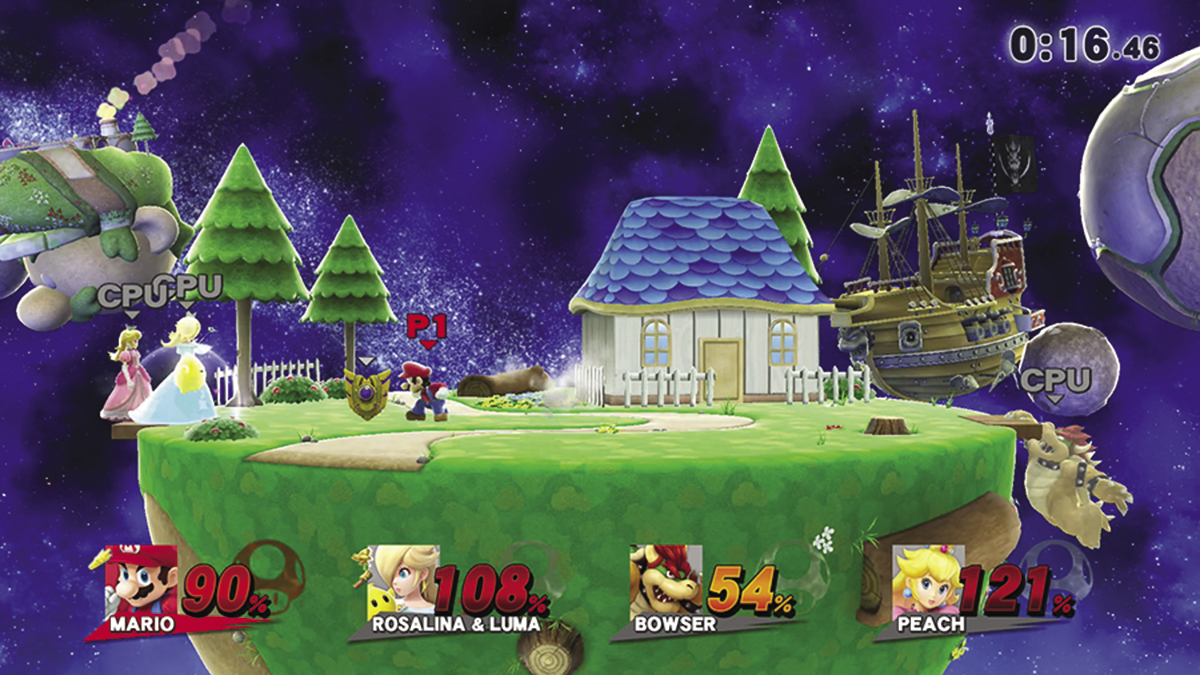
During some game modes, items frequently appear on the battlefield. Fighters can use these items to summon allies, recover health, gain temporary abilities, and more. Some items are activated the moment they’re collected or after they’ve absorbed a certain amount of damage. Most items, however, must be collected and activated manually. Approach such items and press the Attack button () to grab them. When you’re holding an item, press the Attack button to use it.
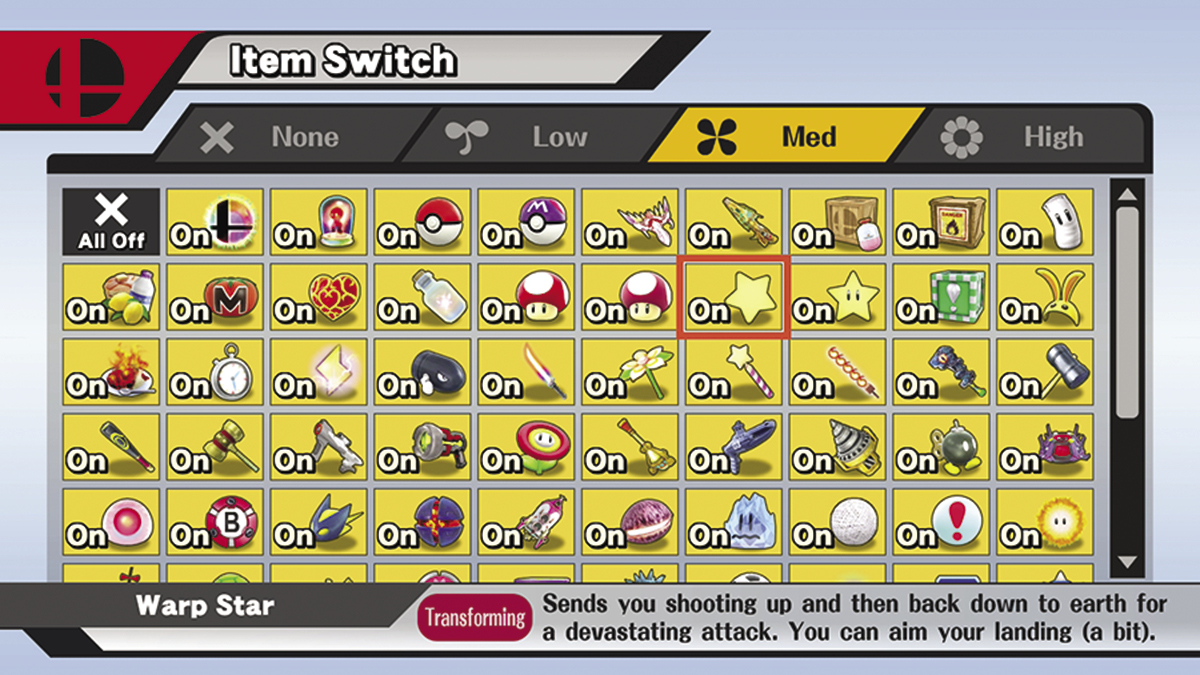
In the game’s Smash modes, players have the option to switch off some or all of the items that might appear over the course of a battle. Use the Item Switch option in the “Rules” menu to determine which items have a chance to appear.
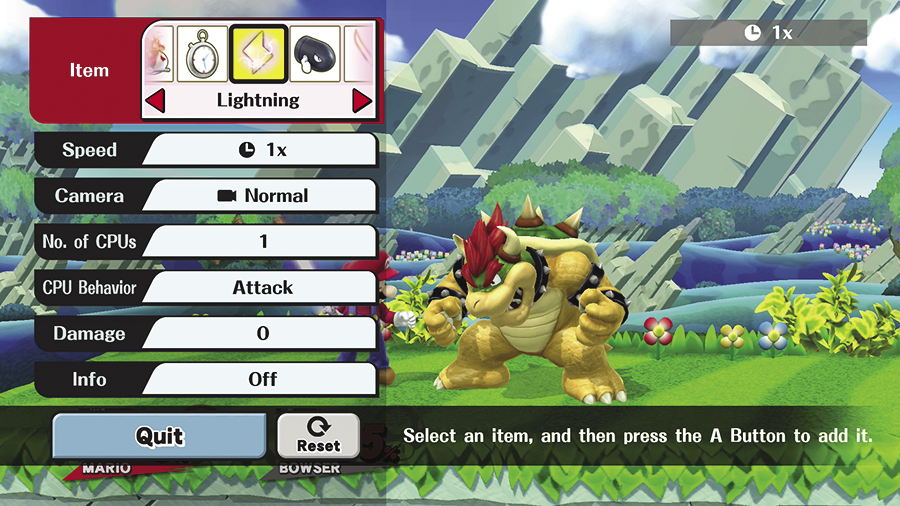
During Training, you’re free to practice with any of the game’s selectable items; simply use Training menu to select and spawn the item or items you’d like to test.
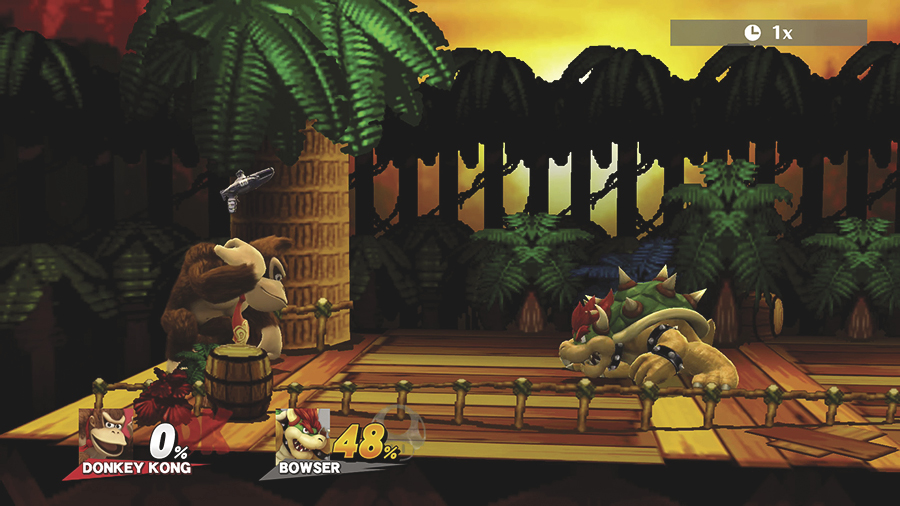
Some items are automatically consumed when they’re collected, but many items will be carried until they’re activated or depleted. In these cases, press the Grab button to drop an unwanted item.
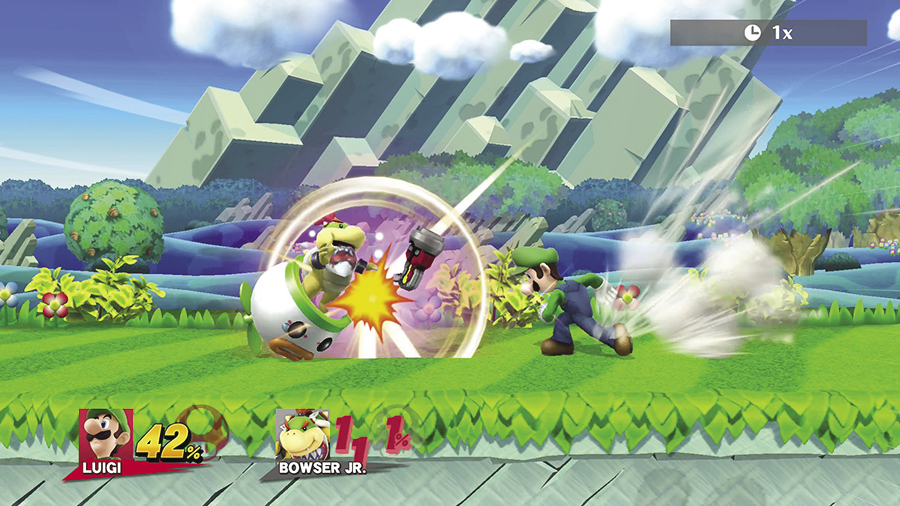
While discarding an item, you can flick the Left Stick (or Circle Pad) to throw the item in the corresponding direction. Use this ability to clear items from the battlefield or to throw items at other fighters. You can even use this technique while dashing to add a little extra distance to your throw! Be careful, though—fighters can catch thrown items by pressing at just the right time.

Keep reading with a free account

The first 3 sections of Super Smash Bros. WiiU/3DS are open to everyone. An account opens the rest of it, and every other guide in the archive. It's free, and there's nothing to buy.

Bought guides on the old Prima Games site? Your account and every guide you own moved here, so there's nothing to buy again. Sign in.

Create a free account Or browse our free guides

Previous3DS Stages NextItem Categories