
Super Smash Bros. WiiU/3DS Guide Wii U GAME MODES Wii U - Games & More
Options
Options Menu
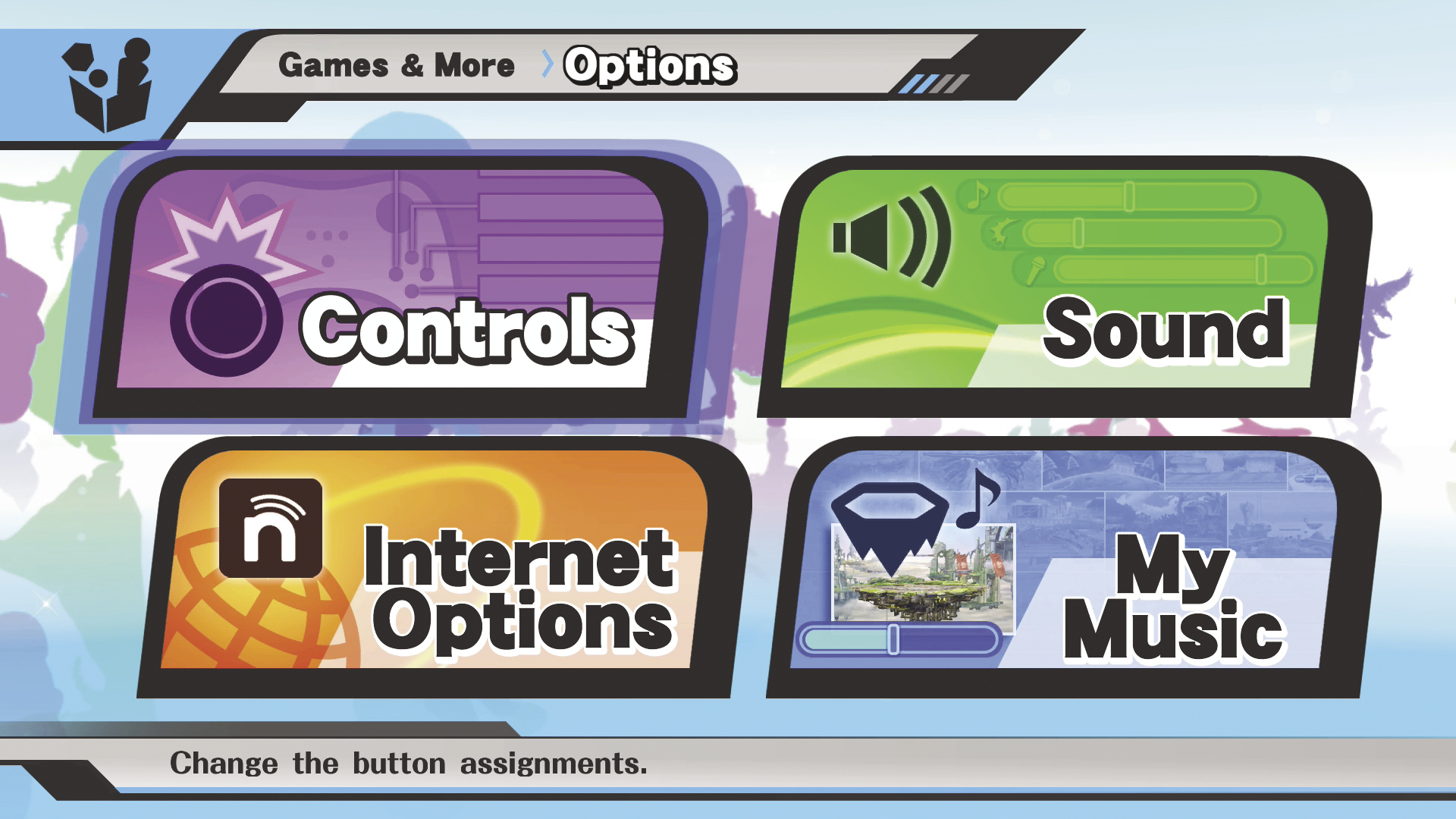
The “Options” menu is divided into four categories:
- Controls: Change the button assignments.
- Sound: Adjust the volume of music, sound effects, and voices.
- Internet Options: Change your online settings and profile.
- My Music: Manually select the music that will play during battle.
Controls
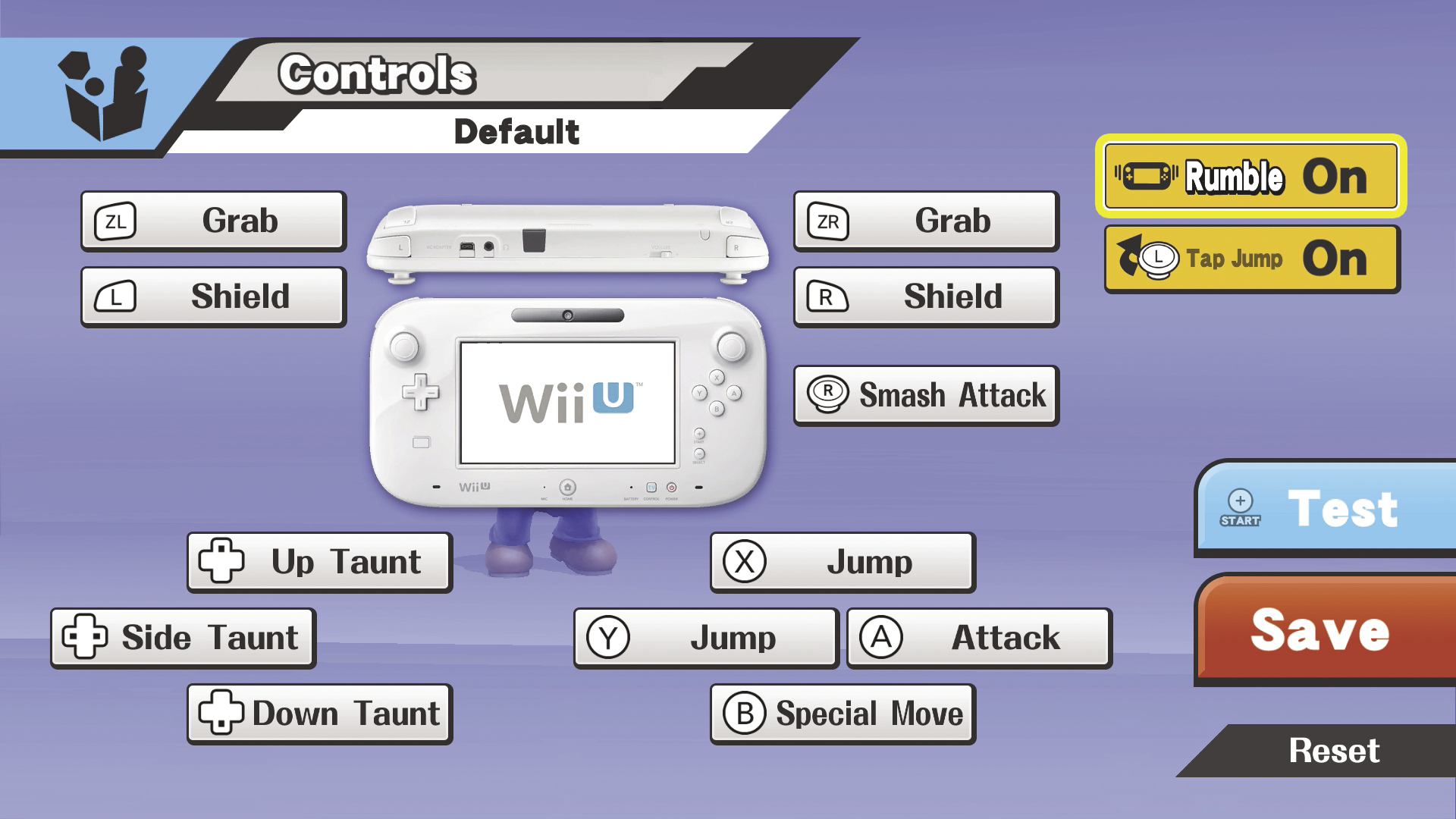
Review the default button assignments for various controllers or create your own custom control schemes. Select an available button, then scroll to the options to assign a new function. You can then test your changes and save for use in battle.
Sound
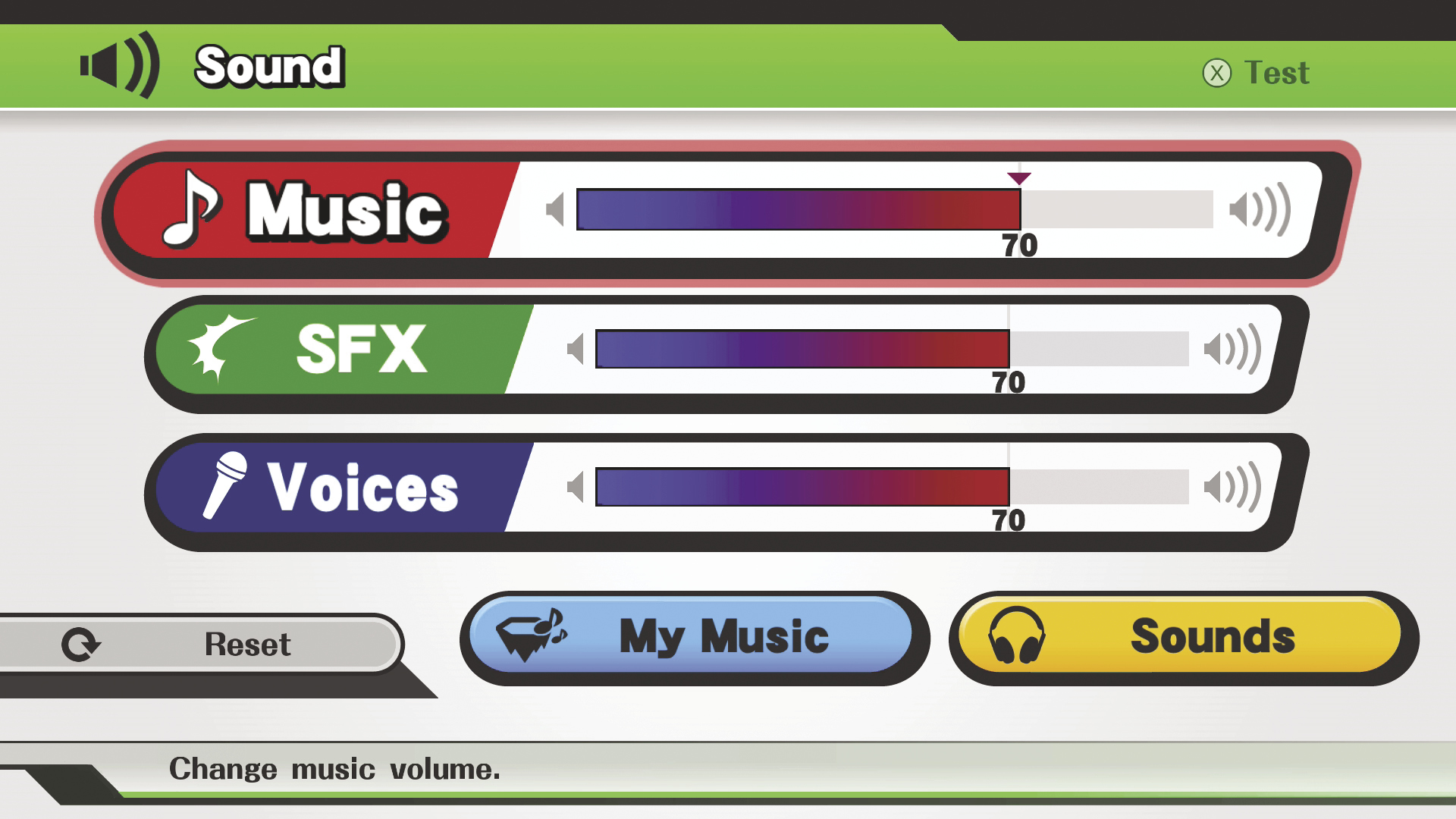
Adjust the volume of the game’s music, sound effects, and voices to match your tastes. You can preview your settings before you exit, or use the tab near the bottom of the screen to access all of the music and voices you’ve managed to collect.
Internet Options
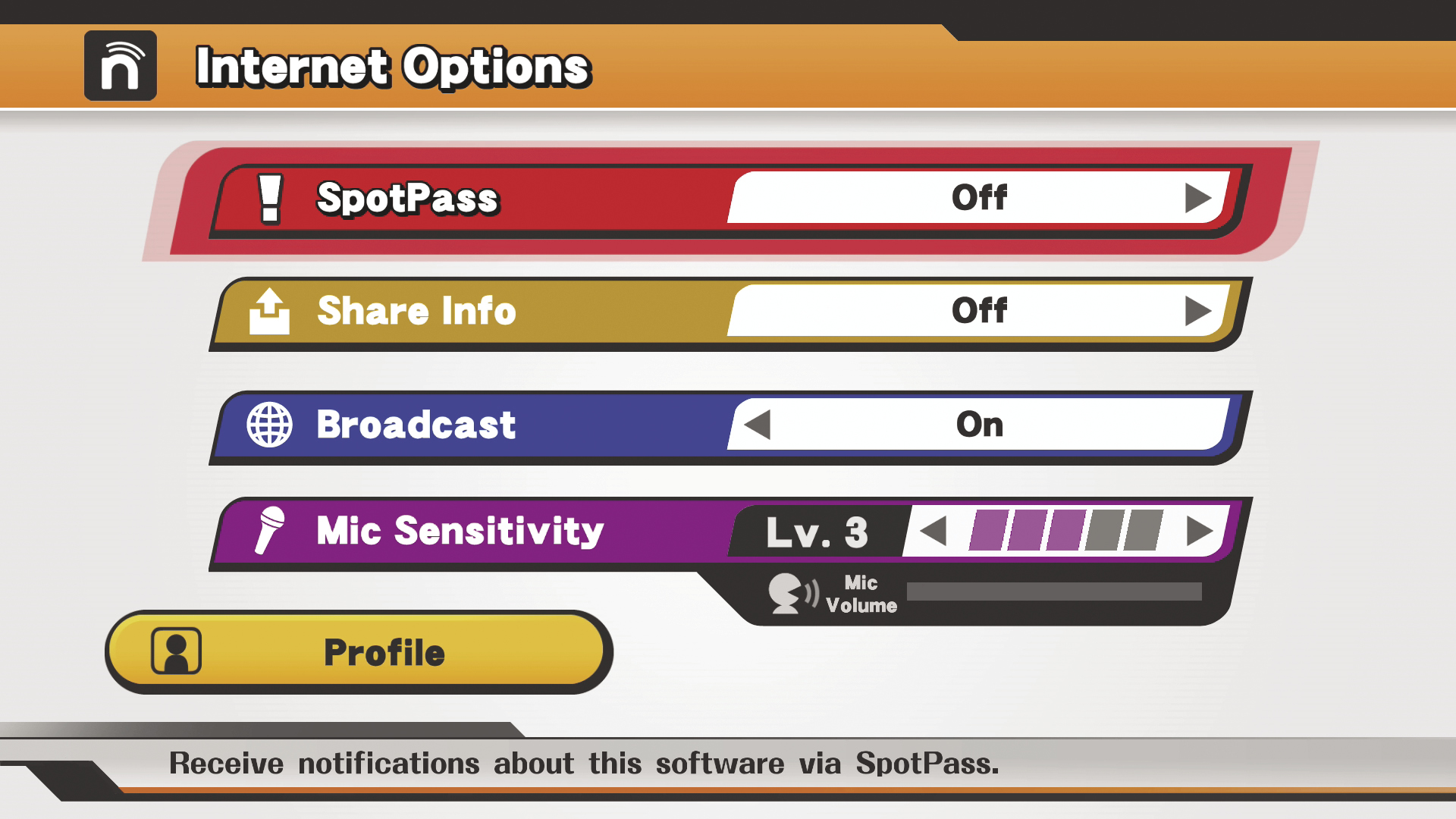
This menu allows you to change your online settings and edit your personal profile:
- SpotPass: This setting determines whether or not you receive SpotPass notifications about the game.
- Share Info: This setting determines whether or not Nintendo will receive information about how you play the game.
- Broadcast: This setting determines whether or not other players will be able to watch your battles in Spectator mode.
- Profile: Select this option to change your profile icon, change your greeting, or edit the short messages assigned to the +Control Pad.