
Super Smash Bros. WiiU/3DS Guide ITEMS
Items in Battle
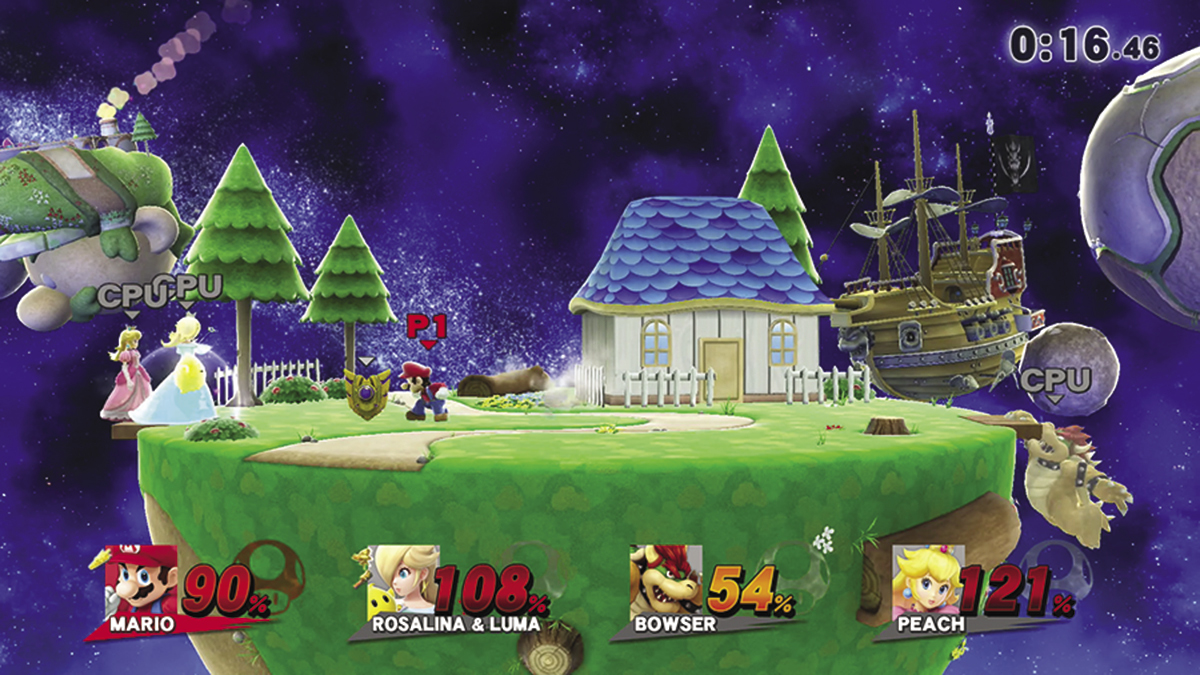
During some game modes, items frequently appear on the battlefield. Fighters can use these items to summon allies, recover health, gain temporary abilities, and more. Some items are activated the moment they’re collected or after they’ve absorbed a certain amount of damage. Most items, however, must be collected and activated manually. Approach such items and press the Attack button ( ) to grab them. When you’re holding an item, press the Attack button to use it.
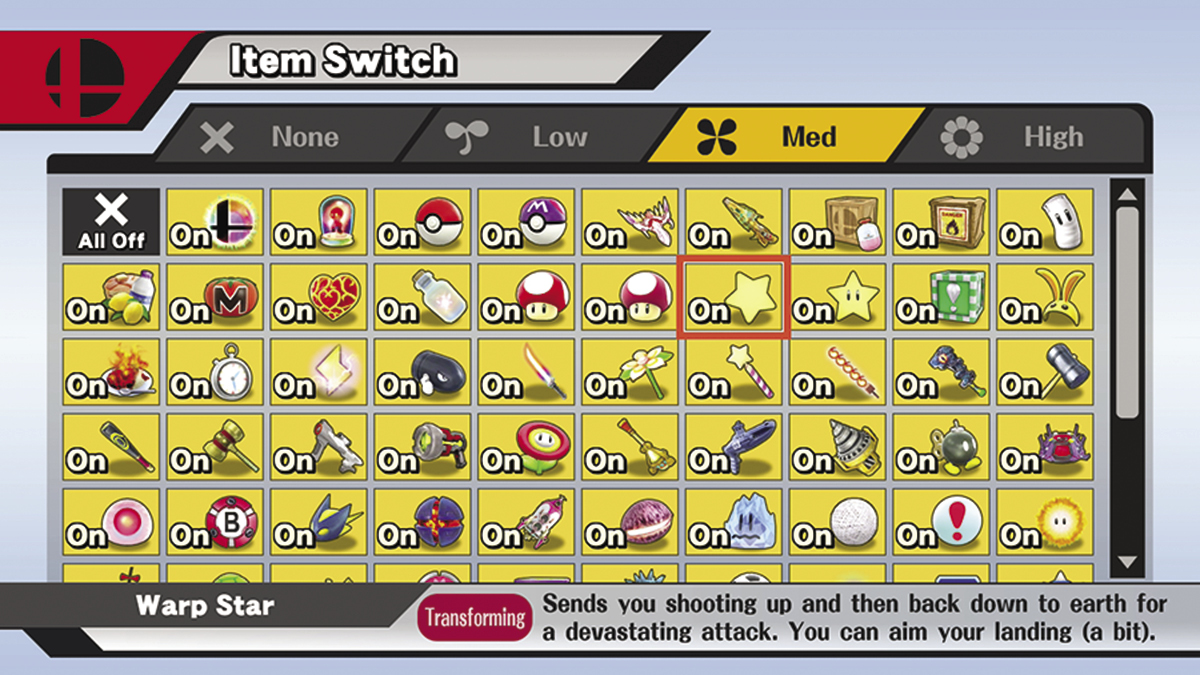
In the game’s Smash modes, players have the option to switch off some or all of the items that might appear over the course of a battle. Use the Item Switch option in the “Rules” menu to determine which items have a chance to appear.
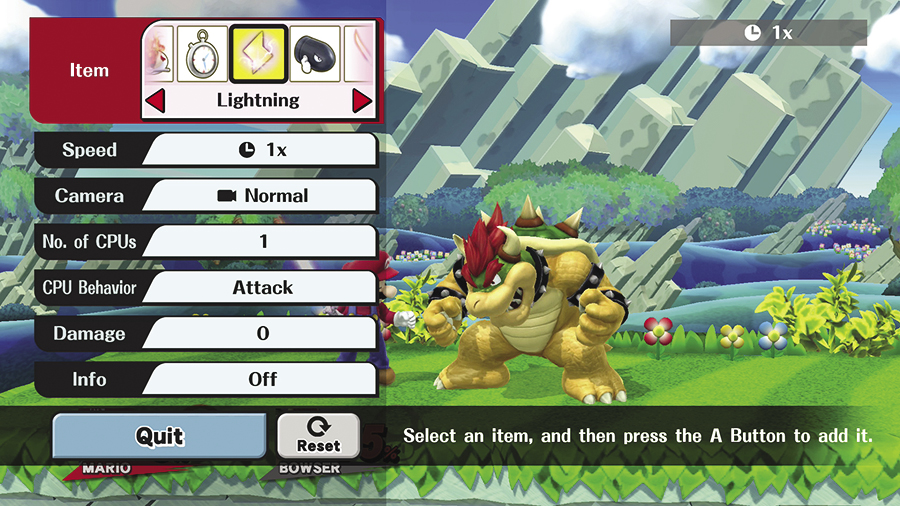
During Training, you’re free to practice with any of the game’s selectable items; simply use Training menu to select and spawn the item or items you’d like to test.
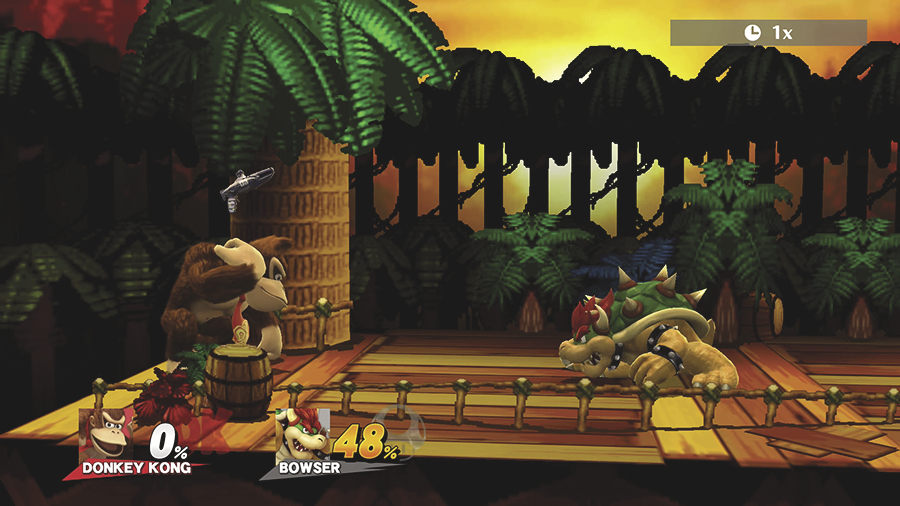
Some items are automatically consumed when they’re collected, but many items will be carried until they’re activated or depleted. In these cases, press the Grab button to drop an unwanted item.
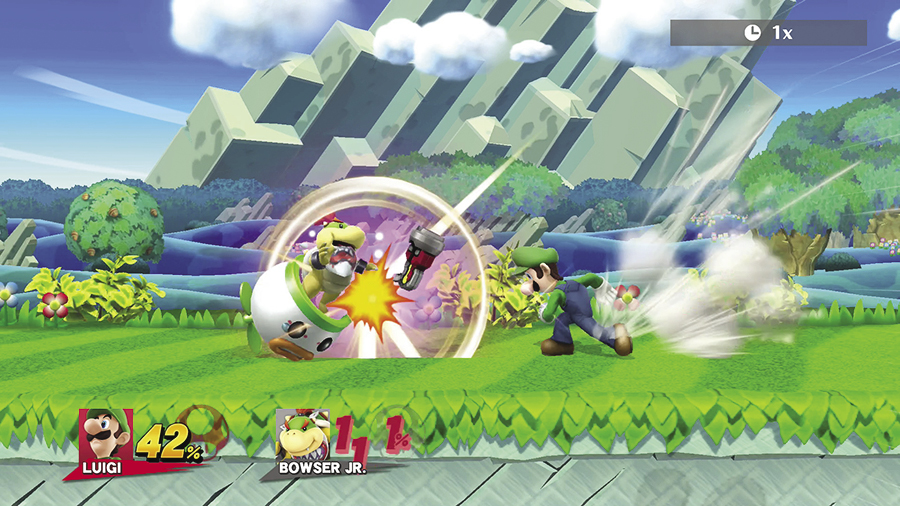
While discarding an item, you can flick the Left Stick (or Circle Pad) to throw the item in the corresponding direction. Use this ability to clear items from the battlefield or to throw items at other fighters. You can even use this technique while dashing to add a little extra distance to your throw! Be careful, though—fighters can catch thrown items by pressing  at just the right time.