Little Big Planet 3 Signature Series Strategy Guide Welcome to the Popit Academy
Popit Cursor
Grabbing Your Bearings
In Create Mode, your Popit Cursor is typically one of the most frequently used tools. That’s because you can use it to select any other materials or anything you have already created and modify them to your liking.
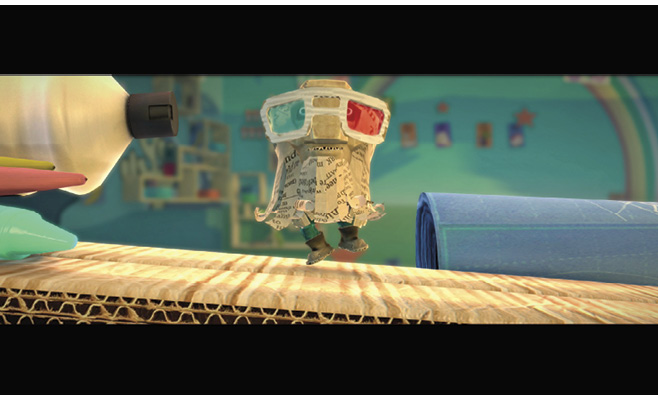
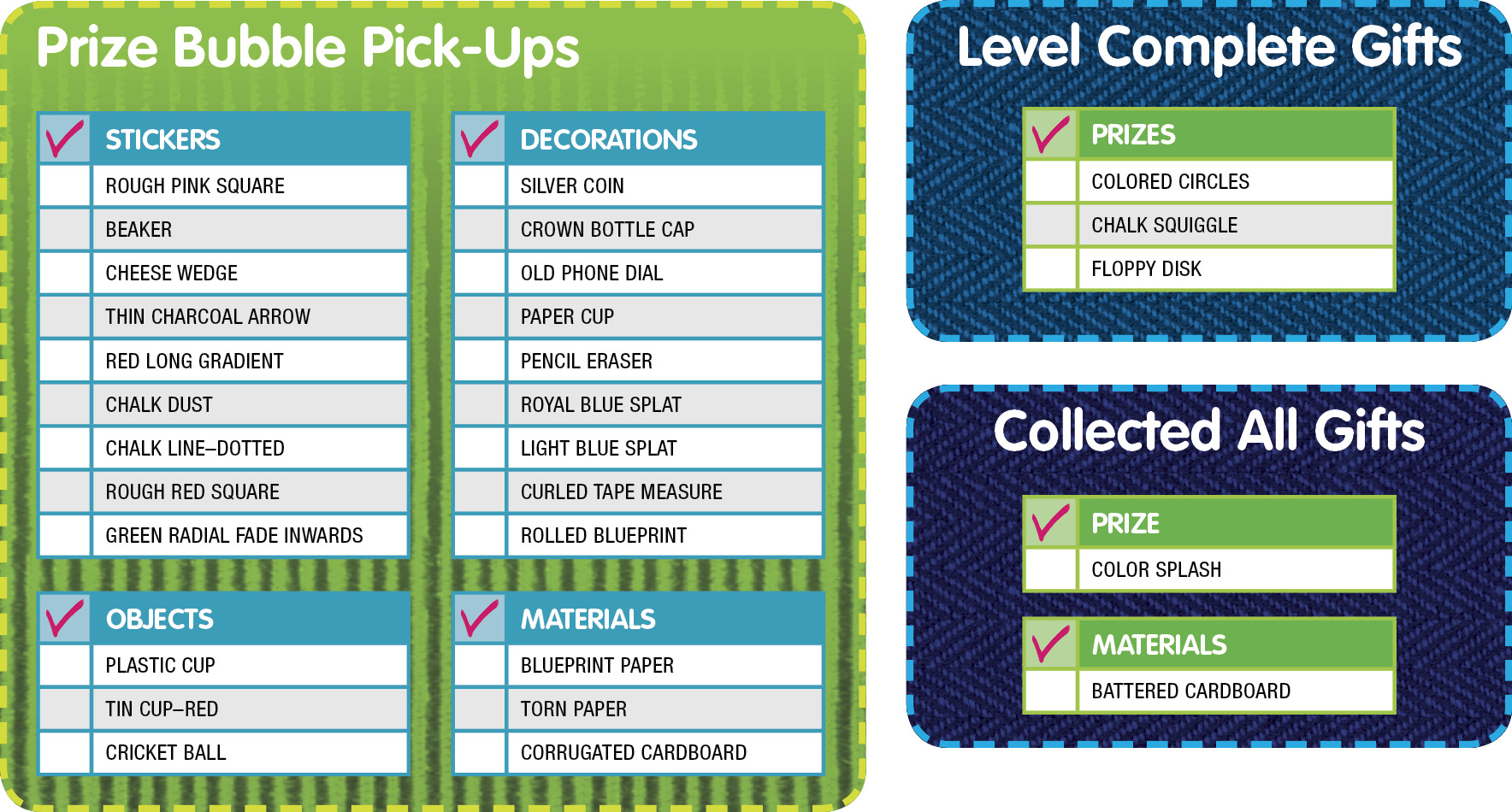
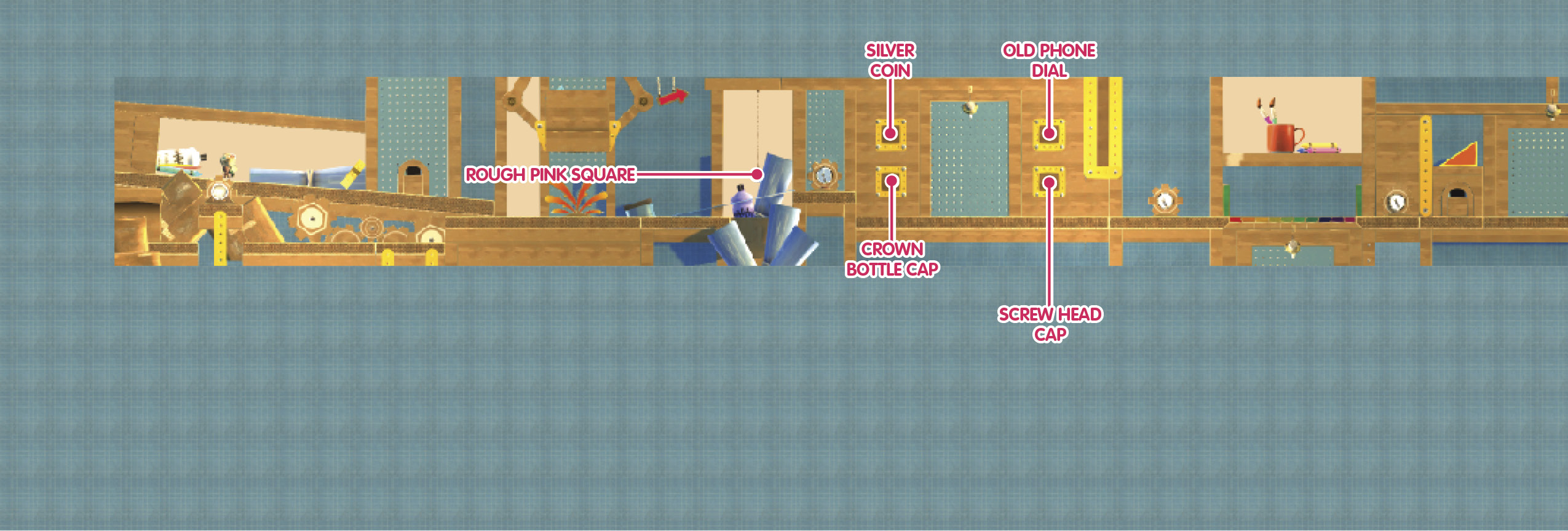
Follow Larry Da Vinci to your very first Popit Powerup and receive your construction hat. When you proceed up the ramp afterward, you can find your first Prize Bubble—a Rough Pink Square Sticker.
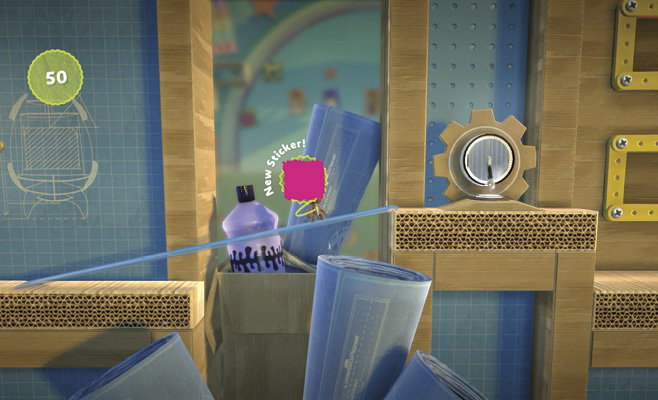
Walk on through your next Popit Powerup to learn about using the Popit Cursor.
Use Your Knowledge
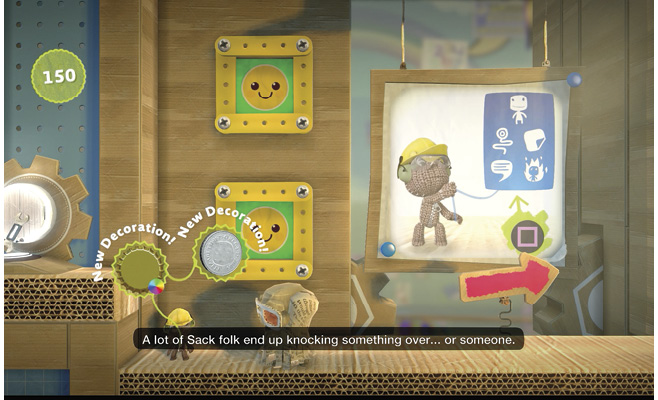
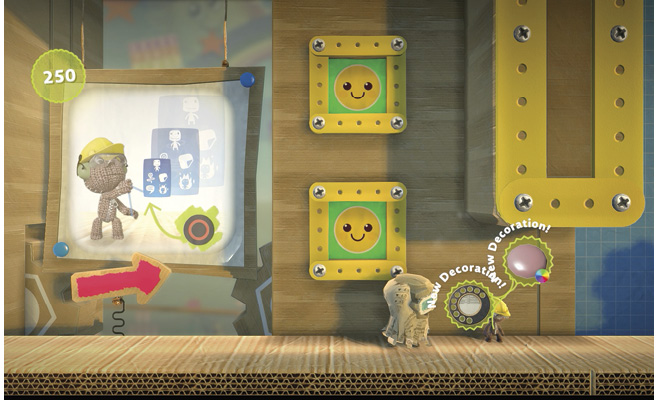
Use the Popit Cursor to interact with the orange areas on the walls. Simply hovering over them with the cursor causes four Prize Bubbles to drop: the Silver Coin Decoration, Crown Bottle Cap Decoration, Screw Head Cap Decoration, and Old Phone Dial Decoration.
Sack Folk Make Mistakes, Too
Follow Larry Da Vinci across the rainbow bridge to learn a lesson about mistakes in Create Mode and how they’re entirely all right to make because of the handy rewind feature.
A Little Rearranging…
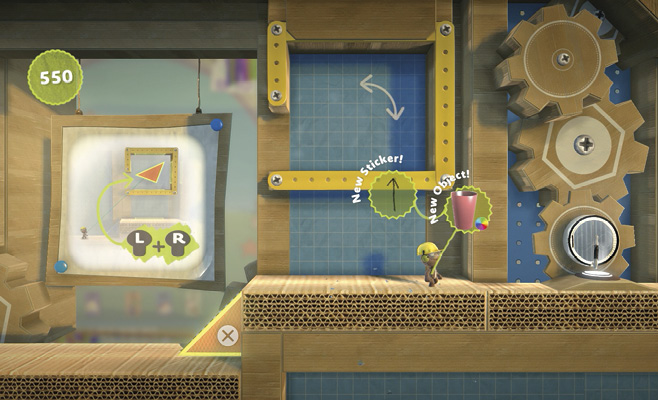
Do you see those Prize Bubbles perched up ahead? Use your Popit Cursor to move the orange triangle and turn it into a platform to that area. Here, you can collect the Beaker Sticker and Paper Cup Decoration.
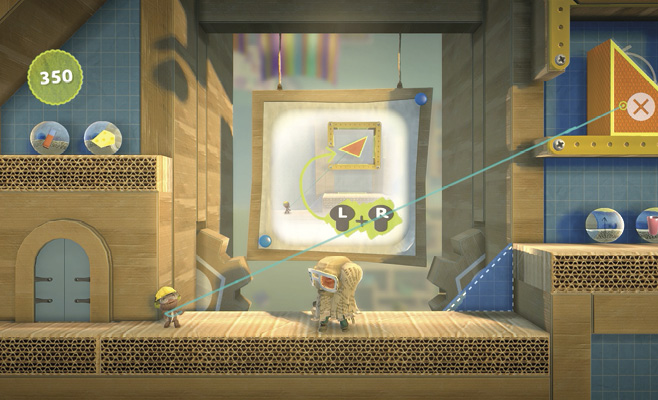
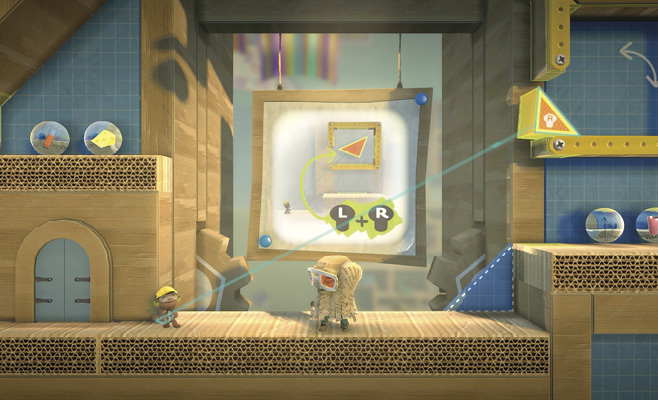
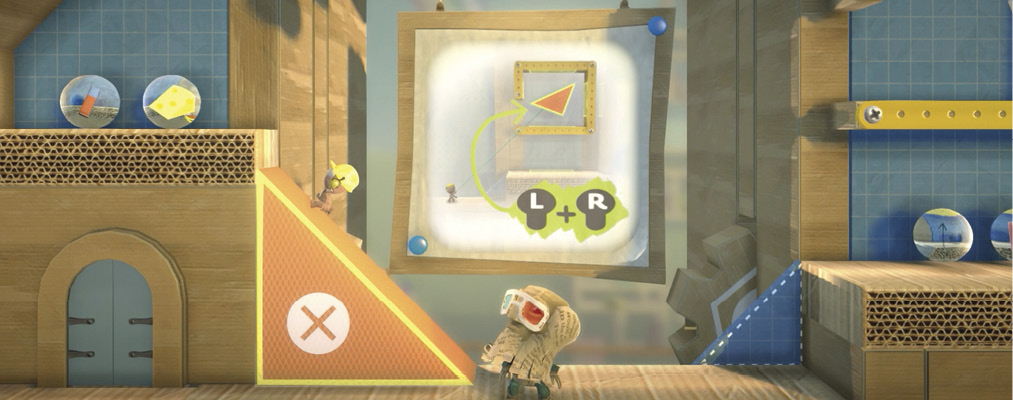
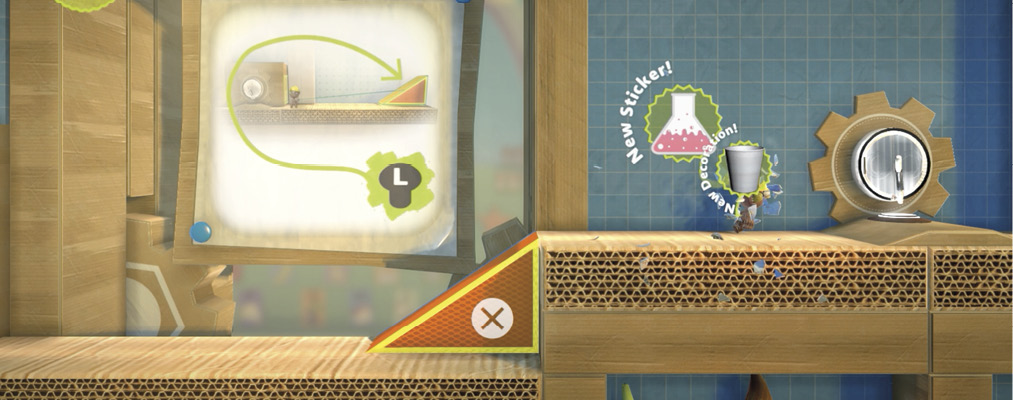
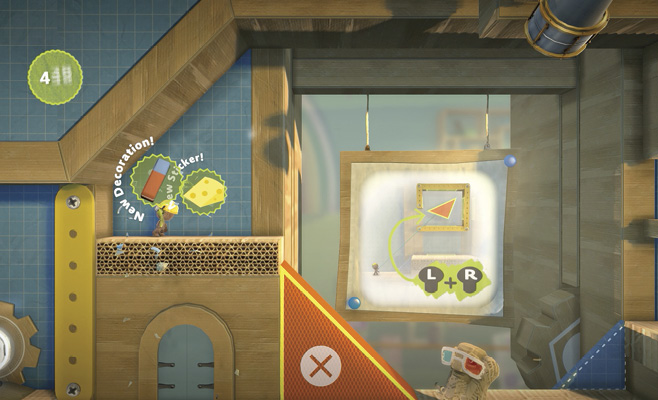
You’ll do the same thing in the next room, but now, there are more collectibles for your sack person to grab. Make those ramps as big or small as you need them to be, and remember to press V if you have to flip a shape. In this room, you can reach the Prize Bubbles for the Pencil Eraser Decoration and Cheese Wedge Sticker above the doorway on the left and the Thin Charcoal Arrow Sticker and Plastic Cup Object on the right.
Hold It
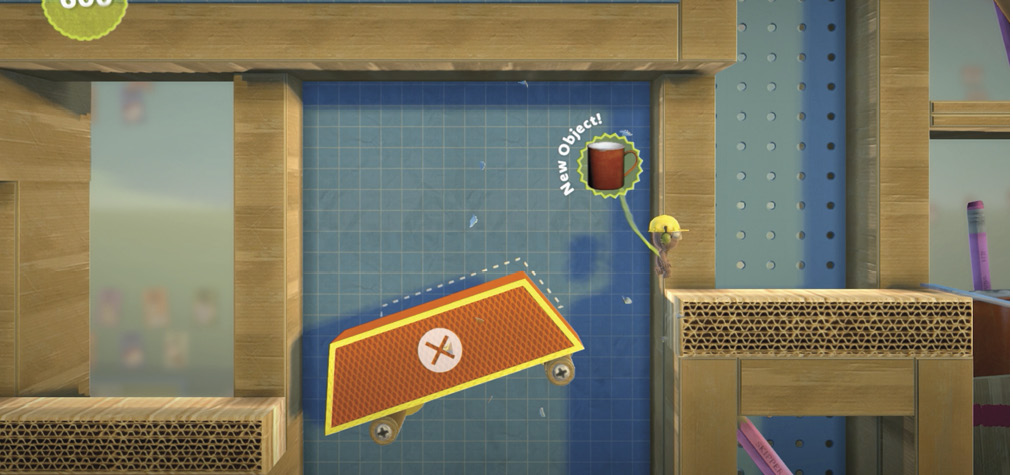
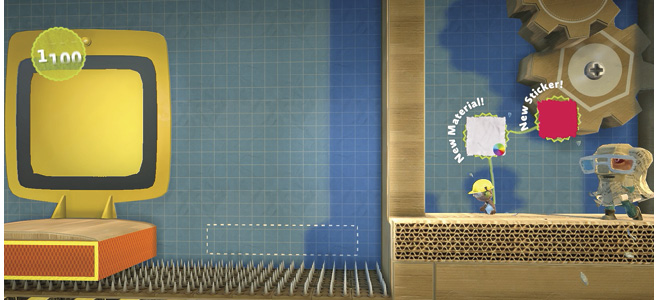
Beware of the spikes in the next room. If your sack person is used to running headlong into the next area, you might want to start looking where you’re going so they don’t get themselves skewered. Grab the orange shape, resize it, spin it, and move it to create a platform for your sack person. Use the same shape a second time to create a slanting platform to move forward again, leaping to pop the Tin Cup–Red Object Prize Bubble on the way.
Now You See It, Now You Don’t
Proceed down the ramp through your next Popit Powerup. This is where things get really fun: it’s time to play magician and make objects disappear!
See that big orange rectangle up ahead, the one that’s so rudely blocking your sack person’s path? Select it with your Popit Cursor, and then press  to recycle it.
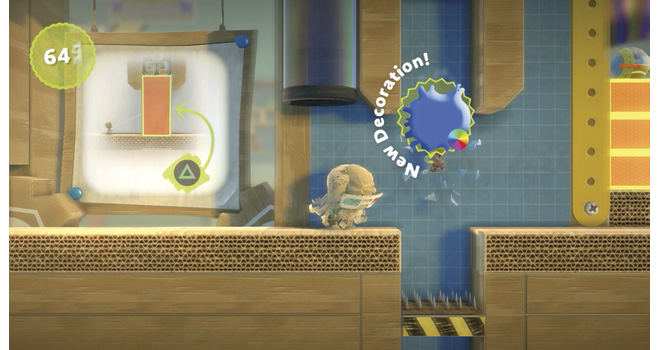
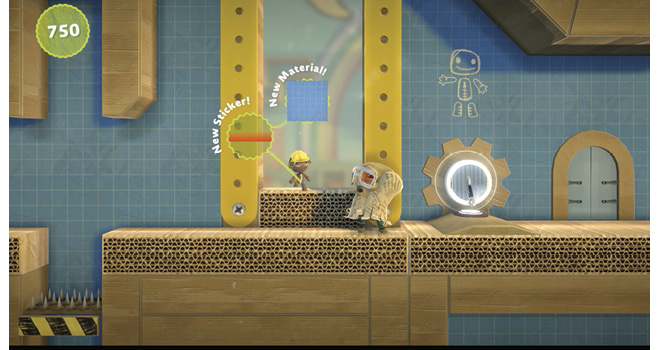
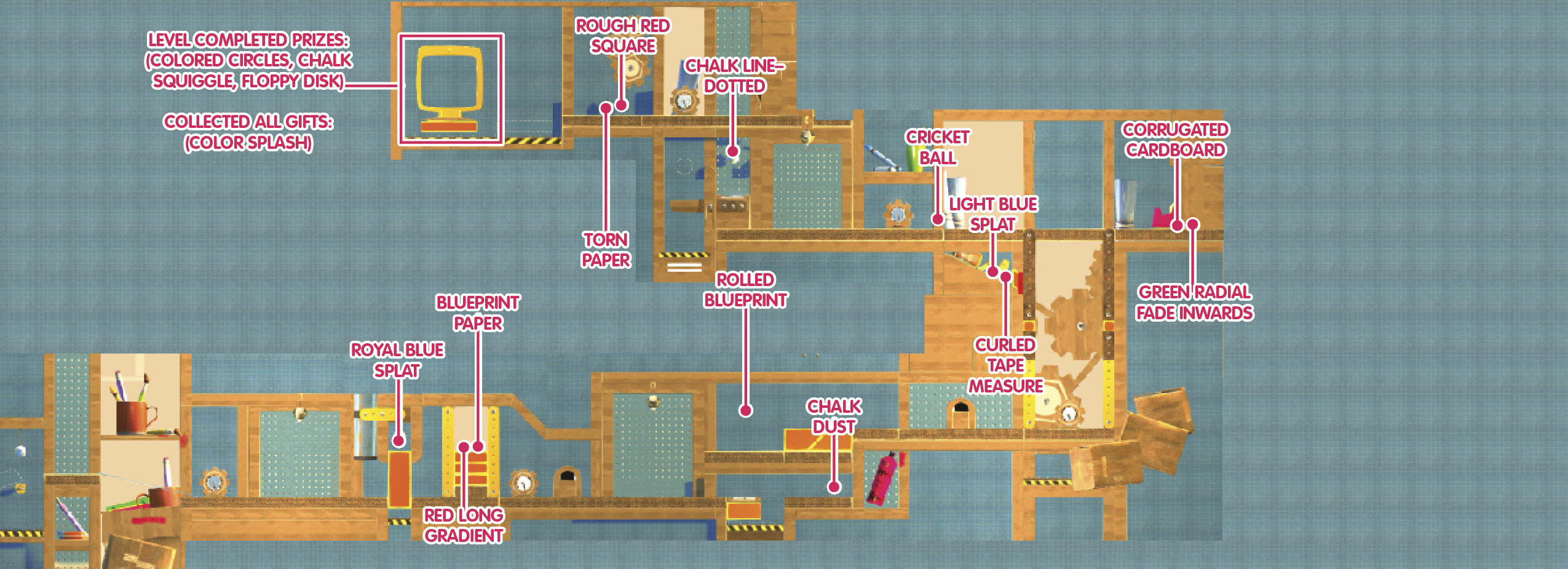
Head onward, little sack thing, and pop the Royal Blue Splat Decoration Prize Bubble. Just before proceeding through the next Popit Powerup, you’ll see two more Prize Bubbles perched on three orange rectangles, quite out of reach for your poor little sack person. Time to get recycling! Select each of the shapes with your Popit Cursor, and press to delete them. Your sack person can now jump to collect the Red Long Gradient Sticker and Blueprint Paper Material Prize Bubbles.
When Life Gives You Ledges…
Now it’s time for a little push and pull. Up ahead, you can use your Popit Cursor to pull out a platform with a Bounce Pad on it. Press  when it’s selected to pull it into the foreground, straight out of the wall, so your sack person can step onto it.
Now, return to the Bounce Pad, and launch your sack person up onto the platform above.
To make it onto the platform ahead, select the orange shapes. Press  to push one into the wall, or press to pull one out from the wall so that your sack person can use it as a ramp.
But what about that out-of-reach Prize Bubble? It’s impossible to just dry jump to it. Instead, your sack person must climb onto the platform on the right, then pull out both orange objects behind them to create a long runway on which they can gain some momentum. Put your back into it! Your reward is a Rolled Blueprint Decoration.
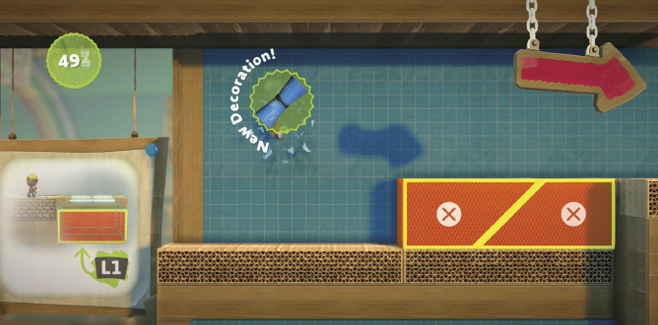
Follow Larry Da Vinci to the next Popit Powerup. This area becomes a moving platform, but it gets stuck before your sack person can reach the destination. Fortunately, your sack person has all the necessary tools.
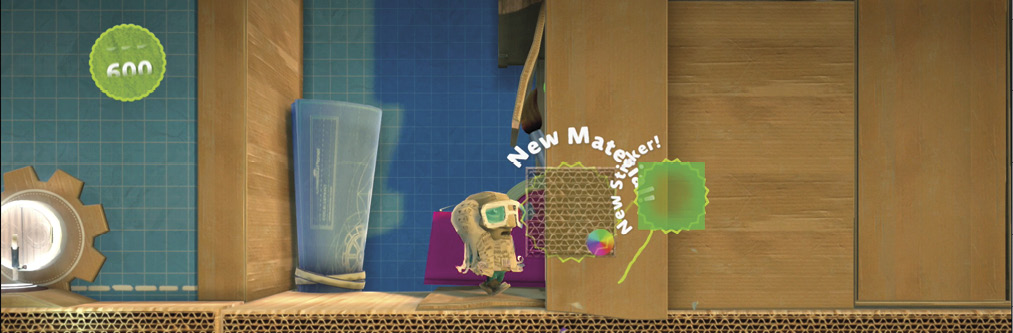
Push the orange squares on either side of the elevator to unstopper the lift (use ). When you reach the top, proceed to the right to collect the somewhat hidden Prize Bubbles for the Corrugated Cardboard Material and Green Radial Fade Inwards Sticker. Now, head left to your next Popit Powerup, popping the Cricket Ball Object Prize Bubble on the way.
Using Objects
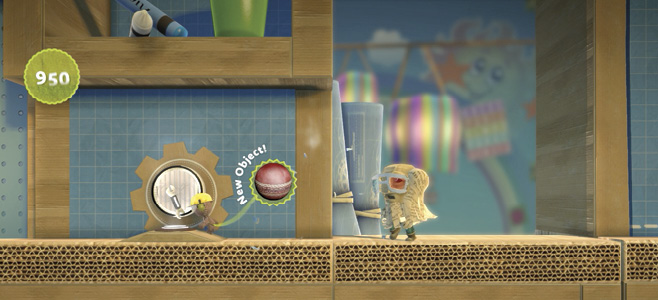
See that Prize Bubble hanging over the Bounce Pad just out of reach on the left? It’s time to drop the ball, in a good way. Select your new Cricket Ball from the Goodies bag, and place it over the platform on the far left… let the tracing be your guide. The ball drops to lower both platforms, including the one with the Bounce Pad.
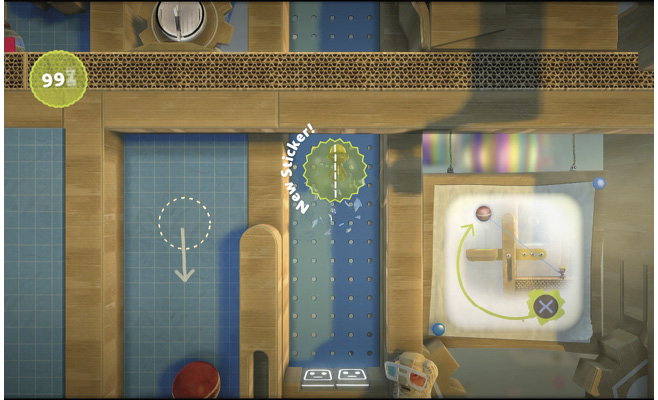
Doddle to the platform, and jump onto the Bounce Pad. As your sack person is launched into the air onto the platform above, they can pop the Prize Bubble for the Chalk Line–Dotted Sticker along the way. Once your sack person is on the next level, proceed left through the next Popit Powerup and the Rough Red Square Sticker and Torn Paper Material Prize Bubbles.
Now all you need to do is grab the yellow computer platform with your Popit Cursor and yank it toward your sack person so they can jump on it to finish the level.