
Little Big Planet 3 Signature Series Strategy Guide Welcome Back to LittleBigPlanet
The Important Stuff
Hello There, Sack-Chum
Can you think of anything more adorable than a freshly stitched sack person? We thought not. Perhaps you’re meeting them for the very first time? Or are you already quite familiar with these brave little adventurers from the previous games? Either way, you might be surprised at all the things your sack person can do, as well as the bazillion new ways you now can customize and control them! Let’s start with the basics.
Navigating Menus
Having options is important, and you have two when it comes to navigating menus in LittleBigPlanet 3. Move the left stick or press the directional buttons to highlight options, and then press  to confirm the selection. To cancel an option or return to a previous menu, just press
  . See how easy that is?
Behold, Your Pod!
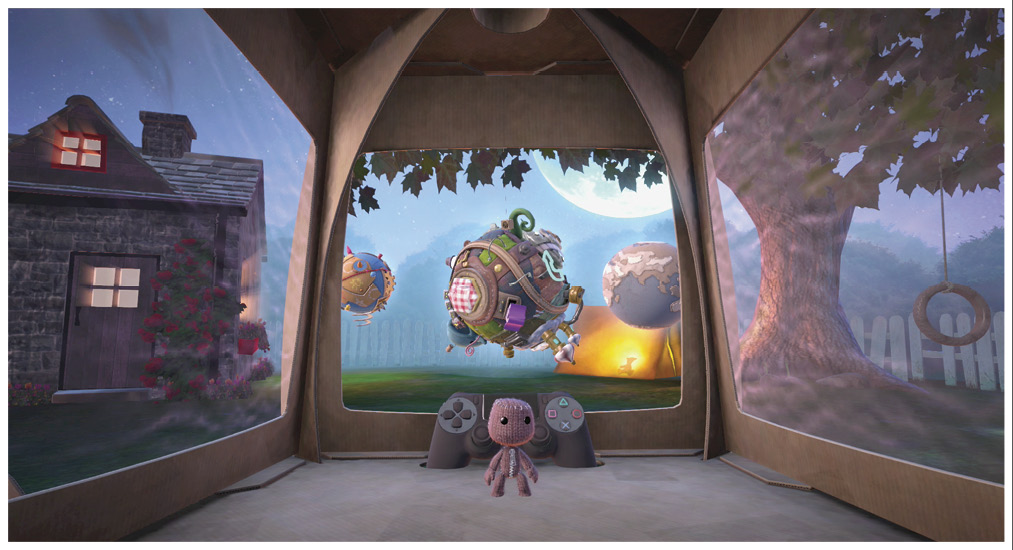
Your sack person has a special place to call home and connect to the whole of the LittleBigPlanet 3 experience. It’s called the Pod, a room with a controller sitting smack-dab in the middle of the screen for your sack person to access the all-important Pod Computer. All your sack person needs to do is stand in front of it and press  to start exploring.
Controlling Your Sack Person
Move the left stick to the left or right to guide your sack person in the chosen direction. Moving the stick more moves your sack person at a faster speed, while moving the stick less makes them move more slowly.
You can also move your sack person into the background or foreground, as each level has many different layers. Just move the left stick up away from you or back toward you to change your sack person’s position in this way.
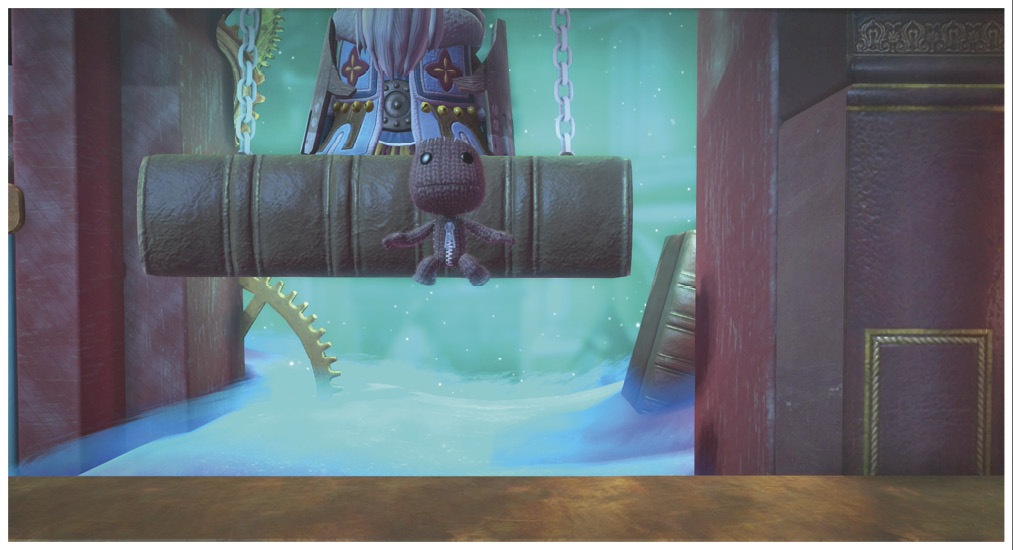
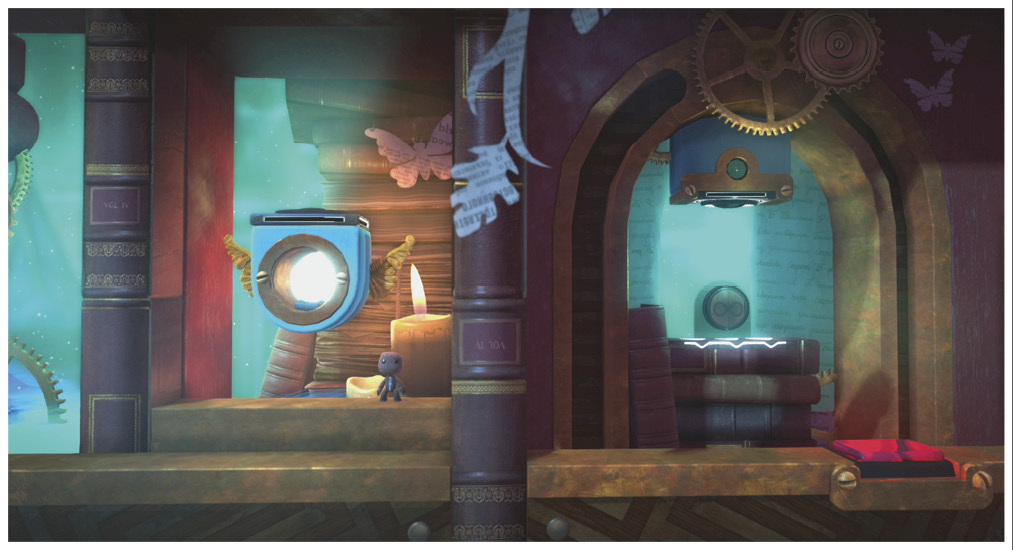
Your sack person is a born jumper. Tap to make your sack person nimbly catch just a hint of air, or hold to create larger leaps. Your sack person can also grab any soft object, like a sponge, when you press  . While grabbing said object, they can push or pull it left or right. Tap while tugging to really have your sack person put their back into it.
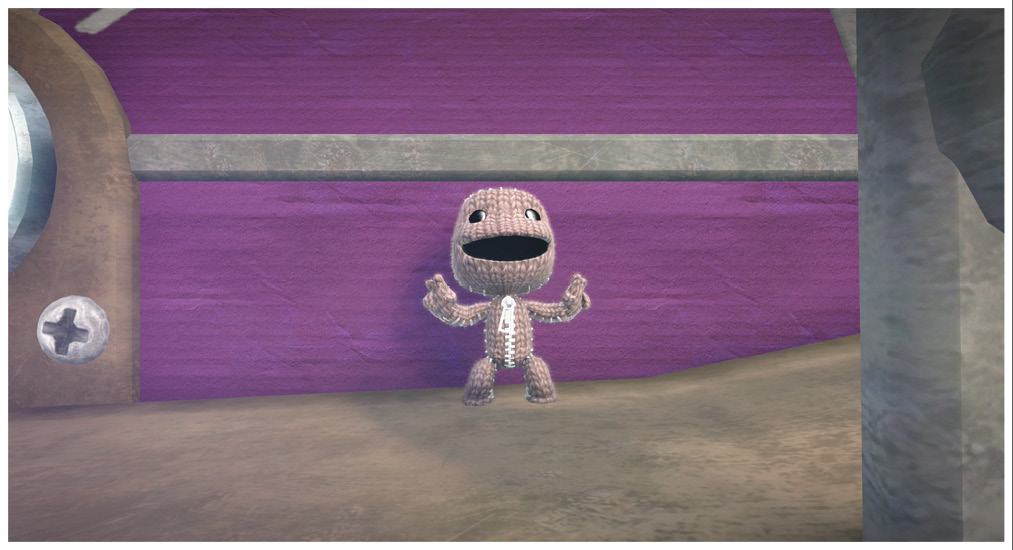
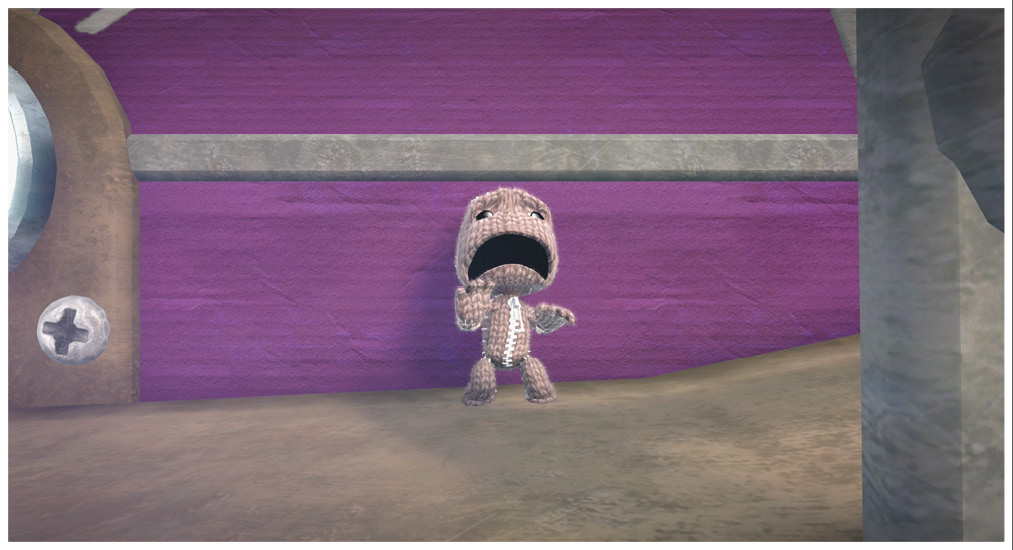
Sack folk tend to be pretty emotional, so don’t be afraid to show how you really feel! You can bring all kinds of emotions into play with your sack person by pressing the directional buttons. Press a button once to spark a desired reaction, and then press it additional times to intensify it. Press  for a Happy Mood,
  for a Sad Mood,
  for a Scared Mood, and
  for an Angry Mood.
Your sack person’s hand motions match their reaction. Hold  and move the left stick to control the left arm’s movements, and hold
  and move the right stick to control the right arm.
You can also tilt your whole wireless controller to move your sack person’s head. But wait, that’s not all you can do! Your sack person has another secret talent: dancing. Just click  (that’s the left stick), and then tilt the wireless controller around to make your sack person boogie.
Play
Play is where you can find all kinds of fun things to do. Stave off boredom, test your skills, check out what the rest of the LittleBigPlanet 3 community has been doing, or continue on your grand adventure.
Adventure
Bunkum is a world where creativity thrives. It’s been in danger before, but this problem was solved, thanks to the work of three now-mythical heroes: Toggle, Oddsock, and Swoop.
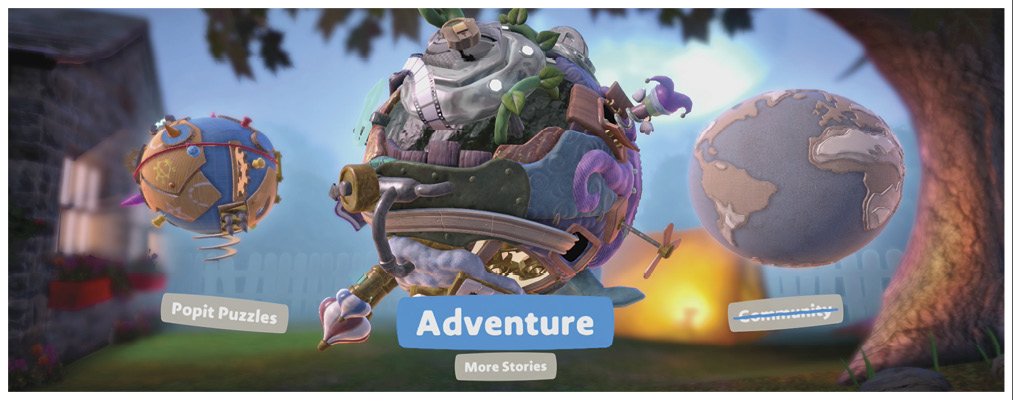
Unfortunately, Bunkum is in danger yet again, and it’s up to your sack person to save the planet. To do so, they must find the three heroes and work with them to restore Bunkum’s Creative Heart. It’s a mission that requires skill and determination—not to mention a whole lot of creative thinking!
Pause Menu
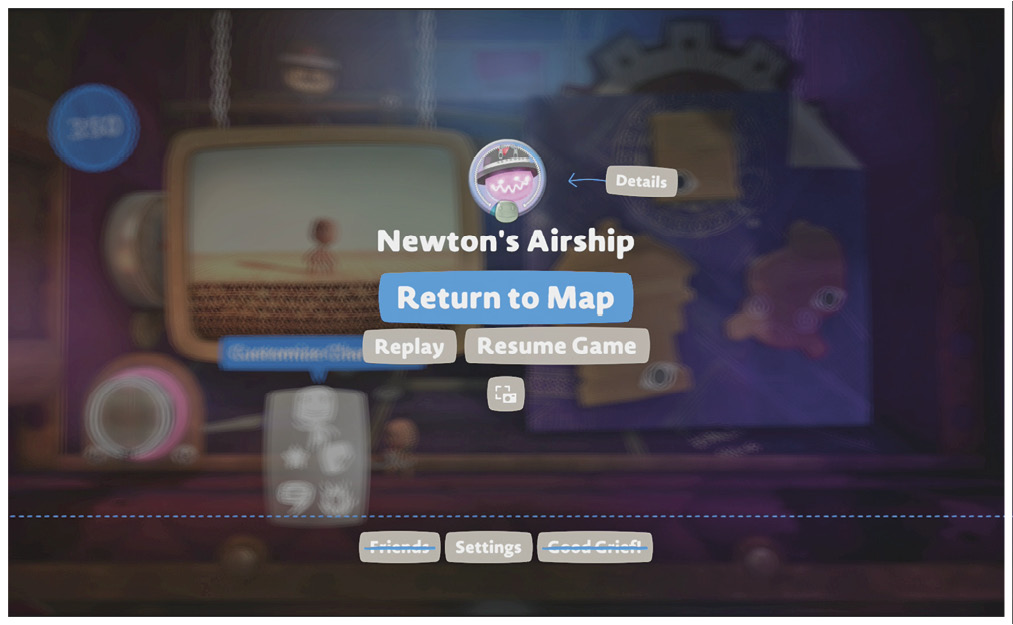
Press the OPTIONS button to freeze time in the game world and gain access to some of the most frequently used commands. Here, you can return to the map to leave your current level, replay the level from the beginning, or simply get back into the game.
Just Popit!
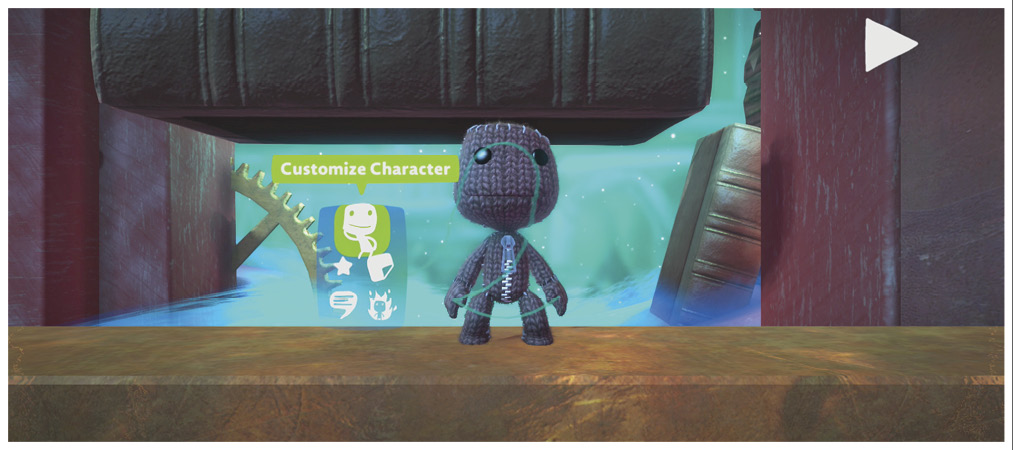
On your journey through LittleBigPlanet 3’s Adventure Mode, you’re going to need a whole lot of tools and customization options. That’s where the Popit Menu comes into play. Just press to open it up. Here, you can choose to customize your character, check out your ever-burgeoning collection of Stickers and Decorations, view objects you have Hearted, text other players, or retry a level from the latest Checkpoint.
Let’s Play with Stickers
Your sack person loves to play with stickers, and they can be important when you’re on a mission, too. When you choose Stickers and Decorations from the Popit Menu, highlight a sticker, and press to select it.
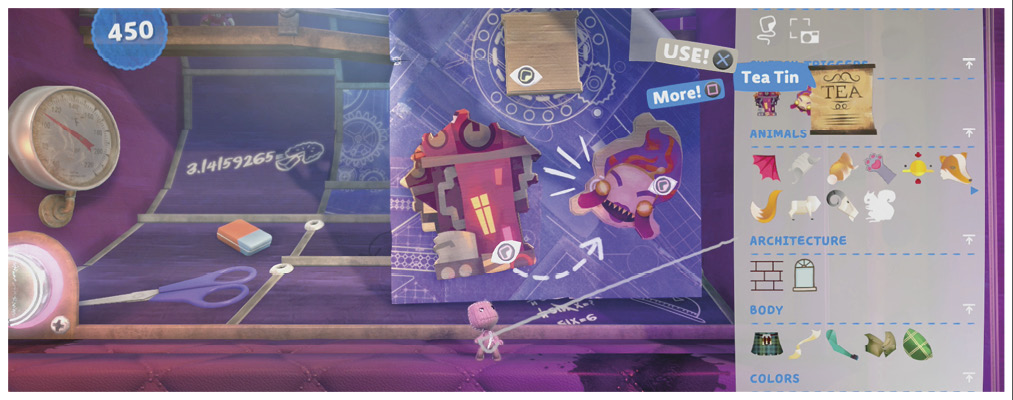
Now, you can spin the sticker around, or make it bigger or smaller with the right stick. Move it around to the exact spot you want it with the left stick or touch pad, and then press to stick it there!
Is there anything more satisfying than hanging your own artwork? Well, what about sticking it in place instead? That’s right—you can create your very own stickers by taking pictures with your PlayStation®Eye/PlayStation®Camera, and then selecting them from among your Stickers and Decorations. Let your inner artist take over!
Costumes and Customization
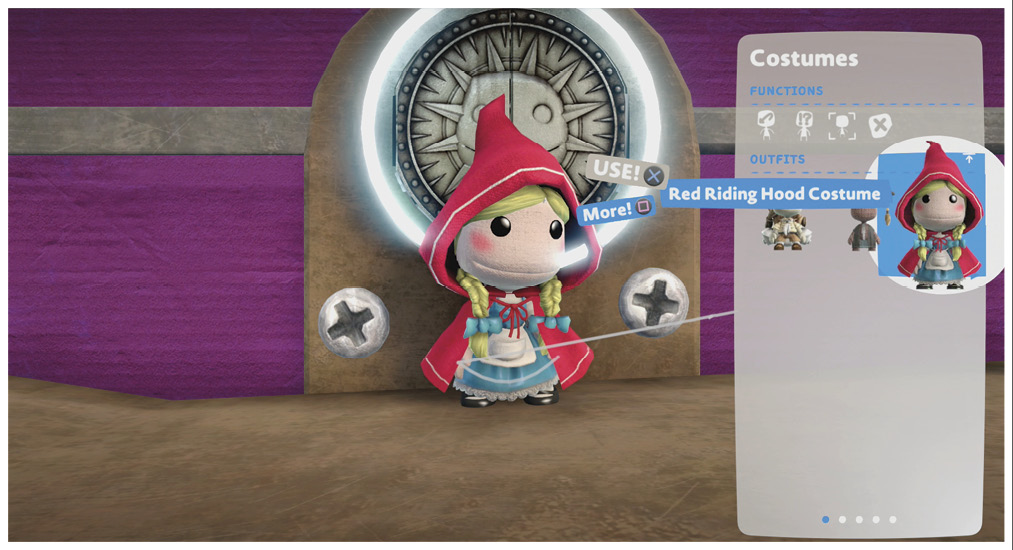
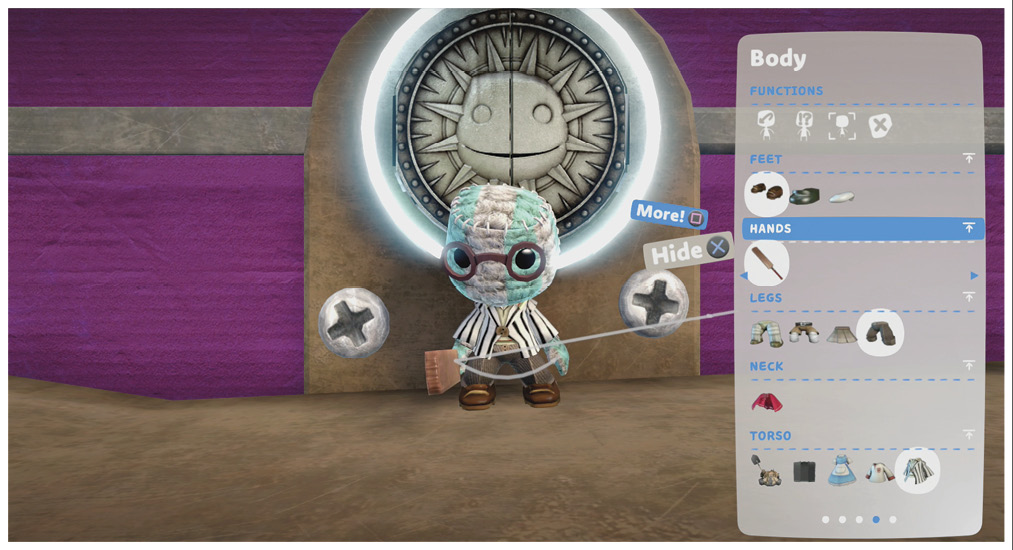
Costumes and customization options practically fling themselves at you as you journey through LittleBigPlanet 3. You’ll collect them as you go, and you can find them all in the Popit Menu.
All of the options are nicely sorted for you, like drawers in your dresser. You can choose your sack person’s Costume and Materials, the clothing and customization for their head and body, and your Player Color.
The All-New Sackpocket
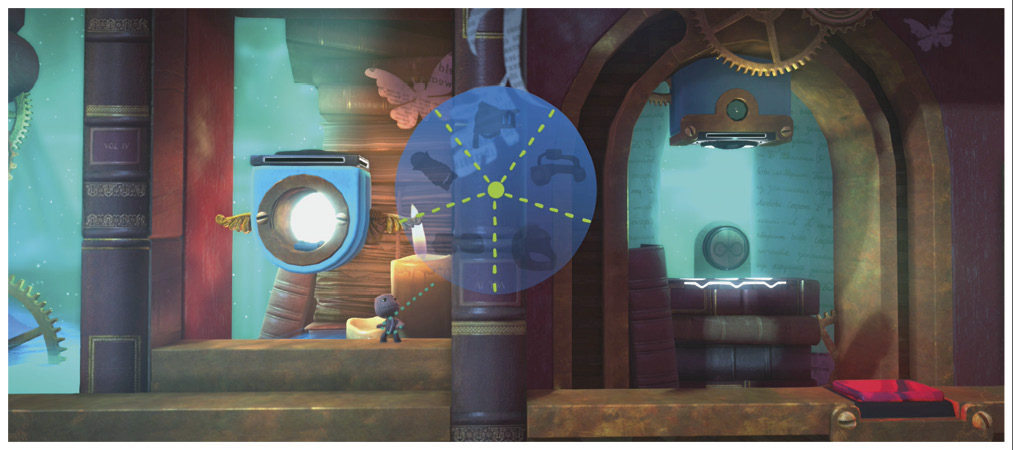
LittleBigPlanet 3 has all sorts of new power-ups in store for you, even for veterans of previous LittleBigPlanet games. You can find them all in the Sackpocket; just press to open it up. Next, highlight a power-up, and press to equip it. Aim it wherever you like with the right stick, and fire it by pressing . Just be careful where you point that thing!
Organizertron
Your sack person may end up with more than just the excitement of the main quest. To keep track of all the adventures to be had, your Organizertron sorts all of your “to dos” and completed quests for you. Just hold  to open it. Next, move the left stick to choose a region, and then press to see the related quests there. You can highlight a quest and press to set it as a waypoint.
Popit Academy
Anyone learning how to create for the very first time in LittleBigPlanet knows that a Popit Puzzle is the place to be! These brainteasers test your imagination and get you started with the endless possibilities of the Popit.
Community
Playing together can be even more fun than playing by yourself. When connected online, explore new levels with other LittleBigPlanet 3 players and work together as a team.