
Little Big Planet 3 Signature Series Strategy Guide A Second Term at Popit Academy
Tags and Sensors
Tags and Sensors allow your sack person to interact with objects without actually touching them. This can be useful when you’re designing complex levels that require players to think outside the old box and trigger special actions. Give it a whirl, won’t you?

Interacting with Objects in New Ways
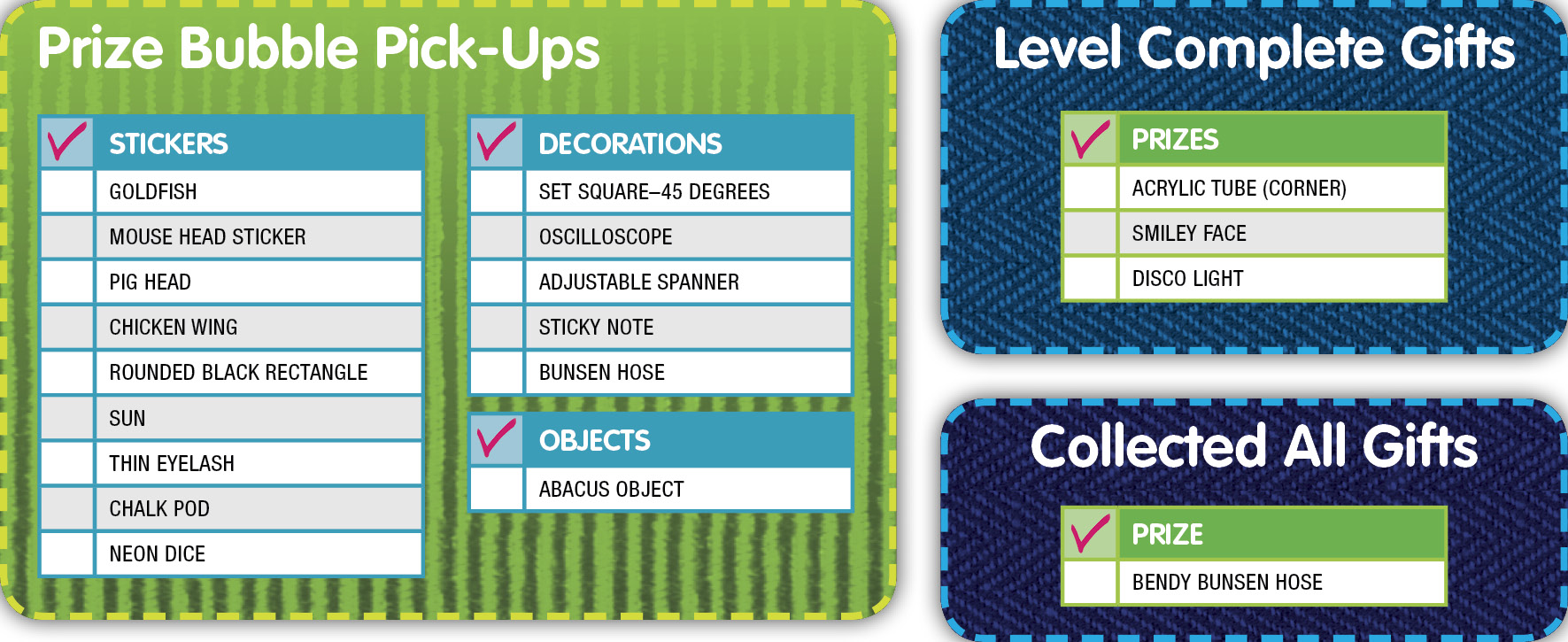
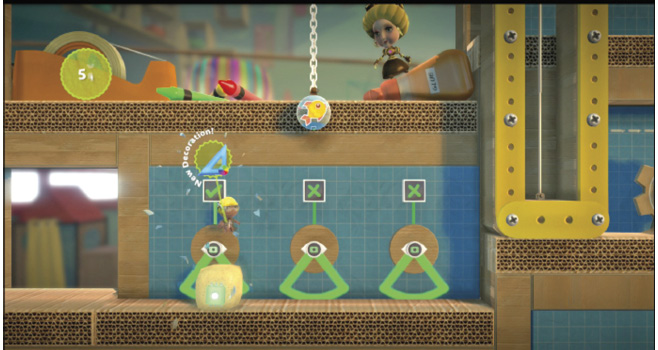
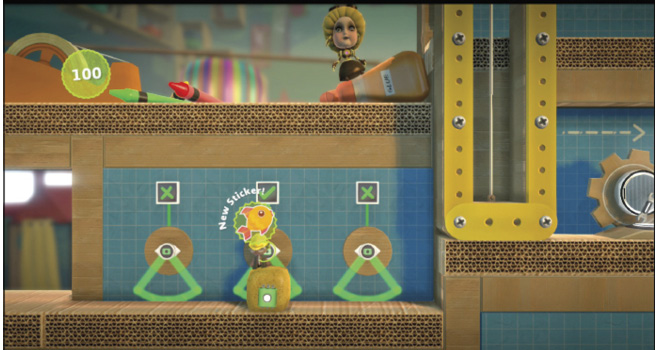
To equip a Tag, press  or the touch pad button to open up your Popit Menu, and then select your Tools bag. Once you’ve passed the first Popit Powerup in this level, you should be able to select the Tag here. Apply it to the sponge up ahead to release it, and then push the sponge in front of the Sensors to the right. When you leave the sponge under a Sensor, a Prize Bubble drops within reach. Go ahead and collect both of them in turn. These reward you with the Set Square–45 Degrees Decoration and Goldfish Sticker. The last Sensor opens up the next part of the level.
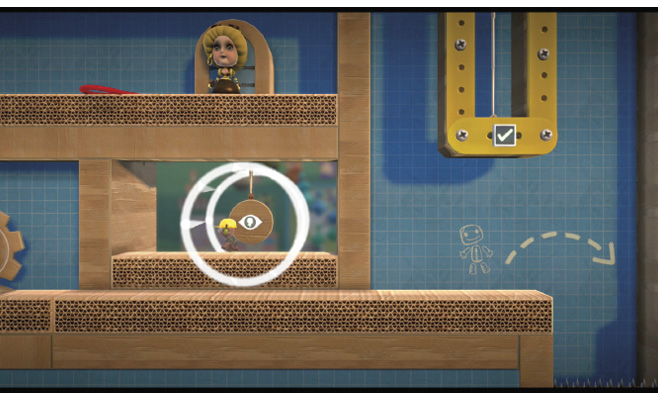
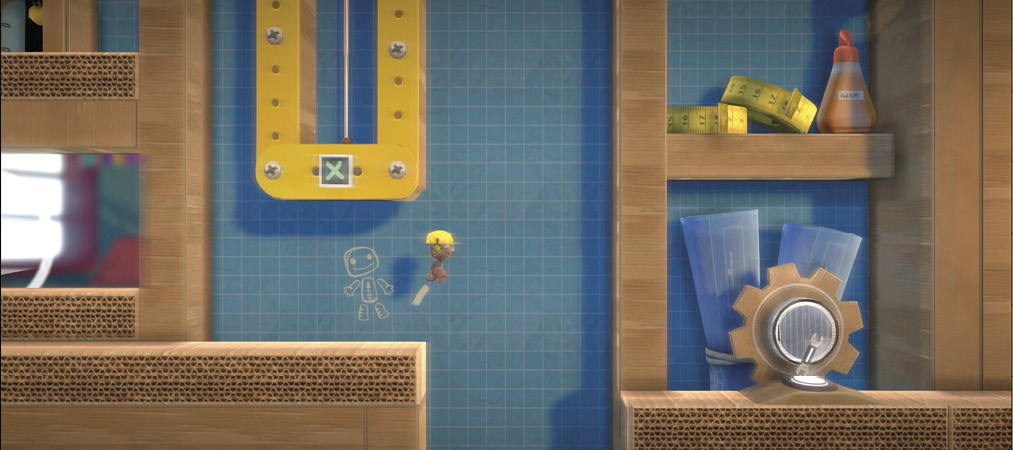
You can trigger Sensors just by being near them. Go ahead and jump onto the platform with the swinging Sensor, and see how your sack person’s proximity triggers the yellow lift on the right. Run back and forth like a madman to stay within the appropriate radius, until the object to the right is lifted high enough that your sack person can then make the jump before it lowers again.
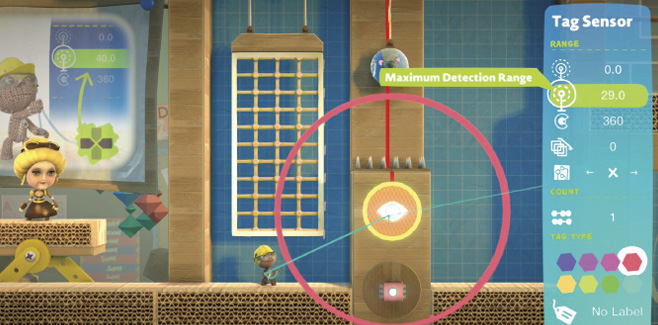
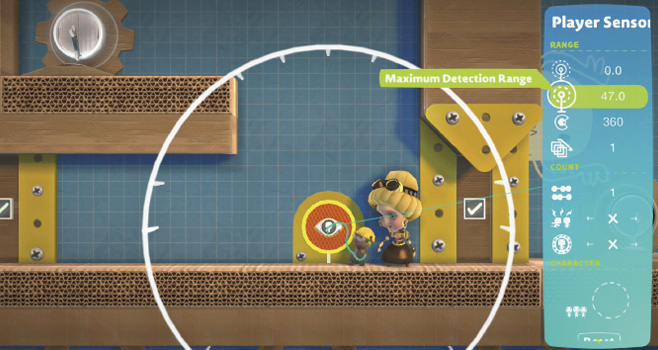
Sometimes, you may need to tweak the radius of a Sensor so it’s easier for your sack person (or something else) to set it off. Up ahead, select the Tag Sensor with your Popit Cursor, and increase the Maximum Detection Range until the net moves to the left so your sack person can climb it. Jump onto it, and press  to begin your sack person’s journey upward.
Now, jump over the spikes to collect the Mouse Head Sticker Prize Bubble on your way to the right.
To reach the platform on the right, select the Sensor Tag a second time, and decrease the Maximum Detection Range so that the net moves back into its original position. There, that’s much better—now your sack person can jump onto it and crawl to the top.
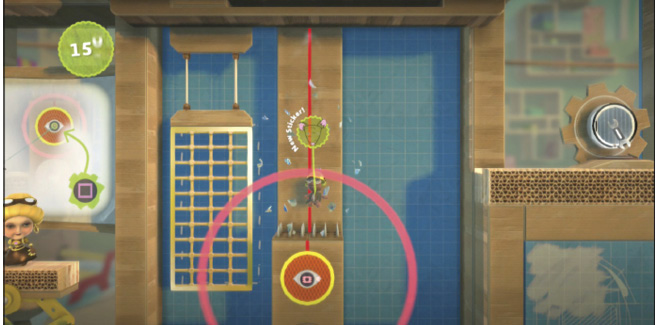
Move to the right, and select the next Sensor Tag with your Popit Cursor. Increase the Maximum Detection Range to adjust how rapidly the yellow gates raise and lower. The wider you make the range, the slower they move, giving your sack person a greater time frame to make the jog through. When you’re finished tweaking the Sensor Tag, go ahead and whisk your sack person past the moving gates.
Jump through the tube, and traverse the tiny platform to make a jump for the Pig Head Sticker Prize Bubble.
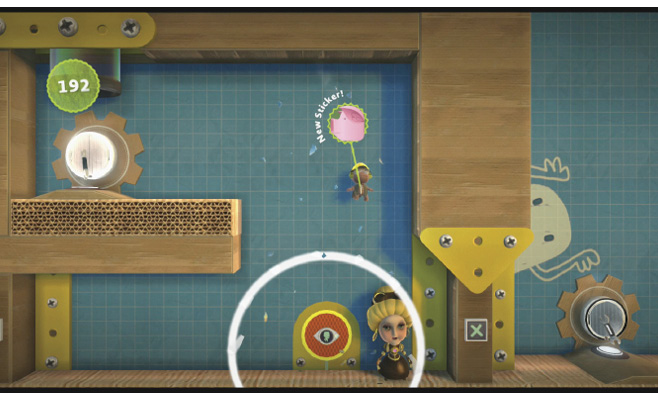
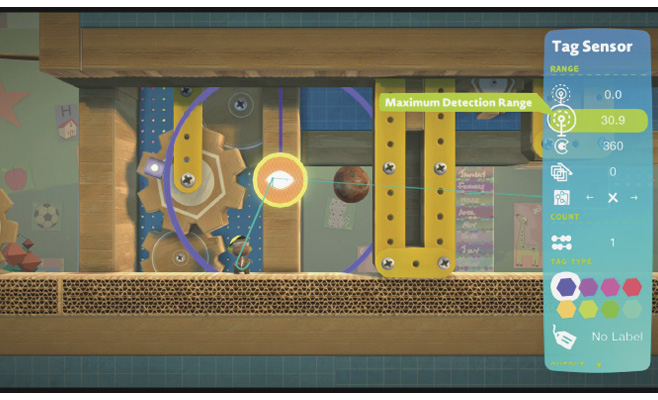
The Sensor Tag you see next is triggered when your sack person lands. However, due to its limited range, as soon as your sack person tries to toddle to the right, a panel shuts in their face. Select the Sensor Tag, and maximize its detection range so your sack person can safely make it through there.
What’s Your Type?
Tags and Tag Sensors come in Types, which you can adjust to pair Tags with specific Sensors (but not others). This is like color coding, so it’s pretty, too.
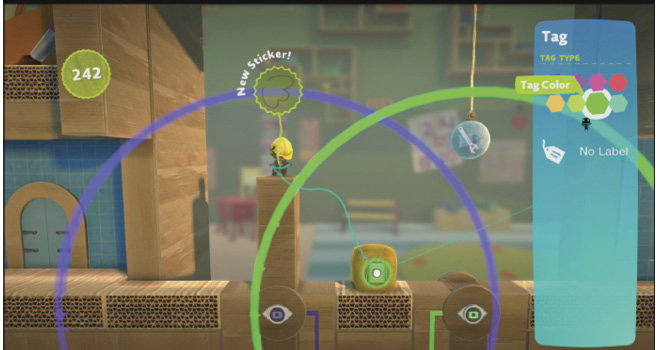
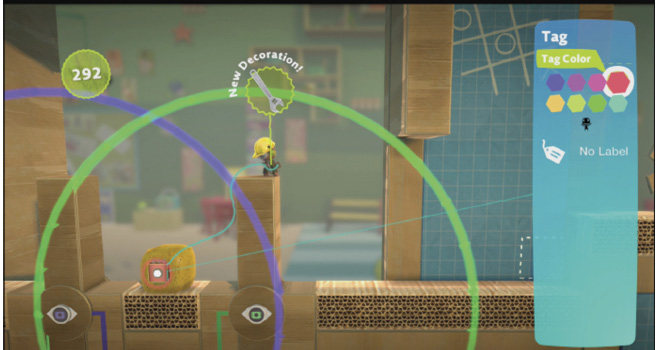
Give it a try with the sponge up ahead. The Sensor range is color-coded red, which means that you must place a red Tag on the sponge within range to release it. Place the Tag on the sponge first, and hold  as you’re placing it to tweak it. Now, you can choose red as the Tag Color.
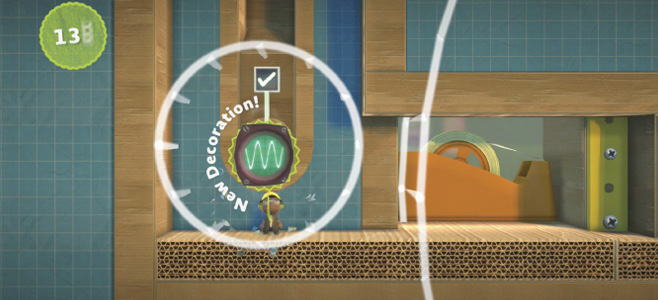
Push the sponge forward with while moving your sack person. Do you see the ranges up ahead, each with a different color? Select the Tag you placed on the sponge to change its color; once it matches the Sensor range’s color, its proximity triggers an action.
This time, your sack person needs to stand on the lift when it lowers to the ground. Now, use your Popit Cursor to select the sponge’s Tag and change its color. This causes the lift to raise again, so your sack person can pop the Prize Bubble above. Do this for both the purple lift and the green lift: these Prize Bubbles grant you the Chicken Wing Sticker and Adjustable Spanner Decoration.
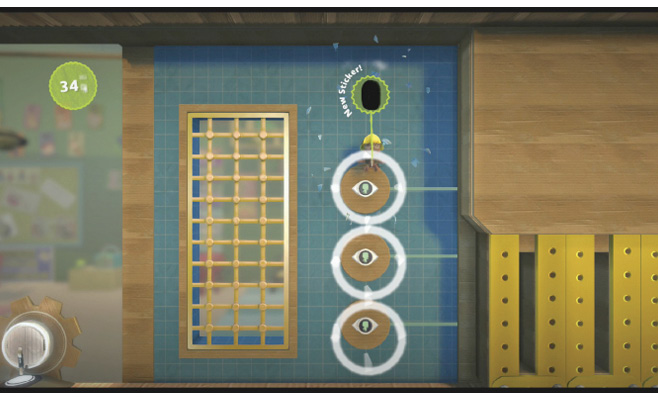
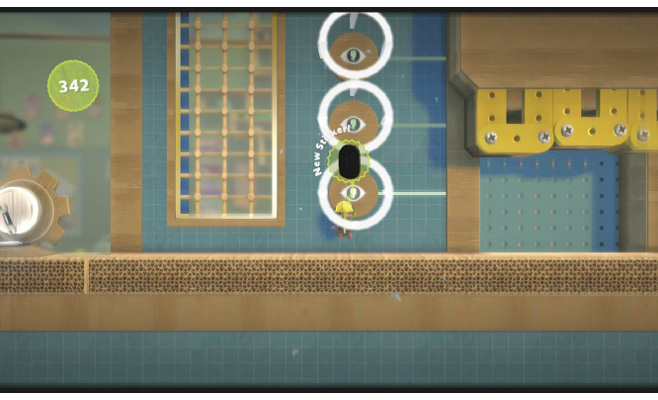
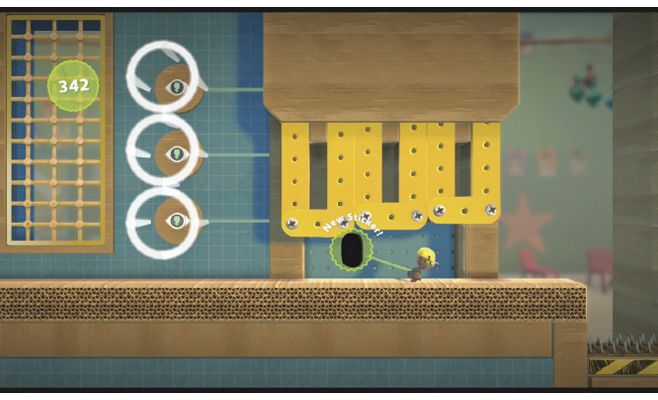
Use the sponge to climb onto the next platform. Now you’re going to need the fastest, careful-est timing possible to make it through the yellow gates. These only open when your sack person is within the Sensor range. Climb the grates to the very top, and jump to the right to grab the Prize Bubble for the Rounded Black Rectangle Sticker. Fall straight down through the Sensors to open all of the yellow gates. Immediately when your sack person hits the bottom, run as quickly as possible under the gates before they close.
Keeping Things Moving
The next room is all about playing with Sensor ranges and Types. Select the green Tag Sensor at the top with your Popit Cursor, and then press to tweak its properties. Increase its Maximum Detection Range to overlap with the red Sensor range beside it, so you can place your sponge in both ranges at the same time.
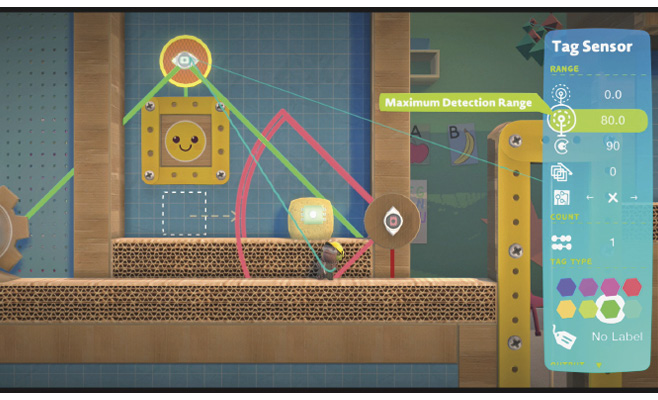
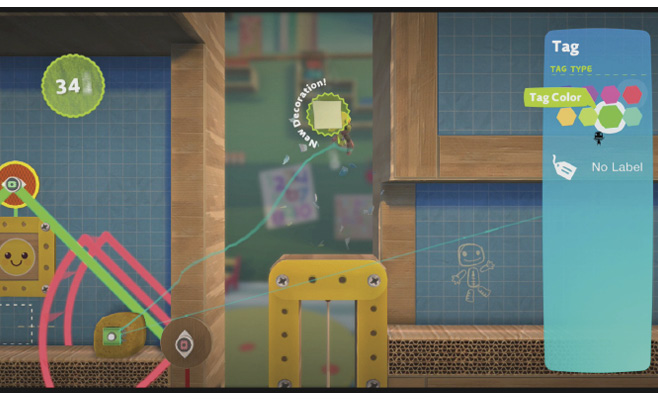
Now, place a red Tag on the sponge, and move it in range of both Tag Sensors. This lowers the yellow gate so your sack person can jump aboard. Use your Popit Cursor to select that same Tag again and turn it green. When the gate lifts, your sack person can jump to catch the Prize Bubble for the Sticky Note Decoration. Lower the gate again (turn that Tag red) to maneuver to the platform on the right and continue your lesson.
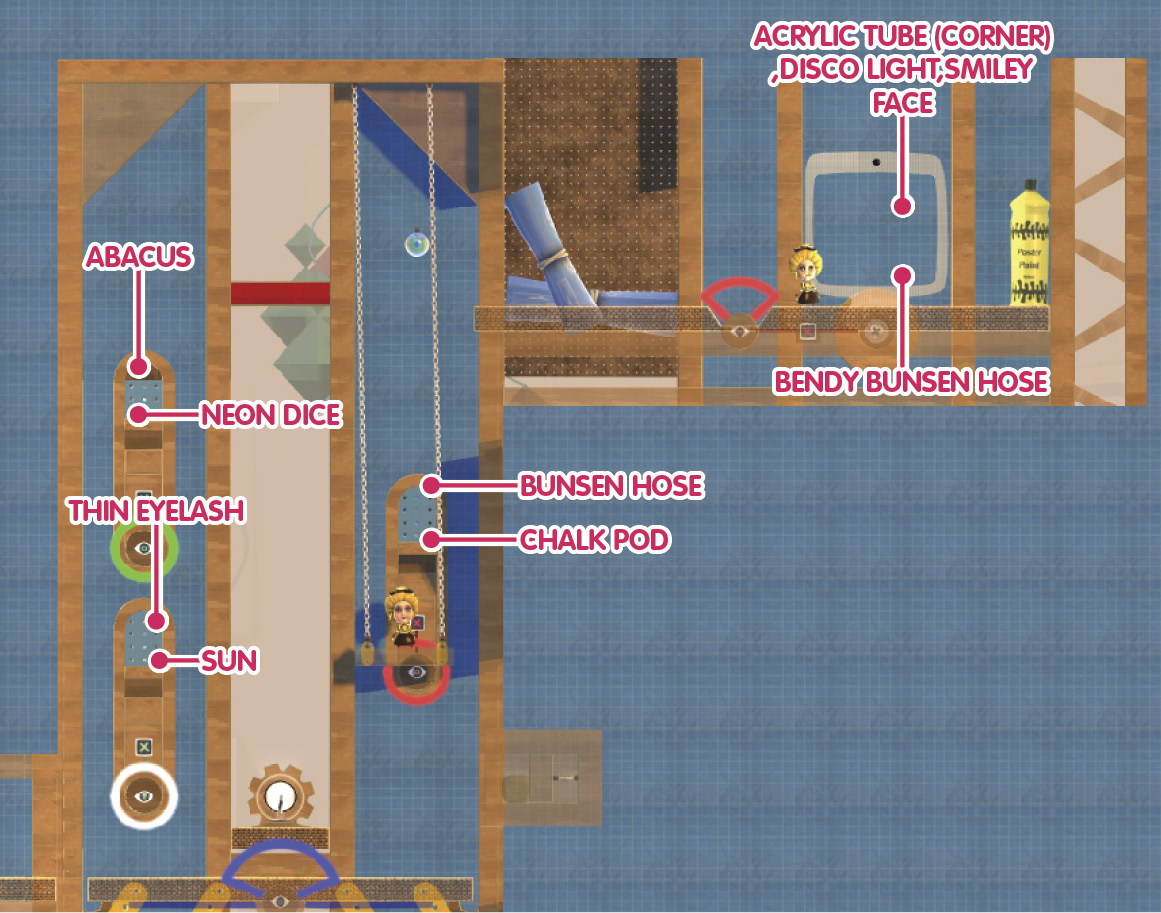
Next up is a moving platform: one that only actually moves when a Tag is within range of the Tag Sensor. Place a purple Tag on the sponge, and move it into the Tag Sensor’s range to start the platform’s ascension. Keep your sack person close to the sponge—as soon as you spot the Sensor on the left, you must drag the sponge out of range to stop the platform momentarily. Run to the Sensor to trigger the release of two Prize Bubbles containing the Sun Sticker and Thin Eyelash Sticker.
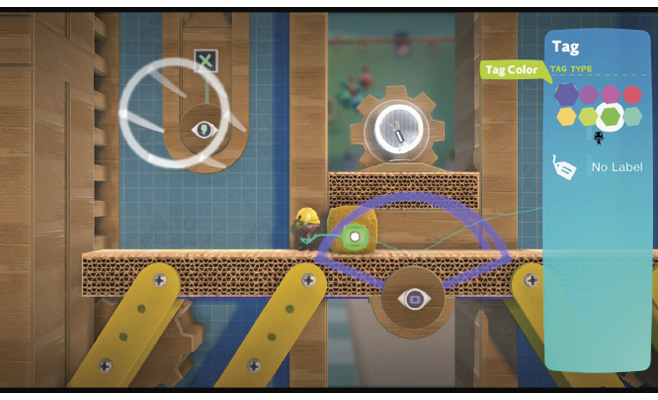
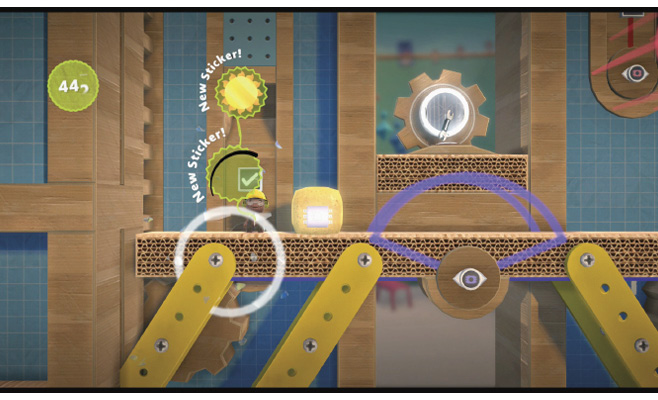
Push the sponge back into range to continue upward, and then pull it out when your sack person reaches the next Sensor on the right. Move the sponge within range of the red Tag Sensor to release two more Prize Bubbles—this time for the Chalk Pod Sticker and Bunsen Hose Decoration.
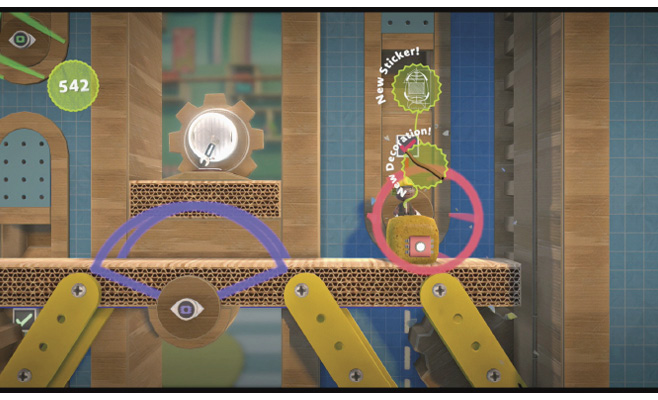
Select the Tag, tweak it to turn it purple again, and then move the sponge within range to get the platform rolling upward yet again. Push it into the green Tag Sensor’s range and turn the Tag green to unleash the Neon Dice Sticker and Abacus Object.
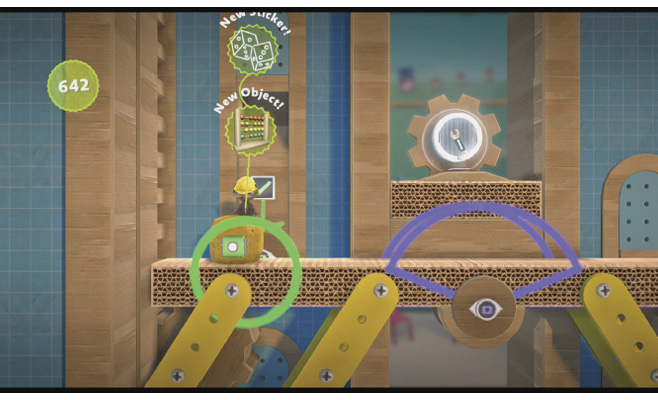
Push the sponge onward to the right and into the red Tag Sensor’s range, and then make the sponge’s Tag red to trigger the end of the level.