
Little Big Planet 3 Signature Series Strategy Guide Create: What's New And Shiny
Some Basics
Even before getting into the Goodies and Tools bags, there are a few interesting updates to My Moon and the Global Stuff menu that can really set your creations up for success.
Adventures
When flying over the surface of My Moon, you are likely to notice a new few hexagonal landing zones. These special spots are known as Adventures, and just like Bunkum Lagoon or Manglewood, you can drop into one of these to create a whole series of interconnected levels in a customized environment.
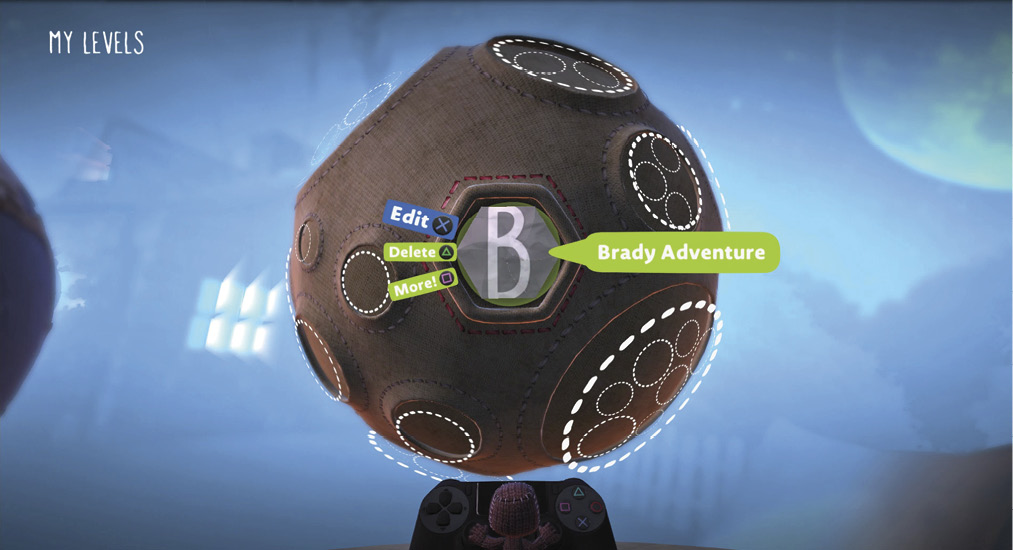
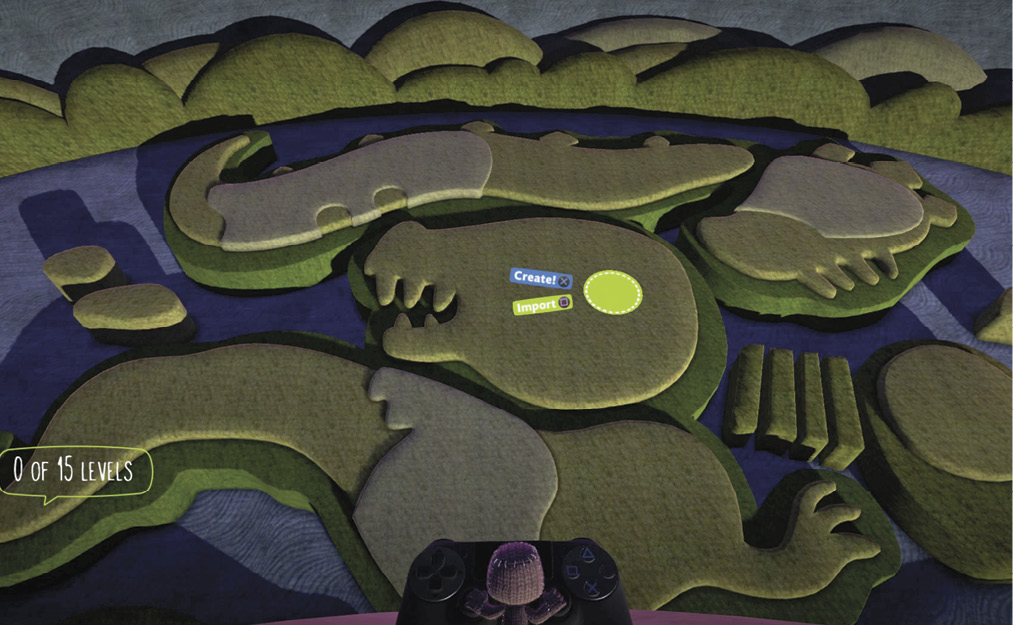
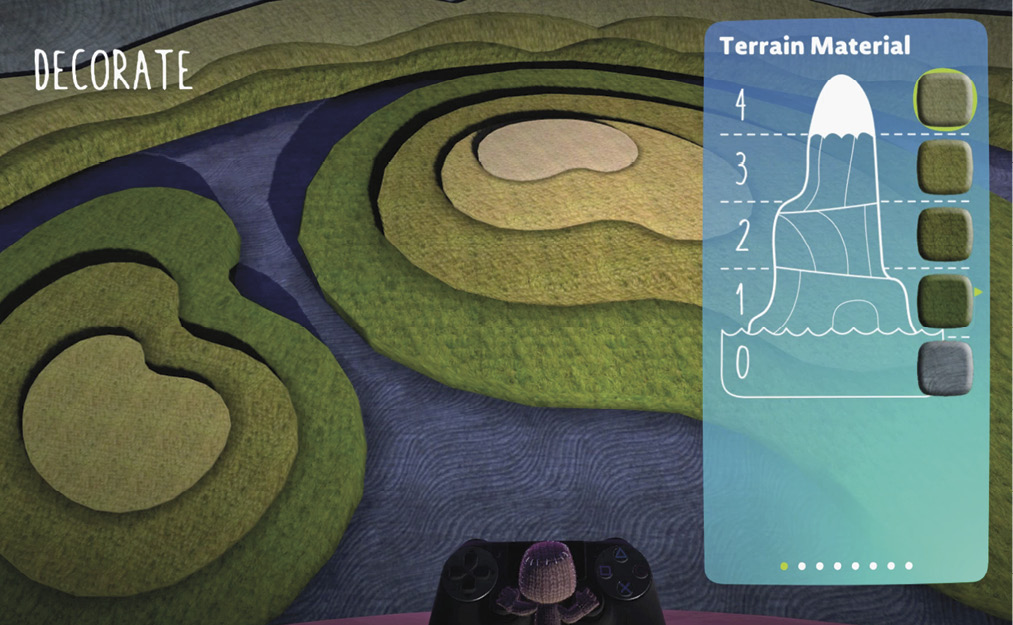
When you tap  over one of these, you find yourself on the Map Screen. Not only can you plop levels down at will (up to 15 of them), but you can also press V to decorate the map itself. From Terraforming to Topography, the power is yours.
Global Stuff
Once you find yourself in a new level, there is a whole host of fresh hotness in the Global Stuff menus that any cunning creator should know about.
First up is the Characters page. This handy segment lets you quickly switch out between the daring adventurers for gameplay testing and aesthetic purposes.
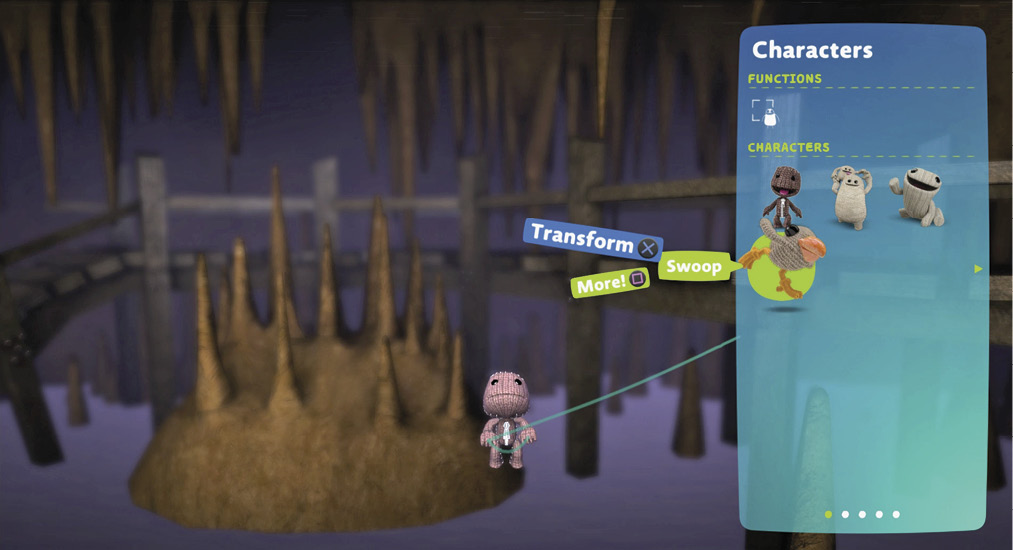
In the next tab over, you find the Sackpocket Items. Again, this feature lets you equip anything you might need to check a puzzle or just see how it is put together.
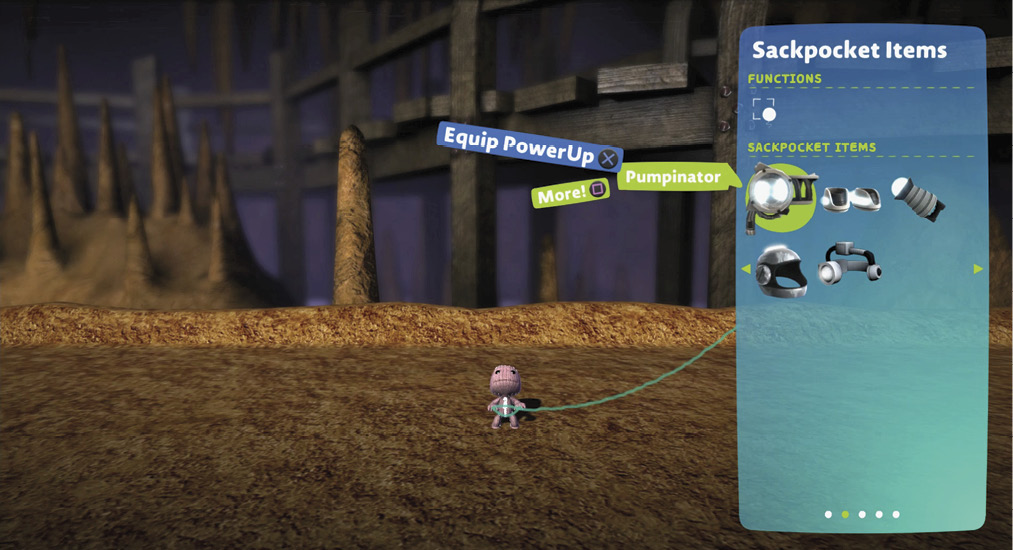
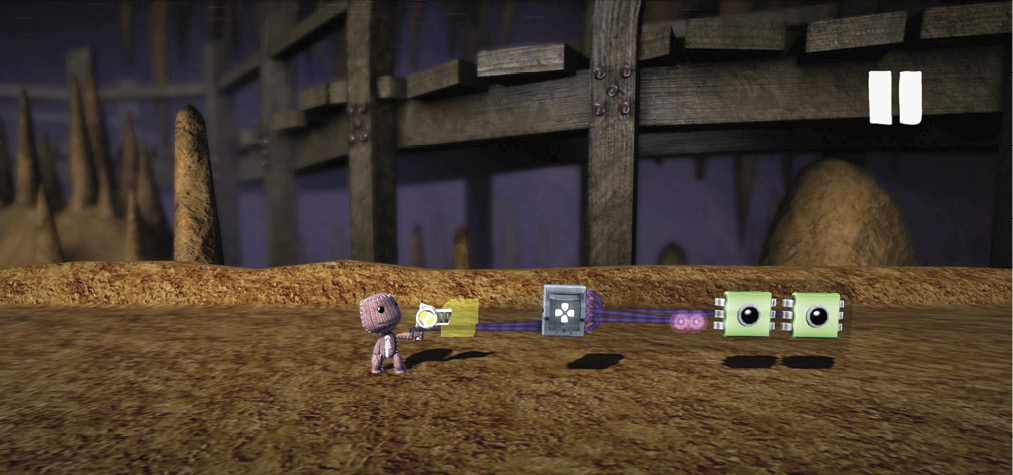
Remember, characters and items that are added from this section are just to help create and test. There are some new tools discussed in this section to add them to levels properly.” You must use some of the new tools discussed in this section for that.
There are also new segments devoted to questing and the Thermometer, but before that, it’s time to get into some practical demos.