Little Big Planet 3 Signature Series Strategy Guide Welcome to the Popit Academy
Corner Editing
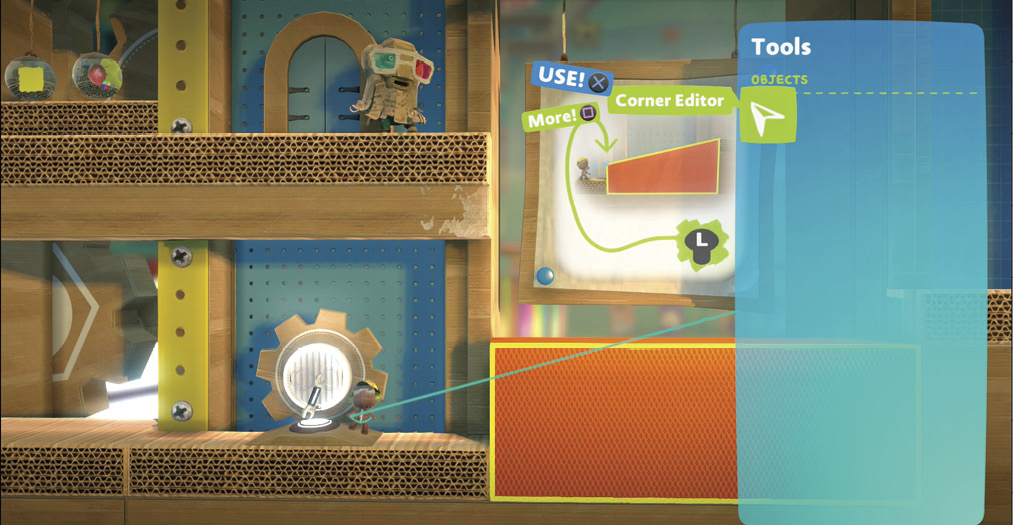
You have basic shapes in your Tools bag already (when you select a material), but to really get creative with your designs, you may need to edit some corners. This can change the shape of an object into something truly unique.
Cornering like a Pro
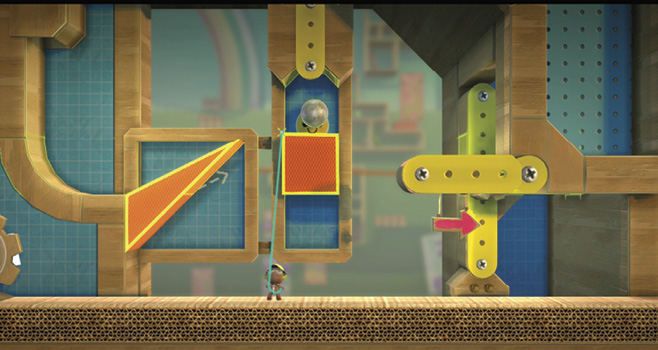
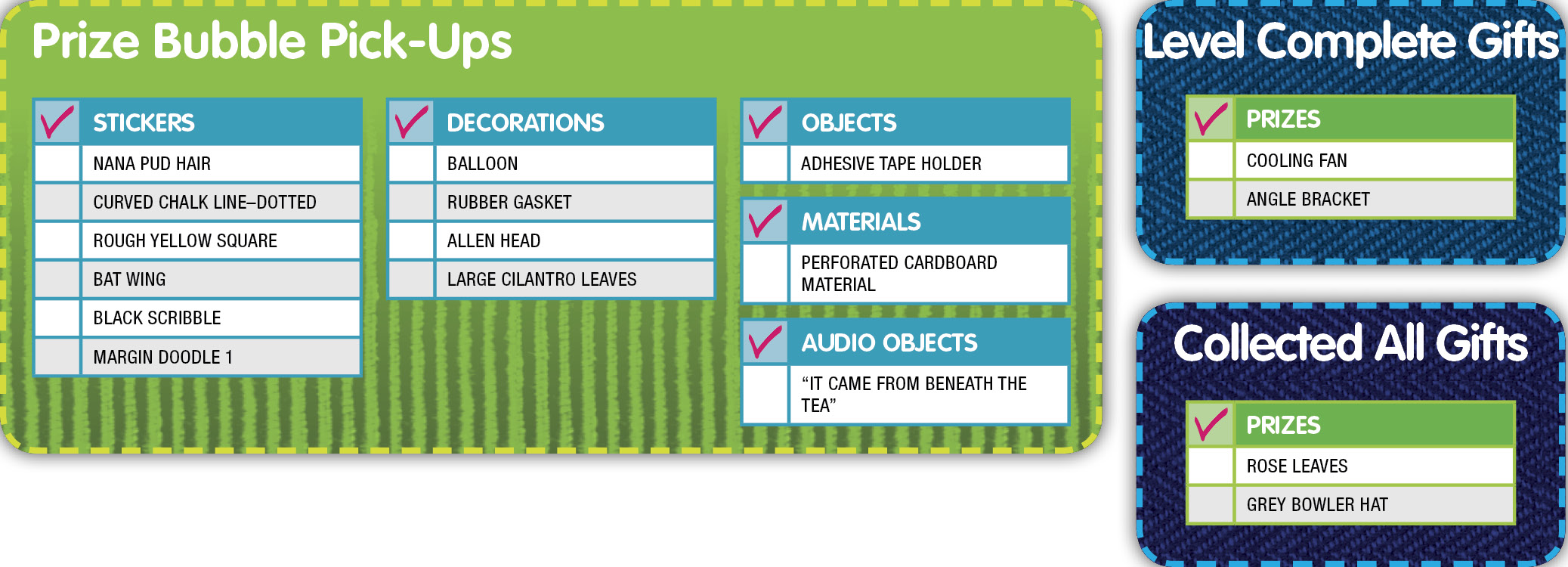
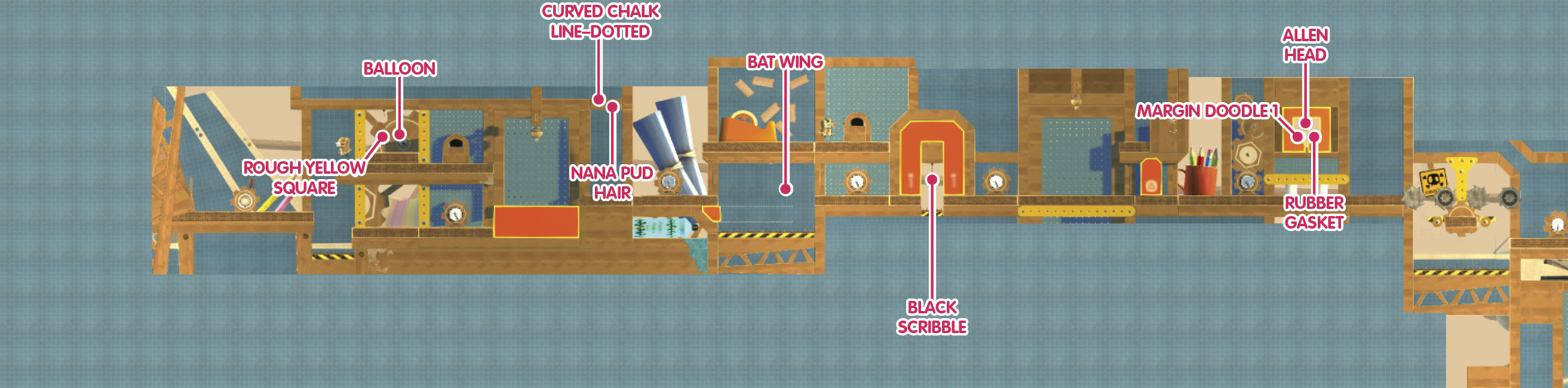
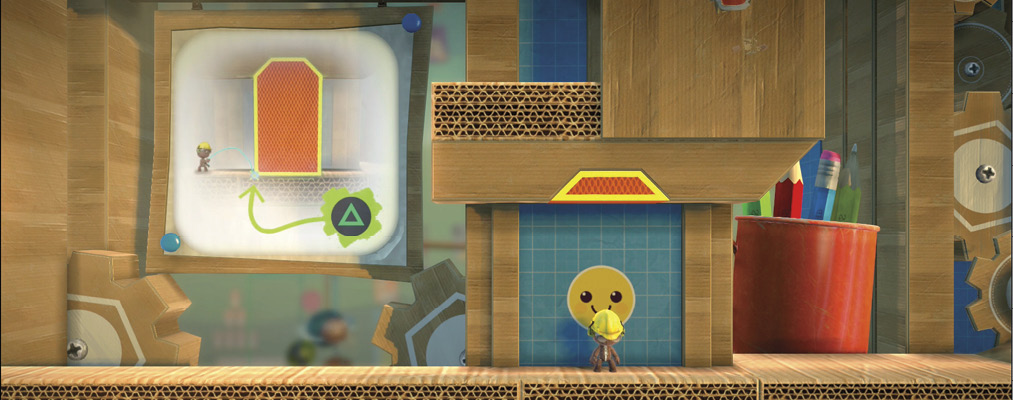
Grab that first corner you see, the one closest to your sack person, and pull it down with the Corner Editor so your sack person can dash up the ramp and collect the Prize Bubbles for the Nana Pud Hair Sticker and Curved Chalk Line–Dotted Sticker.
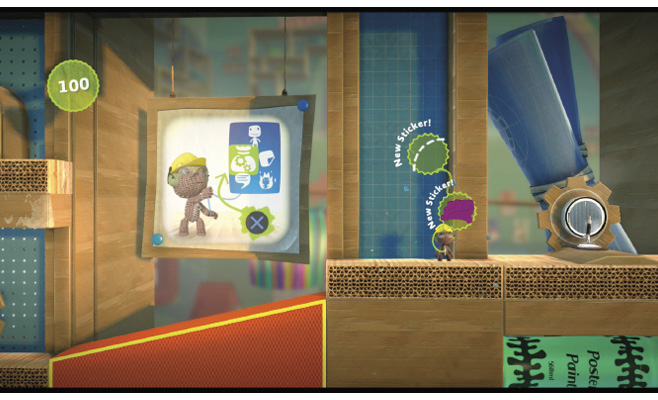
In the next area, pull the outer corner of the shape underneath the platform to extend it all the way across the spikes. You wouldn’t want your sack person falling in there. When your sack person crosses the new-fangled bridge, they can pop the Prize Bubble for the Bat Wing Sticker as a reward for all your hard work.
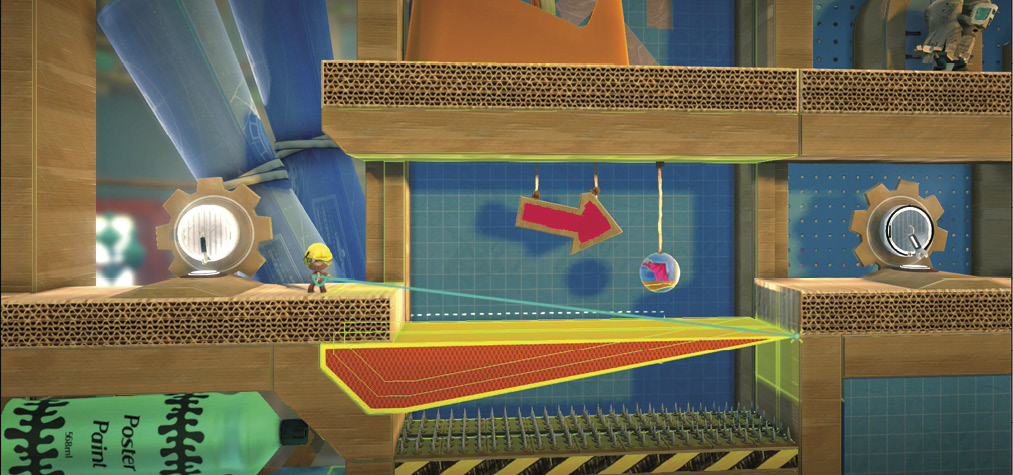
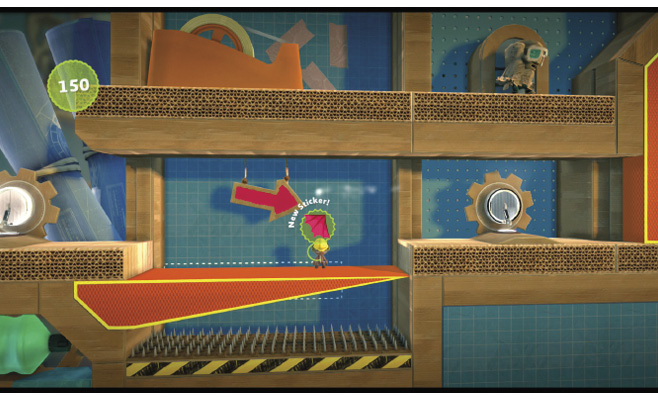
Keep moving those corners! You can even drag past a second corner to usher it along with the first, moving both at the same time. Do this in the next area to create a path for your sack person, then jump through to grab the Black Scribble Sticker from the Prize Bubble.
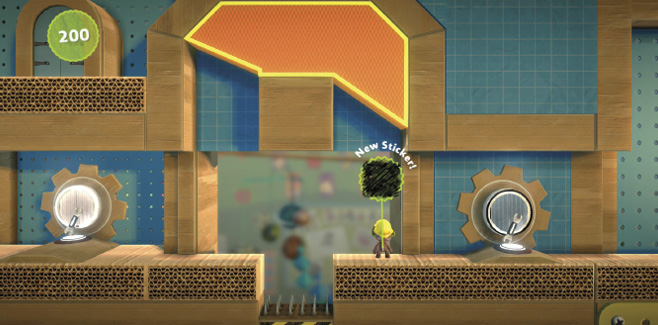
Go ahead and delete the corners of the orange object ahead to make way for your sack person.
Now, you can delete the corners of the orange material overhead—the one keeping those Prize Bubbles from you! Once you’ve succeeded, pop the bubbles to collect the Rubber Gasket Decoration, Allen Head Decoration and Margin Doodle 1 Sticker.
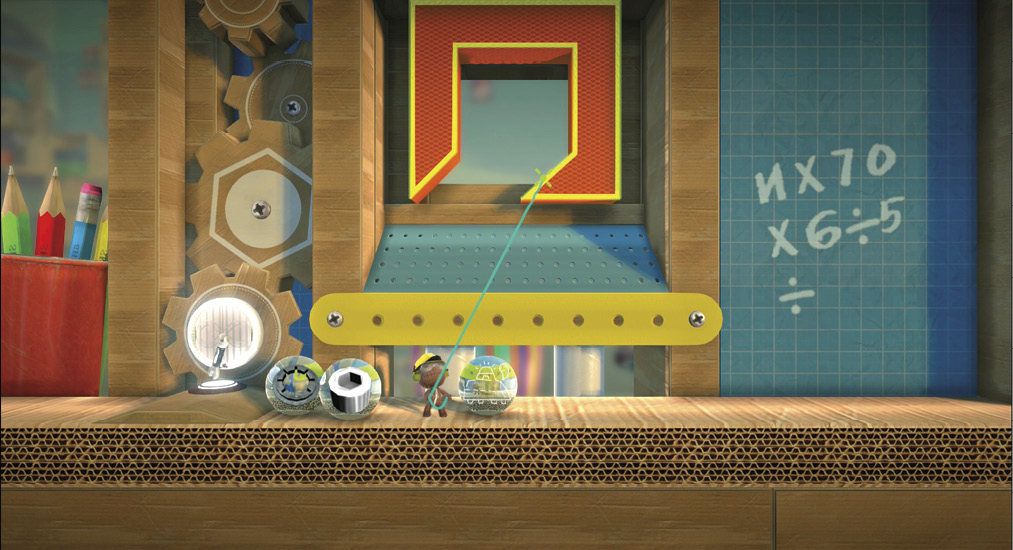
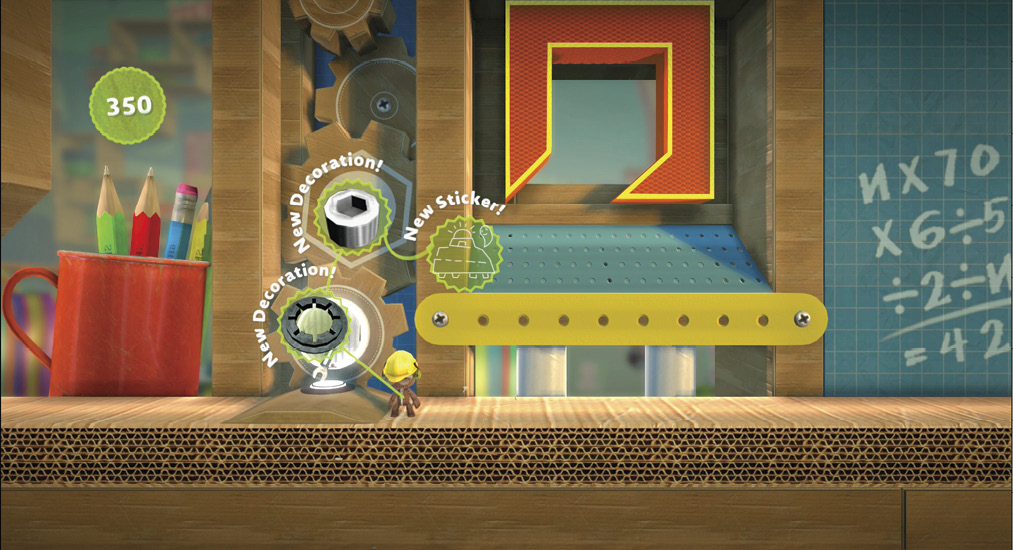
Next, you must pull the lower corner of the object up ahead so your sack person can climb and jump to the Prize Bubble holding the Large Cilantro Leaves Decoration.
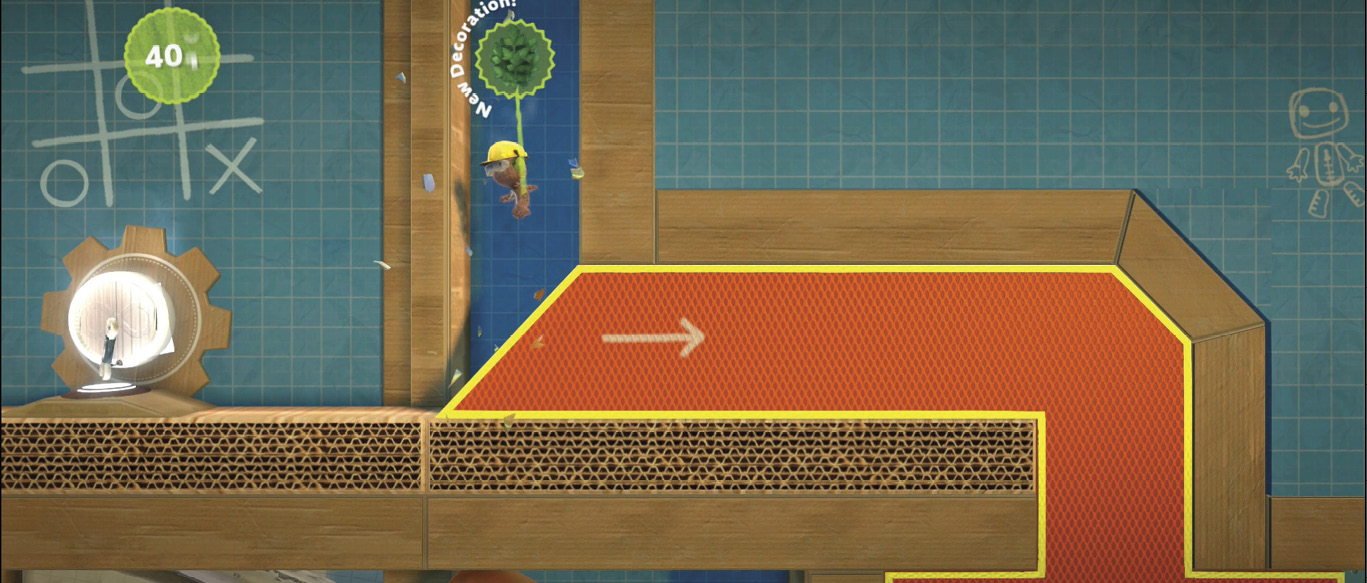
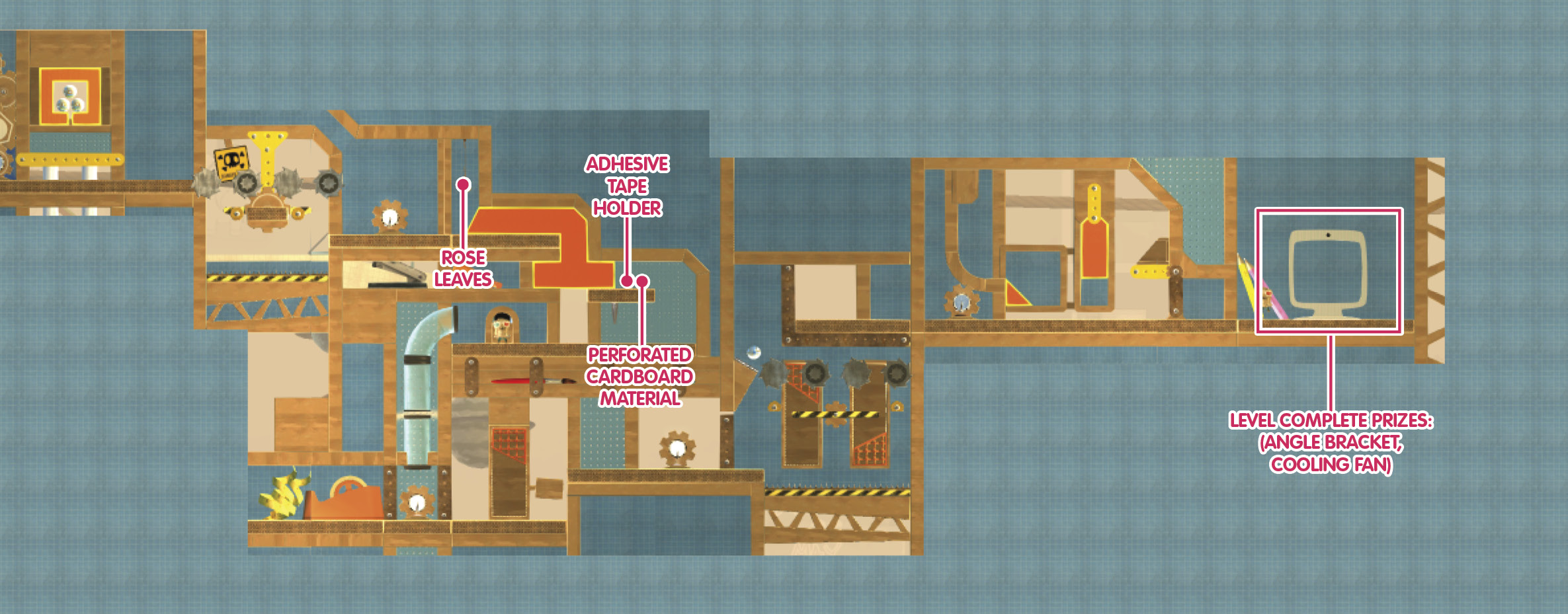
For the next orange object you spot, you can delete corners until you reach your ultimate goal of two luscious Prize Bubbles that contain the Adhesive Tape Holder Object and Perforated Cardboard Material.
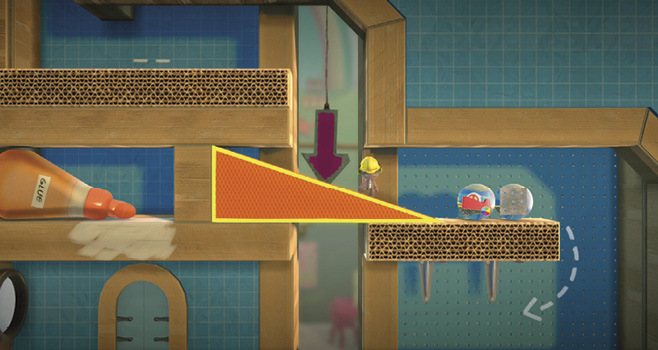
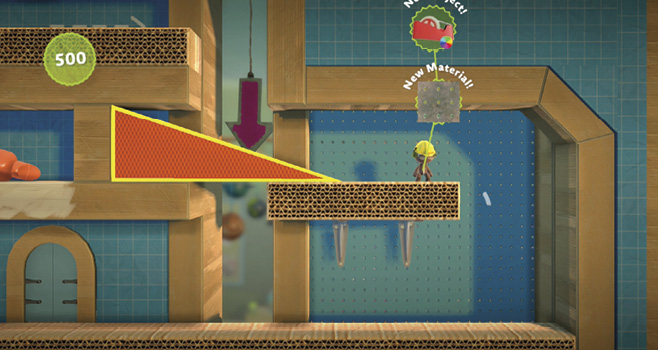
Follow Larry Da Vinci down the tube to the grates. The only problem is that they’re up too high for your sack person to reach. Pull at least one corner down with the Corner Editor, climb the grate with  , and then jump to the right to proceed.
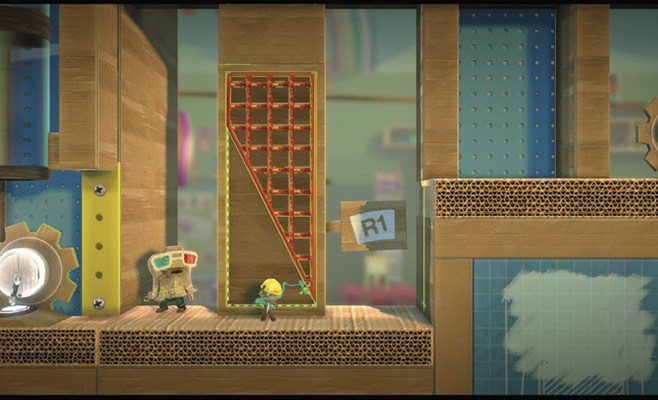
For this next section, you may need to press  to pause the rotating blades that threaten your sack person’s very existence. Then, use the Corner Editor to lift up grates so your sack person can climb to the top. Of course, you need to unpause the action first. Once they’re climbing, your sack person must avoid the blades.
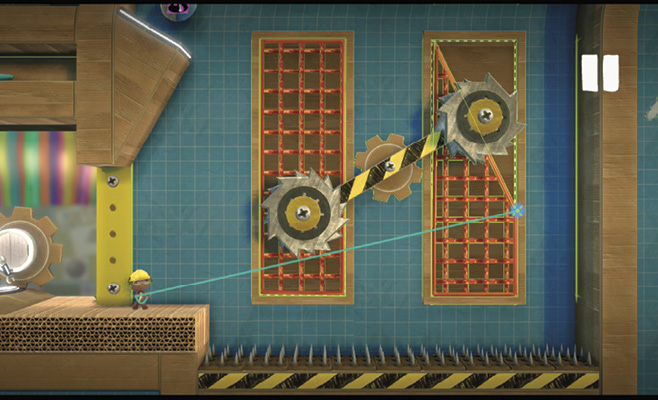
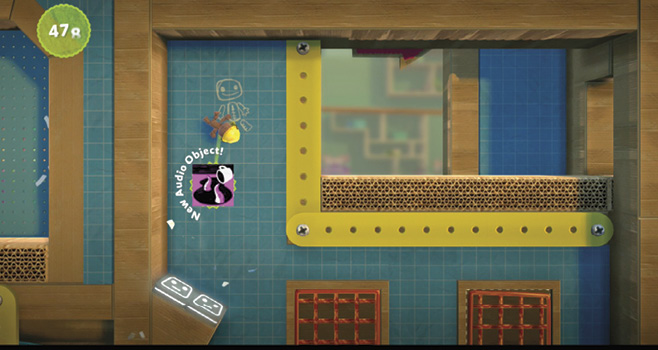
Move with the blades to stay in front of them, first from left to right along the bottom, then from right to left along the top. Jump on the Bounce Pad in the upper-left corner to collect the “It Came from Beneath the Tea” Audio Object on your way up to the platform above.
Calculating Trajectories
It’s time to get serious about math and physics and all that science-y stuff (you remember that, don’t you?). In the next section, use the Corner Editor to ease the path of the balls and open up a new path for your sack person. It’s easier than it seems at first.