Little Big Planet 3 Signature Series Strategy Guide Welcome to the Popit Academy
Bolts
Bolts might seem very handyperson-with-a-toolbox-and-overalls, which is all part of their charm and why they’re so useful in your levels. For instance, you might use bolts to attach materials to walls. Maybe you want to make something spin or wobble; bolts can do that, too.
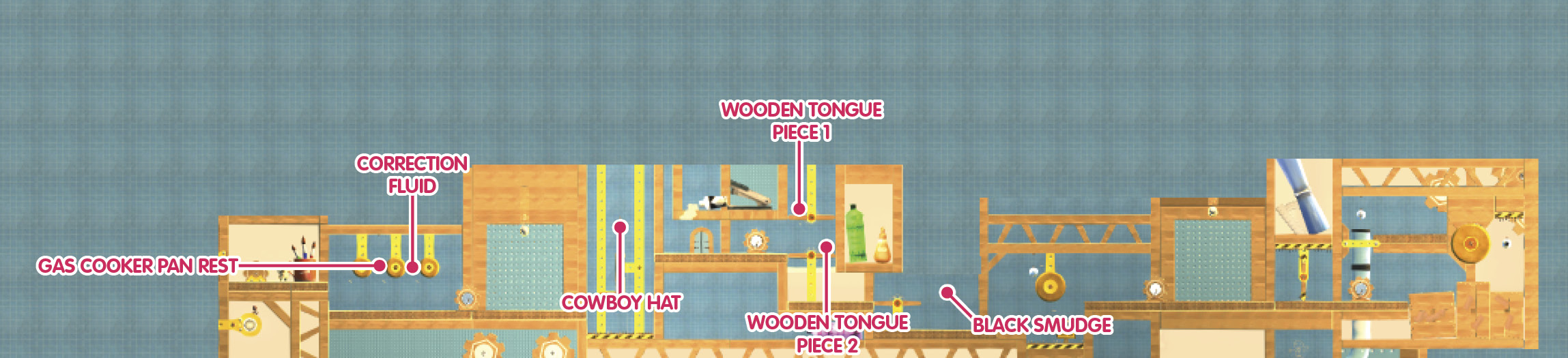
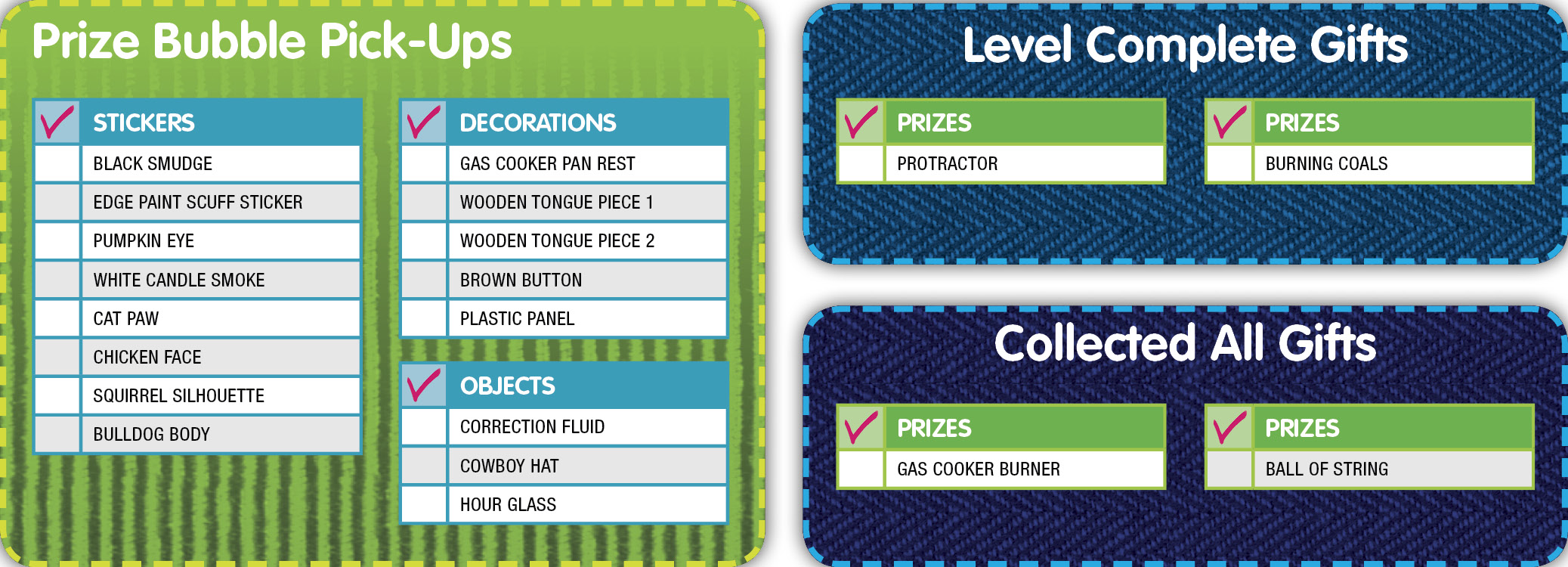
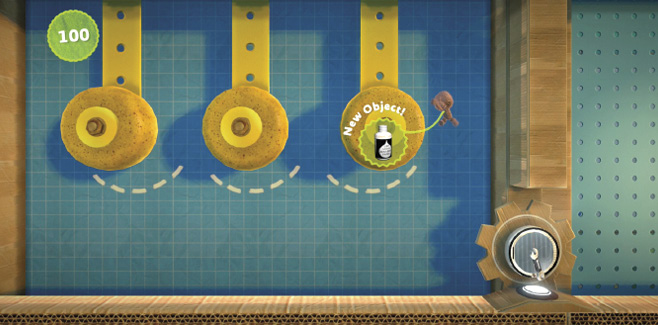
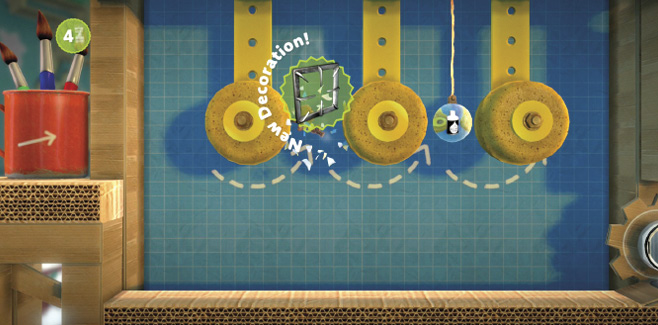
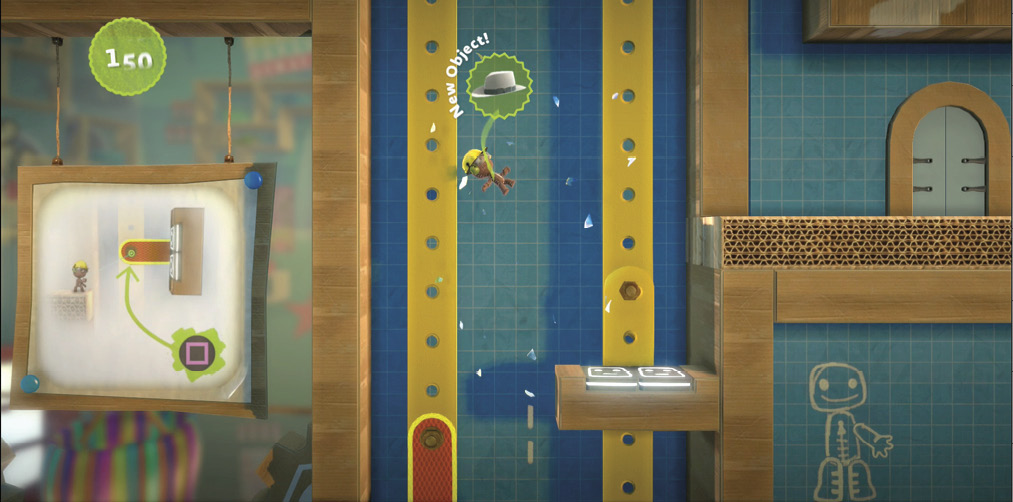
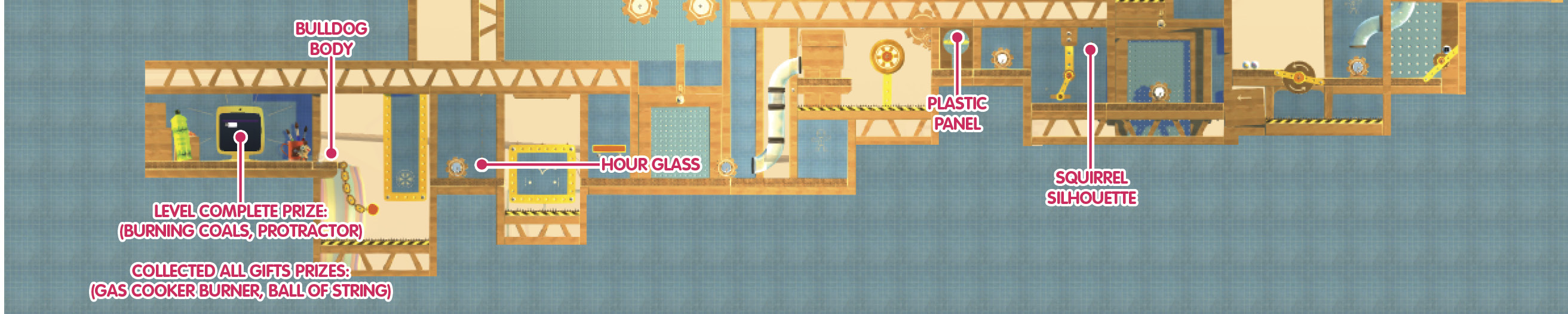
To get started on your next lesson, jump and press  to latch onto the sponges, one at a time. Swing across them to collect the Prize Bubbles for the Gas Cooker Pan Rest Decoration and Correction Fluid Object.
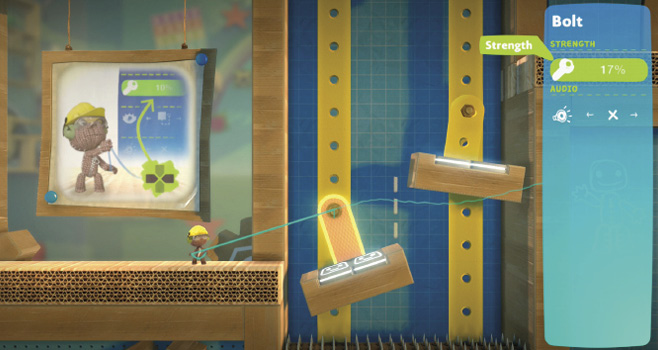
Next, use your Popit Cursor to select the bolt up ahead and adjust its Strength. Specifically, you want to loosen it until the platform with the Bounce Pad falls into place for your sack person.
Now, use the Bounce Pads to maneuver your little sack person upward to the next platform. If you want to reach that incredibly tempting Prize Bubble way up there in the air, jump as high as you can. Your sack person’s reward for popping that bubble is the Cowboy Hat Object. Yeehaw!
Catch up with Larry Da Vinci to continue your lessons. There are a couple of Prize Bubbles here for your sack person to grab. You just need to loosen some bolts here and there to make them all within reach.
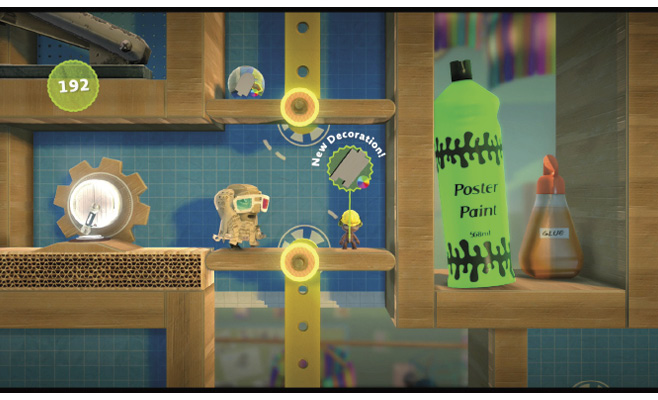
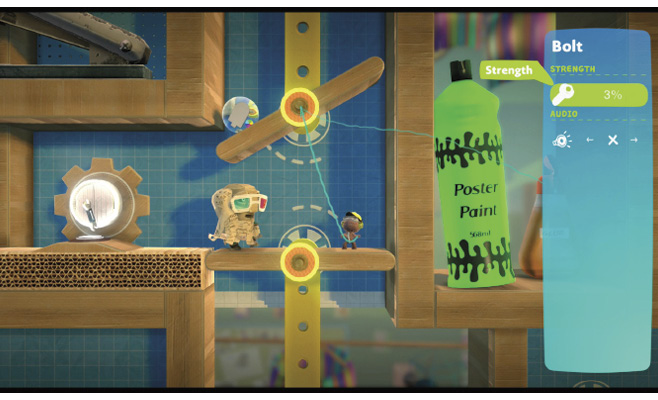
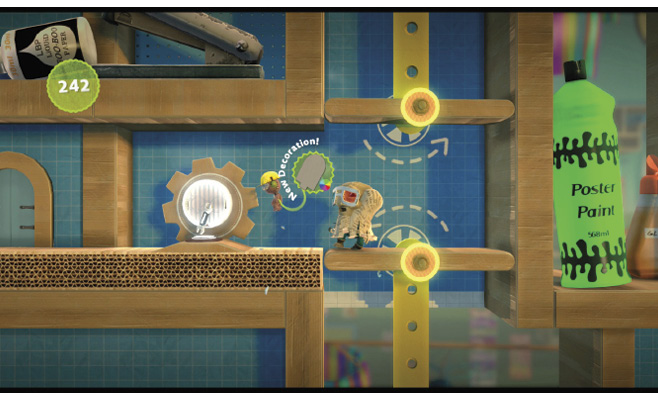
Burst the Prize Bubbles to receive the Wooden Tongue Piece 1 Decoration and Wooden Tongue Piece 2 Decoration.
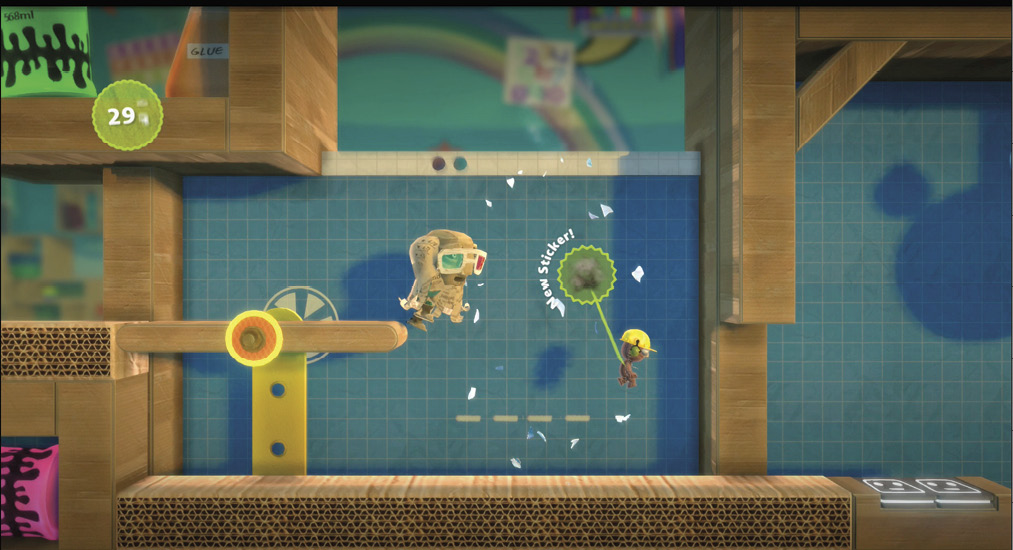
Loosen the bolt for the lower platform to drop both your sack person and Larry Da Vinci downward. Now, for the platform up ahead (to the right), you want to do exactly the opposite if you’re looking to grab that Prize Bubble hanging there. Use your Popit Cursor to select the platform’s bolt, and then tighten it so your sack person can safely step on it without falling. Use it to jump through the Prize Bubble and collect the Black Smudge Sticker.
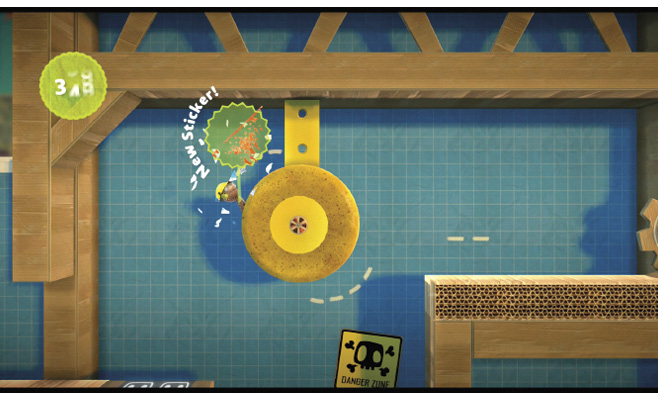
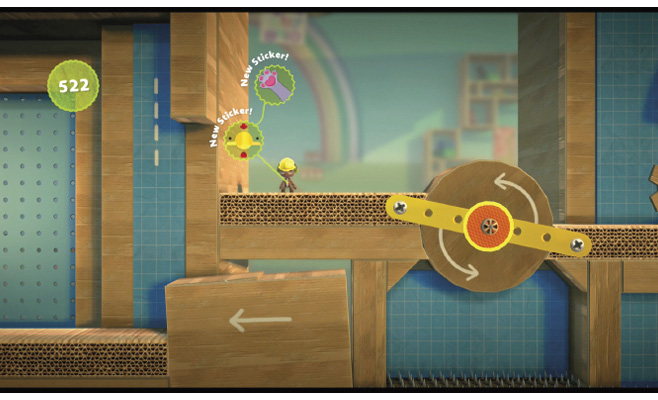
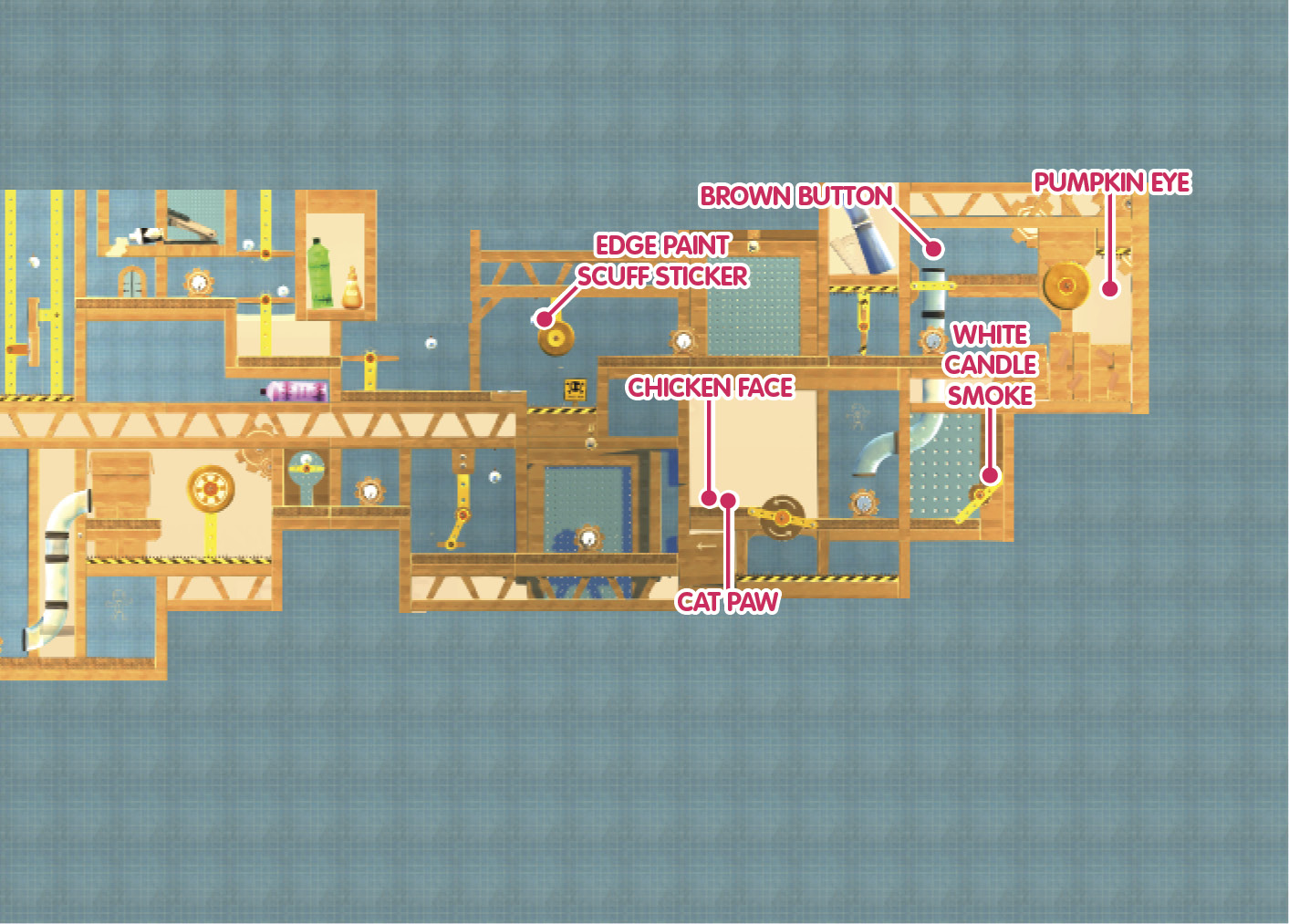
Now, follow Larry Da Vinci. He shows you how to leap off the Bounce Pad and grab hold of that rotating sponge () with true grace. Make sure you spin around the rotating sponge once to collect the Edge Paint Scuff Sticker.
Bolts That Spin Around and Around
Motor Bolts are bolts that spin around, meaning that you can place them on a material to make it rotate. Select the bolt, and press  to tweak the speed and direction of its rotation. Try not to get too dizzy.
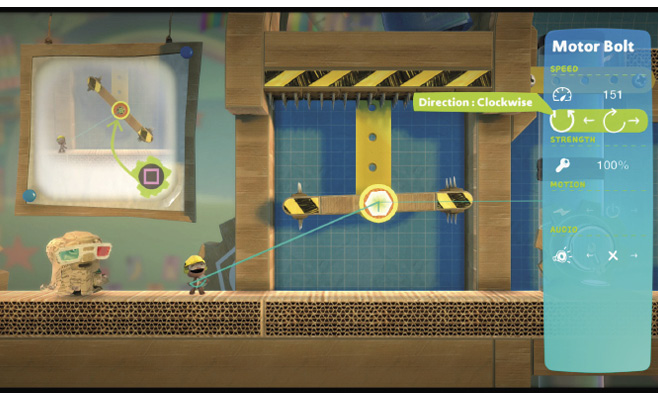
See that spinning platform up ahead? Go ahead and select its Motor Bolt with your Popit Cursor, and then play with its properties. Slow it down and change its direction for a better chance to get past it. When you’re ready, move your sack person along the platform without letting them get hit by it.
For the next big rotating sponge, you must speed up the Motor Bolt and change its direction so your sack person can swing off of it to pop the Pumpkin Eye Sticker Prize Bubble.
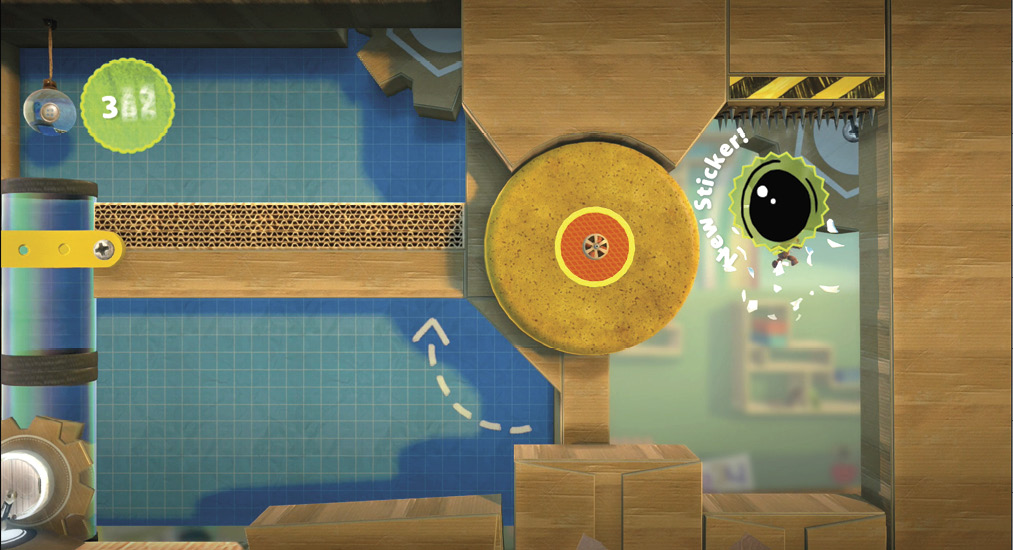
Next, turn that same bolt the other way and speed it up to launch your sack person up onto the platform to its left. Jump for that Prize Bubble to collect the Brown Button Decoration, then slide down the tube.
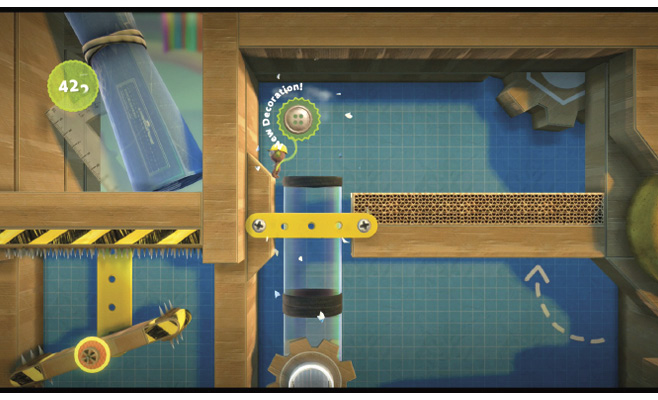
Now, before you carry on to the next part of the main adventure, doddle over to the right to find a hidden Prize Bubble. Your sack person can’t get a good grip on wood the way they can on sponge. Therefore, your best bet here is to use your Popit Cursor to select the Motor Bolt and then press to adjust the speed, bringing the bubble to your sack person. Inside is a White Candle Smoke Sticker for your efforts.
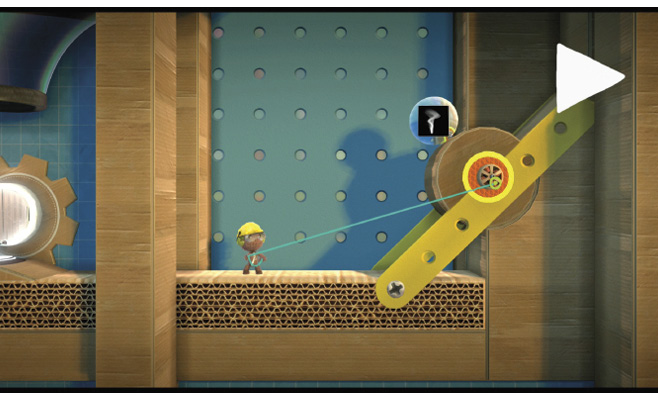
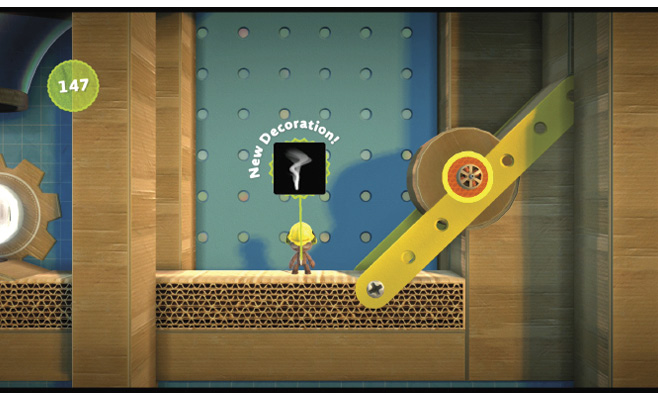
Head to the left now to carry on with your lesson. Now, your sack person faces yet another rotating contraption, but this time, it’s a wooden wheel that you must slow down. Change its direction while you’re at it, and your sack person can ride it directly over to the Prize Bubbles for the Cat Paw Sticker and Chicken Face Sticker.
Bolts That Go Back and Forth
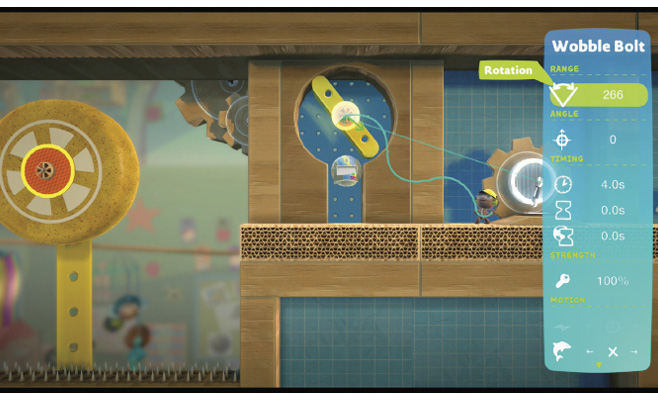
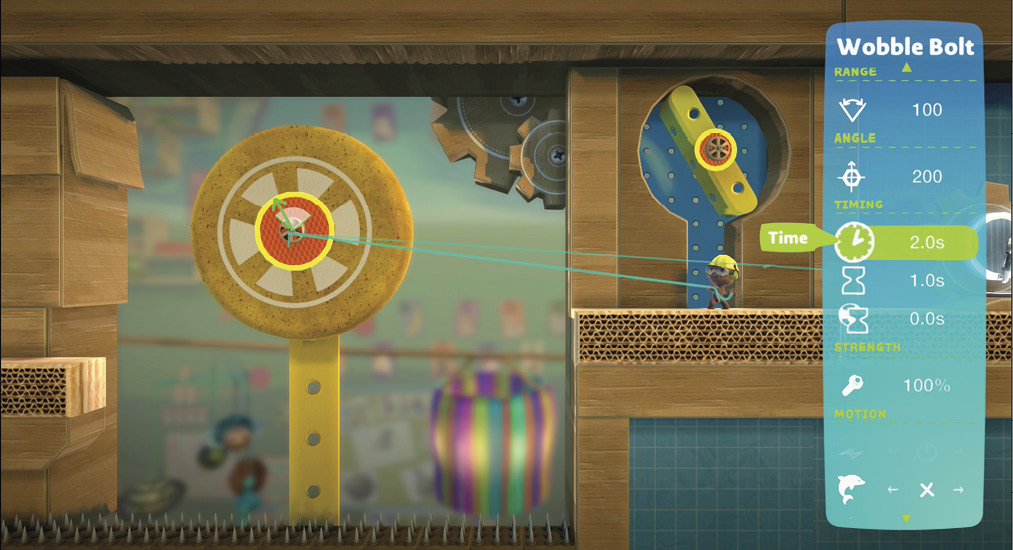
Wobble Bolts go back and forth, so you can wobble a platform from one side to another or make a sponge rotate from side to side rather than all the way around. It doesn’t have to be as wobbly as the name implies: you can make the wobble as fast or slow as you like. Select the bolt and press to tweak its rotation, angle (that’s the center of the wobble, like a center of gravity thing), and the timing of the wobble (that is, how fast or slow it goes).
Your next big task is adjusting one of these so you can reach the Prize Bubble up to the right and the platform up to the left. You might make a few mistakes, but tweaking something’s wobbliness is always a process of trial and error. Enjoy it!
Hit that Prize Bubble to grab the Squirrel Silhouette Sticker.
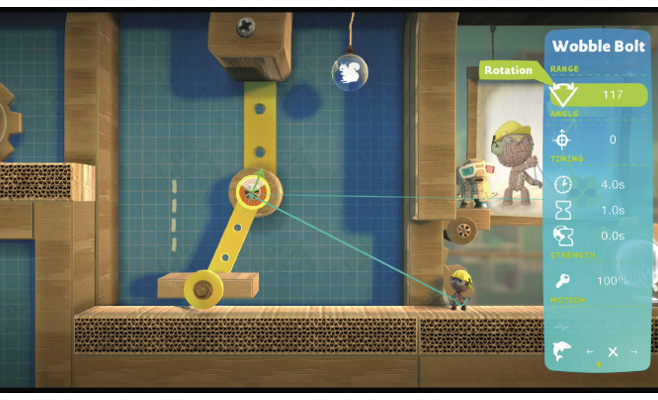
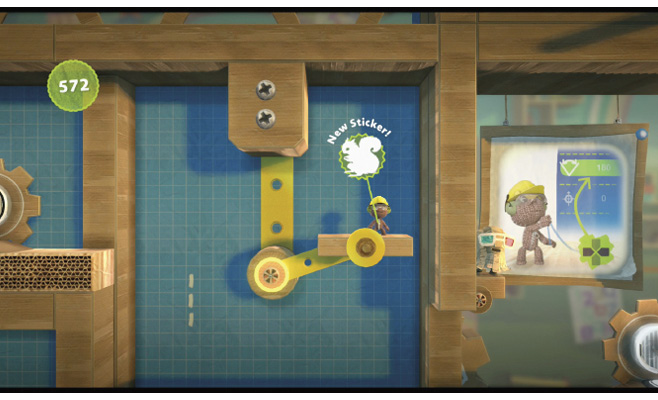
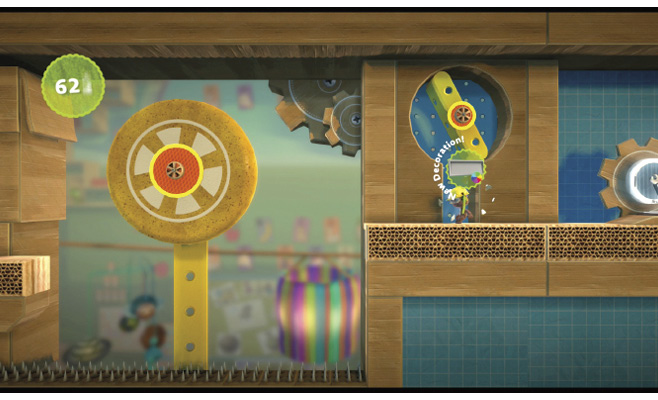
Once you make it onto the next platform, you should spy another Prize Bubble trapped above. Set that poor little bubble free by adjusting the wobble of the bolt that’s tilting the platform back and forth. All you need to do here is make the range much, much bigger until the bubble falls out. Your reward is a Plastic Panel Decoration to add to your ever-blossoming collection of Create Mode goodies.
But Look—All Those Spikes!
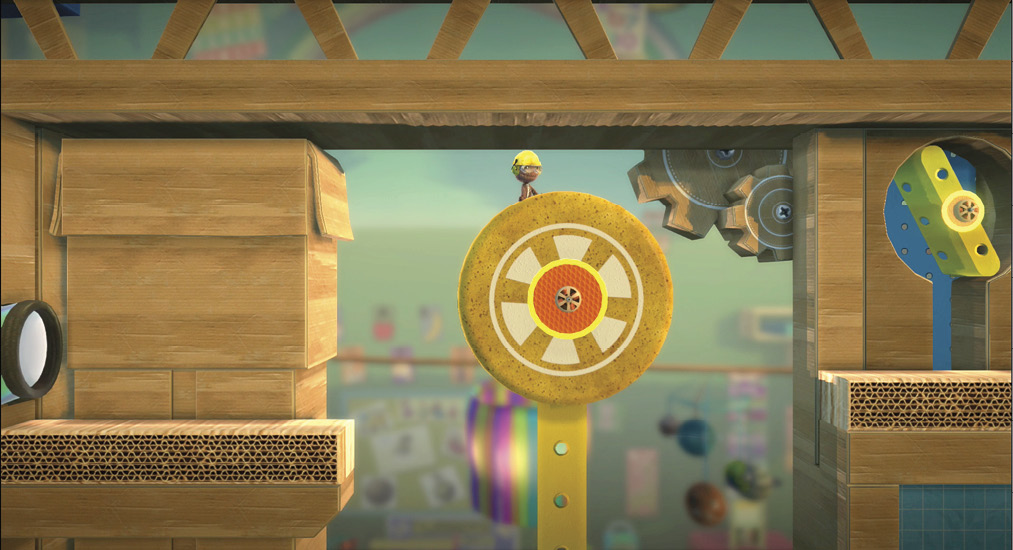
It’s a little daunting to look up ahead to the left and see all those spikes just waiting to poke your little adventurer. Also, that slowly wobbling sponge seems so far away. But don’t worry—have a little faith in your sack person to make the jump. First, though, you must select the Wobble Bolt with your Popit Cursor and then press to tweak its wobble. Speed it up a little, widen the range of the wobble, and adjust the angle precisely. Now, your sack person is ready to take a big leap and latch onto the sponge with , then jump off with  on the other side.
Nuts and Bolts—Actually, Just Bolts
Ready to start screwing in your own bolts? You may be surprised at how useful those little things can be.
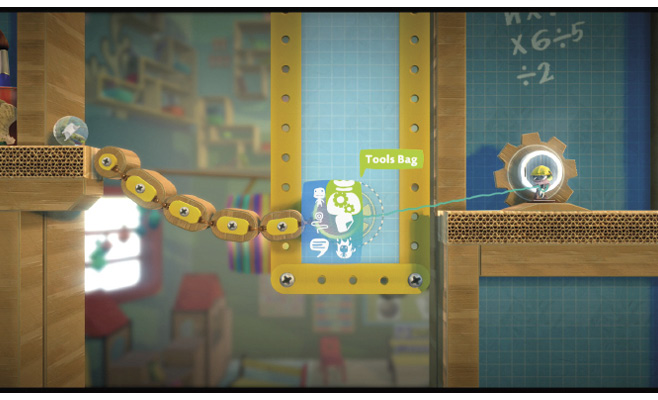
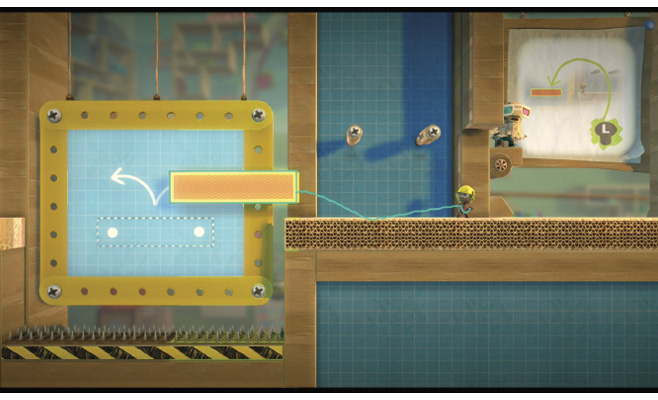
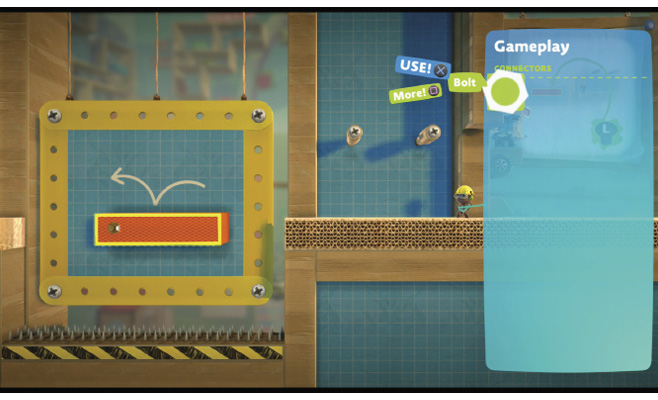
In the next room, you get to start bolting things all by yourself for the very first time. First, use your Popit Cursor to select the orange rectangle and move it into the outlined area to the left. But before you just let it fall there, select Bolt from your Tools bag, and place two bolts in the rectangle to stick it in place. Go ahead, give it a try!
Now your sack person can jump across the platform. You deserve a reward for all the lessons you’ve been learning and skills you’ve been mastering. Go ahead and pop that Prize Bubble to win the Hour Glass Object.
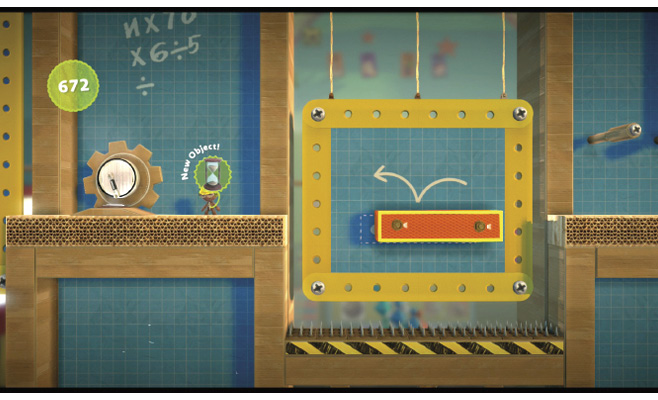
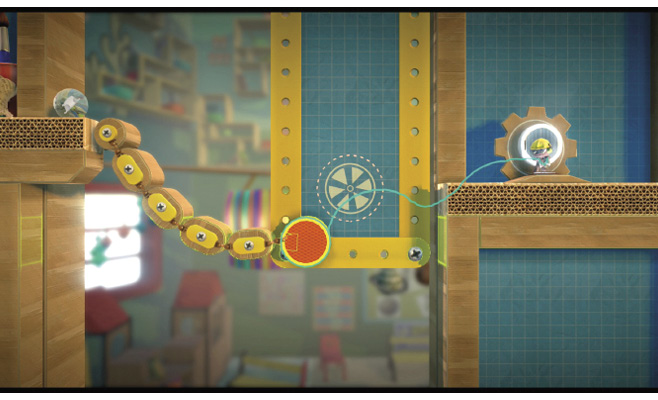
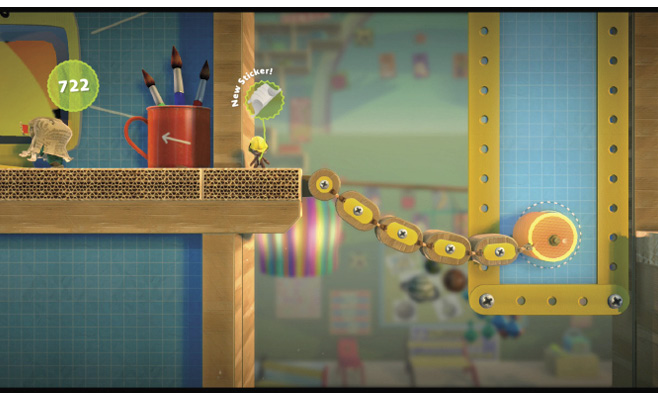
Up next, grab the orange circle with your Popit Cursor, and drag it toward the outlined area to create a bridge. Then, screw it in place with a bolt from your Tools bag. You’re getting good at this!
You’re almost done with this lesson now. Pop the Prize Bubble to collect the Bulldog Body Sticker on your sack person’s way out.