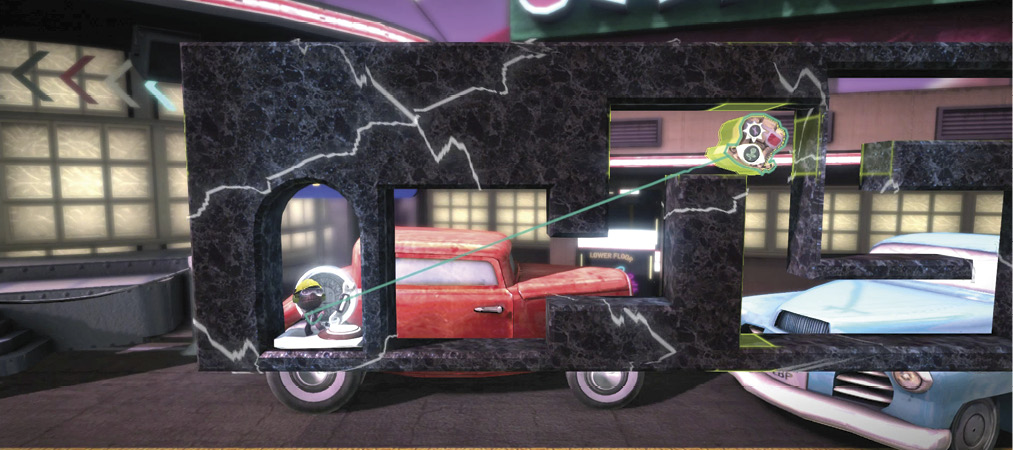
Little Big Planet 3 Signature Series Strategy Guide Create: What's New And Shiny
Power-ups/Special Power-ups
There was once a time when running, jumping, and grabbing were all an honest, hardworking sack person needed to get by in this crazy, mixed up LittleBigPlanet. Nowadays, if you want to make it to the end of a level, a power-up is often just the thing to add the extra oomph required for a healthy trip to the Scoreboard.
The Rail Hook already helped you in your short adventure back at the cave. Now, you’ll see how some of the other power-ups can benefit progress.
Sackpocket Pedestal and Powerup Pedestal
These two power-ups consolidate all the new Sackpocket powers in a set of potent tools. The primary difference here is access. The Sackpocket Pedestal puts the power-up in your sack person’s Sackpocket, whereas the Powerup Pedestal only supplies the instrument for the instance it is required. Either way, you can also equip custom power-ups made with the Blaster Handle.
Here, you can swap out the Hook Hat Sackpocket Tweaker switch with a standard Powerup Pedestal, since it is only required once in the challenge race.
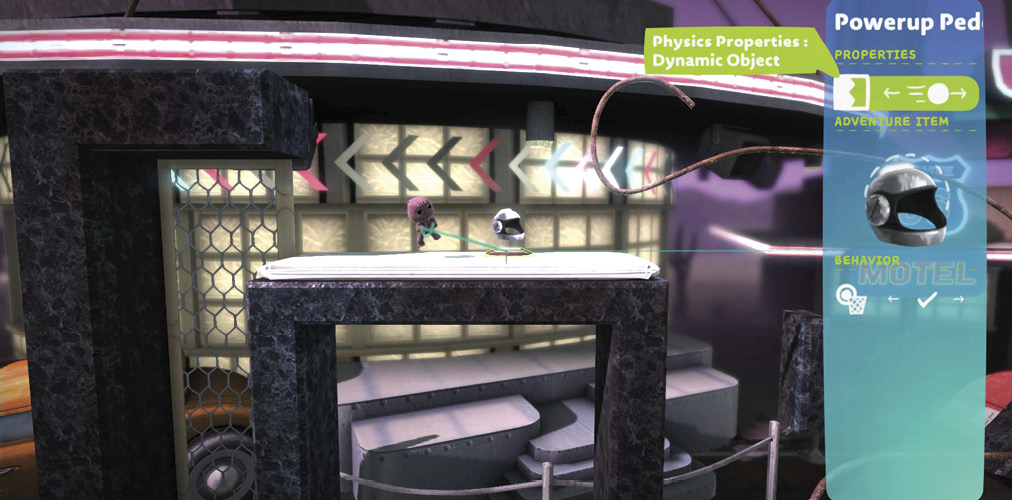
Blaster Handle
There are some amazing power-ups available to the knit-clad travelers of LittleBigPlanet, but the best of them all may still be to come since you have not made it yet. The Blaster Handle lets you create custom power-ups and distribute them via Pedestals.
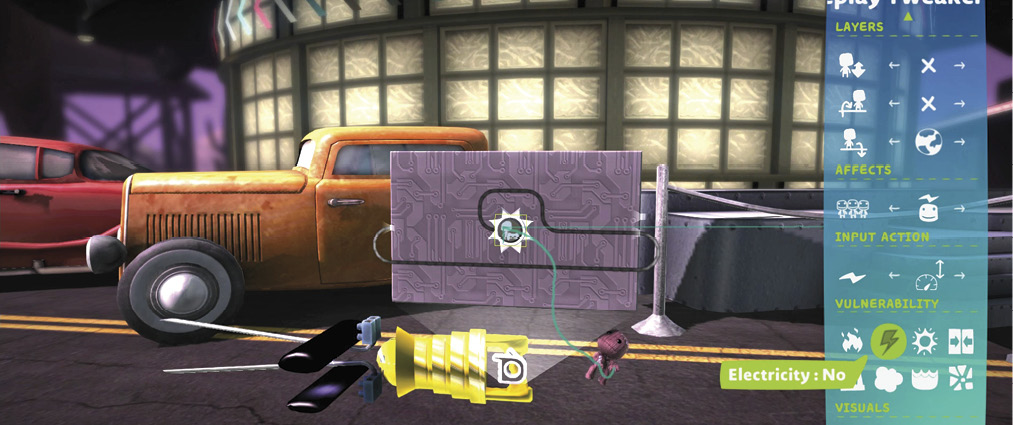
You can do this by placing the Blaster Handle on any item you want to convert into a power-up. Once done, the Tweak menu allows for many in-game features to be set, whereas the actual properties of the power-up are set in the microchip emanating from the Blaster Handle.
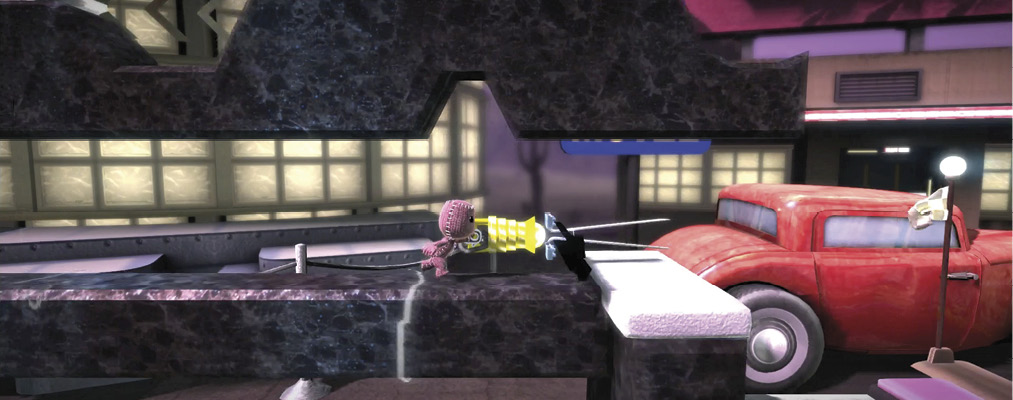
In this example, there is an anti-electricity wand fueled by a Gameplay Tweaker. Placed in a Pedestal, this power-up can now replace the electricity invulnerability switch at the base of the Bendy Rail segment. Now, rather than flipping a switch, sack people that pass are rewarded with a handy new item.
Popit Power
Outside of the power-ups you have yet to invent, the most awe-inspiring power-up might be the Popit Power. This tool lets you bring the power of Create Mode into gameplay. But, as some dude’s uncle once said, “With great power comes great responsibility.” This tool quite literally has the potential to tear your levels apart, so be careful what you let players do with it.
By expanding the level a bit, you can add race alternatives for all four adventures. Rather than give each a button, use the Popit Power to let players connect the available buttons to the hero of their choice.
For this example, only the Popit Cursor is made available, but the full range of Popit Tools and Goodies can be activated from within the Tweak menu.
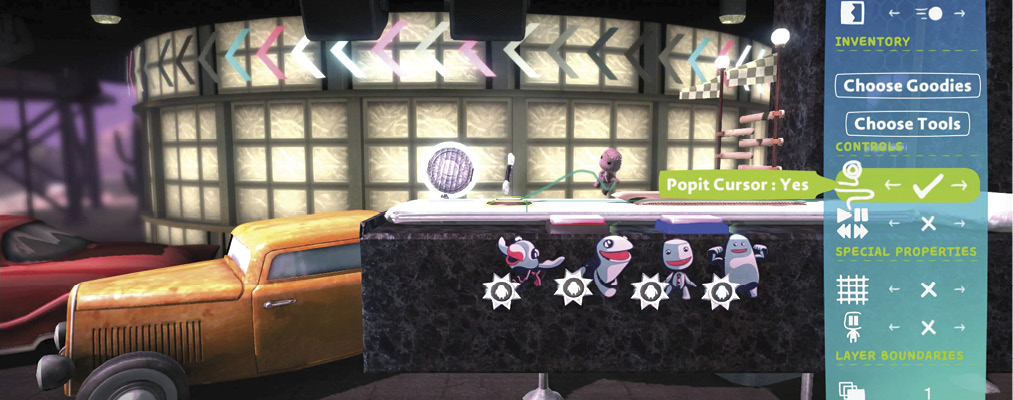
Popit Powerup Tweaker
Even with just the most minimal tools made available, there are still a lot of options when you open up the Popit. The Popit Powerup Tweaker works to try to help direct creative tool use toward your level’s needs, rather than another’s destructive desires. When placed on an object, the Popit Powerup Tweaker determines which powers create tools have on it in Play Mode.
By placing this on one of the level elements and making it non-selectable (while also selecting the use of a Rigid Connection), this object and all those glued to it are no longer affected in Play Mode.
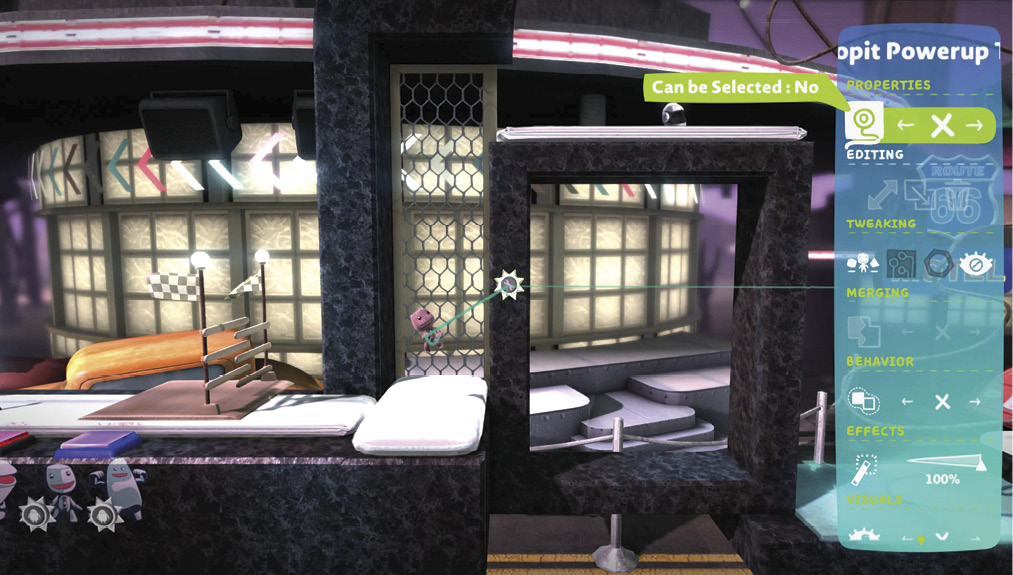
Popit Cursor Sensor
This Sensor works much like a Grab Sensor, but rather than looking for the plushy squeeze of a sack person, it is set to detect the ethereal embrace of the Popit Cursor.
To demonstrate this handy tool, da Vinci has been equipped with the Sensor and is ready to help. As soon as he is selected, the Dissolve all around him dissolves, and the walls electrify. It is up to you to guide him through the maze with the Popit Cursor for some fabulous prizes.