Little Big Planet 3 Signature Series Strategy Guide Create: What's New And Shiny
Rails
Who can deny the allure of a rail? From the mystique of the monorail to the adrenaline of a rollercoaster, these fine tools dappled throughout the Popit help sack people and objects alike travel in style.
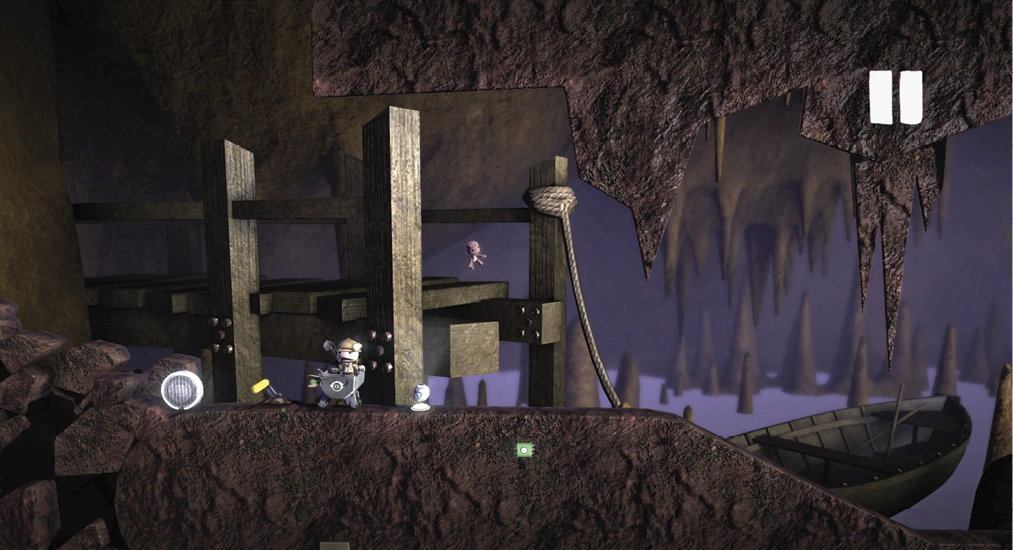
In this little tutorial, the secret passage has led to a runaway mine cart. Your sack person must keep up if there is to be any hope of saving the wayward spelunker.
Bendy Rail
The Bendy Rail is the only rail by which the discerning sack folk get around. Find it in the Connectors segment of your Tools bag, and tap  to plant down the first segment. Move along, tracing the path of the cart. Each tap of the button plants a pivot point from which you can bendthe Bendy Rail.
  and
and  function much as they do when working with materials, toggling the end point of the rail between layers. Try moving the rail up and down a little, and possibly even navigate it around some obstacles. Use
  to complete a track segment.
Remember, you can control the type of traffic you want to manage from the Tweak menu. Any rail can be made to support the Hook Hat, Rail Hook, both, or neither.
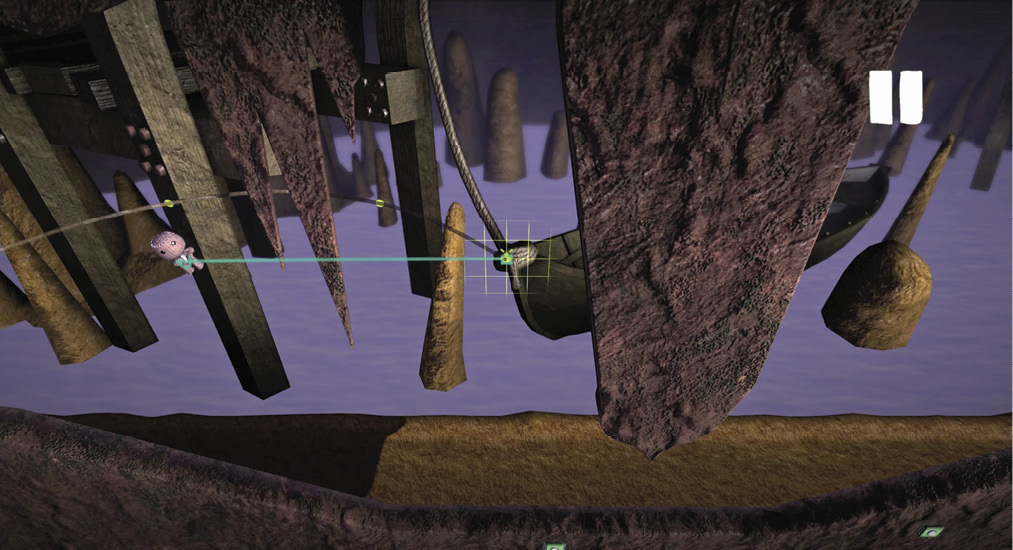
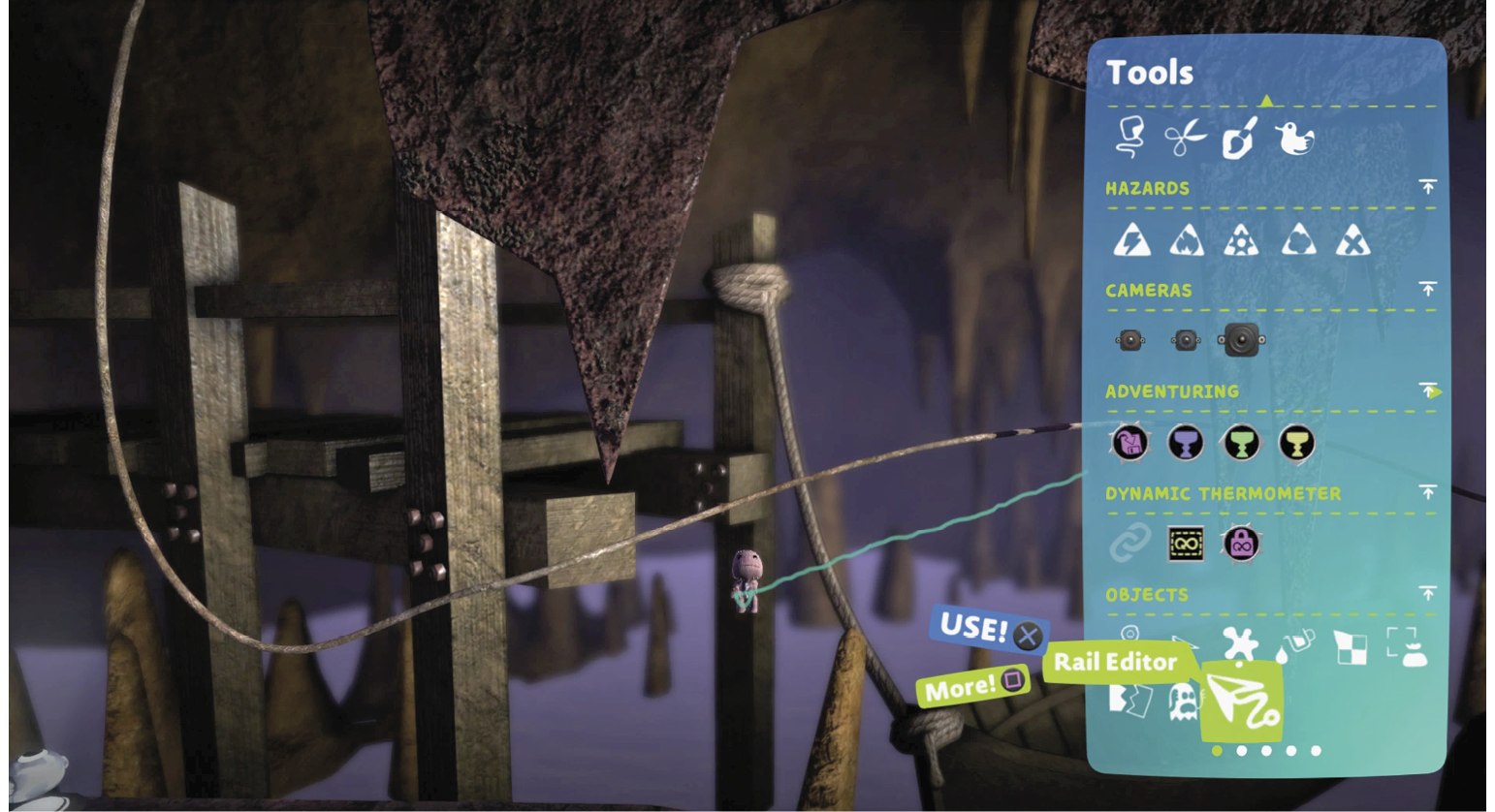
Rail Editor
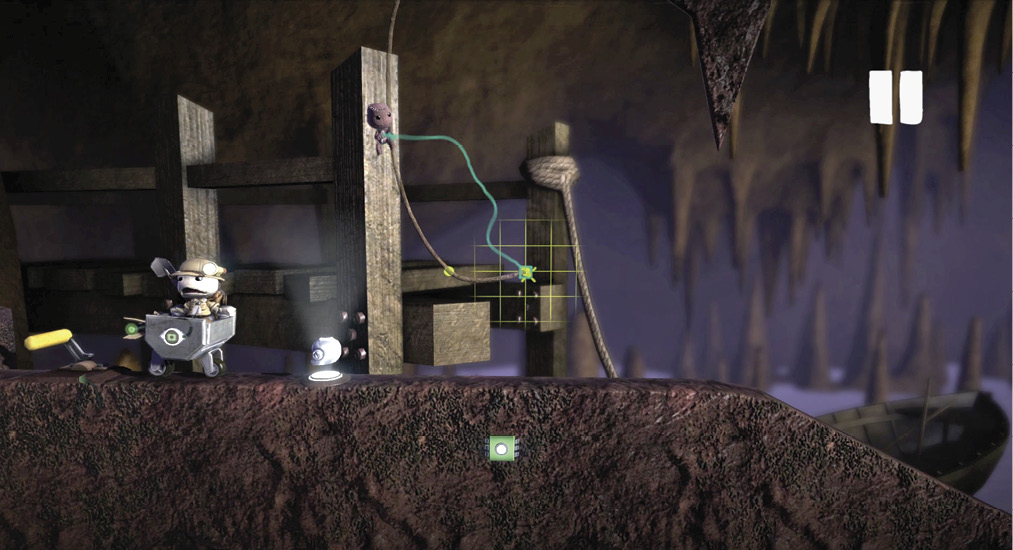
Much like the Corner Editor, the Rail Editor allows you to go back into a previously laid rail and refine its shape and path. Try using it to add a few more layer changes to your rail. The controls are the similar to the Bendy Rail, but here, you can also use  and
and  to skip between pivot points.
Hook Hat
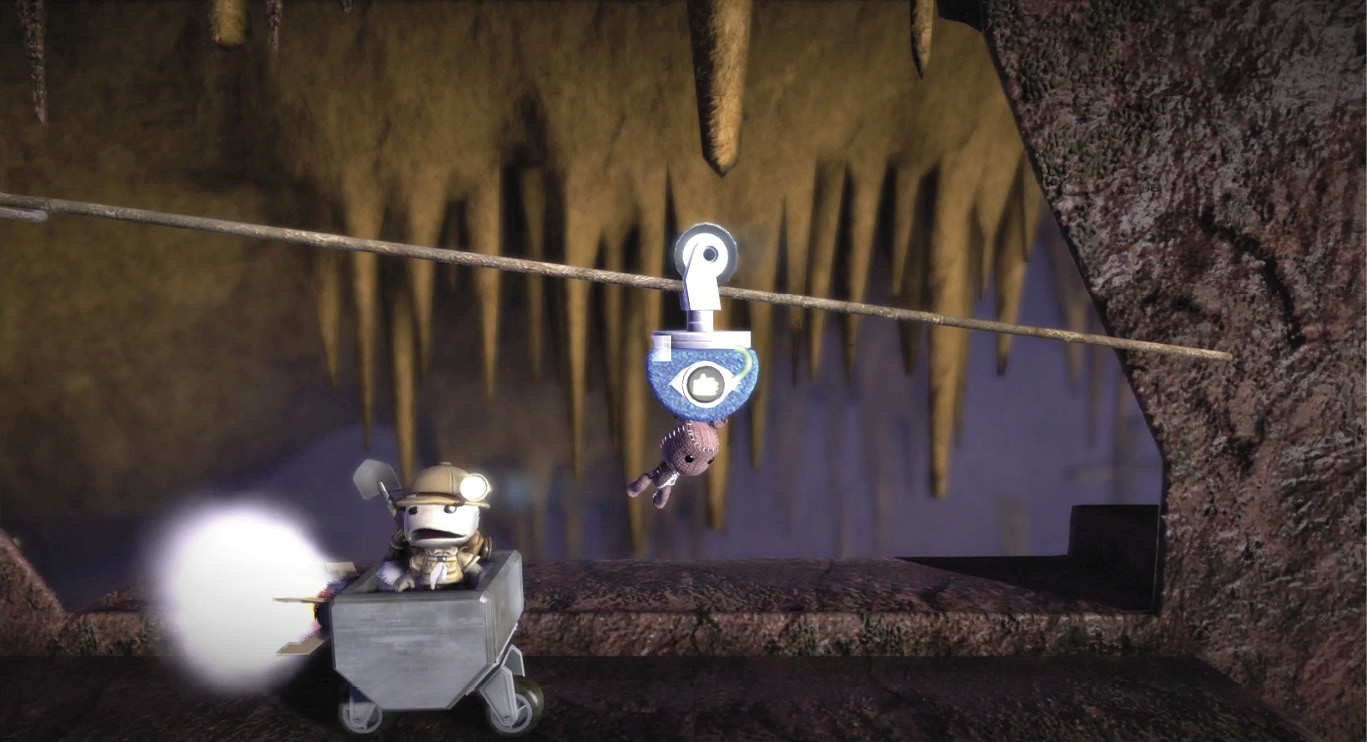
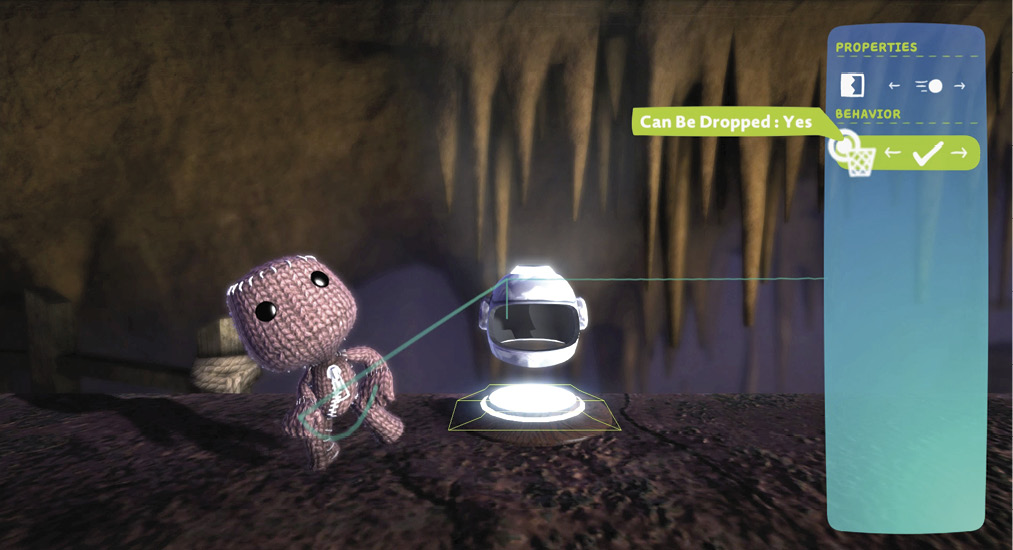
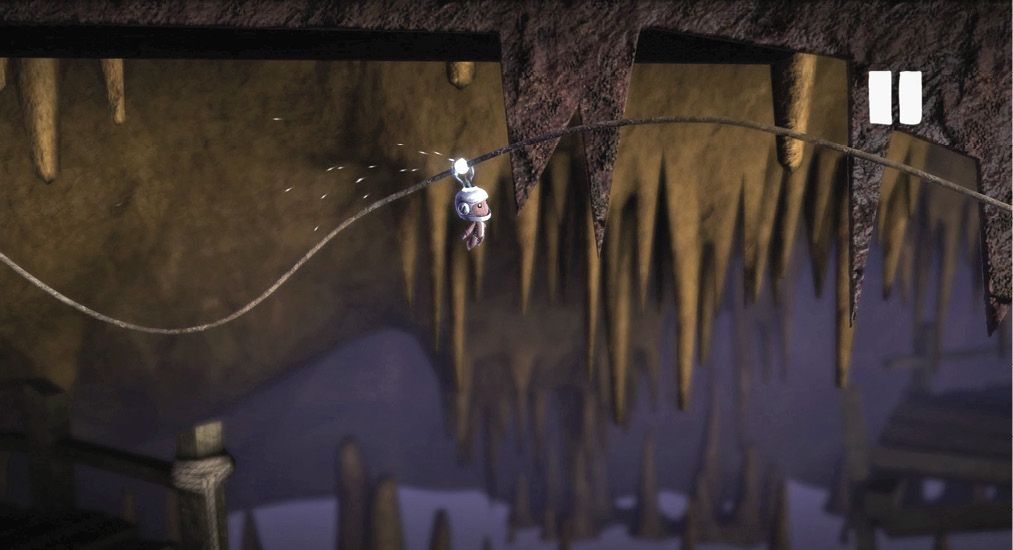
You can find the Hook Hat with the rest of your power-ups. This fashionable helmet looks good anywhere, from outer space to this deep mine. Placing the power-up on the path grants any sack person passing through access to the Hook Hat just by stepping over it as in the main game. It also provides a good visual cue to let players know what to do with the rail.
Hook Hats have a simple Tweak menu that allows you to make them Static or Dynamic objects, as well as the option to give sack people in your level the ability to drop the item or force its inclusion after pickup.
Rail Hook
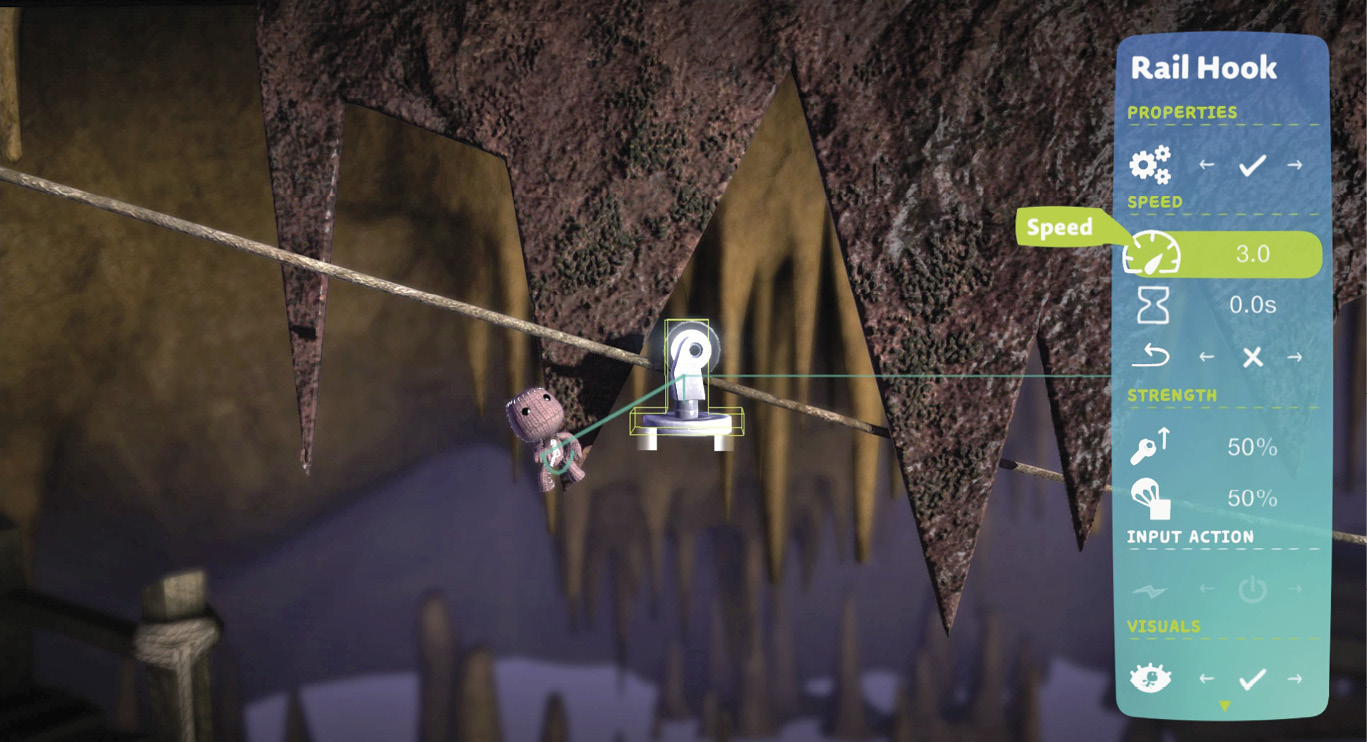
When you would like a little more control over the conveyance or want to transport something other than your sack person sporting a Hook Hat, then the Rail Hook is the tool for you. Found next to the Bendy Rail with your Connectors, the Rail Hook is exactly what it sounds like.
Once attached to your rail, you have a lot of options for how to use it. You can attach anything to it via glue, and it has connector ports to allow for easy control via switches or Sensors.
By gluing on a grabbable material like a sponge and attaching a Grab Sensor, this example keeps things very simple. Use the Tweak menu to motorize the hook and set a good pace under the speed settings (nothing too outrageous). You can leave the Input Action on its default, On/Off. Now, much like with the Hook Hat, your sack person can easily keep up with the runaway mine cart as it barrels toward another hidden Velociporter.