
Disney Epic Mickey 2: The Power of Two Guide Essentials The Basics
The Basics
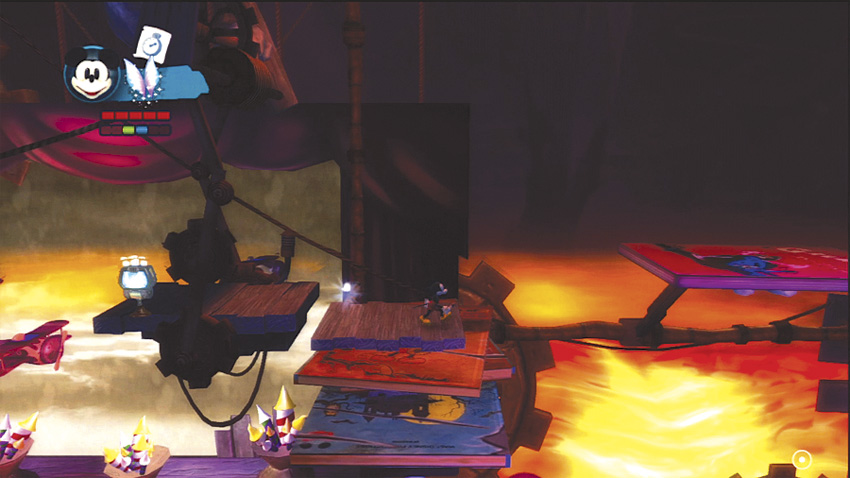
You saved Wasteland once, but can you save it again? After your cartoon friends call for your help again, it’s time to guide Mickey Mouse back into the world of Paint and Thinner, only this time you’ll have Oswald by your side as you puzzle through predicaments and spin away Sweepers.
Before you’re dissolved into a Thinner puddle by the countless enemies in Wasteland, read through the following pages and learn the basic strategies of Disney Epic Mickey 2: The Power of Two, along with walkthrough tips on the first few levels. This quickstart guide gives you everything you need to get started in the wonderful and colorful world of Wasteland.
Your Screen
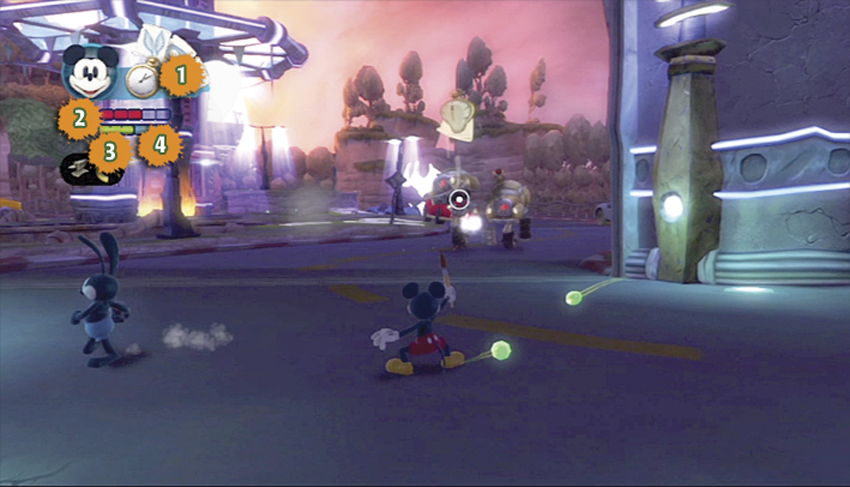
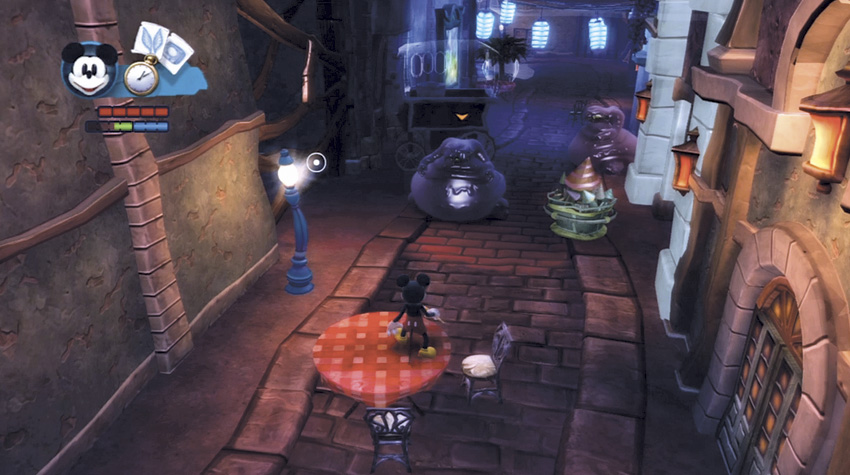
You have a lot to absorb the first time you start playing Disney Epic Mickey 2: The Power of Two. Luckily, the interface is very streamlined, and exploring will become second nature rather quickly. Here’s a helpful breakdown on the single-player user interface (solo as Mickey) and co-op interface (two players as Mickey and Oswald).
Single-Player UI
Co-op UI
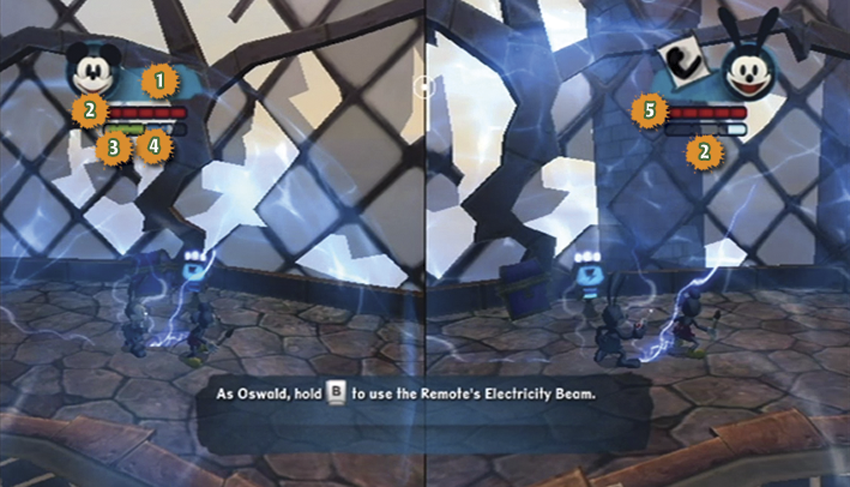
1. The Sketches : Right next to Mickey’s portrait you’ll find the sketches: Fairy, TV, Anvil, and Watch. You can cycle through them and deploy them from here. Once you gain a sketch, you can activate it as often as you like for the rest of the game, although there is a short cool down between uses.
2. Health Status : The red bar shows Mickey’s or Oswald’s health status. If you have five red health pips, you’re in great shape. Reach zero and you’ll have to restart at the last checkpoint. You can add more health pips later in the game by buying permanent upgrades.
3. Thinner Capacity : The bottom left half of the lower bar (the green side) indicates how much Thinner you can use. Once the bar empties, only the last segment will refill over time. To fully replenish your Thinner supply, you will need to find power-ups in the world.
4. Paint Capacity : The bottom right half of the lower bar (the blue side) indicates how much Paint you have to use. Like the Thinner bar, only the last segment will refill over time. You will need to find a Paint power-up in order to refill completely.
5. Electricity Capacity : Oswald’s bottom bar indicates how much Electricity he has to use. This bar works just like the Paint and Thinner bars. Find a power-up in order to refill your electricity completely.
Walk (Mickey and Oswald)
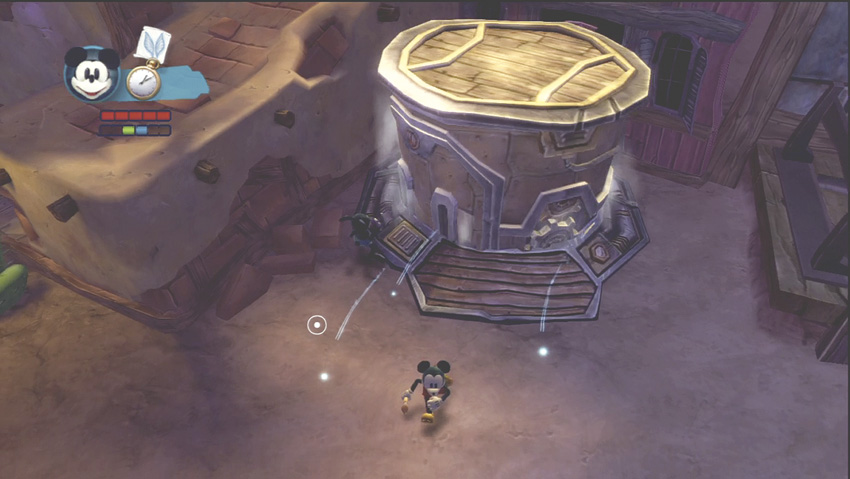
Mickey and Oswald’s usual mode of travel is running, but there are times when walking comes in handy. For example, if you take a dip in Invisible Ink and don’t want it to wear off, then it’s better to walk. Also, against a Spladoosh, it’s best to walk gently and leave it sleeping, unless you want to cause a big goo explosion.
Run (Mickey and Oswald)
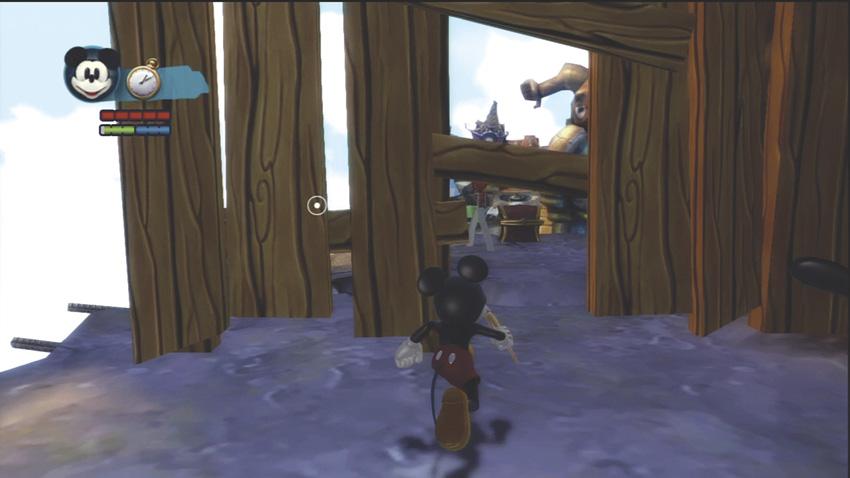
Running is your standard mode of traveling. It gets you from point A to point B, unless you have dangerous obstacles to avoid. In most fights, you want to keep moving, so running around and dodging are the best options.
Jump (Mickey and Oswald)
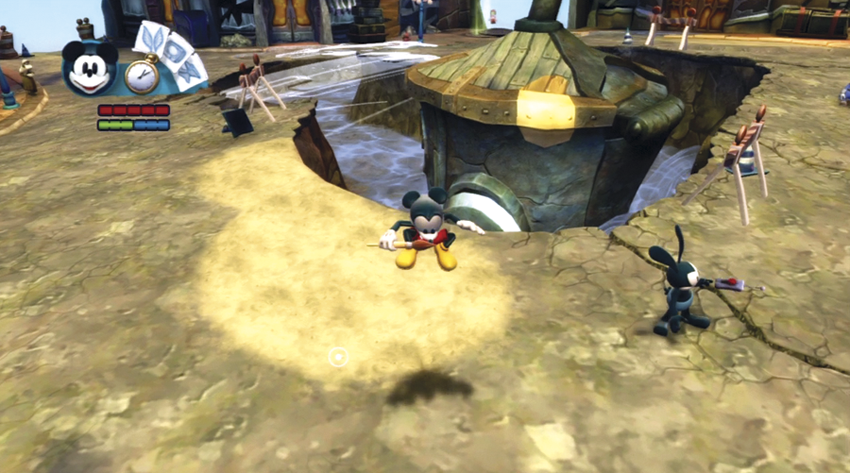
A jump is a small hop that gets you over short obstacles. A single jump limits the height and range of your jump, which can be useful in certain circumstances. Jump by pressing the Jump Button once.
Double-Jump (Mickey)
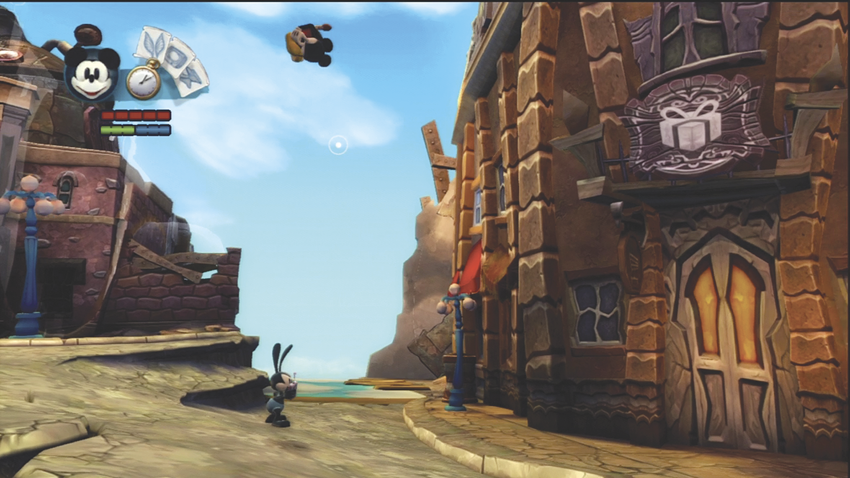
Press the Jump Button once, and then press it again at the peak of the jump to do a double-jump. This is extremely useful to get across a wide gap, or even to stun your enemies by jumping on their heads!
Helicopter Glide (Oswald)
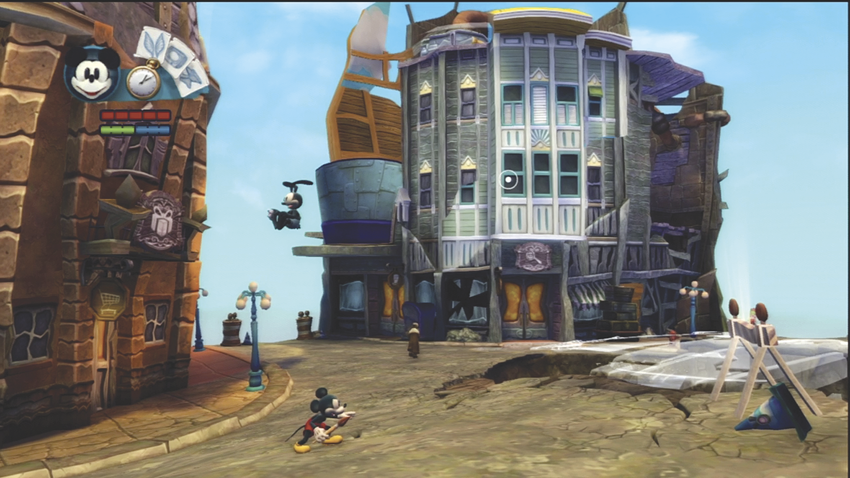
Pressing the Jump Button twice with Oswald will make him do his Helicopter Glide. This move allows him to glide across vast areas—very useful for crossing pits—and settle safely to the ground on the other side. Just don’t jump off a cliff and expect to glide down to safety. If you can’t see the bottom, it’s probably a restart for Oswald, too.
Spin Attack (Mickey and Oswald)
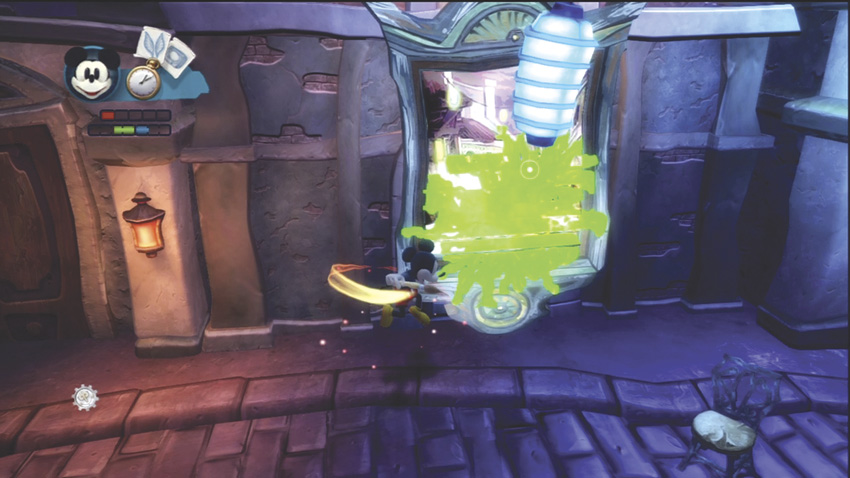
Perform a Spin Attack to smash open resources and gain power-ups. Swat enemies aside. Activate gears and levers. Extend a jump with a Spin Attack on the end. Experiment often and you’ll be rewarded.
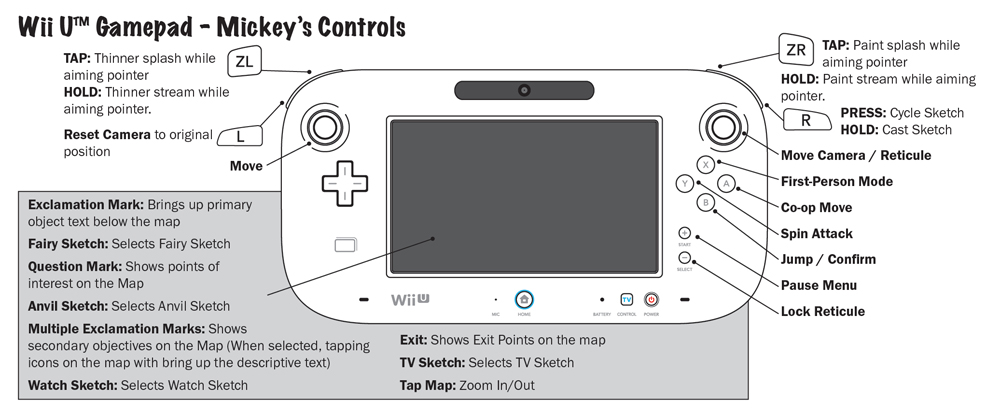
Combat
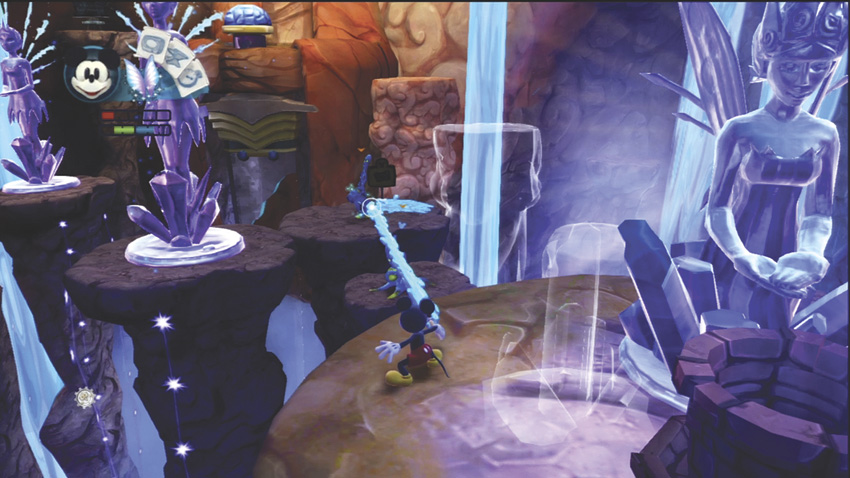
As much as you may yearn for the peace and comfort of your bed back home, it’s inevitable that you’ll run into enemies in Wasteland and have to defend yourself. The attacks that follow will get you through enemy encounters.
Mickey’s Paint
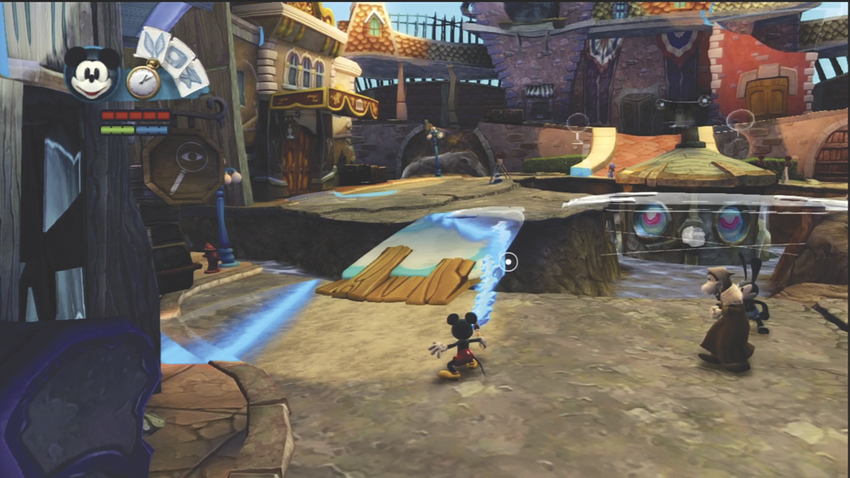
Mickey’s blue Paint fills in translucent objects and befriends Blotling enemies. Paint can be used against Beetleworx enemies to slow them down. Mickey can spray a burst of Paint up close by tapping the Paint Button or deliver a continuous stream by pressing and holding the Paint Button. If you use Paint to defeat a boss, Mickey permanently gains an extra segment in his Paint Bar.
Mickey’s Thinner
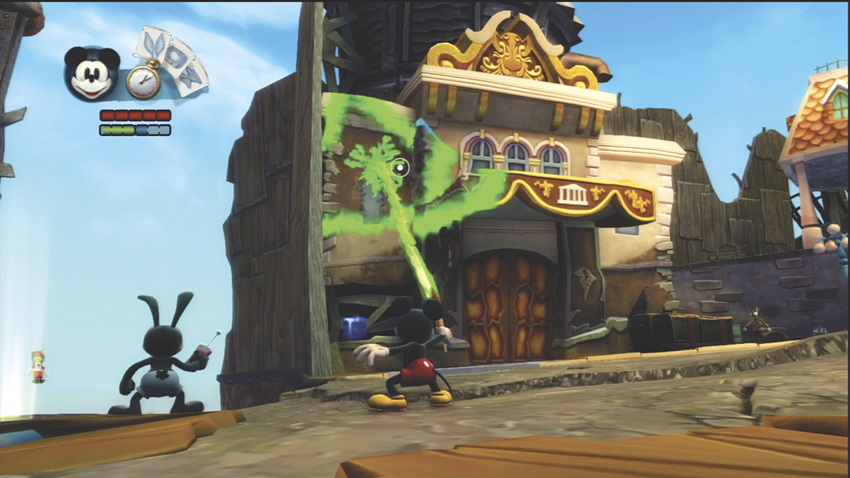
Mickey’s green Thinner erases toon objects and dissolves Blotling enemies. Against Beetleworx enemies, Thinner removes their armor and leaves them vulnerable to Spin Attacks. Like Paint, Mickey can spray a burst of Thinner by tapping the Thinner Button or deliver a continuous stream by pressing and holding it. If you use Thinner to defeat a boss, Mickey permanently gains an extra segment in his Thinner Bar.
Oswald’s Electricity
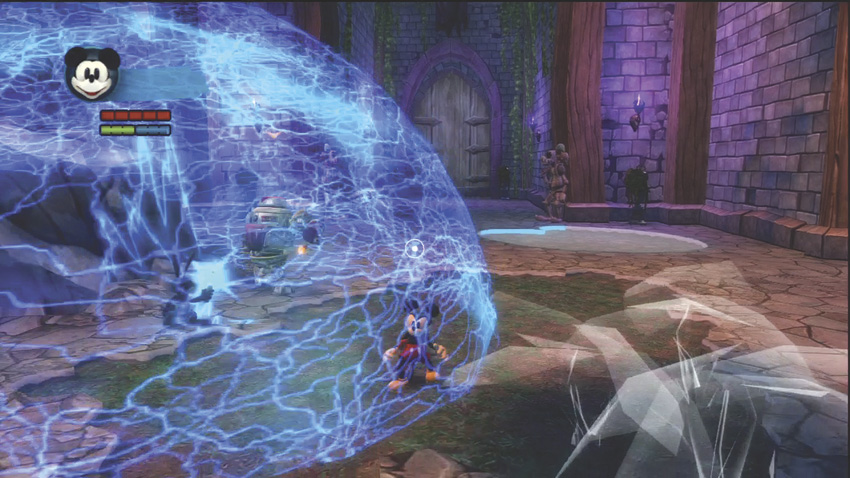
A quick tap of the Electricity button will make a bubble of electricity form around Oswald. Hold the Electricity button and he shoots a steady beam of electricity forward. The Electricity is great for shocking foes and slowing them down. Oswald can also use the Electricity from his Remote Control to turn on machinery, reprogram Beetleworx, and unlock doors.
Oswald’s Boomarmerang
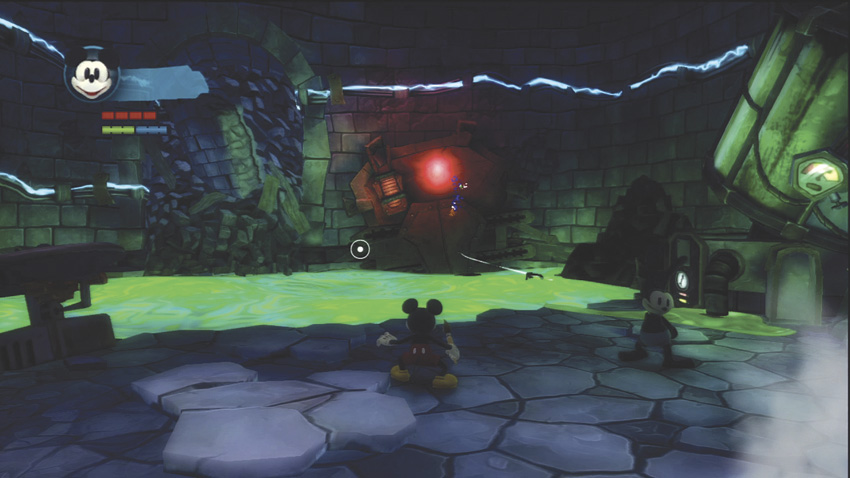
Press the Boomarmerang Button and watch Oswald take off his arm and throw it like a boomerang. Use the Boomarmerang as a protective measure, especially against ranged targets, or use it to gather collectibles or break down certain barriers.
Resources
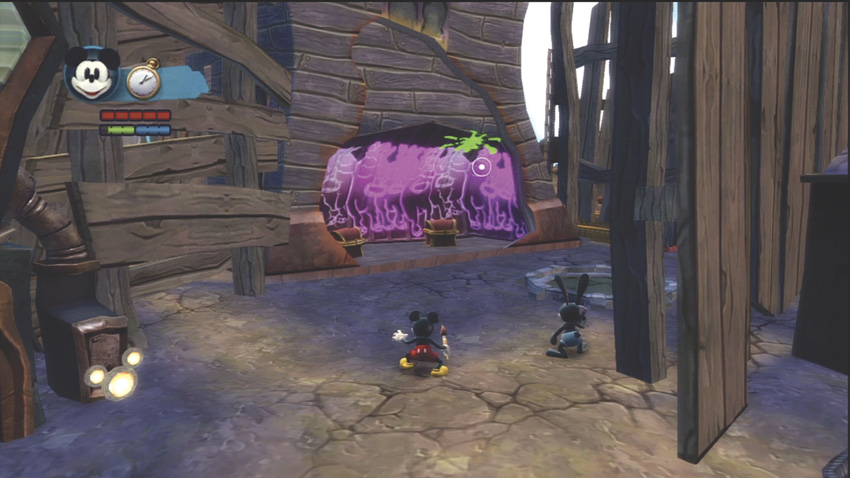
Resources are all over Wasteland in the form of everyday objects: barrels, statues, boxes, bottles, and even more fanciful objects such as suits of armor and decorative banners. Look for a glimmer on these objects to signify that the resource can be shattered with your Spin Attack. You may even spot translucent resources that need to be painted in order to break them. Generally, resources will give you power-ups in the following order: health (pink Mickey ears to fill up health pips if you’re low), Paint or Thinner (to fill up your Paint or Thinner bars if you’re low), and finally E-tickets, if all your needs are met.
Sketches
You can use your sketches almost anywhere to affect enemies or alter the environment to your advantage. Experiment with your sketches and see what tricks you can pull off. You buy sketches at certain shops around Wasteland, so save your E-tickets and buy them as soon as you find them. Once you have a sketch, it’s yours forever. As you journey through the game, sketches can be upgraded to more powerful versions.
Tap the Sketch Button in game to change to a different sketch and hold down the Sketch Button to use it.
Watch Sketch
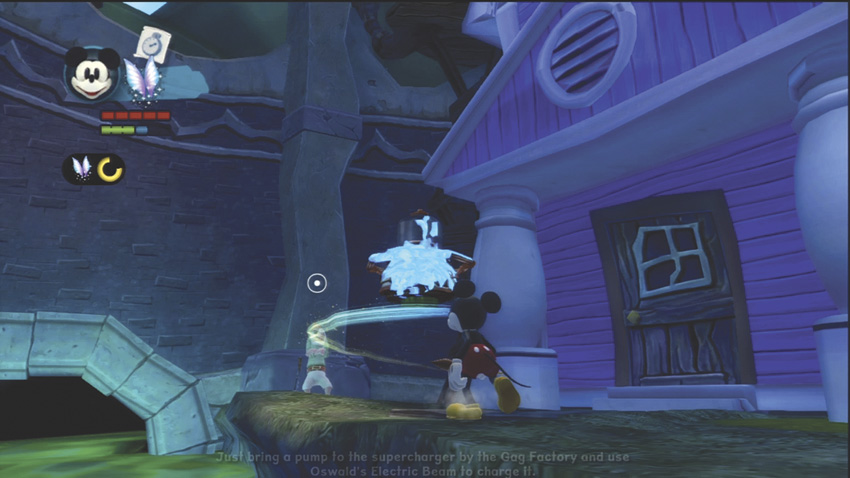
This powerful sketch allows you to levitate objects and move them around on a cloud of magical energy. You can even use the sketch on enemies and hang them upside down as you decide how best to remove the threat. To push objects or enemies, hit them with your Paint or Electricity while they are floating in the air.
Fairy Sketch
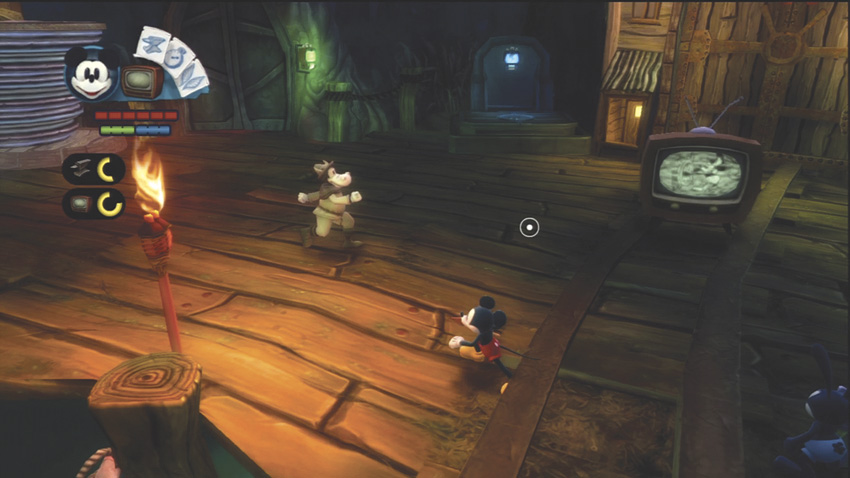
This sketch produces a Television that sits on the ground and affects any character within a small radius, until the TV fades away. Blotlings and NPCs will watch the TV and ignore you. Beetleworx will attack the TV and get shocked. The TV can also be dropped to serve as a platform to increase your jumping height or to activate pressure plates.
TV Sketch
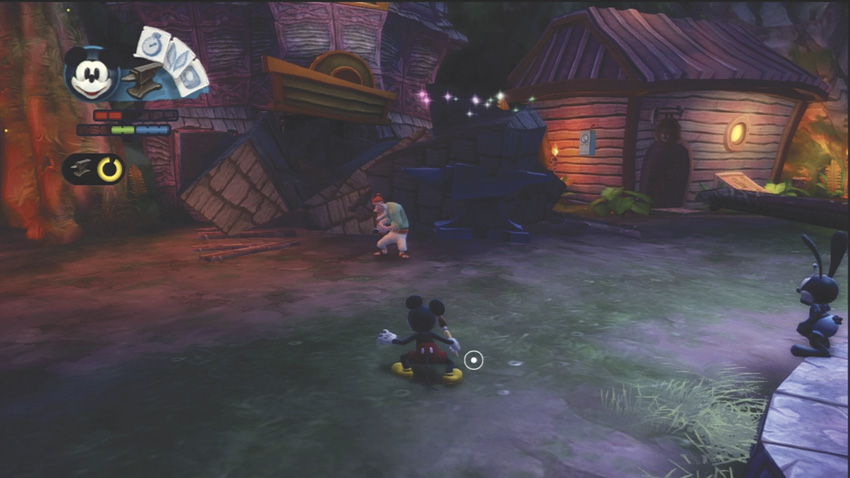
When you use this sketch, an anvil appears some distance above the target and immediately falls to the ground, damaging anything under it. Like the TV Sketch, the Anvil Sketch can activate pressure plates and serve as a platform to increase your jumping height and distance.
Anvil Sketch
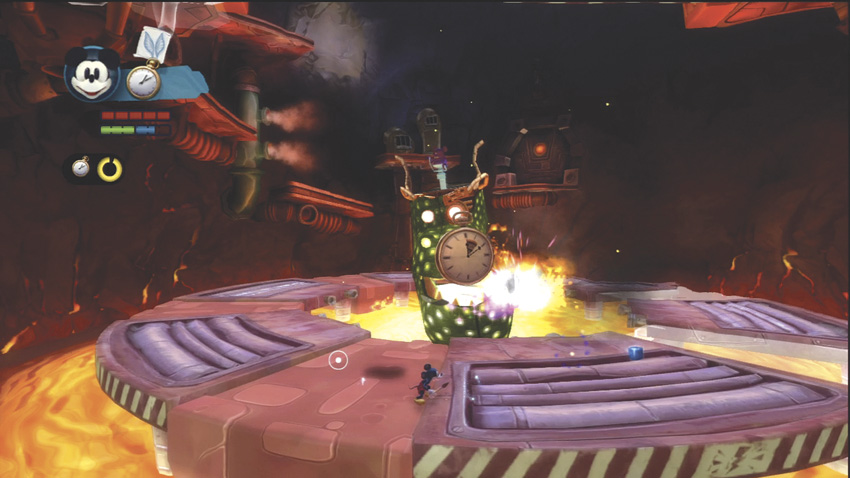
Using the Watch Sketch causes time to slow down for everything except Mickey and Oswald. A large pocket watch appears in the air above the targeting cursor. The hands on the watch start at 12 and move clockwise. Once the hands reach 12 again, time returns to normal. It’s great for battling large groups of foes, slowing environmental hazards, and beating timing-based puzzles.
Guardians
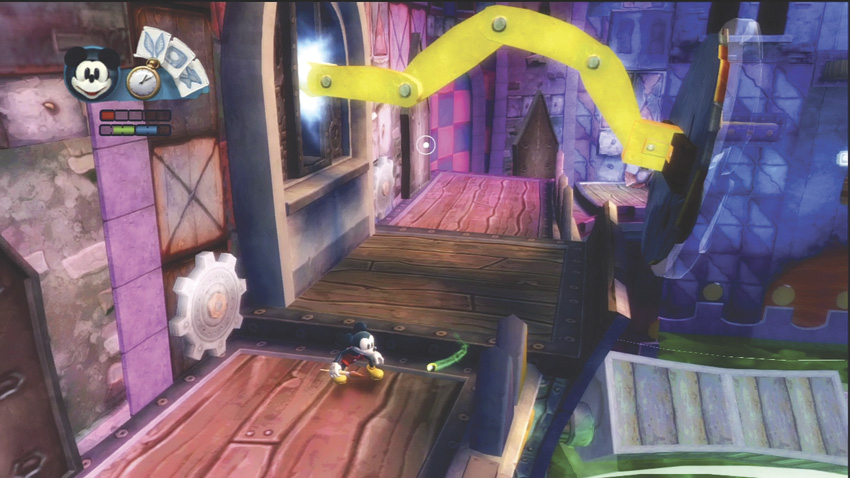
The Guardians represent the primal forces of Wasteland: Paint and Thinner. Guardians born of Thinner are known as “turps.” They wield the power of Thinner on your behalf. The Guardians representing the power of Paint in Wasteland are called “tints.” Guardian Pools collect these creatures, and you can influence which Guardians appear in the Pool by painting or thinning the toon around the pool. Once the Pools are filled with Paint, the tints will appear and allow Mickey to collect them for use. Conversely, if the pool is turned to Thinner, turps appear for Mickey to collect and use.
All Guardians will serve you as protectors. They can influence your opponents, but in very different ways: turps will melt opposing Blotlings, while tints will make them friendly. You can also use Guardians to slow down a Beetleworx or to instantly thin out their armor. Guardians are dispelled when used in this way, but new ones can always be summoned according to how you use your Paint or Thinner in the world around you.
Junction Points
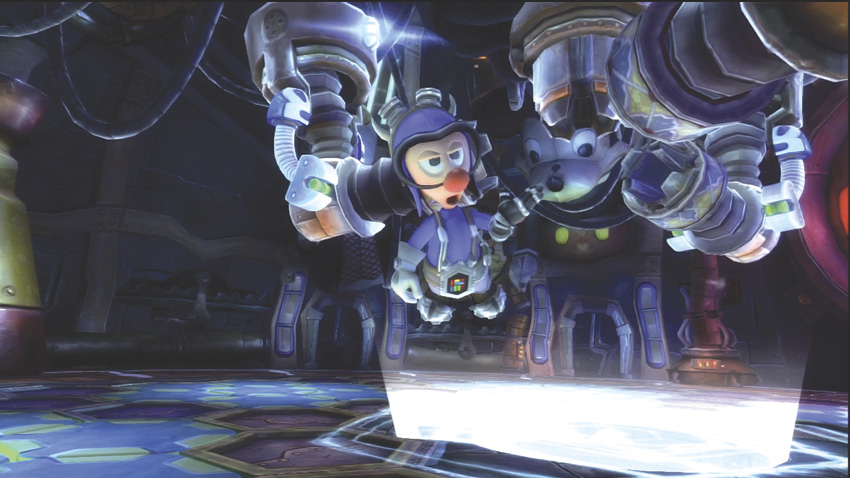
Junction Points are quests or events that influence your game’s future and can be decisions such as whether you decide to defeat a boss with Paint or Thinner, whether you choose to help an NPC with a task or not, and other game-changing moments. Pay close attention to Junction Points so that you can guide the game toward a conclusion that will be the most satisfying for your play style.
The World of Wasteland
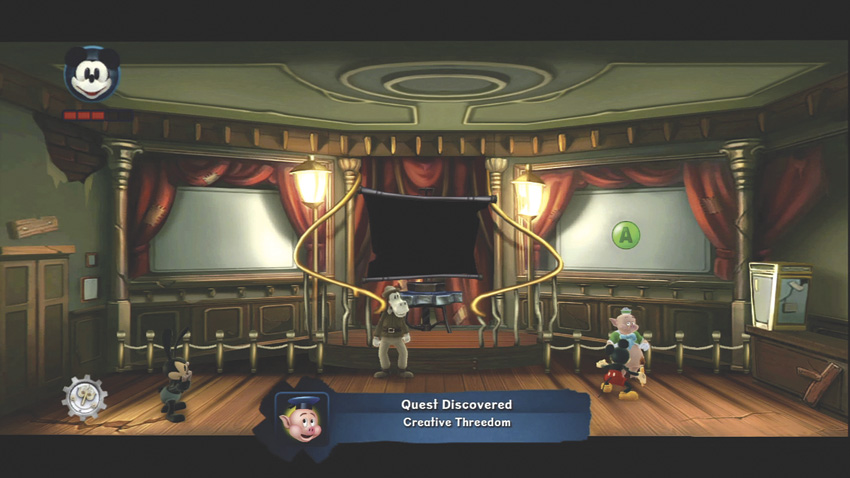
Go out and explore the many lands in Wasteland. There are tons of challenges, but even more moments of exhilaration as you beat your enemies and complete your tasks.
The Map
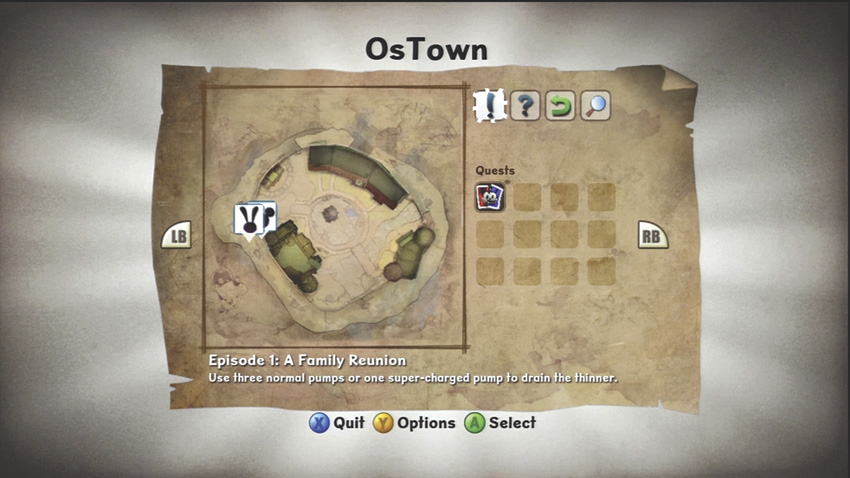
As you travel around, make sure to consult your map. Each new level holds a unique map, and you should study it to figure out your positioning and the optimal paths through the zone.
3D and 2D Worlds
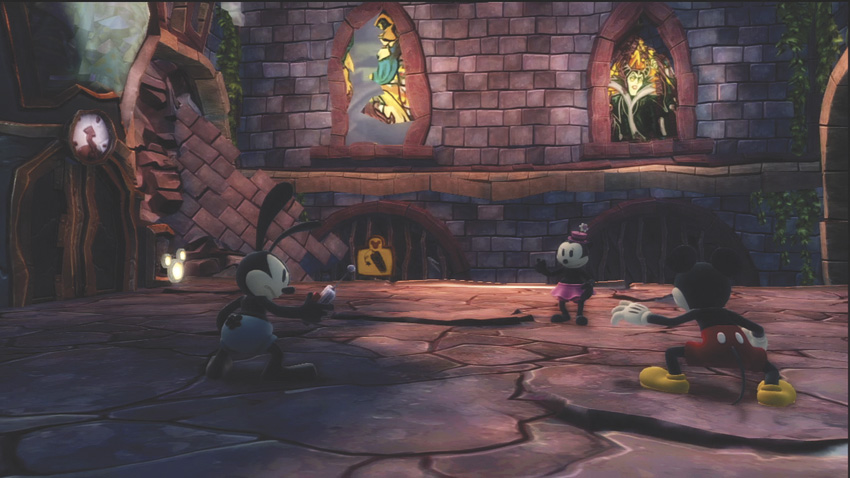
Travelling between the lands of Wasteland happens via screen projectors. The main lands in Disney Epic Mickey 2: The Power of Two, such as Disney Gulch or Blot Alley, are 3D levels, where you can talk to NPCs, complete quests, and rely on Mickey’s Paint/Thinner and Oswald’s Electricity abilities to navigate the many surprises and obstacles.
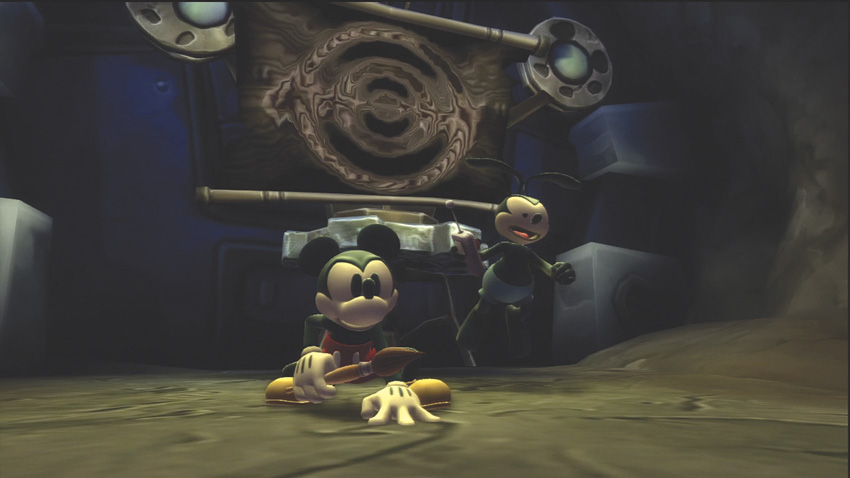
When you jump through a projector screen to reach another zone, you travel through a 2D transition level. These 2D levels are side-scrolling adventures (either horizontally or vertically) and rely on Mickey’s and Oswald’s jumping and acrobatic skills to complete. Scoop up lots of E-tickets and gain each level’s film reel on the way to the exit projector.
2D levels have two different paths. Generally, Mickey and Oswald each start on a separate path in the 2D. However, using the Spin Attack on the Projector causes the start points to change. Try different paths to gather different rewards!
Critical Paths and Side Quests
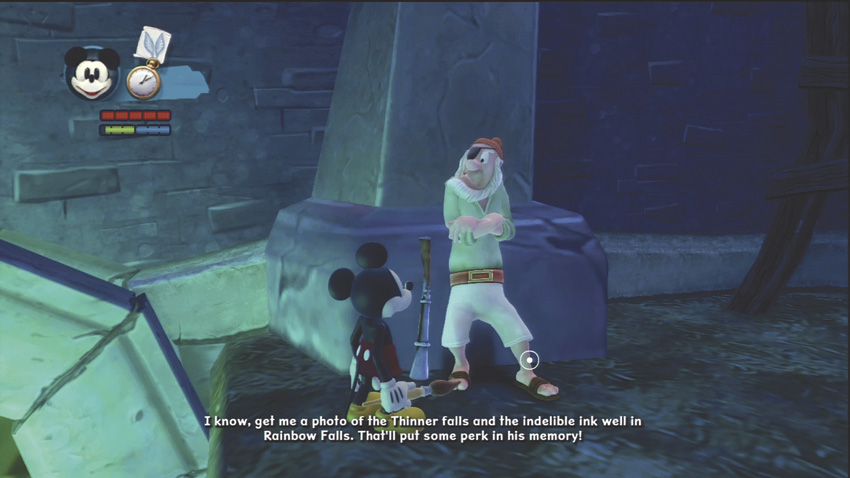
As you explore Wasteland, Mickey and Oswald must discover who is really behind the ‘quakes threatening to destroy the land and put a stop to it. Along the journey, you will be able to help different characters with various side quests. Your choices on these quests can alter future events and the game’s ending, as well as give different rewards. Choose wisely, however, because choices have consequences!
Collecting Extras
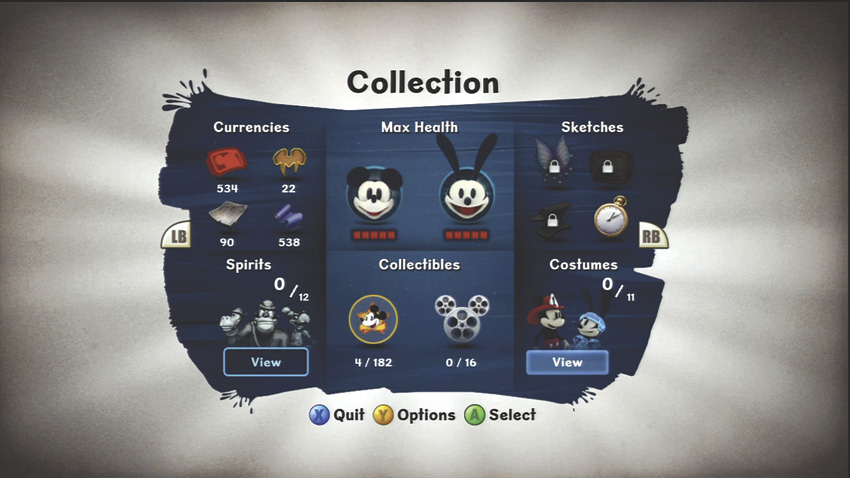
Besides completing quests, you should collect as many pins, Film Reels, concept art, and costume pieces as you can find. Every 3D level has hidden pins, costume pieces and extra content, so keep a look out for secret areas and red treasure chests.
Not only are collectibles fun to look at, but some affect gameplay as well. Costumes, for example, give bonuses and upgrades if you find their pieces. Once you collect three pieces of a Costume, head to the Haberdasher on Mean Street South to get your bonus!
Spirit Pins can also be collected throughout the game and they give upgrades and bonuses as well. Talk to the Spirit of Wasteland in the Museum located in Mean Street South, or talk to him by the Walt Statue in Mean Street North to get the quest and to learn more details.
Finally, each 2D level has a film reel that may require cooperative play or some serious jumping skills to capture. Once you have the Film Reel, give it to the Usher in the Mean Street North Cinema and you’ll be able to fast travel to the Film Reel’s destination!
NPCs
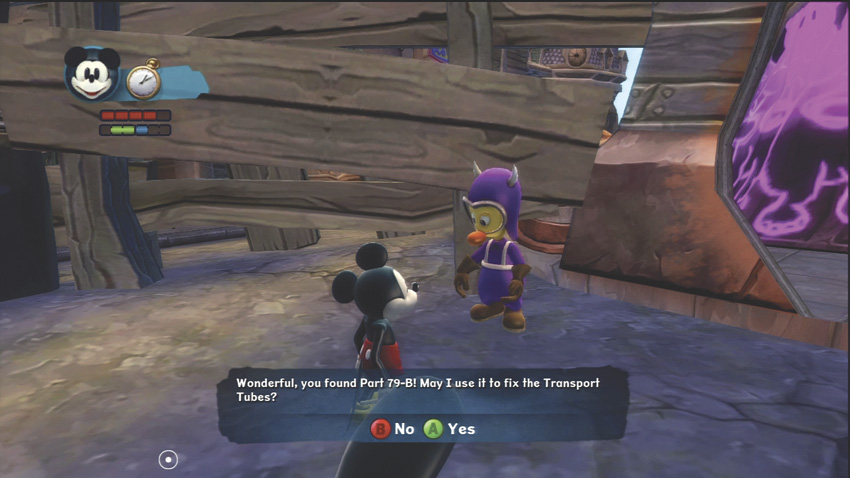
Speak with as many NPCs as you can. Many will be allies, supplying you with helpful pieces of advice, or quest givers. You’ll find most of the friendly characters in the Hubs: Mean Street North and South, Bog Easy, OsTown and Ventureland. Some you’ll recognize from the original Disney Epic Mickey, but there are some new faces in Wasteland as well!
E-tickets
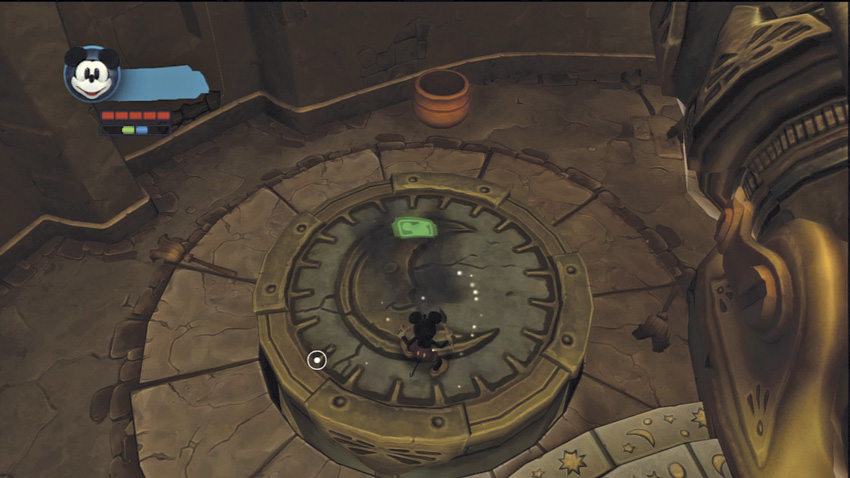
Think of E-tickets as “currency.” E-tickets can buy you various objects in shops, as well as buy services from certain NPCs. You collect E-tickets from resources, as well as rewards on certain quests. Some NPCs will ask for other resources, such as Scrap Metal, to complete quests and hand out rewards.
Shops
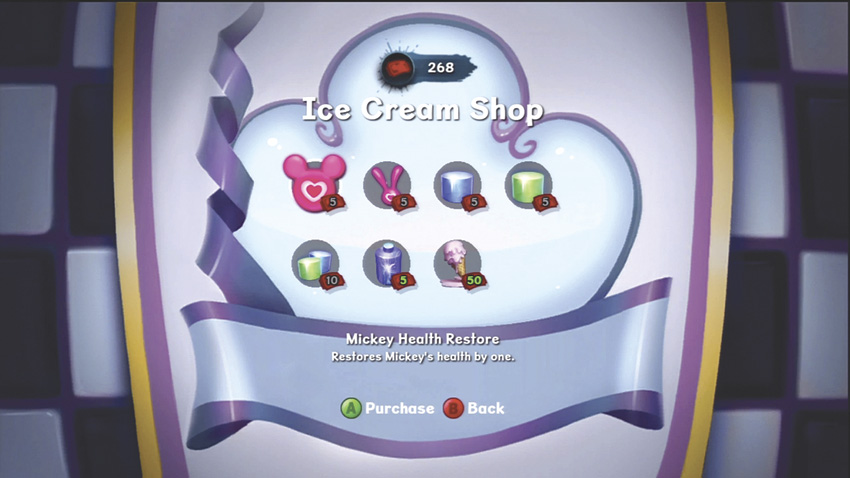
Most major Hubs have a shop. Visit shops to spend E-tickets on power-ups, sketches, pins, extra content, and permanent upgrades. If you leave an area and then return later in the game, always check the local shop. A shop’s inventory can change as the game progresses, and you will find some very interesting items if you’re paying close attention.
You can review all your quests and challenges on the Pause Menu. You can also check out all your resources there too!
Enemies
Your return trip to Wasteland brings familiar enemies and a few new ones. Blotlings came from the Shadow Blot and are fluid creatures. Beetleworx were designed by the Mad Doctor and are robotic in nature. And now there is a new breed of enemy: part Blotling and part Beetleworx. Called the Blotworx, these foes exhibit the most dangerous qualities of both parts.
Blotlings
Paint can make a Blotling become an ally, while Thinner outright destroys it. From the common Spatters to the flying Dropwings, these descendants of the Shadow Blot continue to cause chaos throughout Wasteland.
Dropwing
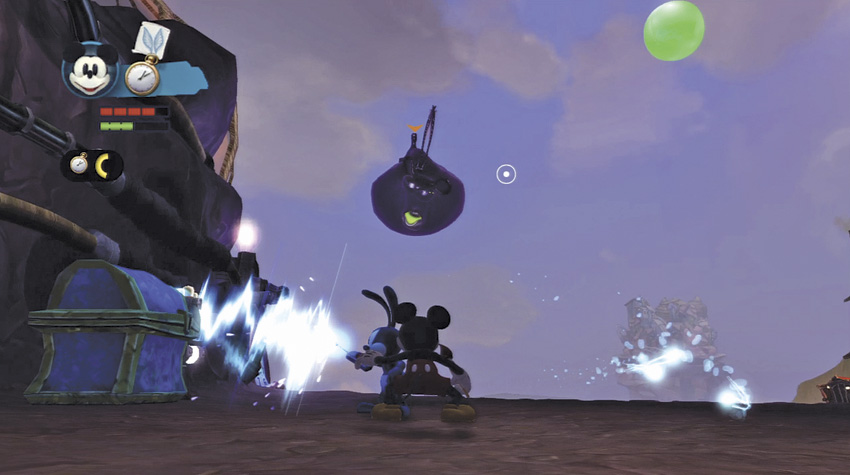
These fat, flying Blotlings like to spit out balls of Thinner that float around until they connect with a toon. Spitting isn’t your only worry. Dropwings may appear “hands off” as they flap about and launch Thinner bubbles playfully in the air, but they won’t hesitate to grab you with their long claws if they get close enough. Because there are always Thinner pools around Dropwings, if they grab you, they will fly over to the nearest Thinner pool and drop you in.
Slobber
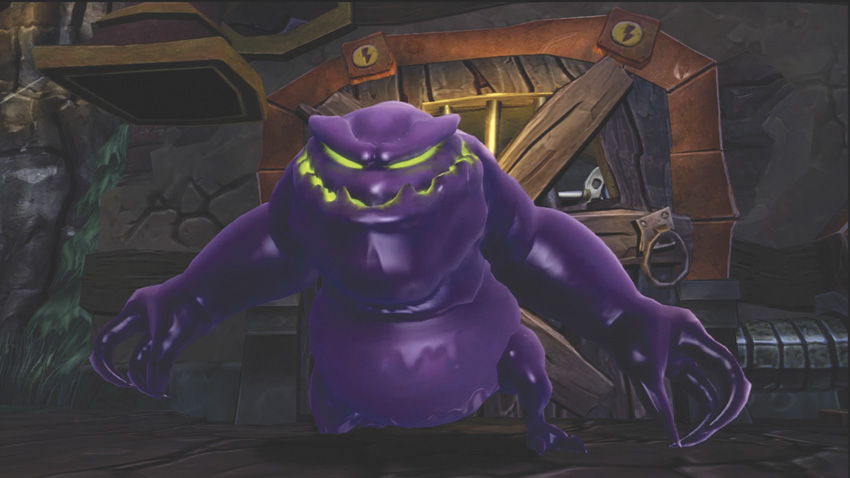
The hardest Blotling is the Slobber with its massive claws, suction breath, and Thinner spit. The claws rake you for damage, the suction breath pulls you in closer, and its Thinner spit can hit you at range, much like the Sweeper’s Thinner buckets. However, when the Slobber uses its suction breath, its mouth opens wide, and you can spray Paint or Thinner in the mouth to damage it.
Spatter
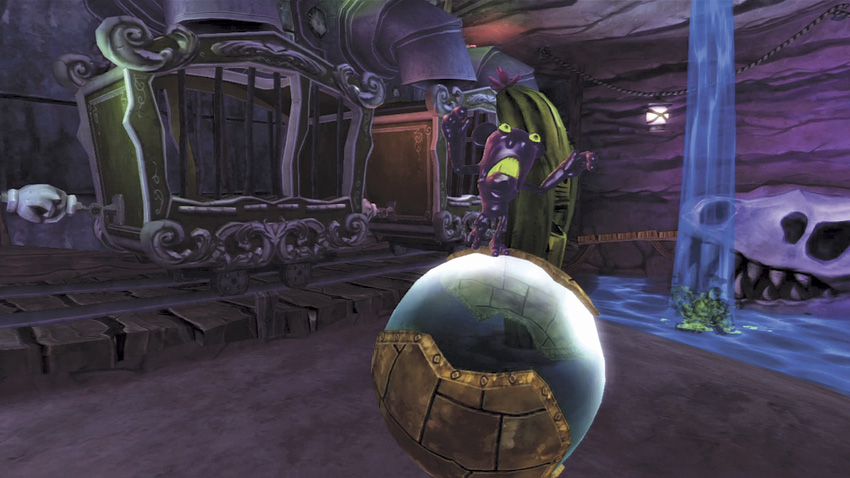
Spatters are the most common Blotling. They usually congregate in groups, and rush forward when they catch sight of you. They cause damage with a head butt, so keep your distance and hose them down with Paint or Thinner if you want to walk away clean.
Spladoosh
The Spladoosh is the easiest Blotling to deal with, as long as you treat them with a healthy dose of respect. A Spladoosh begins in a sleeping state, and only awakens if you make a noise or motion next to it. If you walk carefully past it or stay far away, the Spladoosh won’t react. If you do get close, let the Spladoosh expand and then race out of its blast radius to eliminate it without taking damage yourself. Anvils also blow them up.
Sweeper
The dangerous Sweeper has two primary attacks: a ranged bucket of Thinner and its namesake body sweep that can knock you around. Prioritize Sweepers because they can attack you both at range and up close, and the Sweeper’s Thinner frequently removes toon objects, which can cause further hazards in combat.
Beetleworx
Paint only slows a Beetleworx down, while Thinner strips its armor and exposes the inner workings to your Spin Attack. From the bouncing Hopper to the cannon-blasting Tanker, these robotic creatures are tougher to deal with than most Blotlings. As an extra strategy, have Oswald use his Electricity to stun the Beetleworx… and even befriend them!
Basher
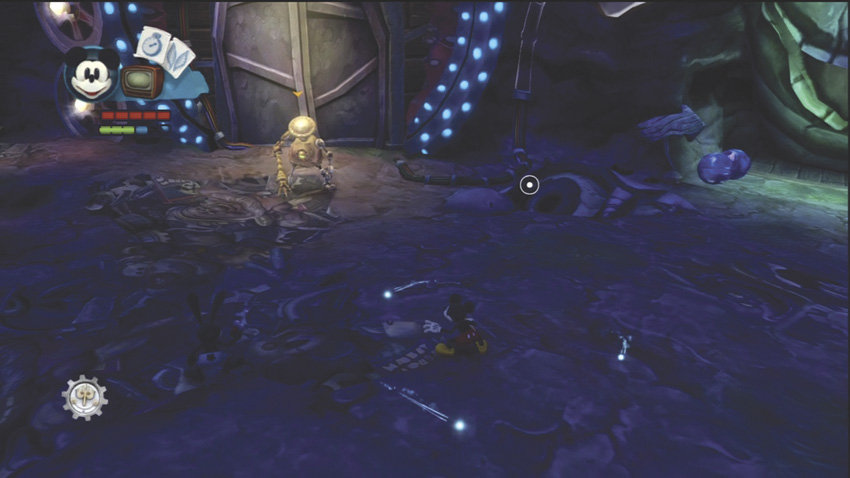
Avoid the long reach of the Basher, which is more likely to cut you to pieces if you aren’t careful. Bashers move about quickly, so you won’t have as much time to position yourself against other enemies. Rely on Thinner at range to strip its armor down, then dodge or double-jump to avoid its attack and counterstrike.
Hopper
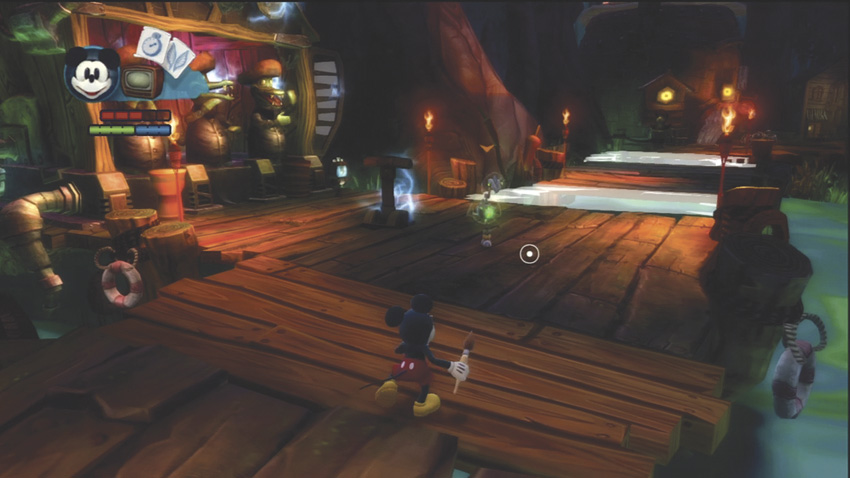
The weakest of the Beetleworx, the birdlike Hoppers bounce around and peck at you. They have good mobility, so maintain better position first and foremost while defending. Coat the outer shell with Thinner to expose its vulnerable insides and Spin Attack to defeat it.
Spinner
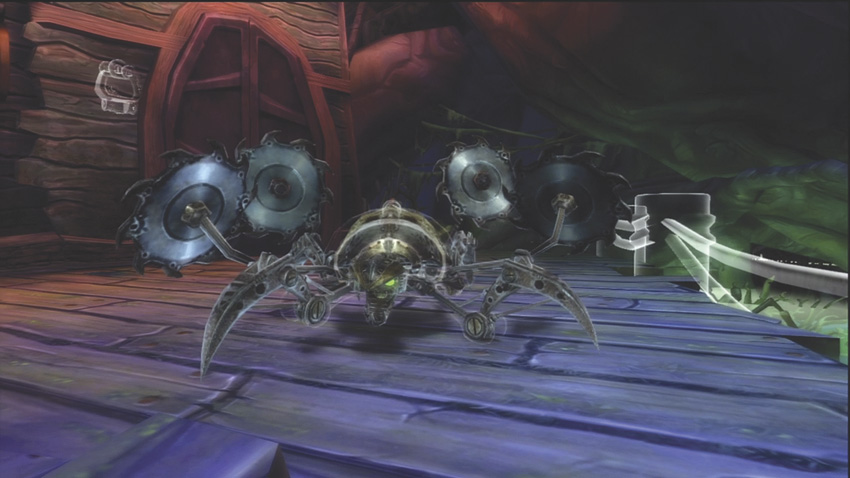
Spinners have a wide arc of cutting buzz saws, so it’s best to give them wide berth. When you have to get in close, double-jump to the flank and try to position yourself at its rear. As with the Hopper, spill Thinner on the Spinner’s armor to expose a weakness. When the Spinner flips over, avoid any sharp protrusions and Spin Attack to short-circuit it.
Tanker
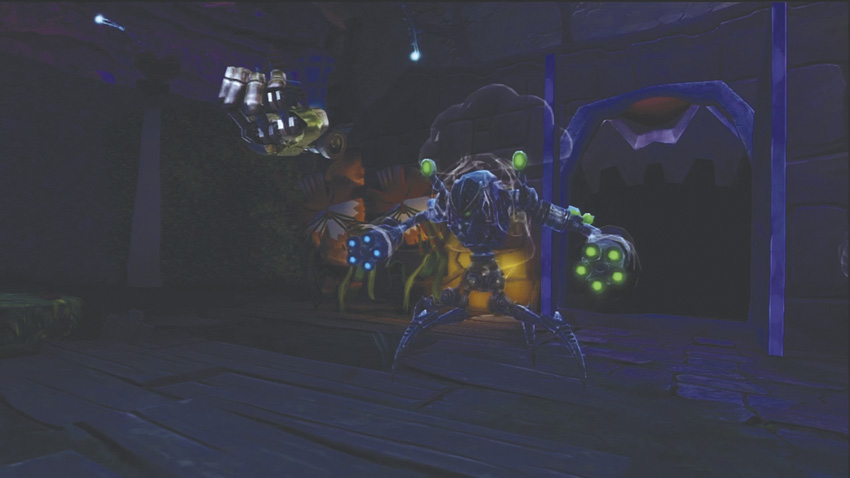
The toughest of the Beetleworx to defend against, the Tanker attacks with a potent punch and cannon that shoots Paint and Thinner. Its cannon can have unforeseen consequences on the environment, because toon objects it hits with Thinner will disappear and objects it strikes with Paint will be restored. Take out these enemies first with the standard Thinner and Spin Attack combination.
Blotworx
Part animatronic, part Blotling, and all mean, the Blotworx are a massive threat to Wasteland. The combination of Spatter and machine make these enemies exceptionally difficult to deal with. Most of them need two stages to defeat them. Have Oswald stun the Blotworx, and then jump on its head to release the Spatter inside. Then paint or thin out the Spatter to defeat the machine!
Blocker
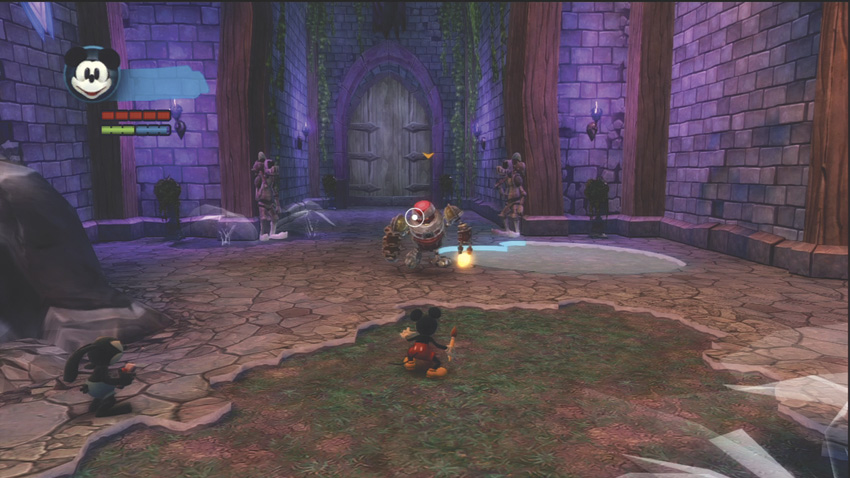
This is the simplest form of the Blotworx, but it can still do you a lot of harm. Luckily, the Blotworx has a built-in weakness: the big red button on top of its head. If you jump on that button while its force shield is down, it opens the cockpit. Have Oswald stun the creature with his Electricity, flip Mickey up to tap the button, then paint or thin the Blotling pilot inside to defeat it.
Rocker
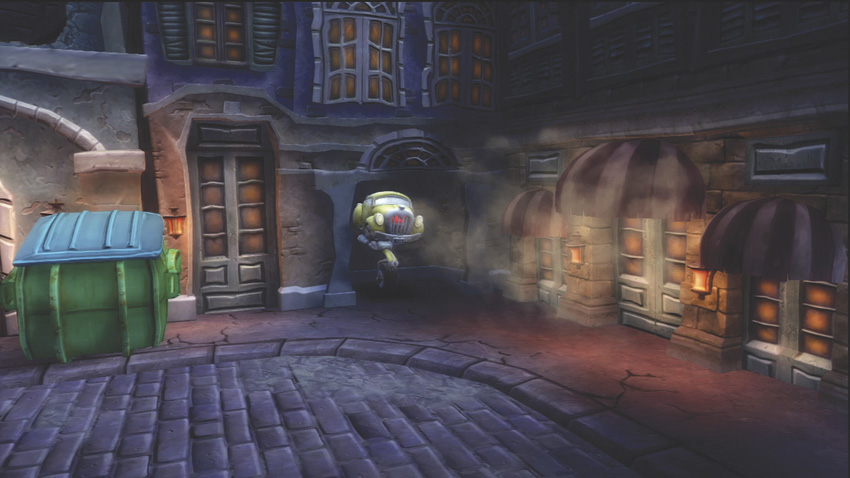
A deranged combination of a car and unicycle, the Blotworx Rocker is one of deadliest enemies in the game. It shoots rockets that seek you out. Jump and punch the front grill to expose a button. If you jump on the button, it exposes a Spatter pilot that can be painted or thinned to defeat the Rocker.
Shocker
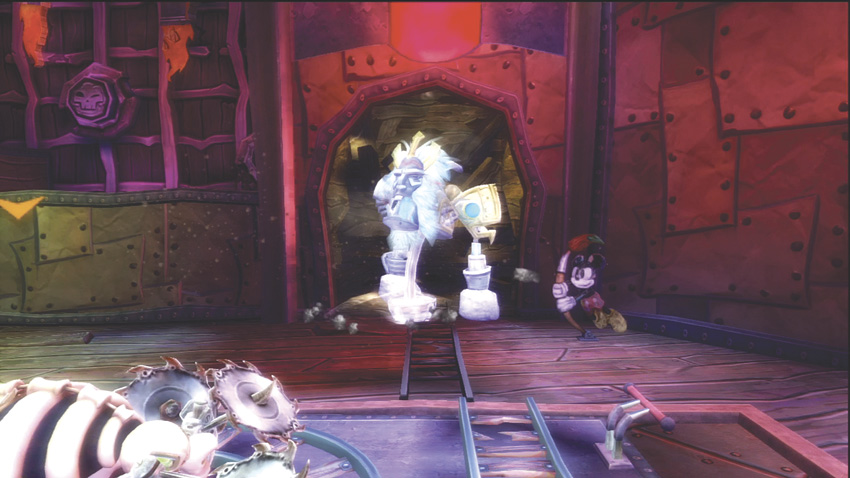
Don’t give a Blotworx Shocker the opportunity to do a number on you. To defeat the Shocker, you must first perform a jump near its head and knock off its mask. Destroying the mask reveals a large red button, but first you have to wait for the Shocker to perform a slam attack in order for the flames protecting the button to go out. While the flames are out, jump on the button to spray the Spatter pilot and befriend or destroy it.
Auto-Save
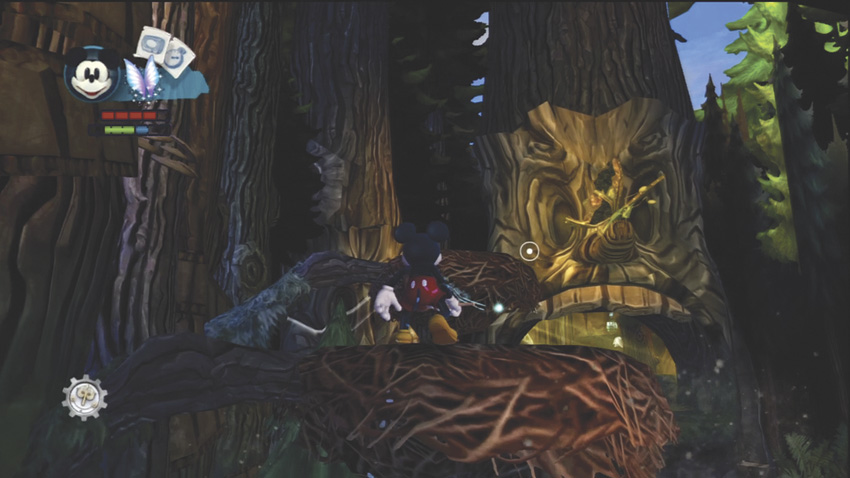
Disney Epic Mickey 2: The Power of Two auto-saves at certain key moments during the level. If you are puddle, quit or have to restart, double check your quest status to refresh your memory on where you’re at. The good news is that no matter the circumstances, you will always reload to a checkpoint close by.