Uncharted 4: A Thief's End Guide Basics
Controls
We won’t bore you with all the features in the control options, but there are a few interesting things that can change your gameplay experience in a big way. Check out these features:
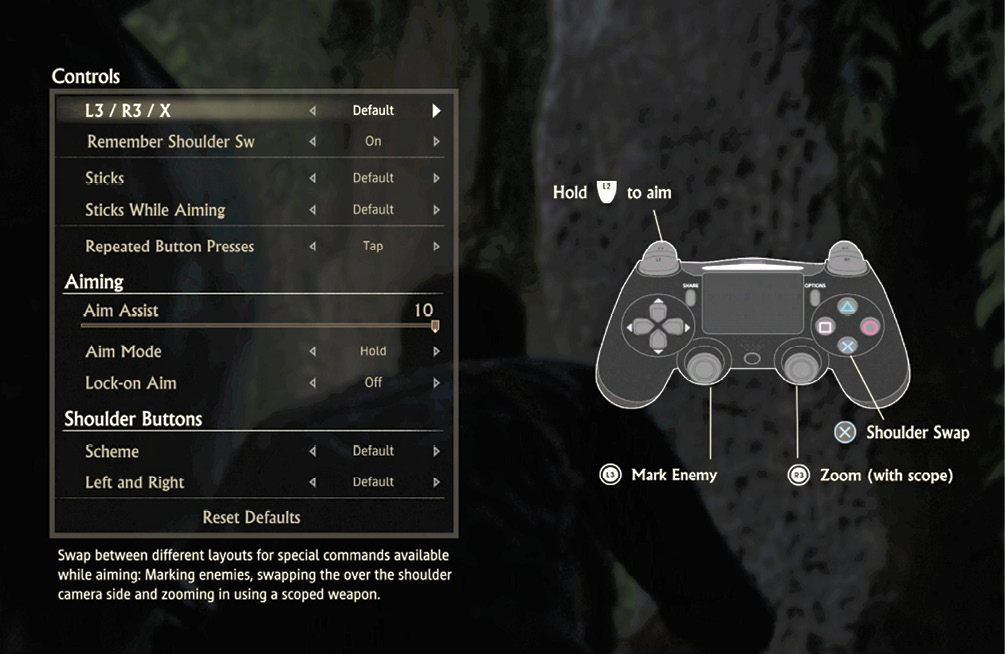
L3/R3/X
In the Control options menu, you can chose the default commands assigned to L3, R3, and X. Or you can select one of the five alternative configurations. These variations adjust where the following commands appear on your controller: Mark Enemy, Zoom (with scope), and Shoulder Swap.
Remember Shoulder Swap
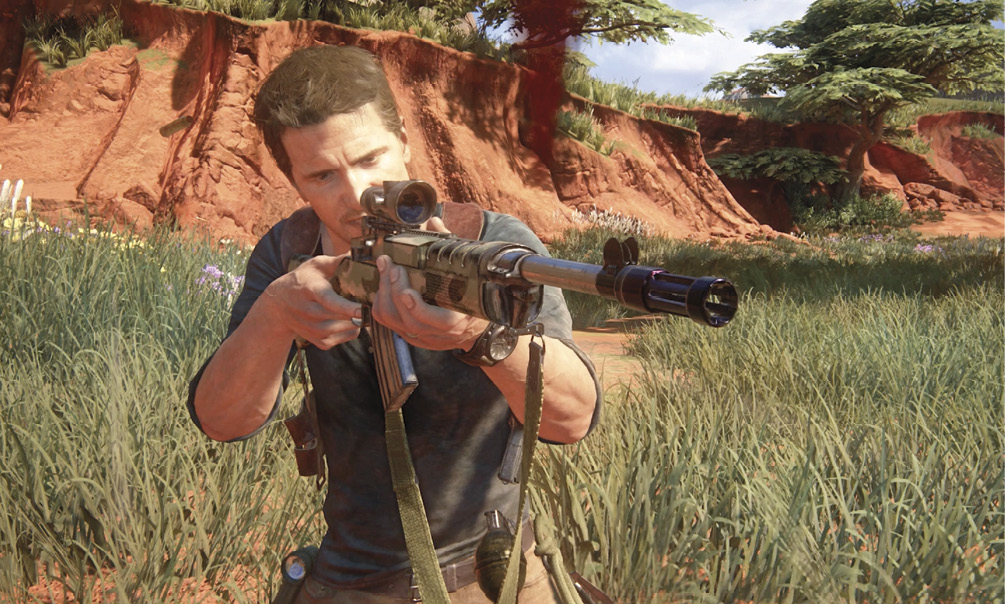
If you’re constantly using the shoulder swap feature during initial engagements, it’s likely that the “Remember Shoulder Swap” option will appeal to you. With this option on, the next time you draw your weapon you will hold it on the side of your body where it was positioned the last time you used it. The default weapon draw is on the right side of Nate’s body. It’s not safe to only shoot from one side of your body. You should allow the current environment and your cover to determine your shooting stance.
Repeated Button Presses
Not fond of furious button mashing? Turn this feature from Tap to Hold, and now you can escape those enemy holds or lift those barriers from blocked passages with ease by simply holding  .
.
Aiming
The Control menu is where you access Aim Assist, which is controlled using a sliding scale (from 0 to 10). You can also adjust aiming response to either a button hold or a button tap (aim with one tap, and turn it off with a second tap). Lastly, you can toggle Lock-on Aim on or off in this menu.
View Controls
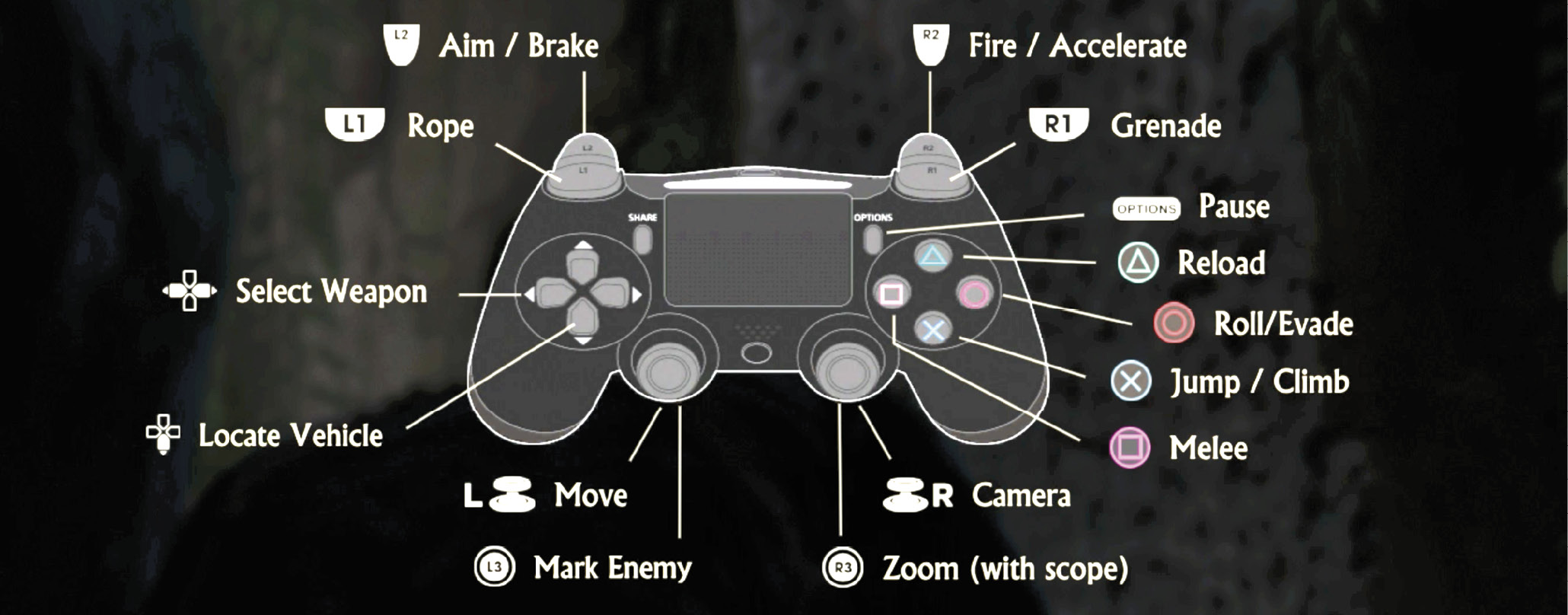
This allows you to see a view of the controller and the button assignments that currently reflect your personal settings.
Game Options
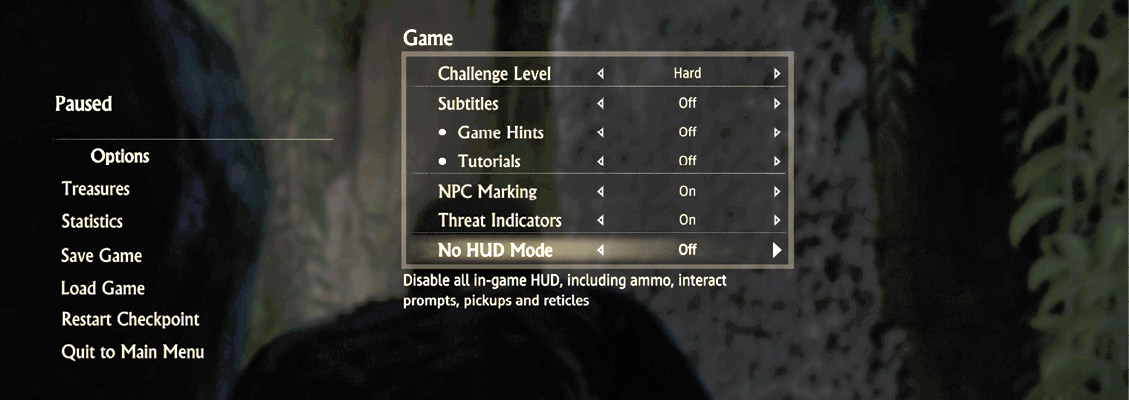
Game Options allow you to change the level of difficulty, even after you start a new game. Here, you can change the level of difficulty to Explorer, Light, Moderate, Hard, and Crushing. You also have the option of turning Subtitles, Game Hints, Tutorials, NPC Marking, and Threat Indicators on or off. The No HUD Mode is unlocked once you complete the game once. This disables all in-game HUD, including ammo, interact, prompts, pickups, and reticles.