
Movement
Walking & Running
Tilting the Left Control Stick controls walking and running. The further you tilt the stick the faster you will move. You should know that there are some heavy weapons that can slow Lincoln’s running speed. When not in a gunfight, you should get into the habit of holstering your weapons, as not to draw attention to yourself.
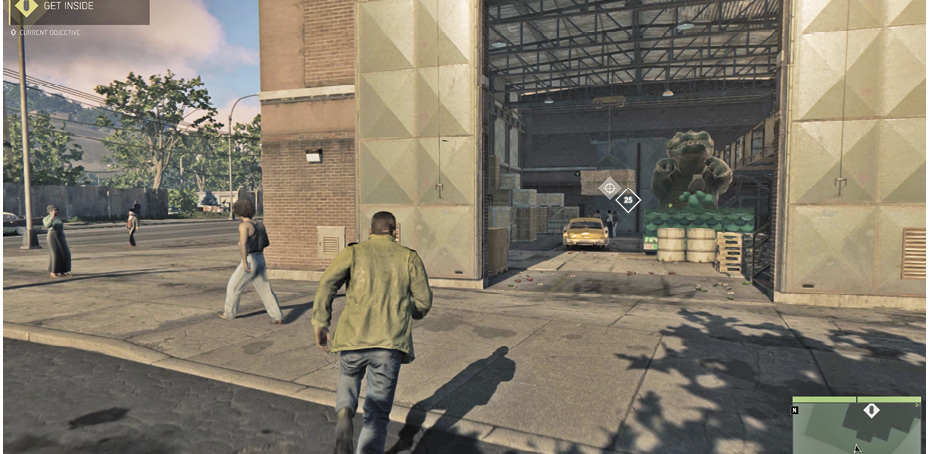
Climbing & Vaulting
Lincoln can climb or vault over small objects. The speed at which the object is approached determines if a vault is performed or a climb. To climb over a fence or small object, walk up to the object and press  or
or  . To vault over an object, run up to the object and just before reaching it, press
  or
or  . The
. The  or
or  is also used to initiate a climb up a ladder.
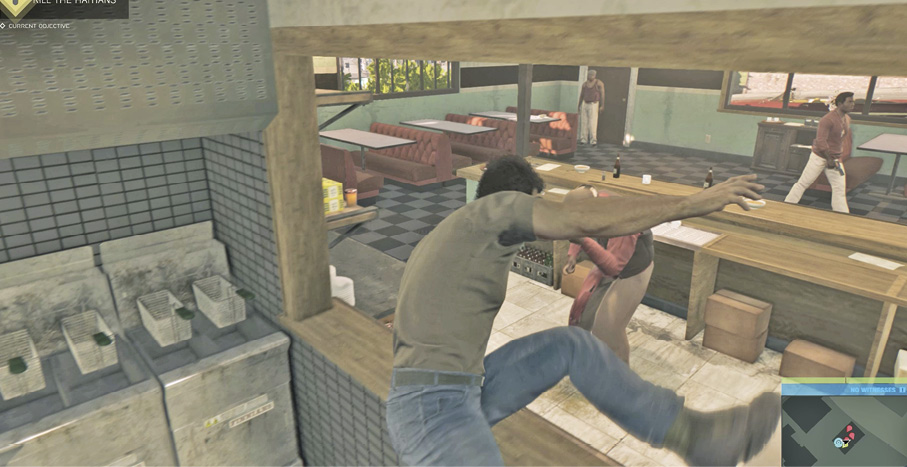
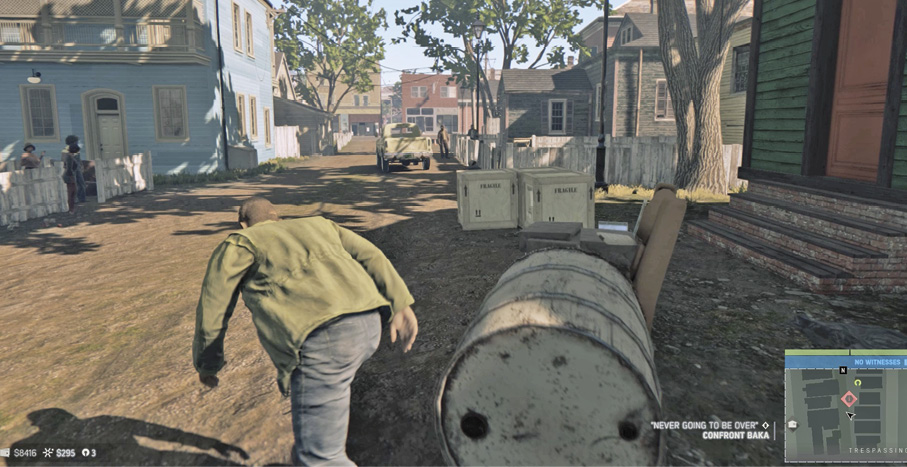
Crouching & Stalking
Press the Right Control Stick or R3 to enter a crouched position. Lincoln can stalk around while crouched but he can’t enter a full run. Use the stalk position to sneak around stealthily while taking out enemies. Press the same button to exit the crouching stance.
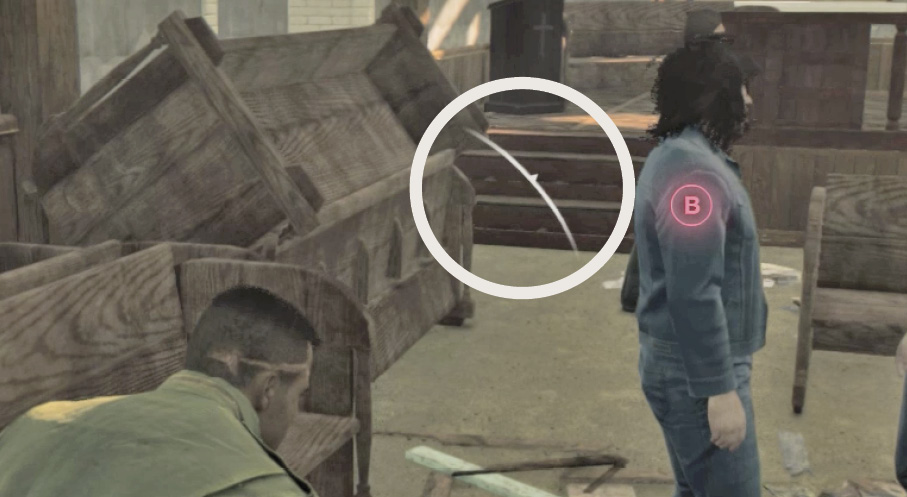
Enemy Awareness
The white indicator in the center of the screen displays enemy awareness. Get too close or make noise and the enemy awareness indicator expands. Draw too much attention and they’ll come looking for you. The enemy awareness meter only appears when unnoticed or while in stealth mode. When enemies are looking for you, stay out of sight. When they’ve stopped looking, the enemy awareness indicator disappears.
Enemy Turf
Enemy Turf is territory controlled by criminal Rackets. Meaning the crooks there don’t appreciate unwelcome guests. Overstay your welcome and they’ll draw down on you. A “Trespassing” prompt appears onscreen when you enter one of these enemy occupied areas.
Picking Up Bodies
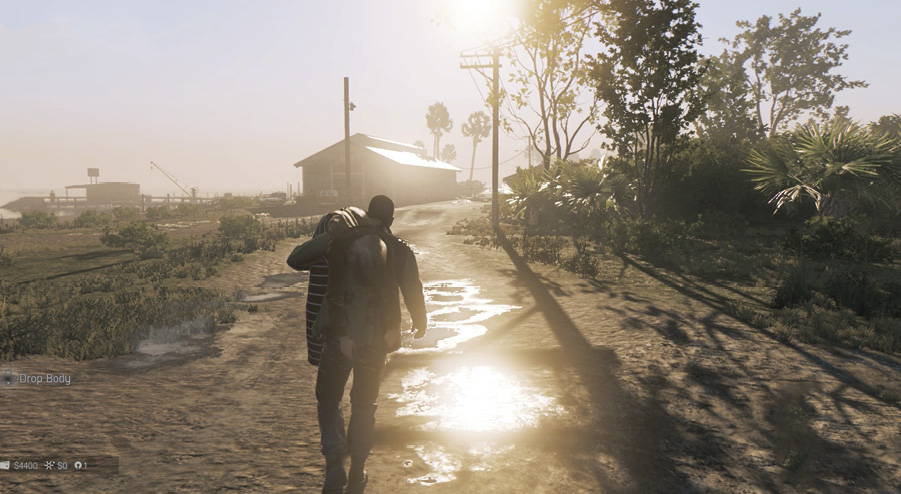
If you need to move a victim to avoid nearby wandering eyes, stand over the fallen body and press down on the D-Pad. You can carry the body as long as you wish, and you can also carry the body while in the crouched position. You cannot enter buildings that require you to open the door or enter vehicles while carrying a body. You also have no access to weapons or projectiles while carrying a body. Press down on the D-Pad again to place the body on the ground in a less visible area.
Taking Cover
Push up against walls and objects to avoid detection and flying bullets. To cover behind objects and walls, press your body against them and press  or
or  . While your back is against the object, you can strafe left or right (Lincoln will duck under open windows or clearings as you strafe) and shoot from around or over the covered object. When you release the Aim button, Lincoln automatically returns to cover.
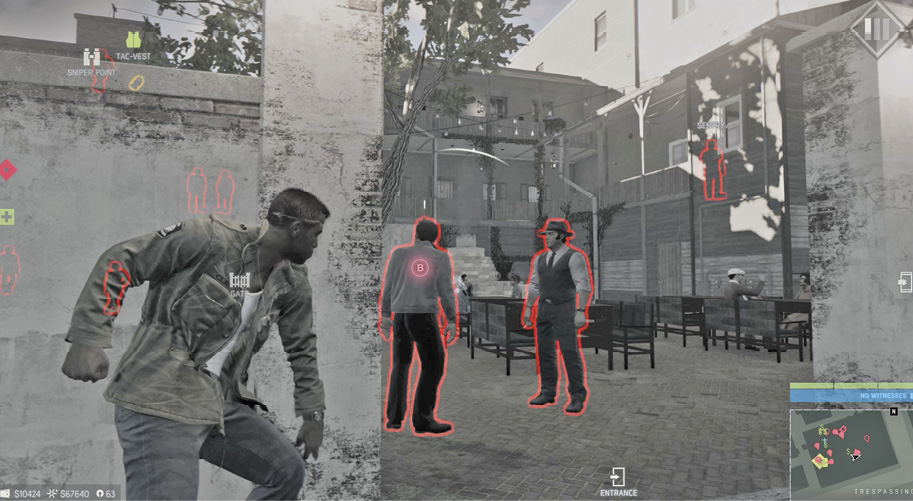
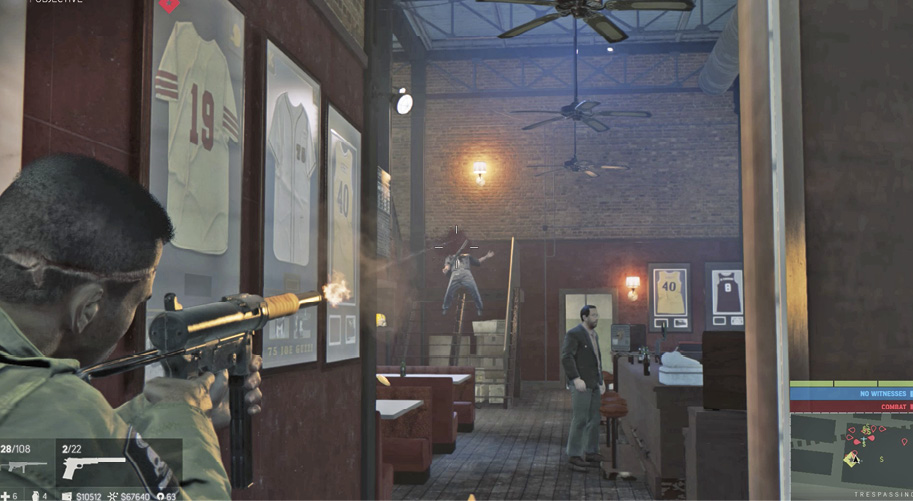
You can also blind fire from cover by pressing the Fire button without pressing the Aim button (this keeps you in cover while shooting, but greatly reduces shot accuracy). You can also throw projectiles from cover. If an enemy is nearby, you can also stealthily attack from around a tall object or around or over a low object. When this type of attack is made available (when the target is within reach), the  or
or  button will appear over the enemy.
Swimming
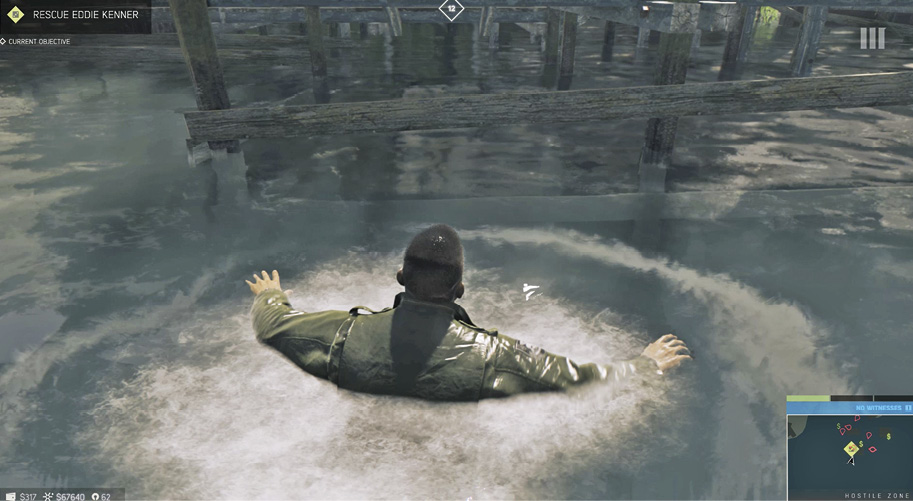
Tread water by tilting the Left Control Stick in the direction you want to swim. There’s no underwater exploration. To exit the water, find a gradual slope to walk out of the water or find a low dock, ledge, sidewalk, or boat to pull up onto using the  or
or  button. Be careful in the bayou, the waters are infested with alligators. One chomp can kill you. It’s also a good location to dump bodies—drop them in and watch them become alligator bait within seconds.
Driving
Behind The Wheel Controls
| Xbox One | PlayStation 4 | Action |
|---|---|---|
|
Click Left Stick |
L3 |
Horn |
|
Click Right Stick |
R3 |
Look Behind |
|
RB |
R1 |
Drive-By Shoot |
|
LT |
L2 |
Brake/Reverse |
|
RT |
R2 |
Accelerate |
|
|
|
Steal, Enter & Exit Vehicle |
|
Left Stick |
Left Analog |
Steering |
|
Right Stick |
Right Analog |
Camera |
|
|
|
Emergency Brake |
|
D-Pad Left & Right |
D-Pad Left & Right |
Change Radio Station |
|
D-Pad Right (Hold) |
D-Pad Right (Hold) |
Turn Radio Off/On |
|
LB |
L1 |
Pull up targeting UI to take out opposing vehicles |
|
|
|
Ram Vehicle |


Tailing
You can follow some enemies back to Targets of Opportunity by tailing them. The target vehicle appears with a “Follow” message floating above. This vehicle appears as a red vehicle blip on the Minimap.
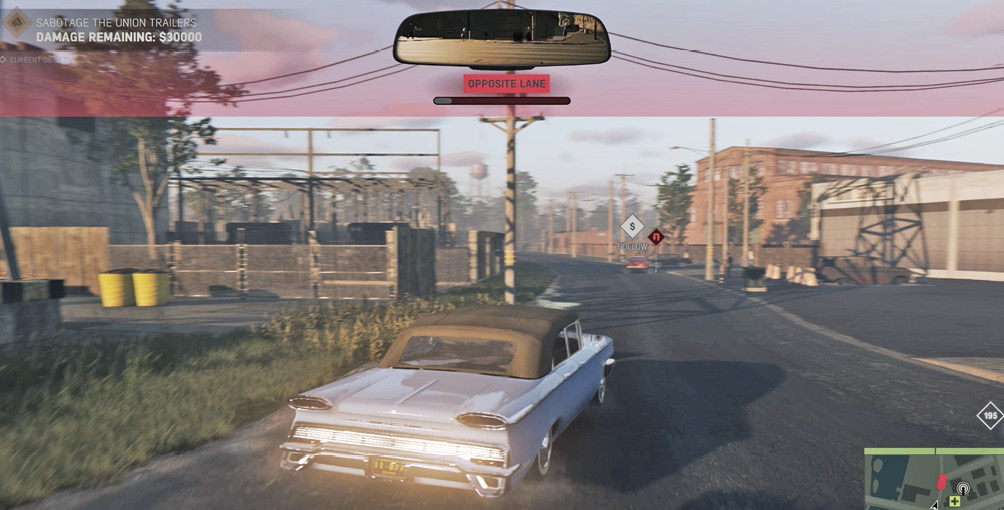
A Tailing Meter under your rearview mirror measures how suspicious the target is getting. Keep an eye on the Tailing Meter—driving too close to your target or drawing attention to your vehicle will fill the Tailing Meter and cause the target to flee. Things that draw attention to your vehicle are driving recklessly, driving in the opposite lane, tire skidding noises (yours or others you cause to brake hard), honking the horn or causing others to honk theirs. These warnings appear as a message above the Tailing Meter as they occur.
Drive-By Shooting & Target Selection
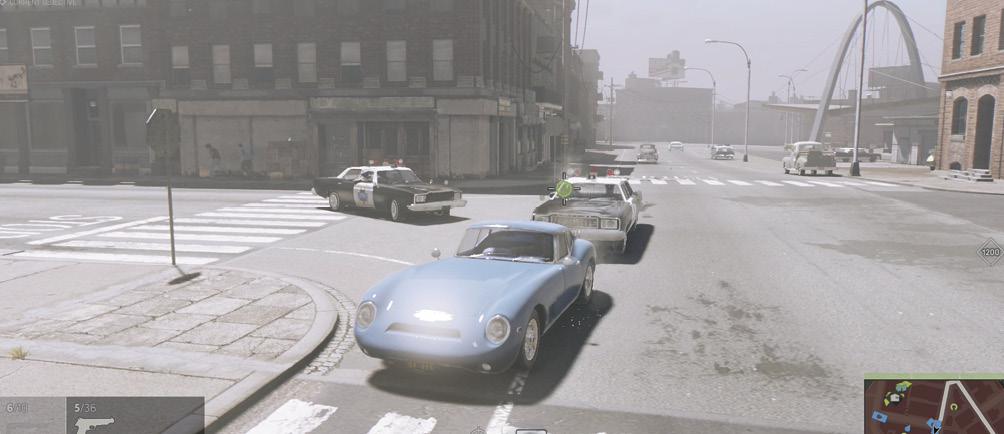
While carrying a handgun and while behind the wheel of a vehicle, tap LB or L1 to cycle through targets in and around the target vehicle. Targets will cycle through vulnerable tires, engine, driver, and passengers. Green circles appear in the selection when you have acquired a lock-on shot. Press RB or R1 to shoot. Once an enemy has exited the vehicle, he is no longer a selectable target—you must use free aim to hit targets outside of vehicles.
Instead of manually moving the camera to look behind your vehicle while shooting at vehicles behind you, simply press and hold the Right Control Stick or R3 button and you’ll achieve a back camera view while all the available enemy vehicle drive-by features remain available to you. When you release the Right Control Stick button or R3, the forward view returns instantaneously.
Ram
Steer into enemy vehicles and press  or
or  to take them out with a Ram move, causing major damage that can disable the target vehicle.