
The Menu
The pause menu is accessed by pressing the Menu (Xbox) or Options (PS4) button on the controller. You can find the time, current cash in hand, the amount of money in your safe, and the current amount of TL-49 Fuses you’re holding. You have access to many different features on this menu: the Kill List, Assets, Journal, Collection, Options, and Game. Details on these features are covered in this chapter.
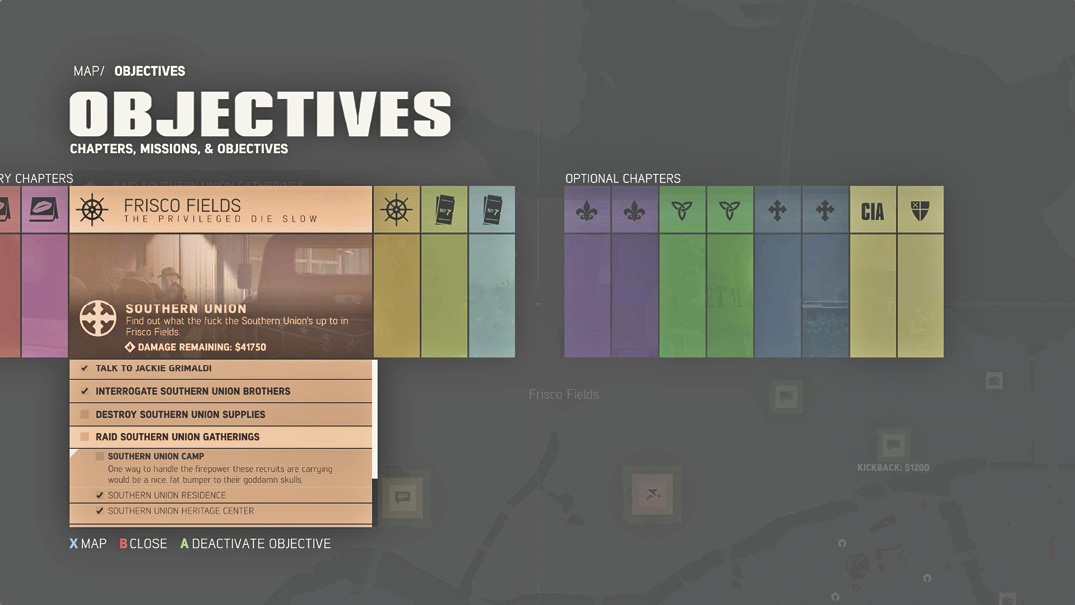
| XBOX Control | PS4 Control | Command |
|---|---|---|
|
|
|
Back |
|
LT |
L2 |
Zoom Out |
|
RT |
R2 |
Zoom In |
|
|
|
Objectives Menu |
|
LS |
L3 |
Toggle Wiretap Visibility (grays out areas of the map covered by wiretaps) |
|
|
|
Set Waypoint |


Map Objectives
The map menu’s Objectives Panel is a popular stop when browsing through the pause menu. Here you can scroll through all available chapters, missions, and objectives using the Left Control Stick or the D-pad. There are two categories of objectives: Story Chapters and Optional Chapters. Optional Chapters unlock as you complete Story Chapters and can be played at any point in the game. You can always go back and play the Optional Chapters (unless you complete the game… then it’s too late).
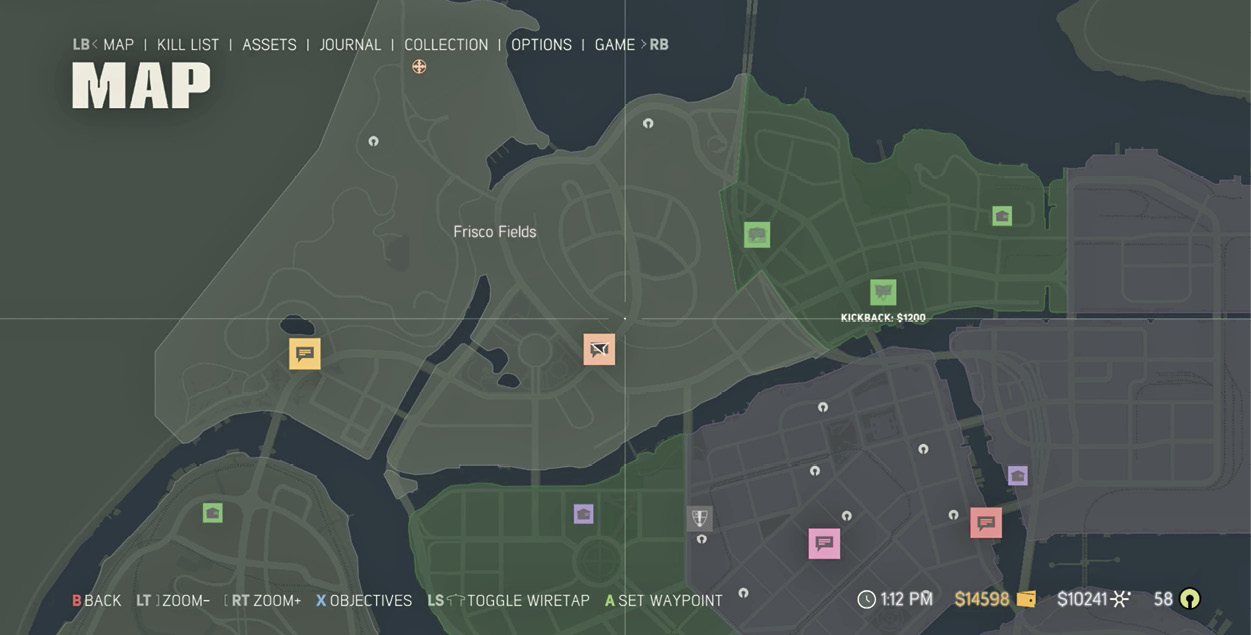
Reveal details of each chapter by scrolling to it and then navigate up and down through the objectives using the Left Control Stick. Press the  or
or  button to activate or deactivate the objective. This sets a waypoint on the map to the objective location and draws a route for easy navigation.
These same objectives can be singled out on the map by moving the map reticle directly over the matching icon at the objective location. You can also activate or deactivate the objective here, thus activating or deactivating the waypoint route.
Routes
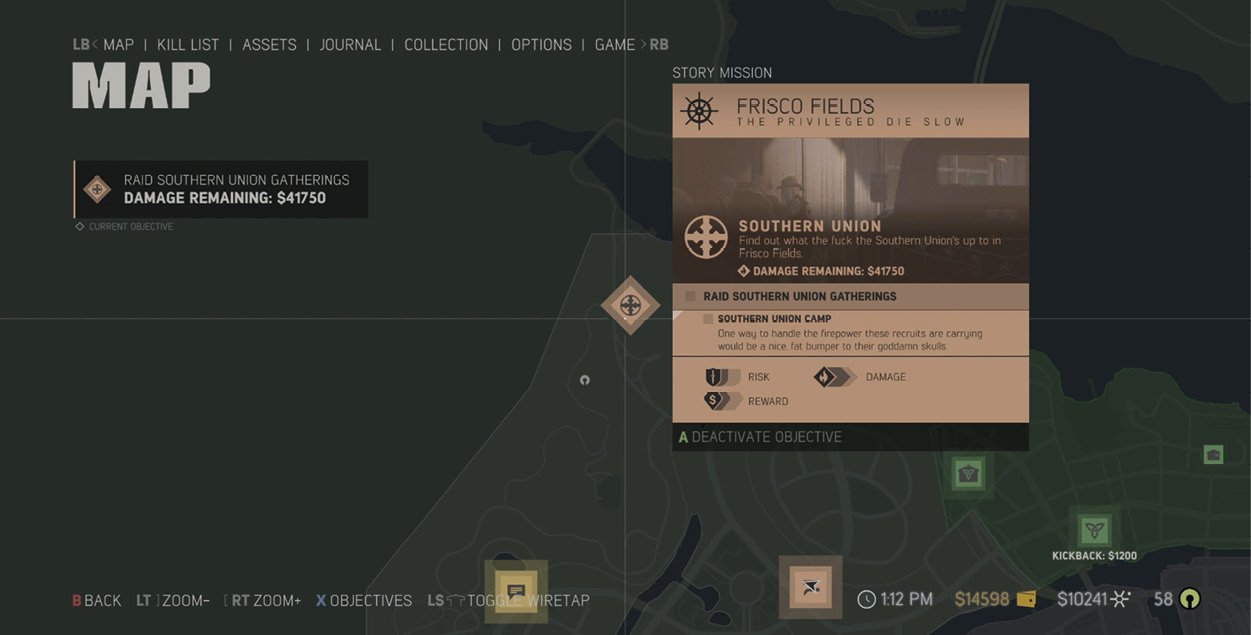
To set a route, first open your map and manually select a mission. Press  or
or  to expand/select Chapters, and use the Right Control Stick to scroll through available objectives. Select an objective, and a route is created to help you navigate to that objective location. The route only appears on the Minimap when you’re behind the wheel of a vehicle.
Road Signs
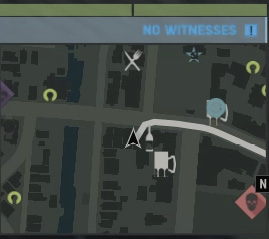
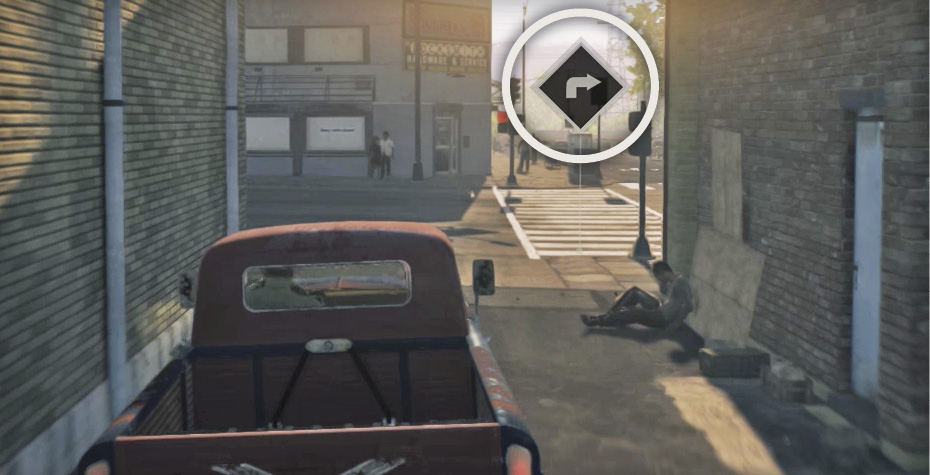
When a marker is set on an objective location, not only is a route drawn on the Minimap but you will also see turn signs on street corners along the route while you’re driving. This allows you to keep your eyes on the road and off the Minimap.
Kill List
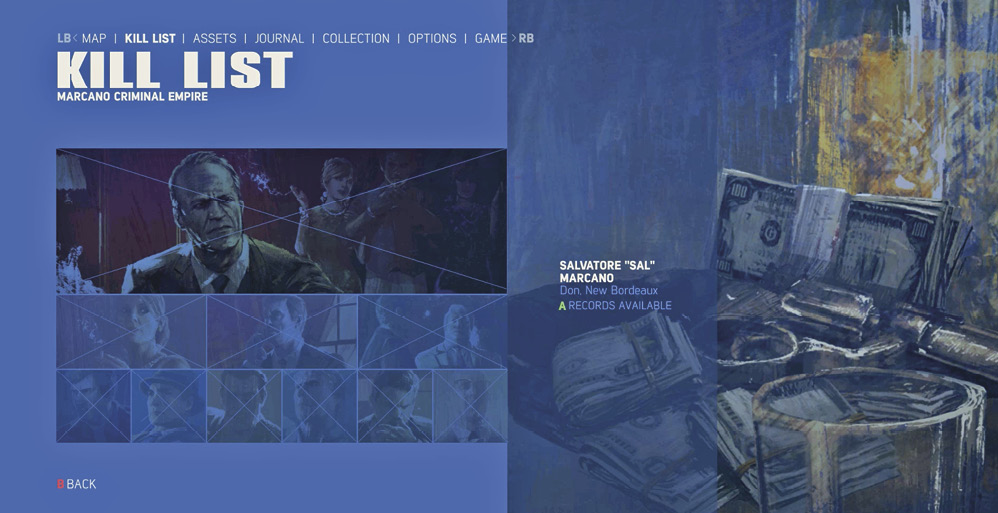
The Kill List is accessible through the pause menu. Scroll to the right from the map view to find this graphic list of enemies, starting with your number one target, Salvatore “Sal” Marcano. Below him in the criminal tree are his three capos, and below each capo are two lieutenants. Here you can see who has been eliminated and who remains on your hit list. Highlight Sal’s photo and select View Intel, and then select “More” to read John Donovan’s expanded dossier on the kingpin of New Bordeaux. Scroll to see intel about his criminal rackets as well. As you progress through the game, the Kill List will add profiles of Marcano’s minions as well.
Assets
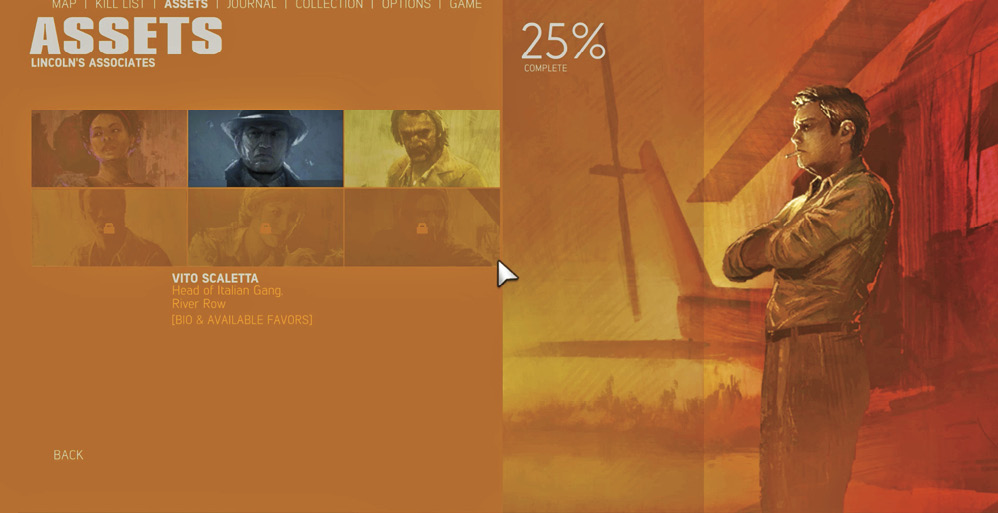
Scroll to the right of the Kill List in the pause menu to discover Assets. This is a great place to review your information on all your allies. Once introduced in the story, you can access info on Cassandra, Vito Scaletta, Thomas Burke, Emmanuel Lazare, Alma Diaz, and Nichole “Nicki” Burke.
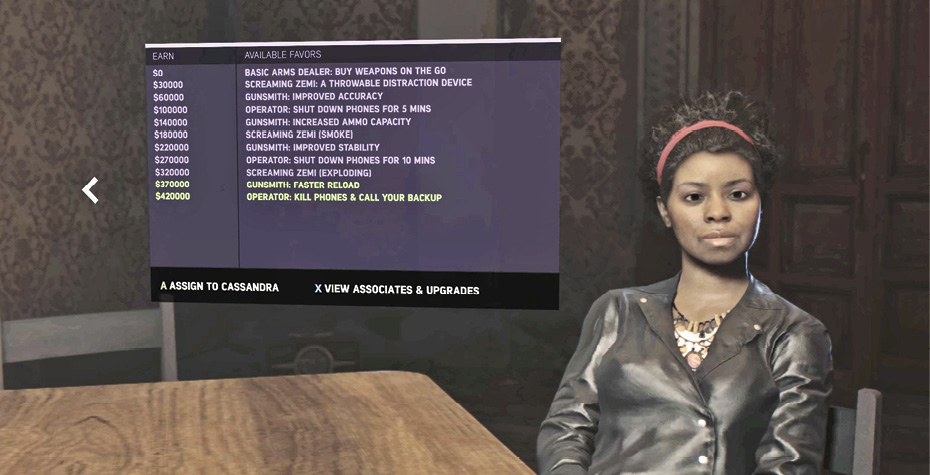
When you select one of the three partners (Cassandra, Vito, or Burke), you can read a short bio. More importantly, if you page over to the right with the Left Control Stick or the D-pad, you can access a menu that details the associate’s favors. This is a very convenient way of viewing upgrades available through the associates and how much money must be earned to unlock their upgrade options.
Cassandra’s Favors
| Earn | Available Favors |
|---|---|
|
0 |
Basic Arms Dealer: Buy Weapons On The Go |
|
30,000 |
Screaming Zemi: A Throwable Distraction Device |
|
60,000 |
Gunsmith: Improved Accuracy |
|
100,000 |
Operator: Shut Down Phones For 5 Mins. |
|
140,000 |
Gunsmith: Increased Ammo Capacity |
|
180,000 |
Screaming Zemi: (Smoke) |
|
220,000 |
Gunsmith: Improved Stability (Reduced Recoil) |
|
270,000 |
Operator: Shut Down Phones for 10 Mins. |
|
320,000 |
Screaming Zemi (Exploding) |
|
370,000 |
Gunsmith: Faster Reload |
|
420,000 |
Operator: Kill Phones & Call Your Backup |
Vito’s Favors
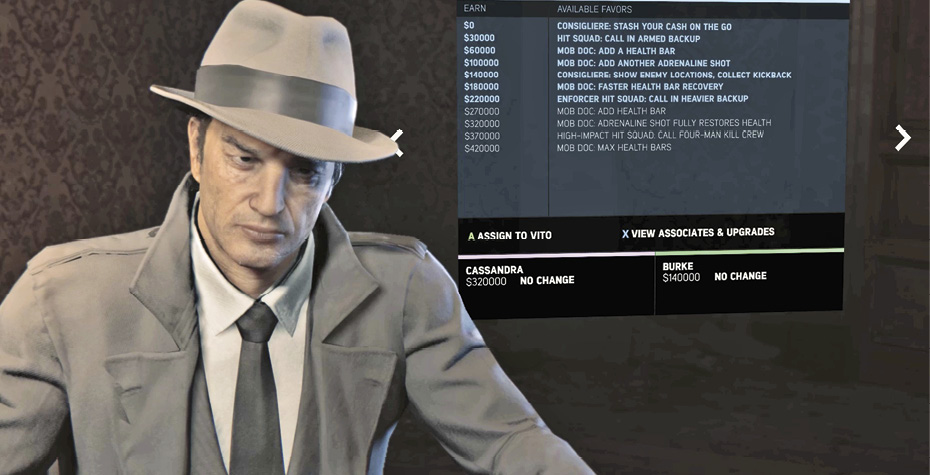
| Earn | Available Favors |
|---|---|
|
0 |
Consigliere: Stash Your Cash On The Go |
|
30,000 |
Hit Squad: Call In Armed Backup |
|
60,000 |
Mob Doc: Add A Health Bar |
|
100,000 |
Mob Doc: Add Another Adrenaline Shot |
|
140,000 |
Consigliere: Show Enemy Locations, Collect Kickback |
|
180,000 |
Mob Doc: Faster Health Bar Recovery |
|
220,000 |
Enforcer Hit Squad: Call In Heavier Backup |
|
270,000 |
Mob Doc: Add Health Bar |
|
320,000 |
Mob Doc: Adrenaline Shot Fully Restores Health |
|
370,000 |
High-Impact Hit Squad: Call Four-Man Kill Crew |
|
420,000 |
Mob Doc: Max Health Bars |
Thomas Burke’s Favors
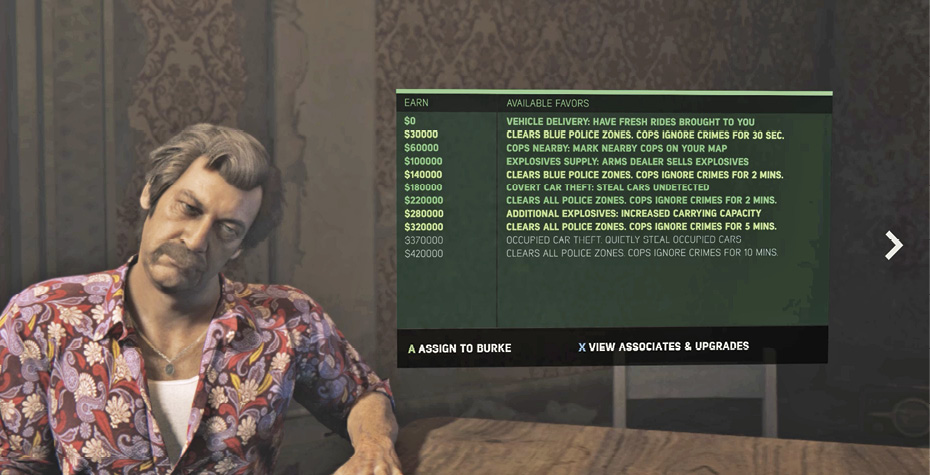
| Earn | Available Favors |
|---|---|
|
0 |
Vehicle Delivery: Have Fresh Rides Brought To You |
|
30,000 |
Clears Blue Police Zones: Cops Ignore Crimes For 30 Sec. |
|
60,000 |
Cops Nearby: Mark Nearby Cops on Your Map |
|
100,000 |
Explosives Supply: Arms Dealer Sells Explosives |
|
140,000 |
Clears Blue Police Zones: Cops Ignore Crimes For 2 Mins. |
|
180,000 |
Covert Car Theft: Steal Cars Undetected |
|
220,000 |
Clears All Police Zones: Cops Ignore Crimes for 2 Mins. |
|
280,000 |
Additional Explosives: Increase Carrying Capacity |
|
320,000 |
Clears All Police Zones: Cops Ignore Crimes for 5 Mins. |
|
370,000 |
Occupied Car Theft: Quietly Steal Occupied Cars |
|
420,000 |
Clears All Police Zones: Cops Ignore Crimes for 10 Mins. |
Journal
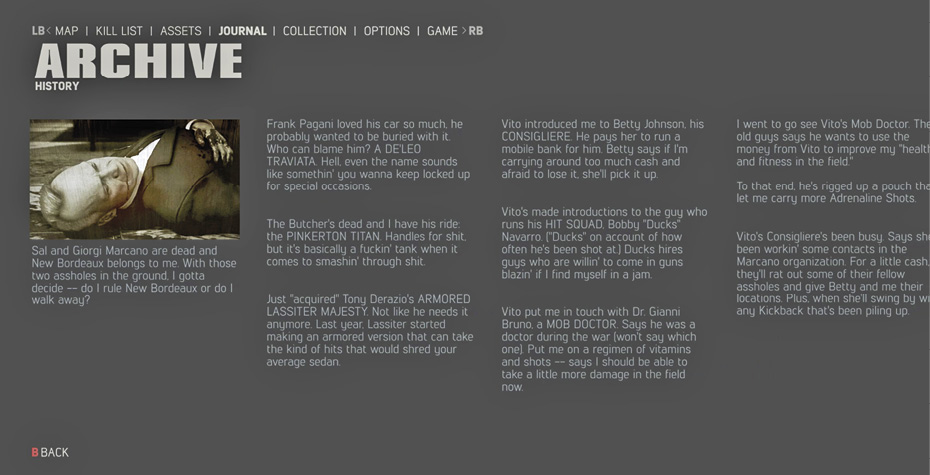
The Journal can also be accessed in the pause menu; it’s one click away from the Assets. This feature allows you to catch up on the story, or as much of the story as you’ve revealed through story chapter progression.
Collection
In Mafia III, you are tasked with collecting many different objects. Similar to Mafia II, you’ll be searching for vintage Playboy Magazines. But that’s not all, you’ll also be looking for Vargas Paintings, Albums, Hot Rod Magazines, Communist Propaganda Posters, and Repent Magazines. We extensively cover the locations of these collectibles in the Collectibles chapter of this guide, but just a quick tip: wiretapping reveals all collectibles within range of each hacked junction box. So, if you can find and hack all the junction boxes, then you can find all the collectibles.
Your collection progress is tracked in the pause menu. Simply scroll to the right of Assets to land on “Collection.” Here you can scroll through all the individual pieces you’ve collected in each category and look inside the magazines and even read some vintage articles, like an interview with The Beatles.
Options
You’ll find the Options to the right of Collection in the pause menu. In this menu, you can access control settings and adjust Look Inversion or alter the Aim Assist feature. You can also visit this area to assign commands to different buttons. In the Game Options, you can adjust the difficulty setting and turn on subtitles, among other things. And lastly, you can tweak the Display and Audio settings.
Game
The final menu inside the pause menu is Game. This is where you go to load, start a new game, retry a chapter, or exit the game.