
Yo-Kai Watch Guide Game Basics
Yo-kai Cam!
Once you make it to Chapter 2, you can access this fun feature. Select “Yo-kai Cam” from the bottom of the title screen, and then use your 3DS to take a face-only shot of someone nearby. (Make sure your subject’s face is centered in the onscreen circle and that “OK!” appears on the screen.) Once you take the picture, a Yo-kai will appear next to the person. It’ll also be added to the Yo-kai Medallium, if you don’t have it already.
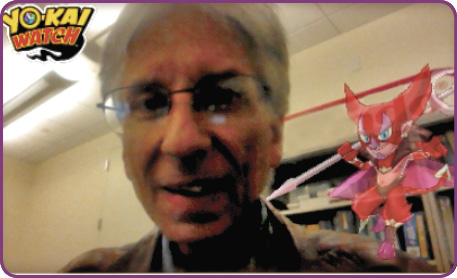
Make sure your subject’s looking straight at the camera. Side photos won’t work.
Take the Challenge!
When you select Yo-kai Cam from the title screen, the mode issues a random challenge. It can run a range of topics, from tribes to how the Yo-kai looks. If you shoot a Yo-kai that matches the challenge, you’ll earn a bonus item. You can also earn bonus items regularly once you shoot enough Yo-kai. Keep snapping pictures, and earn as many bonuses as you can!
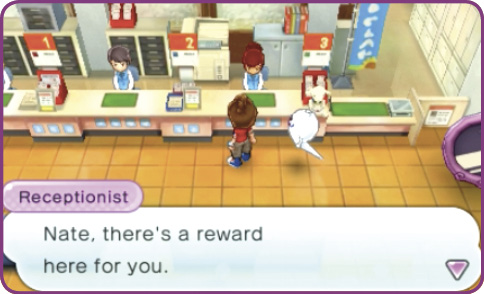
You’ll earn your first reward once you shoot your first photo. More rewards will come with every picture.
Reap Your Rewards!
Once you earn a Yo-kai Cam reward, march directly over to Lambert Post Office. Talk to the receptionist at Window 3, and you’ll receive the reward item. She’ll keep up to 32 items on hold for you, too.