
Yo-Kai Watch Guide Game Basics
Time and Weather
Yo-kai Watch runs on a day/night time cycle that’s a bit different from real life. The in-game clock ticks away only when you’re outside. It stops when you’re inside a building or using the menu system. The weather can also change from day to day.
How Events Are Affected
Time and weather can have a big impact on your Yo-kai search. For example, some Yo-kai show up only at night or only when it’s sunny. Similarly, some sub-quests can only be triggered at night or during specific weather conditions. You’ll also encounter buildings that are closed during certain hours, keeping you from entering.
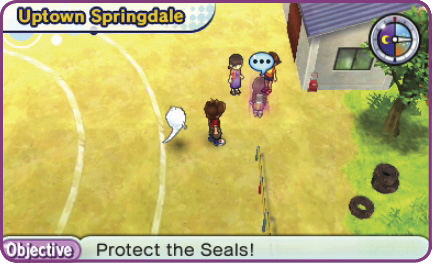
Sleep to Advance Time
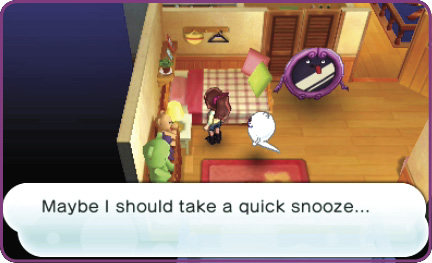
If you want to hurry the in-game clock along, go back home and rest in your bed. This lets you shift the time cycle from day to night, or vice versa. The weather may change, too. Note that the day-to-night transition skips over the evening hours, going directly from bright to dark.
Town Scenes Change with Time!
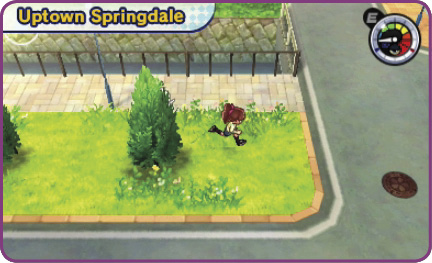
DAYTIME: The brightest part of the time cycle. You’ll see lots of people out and about, and most stores will be open.
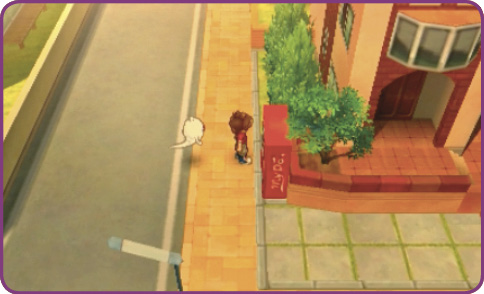
EVENING: The sun begins to set over town. Evening events are generally the same as daytime ones, but night comes quickly afterward.
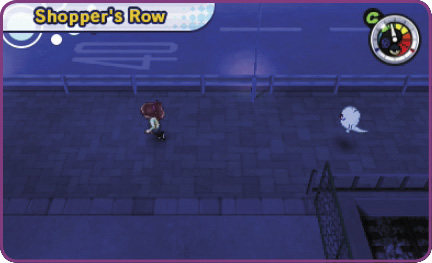
NIGHT: The scene grows dark, with fewer people on the streets. Most shops (except convenience stores) are also closed.