
Xenoblade Chronicles X Guide A Primer for Prospective Citizens of Mira
Main Menu and Basic Functions
To survive on planet Mira, you’ll need the help of friends, businesses, and technology. Your own personal skills need to be up to the task as well. From surviving in the wilds to surviving the ranks of BLADE, read on to be prepared for any situation.
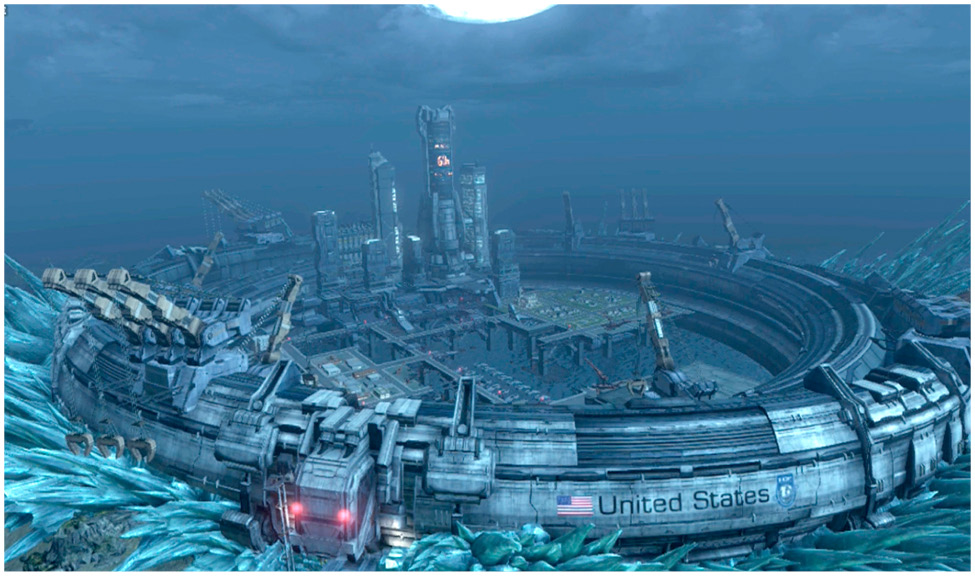
Title Menu
From the title screen, you can access these options.
New Game
Starts a new game from the beginning. You’ll configure your game settings to your liking from the outset, then create an avatar for your player character before starting the game.
Continue
Continue the previously saved game. (You only get one slot for saved games.)
Settings
Configure game settings. More on this can be found in the Main Menu section.
Nintendo eShop
Connect to the Nintendo eShop.
Main Menu
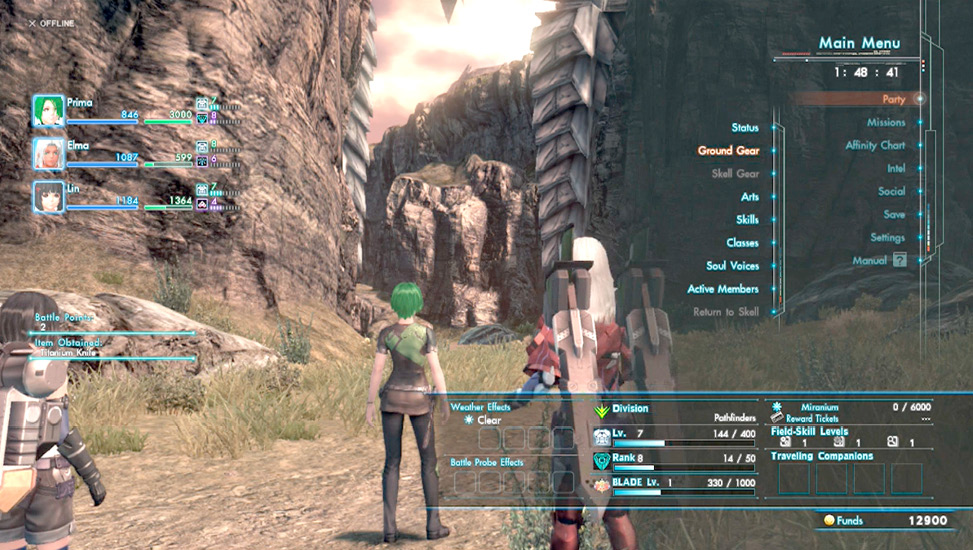
You can access the main menu by pressing (+) during gameplay. The main menu gives you a wealth of control and information regarding your status and progress.
Party
Status
View a rundown of character stats.
Ground Gear
View and change a party member’s ground gear, such as armor and equipment.
Skell Gear
View and change the gear/equipment belonging to the Skells of party members.
Arts
View, equip, and upgrade a character’s Arts.
Skills
View and upgrade a character’s equipped and available Skills.
Classes
View and modify the player character’s current and possible classes.
Soul Voices
View and customize the player character’s available Soul Voices. You can also view your party’s Soul Voices.
Active Members
Shift and remove members from your active party in this menu. The character in the top slot on the left is the character you play as.
Return to Skell
Once you have a Skell, you can use this option to warp back to where you parked your Skell and board it automatically.
Missions
Check mission descriptions and requirements, and set missions as navigation targets.
Affinity Chart
View the relationships between every character in the game, including how well they get along with one another.
Intel
Inventory
Check on your items here.
Info
The Info menu contains information learned from the people of Mira. Use this to uncover the planet’s secrets and increase your survey rate by acting upon this information.
Achievements
View the Achievements you’ve accomplished and have yet to accomplish during the game.
Enemy Index
Once you encounter an enemy, you’ll see it listed here. After you defeat an enemy, you can see its stats, strengths and weaknesses, and what items it’s capable of dropping (so long as they’ve been dropped for you at least once).
Collectopedia
A list of the collectible items you’ve added to the Collectopedia.
Social
This set of menus is all about the various online functions in the game. You can view information about players you’ve met, join or change your squad, see rankings, or edit your personal greetings. Refer to the Social chapter of this guide for more details.
Save
Saves the game. You can save your progress at any time except during a battle or an event. Only one game-save file can be created per user.
Settings
Here you can change game settings pertaining to the camera, system hardware, user interface, and online notifications.
Toggle GamePad Screen
Toggle the GamePad screen between showing the game screen and the map. This is most useful for people who want to play Xenoblade Chronicles X in off-TV mode. Once the GamePad shows the game screen, you can reset things using this menu option again.
Manual
View the in-game manual.