
New Super Mario Bros 2 Guide Controlling Mario
Basic Moves
Move
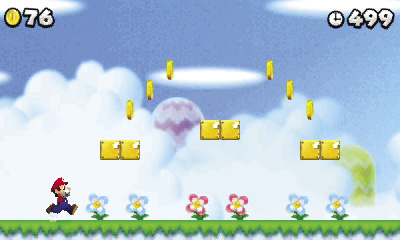
Press the +Control Pad in the direction you want to move.
Dash
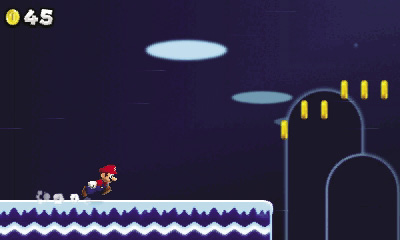
While moving, press and hold the Dash button to increase your speed.
Jump
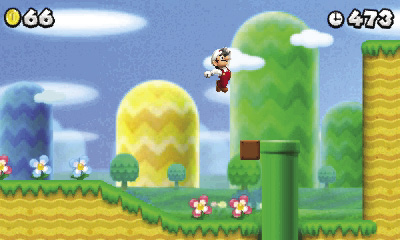
Tap the Jump button to perform a short hop. Hold the Jump button to extend the length of your jump. Jump while dashing to leap much greater distances. Jump onto a vulnerable enemy to perform a stomp attack.
Stomp
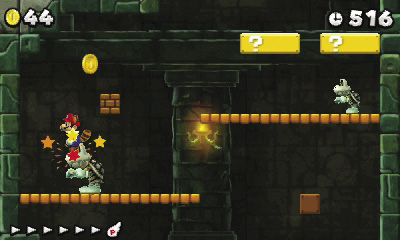
Jump into the air and land on a valid target to perform a stomp. This move is effective against most enemies, but it can also be used to activate certain items.
Crouch
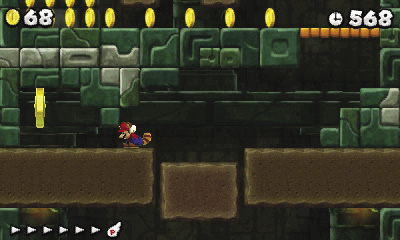
Press Down on the +Control Pad to crouch.
Enter Pipe
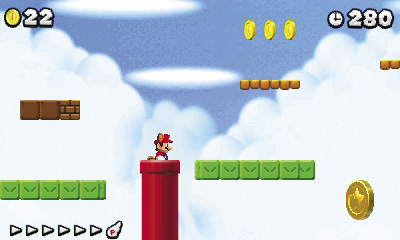
Some pipes transport you to new areas. To enter one of these pipes, move near the opening, then press the +Control Pad toward the pipe.
Enter Door
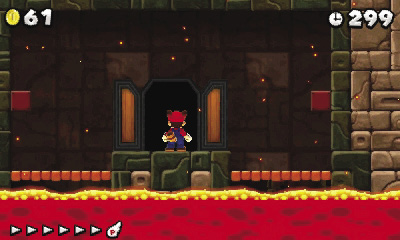
While standing in front of a door, press Up on the +Control Pad to enter it.
Ground Pound
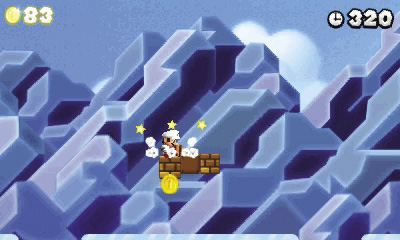
Press Down on the +Control Pad while in the air to perform a ground pound. When used on an enemy, the ground pound deals much more damage than Mario’s standard stomp attack. Outside of combat, this move is generally used to hit Blocks from above.
Slide
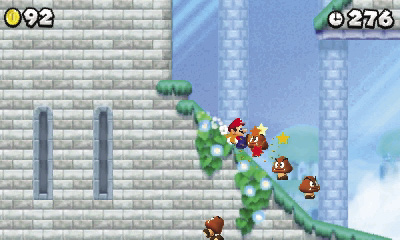
While standing on a hill, press and hold Down on the +Control Pad to perform a slide. This not only allows you to build up an impressive amount of speed, it automatically clears most enemies from your path.
To slide along a level surface, dash to build up your speed, then press and hold Down on the +Control Pad.
Wall Jump
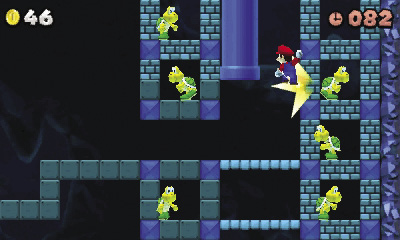
Jump toward a wall, and press the +Control Pad toward the wall to slide down its surface. Press the Jump button at any point during the slide to perform a wall jump.
Swim
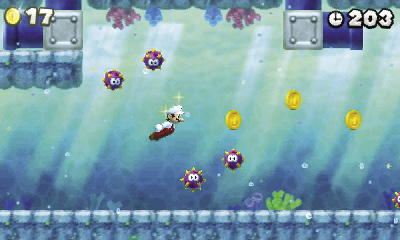
While underwater, press the Jump button to perform a single stroke. This causes you to move simultaneously forward and upward. Tap the Jump button repeatedly to increase your speed. Press Left or Right on the +Control Pad to determine the direction in which you’ll swim.
Grab Rope
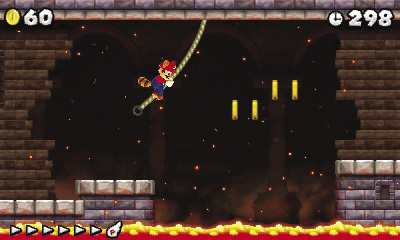
Jump to a rope to automatically grab it. After you latch on, use the +Control Pad to adjust your position. Press the Jump button to leap off.
Grab Fence
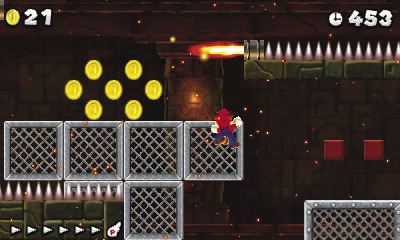
As you pass in front of a fence, press Up on the +Control Pad to grab it. After you latch on, use the +Control Pad to adjust your position. Press the Jump button to leap off.
Hit Fence
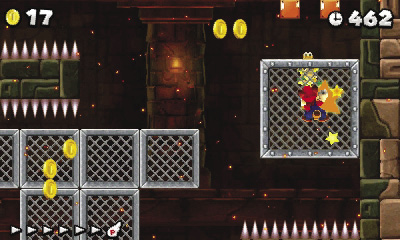
While on a fence, press the Dash button to hit it. If an enemy is climbing on the other side of a fence, hit the fence to knock the fiend loose.
Pick Up/Throw
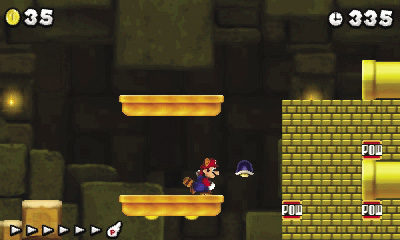
While standing near a suitable object, press and hold the Dash button to pick it up. To throw the object, simply release the Dash button.
The speed at which you’re moving when you release the Dash button can have a significant effect on the force of your throw.
Double Jump/Triple Jump
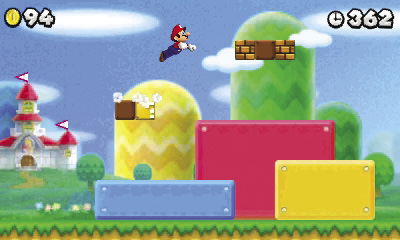
To perform a double jump, make a running leap into the air, then press the Jump button the instant you land. To perform a triple jump, press the button the instant you land after performing a double jump.
The triple jump requires precision timing, but it allows you to leap much greater distances than would otherwise be possible.