
The Legend of Zelda: The Wind Waker Guide How to Play
Game File Management
Creating a New Game File
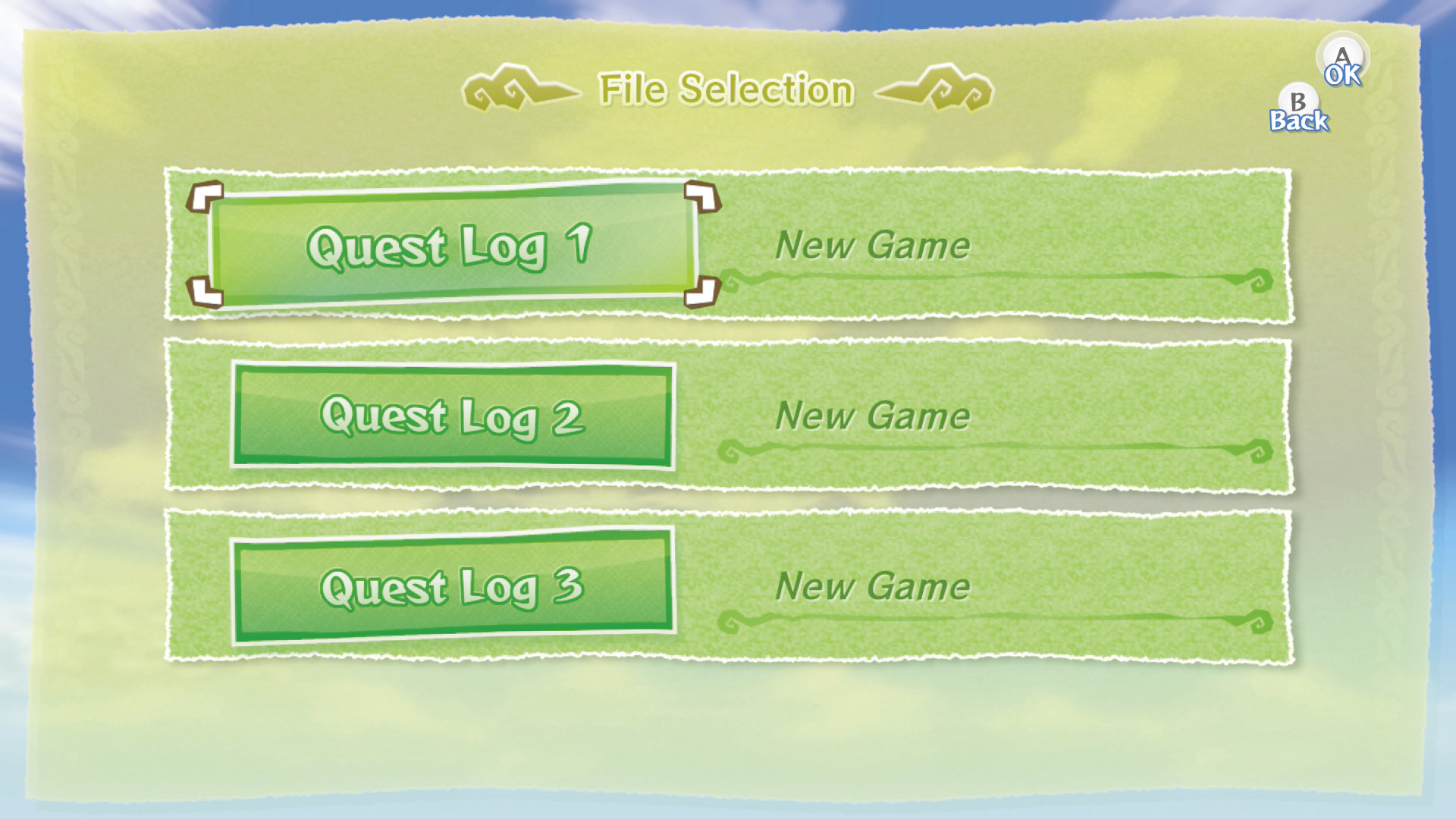
At the File Selection screen, highlight an empty Quest Log and press  to start a New Game file. The name you give your game file is the same name that Link will be given during the adventure.
Saving a Game File
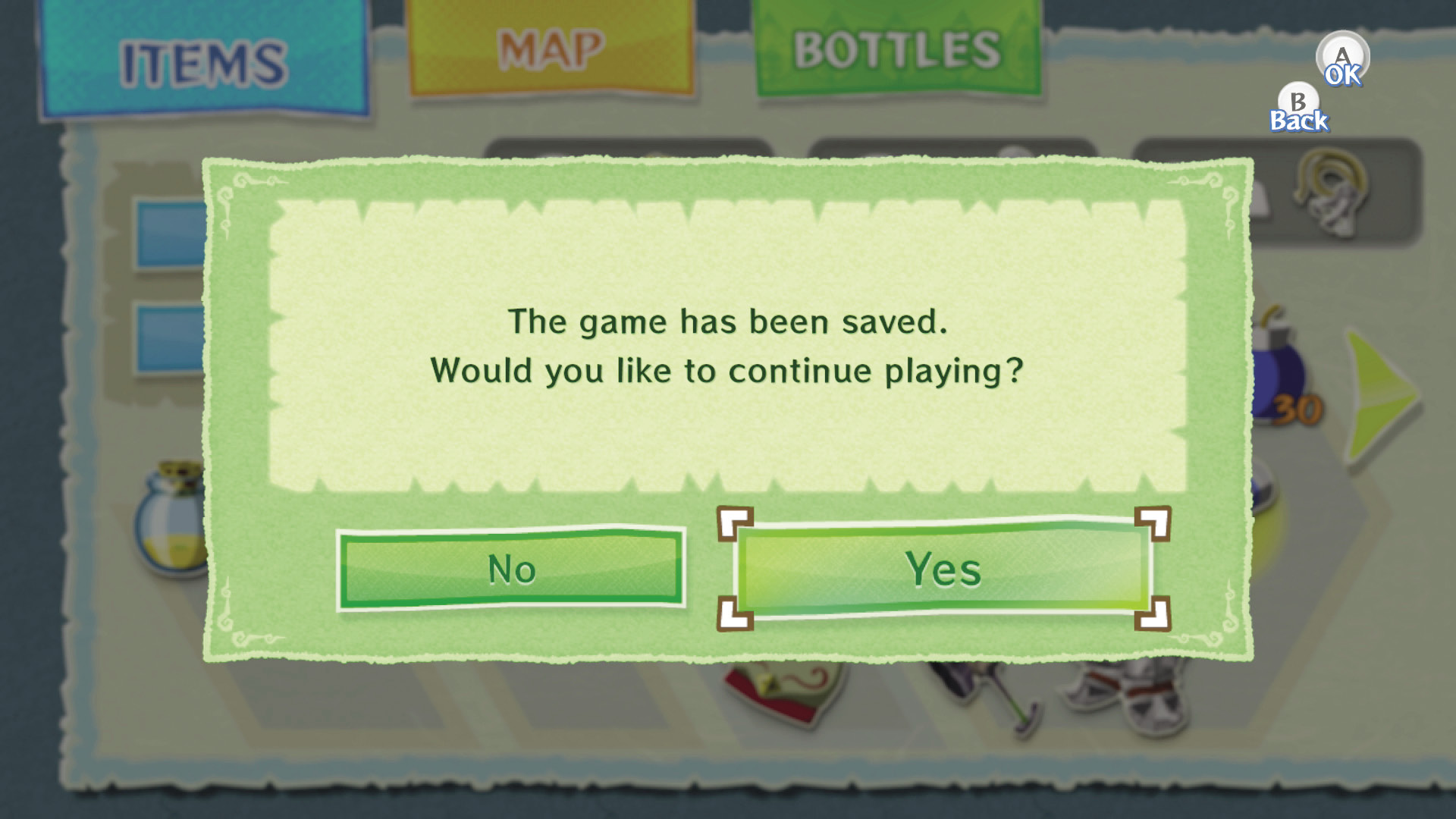
Both the Item subscreen and the Quest Status subscreen have a save option. Highlight that option and press  to save your game. Afterward, you can continue playing or exit to the Main menu. To resume a saved game, select the appropriate Quest Log after advancing past the title screen.
Copying and Erasing Game Files
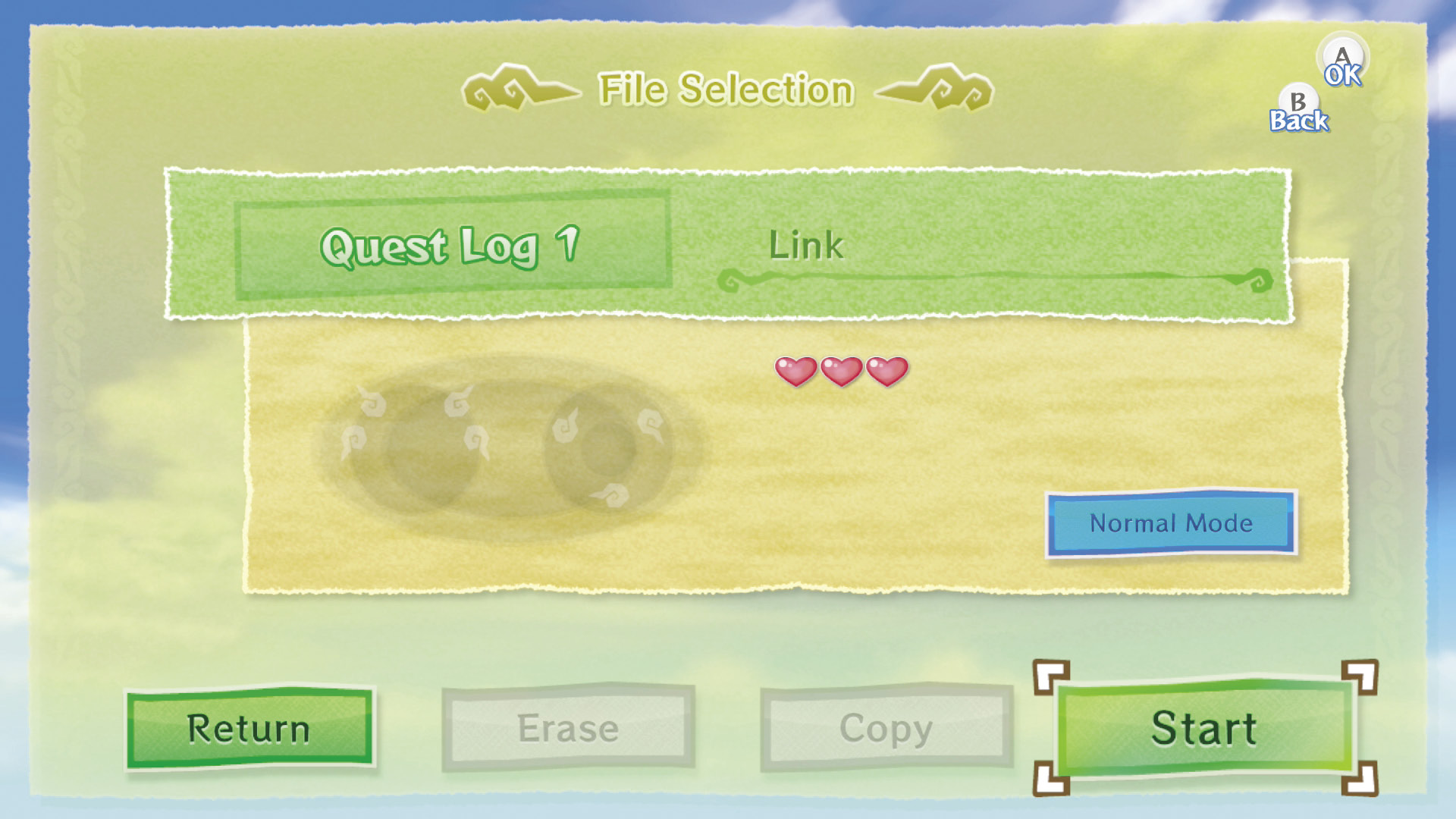
To copy a Quest Log, choose Copy from the File Management screen. Select the Quest Log you want to copy, then choose the Quest Log to which you want to copy it. The game warns you if you are in danger of overwriting an existing Quest Log.
To erase a Quest Log, select Erase from the File Management screen, then select the Quest Log you wish to erase. The game makes sure that you want to erase the Quest Log before it removes it from the system memory.