
The Legend of Zelda: The Wind Waker Guide How to Play
Controlling Link
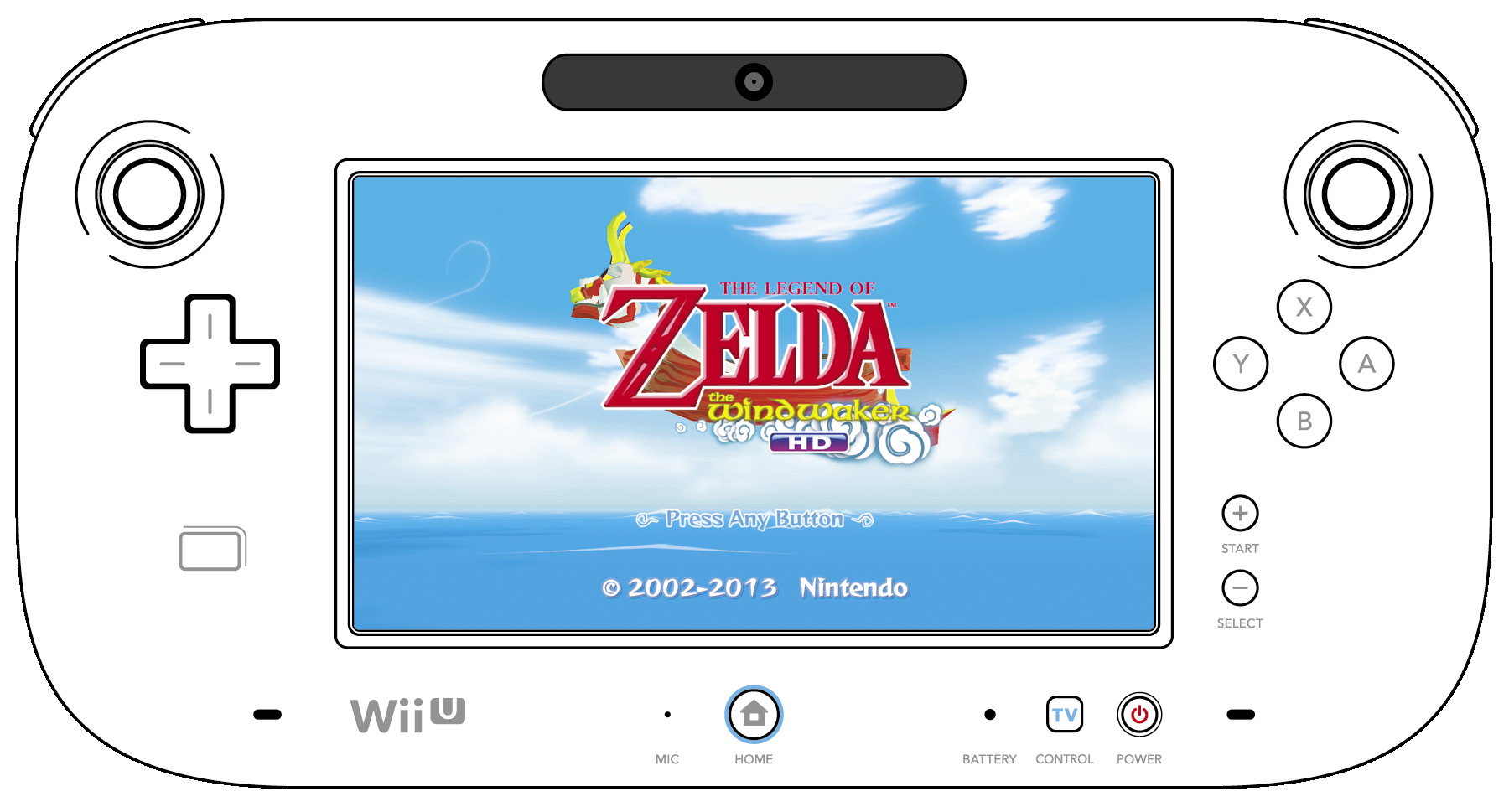
Basic Controls
| Button | Action |
|---|---|
|
|
Move Link or highlight a menu option |
|
|
Change the camera angle |
|
|
Context-sensitive action button (open, speak, throw, lift, check, attack) or select a menu option |
|
|
Swing Link’s sword or cancel a menu selection/return to the previous screen |
|
|
Item buttons—set items to  , ,  , and , and  to use them to use them |
|
|
target a character or enemy, or center the camera behind Link |
|
|
Context-sensitive action button (crouch, defend, grab) |


 ,
,  , and
, and 


Movement
Walking and Running
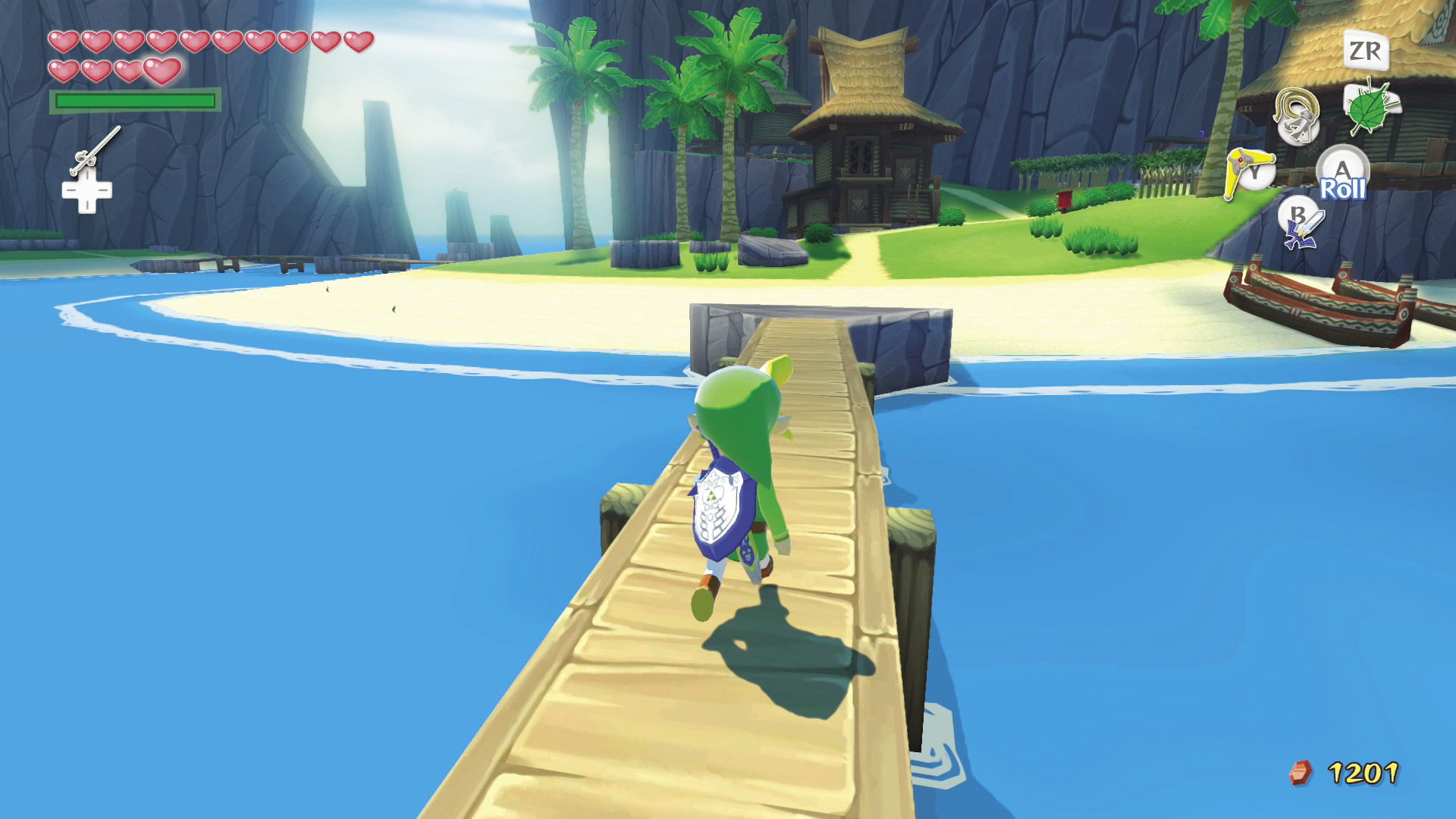
Push  in the direction you want to move Link. The more pressure you apply to
  , the faster Link moves. To walk slowly, gently push
  .
.
Jumping
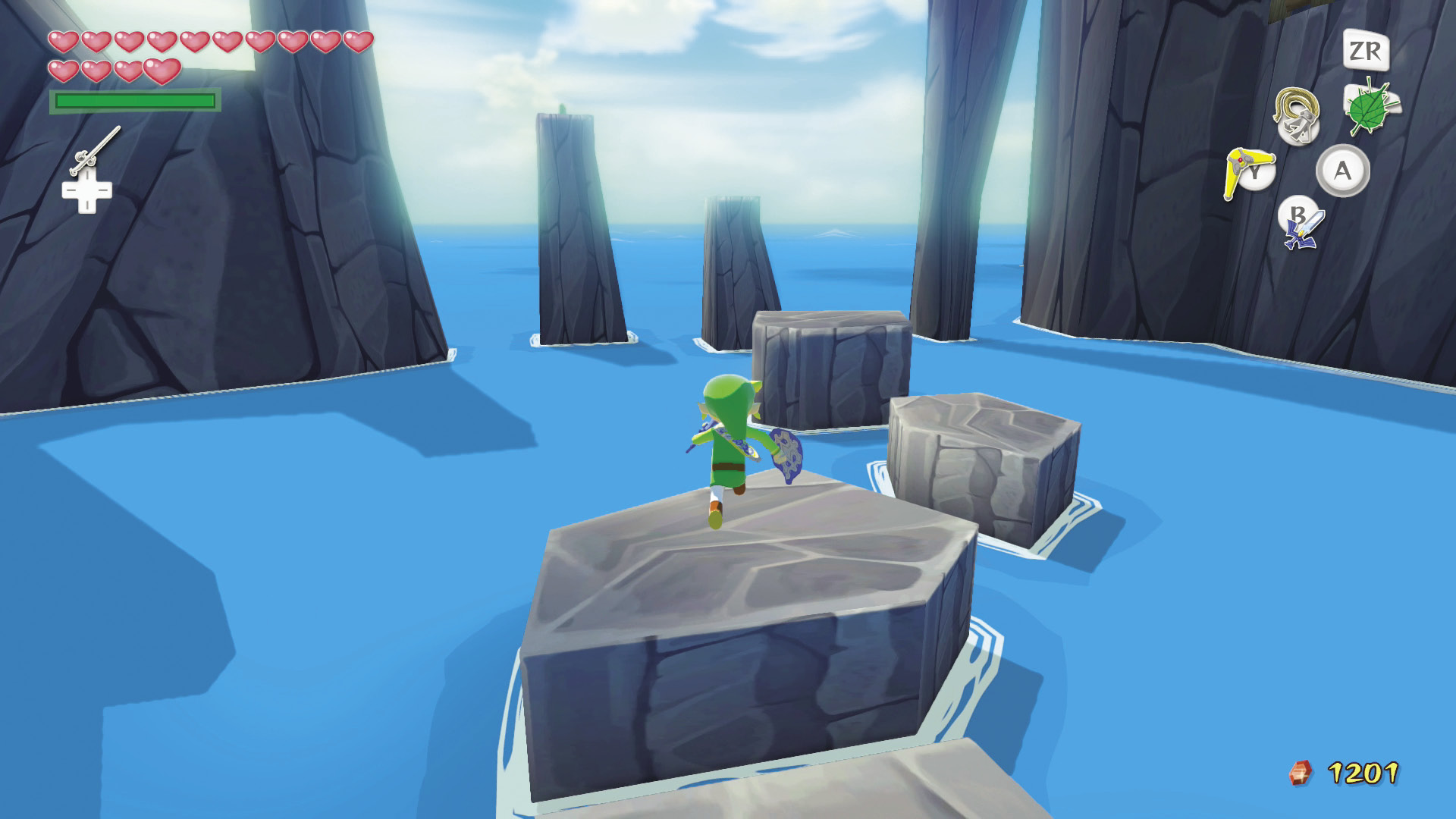
No specific button command makes Link jump. Run off a ledge, and Link automatically jumps up and away from it.
Crouching and Crawling
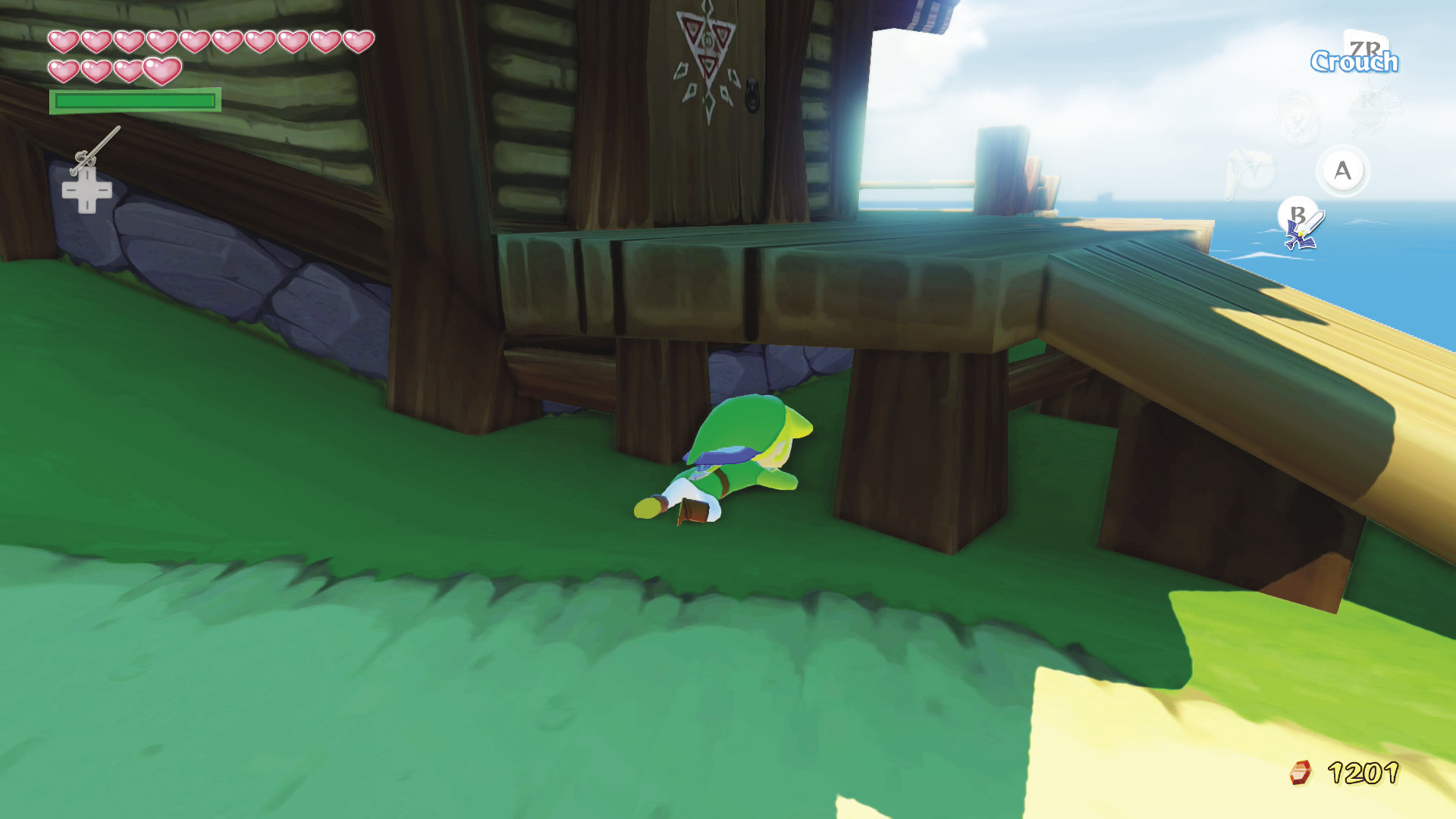
When Link’s sword is not drawn, press and hold  to crouch. Hold
  while pushing
  to crawl along the ground and into small tunnels. Crawling can help you sneak up on skittish creatures like wild pigs.
Sidling
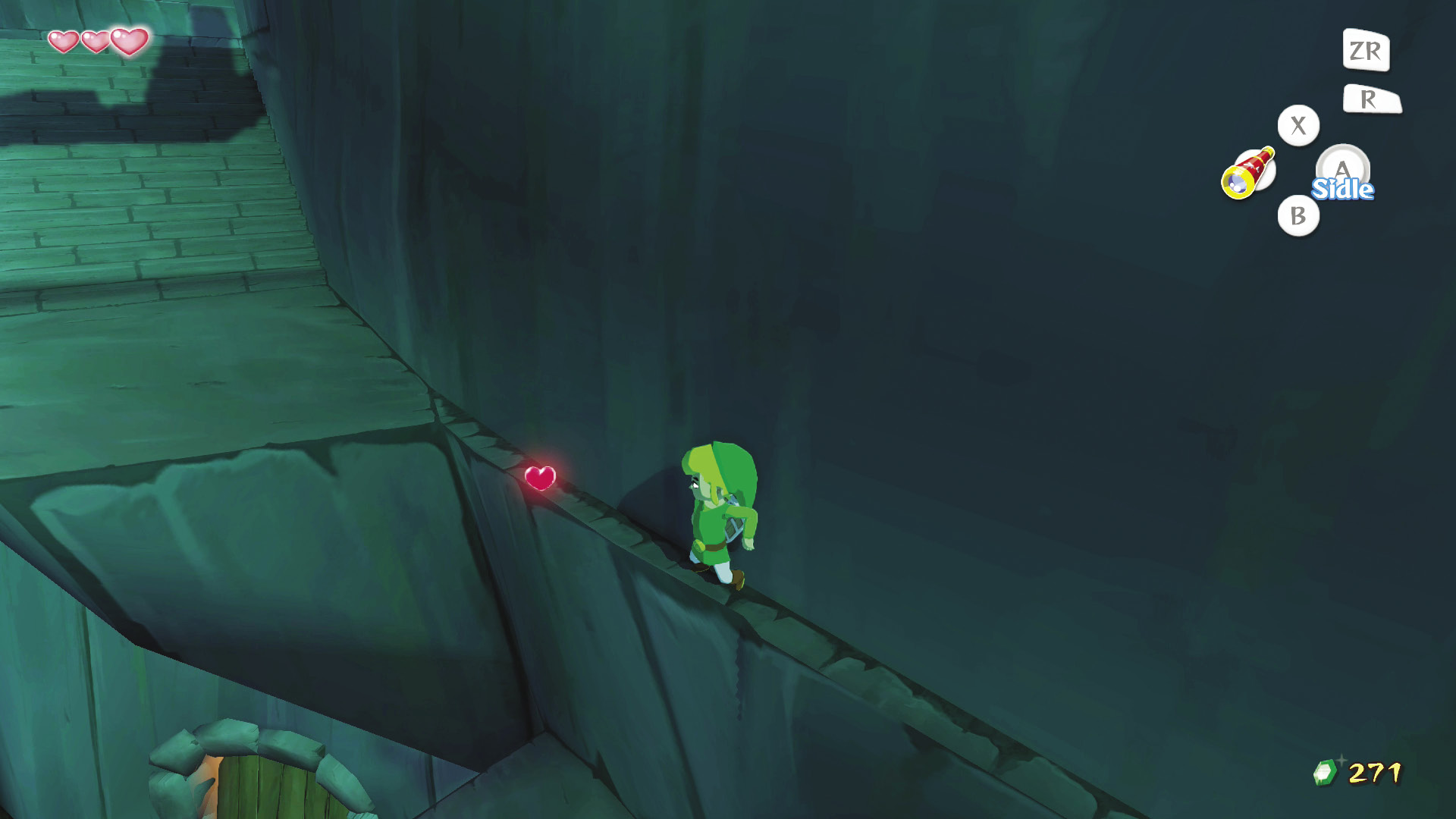
When you come to a narrow ledge that runs along a wall, face the wall, and the word “Sidle” will appear next to  at the bottom of the screen. Press
  to flatten Link against the wall, and push
  to inch him along the narrow ledge. If Link is attacked while sidling, he falls off the ledge.
Hanging
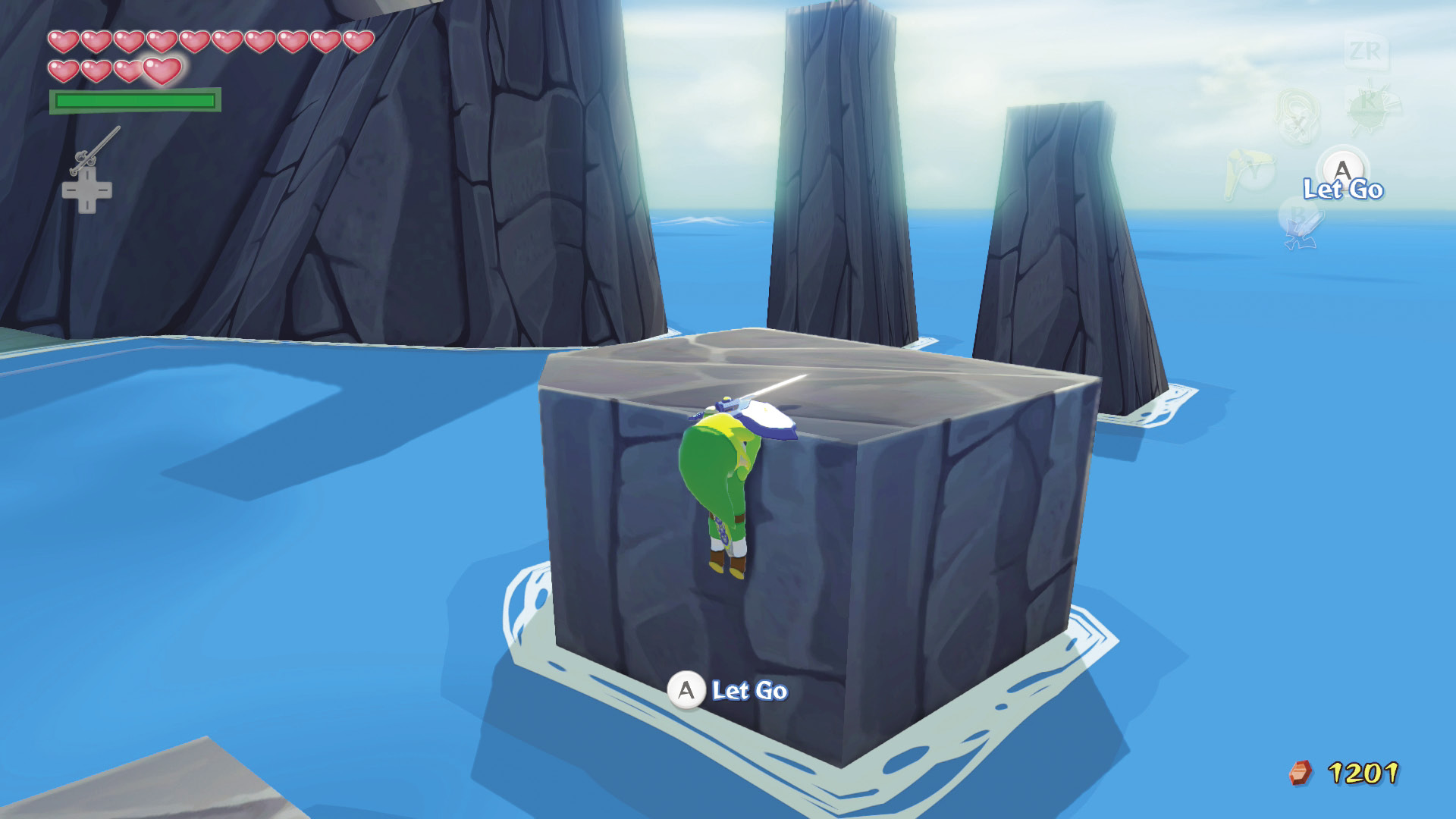
If Link walks off a ledge or can’t jump across a gap, he hangs from the edge by his fingers. Press  to climb onto the ledge or
  or
or  to shimmy hand over hand along the ledge. Link can also let go of the edge he’s holding by pressing
  or
or  .
.
Climbing
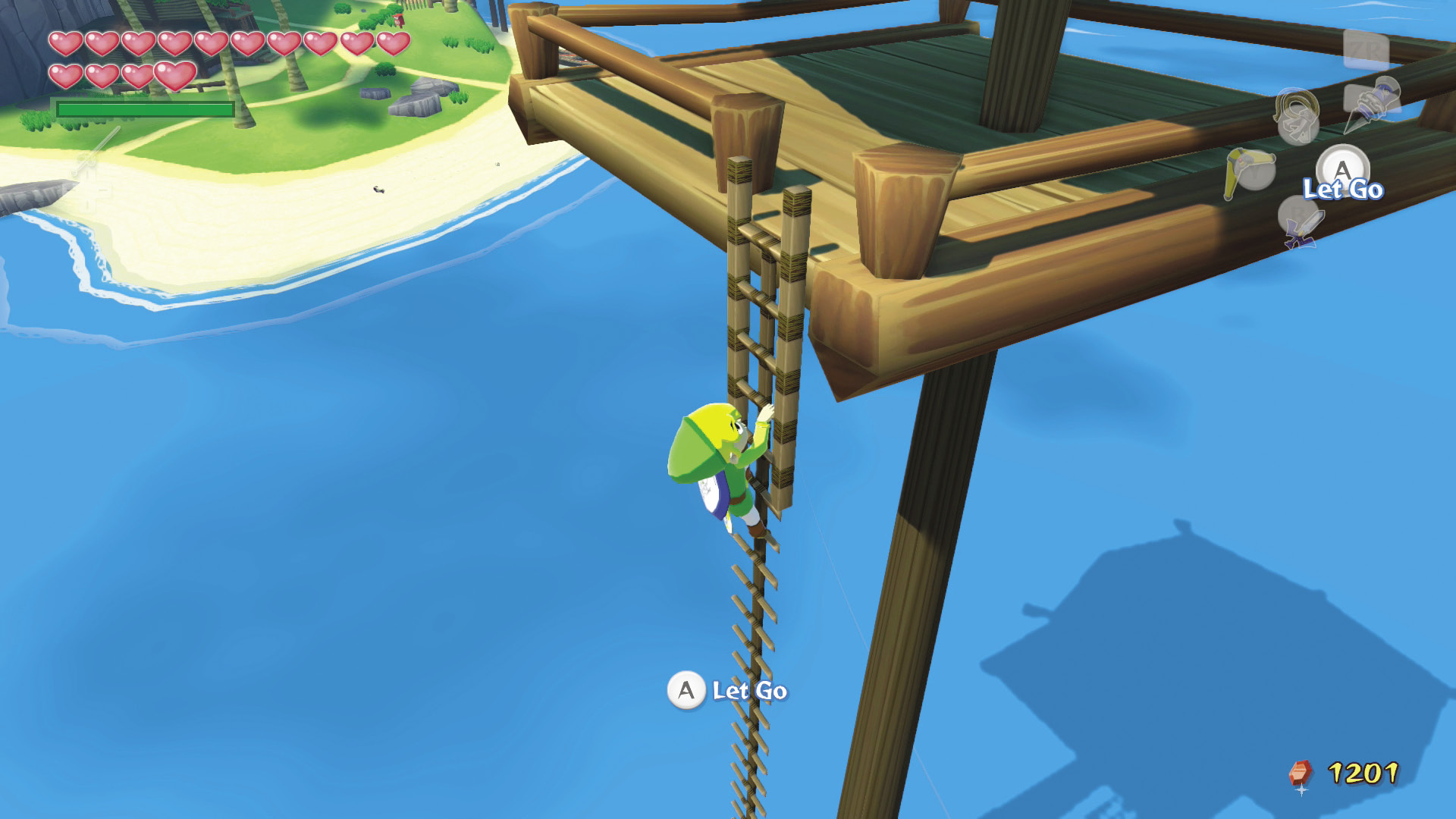
Link can climb up and down ladders and thick tangles of vines. Face the ladder or vines and press  to climb. Link can only climb up or down ladders, but he can move in any direction while climbing vines. To get down the ladder or vines right away, press
  and Link will drop.
Lifting, Carrying, and Throwing Objects
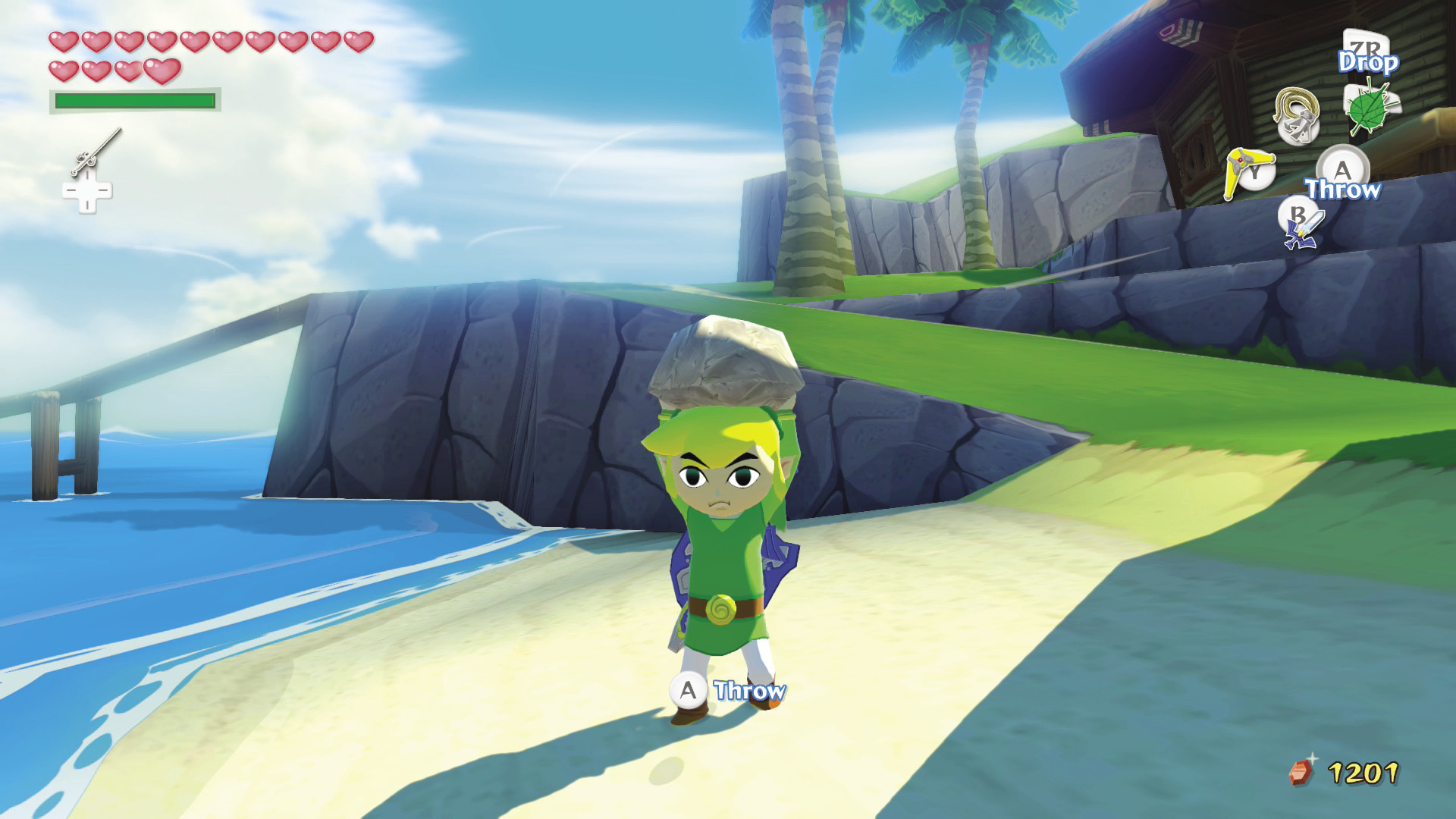
Press  while facing an object to lift it and carry it. To set down the object without breaking it, press
  . To throw and possibly shatter the object, press
  .
.
Grabbing, Pushing, and Pulling Objects
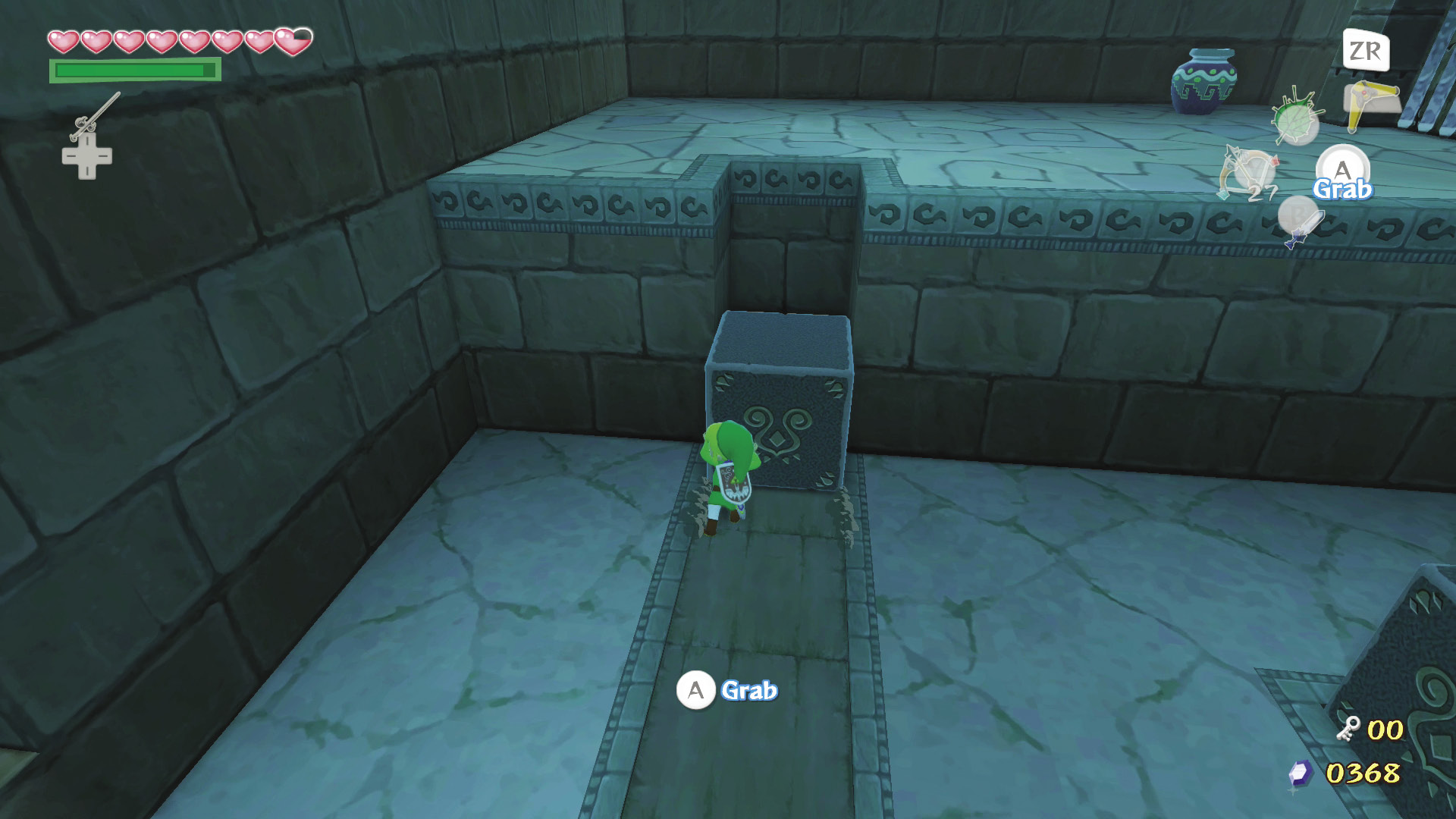
If you can move an object such as a crate, block, or statue, the word “Grab” appears next to  at the bottom of the screen while Link faces the object. Press and hold
  to grab the object, and push or pull it with
  .
.
Swinging from Ropes
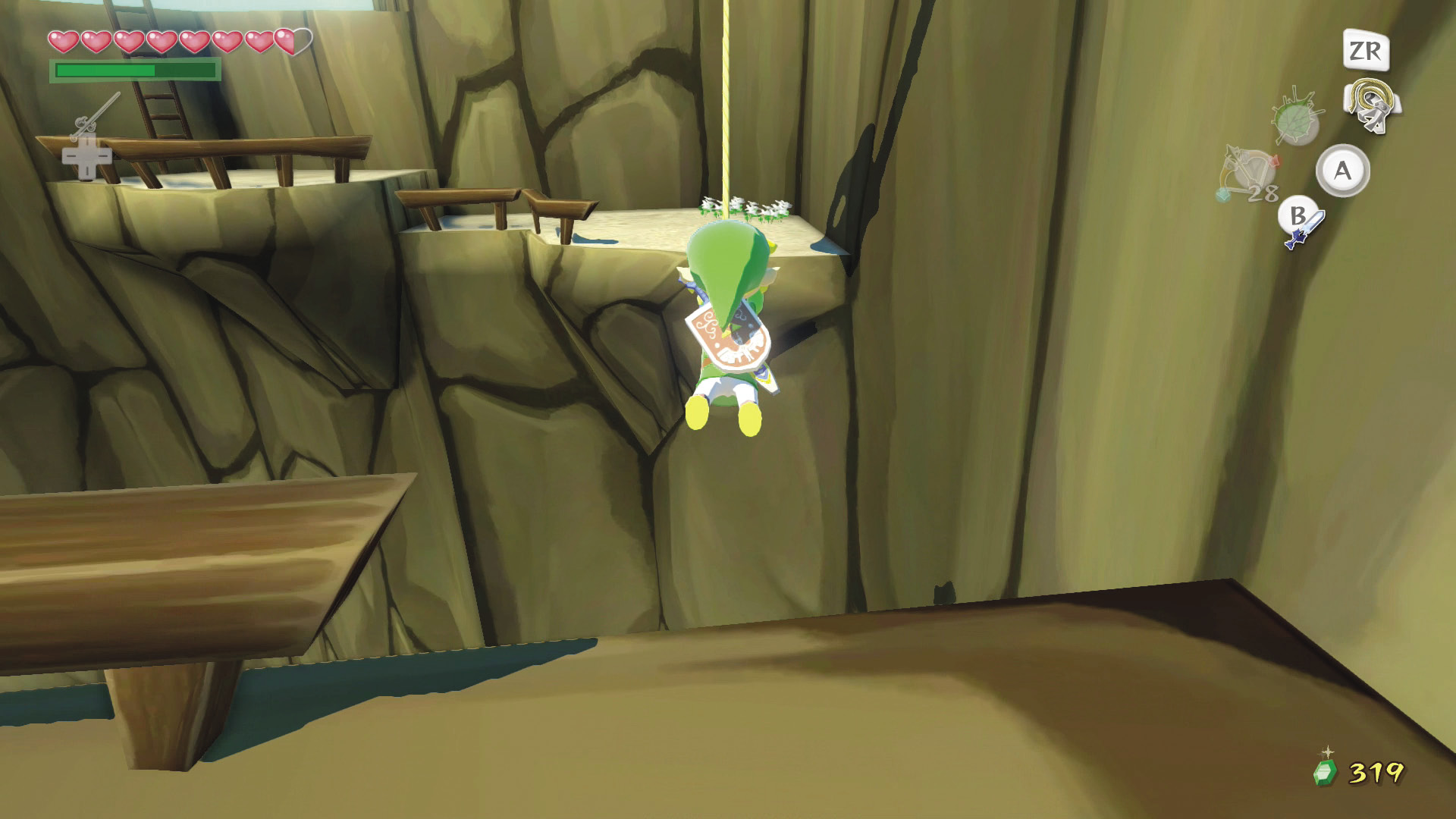
If ropes are within range of his jump, Link automatically grabs them in midair. Use the following commands while swinging on a rope:
Rope-Swinging Controls
| Command | Button(s) |
|---|---|
| Jump onto the rope | Face the rope and run toward it with  (Link jumps automatically) (Link jumps automatically) |
| Swing |  and and  |
| Jump off the rope |  |
| Stop swinging |  |
| Change direction | Push  or or  |
| Climb up or down the rope | Hold  and push and push  or X target a character or enemy, or center the camera behind Link or X target a character or enemy, or center the camera behind Link |
Swimming
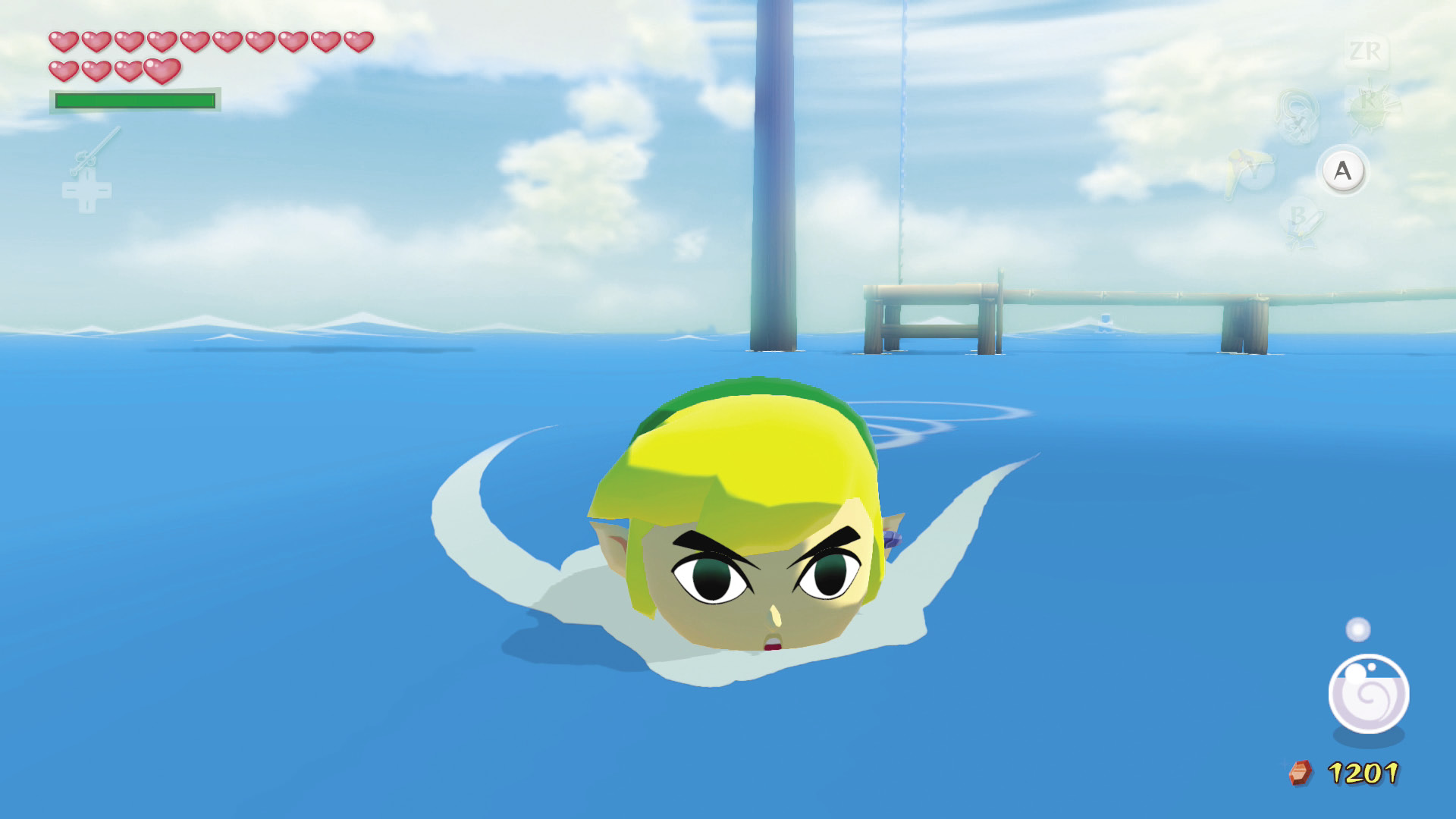
Link automatically swims along the surface of deep water. Use  to steer him. When Link is swimming, an air gauge appears in the screen’s lower-right corner. If this gauge empties before Link reaches land or shallow water, he falls unconscious, loses a quarter of a Heart, and reappears where he jumped into the water.
Speaking, Reading, and Checking
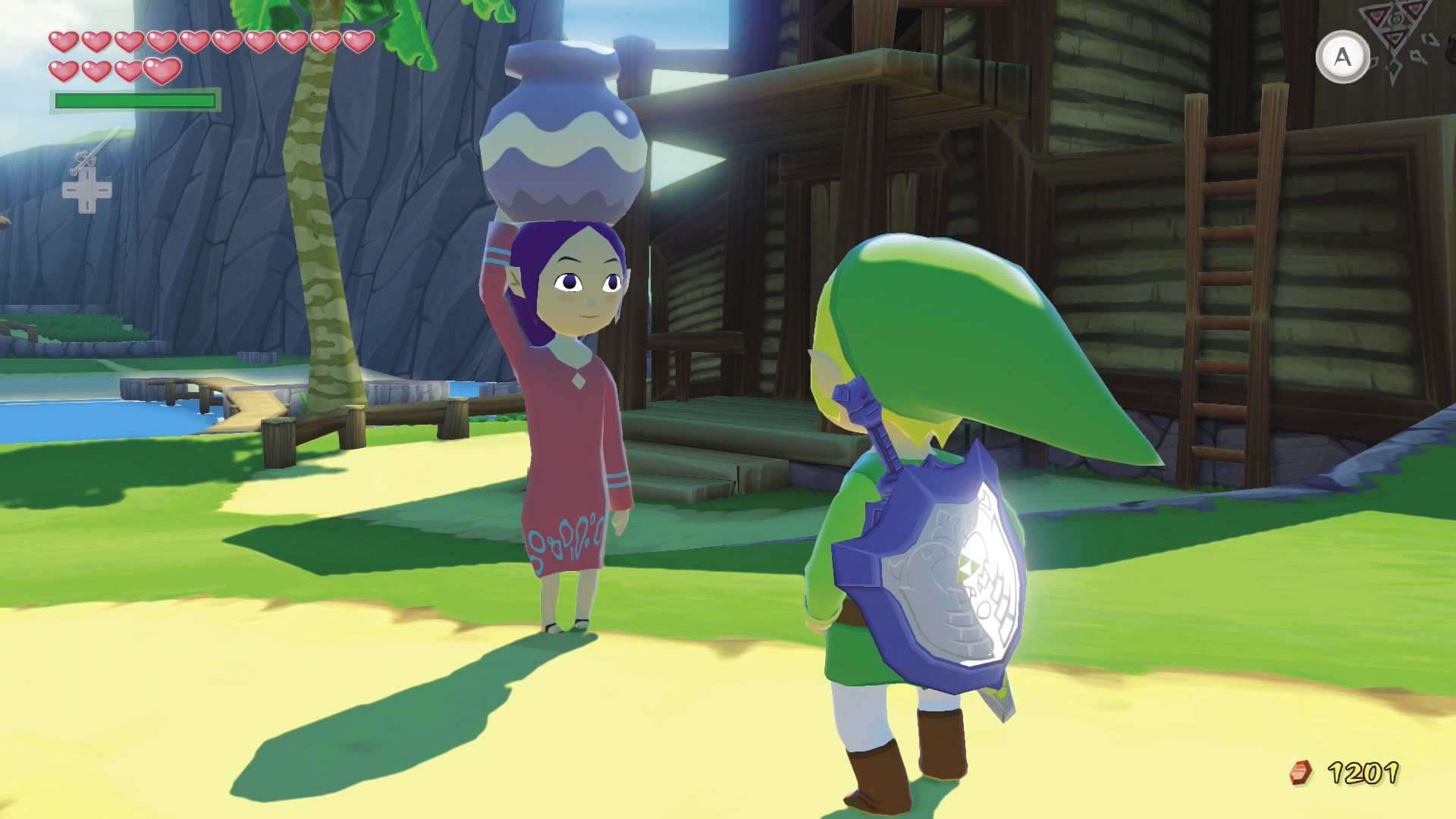
When a yellow arrow hovers over a person or object, you can press  to speak to the person or examine the object. Use this method to read signs and posters.
Camera
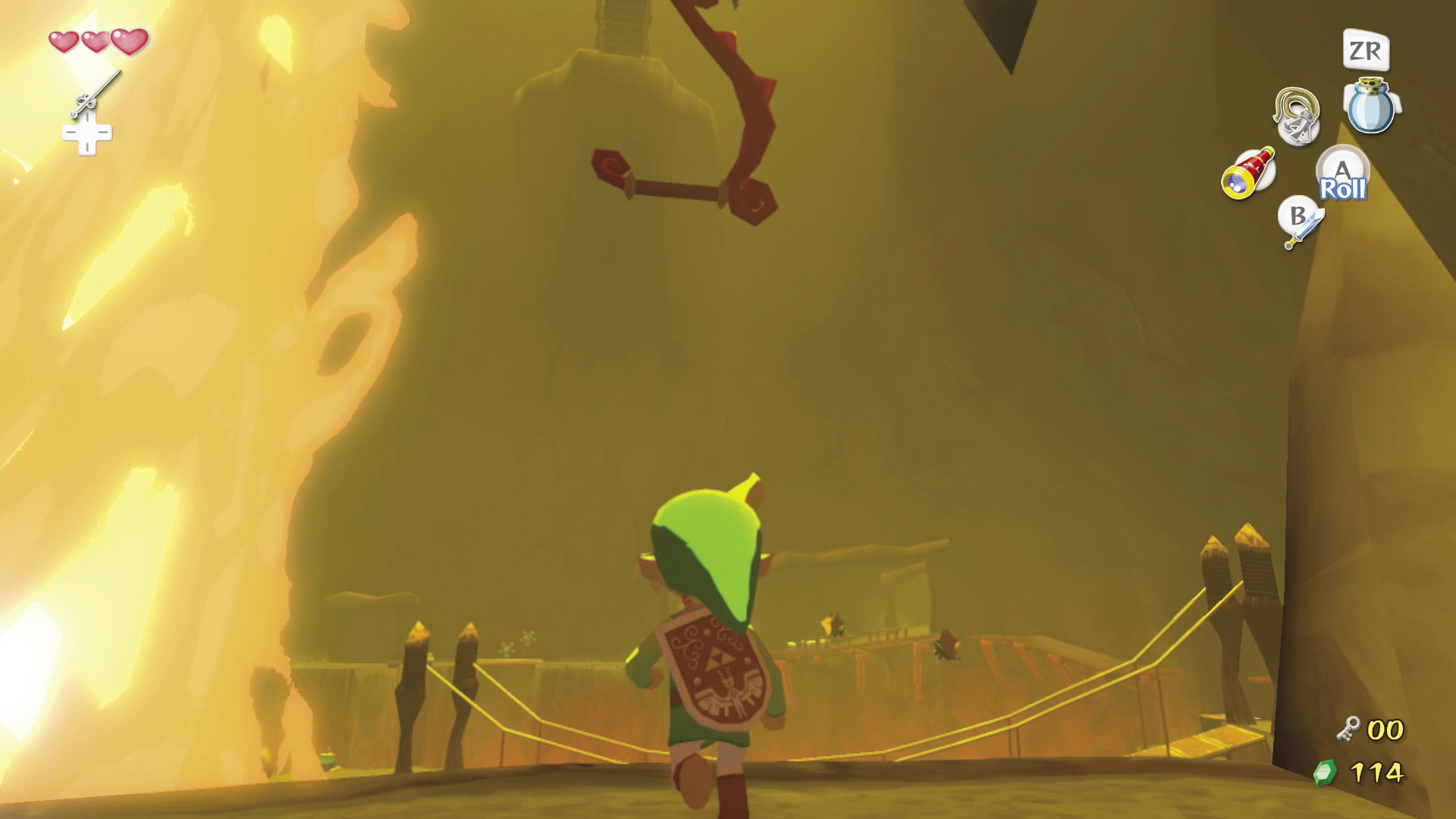
Use G to control the camera perspective. Press down on  until it clicks to enter first-person perspective (see through Link’s eyes). Press
  to center the camera behind Link again, returning it to its default state.
Fighting
To live up to the Hero of Time’s legacy, Link must fight and defeat many enemies. Fortunately, he has invaluable sword skills.
 -Targeting
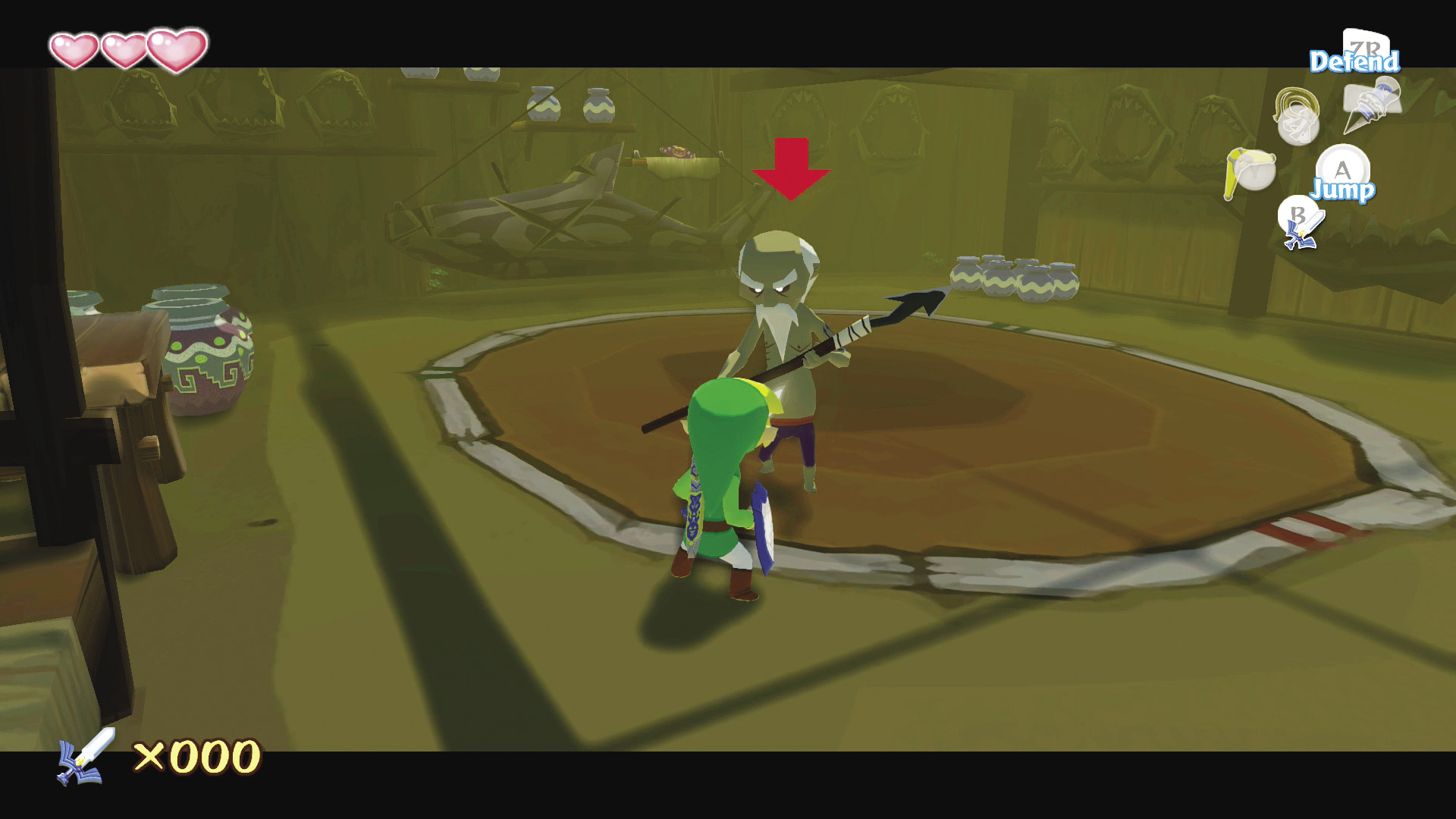
To target any character, enemy, or object with a yellow arrow above its head, press and hold  . This is called
  -targeting. Use
  to move Link around a targeted enemy. Any projectile weapons (such as the Boomerang or Hero’s Bow) will automatically lock onto a
  -targeted enemy. You don’t even have to aim!
Rolling Attack
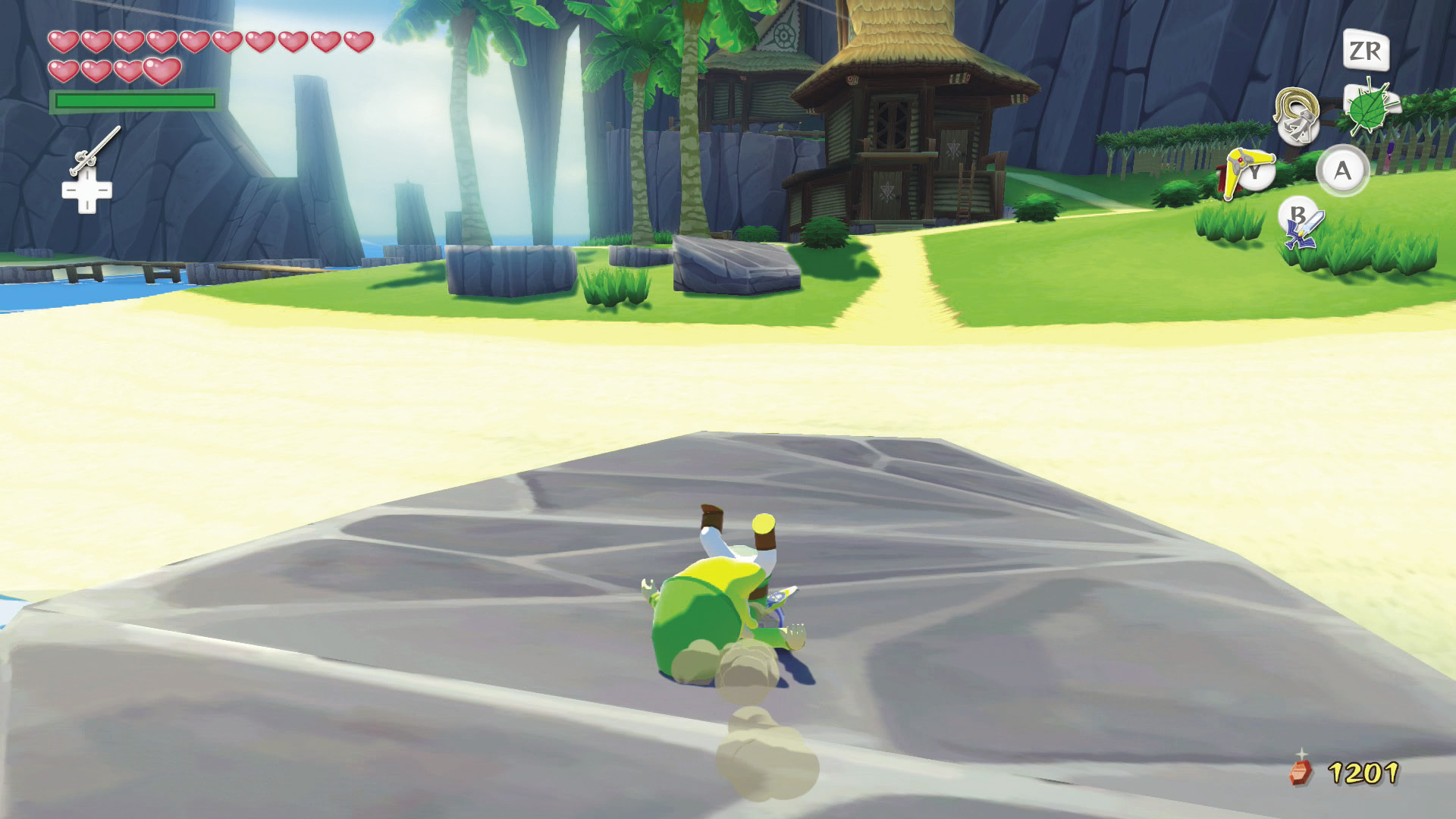
While running, press  to perform a rolling attack. A rolling attack isn’t powerful in a battle, but it’s a great way to knock down enemies or dislodge objects from high places such as shelves or trees. When traversing long distances on foot, roll over and over to get where you’re going a little faster.
Horizontal Slice
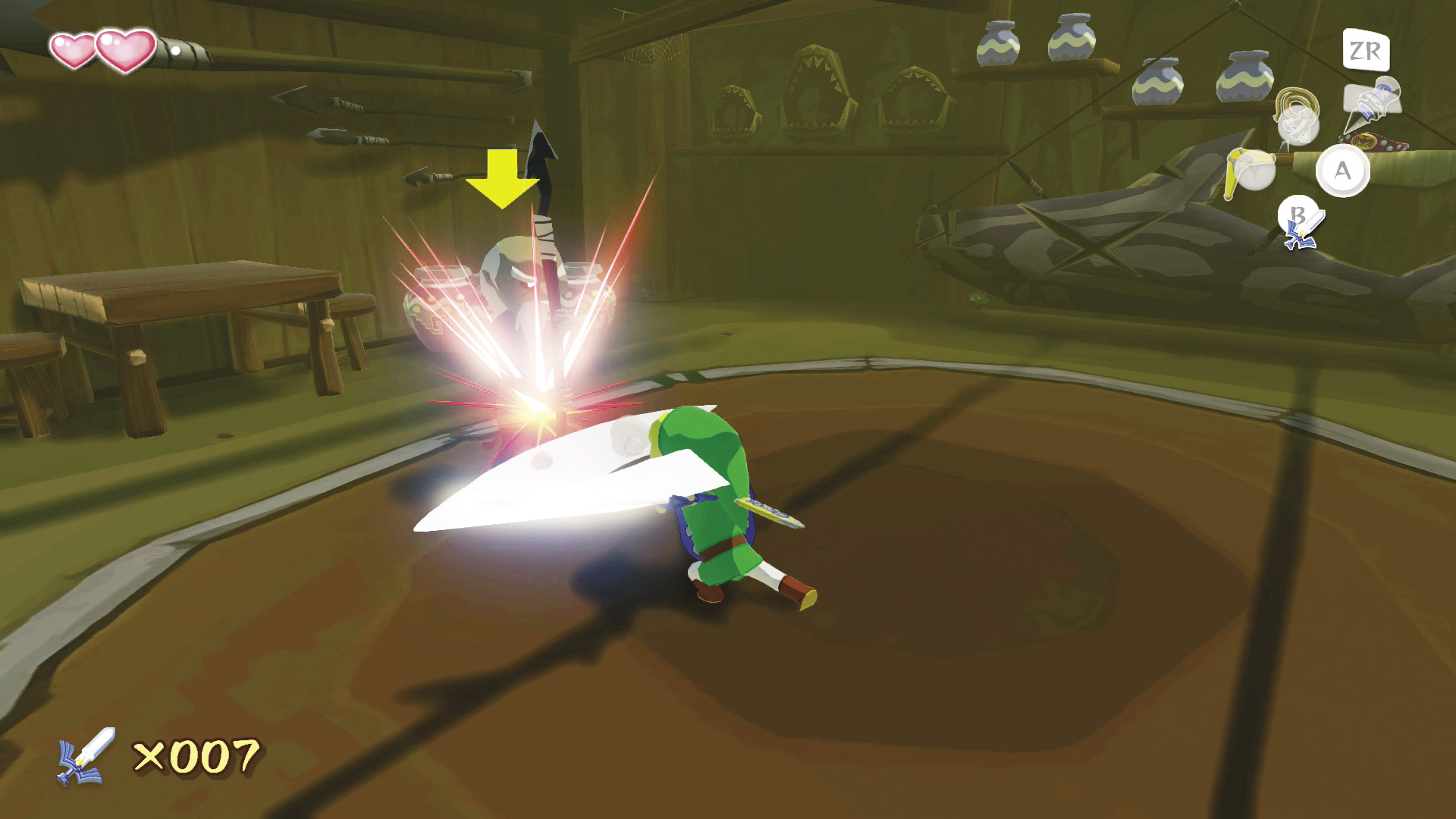
Horizontal sword slices can hit several enemies in front of Link at once. Press  without
  -targeting an enemy to execute a horizontal slice, and keep pressing it to execute a flurry of horizontal slice attacks (combo).
Vertical Slice
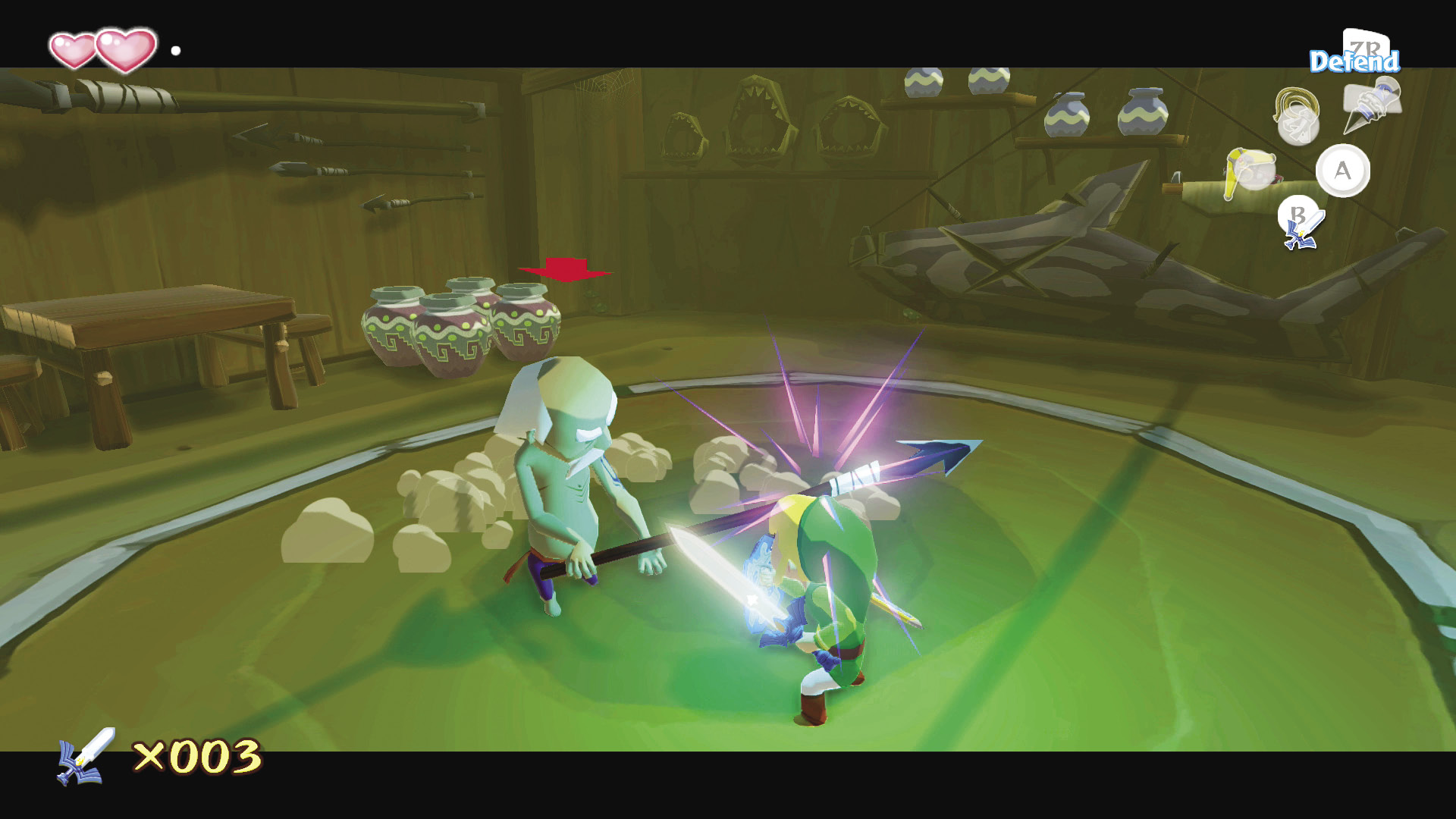
To focus your attacks on one enemy,  -target the enemy and then press
  to perform a vertical slice. Press
  repeatedly to perform a vertical slice combo.
Thrust
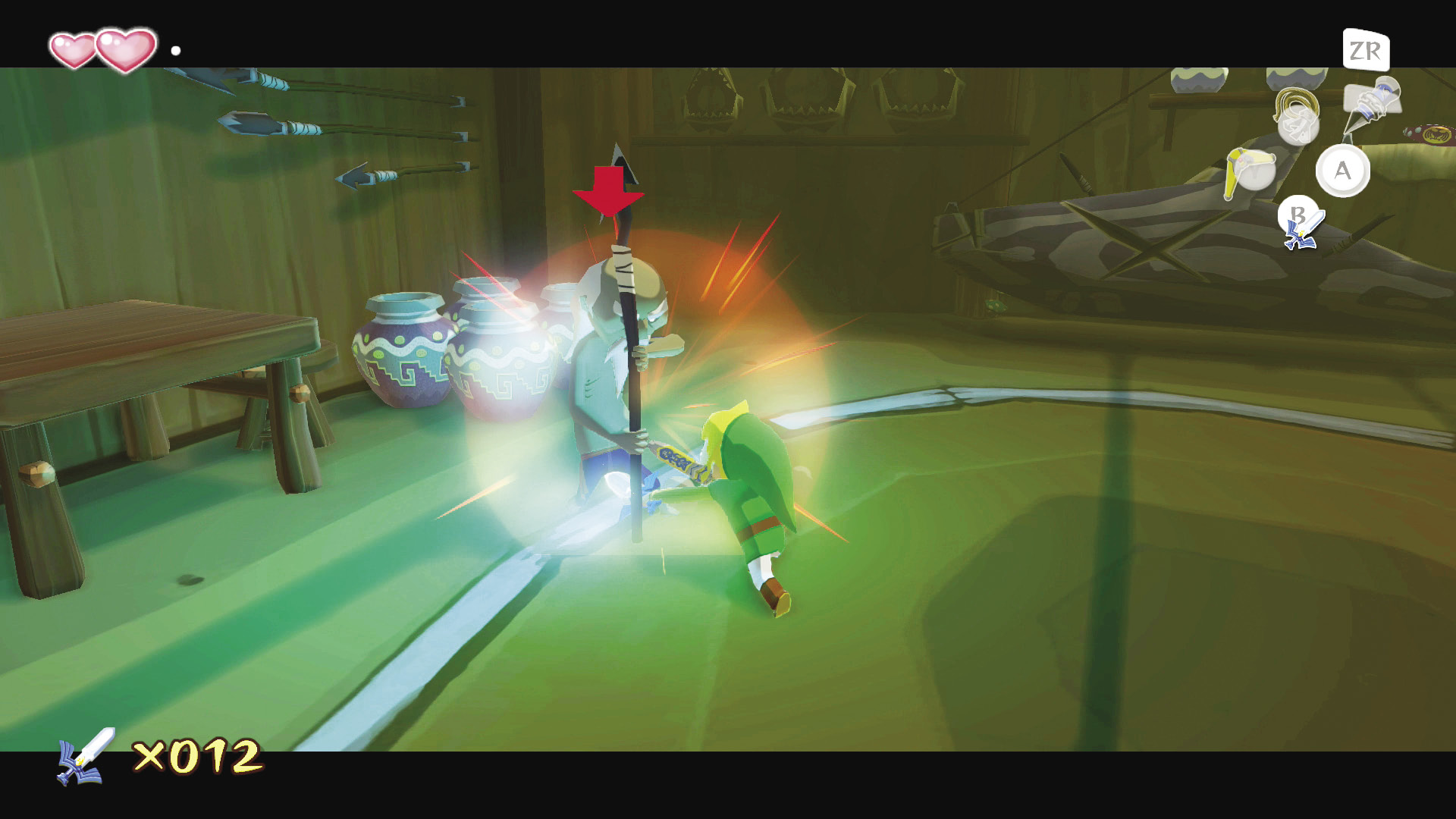
A thrust is a quick attack that is tough to defend. Just  -target an enemy, hold
  , and press
  to thrust your sword at it. Press
  repeatedly to execute a thrust combo.
Spin Attack
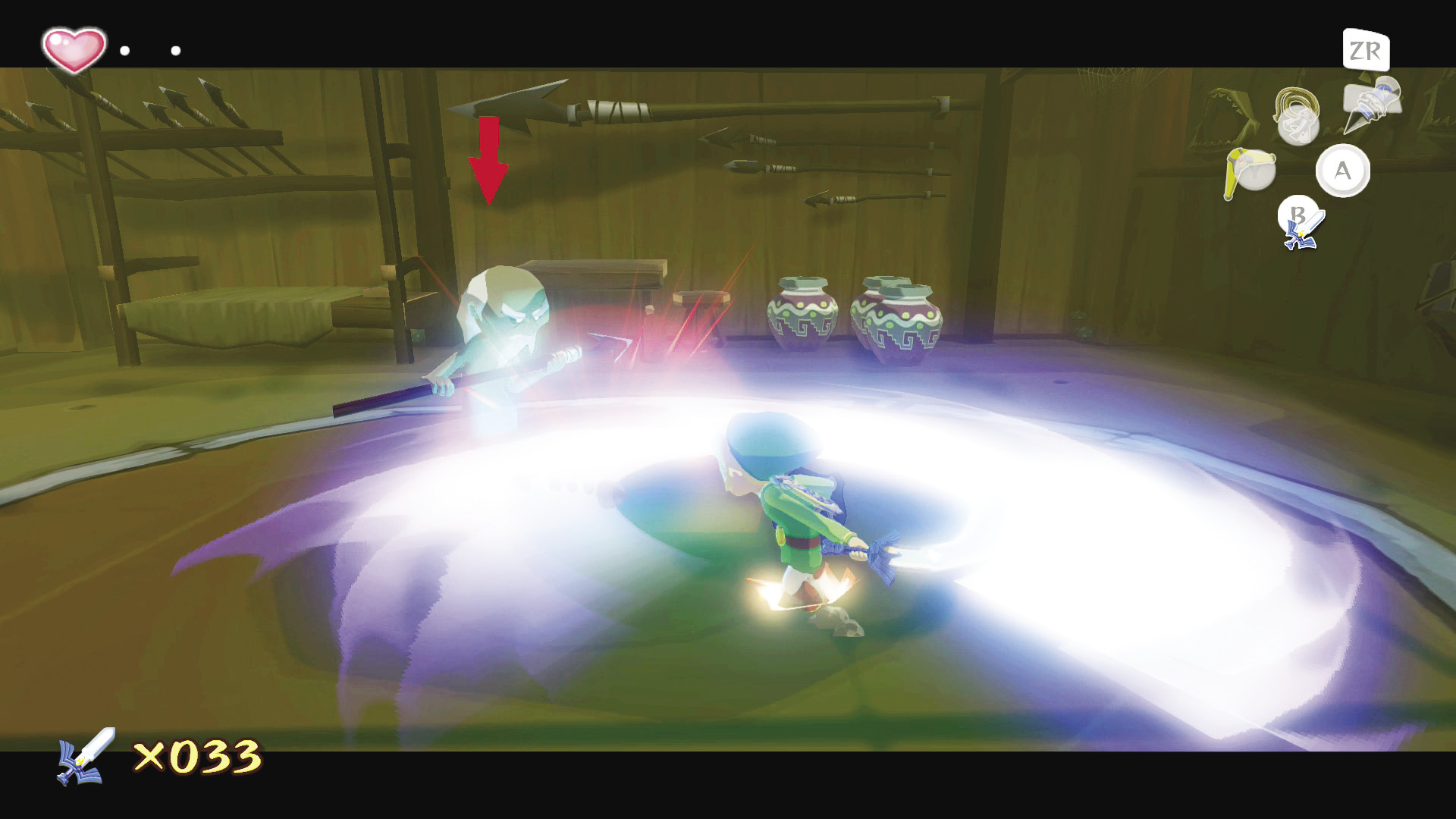
A spin attack hits all enemies near Link at once. To perform a spin attack, hold down  for one second and then release it. You can also move
  in a complete circle and press
  to unleash a spin attack.
Parry Attack
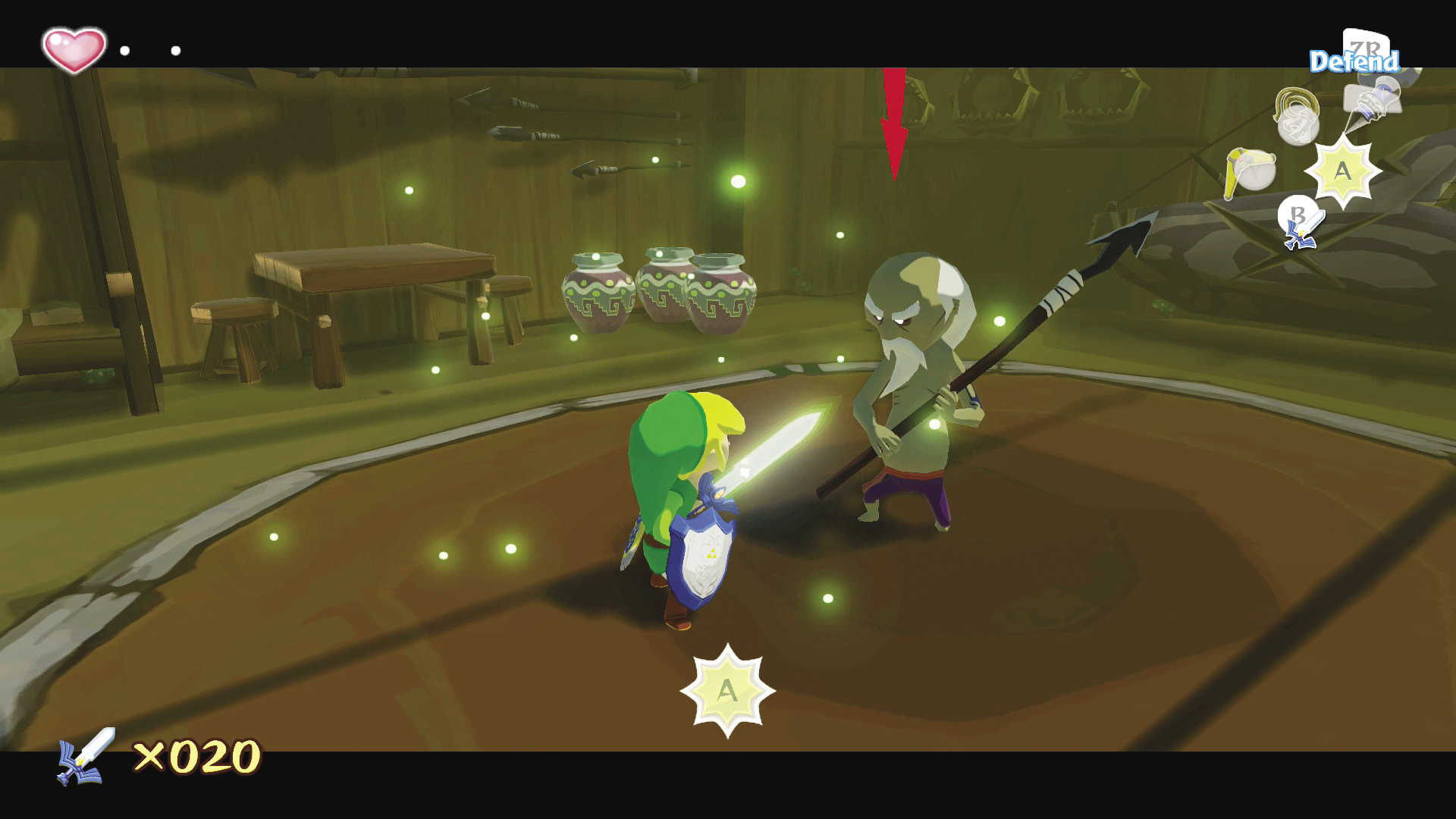
A parry attack turns your enemies’ attacks against them. To perform a parry attack,  -target an enemy with your sword drawn. When your sword flashes green and
  appears at the bottom of the screen, press
  to evade your opponent’s attack and unleash a strong counterattack.
Jump Attack
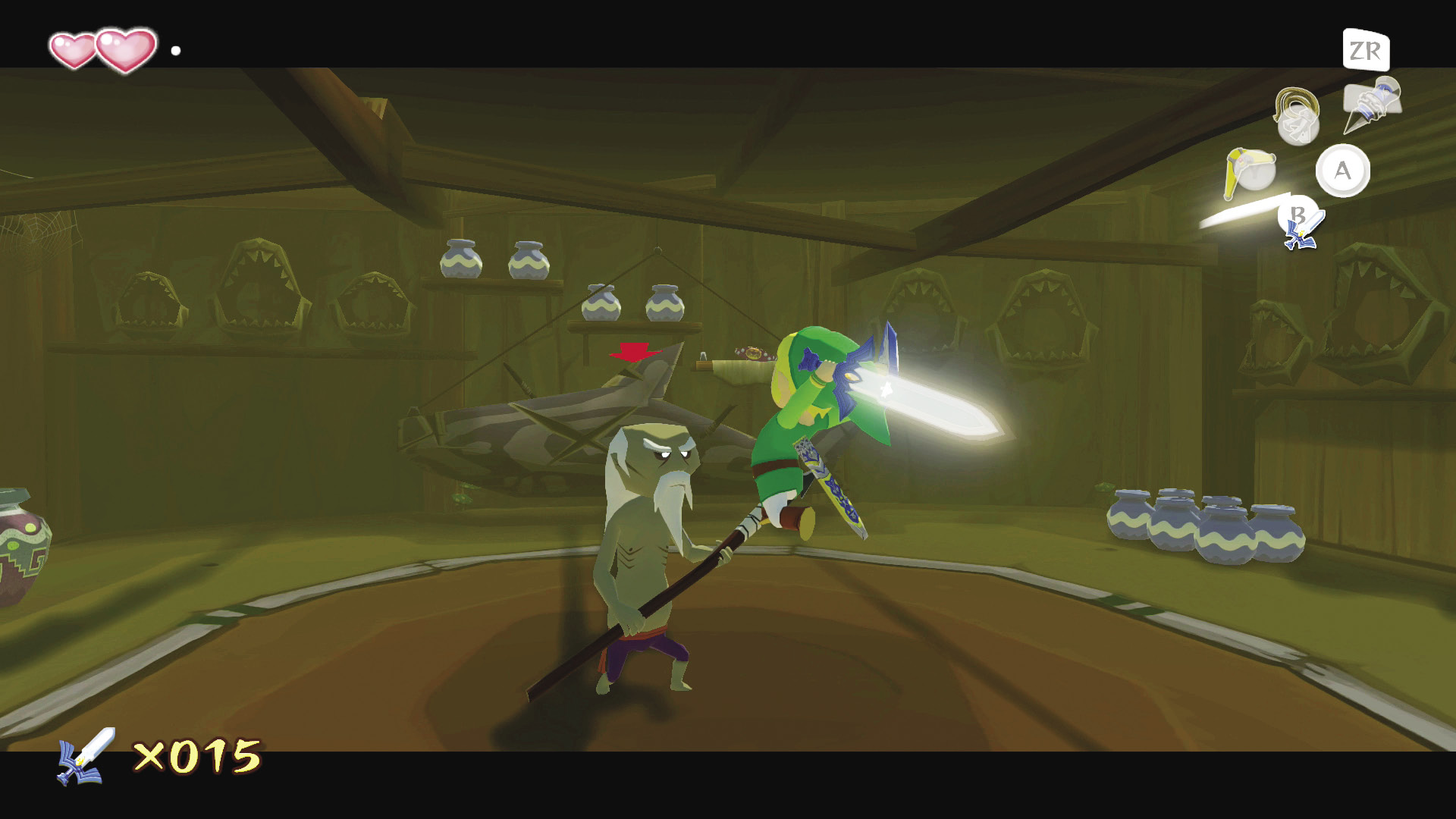
To jump attack, 9-target an opponent and press  . This is a great way to break through an enemy’s defenses if it blocks your
  attacks. Like parries and combos, jump attacks can also knock an enemy’s weapon from their grip.
Defend
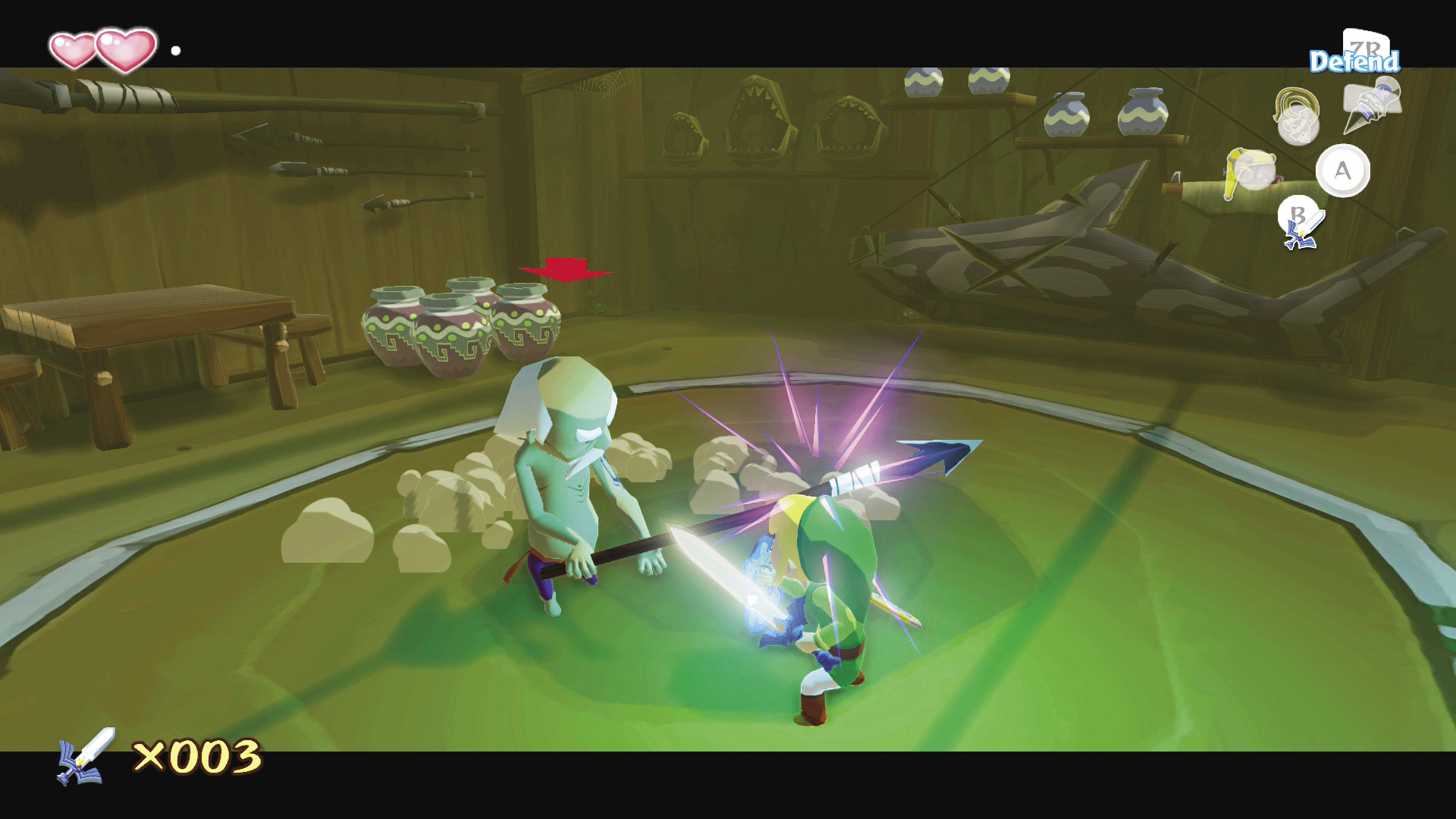
With your sword drawn, press and hold  to raise your shield and defend yourself against attacks. This blocks most attacks, and some enemies’ weapons fly out of their hands after they strike your shield!
Evasive Maneuvers
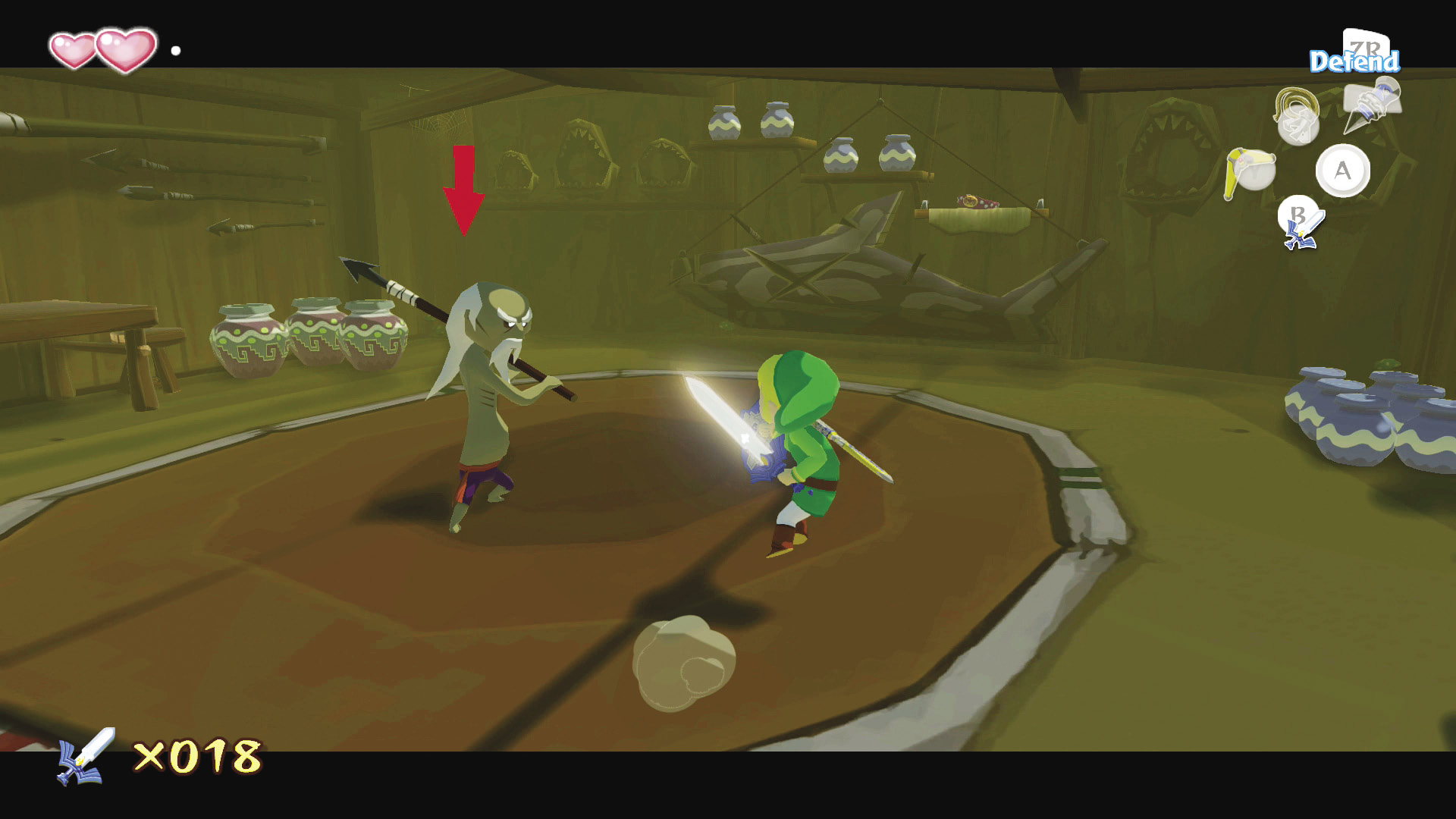
While  -targeting an enemy, push
  or
or  and press
  to sidestep them. Push
  and press
  to execute a backflip and put distance between you and your foe.
Put Away Sword
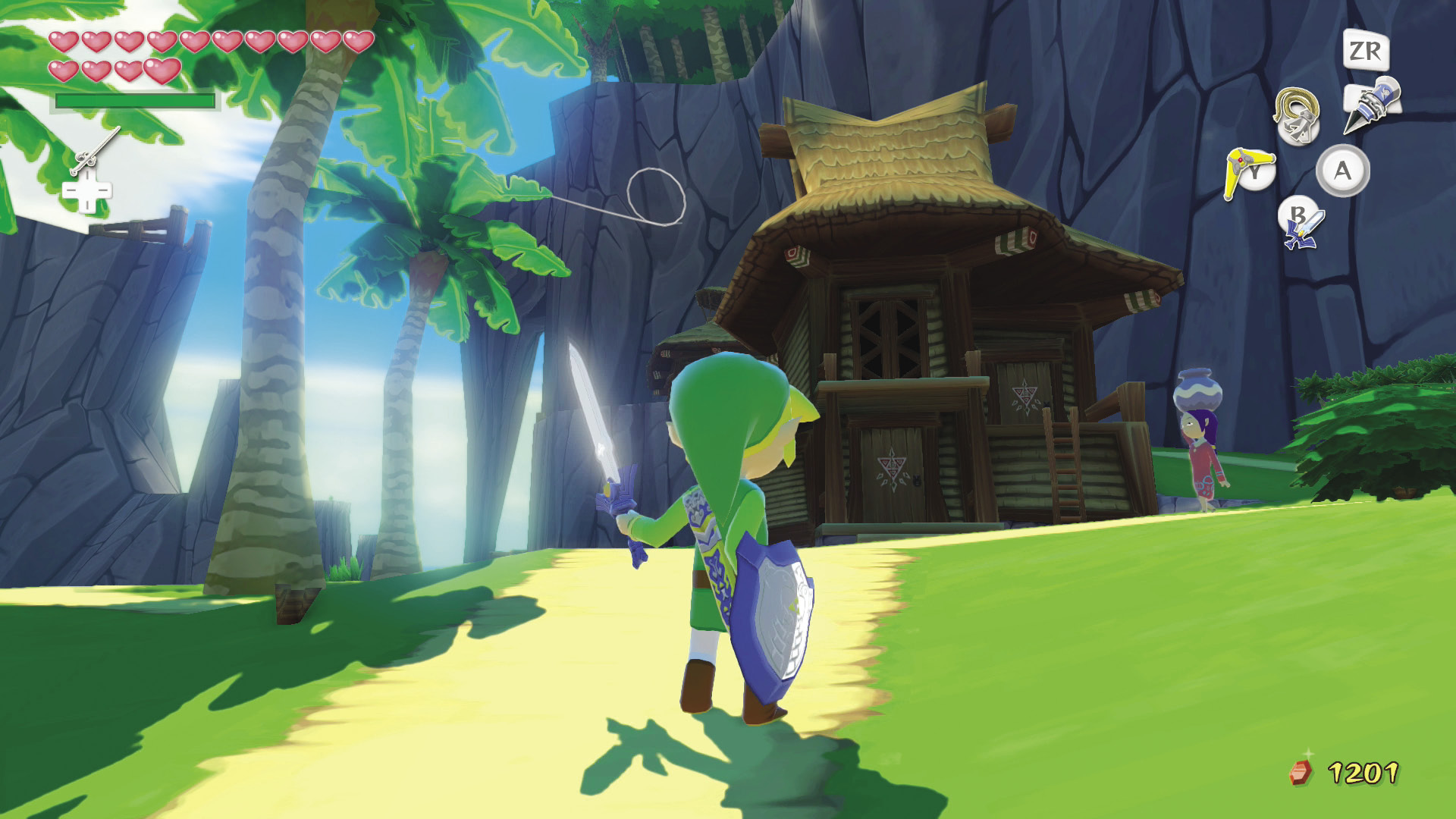
To return Link’s sword to its sheath and use actions you cannot perform when the sword is drawn (such as crouching and crawling), press  without pushing
  in any direction.
Sailing
The majority of the overworld is covered in water. Fortunately, Link meets up with a talking boat, the King of Red Lions, early in the game. Controlling the King of Red Lions is similar to controlling Link.
Getting in and out of the Boat
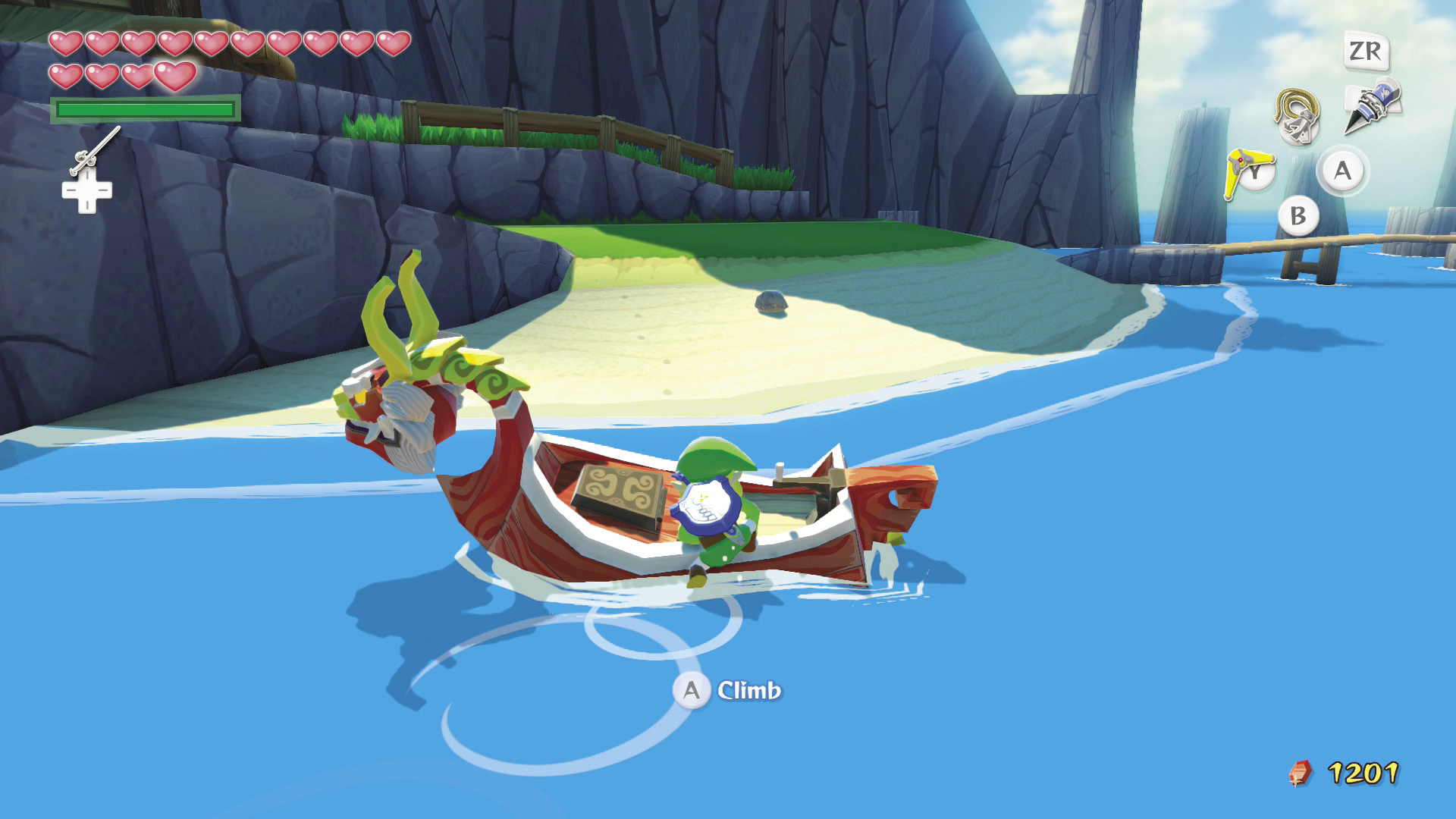
Use  to climb aboard or hop out of the boat. If you face the King of Red Lions’ head when you press
  , you’ll speak to him instead of climbing into the boat.
Wind Direction
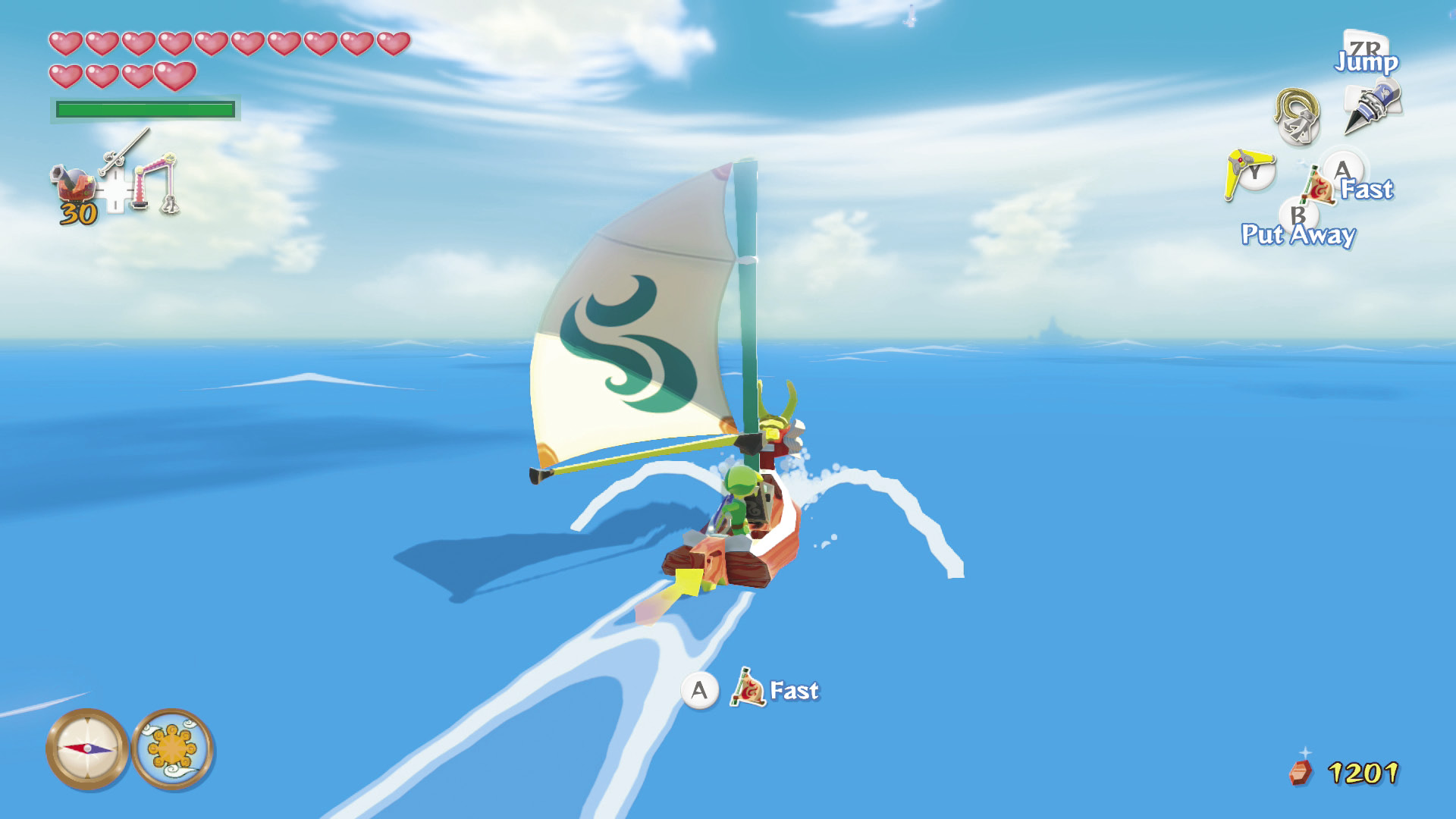
The King of Red Lions is a sailboat, powered by wind. The yellow arrow at the stern (rear) of the boat indicates the wind’s direction. The boat moves fastest when it’s heading in the direction of the arrow, and it slows to a crawl when sailing into the wind. Conduct the Wind’s Requiem with the Wind Waker to change the wind’s direction and hasten your travels.
Raising and Lowering the Sail
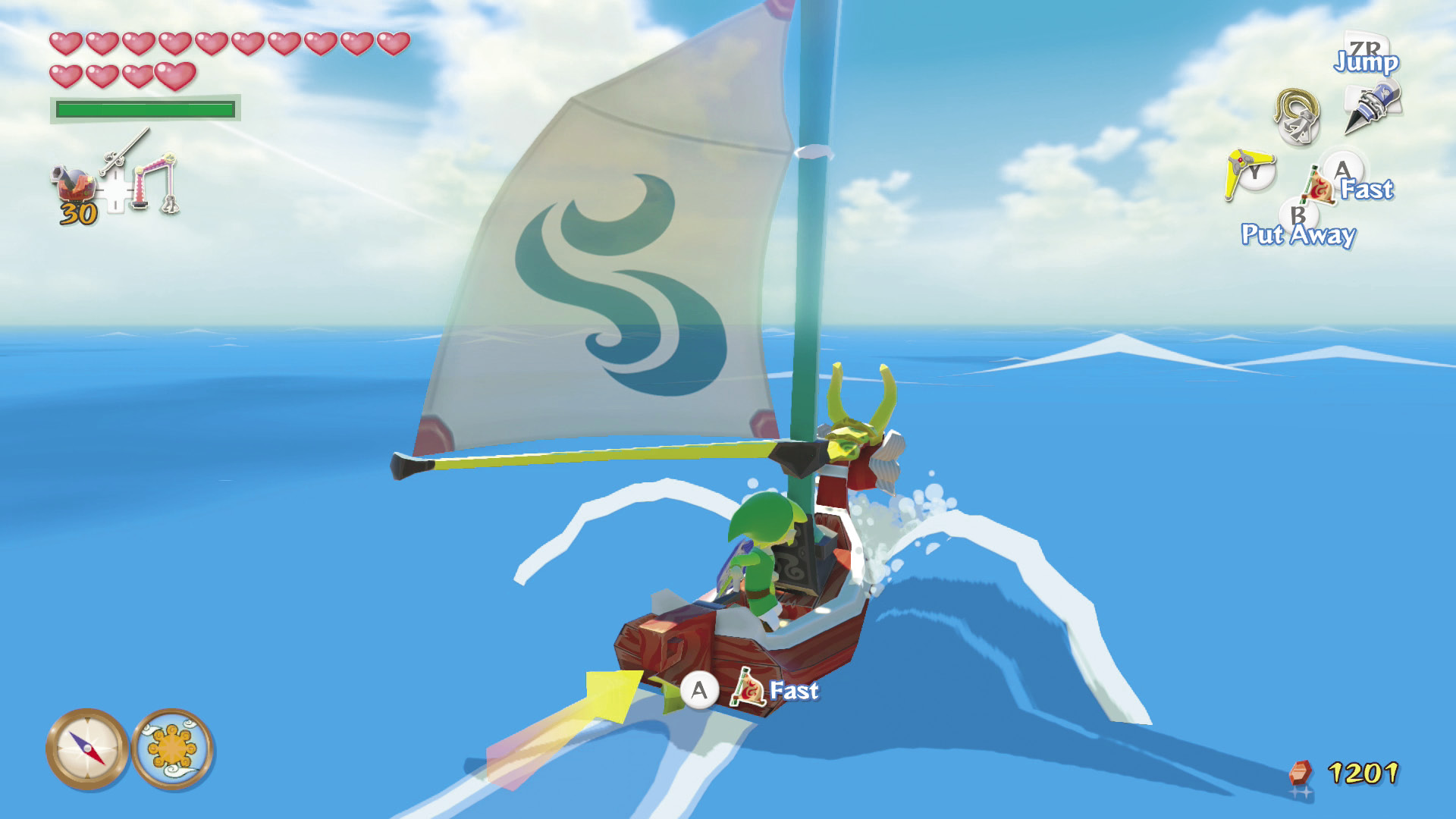
To raise the sail, simply press  while standing aboard the King of Red Lions. Press
  again to lower the sail and slow down. To stop the boat, hold
  .
.
Jumping and Tight Turns
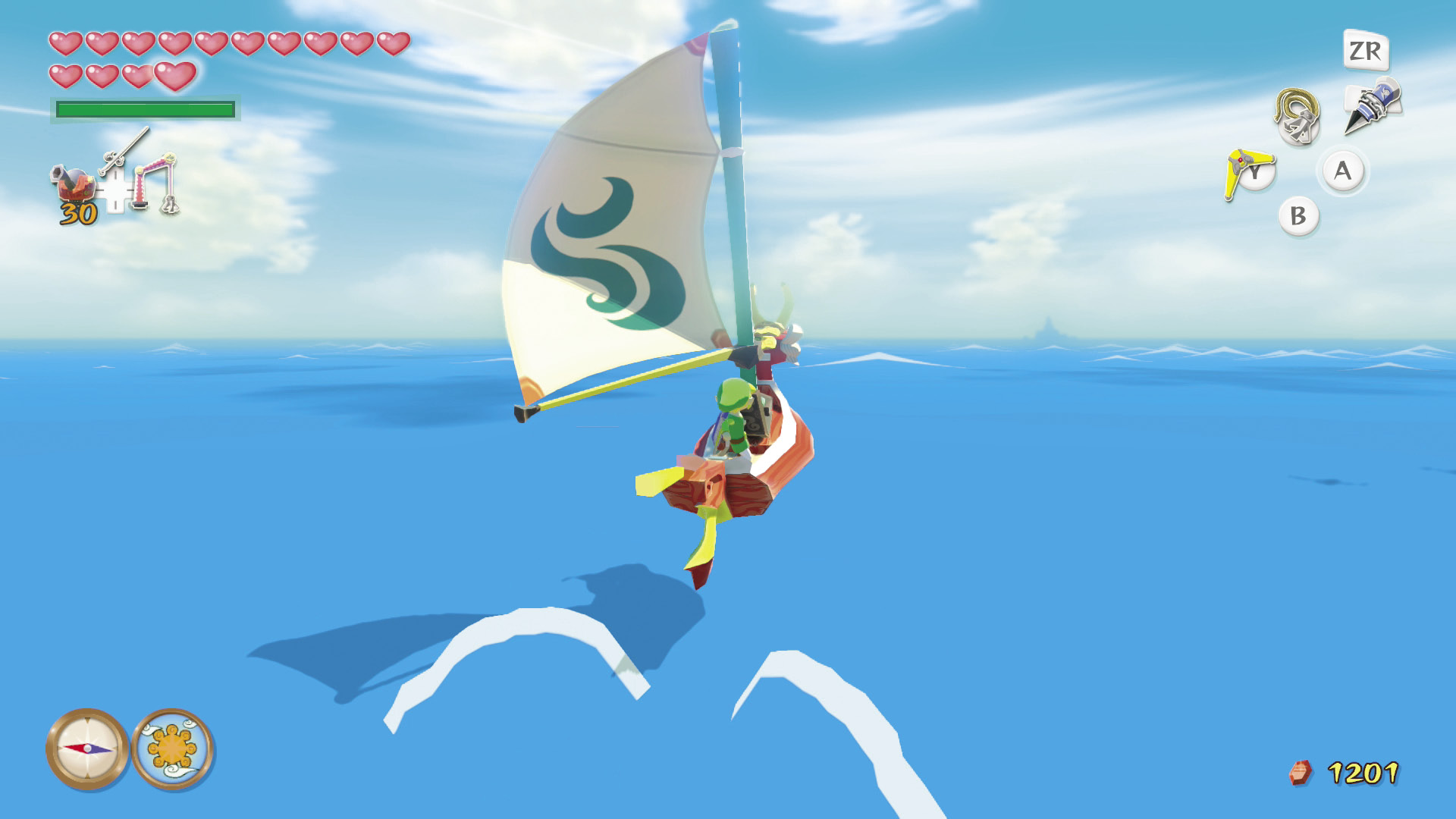
After you extend the sail and the boat is up to speed, press  to jump over enemies and obstacles. If you push
  or
or  as you land, the boat makes a tight turn in that direction.
Cruising Without a Sail
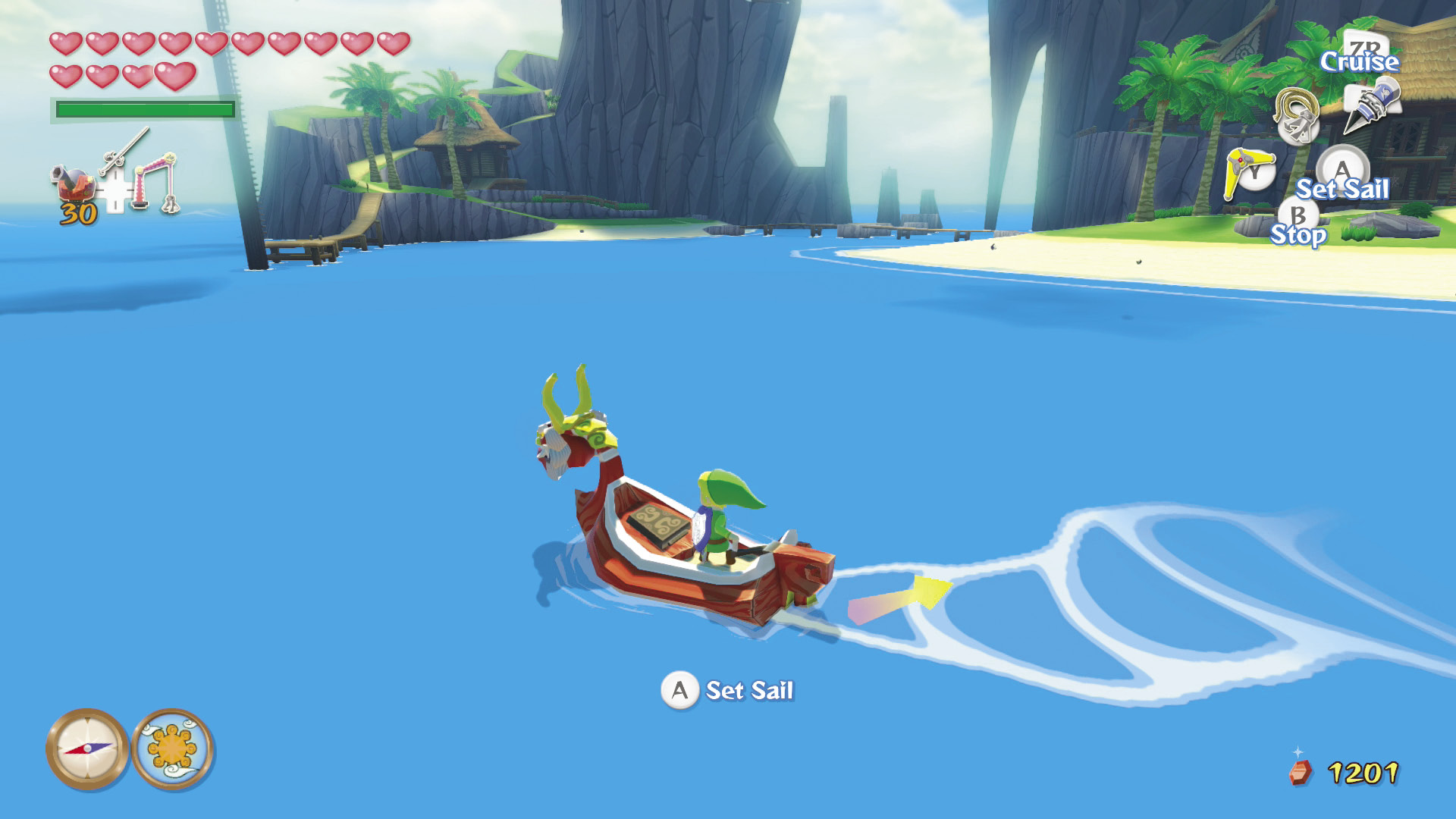
When not using a sail, hold  to cruise slowly in the boat. This isn’t recommended for long trips—it takes three game days to cross a sector—but it’s perfect for precise maneuvering, such as when you’re trying to stop on top of a sunken treasure.
Using Items in the Boat
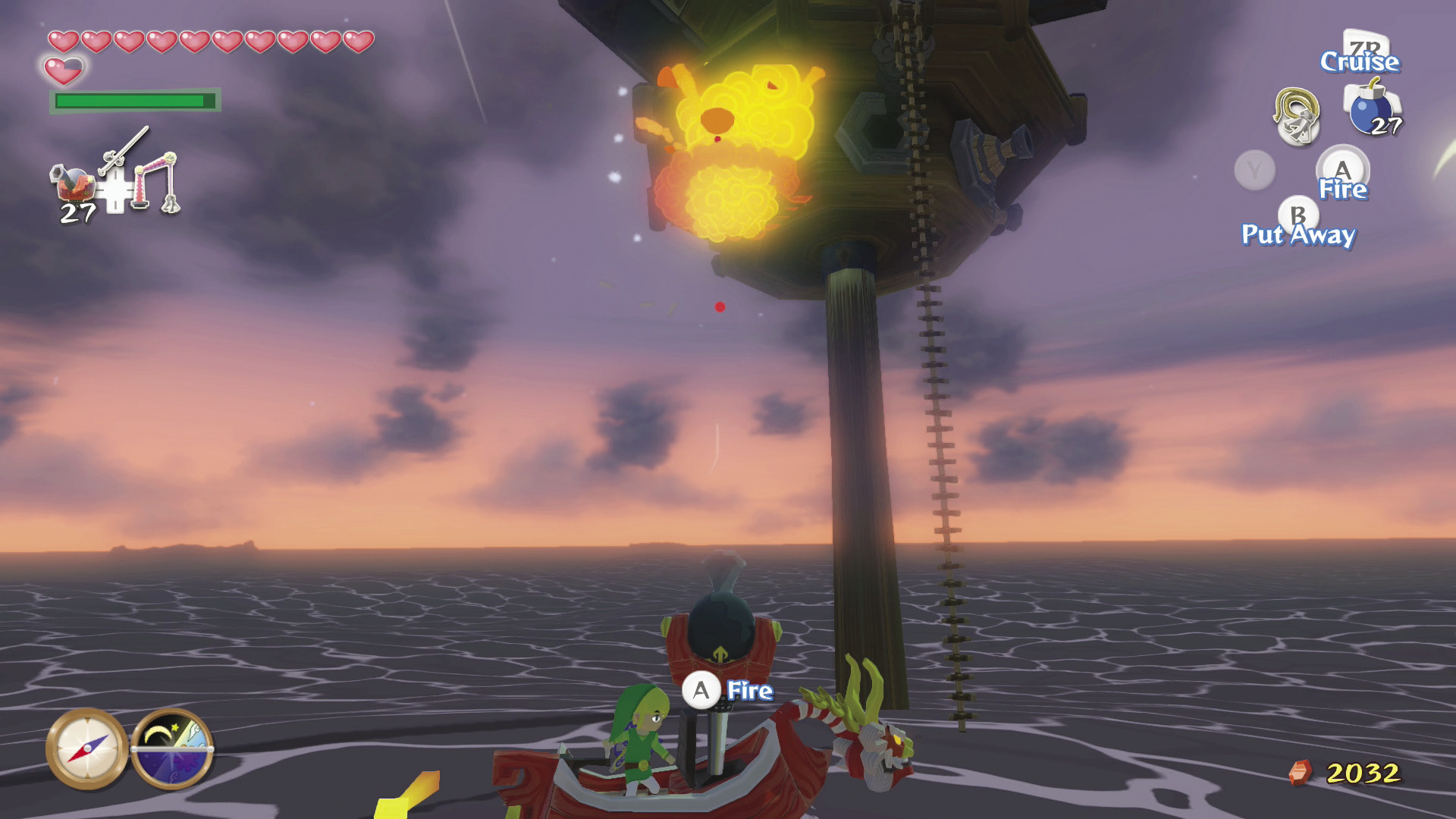
You can use most  ,
,  , and
, and  items normally in the boat. Using a
  ,
,  , or
, or  item puts away the sail. Some items, such as the Grappling Hook and bombs, transform into different items when you use them in the boat. Once you have the Grappling Hook, press
  to ready the Grappling Hook for salvage operations. Once you have Bombs, press f to ready the boat’s Cannon for battle.
Compass and Clock
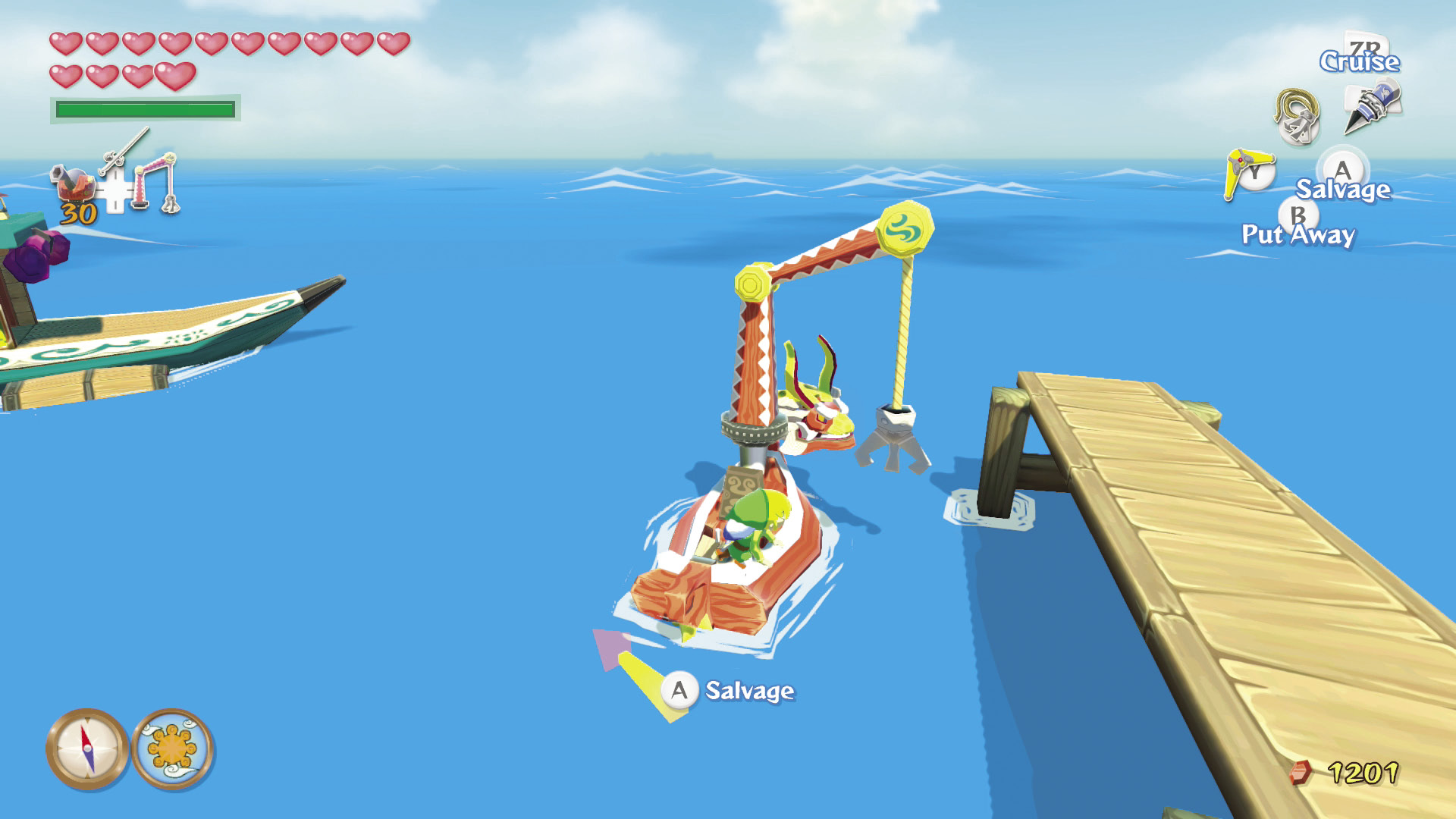
When you’re sailing in the boat, a compass and a clock replace the area map. The red tip of the compass arrow points north, and the clock gives you the approximate time of day.