Super Mario 3D World Guide How to Play
The Basics
Game Progression
Your quest to defeat Bowser in Super Mario 3D World takes many forms—some are challenging, others instantly rewarding. Listed below are events you’ll encounter along the way. Knowing what situations you’ll encounter beforehand will be a great asset, so study up!
Playable Levels
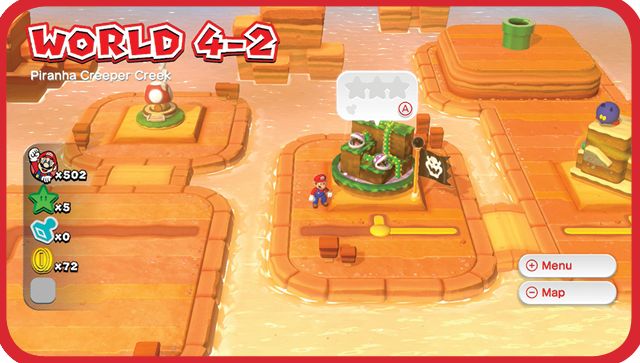
Your objective in each playable level is to reach the Goal Pole. Sounds simple enough, but every level is littered with obstacles and challenges designed to get in your way at every turn. From bottomless pits to spikes, from attacking enemies to roadblocks, you’re going to have your work cut out for you!
In addition, the game keeps track of every Green Star and Stamp collected. It also keeps track of whether or not you make it to the top of the Goal Pole in every level you attempt, and which characters have cleared which levels so far. Completing these tasks is key to seeing everything that Super Mario 3D World has to offer.
Locked Levels
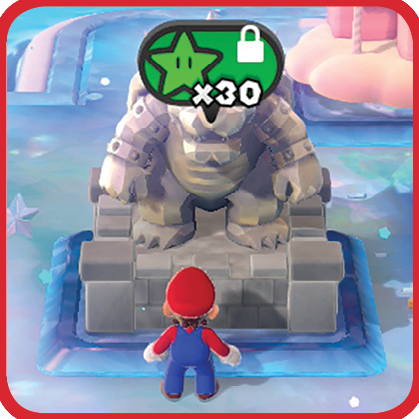
During parts of the game you come across courses that are locked and require a certain amount of Green Stars to open. You can often skip past locked levels and still finish the World or the game. However, doing so affects your star rating since you will be missing out on the stage’s Green Stars and Stamp. If you’re going for full completion, it’s a good idea to collect as many Green Stars and Stamps as you can while you play through the game.
The World Screen
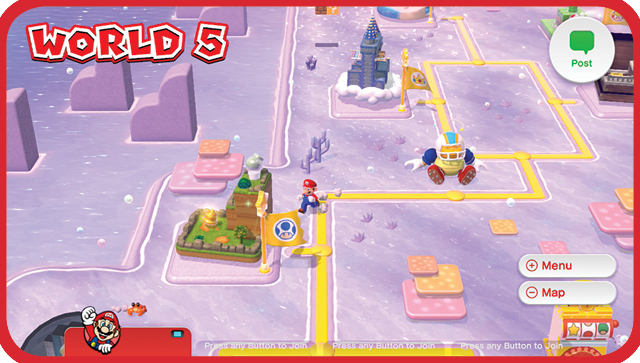
The World Screen is how our heroes navigate around the Sprixie Kingdom. On the World Screen you can access all playable levels, Toad Houses, Captain Toad levels, and more. Meanwhile pipes that can take you to secret areas or even warp you between Worlds abound, so be sure to explore every nook and cranny.
Map Screen
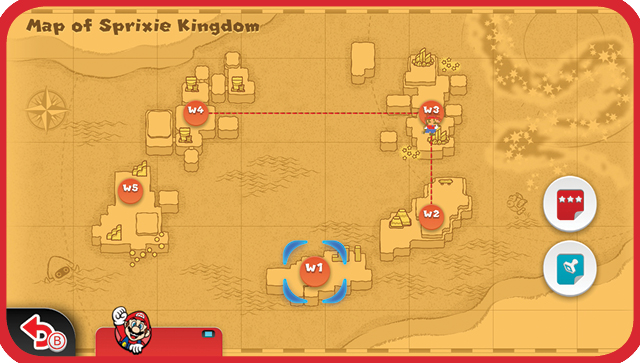
The Sprixie Kingdom Map Screen is where you can check up on how far you’ve gotten in your mission, as well as view your overall game completion statistics. You can also travel between worlds you’ve already accessed—even if you haven’t finished them yet!
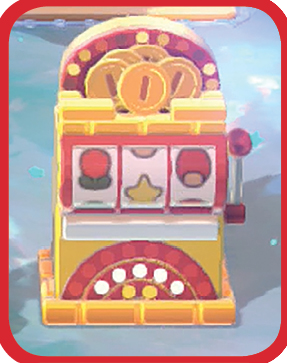
Lucky Houses
After every few completed levels, you gain (or re-gain if you’ve used it already) access to a Lucky House in a World. These are completely optional but are a good place to grab a boatload of Coins and, possibly, 1-Ups.
Simply jump under each of the Slot Blocks to bump them and reveal a picture. Match one pair of any picture to win 100 Coins, two pairs for 200 Coins, three pictures for 300 Coins, or four of any picture for a whopping 777 Coins! If you don’t match any pictures, you’ll still get 10 Coins just for playing.
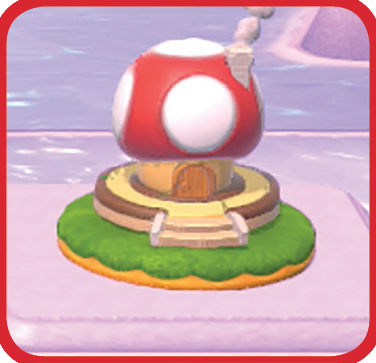
Toad Houses
Every so often you’ll gain access to a Toad House. Like Lucky Houses, these are completely optional but are a good place to grab some quick Power-Ups.
In every Toad House you will find a small Gift Box and a large Gift Box. At random, one of these will contain multiple Power-Ups all at once. The other will contain a lone Super Mushroom. It’s up to you to choose which box to go for and hopefully reap the Power-Up bonanza!

Captain Toad’s Adventures
Captain Toad’s Adventures are good places to add Green Stars to your total, as each contains five of them. Navigate Captain Toad through a maze full of enemies and traps to reach the Green Stars. There’s one catch, however: Captain Toad cannot jump. Use  to rotate the maze to your liking as you progress.

Enemy Battles
Here you’re placed in an arena battle with one or more standard enemies such as Galoombas or Fire Bros. Defeat the enemies to obtain a Green Star.

Boss Battles
Far more powerful than standard enemies, bosses employ devious tactics and often attack in hazardous arenas. Quick reflexes and strategy are required to defeat these nasties! Defeating bosses is usually, but not always, essential to game progression.

Mystery Houses
Mystery Houses are another great way to quickly add Green Stars to your total. These are sets of rapid-fire challenge rooms where your job is to accomplish tasks such as navigating obstacles or defeating enemies within 10 game seconds. If time expires, you must restart the Mystery House (and all of its challenges) from the beginning, but you get to keep all of the Green Stars you’ve collected in the Mystery House thus far.

Sprixie Houses
Simply enter a Sprixie House to receive the Stamp within and add it to your collection. Nothing could be easier.
GamePad Stages
In addition to the Captain Toad’s Adventures, some levels in Super Mario 3D World require the use of the Wii U GamePad to take advantage of GamePad exclusive features. See the How to Play section for details. If you are playing with a controller other than the GamePad and try to access one of these stages, the game will ask you to switch to the GamePad before allowing you to enter.
Character Control
Super Mario 3D World is a big game, full of challenges. Not to worry, however! None of the challenges are insurmountable. From the second you start the game, you’re provided a staggering amount of acrobatic skills with which to clear every stage.
Some of the moves listed below will be used constantly in your quest, while others will be reserved for special situations. Make sure to be imaginative as you use these moves, as this will lead you to victory and lots of saved Sprixies!
Basic Moves
Jump
Press  (or
(or  ) to jump into the air. This is one of the game’s most important skills as it allows you to bump blocks from below, attack enemies, and navigate between platforms. The longer you hold the jump button, the longer you’ll stay in the air. Tap the button for a quick hop, or hold the button for some serious hang time (especially when playing as Peach).
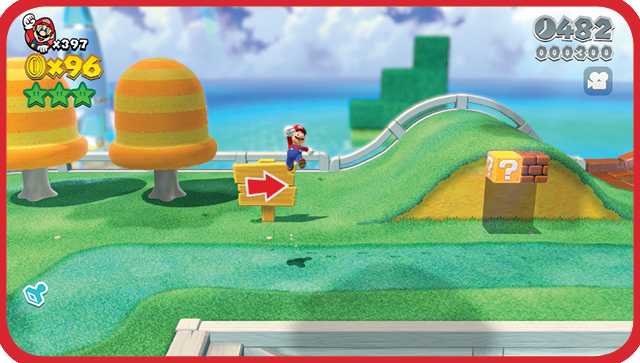
Dash
Hold  (or
(or  ) while moving to break into a dash. Dashing lets you move faster through levels, saving valuable time on the clock. Dashing before a jump will also greatly increase its height and distance potential.
In Super Mario 3D World, there are two levels to this technique: the Dash and the Super Dash. The Super Dash is achieved when a character has been using the Dash over a length of time. When each speed level is achieved, you will hear a signaling sound and your character’s feet will momentarily show sparks. Use these cues to help you!
Crouch
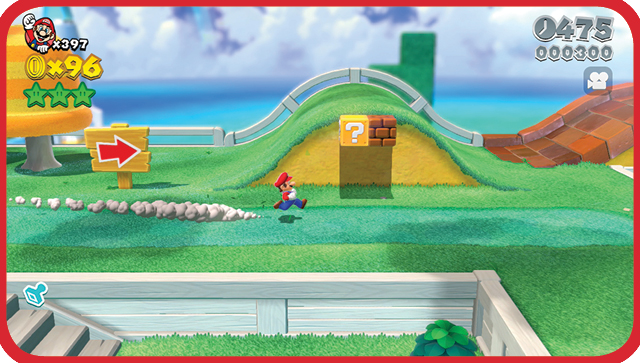
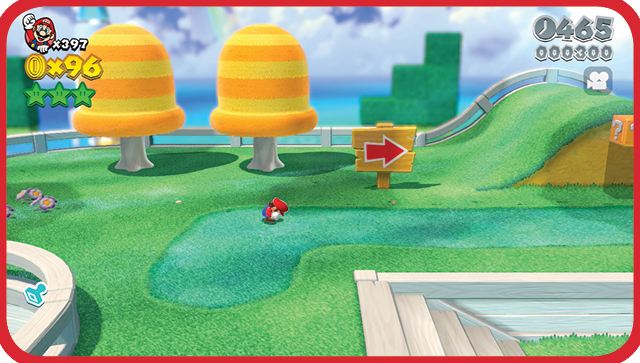
Press ZL (or ZR) to crouch. Crouching slows your movement speed, but is essential to get into tight spaces. It also has the added benefit of making your character harder to hit, and therefore easier to avoid hazards and enemy attacks. Crouching during a dash also allows your character to do a quick slide. Crouching also serves as preparation for the potent crouch jump, which is explained in the next section. Finally, crouching serves as a way to access many of the game’s secret areas. Never count it out!
Advanced Moves
Long Jump
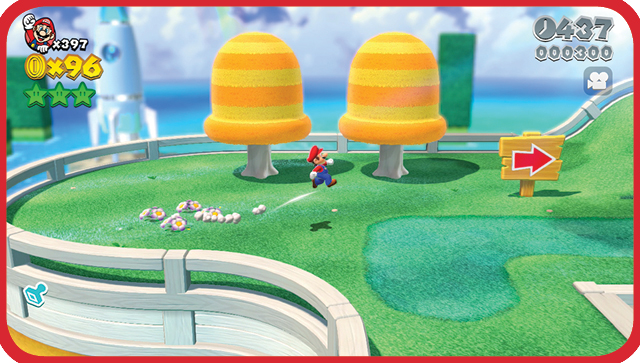
When walking or running, tap ZL (or ZR) quickly, then  (or
(or  ) to perform a long jump. This move adds a little extra distance to your leaps. However, it comes at the cost of jump height, so plan your long jumps accordingly.
Somersault
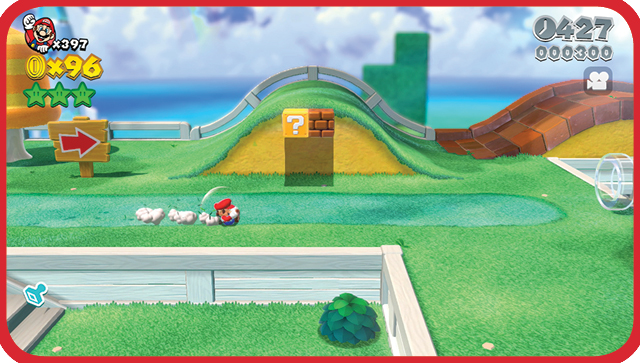
Crouch down and hold  in your intended direction, then press
  (or
(or  ) to perform a somersault. Use this handy move to smash through blocks and speed through narrow passages. You can also use the somersault to attack enemies.
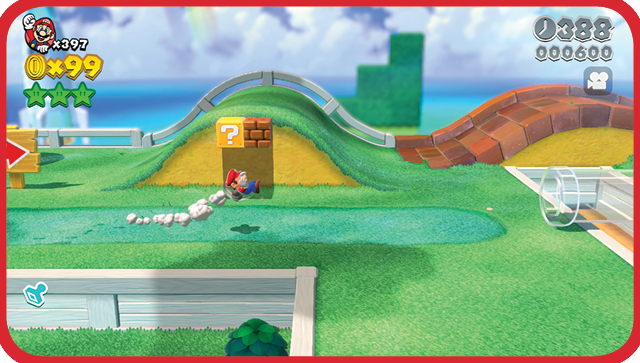
Rolling Long Jump
When a low ceiling prevents you from leaping across a large gap, the rolling long jump might just do the trick! During a somersault, quickly press  (or
(or  ) to dive forward. This allows your character to minimize the height of the jump without sacrificing distance.
Ground Pound
Jump into the air, then press ZL (or ZR) to slam down with a ground pound. Ground pounds can smash enemies, blocks, and other objects.
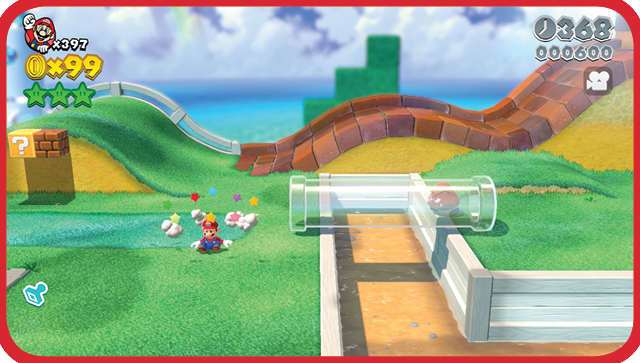
Ground Pound Jump
The moment Mario hits the ground after a successful ground pound, jump again. Mario will twirl and execute a high jump. This is good for keeping up your momentum rather than waiting for Mario to get up off the ground.
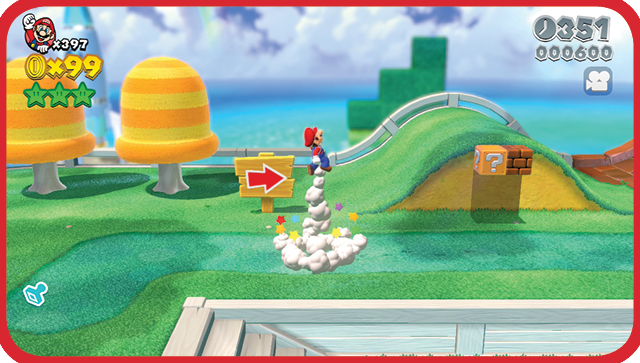
Wall Slide
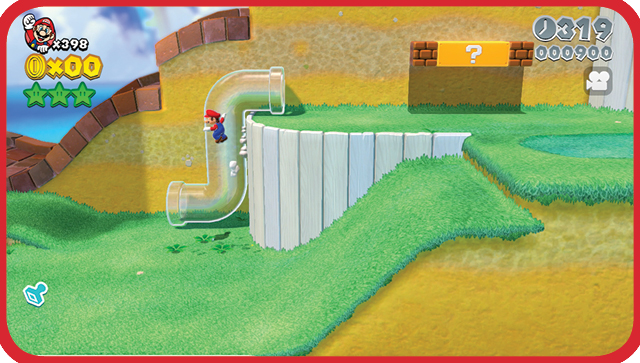
Jump toward a wall and hold  in the direction of the wall as you make contact. Mario will to slide down the wall at a reduced speed. Use this when you’re unsure of the path below and don’t want to take a leap of faith, or when you need to make a soft, precise landing.
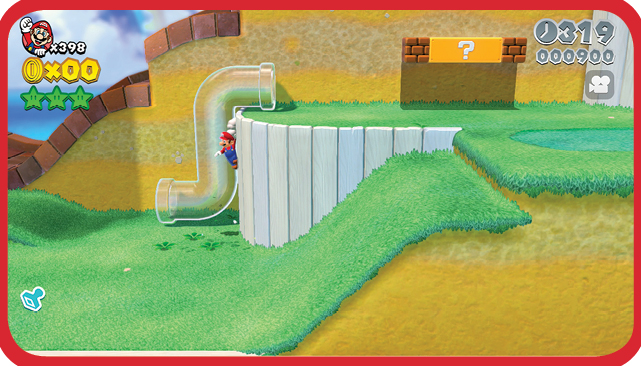
Wall Jump
While sliding along a wall, press  (or
(or  ) to push off the wall. Wall jumps allow you to reach greater heights than would otherwise be possible. If you position yourself between two suitably located surfaces, you can usually perform a series of wall jumps to reach otherwise inaccessible areas.
Crouch Jump
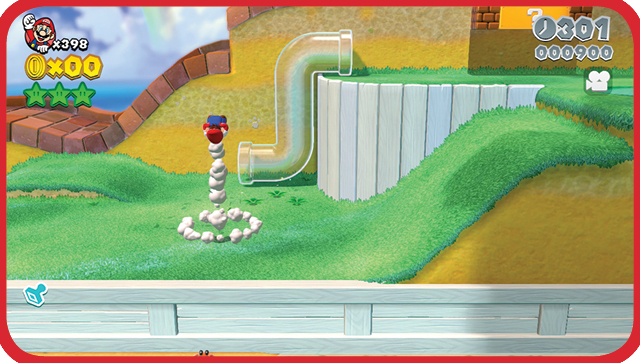
The crouch jump takes a moment to charge up, but the extra height is well worth the wait. Hold the ZL (or ZR) button to crouch until you see your character start to shake, then press  (or
(or  ) to launch into a vertical backflip. If you’re attempting to reach a ledge or platform, it’s best to face away from your target as you crouch down.
Side Somersault
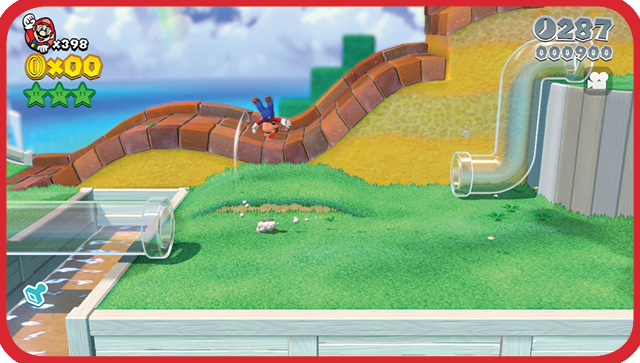
To perform a side somersault, dash in one direction, then simultaneously reverse direction and press  (or
(or  ). This move shifts your momentum, allowing you to change direction without stopping first. Use side somersaults to spring away from unexpected dangers.
Special Techniques
Climbing
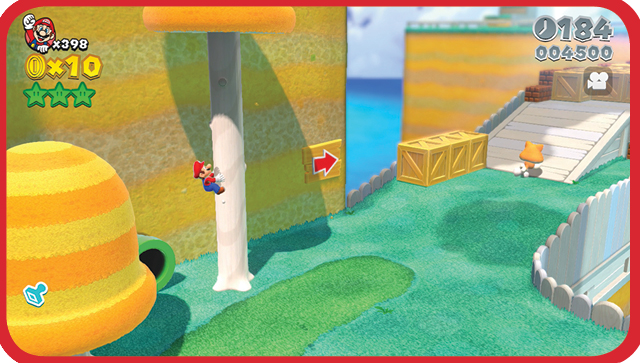
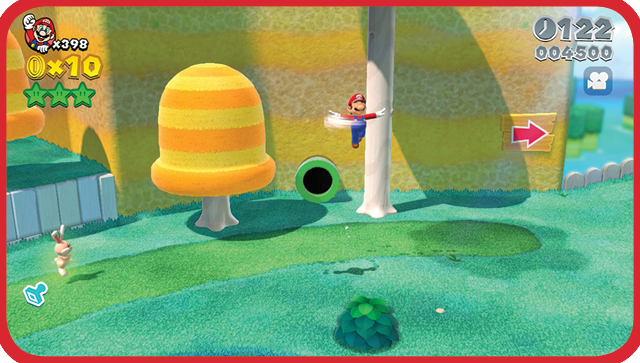
Many levels contain climbable objects, such as poles or trees. Jump onto a climbable object to latch on, then use  to move in any direction. To stop climbing, simply jump away from the object. After grabbing a Super Bell, walls become climbable objects as well. Pressing
  will cause the player to leap from the surface being climbed, while pressing ZL will cause them to drop straight down.
Swimming
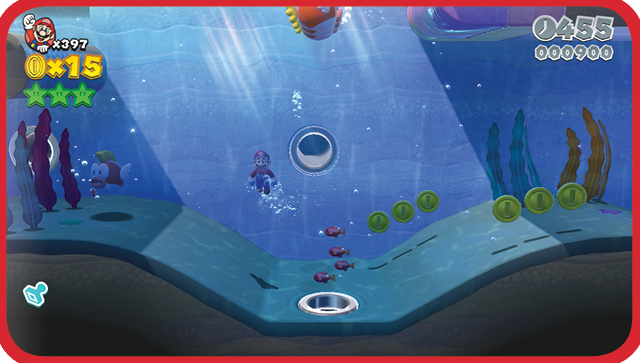
When underwater, swimming is by far the easiest and fastest way to get around. Tap  (or
(or  ) to swim. Swimming increases your speed, but it also propels you upward. Each tap of the button results in a single stroke. Adjust your timing to sink and swim as needed.
Bouncing
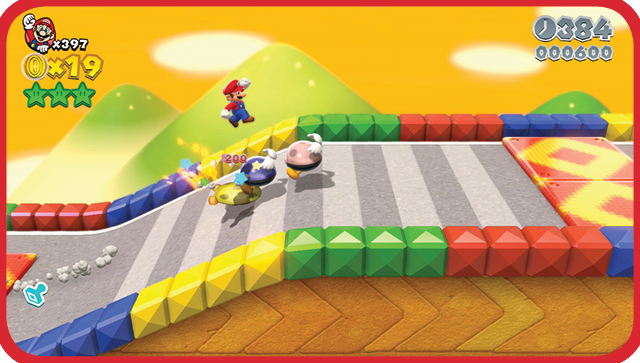
Bouncing requires precision timing and a suitable target—in particular, any enemy that can be stomped can allow you to use this technique. Jump onto your target and hit  (or
(or  ) just as you make contact. If you time it right, you’ll spring high into the air.
Spin Jump
Twirl  until Mario starts to spin, then press
  (or
(or  ) to jump with his arms outstretched. Mario will jump higher than normal and take longer to fall back to the ground. For most characters, this is the highest jump which can be achieved.
Slide
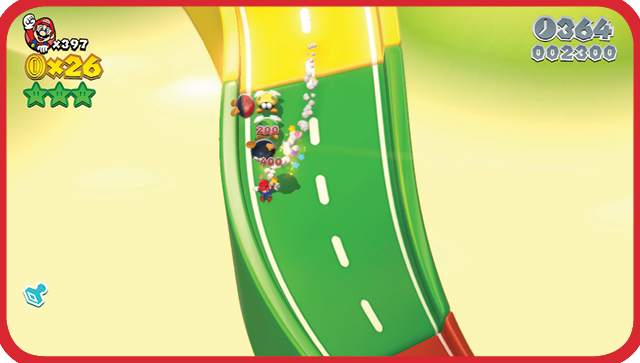
Mario can slide by holding ZL (or ZR) when traveling down an inclined surface. While sliding, Mario attacks most enemies in his path automatically.
Item Interaction
You can pick up items (such as Shells and potted Piranha Plants)by holding  (or
(or  ) and touching them. As long as you’re holding the button, Mario will continue to hold the item. To let go, simply release the button.