
Super Mario 3D World Guide How to Play
Character Control


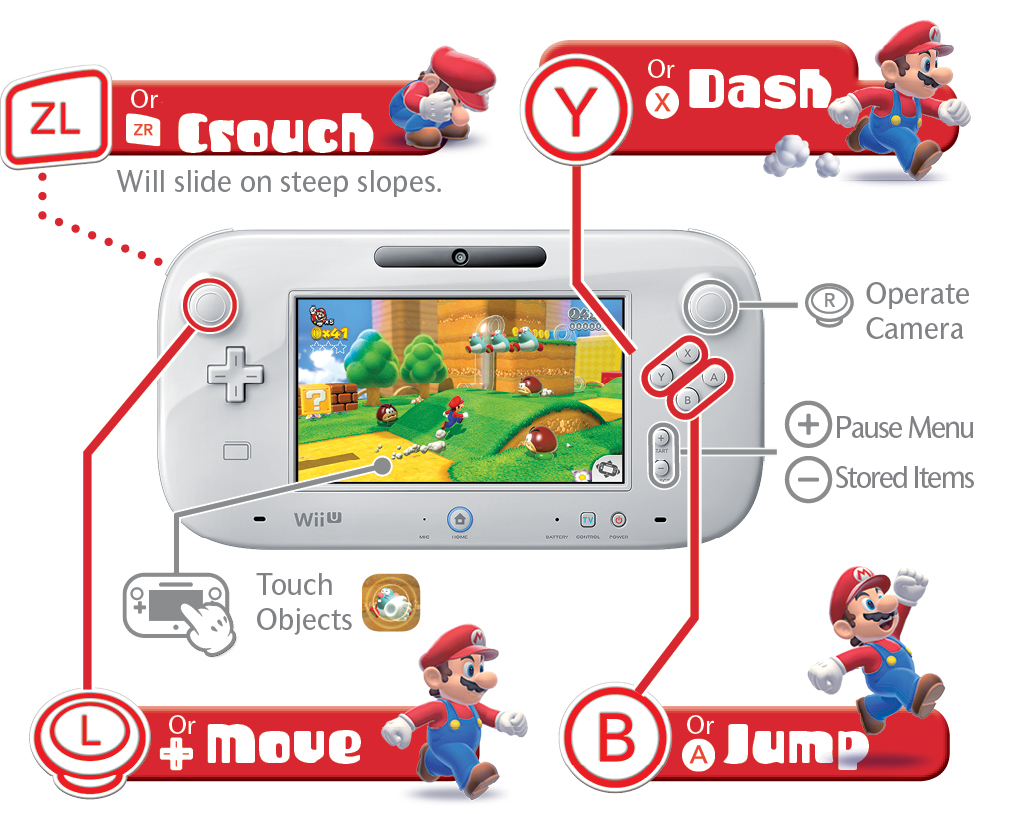
Wii GamePad™ Controller
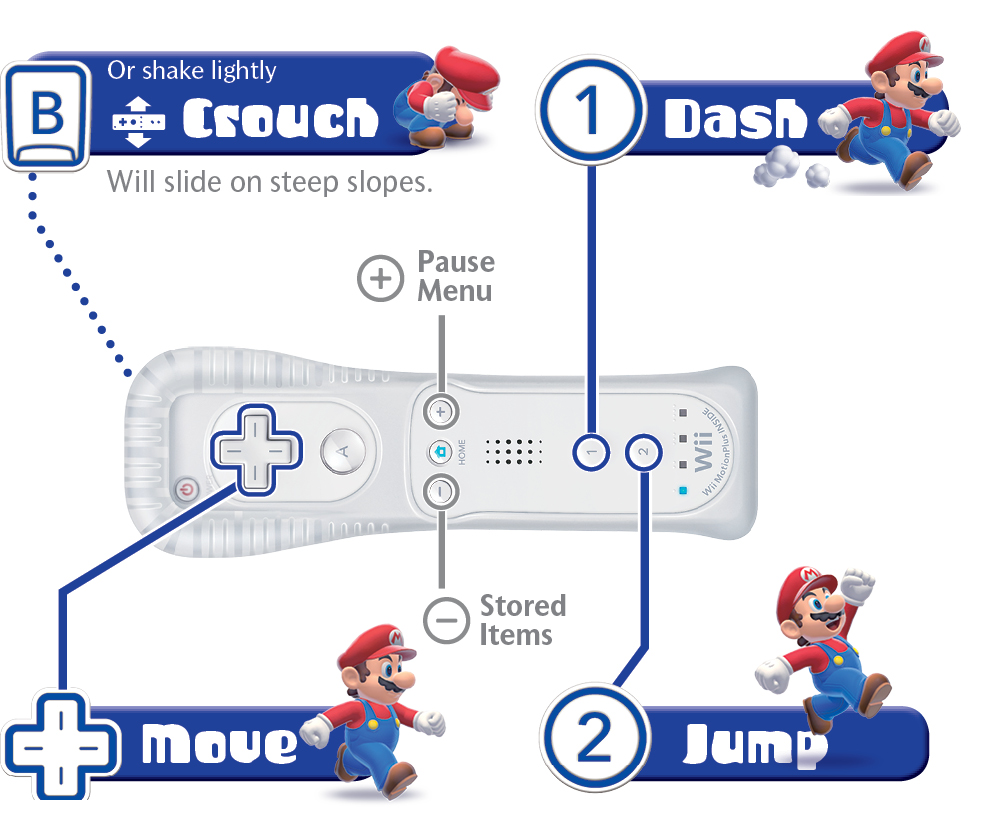
Wii Remote™ Controller
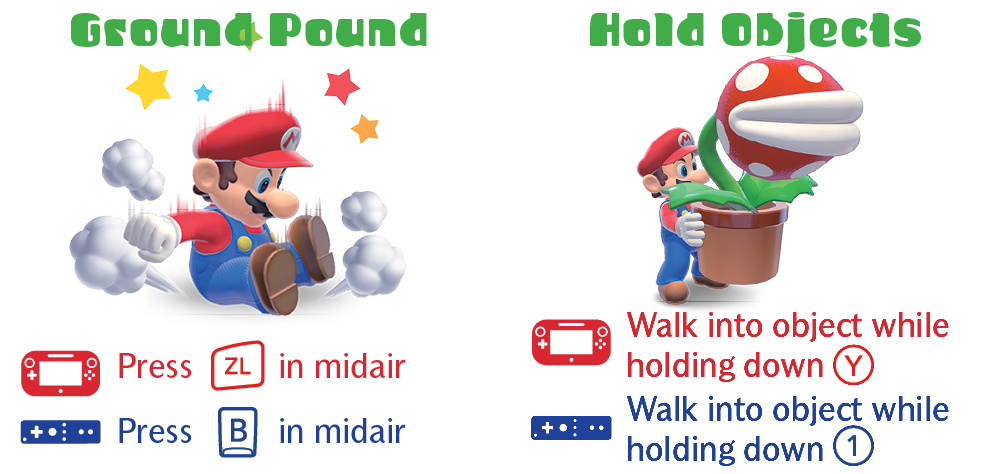
Standard Moves
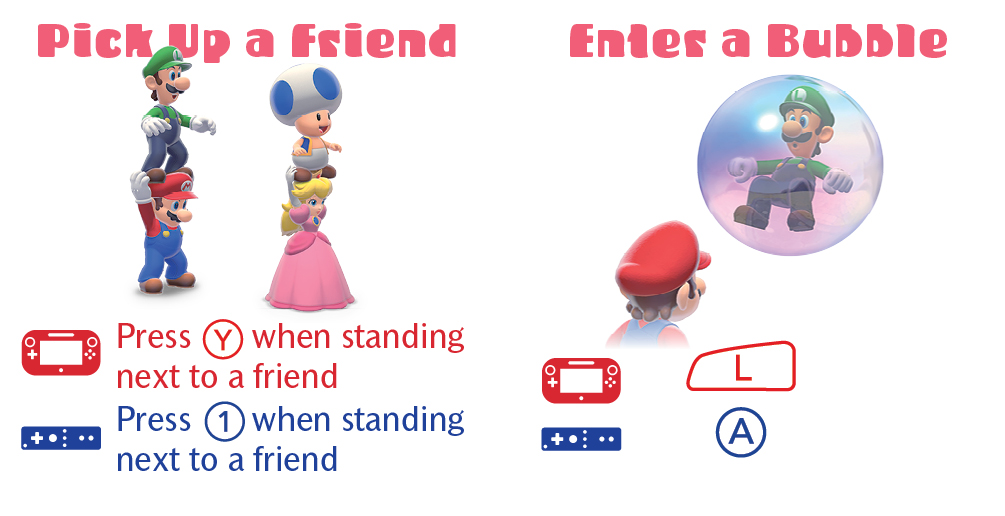
Multiplayer Moves
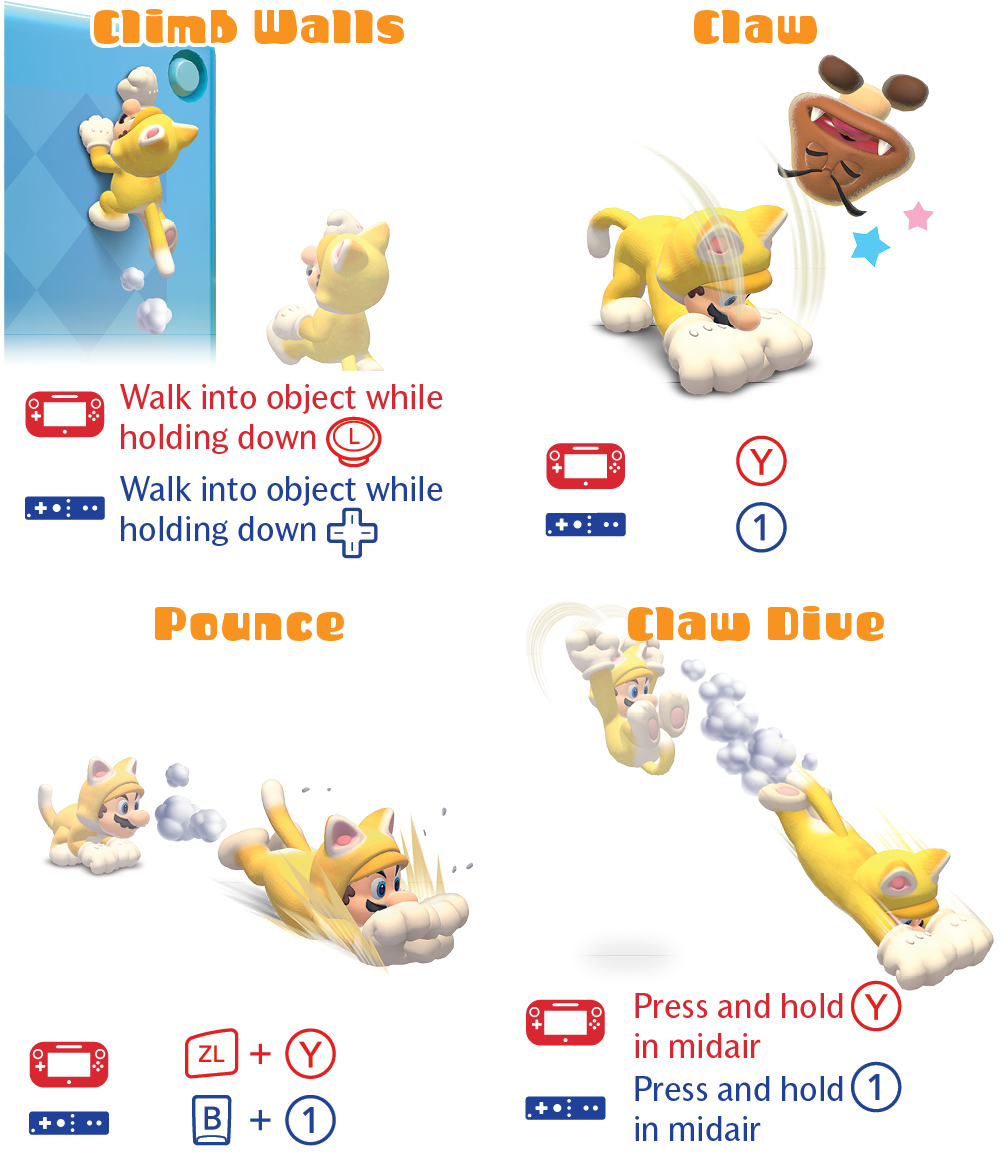
Cat Moves
Assist Play

Assist Play is a feature exclusive to the Wii U GamePad. Using its touch screen and built-in microphone, you can interact with different areas of the game for easier play or to uncover secrets.
Assist Play works best with another player at the helm, but you can easily use nearly all of its features during solo play as well.
Touch Screen Abilities
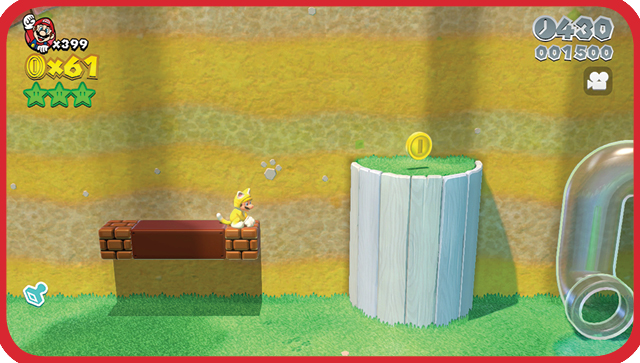
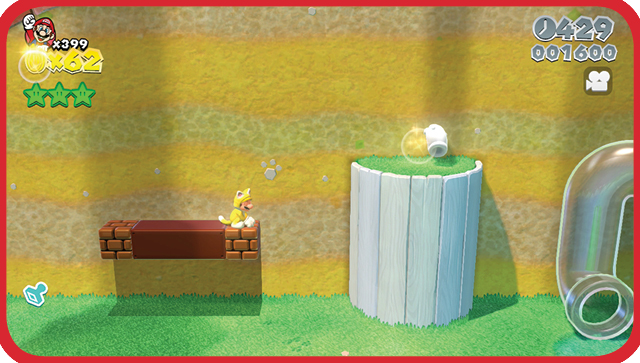
Collect Coins!
You can tap all kinds of Coins on the touch screen to collect them.
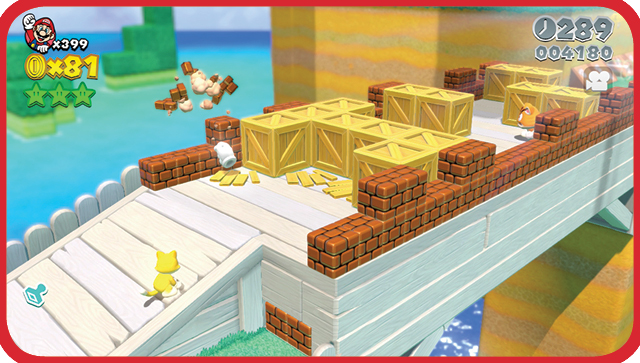
Hit/Break Blocks!
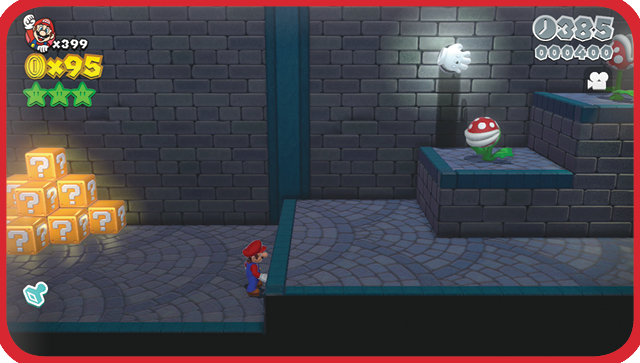
You can interact with blocks as well. Break breakable blocks, grab Coins with rapid taps, or nab important Power-Ups from ? Blocks.
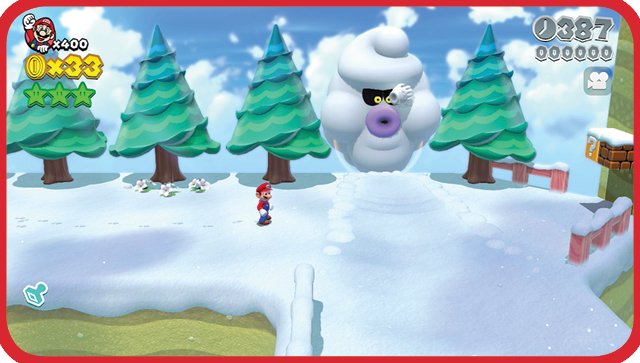
Stun/Defeat Enemies!
Tap the stylus on enemies to stun them. This is especially helpful on enemies like Ty-Foos, who then can no longer use their ferocious winds to blow your character off cliffs.
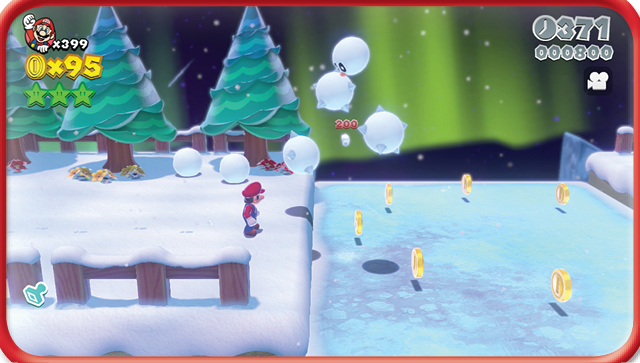
Meanwhile, some enemies like this Snow Pokey can be defeated outright.
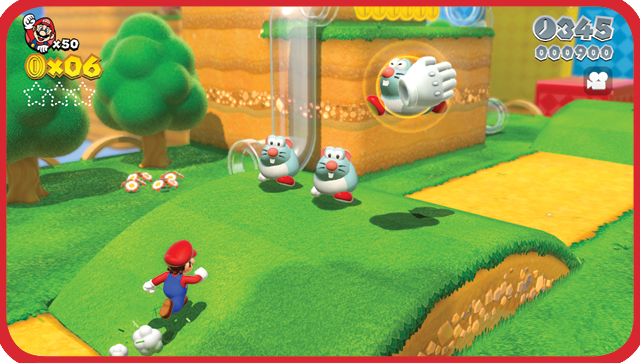
Assist Play even defies the laws of gravity!
Interact with Scenery!
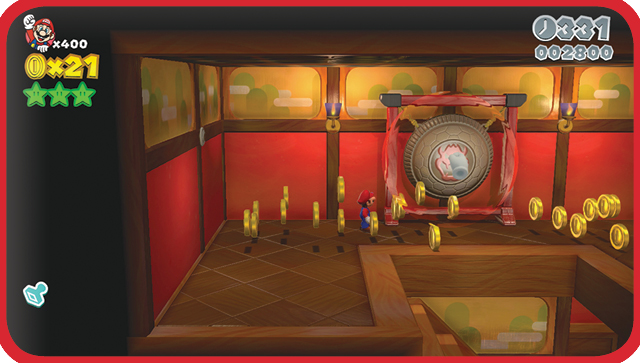
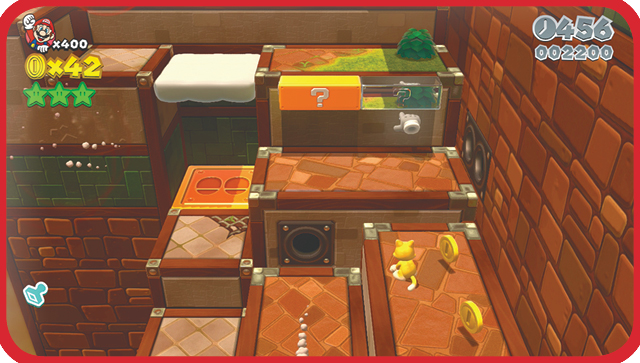
Activate parts of the stage simply by touching them. In some cases, this can be used to open doors or reveal secrets, such as invisible blocks, Coins, or enemies.
Microphone Abilities
Interact with More Scenery!
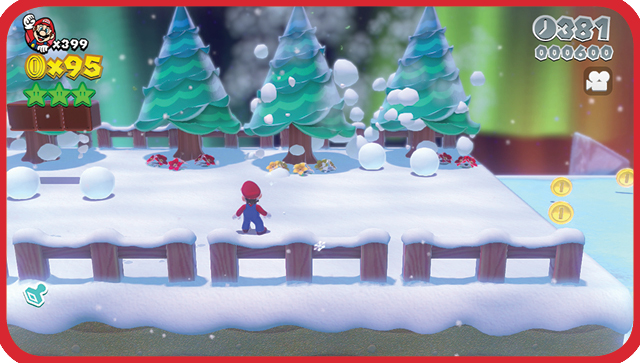
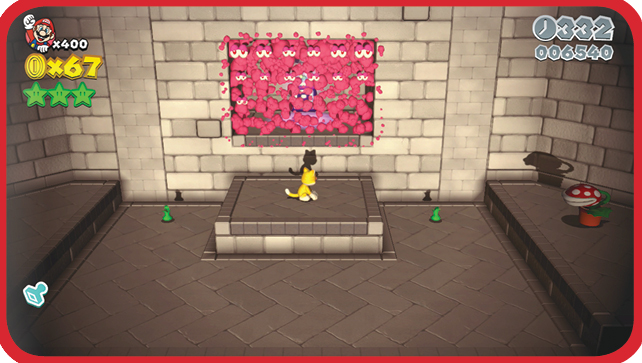
Blowing into the microphone on the GamePad causes a gentle breeze to blow through the stage. Effects can range from cosmetic changes to the defeat of enemies. The microphone can also be used to reveal invisible blocks, Coins, and enemies as well.
Move Platforms!
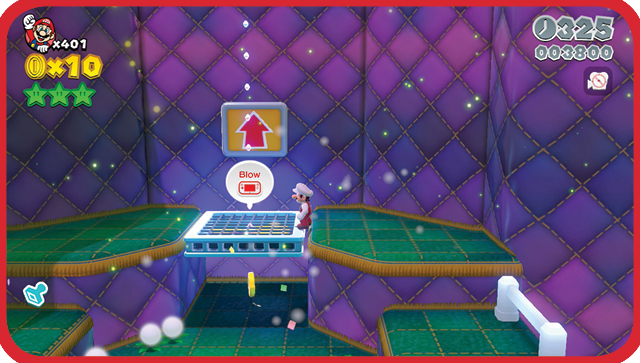
Some platforms, such as the Propeller Platform, can be moved only by blowing into the microphone.
Assist Play The Awesome Way
Whether or not you want to complete Super Mario 3D World using entirely your own platforming prowess, there are times when Assist Play genuinely comes in handy to save you time and even set up advanced strategies! We’ve outlined some ways for you below.
Provide a Smooth Ride
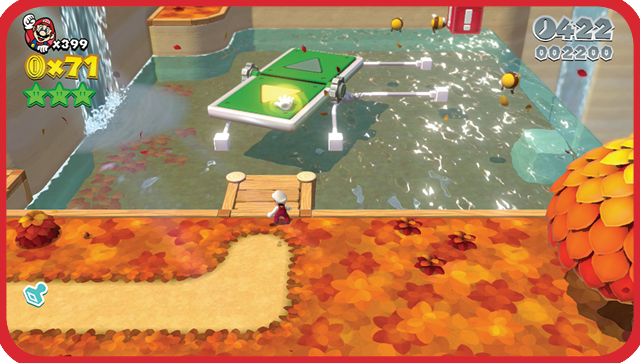
Let the world come to you! Use the touch screen to press the arrows on Switchboards and guide them remotely. If your character is already standing on the Switchboard, the touch screen will override whichever arrow they are standing on.
Ain’t Afraid of No Ghost!
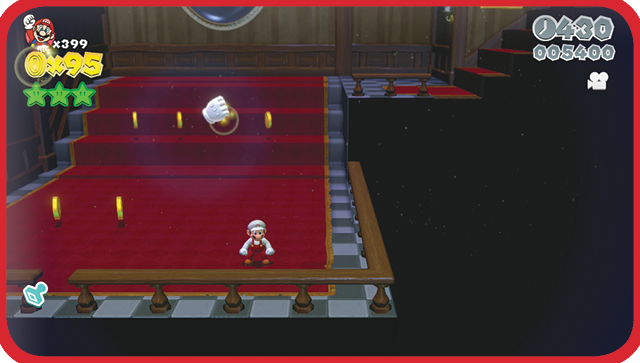
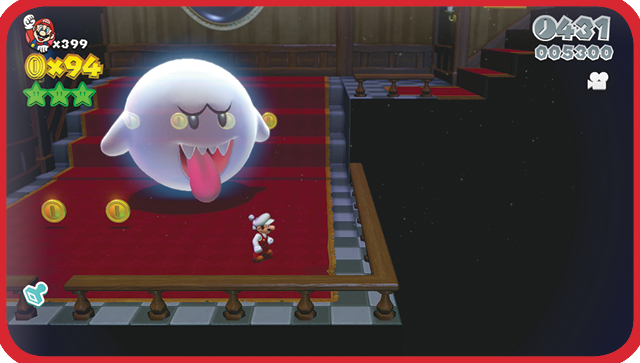
Keep the stylus on the touch screen directly over any Boo or Peepa and they’ll fade away for as long as you need them to, allowing for safe passage. It even works on Big Boos!
Catch that Rabbit
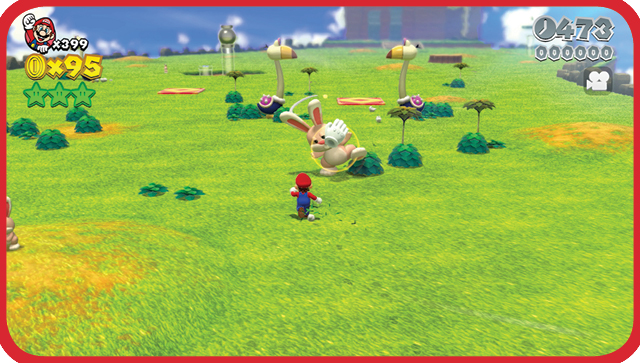
Having trouble catching those speedy Rabbits? (Hi, Peach players!) You could switch to Toad or use a projectile, but why waste time? Simply touch the Rabbit on the touch screen, and catch it with ease while it’s stunned.
Remote Detonation
Bob-ombs can be a pain for Mario to interact with, whether he’s trying to avoid them or use them offensively. With Assist Play, you can do both. Tap a Bob-omb to turn it into a Bomb, then hold the stylus over it and drag it anywhere on the screen that you wish. You can then remove the stylus to let it down gently, or flick the stylus to set it off.