
SimCity Guide Essentials City Specialization
Trading
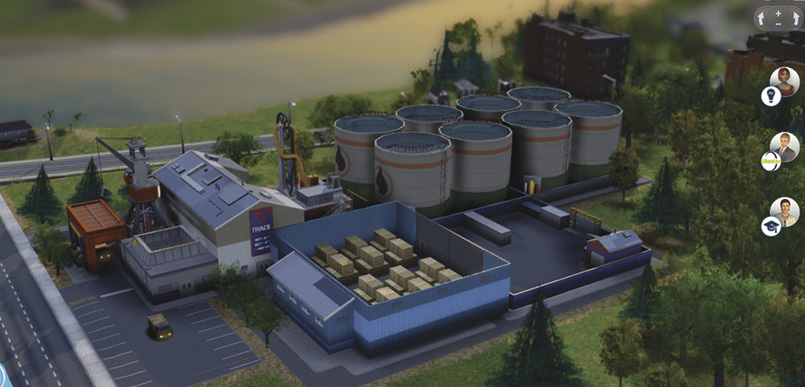
Build a Trade Depot early on. It’s required to sell your resources on the global market. Just make sure you add the appropriate storage lot modules to hold your products.
Do you have a passion for buying low and selling high? Or perhaps you just need to sell off some of that coal you’ve been digging out of the ground? What you need is a Trade Depot to import and export your way to prosperity! Both the Trade Depot and its bigger brother, the Trade Port, give your city the ability to trade every commodity on the global market.
If you’re producing any sort of resource or product in your city you’ll definitely want to export those goods for a quick profit. But why would you want to import something? Imagine you have a coal mining town with no raw ore. Simply import raw ore from the global market, send it to your Smelting Factory, and mix it with your mountains of coal to create that elusive alloy.
Or hold on to that raw ore and wait for the price to go up before selling it back to the global market for profit. Regardless of what kind of city specialization you choose, you’ll need to be familiar with the importing and exporting mechanics inherent to the trading specialization. And it all begins with a modest Trade Depot…
Trade Depot
-
Cost:
 10,000
-
Operational Cost:
75 per hour
- Global Market Delivery: Every 60 minutes
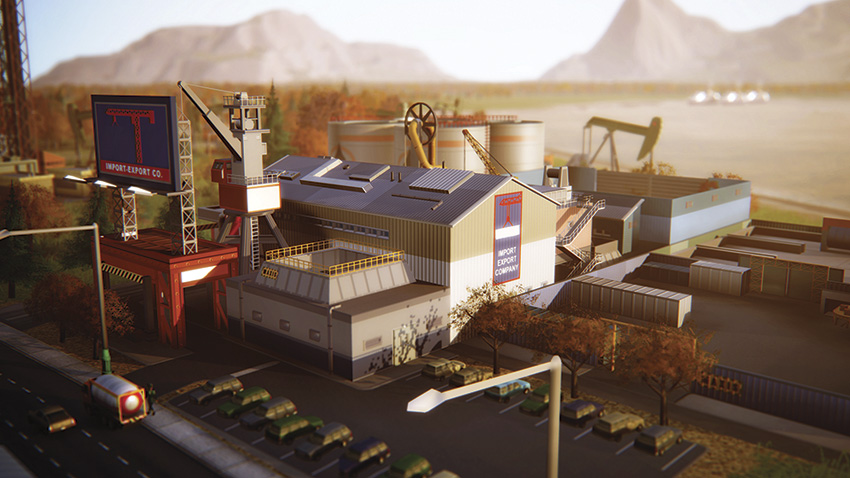
- Description: Import, export, and store resources like coal and crude oil with this basic unit. Also accepts freight shipments for industry. Does not require power or water to function.
The Trade Depot is your city’s portal to the global market, allowing you to import and export a variety of resources—this is how you make money from all those resources and products you’ve been accumulating. But before a Trade Depot can accept incoming goods, you must first add the appropriate storage lot.
For example, if you’re ready to import or export crude oil, add a Crude Oil Storage Lot. With the storage lot in place, the Trade Depot can then accept deliveries from local city specializations, local industry, the global market, or from other mayors in the region sending your city gifts.
But space is limited, capping storage lots at four modules per Trade Depot, so only add the modules you really need. And if that’s not enough space, simply build another Trade Depot—they’re fairly inexpensive.
Once you have the storage lots you want, click on the Manage Global Market Deliveries button to set up desired interactions with the global market. Each commodity accepted by the Trade Depot is represented, allowing you to import (buy) or export (sell).
If you import a commodity, a truck will arrive from the region to deliver the goods and your city will be charged the current market price upon delivery. If you export, a truck arrives from the region and hauls away the stored goods, instantly depositing Simoleons in your city’s treasury.
You can also simply store resources at your Trade Depot, when the Use Locally option is selected—this is the default setting. This allows local businesses (and power plants) to draw from the resources stored at the Trade Depot. As you can see, the Trade Depot is a very active hub and major player in your city’s economy. Keep an eye on your city’s Trade Depots to ensure all resources are flowing smoothly. Otherwise, consider adding more storage lots and trucks to smooth out any kinks in your supply chain.
Modules
Trade Depot Sign

-
Cost:
200
- Operational Cost: None
- Maximum Modules: 1
- Description: This sign has a complex list of directions to different storage lots.
Freight Truck Garage
-
Cost:
3,000
-
Operational Cost:
50 per hour
- Import/Export Deliveries: 5 tons of goods per trip
- Maximum Modules: 4
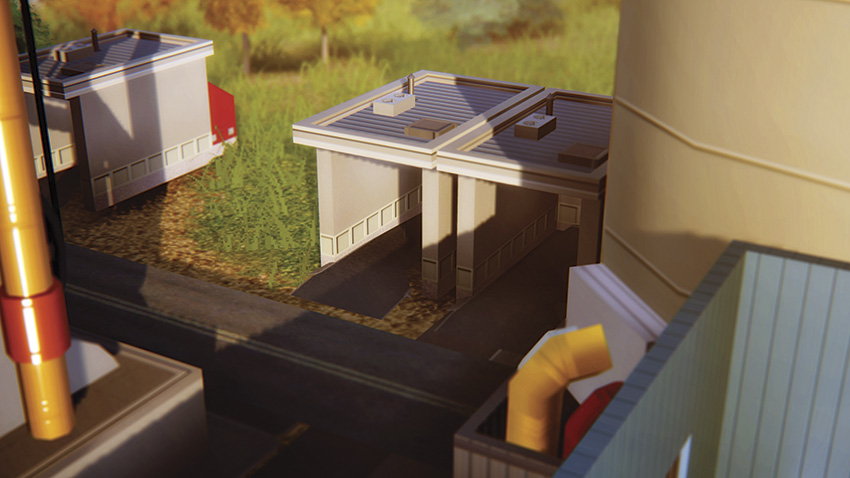
- Description: Time to get that convoy movin’! Add a Freight Truck Garage to increase the rate at which you can send resources from the Trade Depot to manufacturers and consumers in your city.
Freight Shipping Warehouse
-
Cost:
2,000
-
Operational Cost:
15 per hour
- Freight Capacity: 16.2 tons
- Maximum Modules: 4
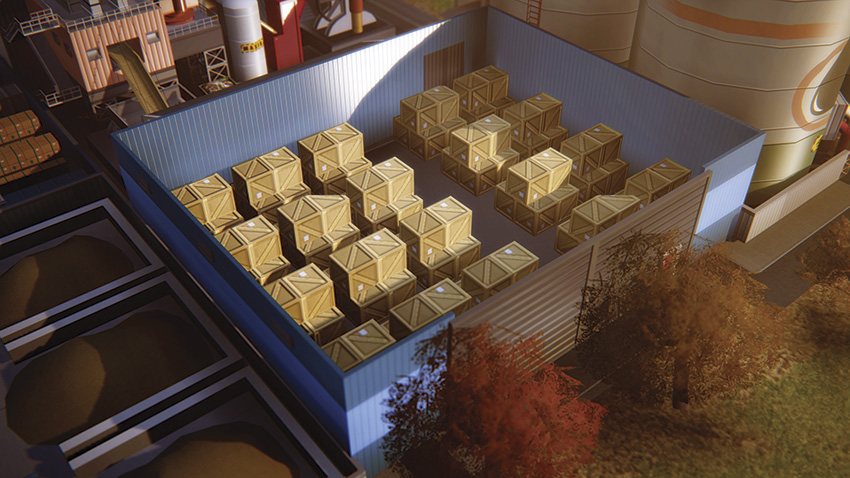
- Description: This small warehouse accepts freight shipments from local industry. Industry that doesn’t have a place to ship its freight may go out of business.
Coal Storage Lot
-
Cost:
2,000
-
Operational Cost:
15 per hour
- Storage Capacity: 20 tons
- Maximum Modules: 3
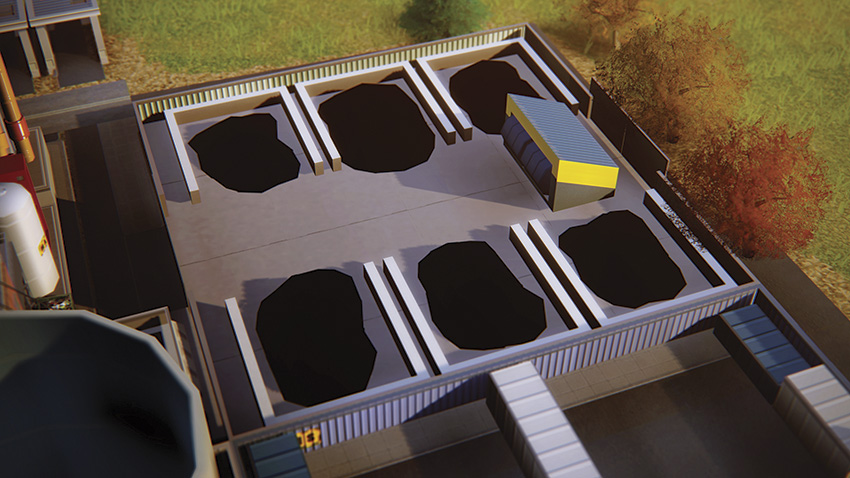
- Description: Adds storage space for coal. Use the coal locally, or import it from the global market at low prices and export it at high prices.
Crude Oil Storage Lot
-
Cost:
2,000
-
Operational Cost:
15 per hour
- Storage Capacity: 2,000 barrels
- Maximum Modules: 4
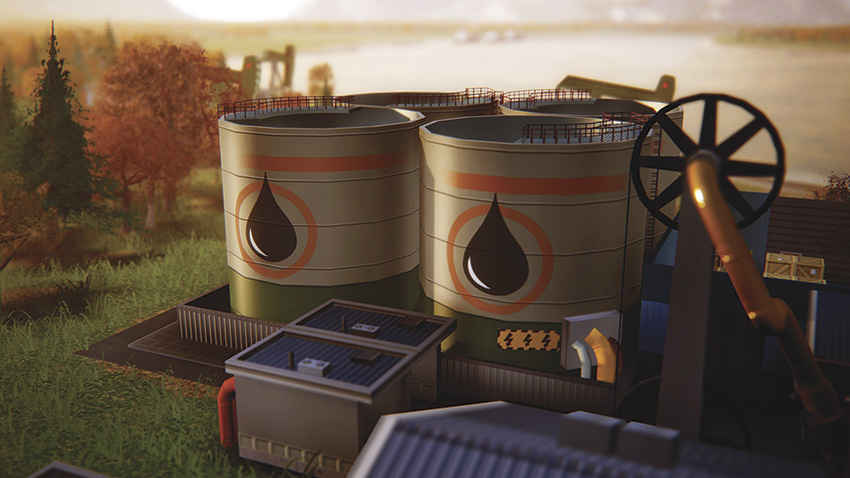
- Description: Adds storage space for crude oil. Use the crude oil locally, or import it from the global market at low prices and export it at high prices.
Raw Ore Storage Lot
-
Cost:
2,000
-
Operational Cost:
15 per hour
- Storage Capacity: 20 tons
- Maximum Modules: 4
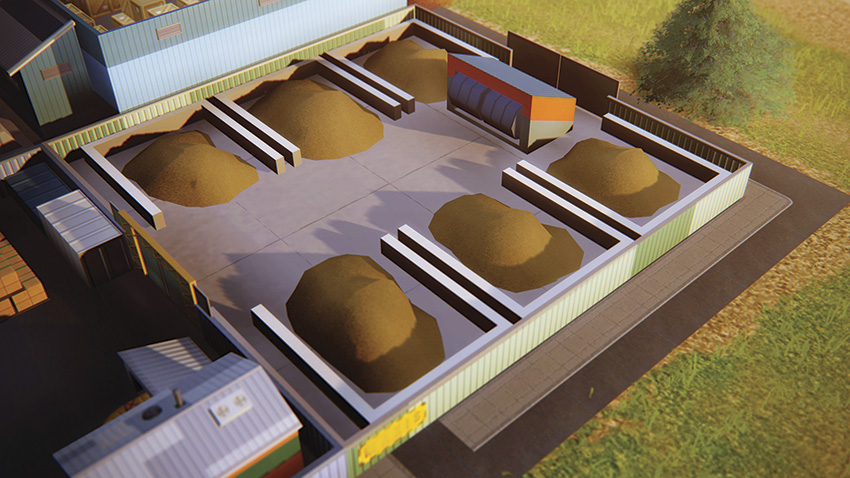
- Description: Adds storage space for raw ore. Use the raw ore locally, or import it from the global market at low prices and export it at high prices.
Metal Storage Lot
-
Cost:
2,000
-
Operational Cost:
15 per hour
- Storage Capacity: 20 tons
- Maximum Modules: 4
- Prerequisites:
- Metal Reclamation Line at Recycling Center
- OR Metals HQ
- OR Metals Division at Trade HQ
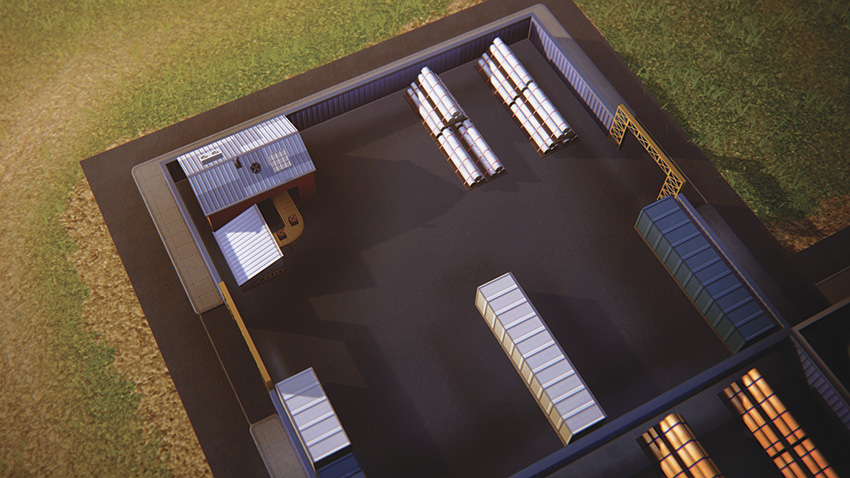
- Description: Adds storage space for metal. Use the metal locally, or import it from the global market at low prices and export it at high prices.
Alloy Storage Lot
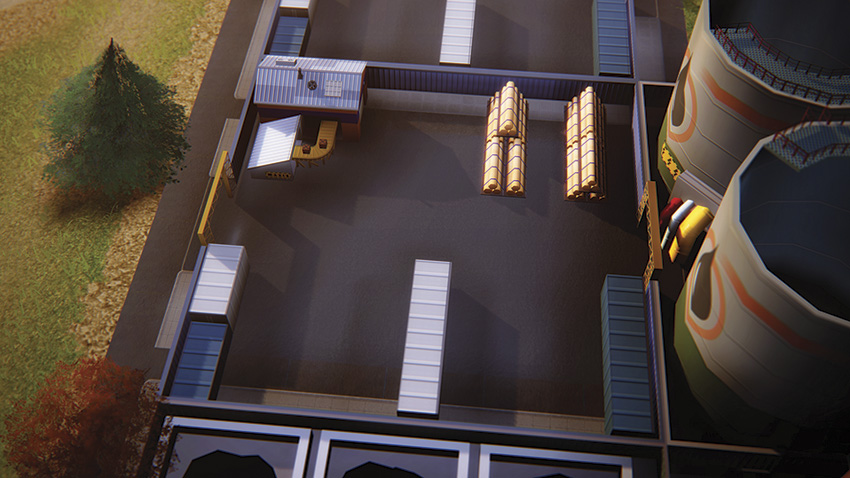
-
Cost:
2,000
-
Operational Cost:
15 per hour
- Storage Capacity: 20 tons
- Maximum Modules: 4
- Prerequisites:
- Alloy Reclamation Line at Recycling Center
- OR Metals HQ
- OR Metals Division at Trade HQ
- Description: Adds storage space for alloy. Use the alloy locally, or import it from the global market at low prices and export it at high prices.
Fuel Storage Lot
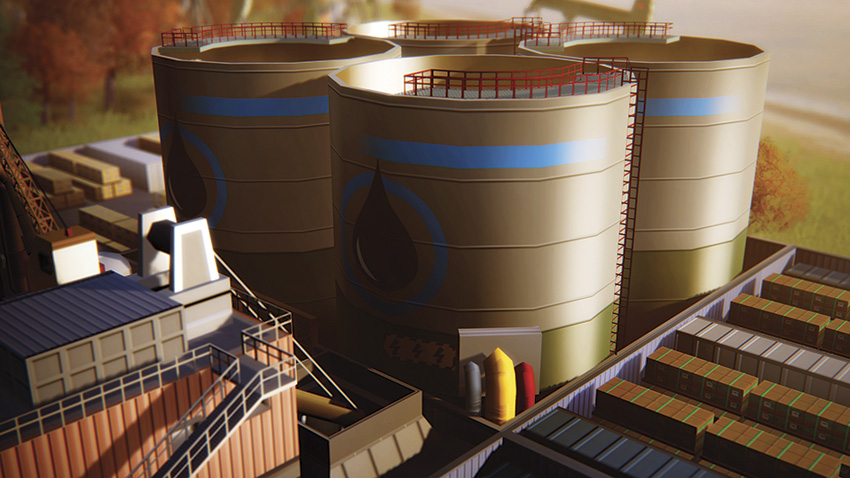
-
Cost:
2,000
-
Operational Cost:
15 per hour
- Storage Capacity: 2,000 barrels
- Maximum Modules: 4
- Prerequisites:
- Petroleum HQ
- OR Petroleum Division at Trade HQ
- Description: Adds storage space for fuel. Use the fuel locally, or import it from the global market at low prices and export it at high prices.
Plastic Storage Lot
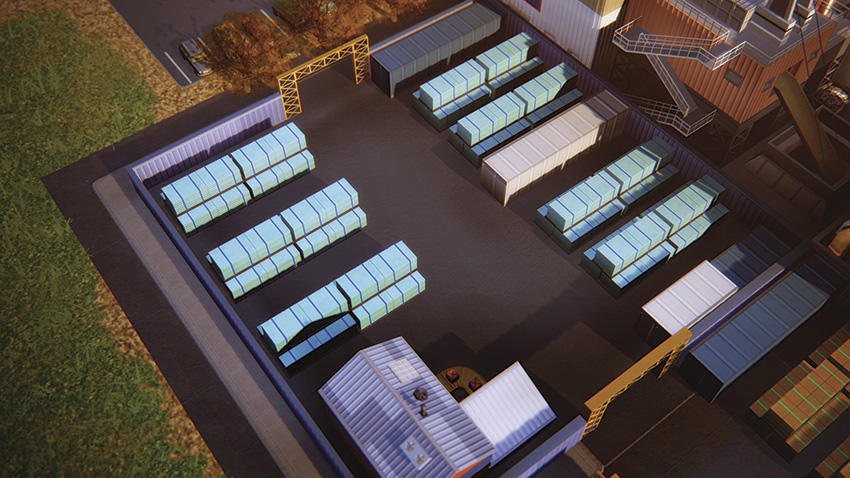
-
Cost:
2,000
-
Operational Cost:
15 per hour
- Storage Capacity: 2,000 crates
- Maximum Modules: 4
- Description: Adds storage space for plastic. Use the plastic locally, or import it from the global market at low prices and export it at high prices.
Processors Storage Lot
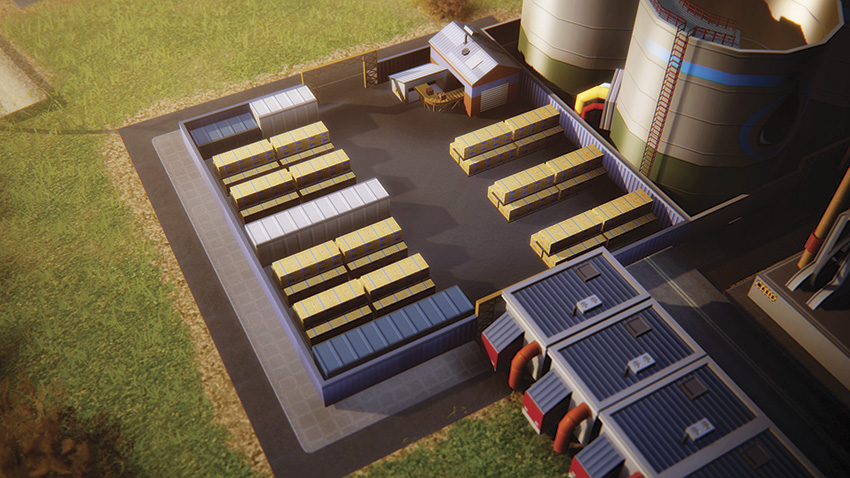
-
Cost:
2,000
-
Operational Cost:
15 per hour
- Storage Capacity: 200,000 crates
- Maximum Modules: 4
- Prerequisites:
- Electronics HQ
- OR Electronics Division at Trade HQ
- Description: Adds storage space for processors. Use the processors locally, or import them from the global market at low prices and export them at high prices.
Computer Storage Lot
-
Cost:
2,000
-
Operational Cost:
15 per hour
- Storage Capacity: 2,000 crates
- Maximum Modules: 4
- Prerequisites:
- Electronics HQ
- OR Electronics Division at Trade HQ
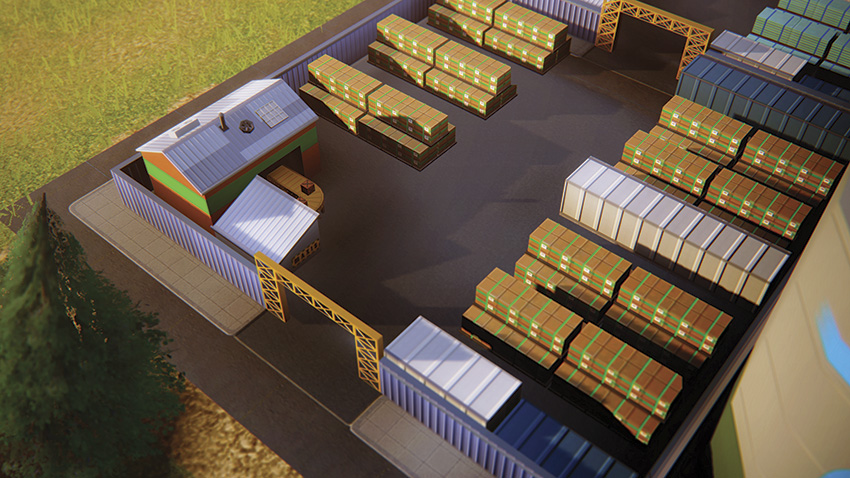
- Description: Adds storage space for computers. Use the computers locally, or import them from the global market at low prices and export them at high prices.
TV Storage Lot
-
Cost:
2,000
-
Operational Cost:
15 per hour
- Storage Capacity: 2,000 crates
- Maximum Modules: 4
- Prerequisites:
- Electronics HQ
- OR Electronics Division at Trade HQ
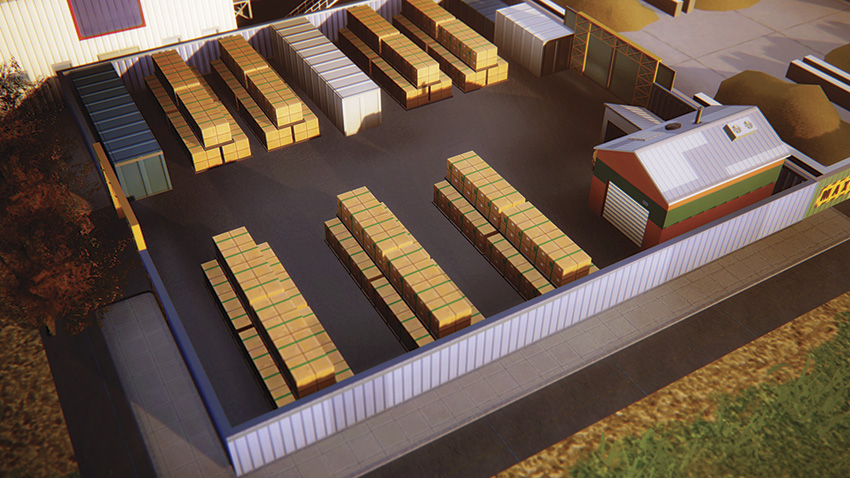
- Description: Adds storage space for TVs. Use the TVs locally, or import them from the global market at low prices and export them at high prices.
Trade HQ
-
Cost:
37,500
Operational Cost:
450 per hour
- Prerequisites:
- Town Hall
- Plop three different storage lots
-
Trade
72,000 in global market resources in a day
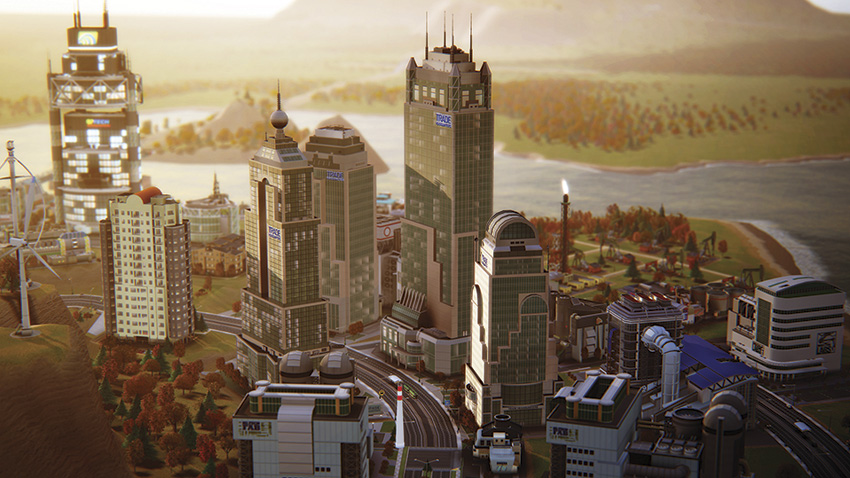
- Description: Amass a fortune as an import/export master! Buy from the global market at low prices and sell when you can make the most Simoleons! Make profit from the global market to expand your trading actions. Upgrades available based on daily profit goals.
Trade HQ Upgrades
| Level | Name | Criteria | Unlock |
|---|---|---|---|
| 1 | Trading HQ |
Trade
72,000 in resources on the global market.
|
One division of your choice. |
| 2 | Trading, Co. |
Earn
250,000 in trade daily profit.
|
One division of your choice. |
| 3 | Trading, Inc. |
Earn
2,000,000 in trade daily profit.
|
One division of your choice. |
| 4 | Trading Global |
Earn
4,000,000 in trade daily profit.
|
One division of your choice. |
Like the other HQs, this shimmering skyscraper adds a sense of awe to your skyline, sure to catch the eye of mayors in neighboring cities. But when building this HQ, make sure you allow plenty of room for expansion so you can add up to three divisions. As with the other HQs, upgrades are awarded for reaching specific daily profit goals.
With each upgrade earned, the HQ grows taller and one trade division of your choice is made available type of specialization your city is. If you’re big into mining, choose the Metals Division. Or select the Petroleum Division if you’ve got a big oil city underway. The Electronics Division is only necessary for cities smart enough to produce processors, TVs, and computers.
Each division unlocks access to the Trade Port as well as several associated storage lot modules associated with the Trade Port. The Trade Port is ideal for importing and exporting massive amounts of resources by train or cargo ship.
But even if you don’t have access to water or rail, the storage lots at the Trade Port are massive, perfect for stockpiling enormous volumes of resources—consider holding on to these goods until the market price turns in your favor, then sell them on the global market for a huge profit!
Modules
Trade HQ Sign
-
Cost:
200
- Operational Cost: None
- Maximum Modules: 1
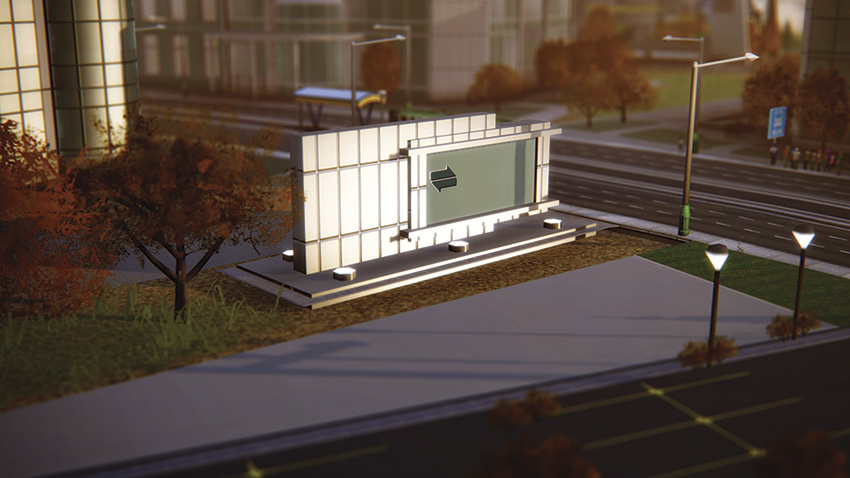
- Description: This well-polished sign seems like it is pretty expensive.
Electronics Division

-
Cost:
500,000
-
Operational Cost:
400 per hour
- Local Access Granted: Plastic, Alloy, Processor, TV, and Computer Storage Lots at the Trade Port
- Maximum Modules: 1
- Description: Expand your trading options to electronics and all the resources needed to build them!
Metals Division

-
Cost:
200,000
-
Operational Cost:
400 per hour
- Local Access Granted: Coal, Raw Ore, Metal, and Alloy Storage Lots at the Trade Port
- Maximum Modules: 1
- Description: Expand your trading options to metal resource extraction!
Petroleum Division

-
Cost:
400,000
-
Operational Cost:
400 per hour
- Local Access Granted: Crude Oil, Fuel, and Plastic Storage Lots at the Trade Port
- Maximum Modules: 1
- Description: Expand your trading options to petroleum resource extraction and the goods it can be refined into!
Trade Port
-
Cost:
58,000
-
Operational Cost:
225 per hour
- Global Market Delivery: Every 60 minutes
- Prerequisites:
- Trade HQ
- OR Commerce Division at Petroleum HQ
- OR Commerce Division at Metals HQ
- OR Commerce Division at Electronics HQ
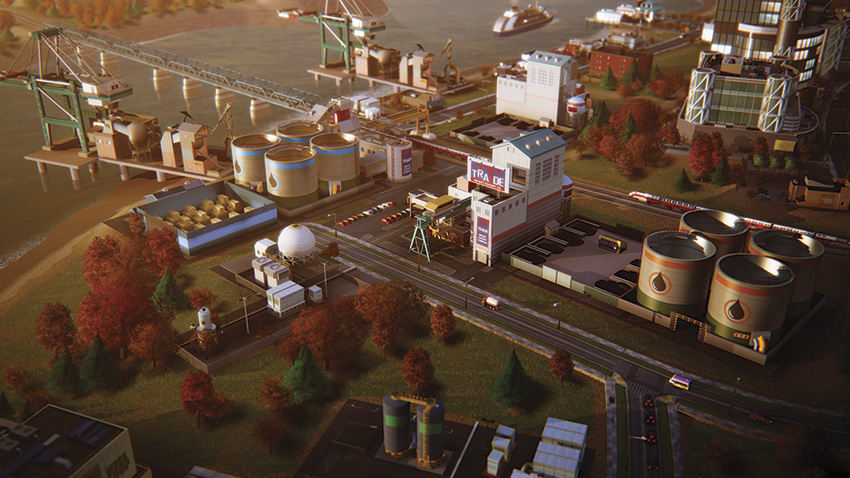
- Description: Allows importing, exporting, and storage of commodity resources or freight. Larger storage lots allow for ten times the capacity of the Trade Depot. Rail and cargo ship connections allow import and export via rail or water. Requires water and power to function.
Want to import and export large volumes of resources by train or cargo ship? Then you need a Trade Port as soon as you can afford it. But first, you need to unlock it. The Trade Port becomes available once you build the Trade HQ or after adding a Commerce Division to the Petroleum, Metals, or Electronics HQ.
When possible, build the Trade Port within close proximity to rails or a waterway. This allows you to place a Freight Rail Terminal or Cargo Ship Dock—these are separate modules and don’t necessarily need to connect to the Trade Port. Leave plenty of expansion space around your Trade Port for various storage lots—you can add a total of six to each Trade Port.
While these storage lots look identical to those offered by the Trade Depot, they hold nearly ten times more product. But before you can add certain storage lots, you must first build the proper division associated with the commodity.
For example, if you want to add the Coal Storage Lot, you’ll need a Metals HQ with a Commerce Division or a Metals Division at your Trade HQ—there are at least two possibilities to unlock access to most storage lots at the Trade Port. Beyond the larger storage lots and its access to train and cargo ships, the Trade Port functions identically to the Trade Depot.
If you don’t have access to water or rail, you can still use the Trade Port’s massive capacity to store large amounts of resources—imports and exports are carried by trucks, just like the Trade Depot. Given the large capacity of the storage lots, the Trade Depot is ideal for stockpiling construction materials for Great Works. Or simply buy low and sell high to accrue profits by trading on the global market. Whatever your intent, the Trade Port is an integral part of succeeding in any of the commodity-based city specializations.
Modules
Trade Depot Sign

-
Cost:
200
- Operational Cost: None
- Maximum Modules: 1
- Description: This sign seems to have accumulated a thick layer of road grime.
Heavy Rail Tracks
-
Cost:
20
- Operational Cost: None
- Maximum Modules: N/A
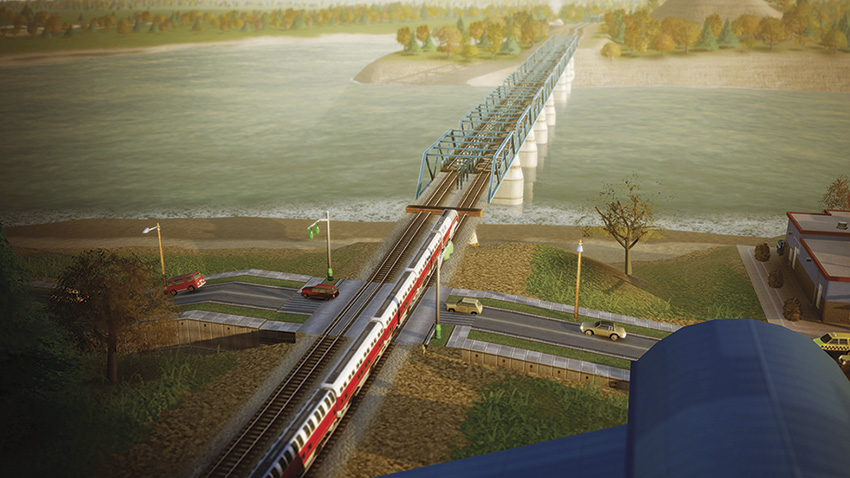
- Description: Tracks to connect the Passenger Train Station to the rail network or to connect up to a Freight Train Terminal at a Trade Port.
Delivery Truck Garage
-
Cost:
3,000
-
Operational Cost:
50 per hour
- Import/Export Deliveries: 5 tons of goods per trip
- Maximum Modules: 12
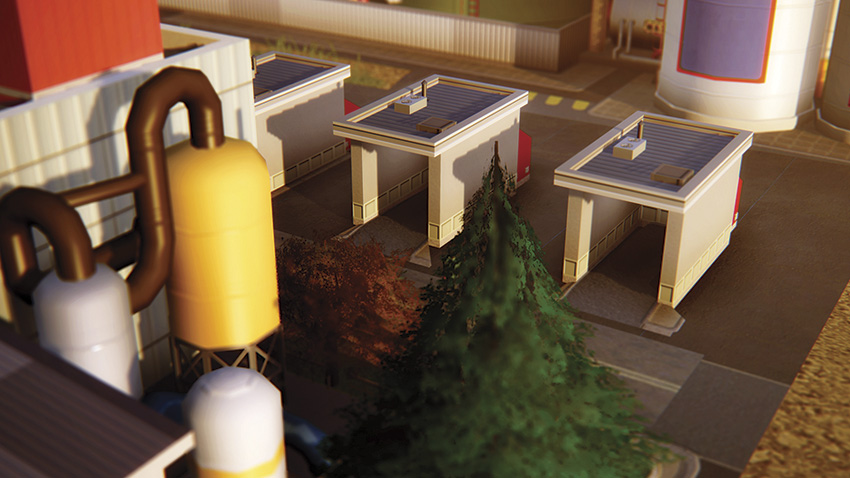
- Description: Adds a truck to move one resource type from your Trade Port to consumers in your city. Trucks frequently pick up from the Trade Port.
Freight Rail Terminal
-
Cost:
70,000
-
Operational Cost:
400 per hour
- Global Market Delivery: Every 360 minutes
- Maximum Modules: 1
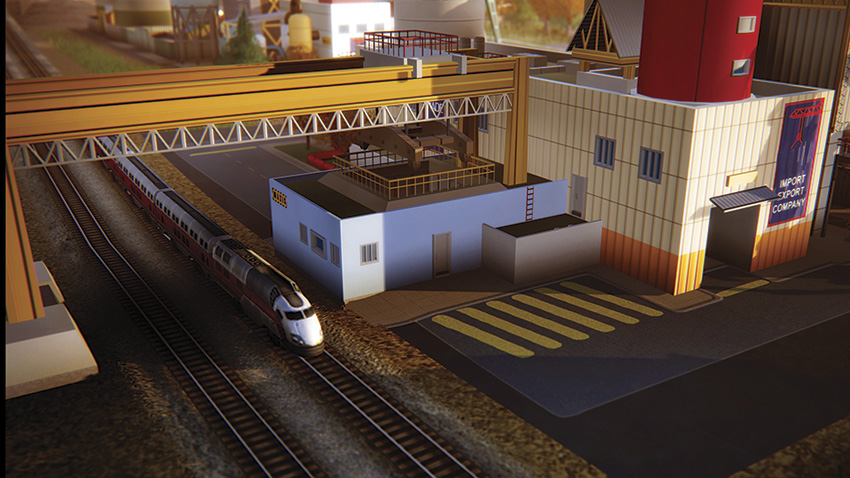
- Description: Allows import and export of resources via freight train. Each storage lot at the Trade Port adds another freight car to the freight train. Trains arrive every few hours.
Cargo Ship Dock
-
Cost:
100,000
-
Operational Cost:
400 per hour
- Global Market Delivery: Every 180 minutes
- Maximum Modules: 1
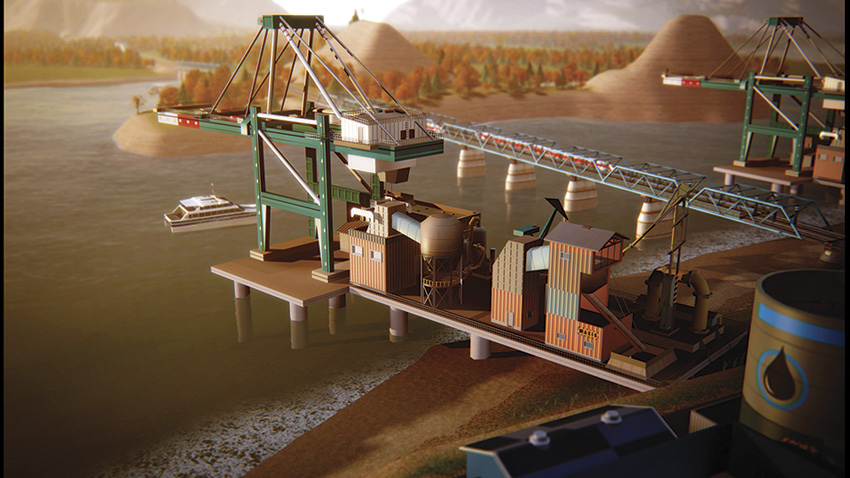
- Description: Allows import and export of resources via high-capacity cargo ships. Cargo ships only carry one resource at a time, but in massive amounts. Cargo ships arrive several times a day.
Freight Shipping Warehouse
-
Cost:
20,000
-
Operational Cost:
150 per hour
- Storage Capacity: 32.4 tons
- Maximum Modules: 6
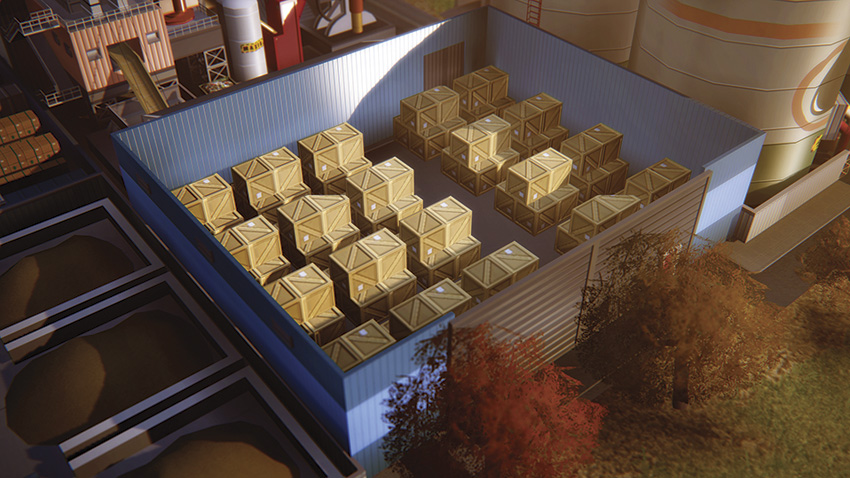
- Description: This high-capacity warehouse accepts freight shipments from local industry. Industry that doesn’t have a place to ship its freight may go out of business.
Coal Storage Lot
-
Cost:
20,000
-
Operational Cost:
150 per hour
- Storage Capacity: 100 tons
- Maximum Modules: 6
- Prerequisites:
- Metals HQ with Commerce Division
- OR Trade HQ with Metals Division
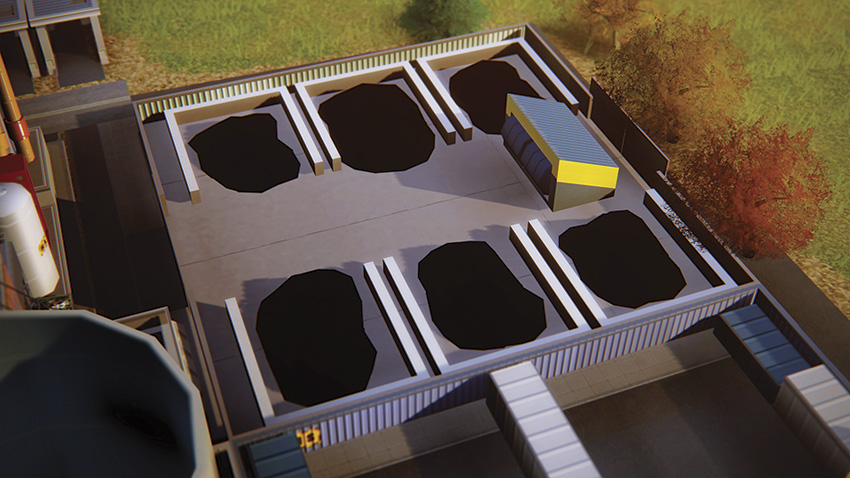
- Description: Adds a large amount of storage for coal. Use the coal locally, or import it from the global market at low prices and export it at high prices.
Crude Oil Storage Lot
-
Cost:
20,000
-
Operational Cost:
150 per hour
- Storage Capacity: 10,000 barrels
- Maximum Modules: 6
- Prerequisites:
- Petroleum HQ with Commerce Division
- OR Trade HQ with Petroleum Division
- Description: Adds a large amount of storage for crude oil. Use the crude oil locally, or import it from the global market at low prices and export it at high prices.
Raw Ore Storage Lot
-
Cost:
20,000
-
Operational Cost:
150 per hour
- Storage Capacity: 100 tons
- Maximum Modules: 6
- Prerequisites:
- Metals HQ with Commerce Division
- OR Trade HQ with Metals Division
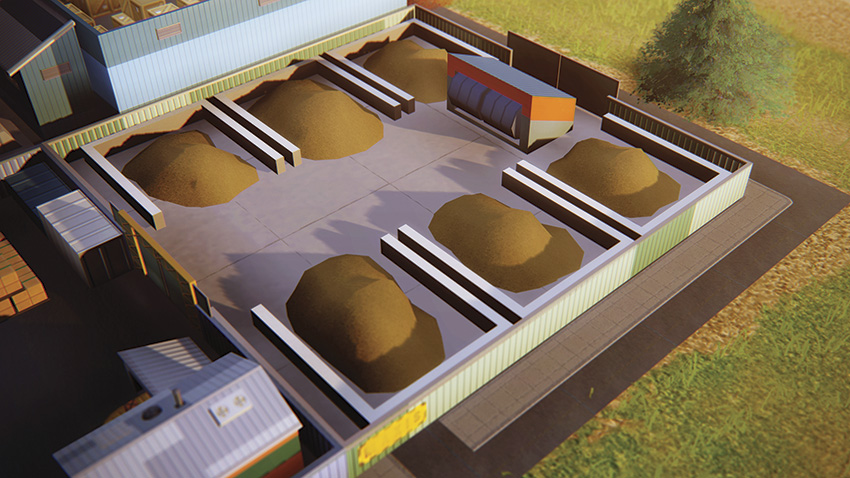
- Description: Adds a large amount of storage for raw ore. Use the raw ore locally, or import it from the global market at low prices and export it at high prices.
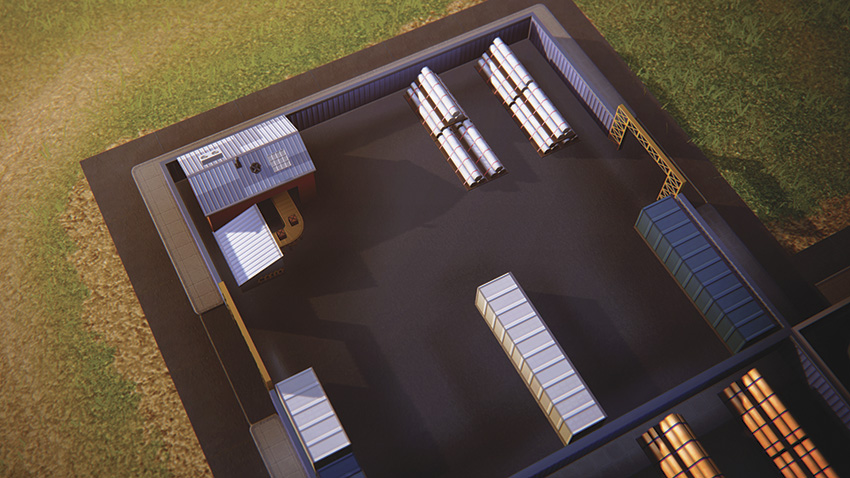
Metal Storage Lot
-
Cost:
20,000
-
Operational Cost:
150 per hour
- Storage Capacity: 100 tons
- Maximum Modules: 6
- Prerequisites:
- Metals HQ with Commerce Division
- OR Trade HQ with Metals Division
- Description: Adds a large amount of storage for metal. Use the metal locally, or import it from the global market at low prices and export it at high prices.
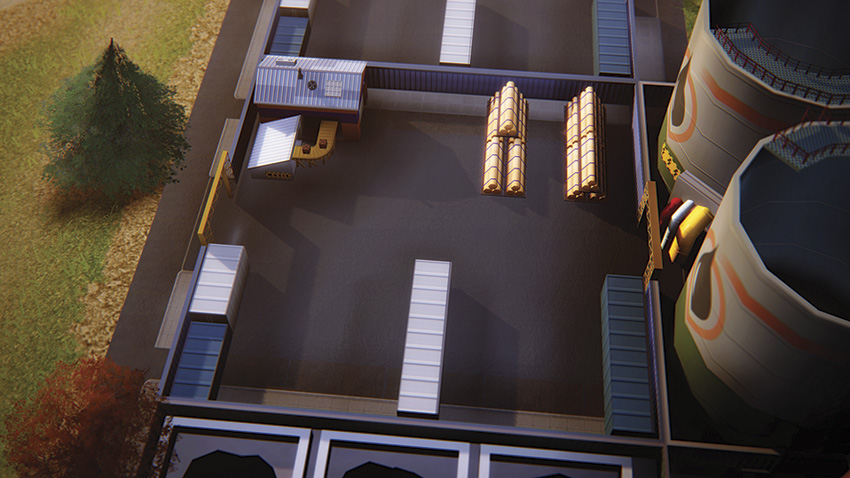
Alloy Storage Lot
-
Cost:
20,000
-
Operational Cost:
150 per hour
- Storage Capacity: 100 tons
- Maximum Modules: 6
- Prerequisites:
- Metals HQ with Commerce Division
- OR Trade HQ with Metals Division
- OR Electronics HQ with Commerce Division
- Description: Adds a large amount of storage for alloy. Use the alloy locally, or import it from the global market at low prices and export it at high prices.
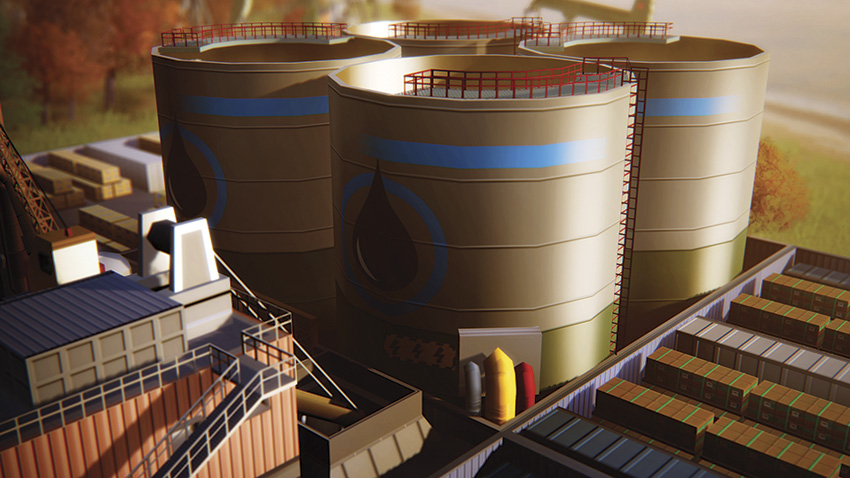
Fuel Storage Lot
-
Cost:
20,000
-
Operational Cost:
150 per hour
- Storage Capacity: 10,000 barrels
- Maximum Modules: 6
- Prerequisites:
- Petroleum HQ with Commerce Division
- OR Trade HQ with Petroleum Division
- Description: Adds a large amount of storage for fuel. Use the fuel locally, or import it from the global market at low prices and export it at high prices.
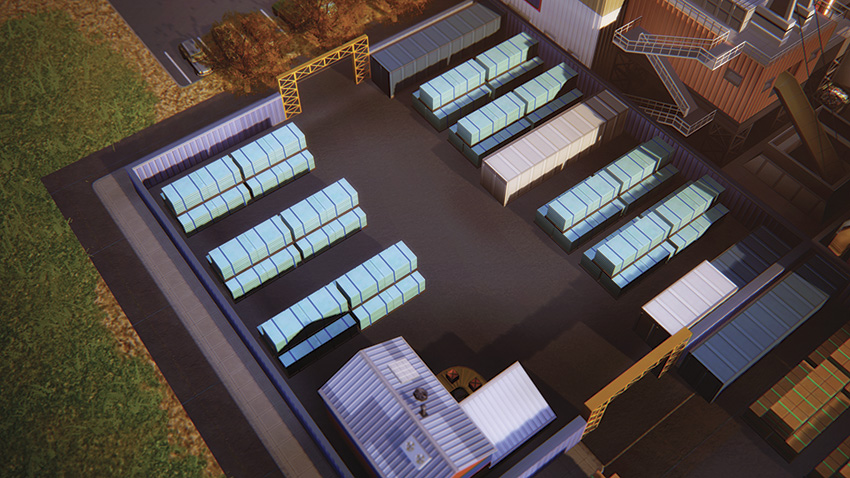
Plastic Storage Lot
-
Cost:
20,000
-
Operational Cost:
150 per hour
- Storage Capacity: 10,000 crates
- Maximum Modules: 6
- Prerequisites:
- Petroleum HQ with Commerce Division
- OR Trade HQ with Petroleum Division
- Description: Adds a large amount of storage for plastic. Use the plastic locally, or import it from the global market at low prices and export it at high prices.
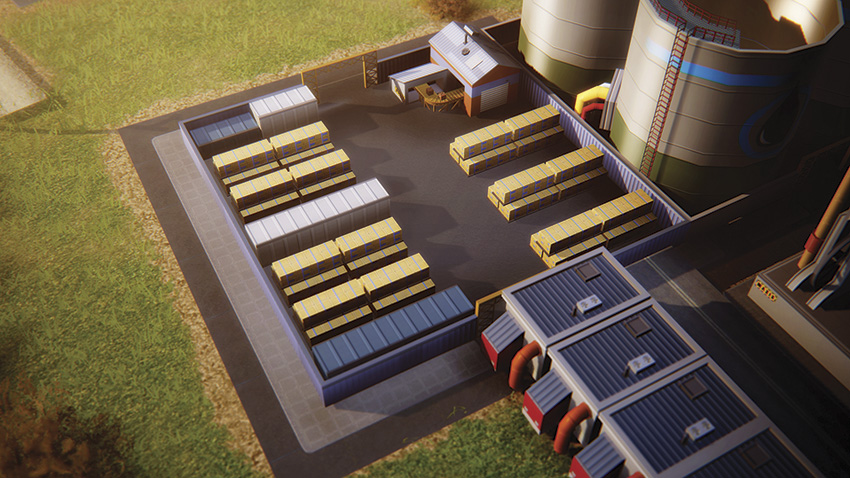
Processors Storage Lot
-
Cost:
20,000
-
Operational Cost:
150 per hour
- Storage Capacity: 10,000 crates
- Maximum Modules: 6
- Prerequisites:
- Electronics HQ with Commerce Division
- OR Trade HQ with Electronics Division
- Description: Adds a large amount of storage for processors. Use the processors locally, or import them from the global market at low prices and export them at high prices.
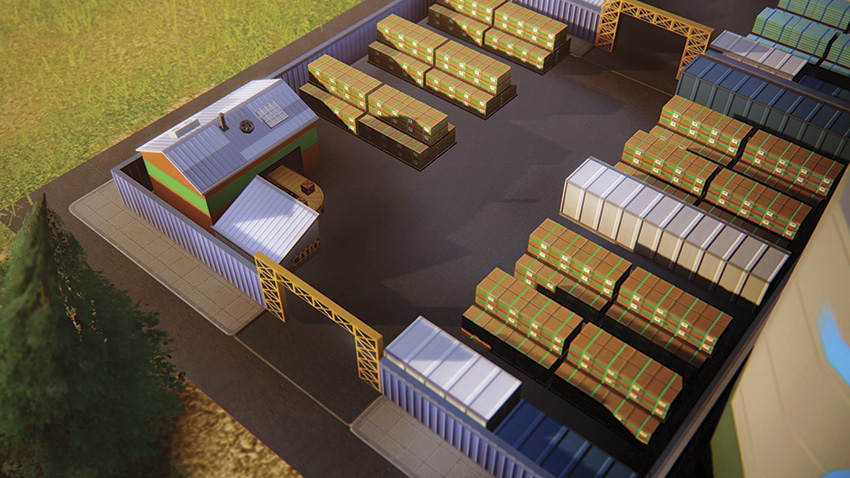
Computer Storage Lot
-
Cost:
20,000
-
Operational Cost:
150 per hour
- Storage Capacity: 10,000 crates
- Maximum Modules: 6
- Prerequisites:
- Electronics HQ with Commerce Division
- OR Trade HQ with Electronics Division
- Description: Adds a large amount of storage for computers. Use the computers locally, or import them from the global market at low prices and export them at high prices.
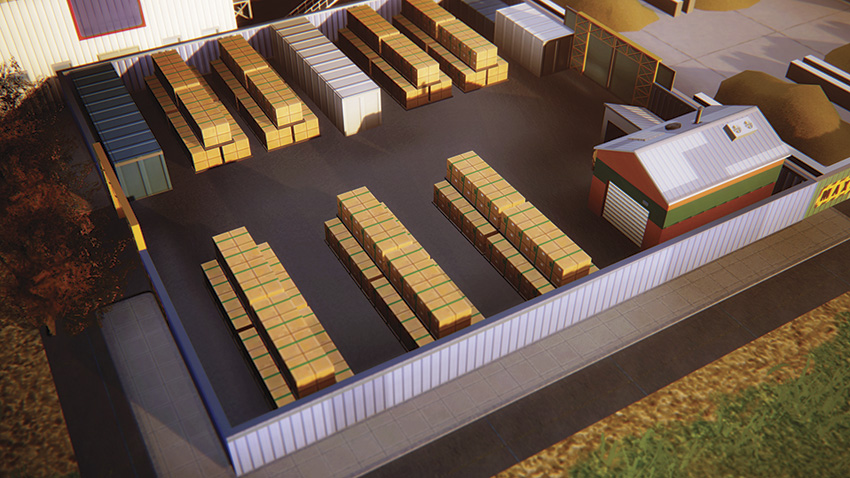
TV Storage Lot
-
Cost:
20,000
-
Operational Cost:
150 per hour
- Storage Capacity: 10,000 crates
- Maximum Modules: 6
- Prerequisites:
- Electronics HQ with Commerce Division
- OR Trade HQ with Electronics Division
- Description: Adds a large amount of storage for TVs. Use the TVs locally, or import them from the global market at low prices and export them at high prices.
Managing the Trade Specialization
If you want to succeed in any of the city specializations, you’ll eventually need to dabble with the importing and exporting of resources through a Trade Depot or Trade Port. The trade specialization is deeply intertwined with mining, drilling, and electronics, making it even more important to know the ins and outs of the global market.
It’s equally important to manage the various storage lots, ensuring your businesses have access to the resources they need in order to prevent any snags in your supply chain.
Playing the Market
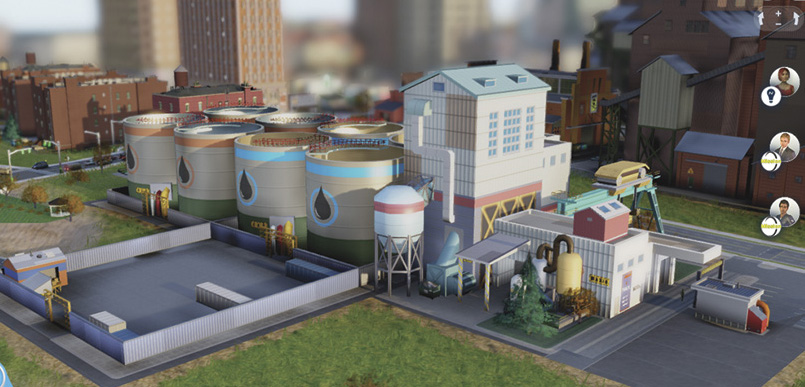
If you have a lot of Simoleons to play with, run your import/export business out of a Trade Port. The large storage lots allow you to move high volumes of resources for even bigger profits.
Unlike most of the city specializations, you can jump into the trade game right away by establishing a Trade Depot—you don’t even need water or power! But what you do with the Trade Depot is entirely up to you. Want to play the global market by buying low and selling high? Then consider importing resources like crude oil, alloy, or plastic.
The market value of each commodity fluctuates based on current supply and demand, taking into account every player accessing the global market in SimCity . If a commodity becomes scarce, its price goes up. But if players are flooding the market with one particular product, the price will plummet. Prices are updated approximately every 60 real-world minutes.
You can check the current price of each commodity by clicking on any Trade Depot or Trade Port and selecting the Manage Global Market Deliveries button. If those resources you imported have gone up in price, consider exporting them now to secure a quick and easy profit. Otherwise, hold on to them until the price is more favorable.
Trucks, Trains, and Cargo Ships
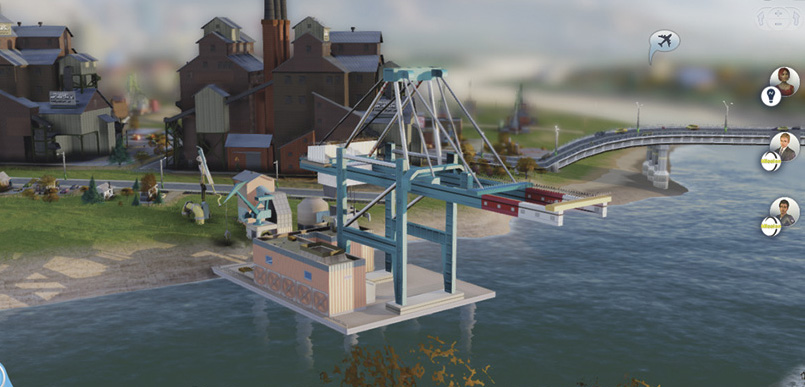
The Freight Rail Terminal and Cargo Ship Dock don’t have to be directly attached to the Trade Port, so leave some breathing room around your Trade Port to accommodate more storage lots.
In addition to playing the market, the Trade Depot is essential for exporting resources extracted and produced in your city. If you have a mine or Oil Well, get that coal, raw ore, or crude oil to a Trade Depot and begin exporting to the global market to generate extra income for your city.
As you make more money on the market, you’ll gain access to the Trade HQ and Trade Port. The Trade Port is simply a bigger and badder version of the Trade Depot, allowing you to store and import/export massive volumes of resources. The Trade Port also offers access to trains and cargo ships through the addition of a Freight Rail Terminal or Cargo Ship Dock.
As you move up from trucks, to trains, to cargo ships, the capacity of each vessel increases by a magnitude of ten. So if a truck can carry 2 tons, each train car can hold 20 tons, and each cargo ship can hold 200 tons.
Whenever possible, try to export resources by cargo ship, especially if your storage lots are near capacity. However, be careful when importing resources through a Trade Port equipped with a Cargo Ship Dock—you might end up with a whole lot more stuff than you can handle…or afford. For this reason, it’s more feasible to manage imports through a Trade Depot.
Import/Export Fundamentals
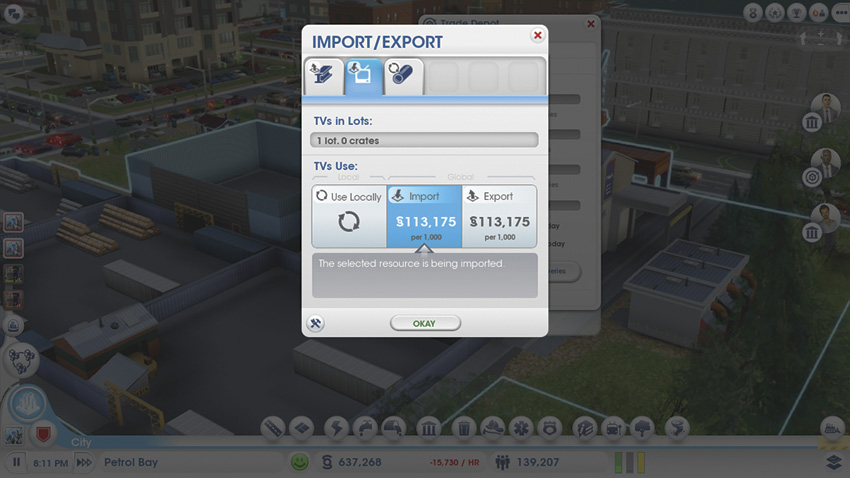
Play it safe when importing resources. The relatively small storage lots at the Trade Depot make it easier to manage product arriving from the global market when your treasury is low—incoming shipments stop when the lot is full.
Are your city’s output lots overflowing with resources? Or maybe local industry requires resources your city can’t produce? To manage imports and exports, click on a Trade Depot or Trade Port and select the Manage Global Market Deliveries button.
This opens a new window allowing you to select from different resources based on which storage lots are present—each commodity is represented by an icon in the tabs at the top of the window. Click on a tab and then choose whether to import or export the selected commodity.
If you choose to import, your city will pay the current market rate to have the selected commodity delivered—new deliveries arrive at different intervals based on the mode of transportation. If you choose to export, product within the selected storage lot will be sold to the global market at the current market rate—a truck, train, or cargo ship will arrive from the region and haul off the products, depositing a payment in your treasury, appearing in the Recent Transactions window of the Budget Panel.
In addition to importing or exporting, you can also choose to use the selected commodity locally—in this case, the Trade Depot or Trade Port simply serves as a storage warehouse for excess product consumed by local industry. This comes in handy if the output lots at your mines or Oil Wells are overflowing—these storage lots serve as a backup, allowing you to store product until you’re ready to sell it or ship it to another building like the Smelting Factory or Oil Refinery. The massive storage lots at the Trade Port are perfect for hoarding materials necessary to construct Great Works.
Local Industry and Freight
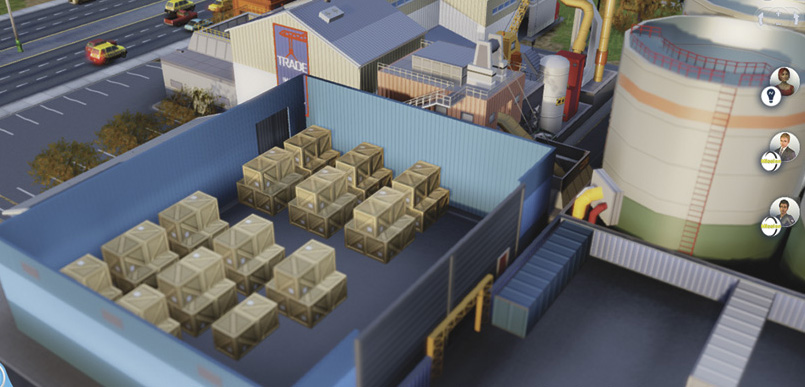
See all those crates in that Freight Shipping Warehouse? Each crate contains goods produced by local industry.
If you have multiple factories in your city, always add at least one Freight Shipping Warehouse module at a Trade Depot or Trade Port. This module serves as an overflow warehouse for freight produced at local factories.
If industry has no shops to send their freight to, they’ll go out of business. In this sense, the warehouse serves as a safety net, accepting surplus freight when there aren’t enough shops in your city to accept it. From the warehouse, the freight is then shipped out to commercial shops or sold on the global market—build additional Freight Truck Garages to add more trucks, helping deliver freight to consumers at a faster rate.
Supplying local factories with one of these warehouses greatly increases their chances of survival, allowing them to ship large amounts of freight throughout the city and region regardless of their access to shops. Freight shipped from the Trade Depot or Trade Port to shops or the global market earns your city no money directly. However, as the factories producing the freight become more profitable, they pay more in taxes, boosting your city’s income through increased tax revenue.
Trading: Points to Remember
- Storage lots allow you to import resources or make money by exporting them.
- Import resources like coal to fuel your power plant.
- Click on a Trade Depot or Trade Port to see the global market controls.
- Trucks, trains, and cargo ships will automatically pick up resources when selling to the global market.
- Prices for resources fluctuate based on how many are bought or sold.
- Local industry can ship freight to Trade Depots or Trade Ports with a Freight Shipping Warehouse.
- Trucks in Trade Depots and Trade Ports help deliver freight and resources to your local businesses.
- Increase your output by adding more storage lots.