
The Sims 3 Pets Guide Walkthrough Create a Pet
Create a Horse
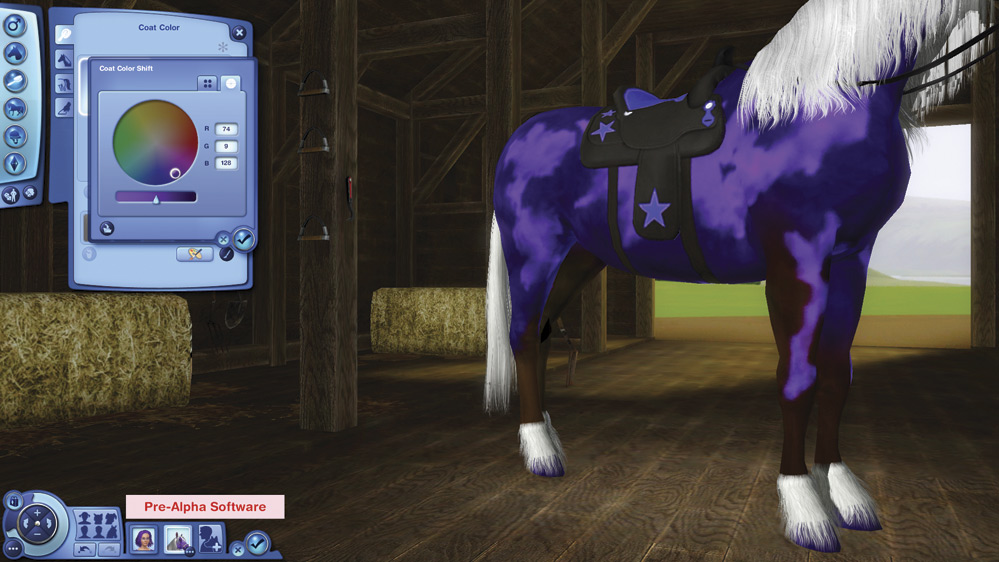
Horses are first so we’ll start there. Besides, horses are about the coolest pet ever. For most people, keeping a horse is only a dream. But in Appaloosa Plains, with its wide open space, and lots of horse amenities, it’s easy to become part of the horsey set. Whether you just want to ride a horse sometimes for pleasure, or you plan to raise, train, and breed a stableful of racehorses, you’re about to have a blast.
Basics
When you choose Create a Horse, you’re taken to the stable, which is the equine version of a dressing room. Here you see a variety of tabs, roughly analogous to the tabs for creating a Sim.
The first tab is Basics. Name your horse, choose the gender, and select the starting age.
Breeds
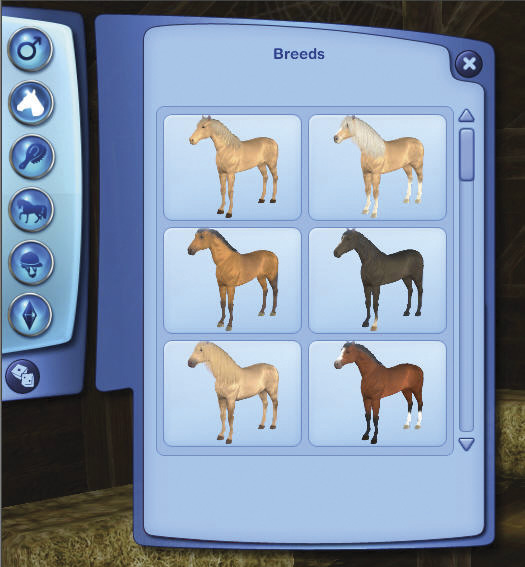
The next button is Breeds. Choose your horse’s breed from a variety of options.
Coat Color
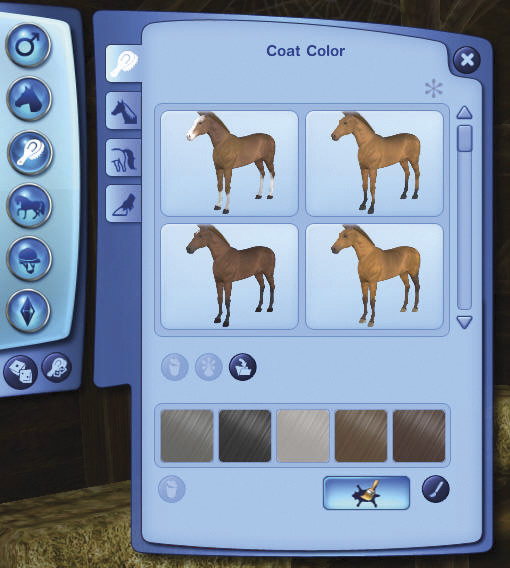
The next button is Coat, and the first tab of that is Coat Color. Coat color lets you easily choose coat colors with simple modification.
Click the Paintbrush icon to the right of the Advanced mode icon to Change Color. You can shift the color by choosing from a list of colors, or use the color wheel to dial in the color of your choice.
Advanced Mode
Click the Advanced Mode button for an astounding variety of choices to individualize your horse.
Before you start individualizing, look to the right of the screen, and click on the plus-shaped icon to add another layer. Each layer lets you add a certain style or pattern to the horse’s coat. Keep adding layers to put one effect over another. As you can see below, you can customize a variety of the horse’s body parts separately, and for each new customization, you need to add another layer, or else change the exisiting layer. With these tools, you can make your horse look just like you imagine.
In the Regions tab, each shaded area can be customized separately.
Click over to the Markings tab and you can view your horse’s hide in an overview. And choose from a variety of marking patterns. Find everything from spots to stripes to butterflies to hearts to spiral stars... and more!
Each marking pattern can be moved around on the hide layout. You also can grab the outlines of the marking pattern and stretch, shrink, or rotate it as you like.
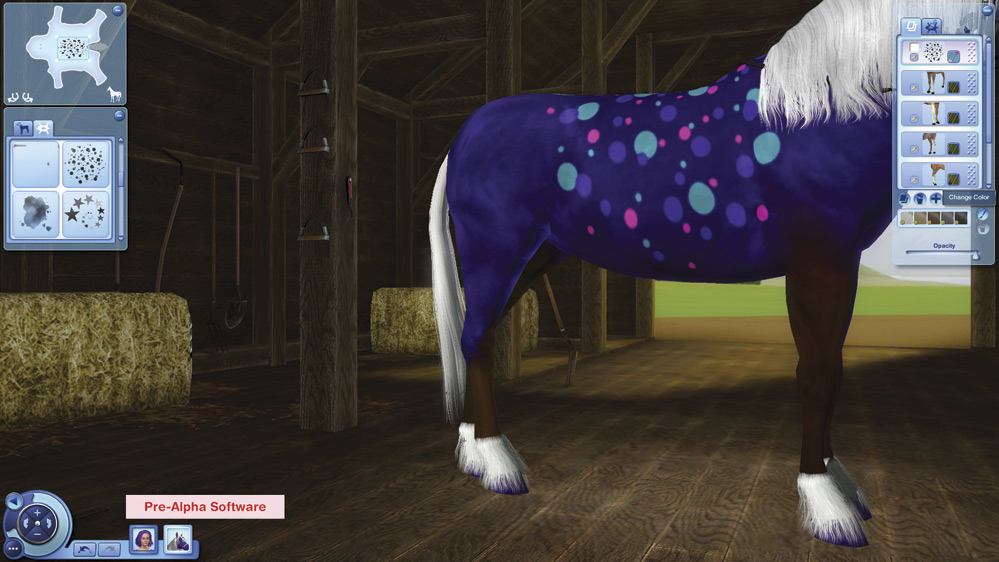
Click on the Paintbrush icon on the layers panel on the screen’s right to get to the familiar Create a Style window.
Where you can change each color component of the pattern, by using either preset colors or the color wheel.
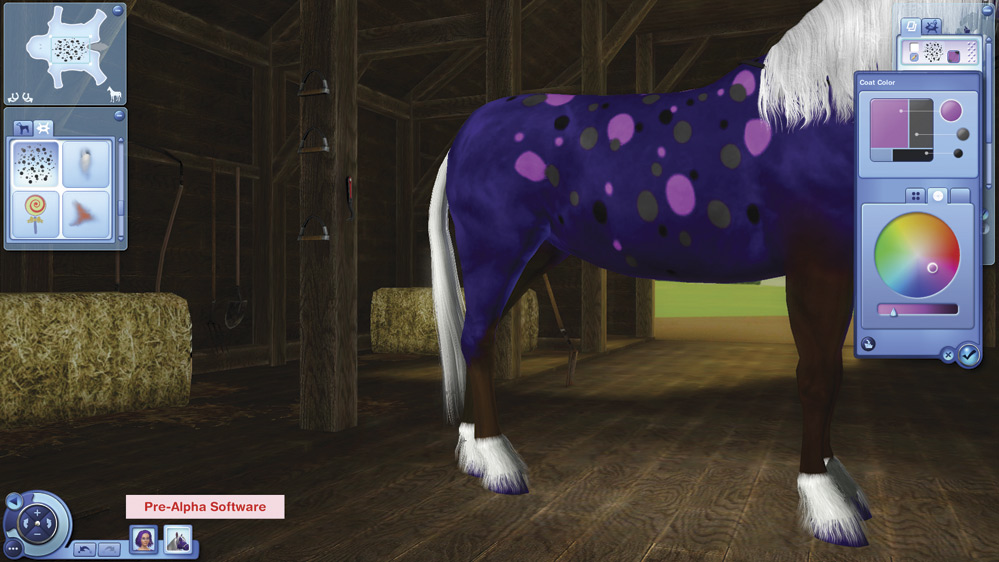
The opacity slider allows you to take the marking from barely visible...
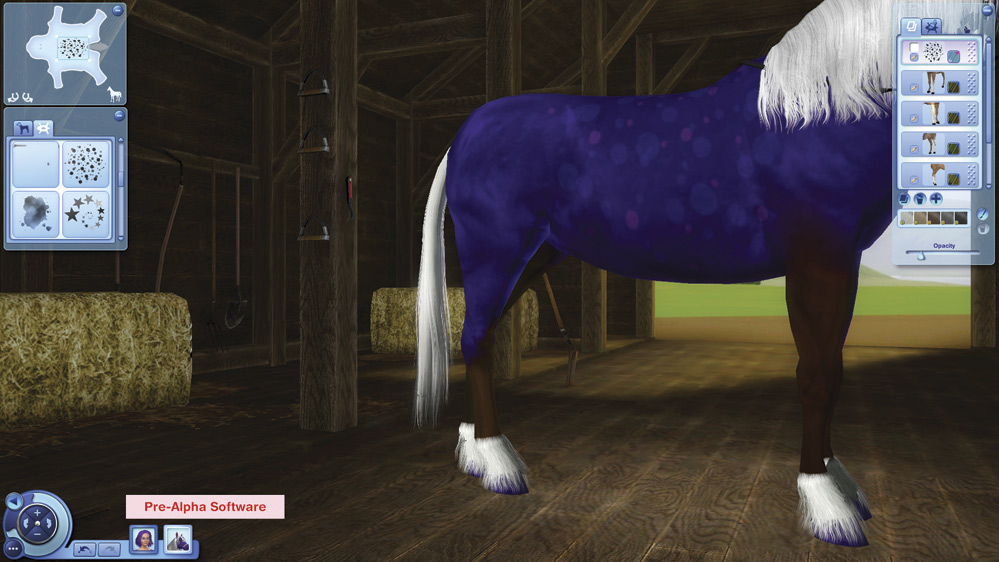
...To vibrant!
Once you have it just as you like it, you can copy the layer, delete it, or add another layer.
Whenever you’ve finished customizing in Advanced mode, just click the Basic mode button to return.
Mane, Tail, and Feathering
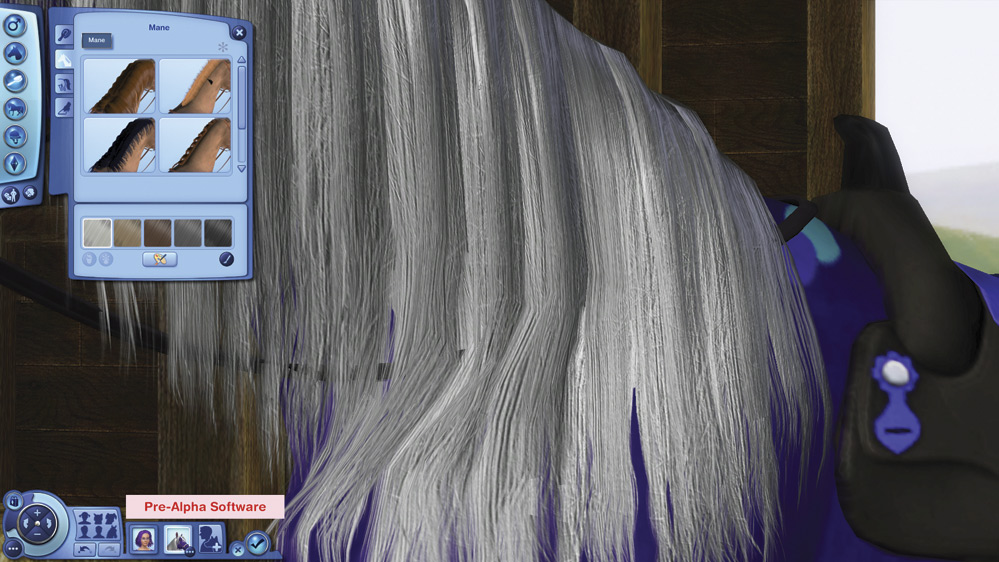
Next you can customize the mane. Choose long, short, cropped, or braided.
Select your tail style.
And adjust the feathering, from sleek to beer wagon–wannabe.
Shape
The Shape Button offers a similar plethora of options to modify the physical features of the pets - Full Body, Body, Head, Eyes, Snout, Ears.
Advanced Mode
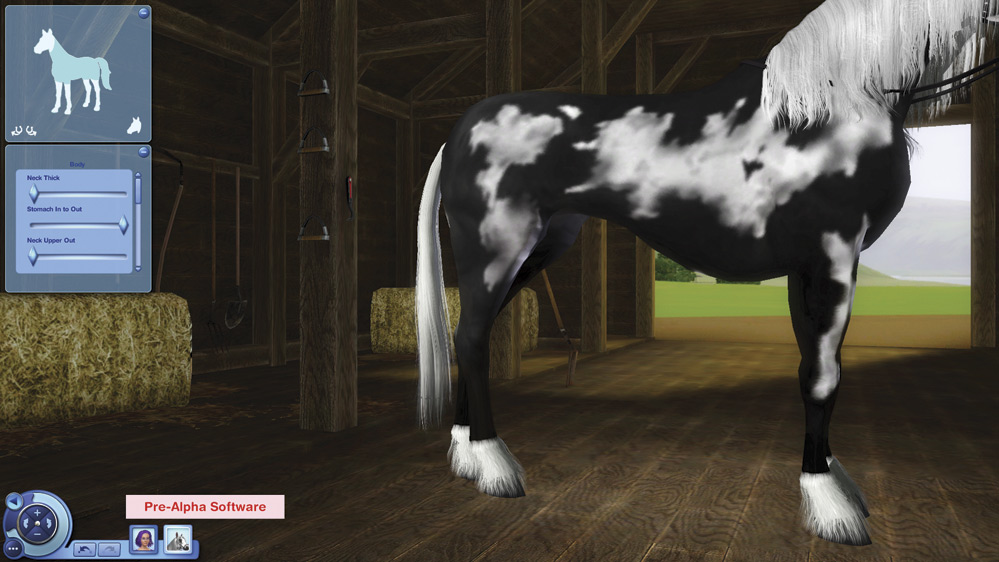
Once again, from the Shape button you can click into Advanced mode to further customize each element individually. There are two modes here: body and face.
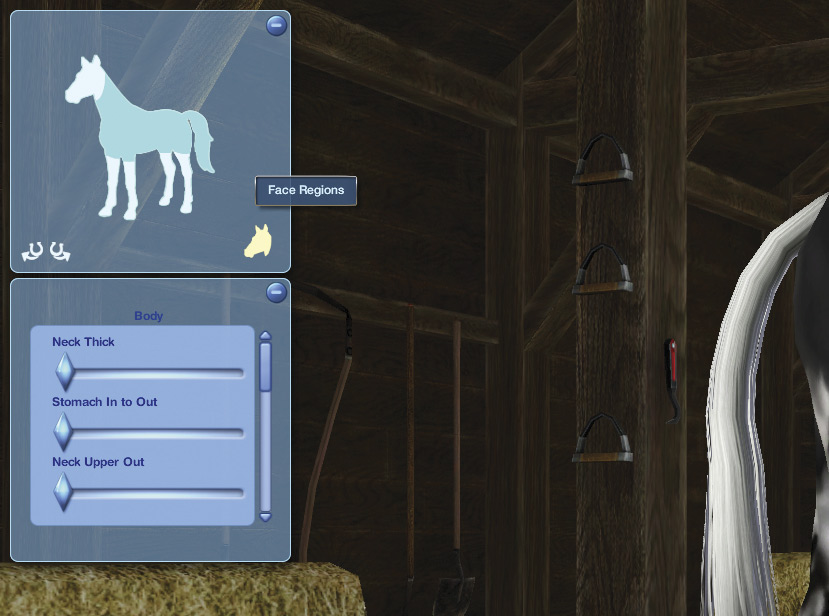
If you’re in Body mode, click the Face Regions icon on the bottom right to switch to Face mode and vice versa.
Sliders let you make multiple adjustments to different aspects of each feature. Change your horse’s eye color too! Either make both eyes the same color, or two different colors. Within the Body tab, you can alter aspects of the overall shape of the head, body, and legs.
Accessories
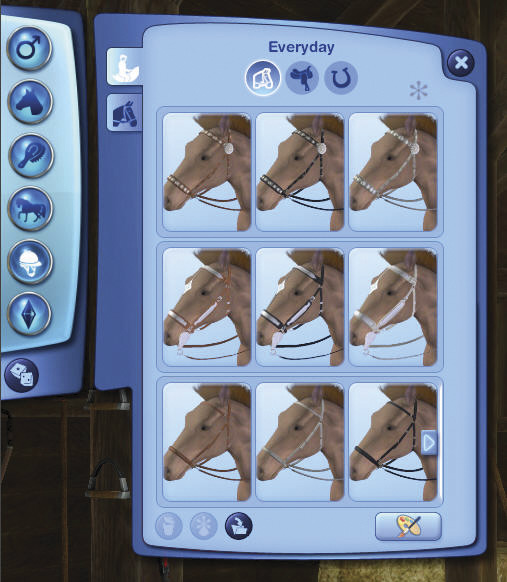
The Accessories button encompasses both riding and leading gear. Within the Riding tab, you can choose bridles, saddles, and accessories.
Bridles come in several types.
Saddles range from Western style to jumping to racing.
Accessories include breast collars and blanket options to make your horse stylish—just in case the pink and purple polkadotted coat pattern didn’t get you there.
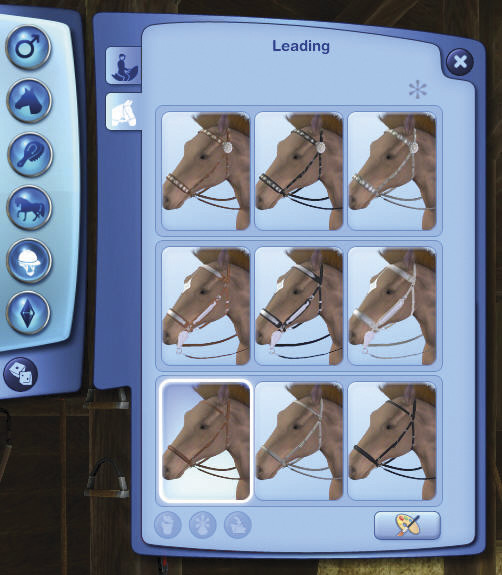
The Leading tab has a few choices for how your horse is outfitted when being led.
And, as always, feel free to enter Create a Style to make each accessory as outlandish as you desire.
Personality
Finally we come to what is arguably the most important aspect: Your horse’s temperment. What sort of horse do you want to raise and ride? Do you plan to compete in show jumping? Do you dream of having a prizewinning racehorse? Think about the sort of life you want for your horses when you choose their traits.
One of the most exciting new aspects of Pets is the ability for your Sim’s training and reinforcement to actually change the traits of the pet. See the New Simology for more detail, but suffice to say that the traits you choose here are just the starting point.