
The Sims 3 Pets Guide Essentials New Features
New Features Introduction
Game Options
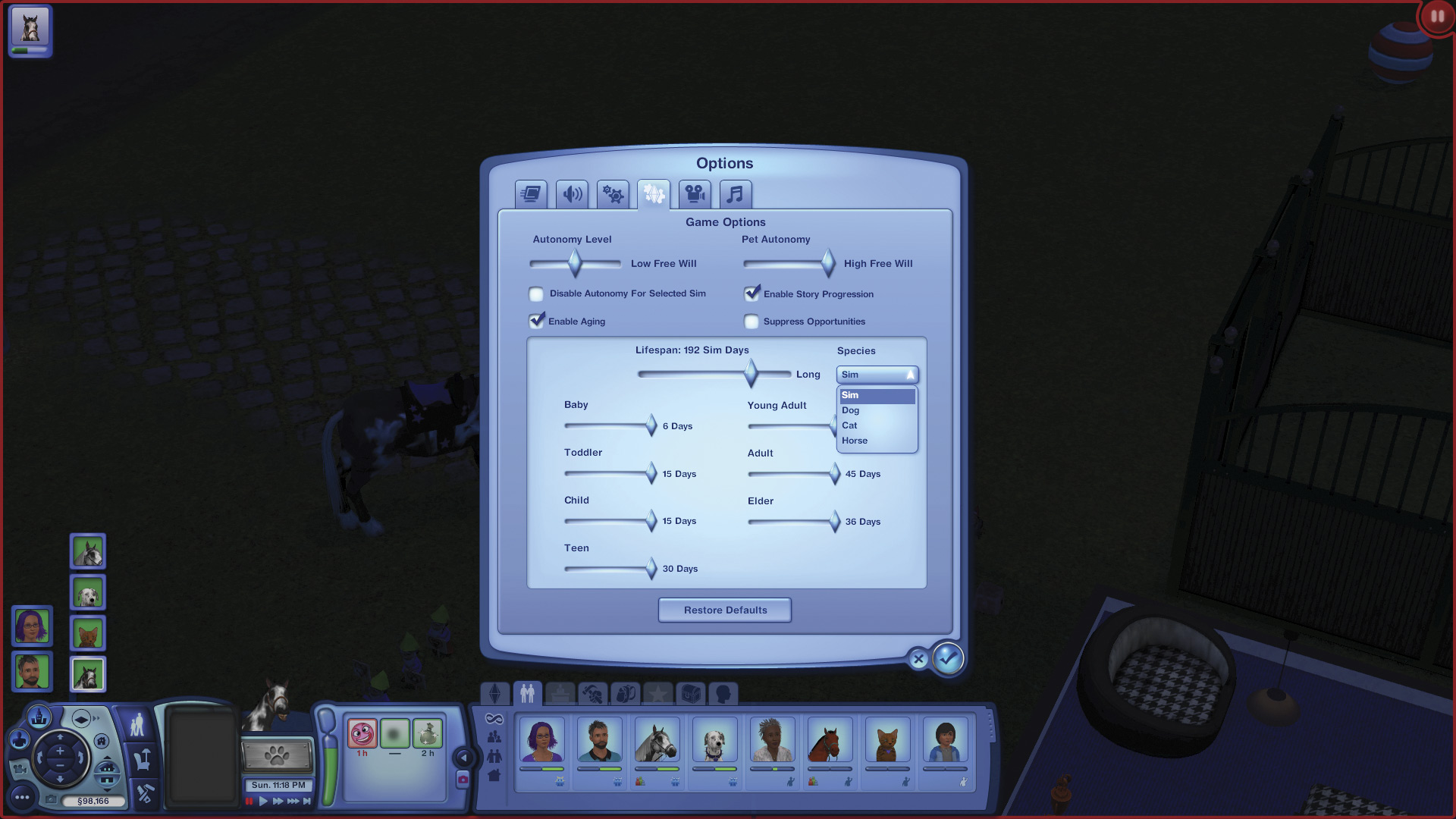
In the Options/Game Options window, you’ll see some new functionality. At the top of the box, slider bars let you set Sim autonomy and pet autonomy separately. You can also check a box to turn off autonomy for the selected Sim.
Below that is a new tab that lets you set life spans by species. You can adjust the three age groups for each species to various amounts, depending on how you want your scenario to play out.
Update Town
If you install The Sims 3: Pets, then load an existing game, you’ll be prompted to add the new venues. This works just like it has on previous expansions, but in short, you choose which lots to place the new venues on so your town can support the new Pets functionality.
Invite Household
Pets introduces a new way to form groups: Invite Household. This is great for inviting Sims and their pets over, or for making a play date for your pets and their furry friends. Just click on the person in the relationship panel, or call them on the cell phone to set up the invitation. You can choose to invite some or all of the creatures in the household.
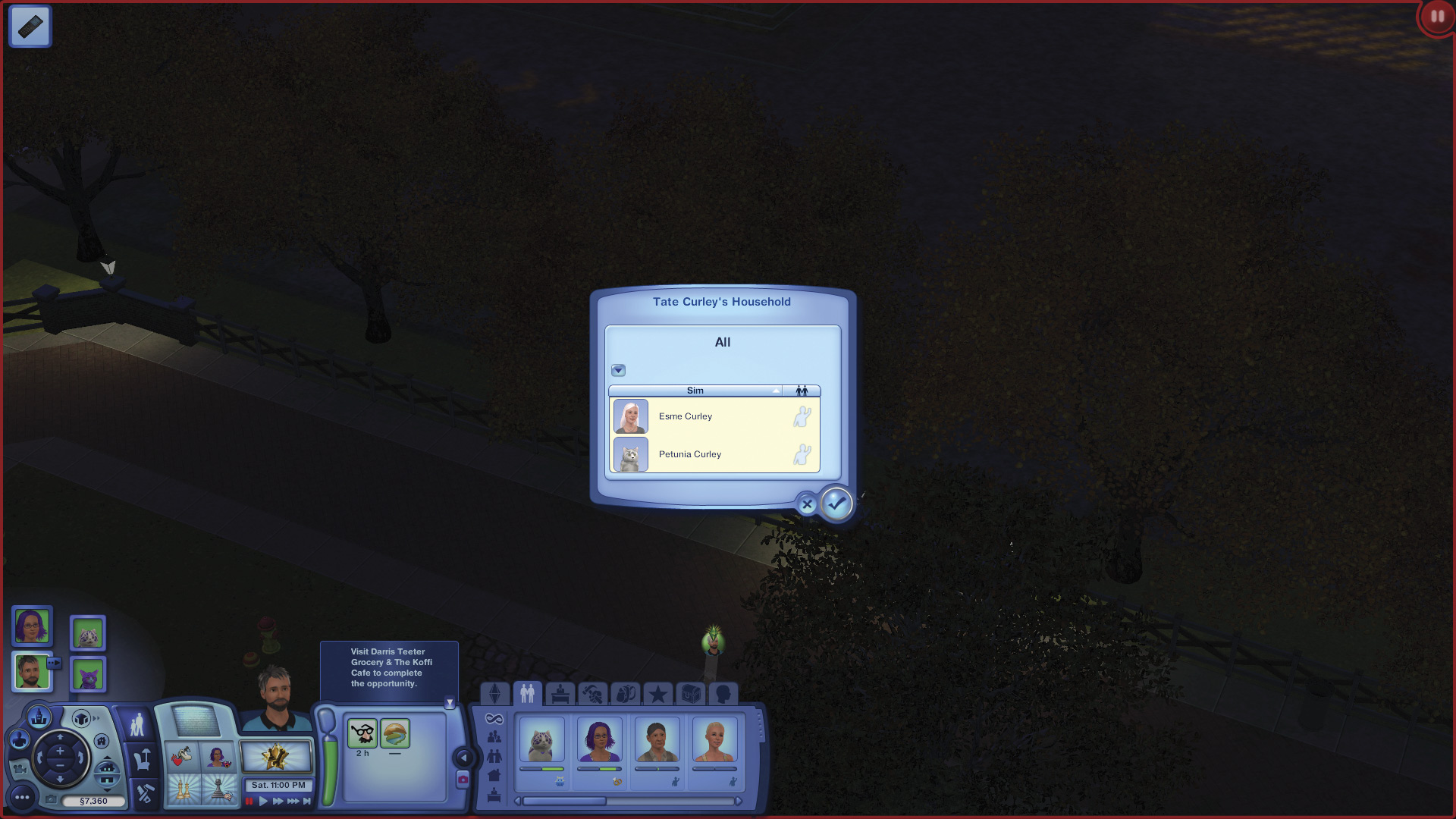
The Invite Household window
Plastic Surgery
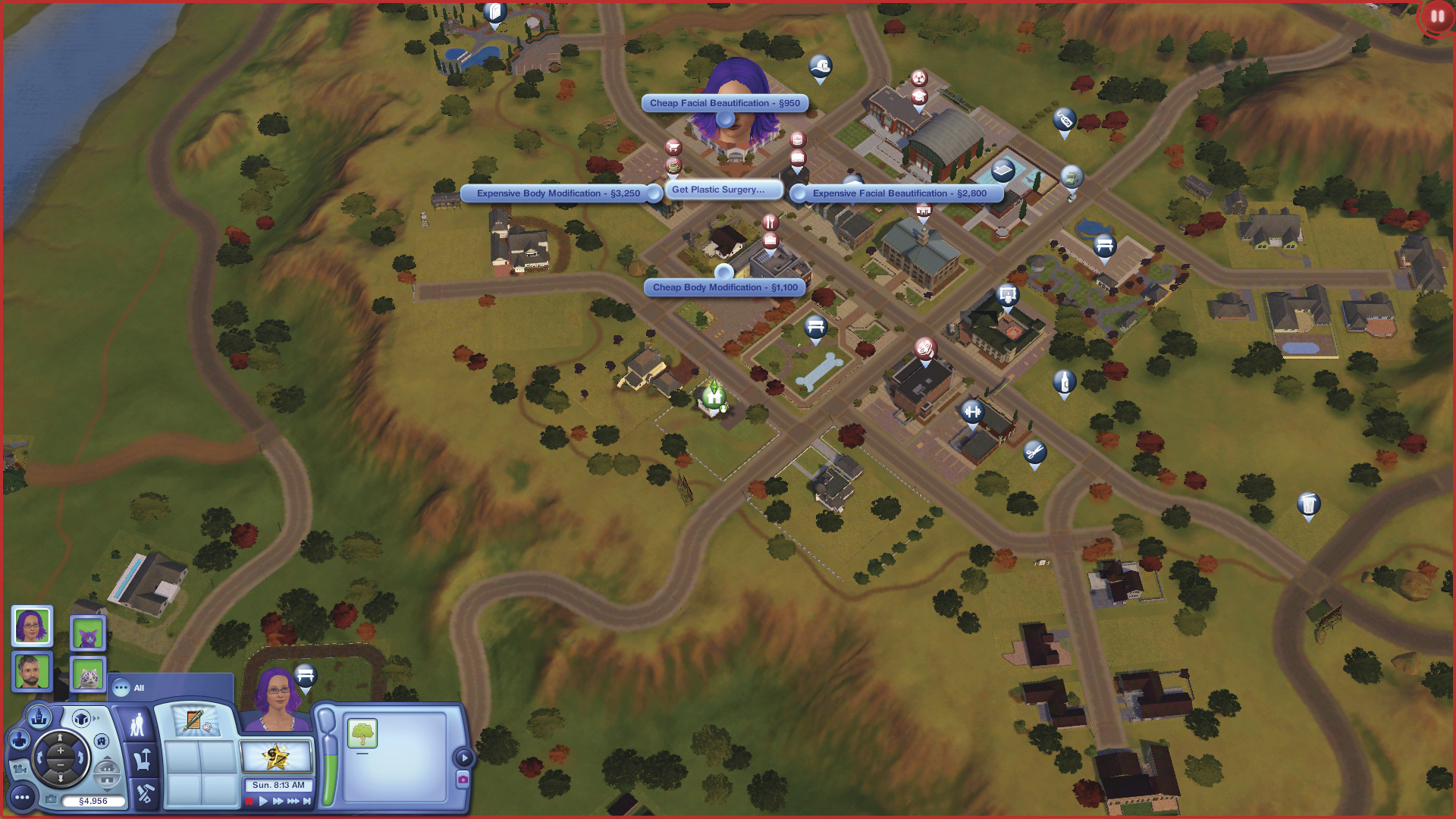
The plastic surgery menu is on the hospital venue
Sometimes, a new hairdo or outfit just isn’t enough of a change. Now if you want to change an aspect of your Sims’ face or body, you can go to the hospital and have plastic surgery.
You have four options: Cheap Facial Beautification for §950, Expensive Facial Beautification for §2,800, Cheap Body Modification for §1,100, Expensive Body Modification for §3,250.
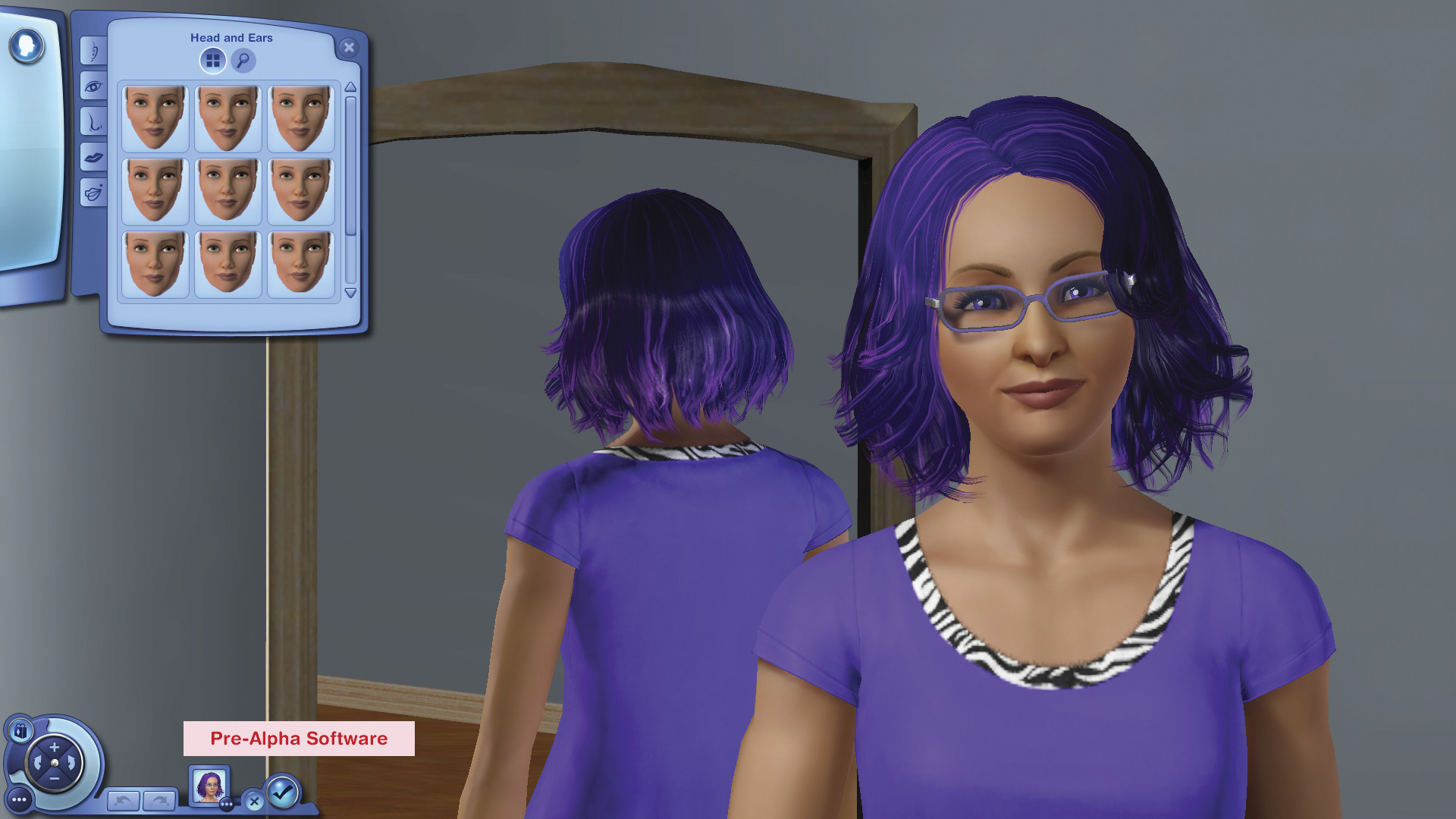
Once you choose an option, you head to the hospital and have the surgery. If the surgery goes well, you’re taken into Create a Sim and allowed to make your choice of changes.
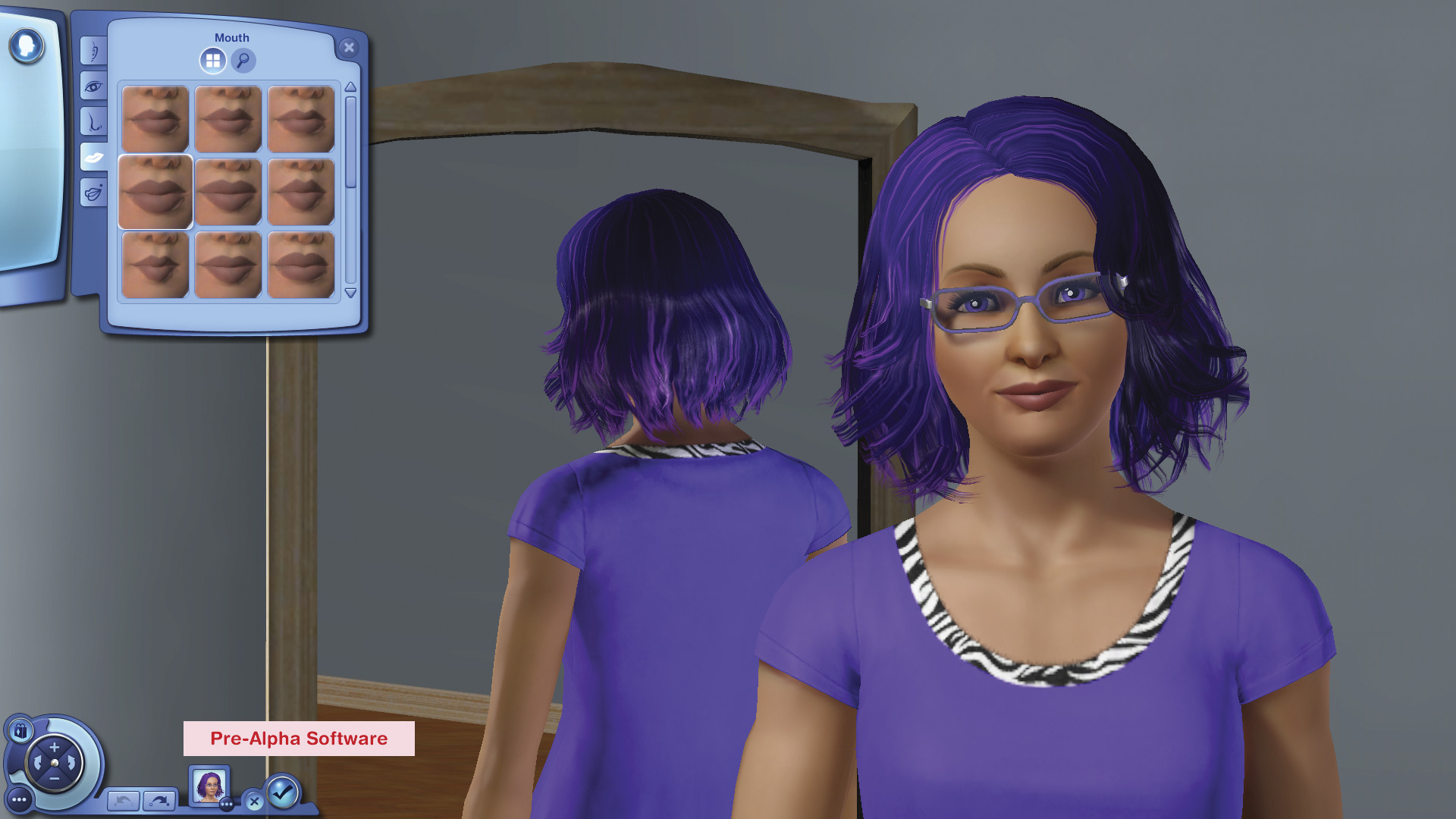
I decide to get a little collagen treatment to make my lips fuller.
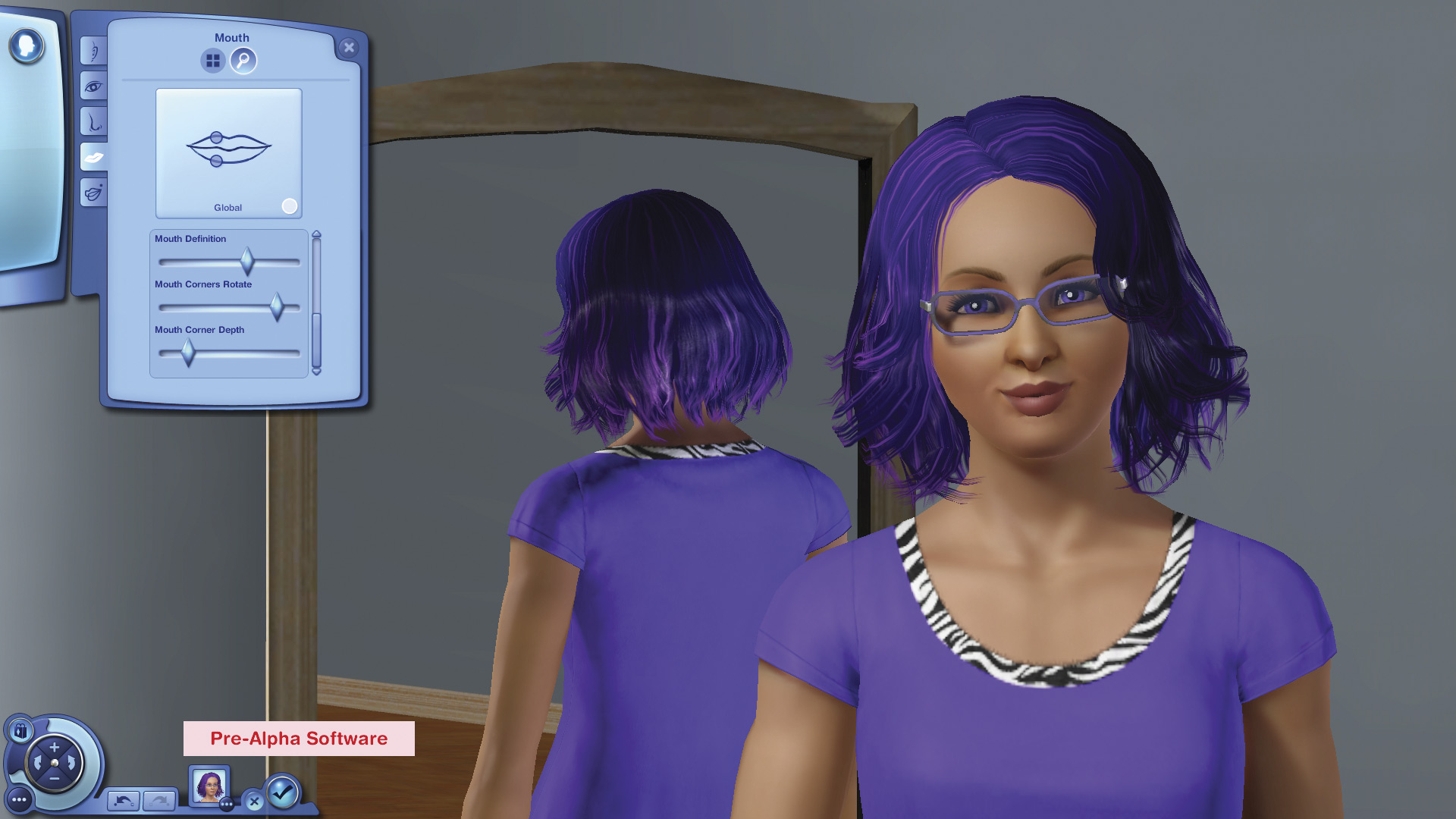
Much fuller! I go into the Details tab and tilt the corners of my lips up a bit.
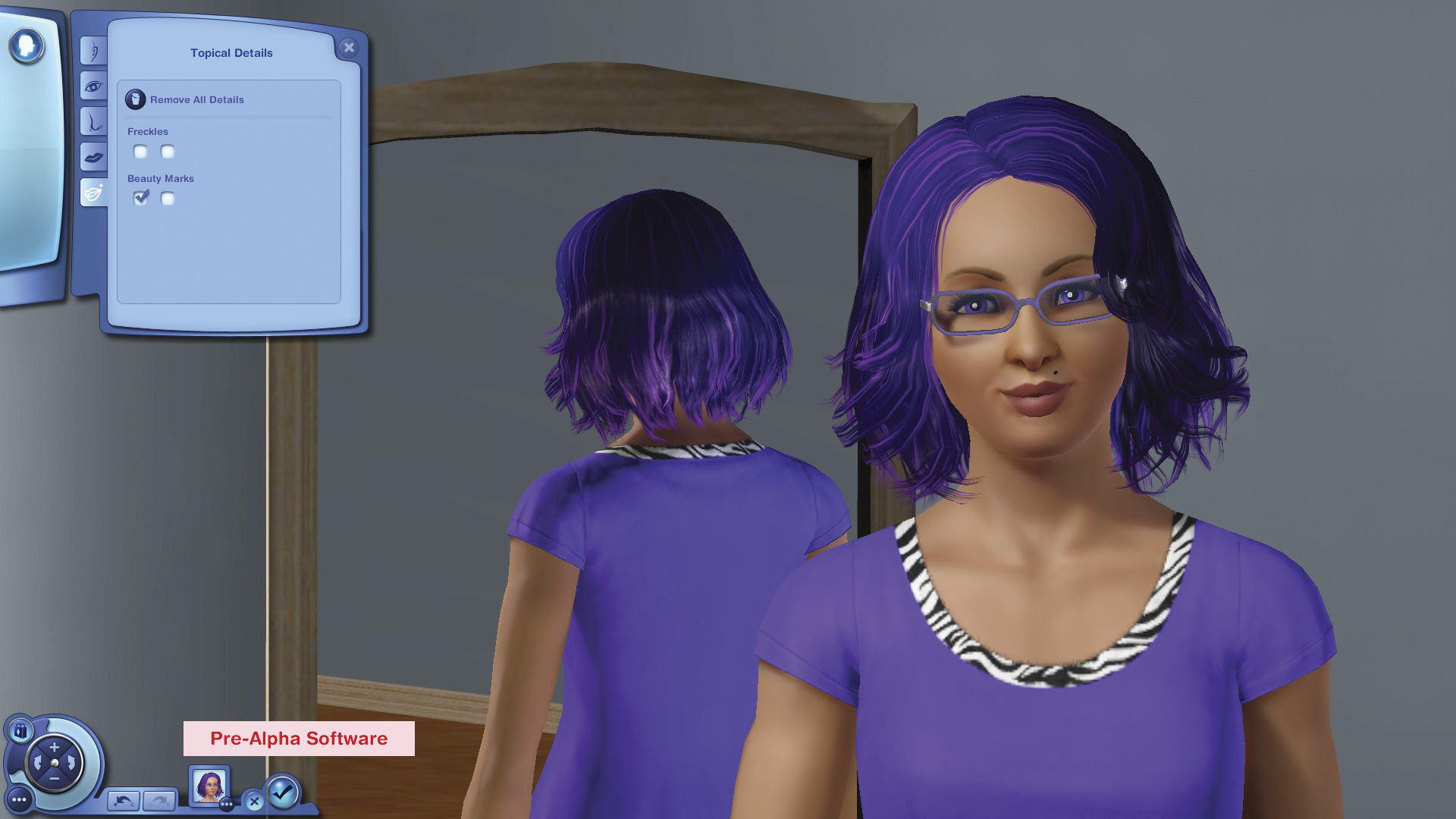
And add a beauty mark.
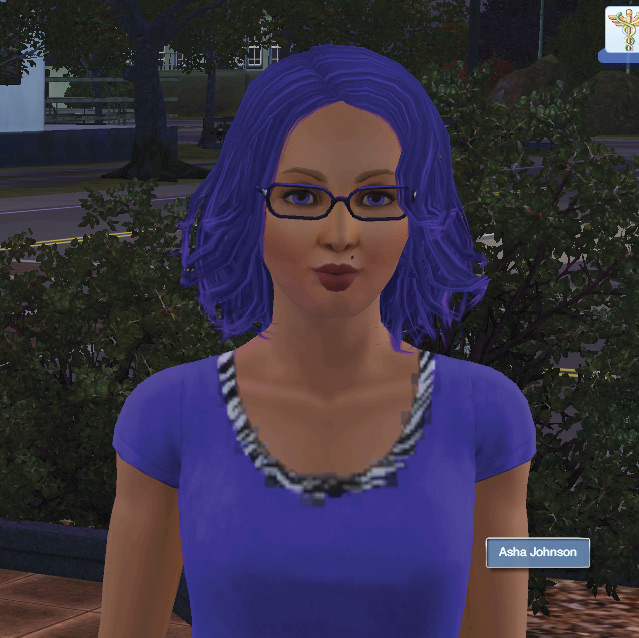
The surgery was a success, and I have full, bow-shaped lips now.
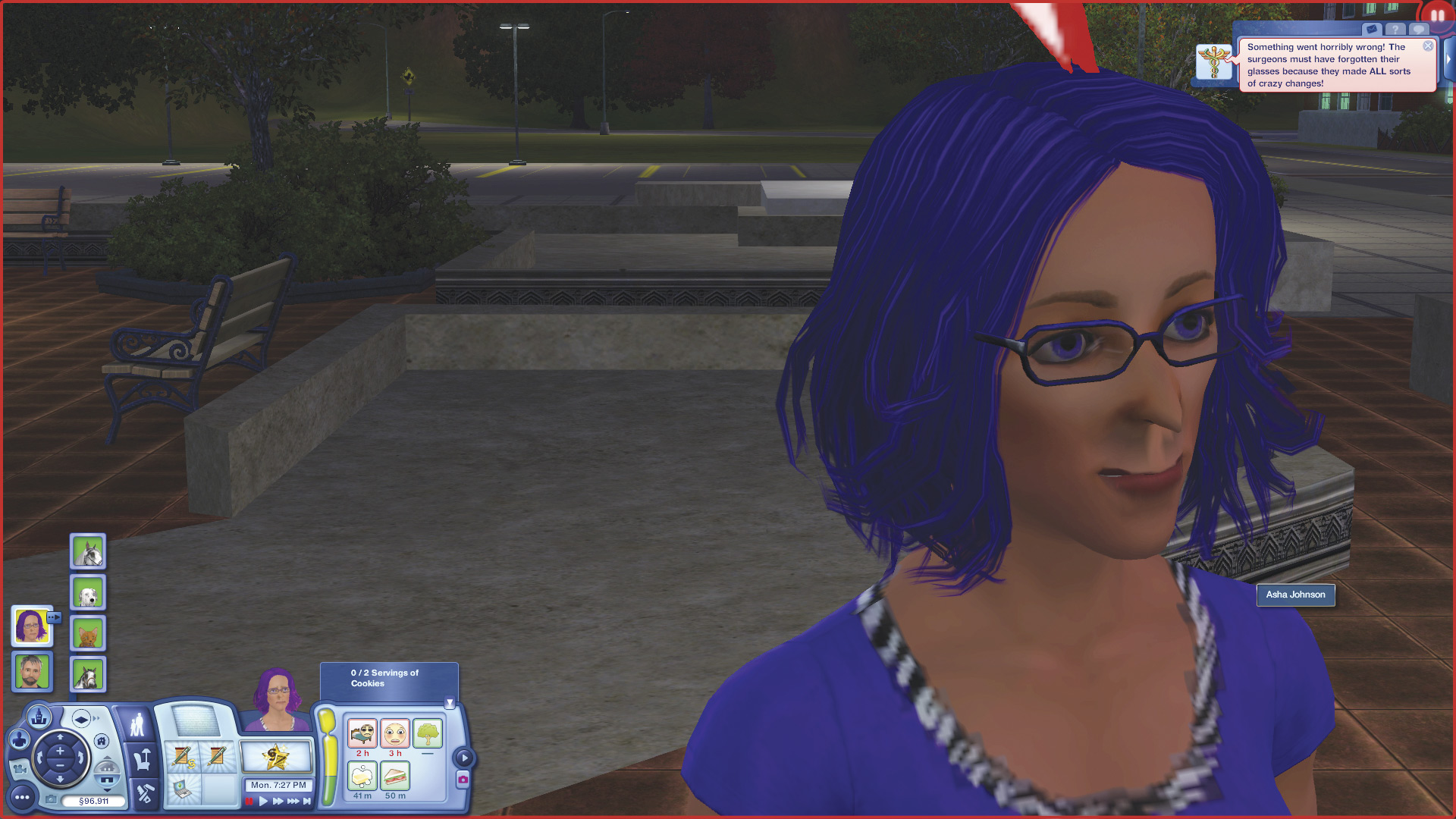
But success is not assured. Sometimes things go horribly wrong. This isn’t the look I was hoping for! My Sim gets the Embarrassed moodlet.
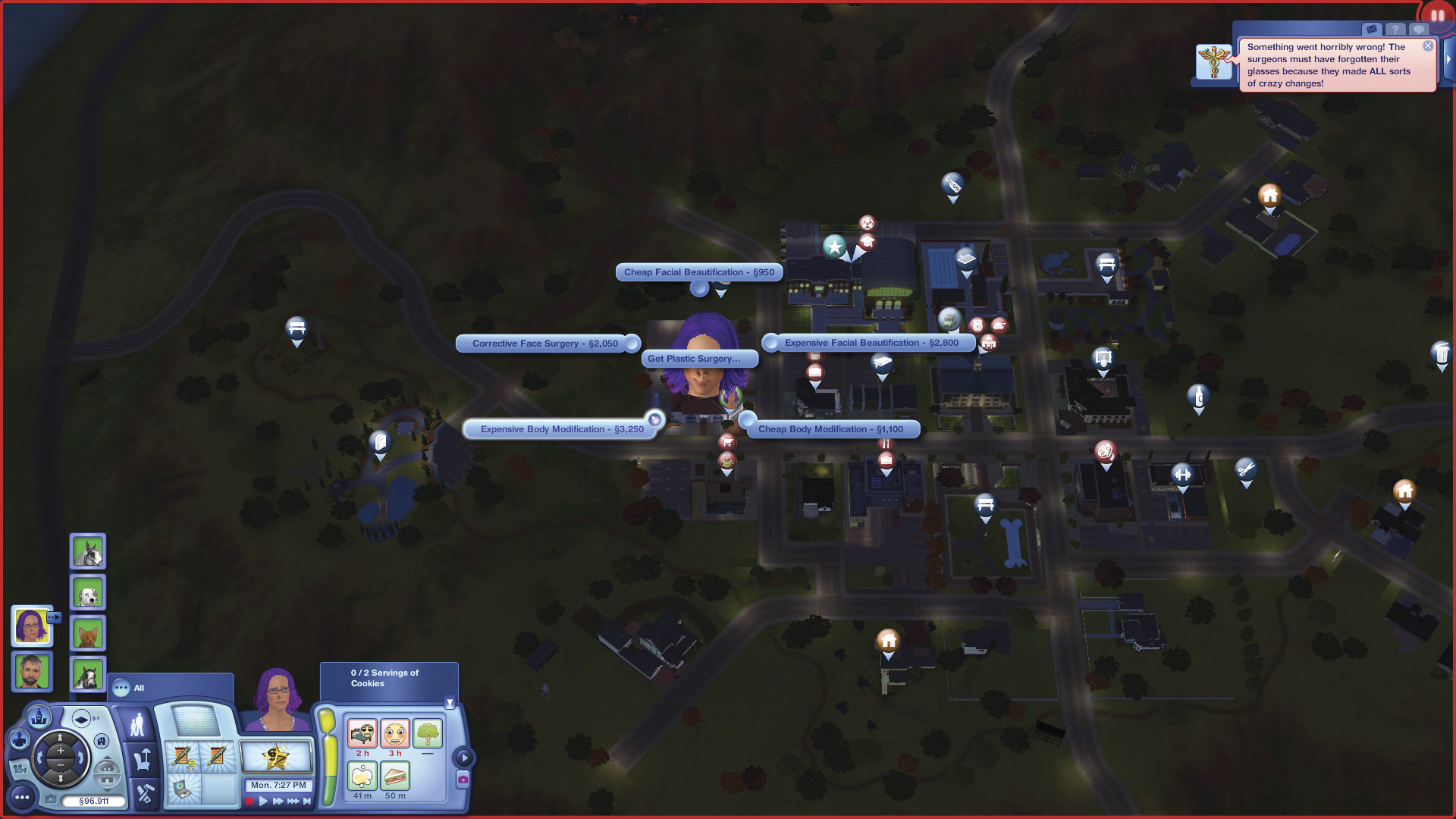
I can reenter the hospital for a fix. Because I suffered a botched operation, I now have a new interaction on the hospital: Corrective Face Surgery for §2,050. This selection puts all my features back to where they started.
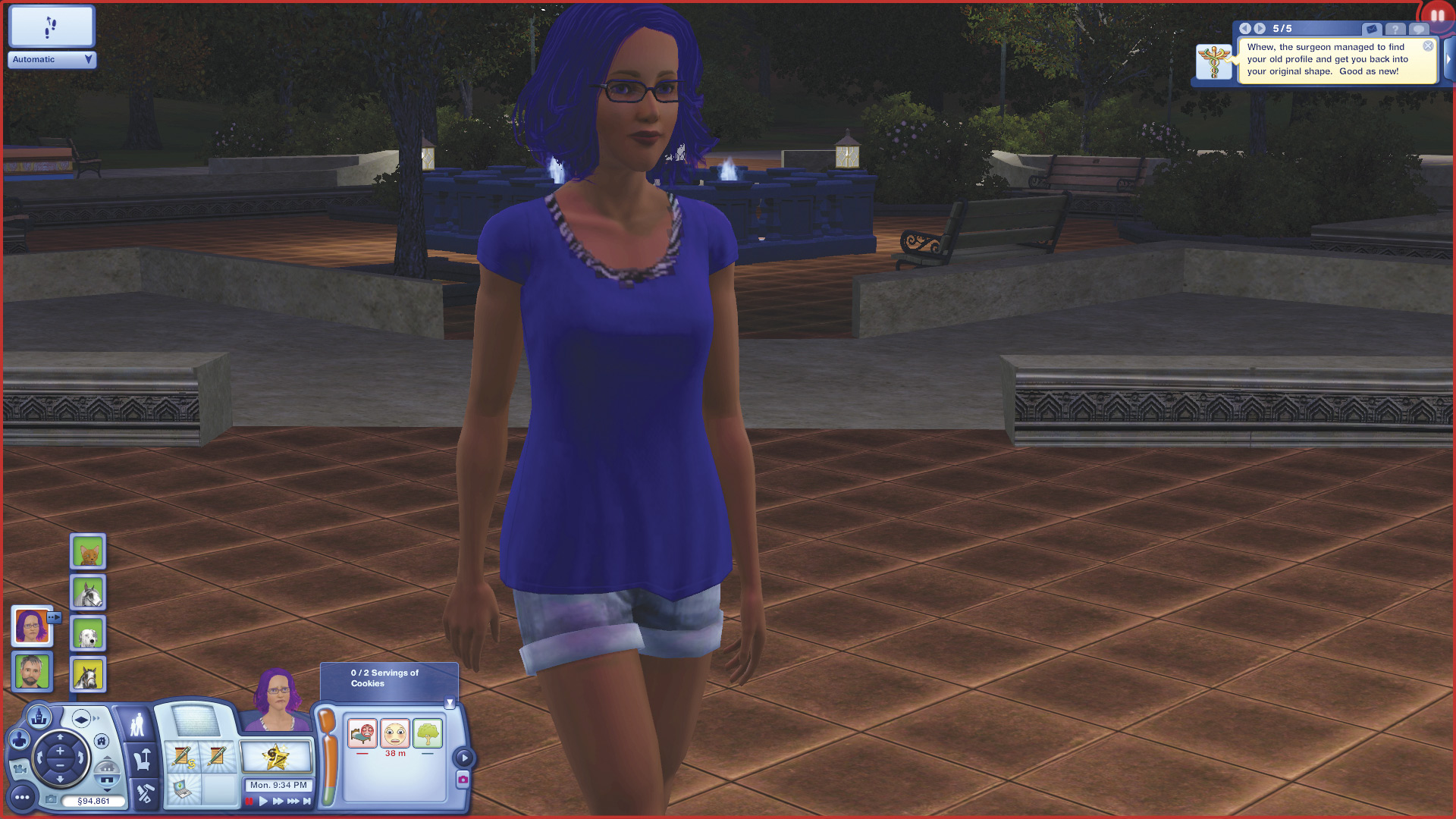
I just spent §2,100 to look... just the same as always!
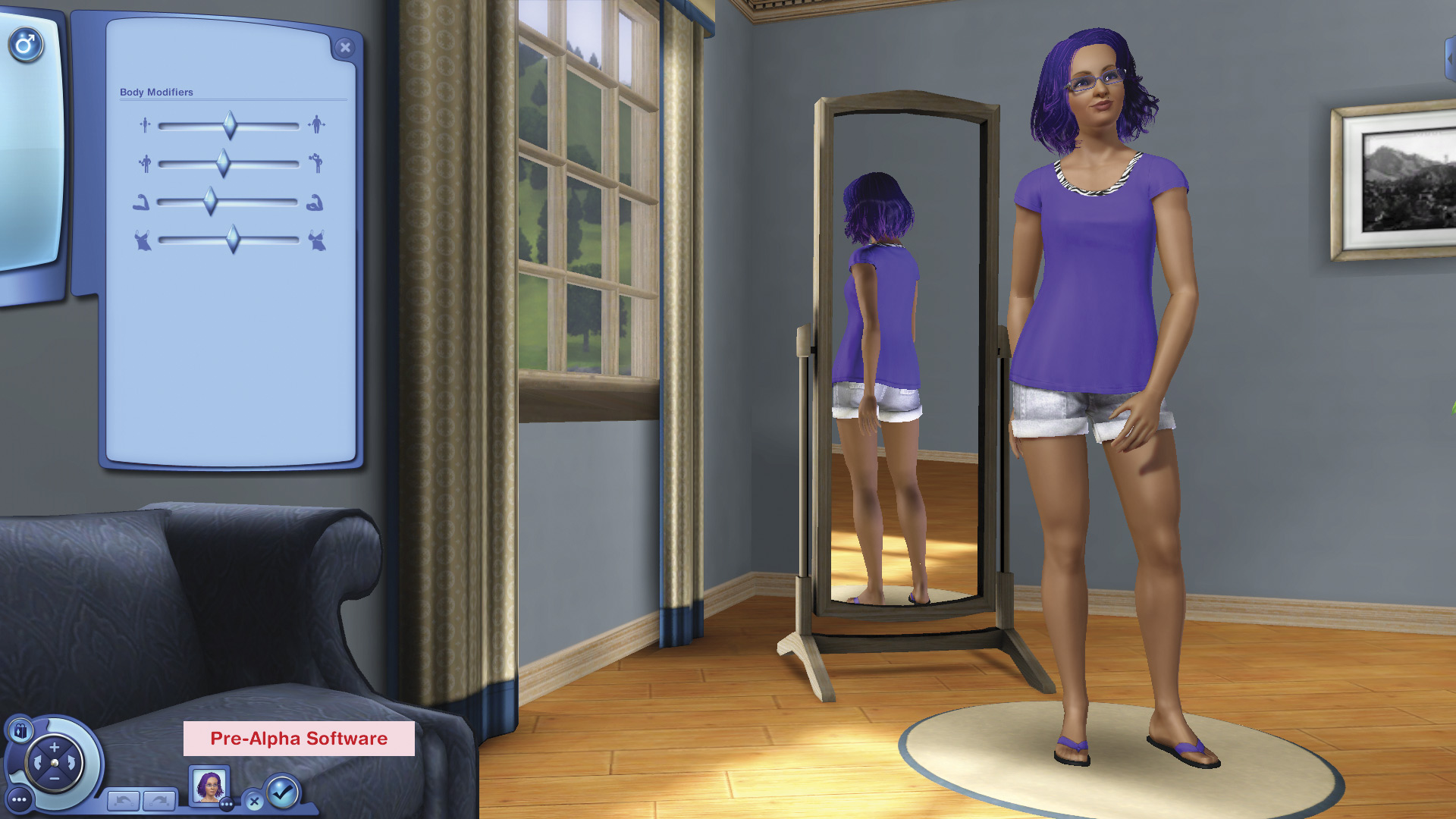
The Body Modification options let you change these attributes: weight, muscle size, muscle definition, breast size.
As with the facial surgery, body surgery can go awry, and if so you can reenter the hospital for a fix.
New Radio Stations
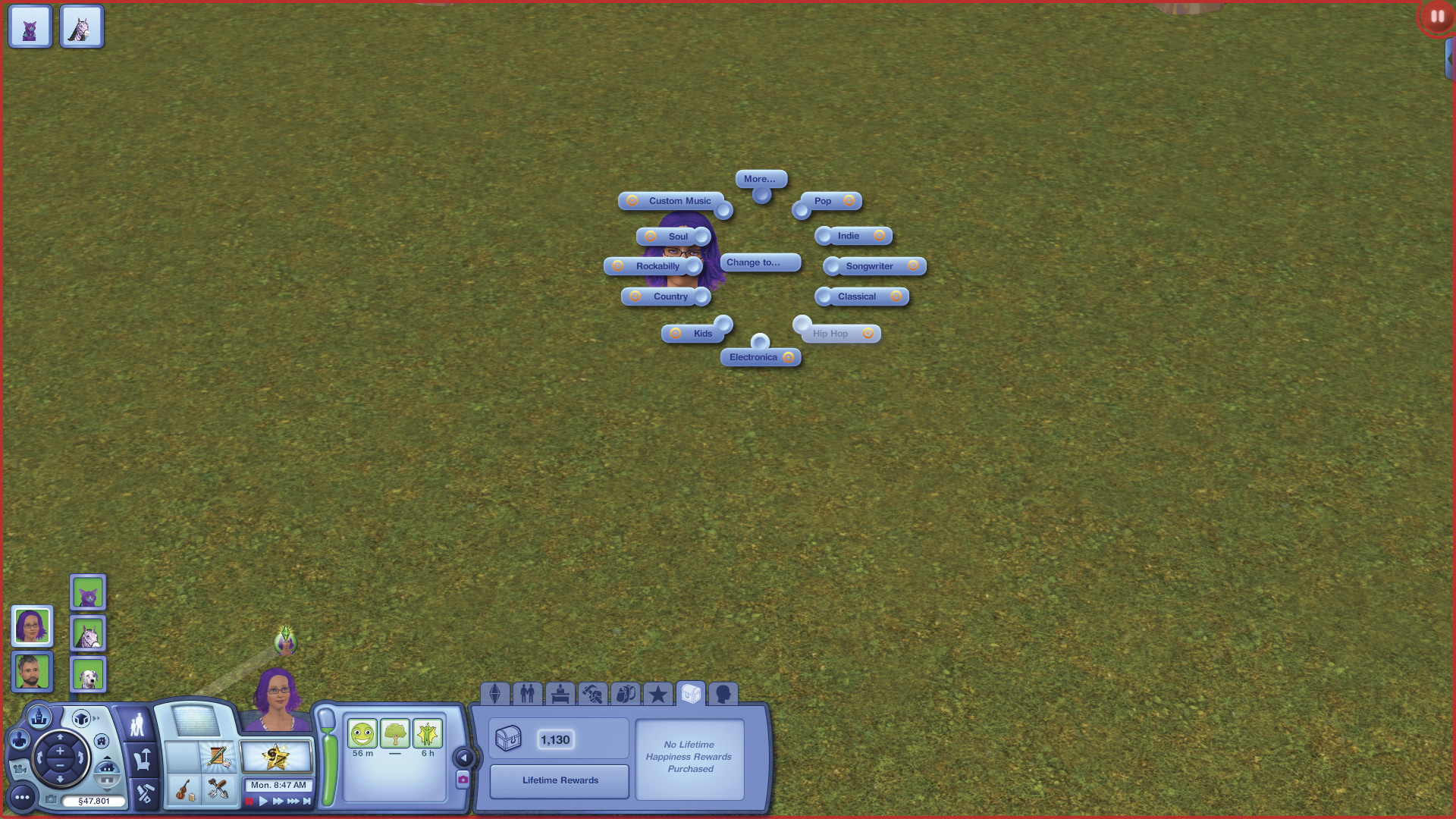
Three new stations are now available on your Sims’ radios. Now when you choose the Change Station... interaction, you can pick from Country, R&B, and Singer-Songwriter stations along with all the others.
Gourmet Pet Food
Sims with any Cooking skill of at least 1 can now make gourmet food for their pets. This high-quality food isn’t just healthy and tasty for your pet, it actually helps your pets live longer. Each time pets eat gourmet food, there’s a chance some days will be added to their life span.
Sims make gourmet pet food like any recipe, and the food goes into the Sim’s inventory. The Sim can then feed it to dogs or cats by putting it in their bowl, and to horses by using the Feed Harvestable interaction. Pets gain a positive moodlet from eating gourmet food. Piggy pets will stop whatever they’re doing come running when gourmet food is put in their bowls.
New Outfits
As always, this expansion adds a bunch of fun new clothing.
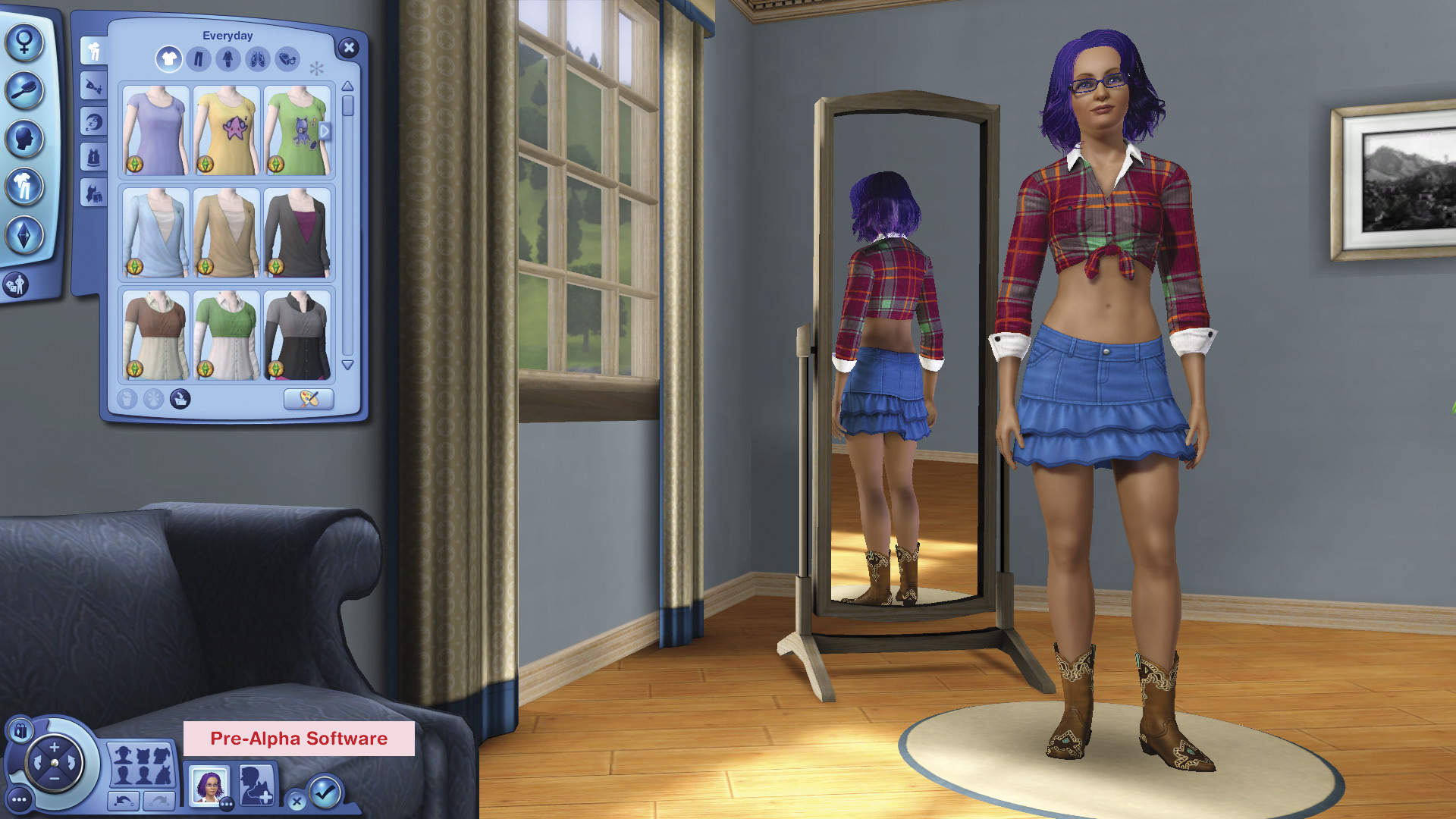
You can go a little bit country.
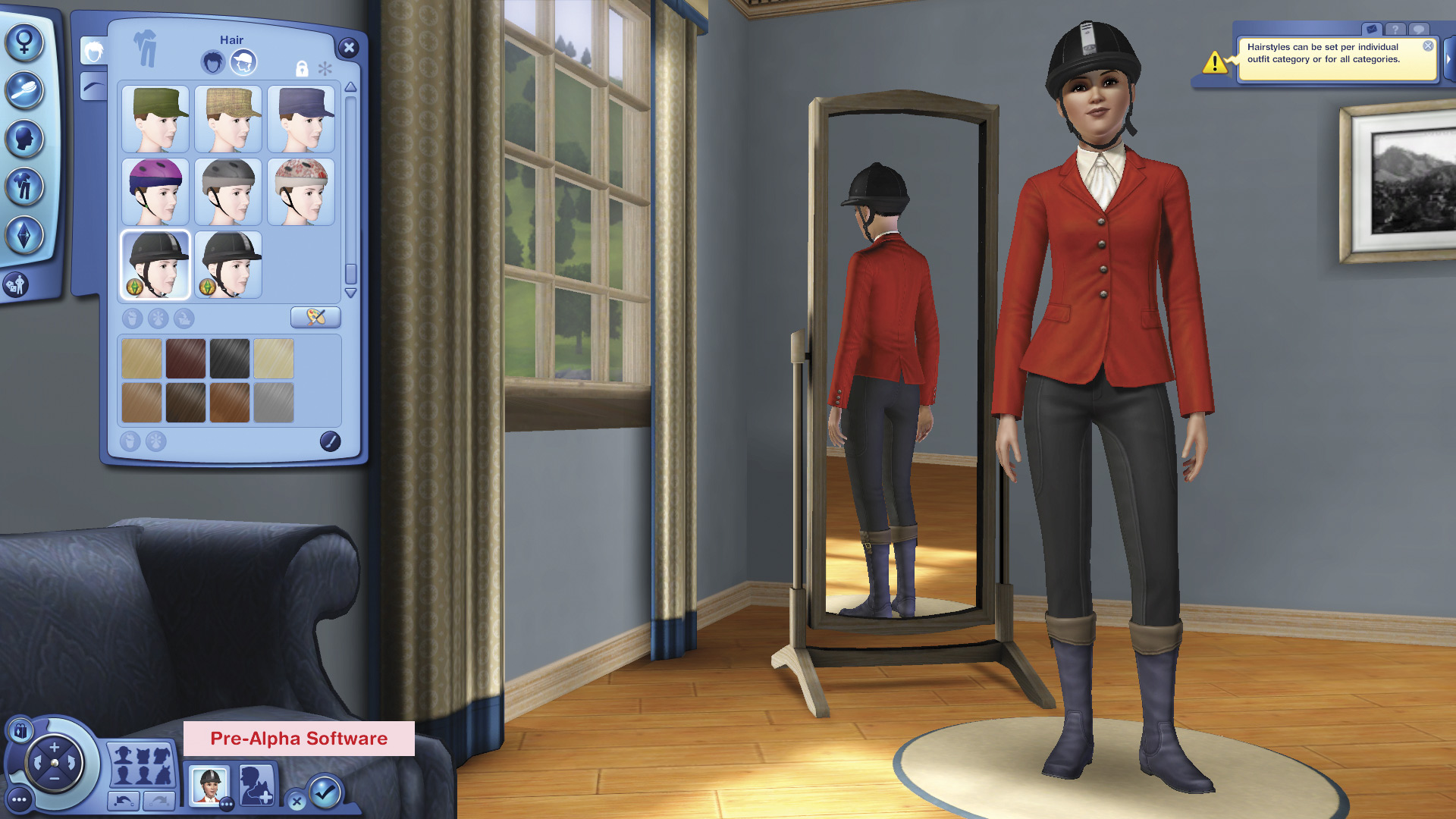
Ride to the hounds.
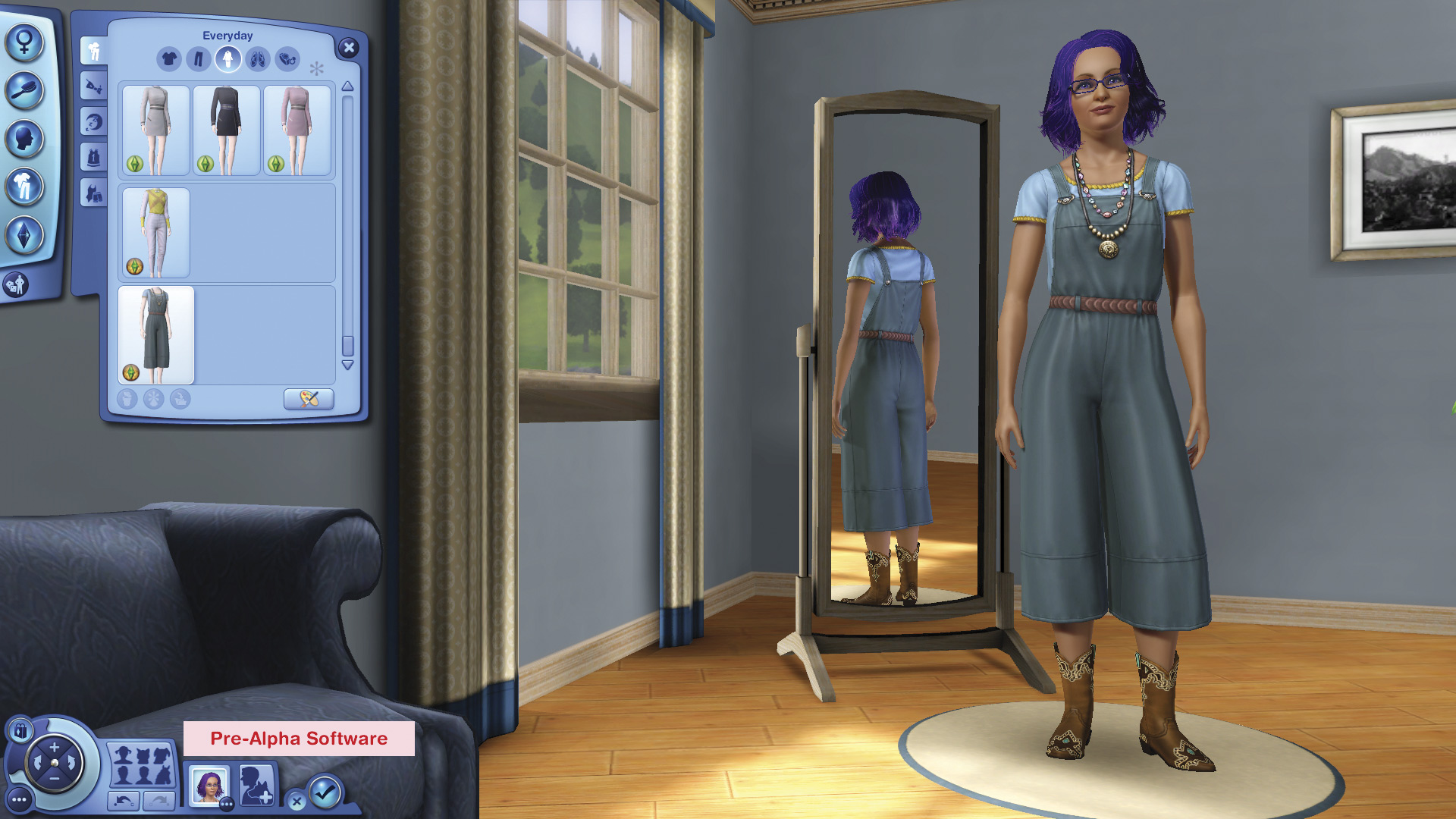
Or kick back down on the ranch.
If you have Ambitions installed, pets can now pose for a sculpture.
New Objects
There are tons of new items to help you care for your pets. You can decorate your houses and lots with western, equestrian, or pet-themed items as well. The haystack option contains a new romantic option for Sims. And the Stray Gnomes can help you either welcome—or discourage—stray dogs, cats, or wildlife to visit your property.
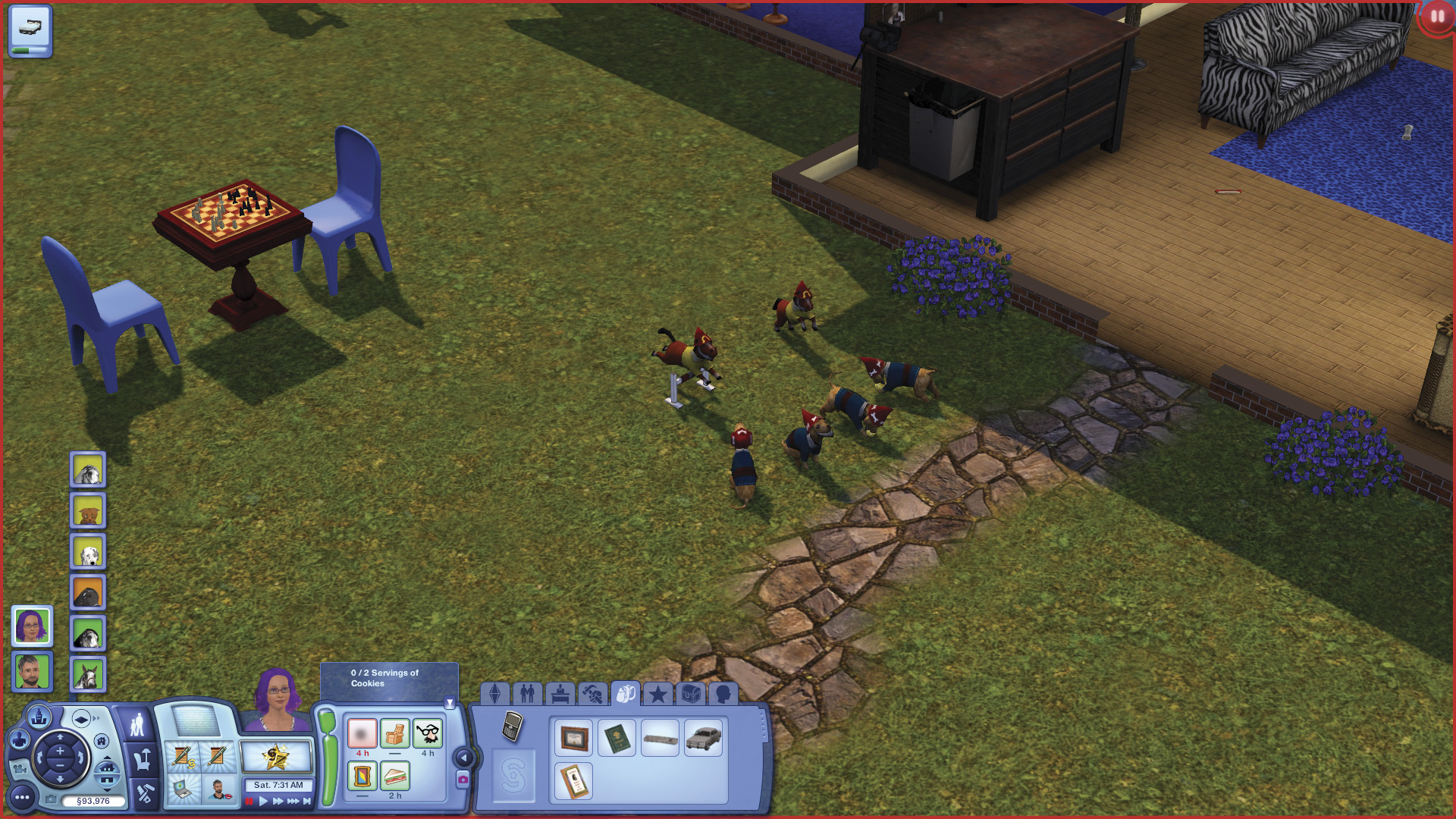
It’s a gnome convention!
Ice Cream Truck
The Frosty Dreams Ice Cream truck slowly travels the streets of Appaloosa Plains, dispensing frozen treats. These treats are yummy, but beware of brain freeze!
.jpg)
Get yummy goodness from the Frosty Dreams truck.
Collections
The Sims 3 Pets also adds new collection functionality. With so many wonderful choices available in Buy and Build Mode, you need a way to keep track of your very favorites.
A new tab appears on the bottom right when you purchase an item from Buy Mode. This file folder–shaped icon is the Add to Collection button.
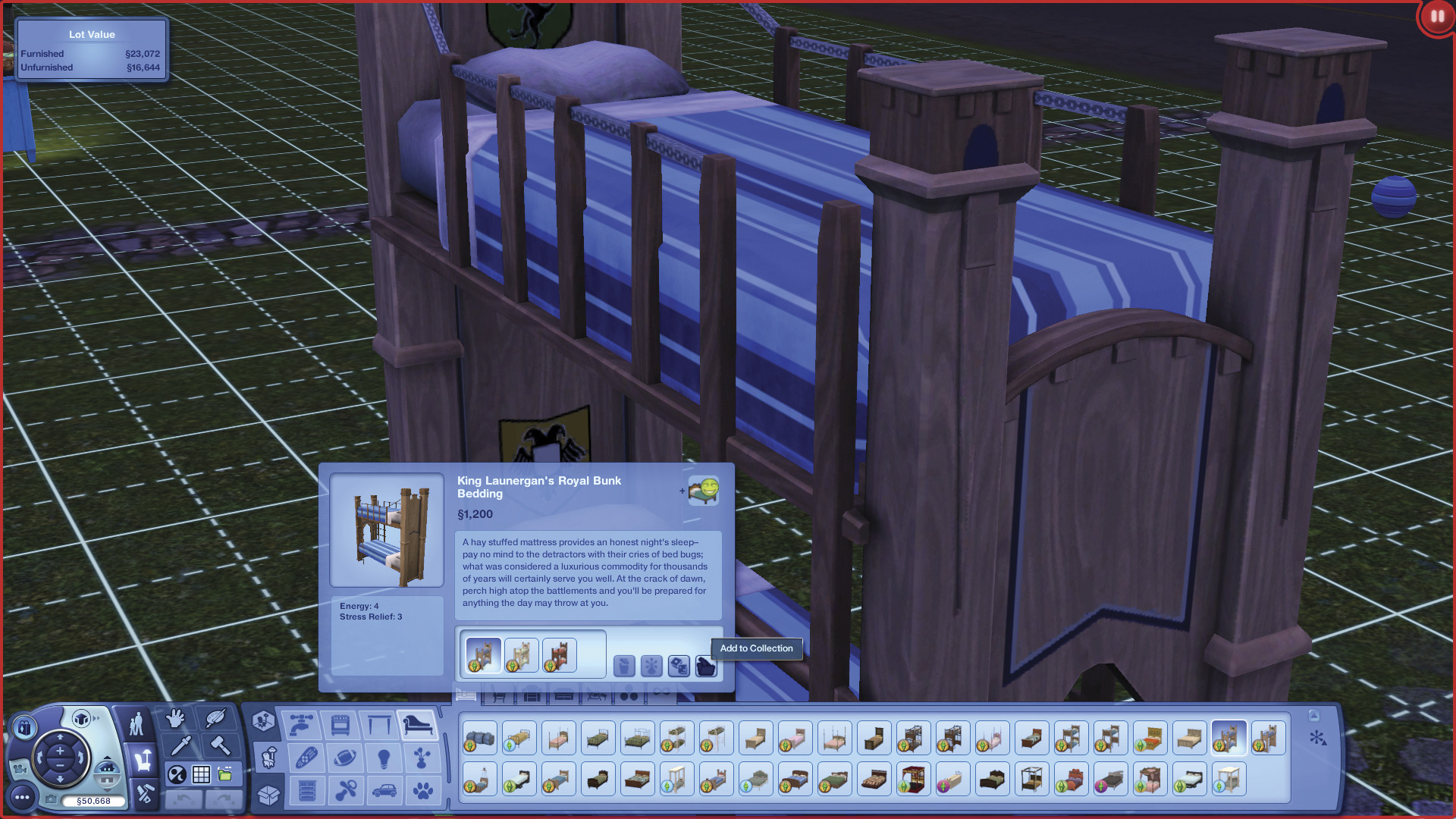
The Add to Collection button
When you click the Add to Collection button, you’re taken to a new screen where you can choose from existing collections or make a new one. I haven’t started any collections yet, so this screen is blank.
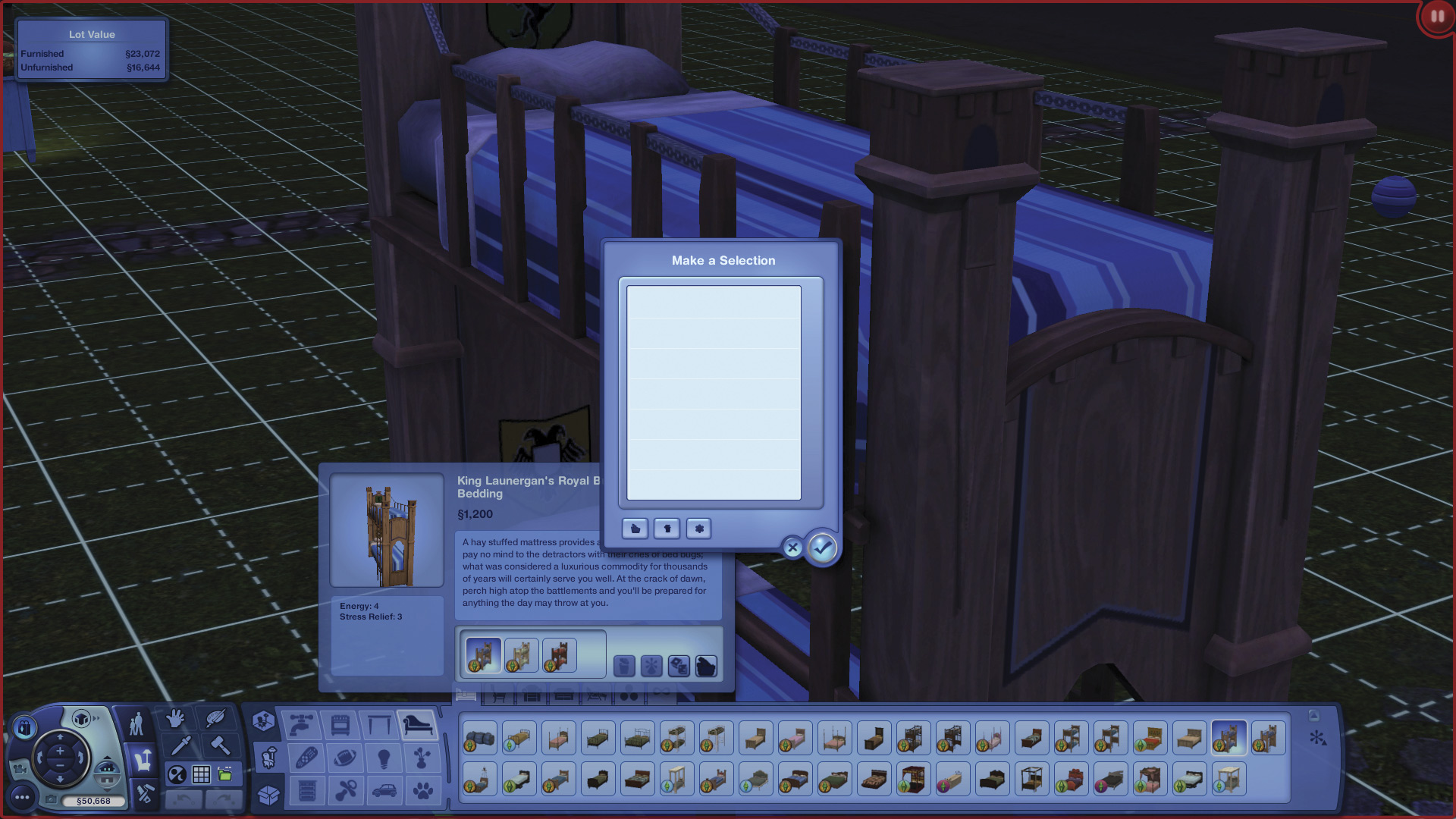
The Collections screen. It’s currently blank because I haven’t started any collections yet.
The three buttons at the bottom of this screen allow you to modify a collection, delete it, or start a new one. Because we’re making a new one, we’ll click the asterisk-shaped icon on the right. This opens a window that lets us name the collection, and choose from an assortment of icons to represent it.
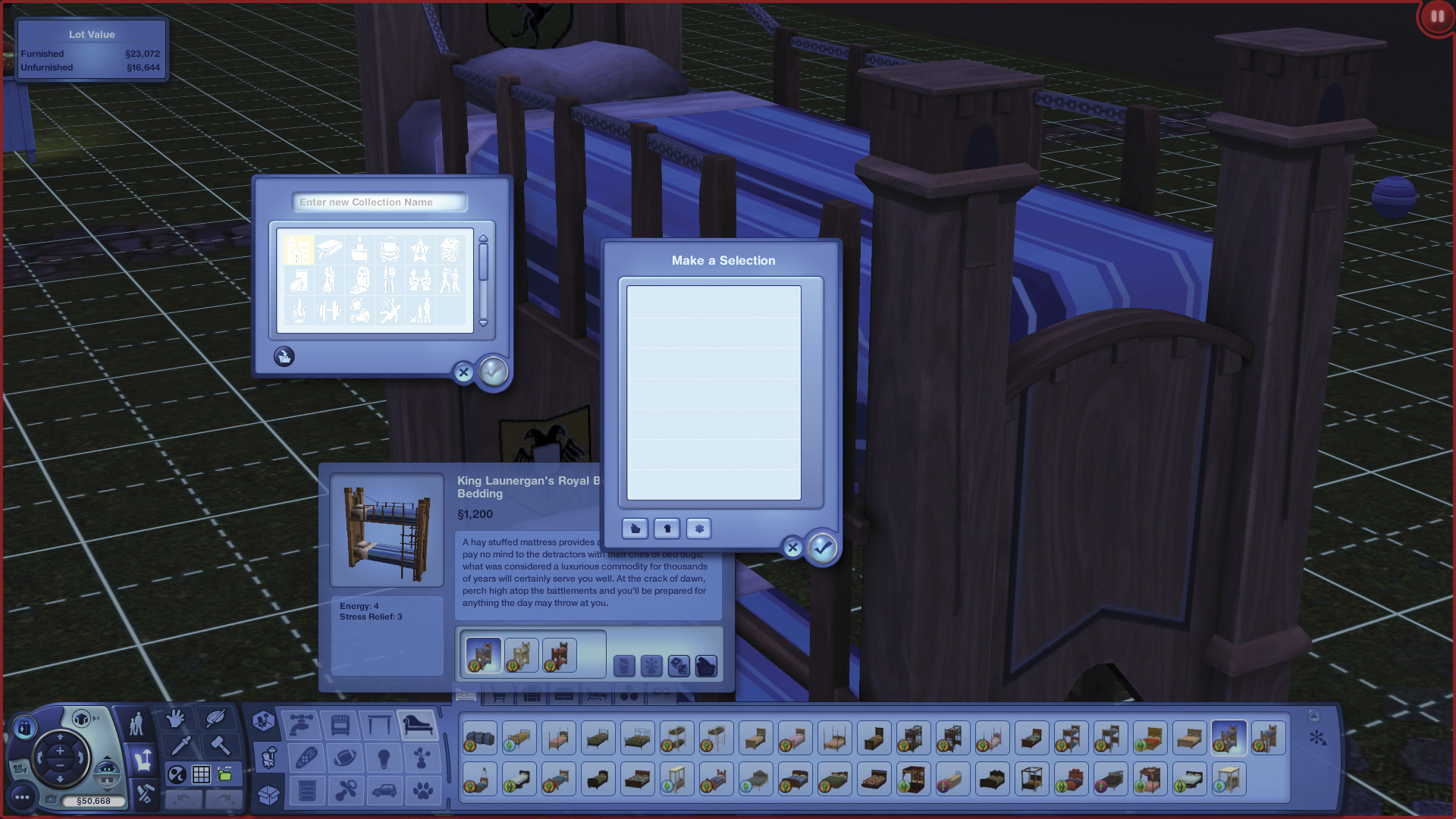
This window lets us name the collection and associate an icon with it.
A button at the bottom of this window lets you save the color as a preset as well.
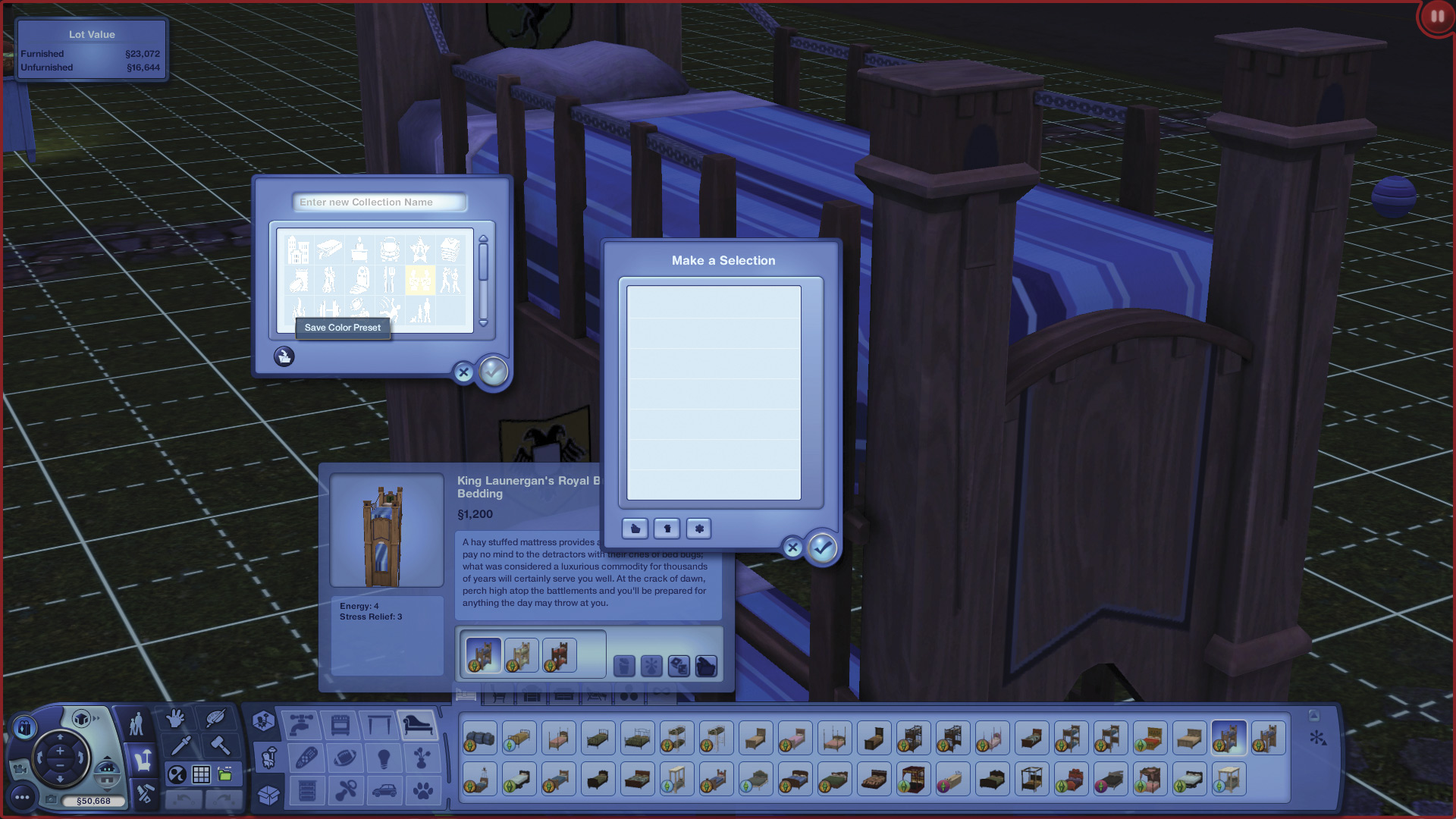
The color preset button
Because it’s a bed that I’m adding to this collection, I’ll title the collection “beds.” Once I do that, the title appears in the Collections window.
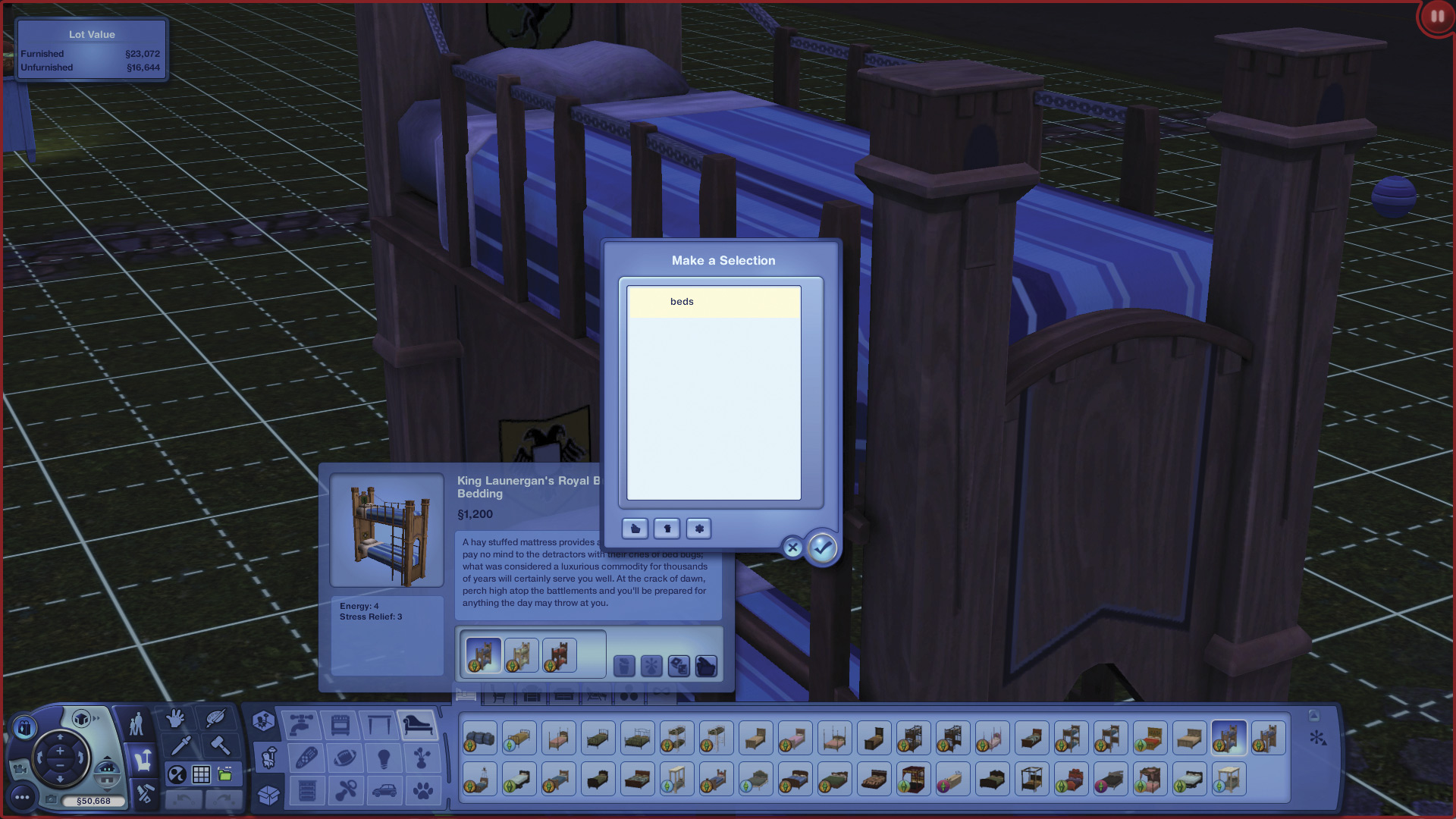
My newly made category now appears.
I can continue adding collections. I want to add this dryer, so I start a new collection called “laundry.”
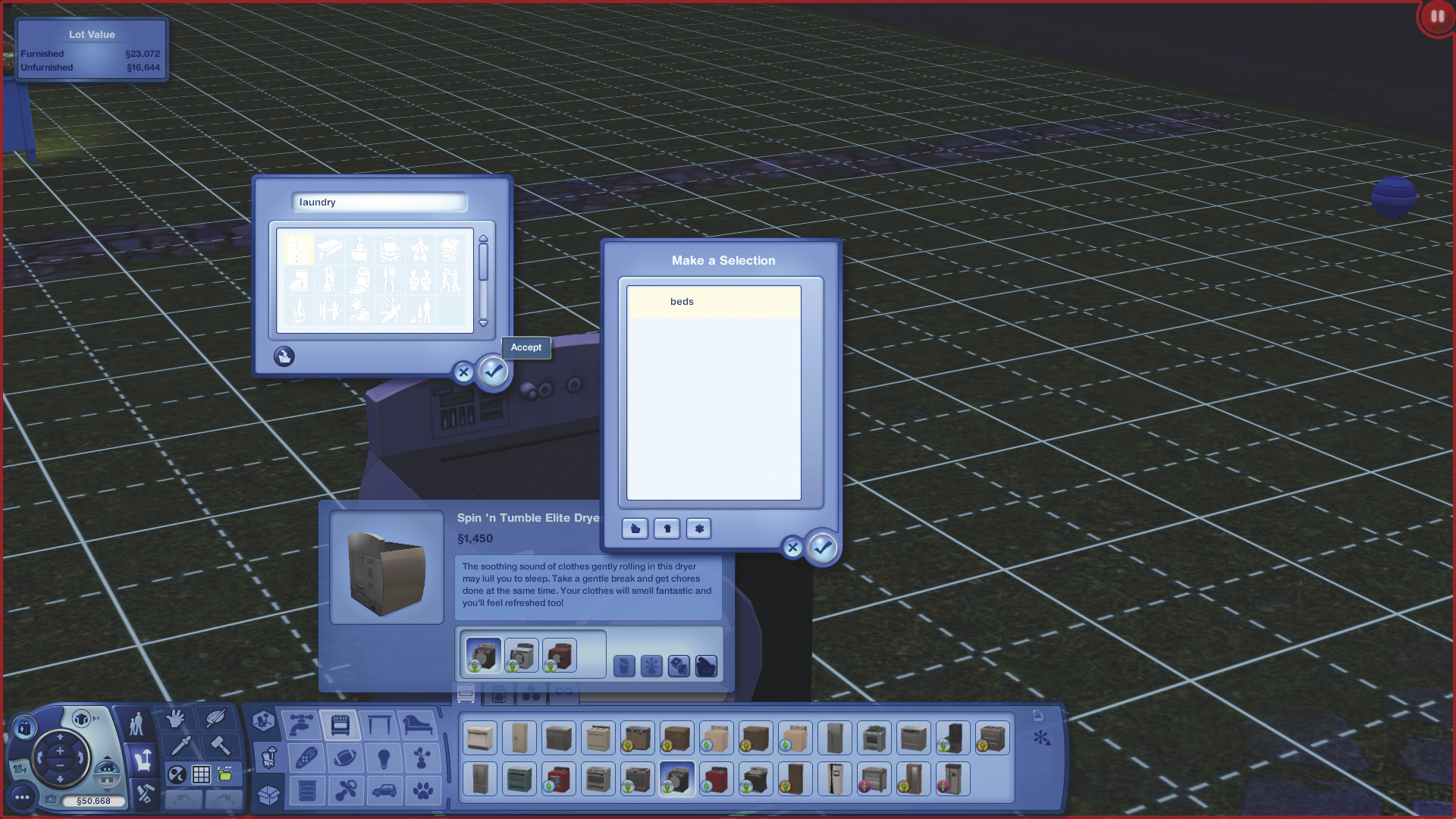
I start another collection for laundry items.
Once you have some collections defined, you can delete the entire collection, or modify it. If you choose to modify it, you can also delete particular objects from that collection. You can also continue adding items to the collection at any time.