
The Sims 3 Pets Guide Walkthrough Create a Pet
Create a Dog
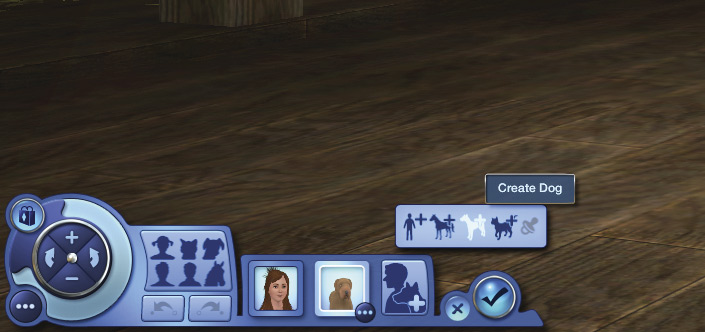
Dogs have been partnering with people for thousands of years. And now your Sims can enjoy the company of man’s best friend. Dog pets take their Sims for walks, hunt for collectables, and guard your property.
And properly trained dogs can learn not to bark, pee on the carpet, or chew up your furniture. Besides, after a rough day, there’s nothing like some unconditional doggy love to make everything look better.
Dogs can be brave and loyal, or foolish and destructive. It all depends on how much training and positive (or negative) reinforcement they receive from their guardian Sims. Do your Sims have what it takes to be responsible dog owners?
See the New Simology chapter for more information about reinforcing traits, and the Dog chapter for details about training your dog.
Basics
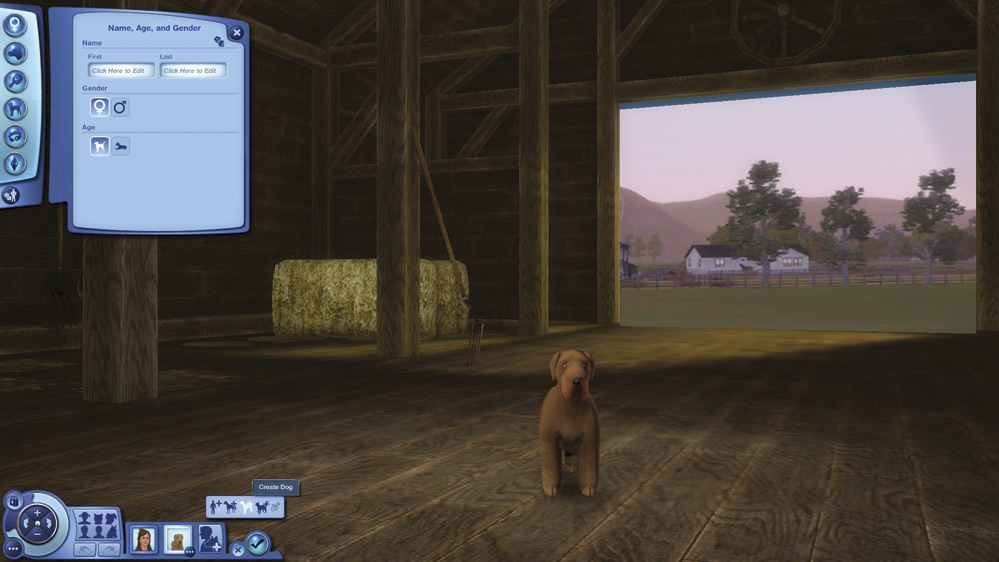
Again, we start with the Basics, and give our dog a name, select its gender, and choose an age. Just as with horses, the only choices are adult and elder. You cannot create puppies.
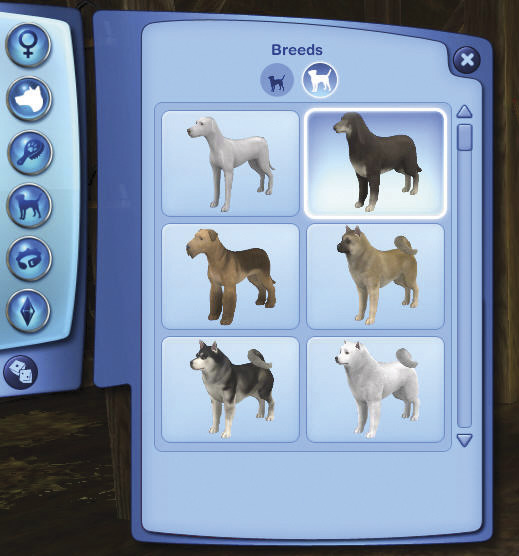
Breeds
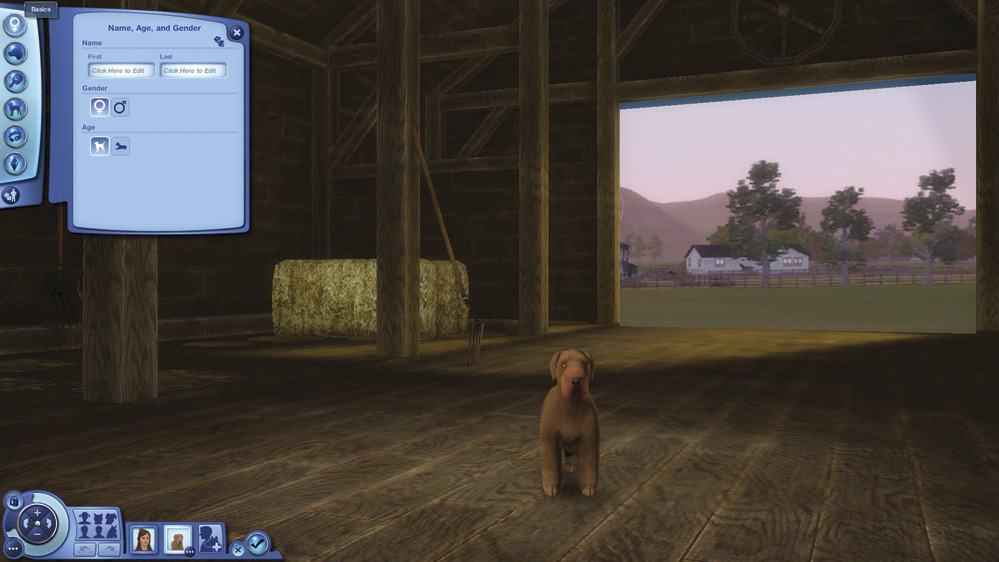
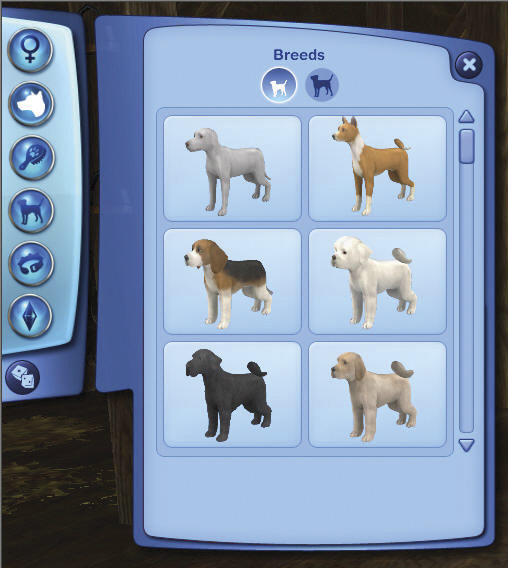
In the Breeds button you can choose between small dogs and large dogs. Each breed tab offers a large number of familiar breeds. But remember that these are just starting points for making your own creation.
Coat
The Coat button lets you set the dog’s color, amount of furriness, and type of tail.
Coat Color
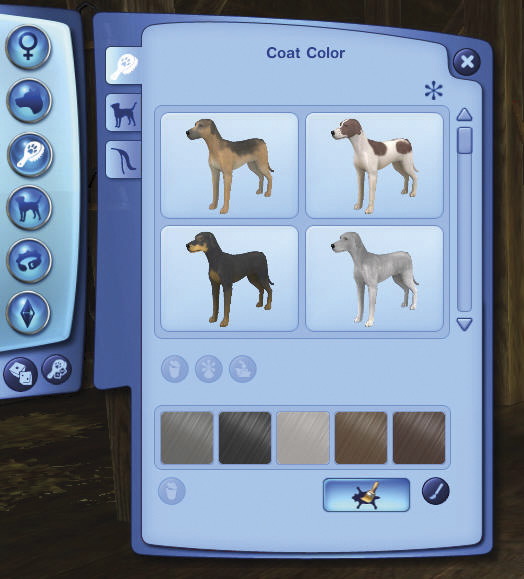
The Coat tab in the Coat button lets you change the overall color of your dog’s pelt. Either choose from the selections shown, or click on the Paintbrush icon to conjure up any color you can imagine.
Fur Shape
Fur Shapes let you select length and fur variation You can make your dog have a bushy wolflike ruff or muttonchop whiskers.
Tail
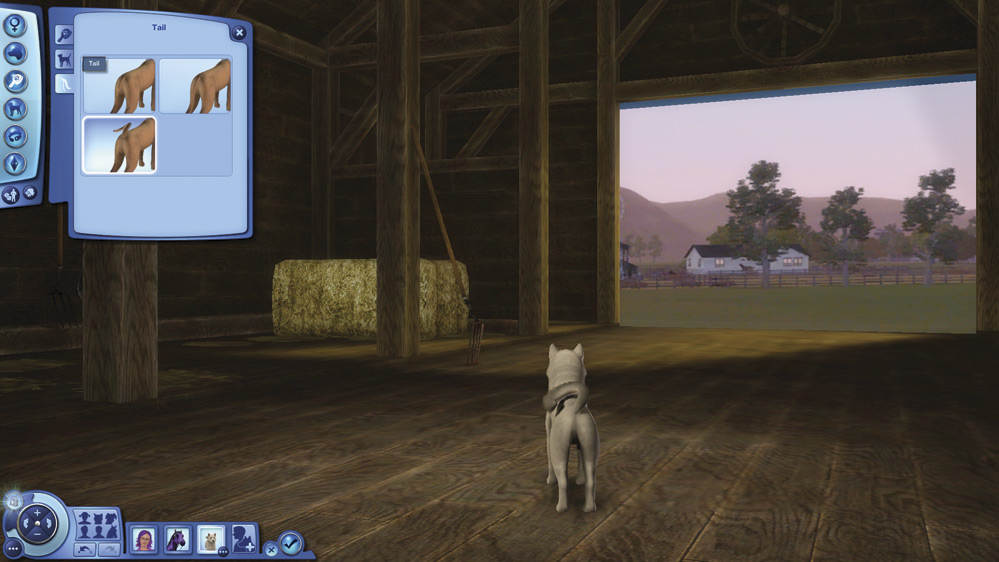
The Tail tab lets you choose from a long tail, or a shorter tail, or a curly upturned tail.
Advanced Mode
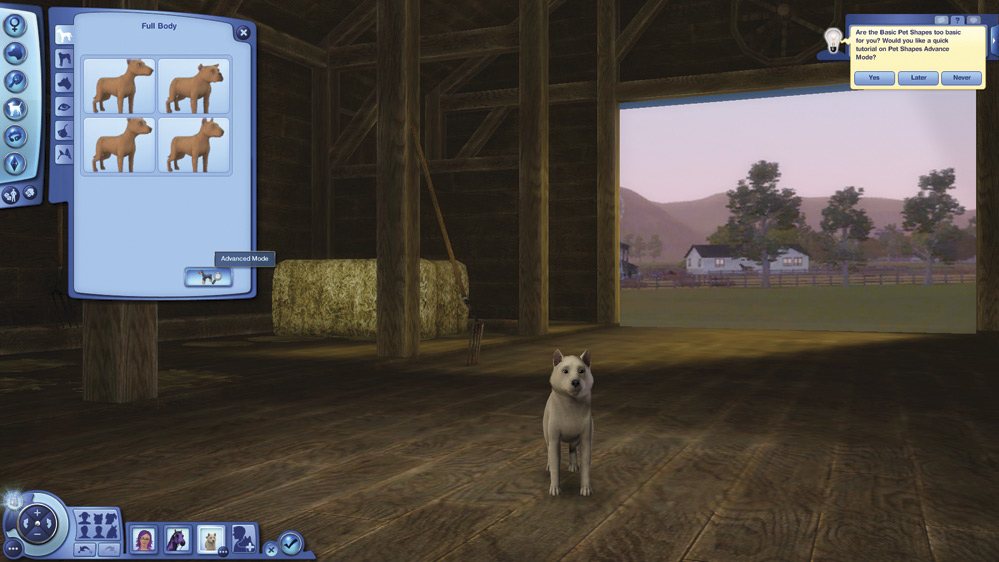
Dogs also have Advanced modes for both Coat and Shape. Click the icon to open the Advanced mode window. On the Regions tab, you can choose each individual region to customize.
Individually customize the head, full body, chest, belly, back, tail, and each leg. You can also choose from a selection of full body markings.
The Fur Shape tab
For this demonstration, a furry dog works best, so we’ll start with a Border Collie.
The bottom sliders let you set the fur length from short to long, and also set curl size and curl density.
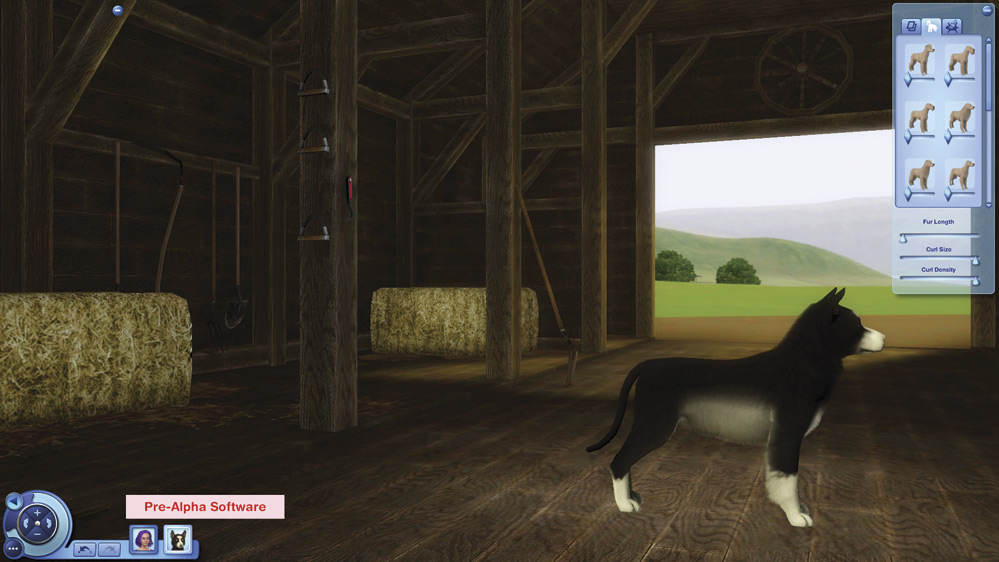
Fur can be short...
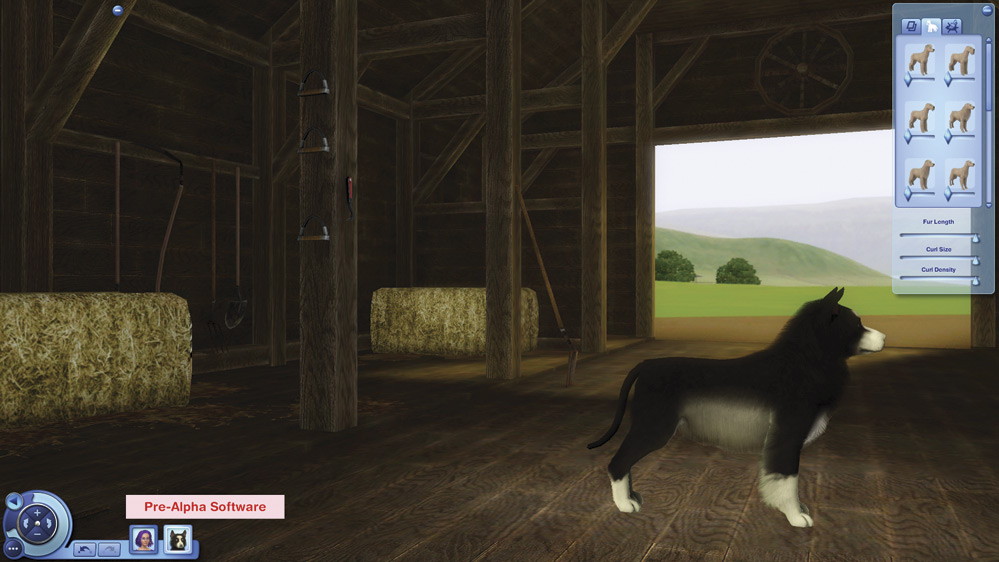
...or long.
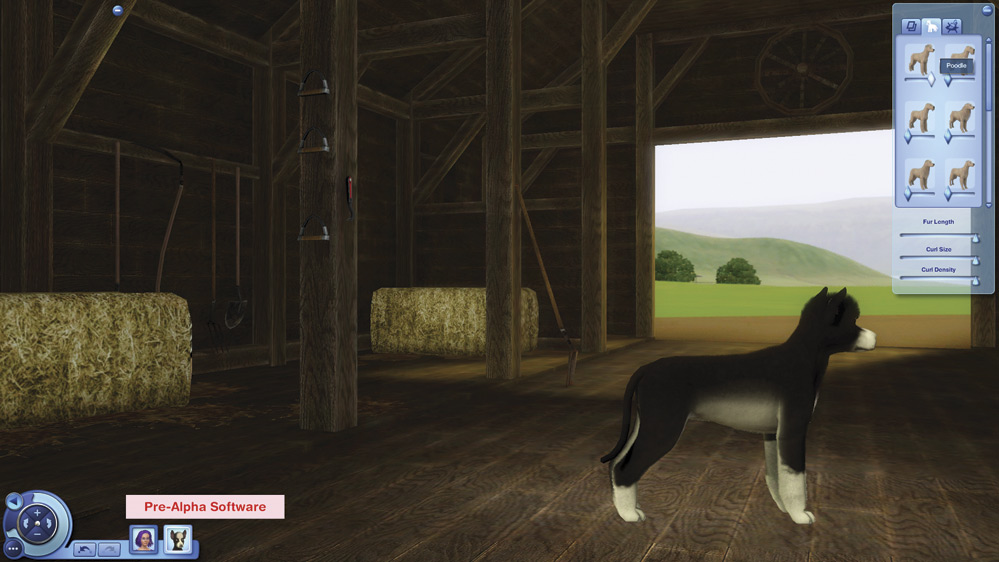
The top sliders let you arrange the fur length on various parts of your dog to match certain breeds. For example, the top left slider gives your dog a poof of head fur like a poodle has.
Shape
The Shape button is the place to customize the rest of your dog’s looks. For each body part, you have many choices. Do you want your dog to have folded ears or upright ones? A dainty narrow muzzle or a broad sturdy one? How about making two different color eyes? All the following body parts can be individually customized.
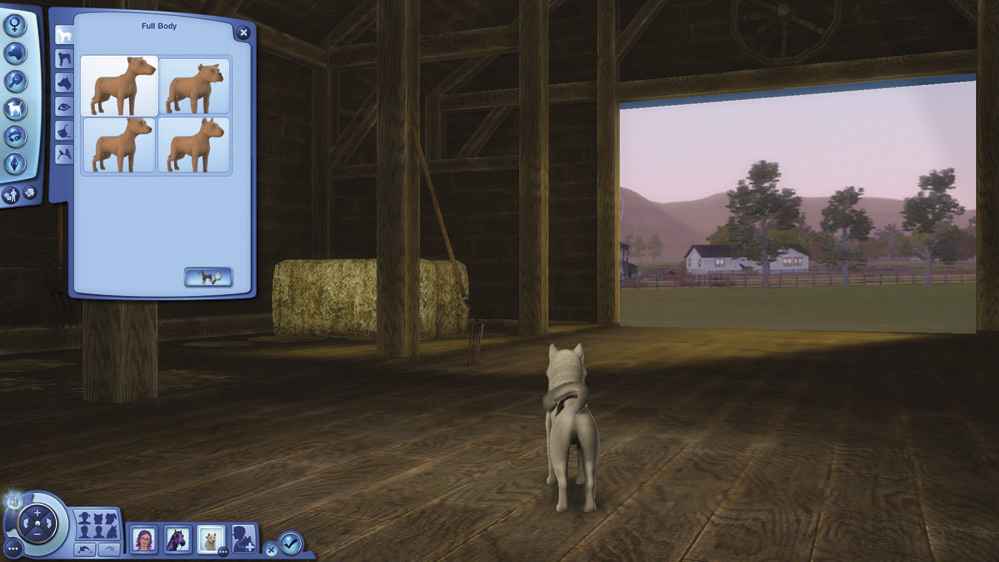
Full Body
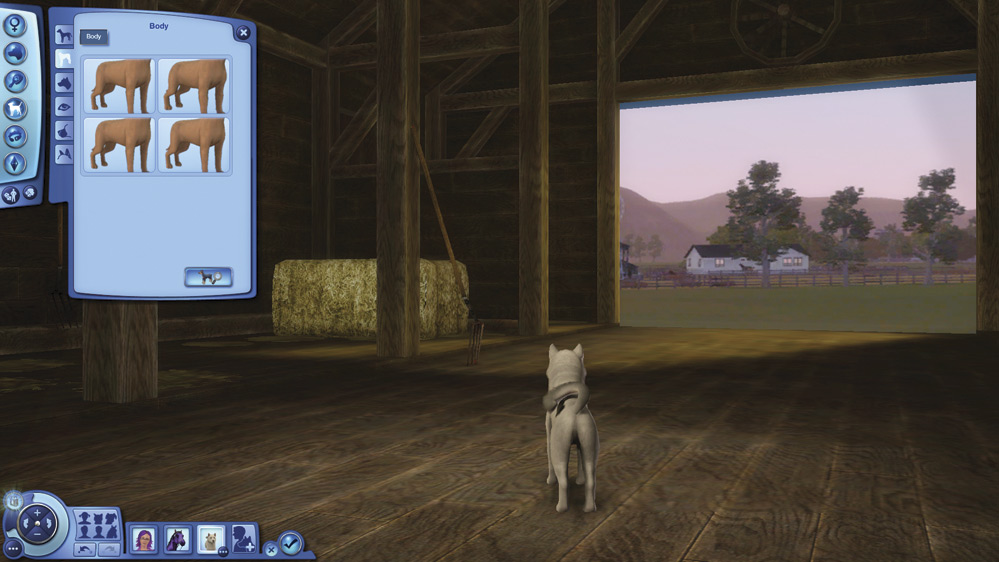
Body
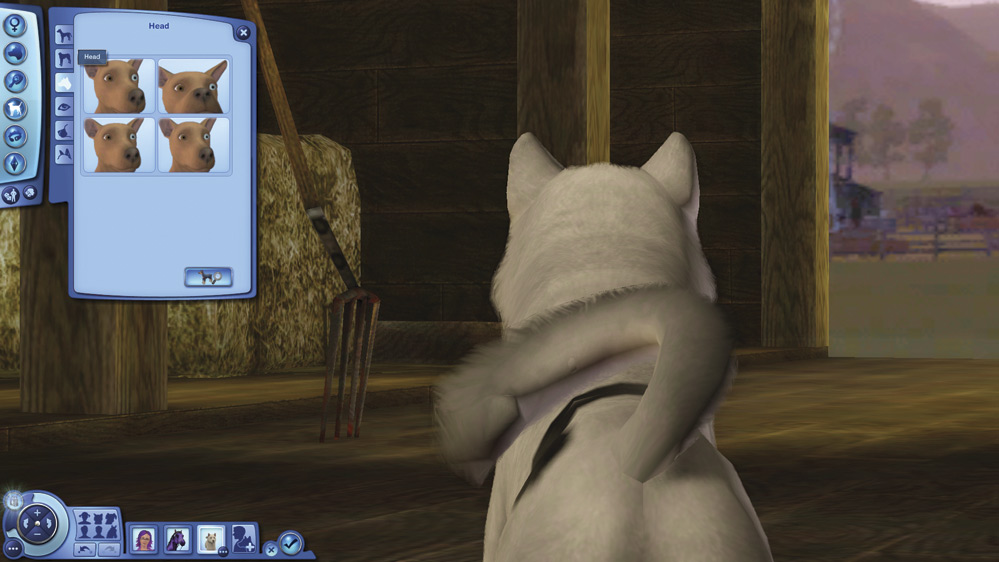
Head
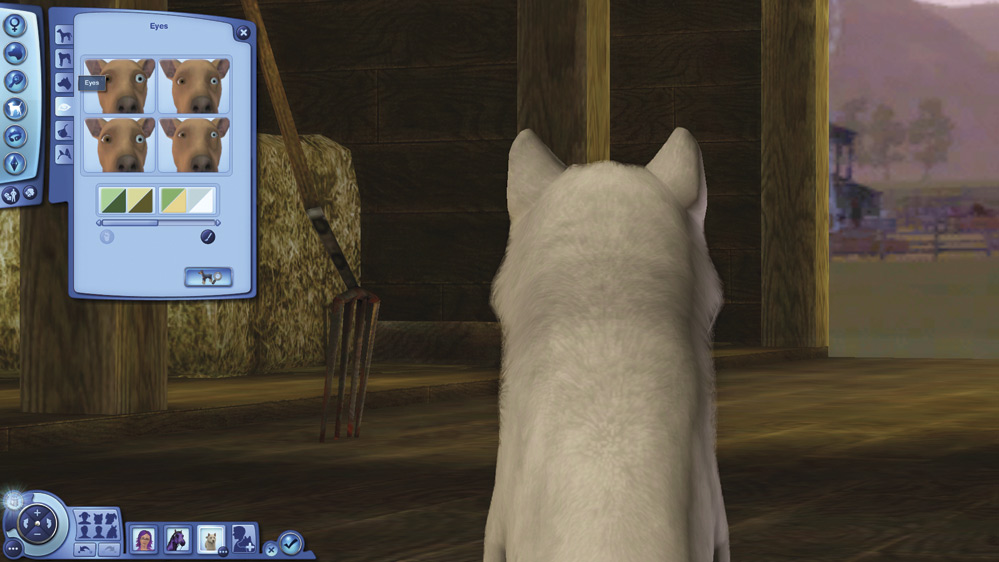
Eyes
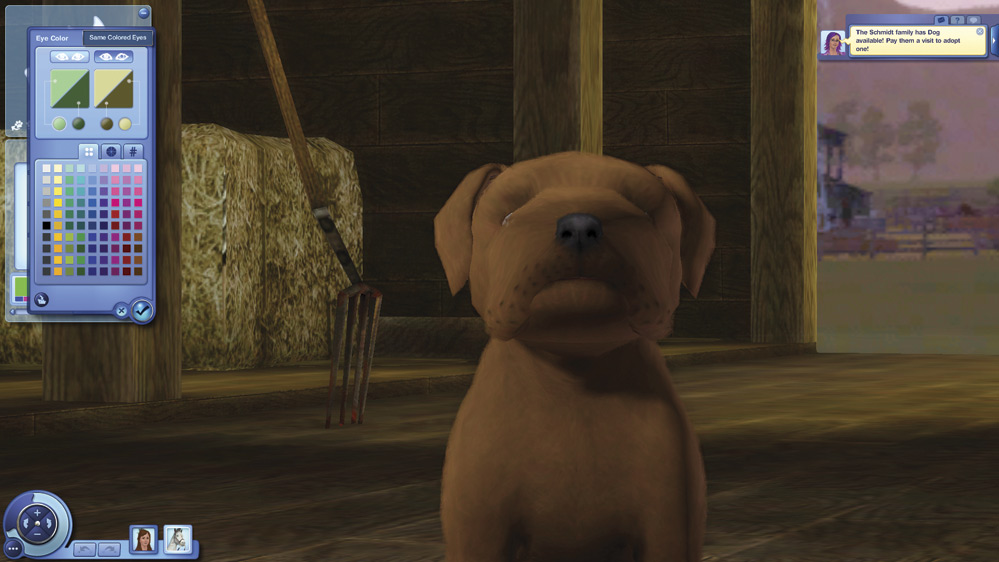
You can change the eye color right from the Eye tab.
Change both eyes together or make them different colors. As you’d expect, you can either pick from specific colors or switch to the color wheel tab and dial it in.
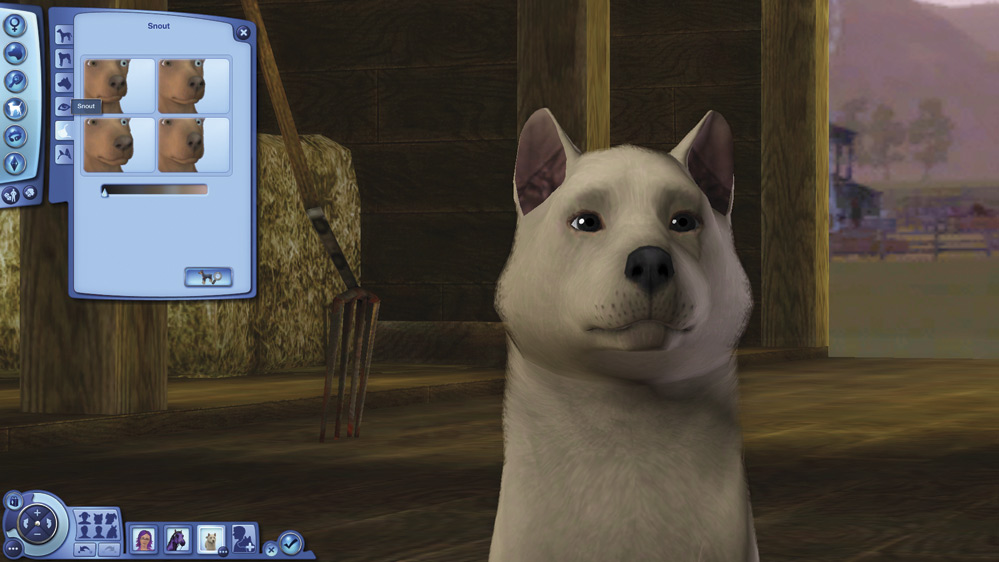
Snout
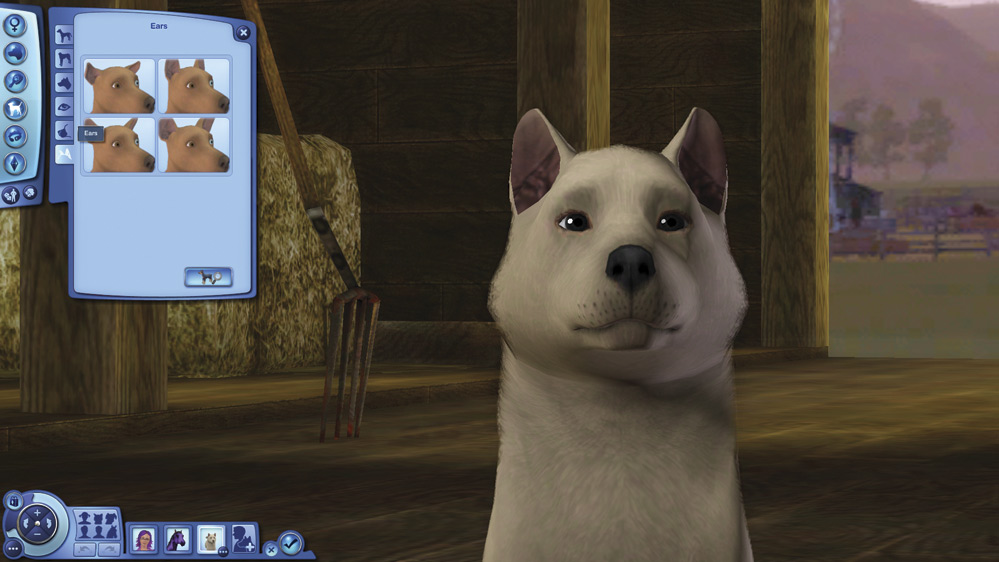
Ears
Advanced Mode
Dogs have an Advanced mode for Shape as well. As with horses, there are two tabs.
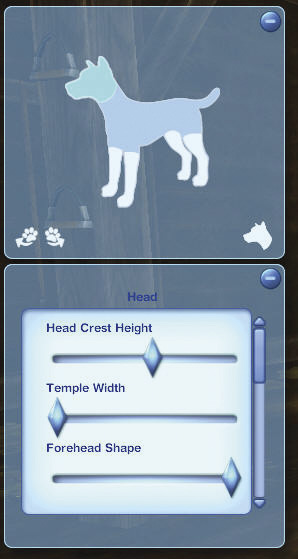
If you’re on the Body tab, click the Head icon.
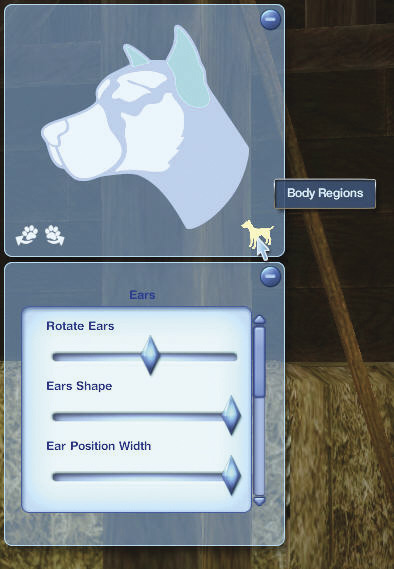
And vice versa.
In the Head tab, slider bars allow you to change many individual aspects of the following features.
Ears
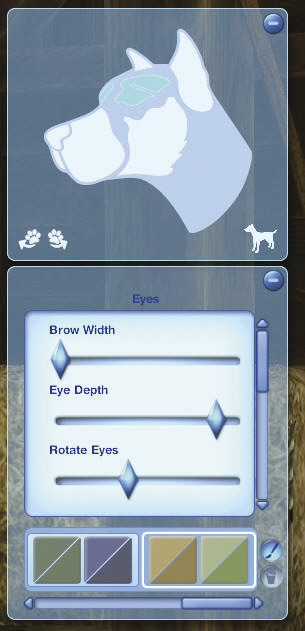
Eyes
At the bottom of the Eyes tab, you can choose from some preset eye color choices, or click on the Paintbrush icon to set your own colors.
Again, you can set both eyes the same color. Or choose a different color for each eye.
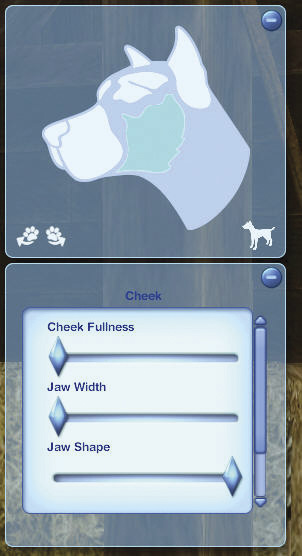
Cheek
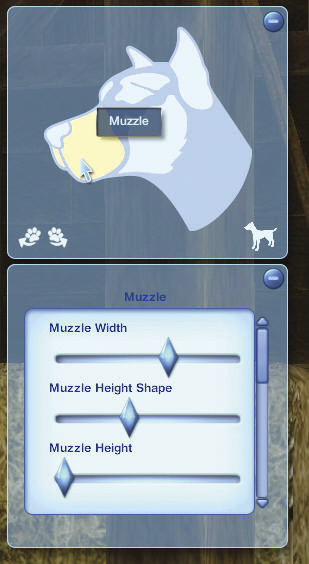
Muzzle
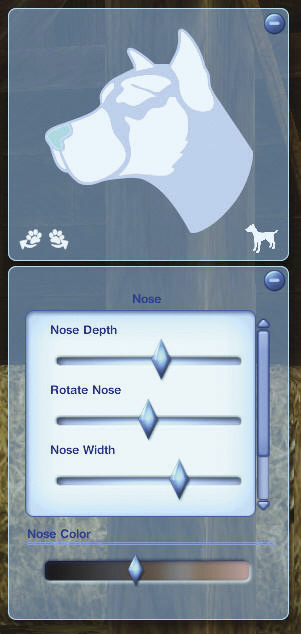
Nose
The bottom of this tab contains a slider to alter the skin color of your dog’s nose.
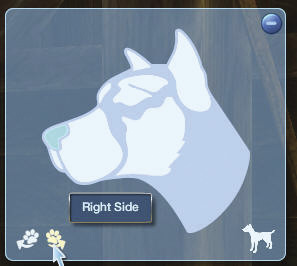
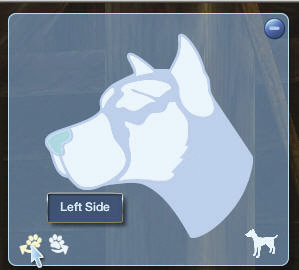
Use the paw shaped icons to switch from the right side to the left.
When you’ve finished customizing, click the Basic Mode button to return to the main Create a Dog menu.
Accessories
Accessorize your dog with a variety of collar and tag styles.
Enter Create a Style to customize the color of the collar.
Personality
One of the most exciting new aspects of Pets is the ability for your Sim’s training and reinforcement to actually change your pets’ traits. See the individual pet chapters for more detail, but suffice to say that the traits you choose here are just the starting point.
The two buttons at the bottom of the panel are randomizer buttons. Click the Randomize Coat button (on the left) or the Randomize Face button (on the right) for unpremeditated choices.