Dying Light Guide Controls and Gameplay
Menus and Options
The Main Menu
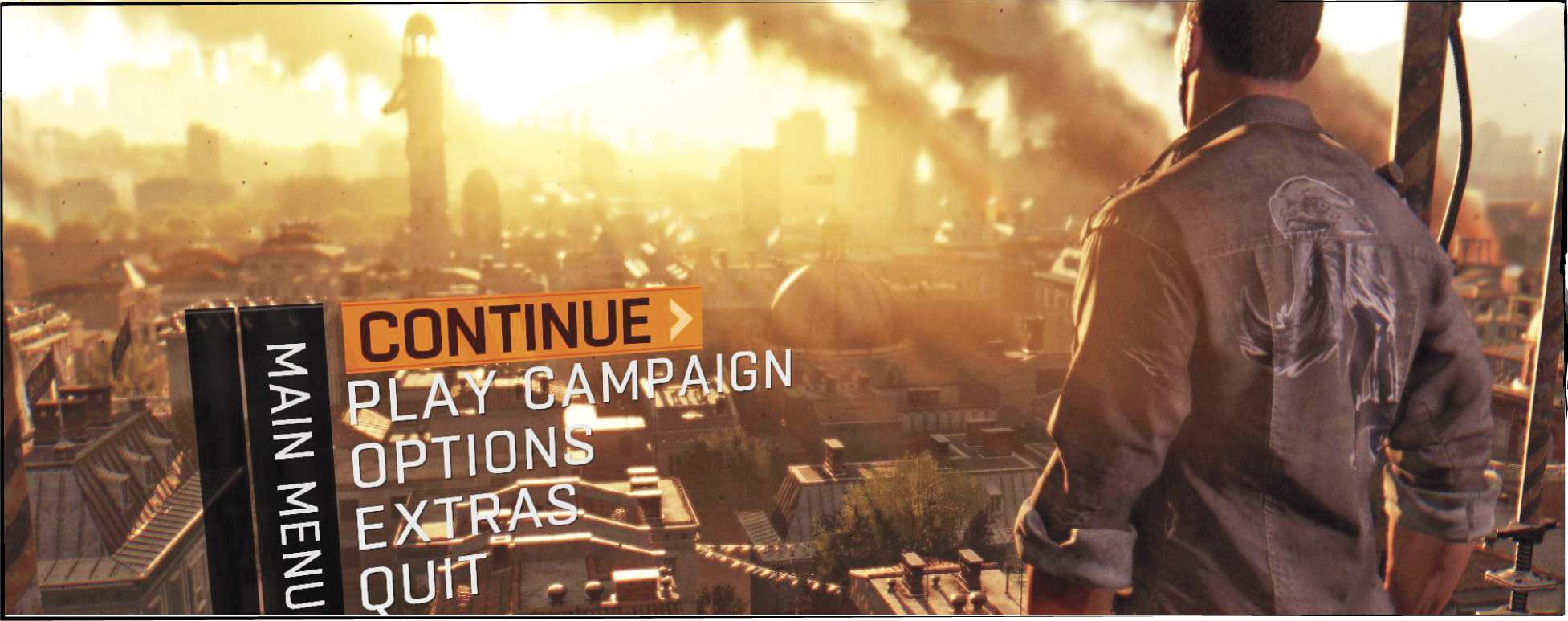
Booting the game brings you to the Main menu. From here you can Play Campaign to start new games or load an existing game that you’ve been working on. “Continue” takes you into the most recent save file. “Options” takes you to a sub-menu with a variety of settings (we’ll go over those in a moment). And finally, “Extras” is where you look at the Credits and your Personal Statistics. The latter has a huge amount of information across all of your playthroughs of Dying Light. Check it out whenever you’re interested.
If you want, it’s also possible to continue playing from a specific chapter that you’ve already reached. This is exciting if you want to return to a point in the game that you’ve already seen. It’s ideal for showing the game off to friends, or for replaying content that you especially enjoyed.
Options
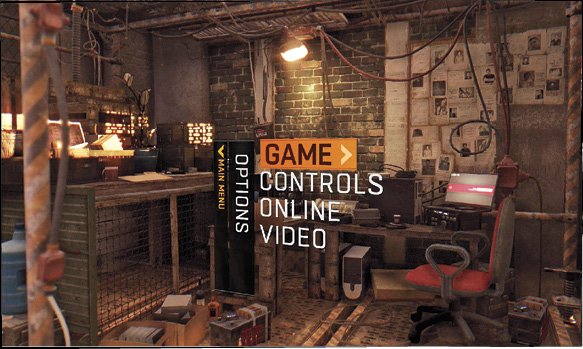
Go into the Options menu to change Game features, Controls, Online Options, and Video settings. Game options let you move around the sound settings, in-game tips, your crosshair, and so forth.
The Control section is very important. Make sure that the keys or buttons you’re using are in your preferred positions. Change the sensitivity of your controller to get faster aiming, but dial it back if you start missing and having trouble with your aim in general.
Online Options let you decide whether you’re going to play with other people. You can restrict your game to solo play, LAN users, friends, or open it up to the world. This is clearly a matter of personal preference, so just do whatever you like. Turn off Night Hunter Invasion if you don’t want anyone to pop in and make your life difficult. Players can also set the frequency of dynamic competitions. Raise this if your group is really interested in these small games rather than exclusively working on the main story or side quests.
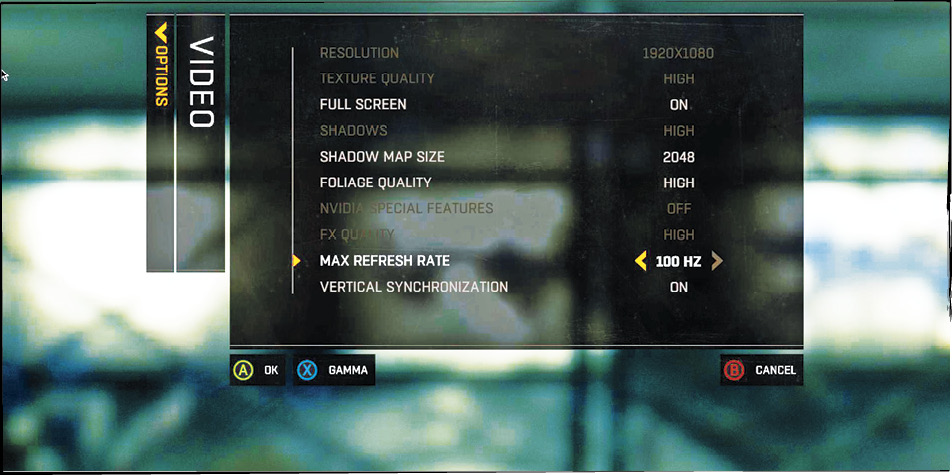
Check the Video settings last to make sure that your game is set up the way you like.
The In-Game Menu
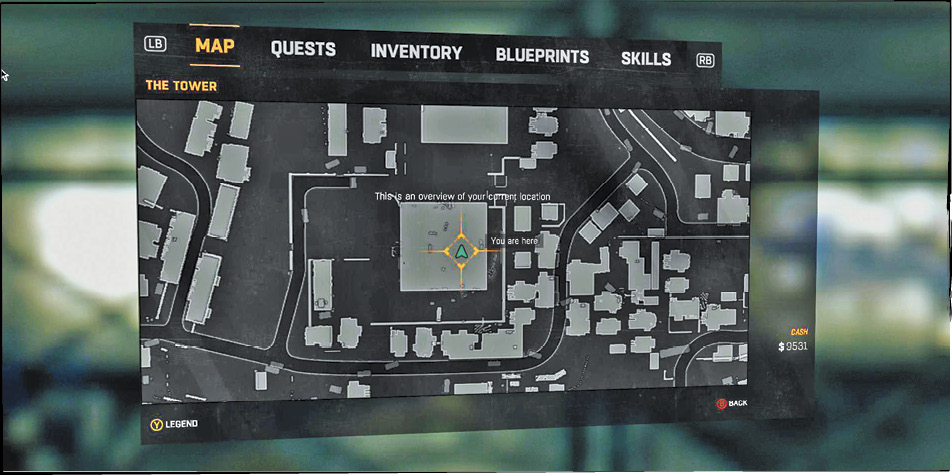
Once you’ve started playing, you have access to a different menu by pausing your game. From there, you can reload checkpoints, find other players through the matchmaking system, call up the Options menu, or quit.