
Dissidia Final Fantasy NT Guide Mechanics
Controls
The following diagram consists of the default controller commands and actions. Controls are customizable through the Options menu, with several pre-set configuration types for Primary Button Settings (abilities and attacks) and Secondary Button Settings (targeting and defensive commands).
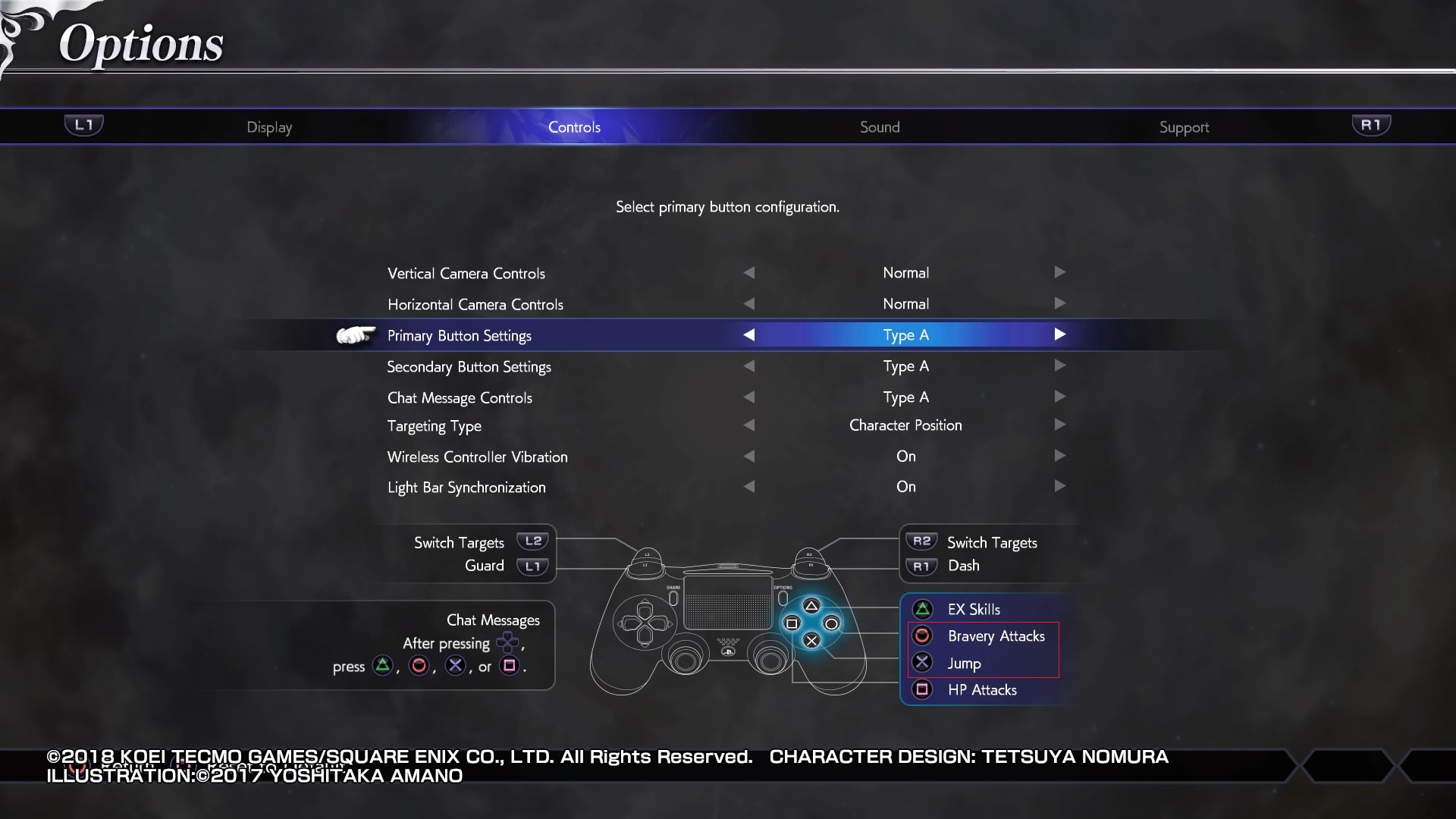
The Targeting Type option determines how enemy targets are selected. Consider adjusting this setting according to your playstyle. Players who enjoy ranged characters may prefer to use Character Position since they usually have the luxury of determining relative positioning. Since they’re often flying on the fringes of fights, the enemy team tends to all be in one direction, easy to toggle between without disorienting camera changes. On the other hand, players who enjoy melee characters, diving constantly into the fray, may prefer to stick with List to avoid confusion with spinning cameras as fighters constantly change position in close quarters.
Character Position: Cycle through targets by where they’re located on the battlefield, relative to your current target.
List: Cycle through targets using the enemy list displayed on the HUD (by player number). Since you can target any enemy at any time (as long as they’re active on the field), this targeting method may be preferable if your playstyle is focused on locking in and finding specific threats based on character data or by the player-numbered minimap.