
Dissidia Final Fantasy NT Guide Mechanics
Basic Actions
Movement and Camera
DISSIDIA uses a conventional control and camera scheme seen in most third-person games. The left stick and shoulder buttons control movement and targeting, the right stick controls the camera, and the face buttons are used to attack and jump.
High Jump: Note that you can vary the height of your jump. Tap  for a small jump; hold to jump higher.
Double-Jump: Press again while in the air to perform a double-jump. Certain characters (generally assassins) can triple-jump.
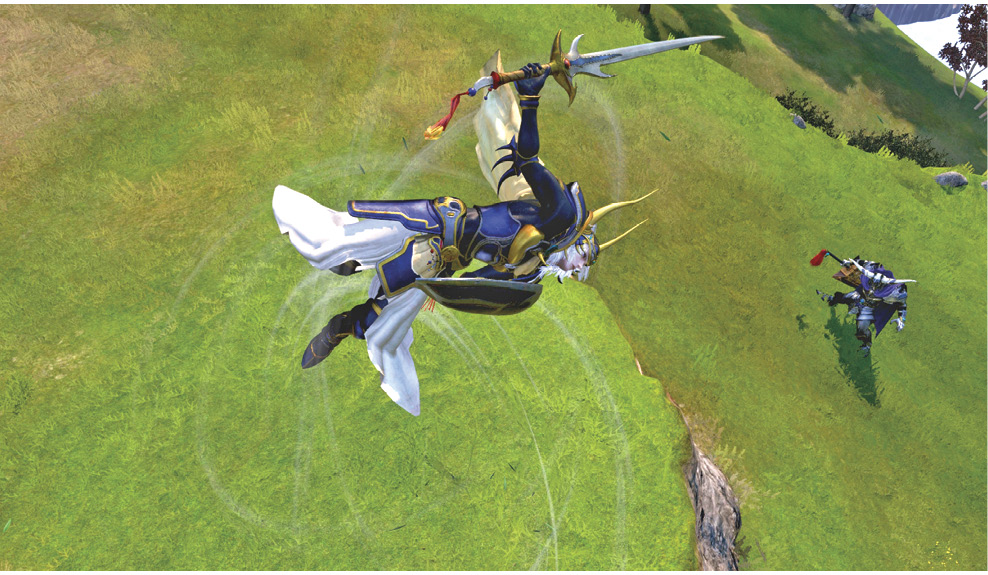
Switching Targets
 /
/ switches targets relative to the current target (depending on the aforementioned Targeting Type setting).
Target Closest Enemy: Press  +
+  to target the nearest enemy. This is an extremely useful shortcut for quickly addressing the nearest threat in the middle of a skirmish, or if you need to turn to an opponent behind you.
If an ally is targeting your target, their player number is displayed by the target reticle.
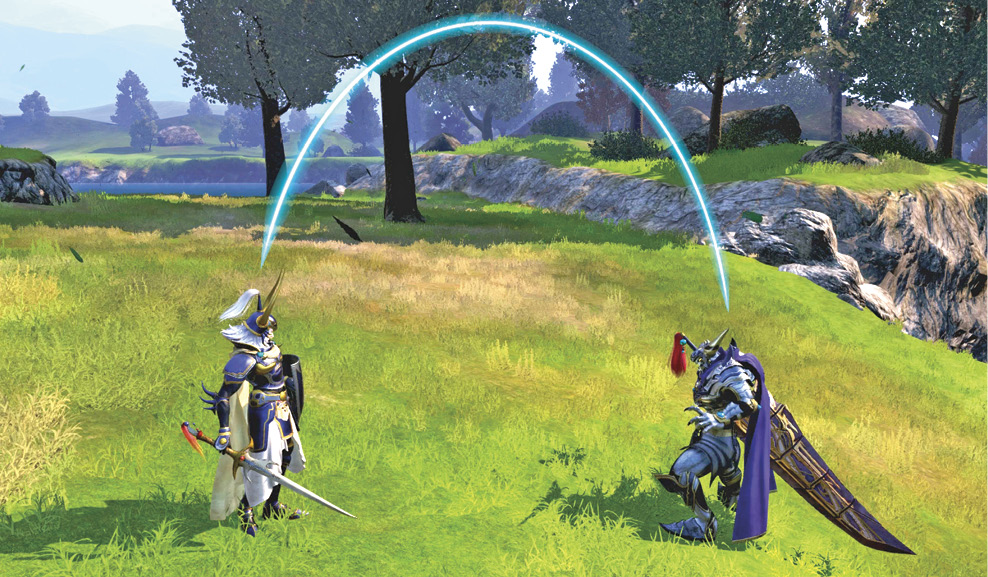
Target Lines: Target lines indicate when you’re being targeted by an enemy. The blue line turns red when the enemy targeting you begins their attack. Pay attention to this indicator to help you time your defensive maneuvers, such as guarding or dodging.
Dashing
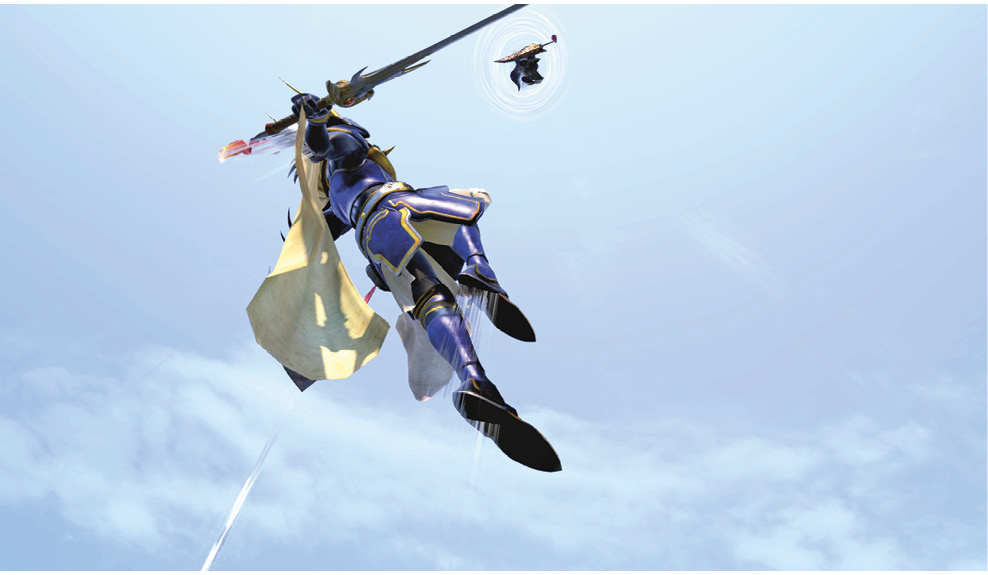
Hold  (with the left stick neutral) to dash directly at your target.
This lock-on dash angles toward the foe even if they’re higher or lower than your character. This means lock-on dashing is a way for characters to ascend while saving their double-jump for later.
Hold  while pointing the left stick to dash in that direction, but only at your current altitude. You can ascend by jumping or descend by releasing the left stick (or by guarding).
Dash Stamina: While dashing, a gauge appears, indicating how much dash time you have left.
Although dashing is an incredibly powerful mobility option, its limited gauge forces you to ration its use. The dash gauge only replenishes while you are grounded and not attacking, making effective dash gauge management crucial. Try to keep a reserve of dash gauge available when traversing the map unimpeded. You don’t want to rush into a skirmish only to find yourself out of breath and needing to rest. Should the enemy team suddenly turn their attention toward you, you want to have some dash gauge available for maneuvering.
Dashing while airborne (e.g., during a jump or double-jump) allows you to “fly” at the altitude you started dashing at. This is an important aspect of combat to understand and become accustomed to, since verticality spacing plays a key role in DISSIDIA.
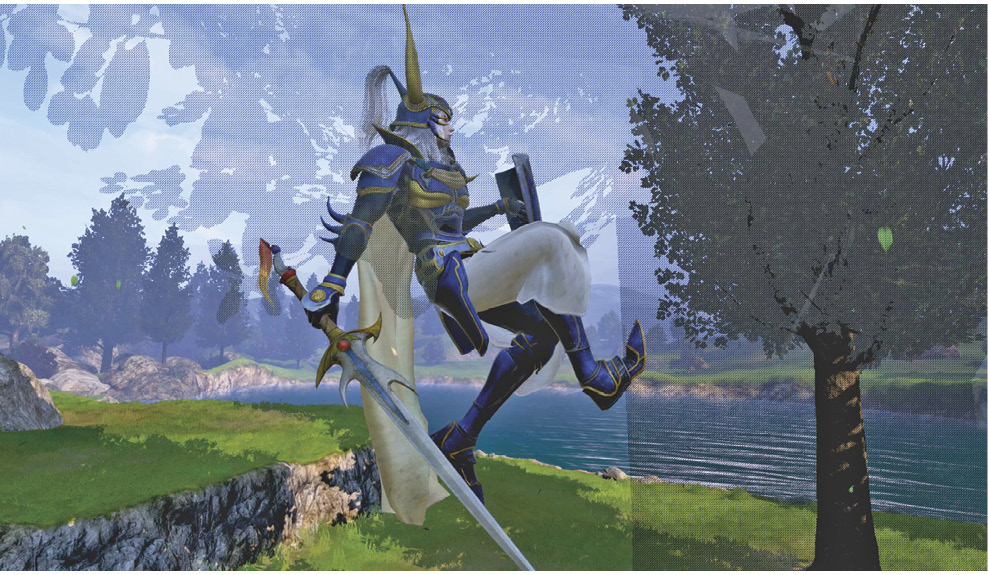
Wall-Running: Press while dashing near a wall or vertical pillar (like a tree) to perform a vertical climb. This is used to climb ledges or to gain a height advantage and is the only way other than lock-on dashing at an airborne target to quickly gain altitude beyond jumping limits.
Communication & Planning
Since matches largely revolve around teamwork, effective communication is just as important as skillful combat, if not more so. Although voice communication is ideal, DISSIDIA FINAL FANTASY NT has a powerful built-in chat system. Chat message menus are assigned to D-Pad directions, and specific messages are then assigned to one of the four face buttons within these menus. Fortunately, these menus can be customized on a character-by-character basis within the Character Customization interface. Think about which messages you frequently want to express in battle, and practice using them to direct your team to victory.
While a match is loading, make mental notes of who’s who: Vanguard? Assassin? Marksman? What are their minimap numbers? Make an effort to quickly note this stuff as a match begins, and it’ll soon become second nature.
Also get in the habit of checking everyone’s loadout of HP Attacks and common EX Skills. You’ll be unfamiliar with many HP Attacks and EX Skills at first, but this exercise will help you get more familiar with different characters and EX Skills faster. Eventually, once you’re familiar with all the moves, this will simply become part of formulating your strategy and objectives for the match.