
Assassin's Creed Unity Guide Primer
Key Abilities
Tools
Arno has access to an increasing range of Tools as the story progresses. These can be selected with  , and used with
  /
/ (tap for an instant use, hold and release to aim with
  first). If need be, you can cancel the aiming process with
  /
/ .
.
In the opening hours of the adventure, there are two Tools that can be extremely useful.
 Smoke Bombs: These are of utility when escaping combat. They are particularly effective when employed to blind pursuers (
 .
.
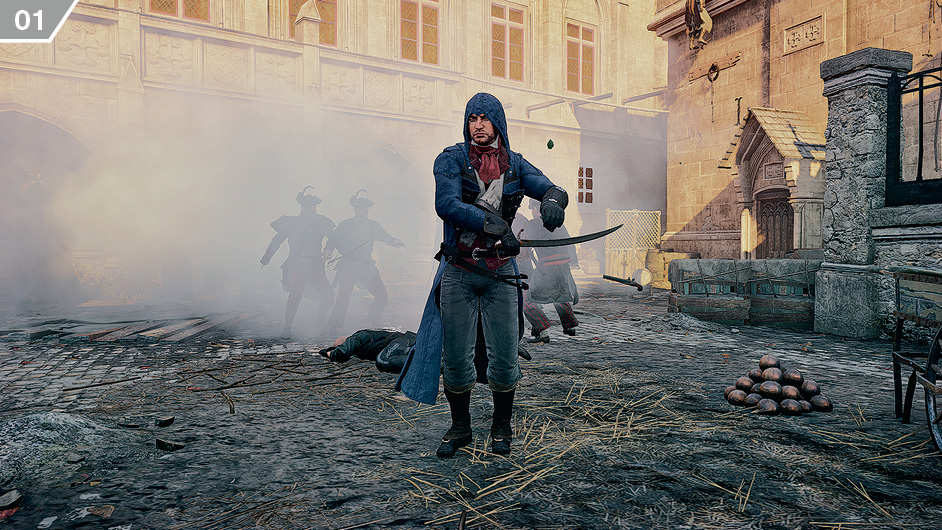
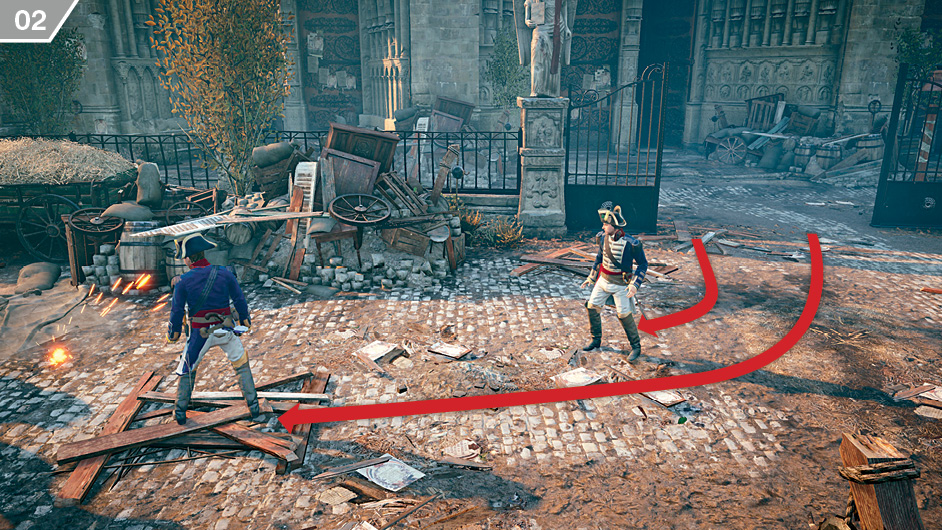
 Cherry Bombs: These will attract enemies – and allies – to the location where they explode, creating opportunities for a stealth approach. You can use this, for example, to draw a sentry away from his post (
 ).
).
Ranged Weapons
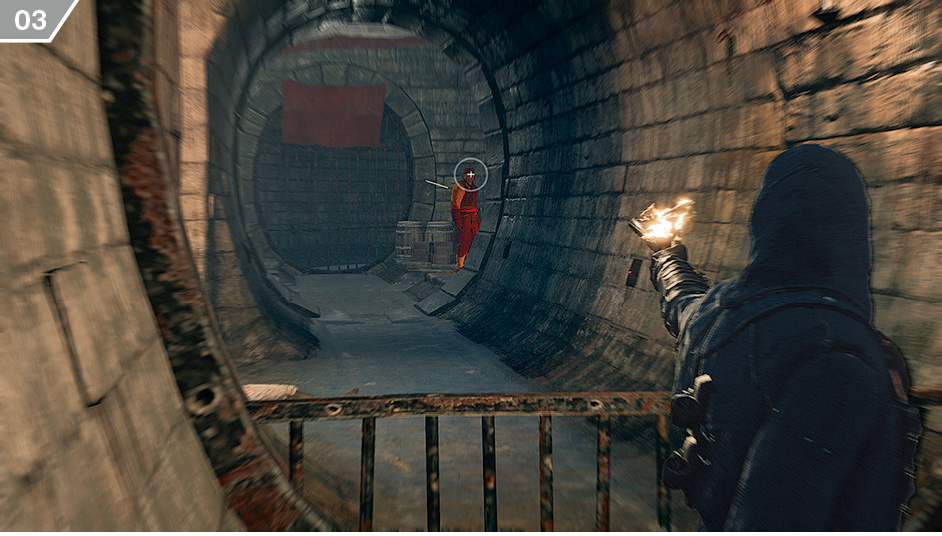
Arno’s arsenal of ranged weapons is gradually expanded as you progress through the story, though all of them are used in the same way. Select your weapon with  . You can fire by tapping
  /
/ . Alternatively, hold the button to facilitate manual aiming with
  then press
  /
/ to fire (
 ).
).
Lockpicks
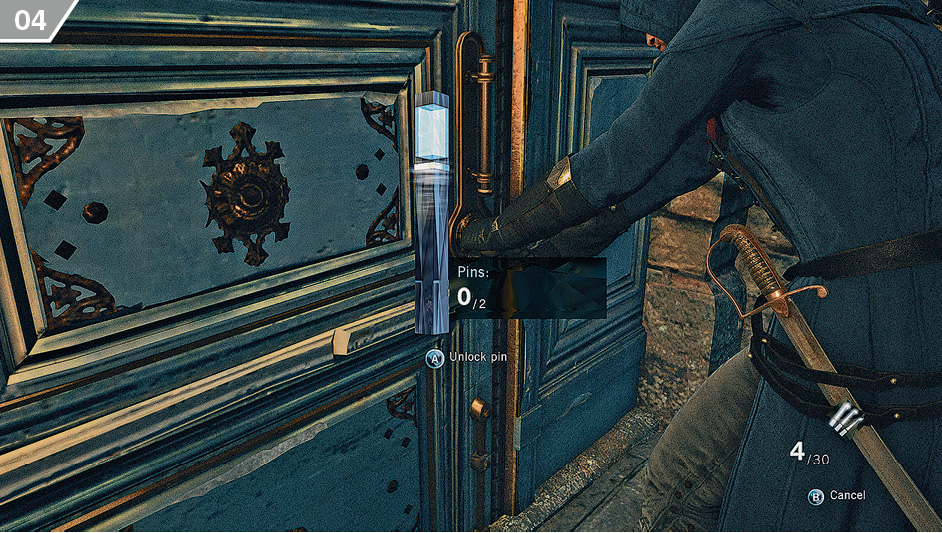
When you attempt to open certain doors or chests, you will sometimes need to play a minigame to pick the corresponding lock. All you have to do is press  /
/ when the cursor passes through the colored segment (
 ) to unlock each pin (from one to three). For every failed attempt, you consume a lockpick.
Health Potions
As long as you have at least one Health Potion consumable in your inventory, you can instantly top up your Health Bar by pressing  This can even be activated during a battle.
Looting
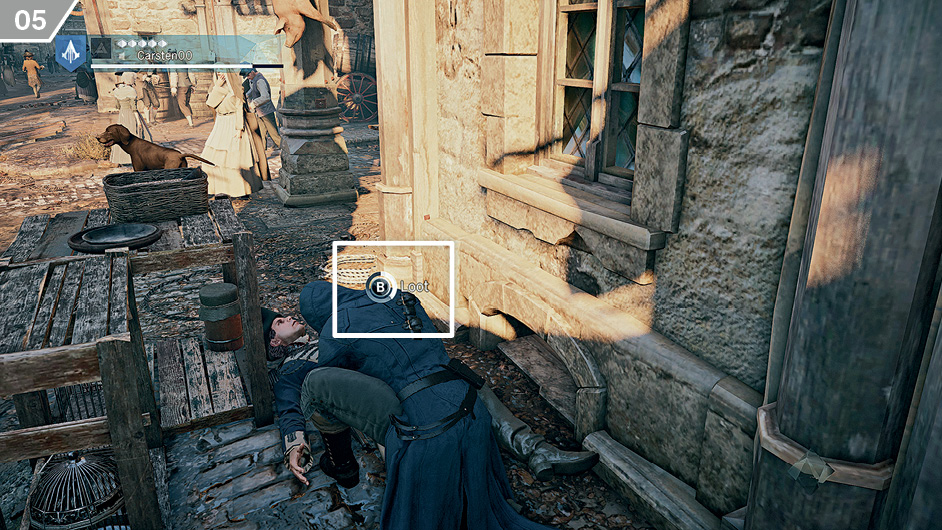
To loot a body, stand over it and hold  /
/ (
( ) until the circular meter fills. Adversaries may occasionally carry ammunition and Tools, but generally have a small sum of currency for Arno to appropriate.
Looting is naturally regarded as a criminal activity, and may cause citizens to move away from Arno, removing potential Blending opportunities. It may also lead to a violent response from any guards or patrols that witness the act.
Eagle Vision
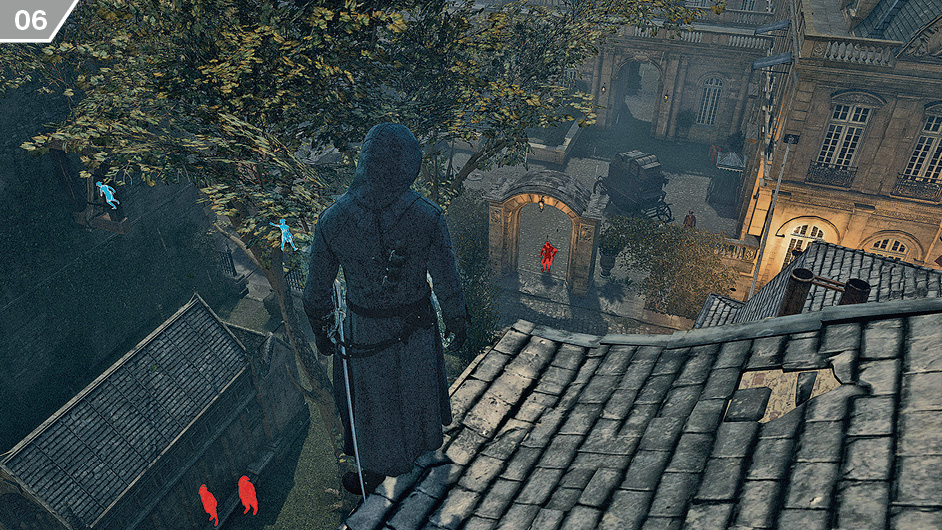
Eagle Vision has many different applications. After you press  /
/ to activate it, Arno’s perception of the world changes (
 ). It is automatically deactivated after a few seconds or if you press the button again. Once deactivated, there is a brief cooldown period that must elapse before Arno can use the ability again.
There is a distinctive color scheme in Eagle Vision: objective-specific targets are gold, guards are blue, aggressive Extremists are red, allies are green, while citizens have no hue at all. Points of interest (including hiding places and points of interactivity) are also highlighted by a white glow.
Eagle Vision can also reveal the trail of certain key protagonists with distinct markings. This can be a powerful tool when your task is to follow or find a specific target.
Tackle
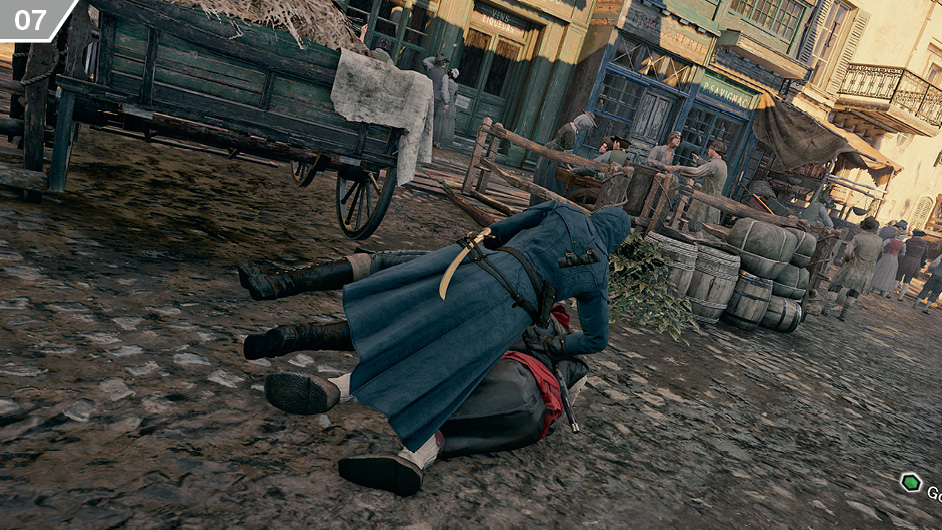
A non-lethal technique, Tackle is employed while sprinting with  /
/ to knock a target to the ground. When Arno is close to his quarry, tap
  /
/ to make him leap and propel them off their feet (
 ).
).