
Syndicate Guide Walkthrough The Co-Op Game
Getting Started
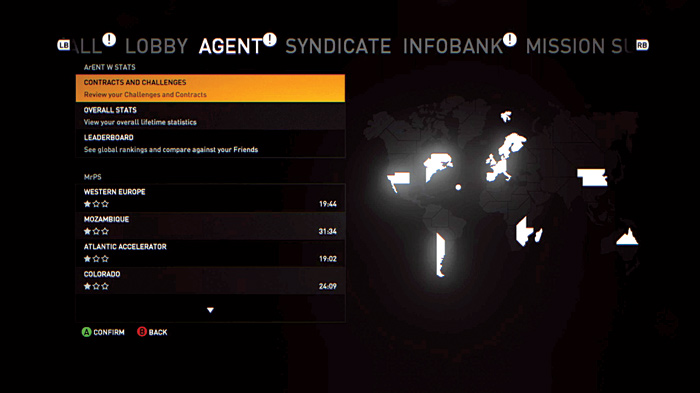
Syndicate includes a unique and story-driven multiplayer game.
Instead of playing in deathmatches against other players, you must work together with up to three other players to complete a series of nine operations—each in a different location with various objectives.
During the Co-op game, you can form a syndicate of your own or join an already-formed syndicate by invitation.
The Co-op Menu
Wall
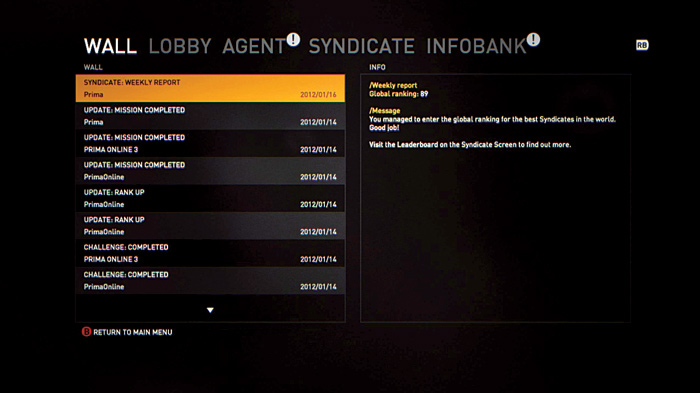
When you first enter the Co-op menu, you’ll see several different submenus from which you can choose.
At the Wall, you can get the latest information on your progress, including a weekly progress report for your syndicate and posts of completed missions, challenges, and increases in rank.
Lobby
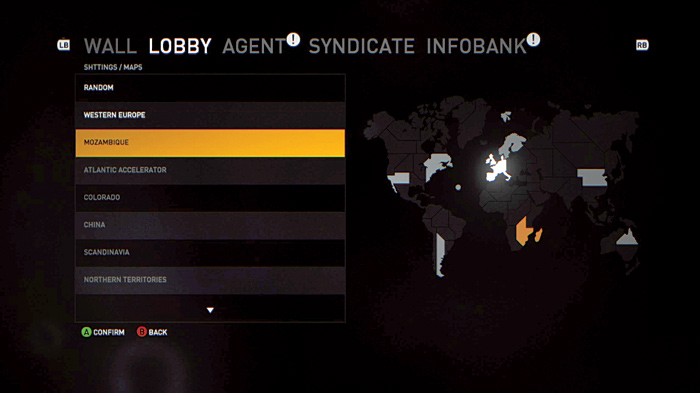
At the Lobby, you can select a map and then either play a Quickmatch or create a Private Game. A Quickmatch is where the Syndicate server finds you a game with the selected settings and puts you right into the action.
On the other hand, if you create a Private Game, you can invite your friends or other members of your syndicate to play along with you.
Once you have created a game, or joined a game created by another player, you can go to Character Selection to choose which of four characters you want to use during the current co-op mission.
No matter which character you choose, all of your stats and loadout preferences are tied to your Agent profile. Next select from one of three loadouts, which you can customize within the Agent submenu.
Finally, you can also access a surveillance report of the current objective. When everything is set, the player who created the Private Game can then start the game and get the mission rolling.
Agent
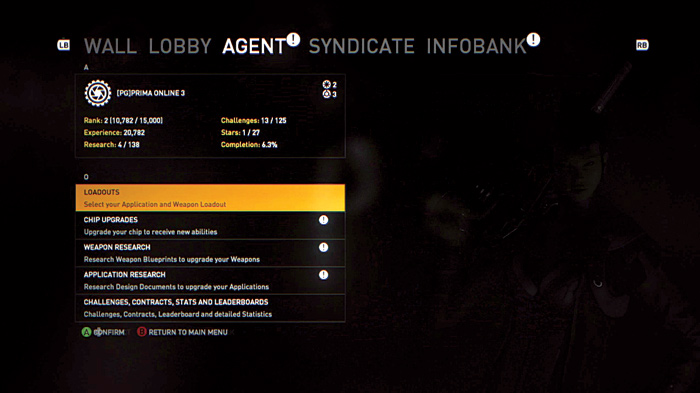
You will spend most of your time at the Agent submenu. Here you can customize your loadouts as well as upgrade your chip, weapons, and applications.
Also, you can check in on the status of challenges, contracts, stats, and leaderboards. Check out the section on Agents for more information on this menu and the many options you can use to customize your Agent profile.
Syndicate
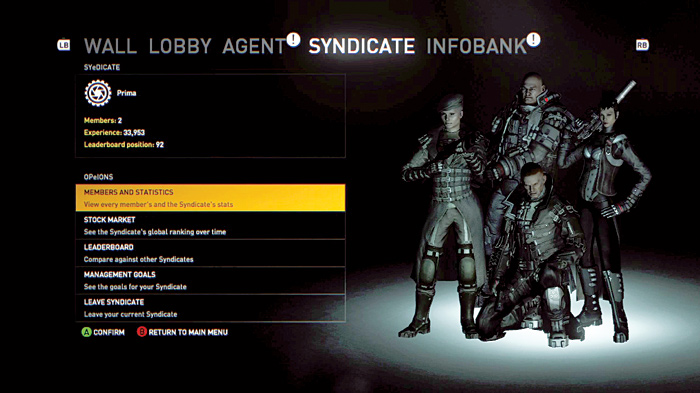
At the Syndicate menu, you can create your own syndicate as well as check on the stats for your current syndicate.
You also have the option of leaving your current syndicate if you choose to do so, then form or join another syndicate.
Infobank
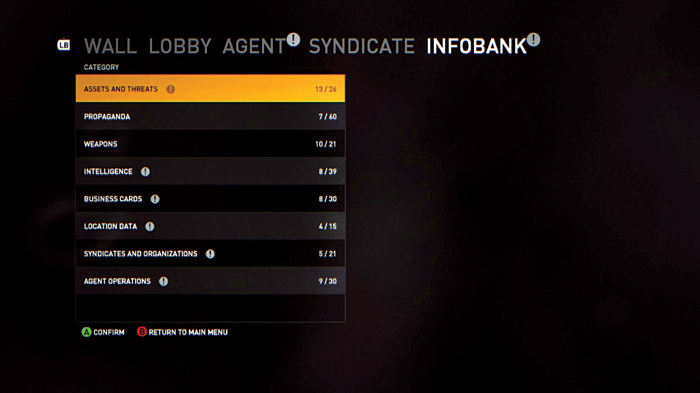
The Infobank is the same as that accessible to the campaign game. However, as you progress through the co-op game, you can unlock new information.