
Plants vs Zombies Garden Warfare Guide How to Play (in the Garden)
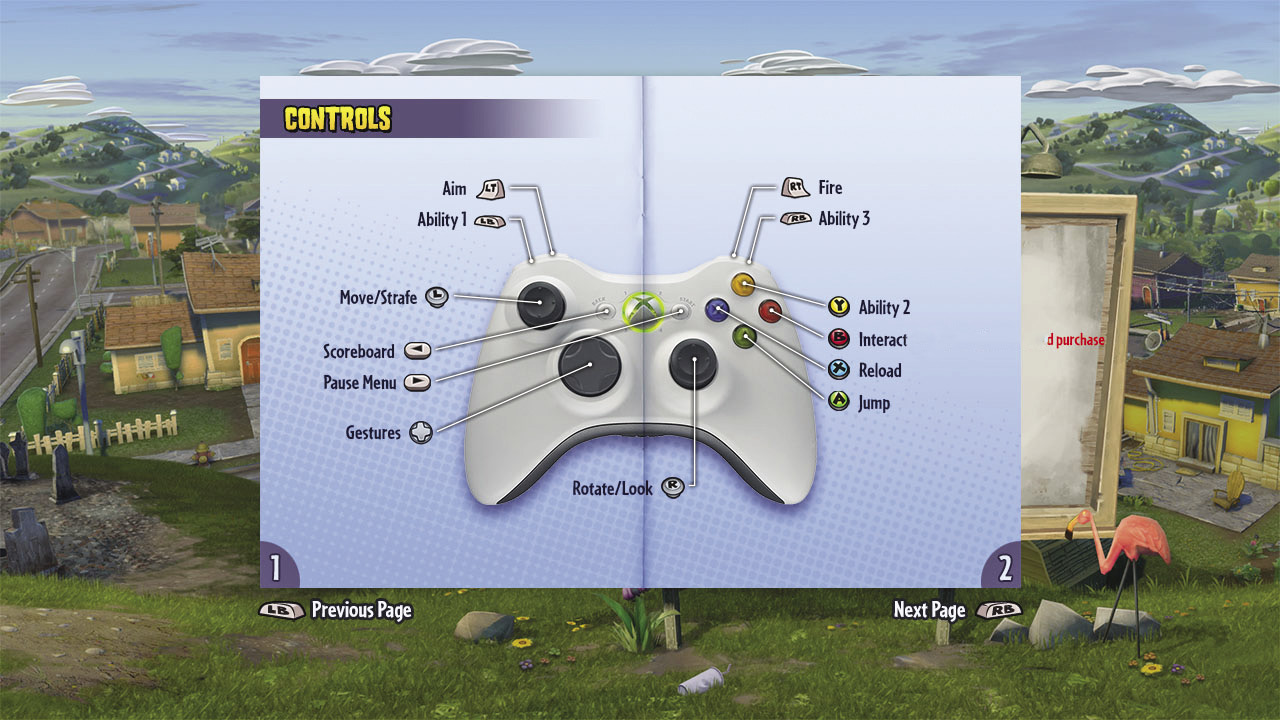
Controls
Aim and Fire
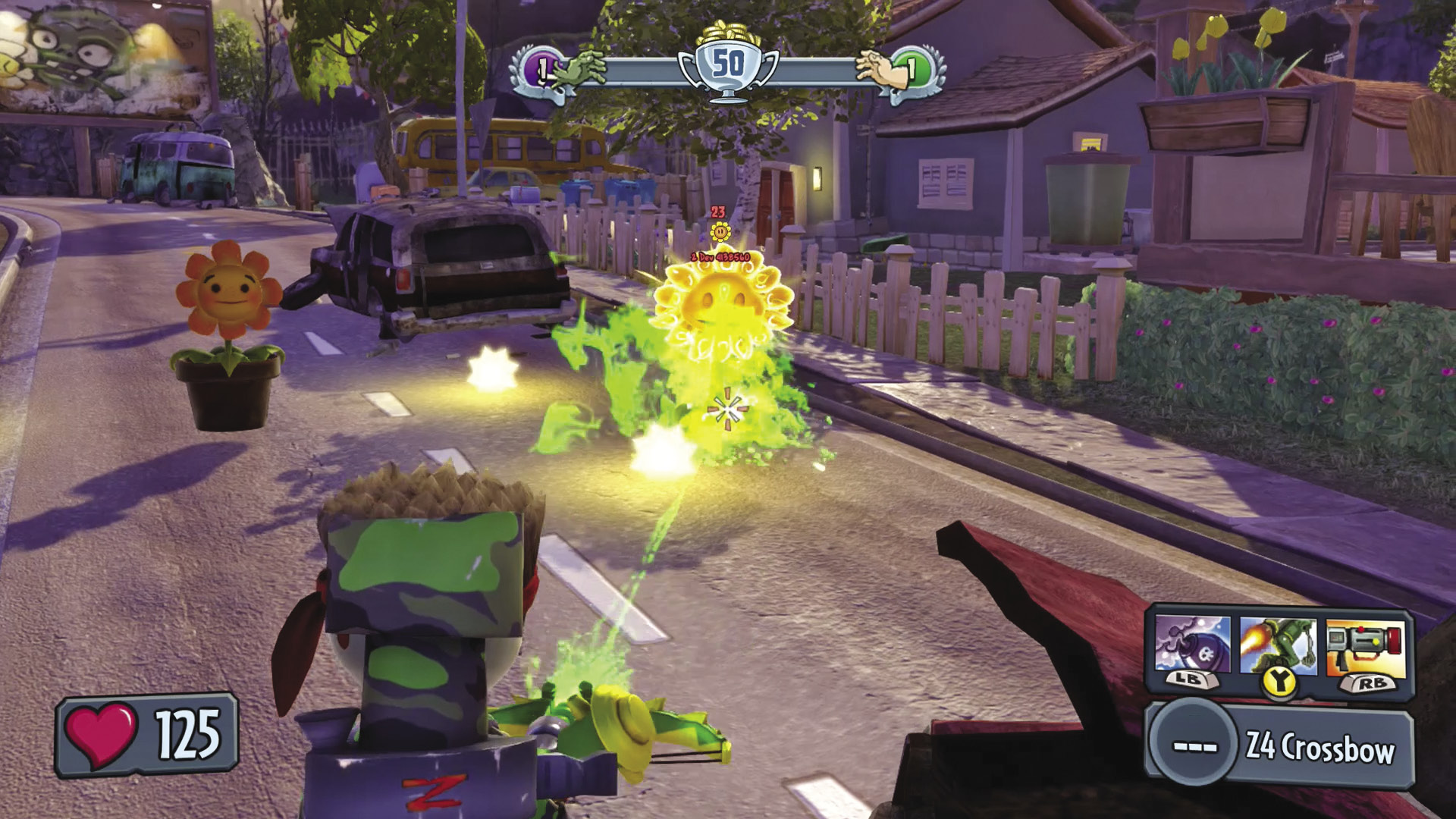
Firing your weapon is key to your Plants vs. Zombies Garden Warfare offense. Press the Fire button to release the ammunition of your weapon toward wherever your targeting reticle points.
If you want a little extra accuracy with your shots, be sure to aim first! Press the Aim button to zoom in the camera. This allows you to make sure that you hit your target with the precision you desire.
Ability 1, Ability 2, and Ability 3
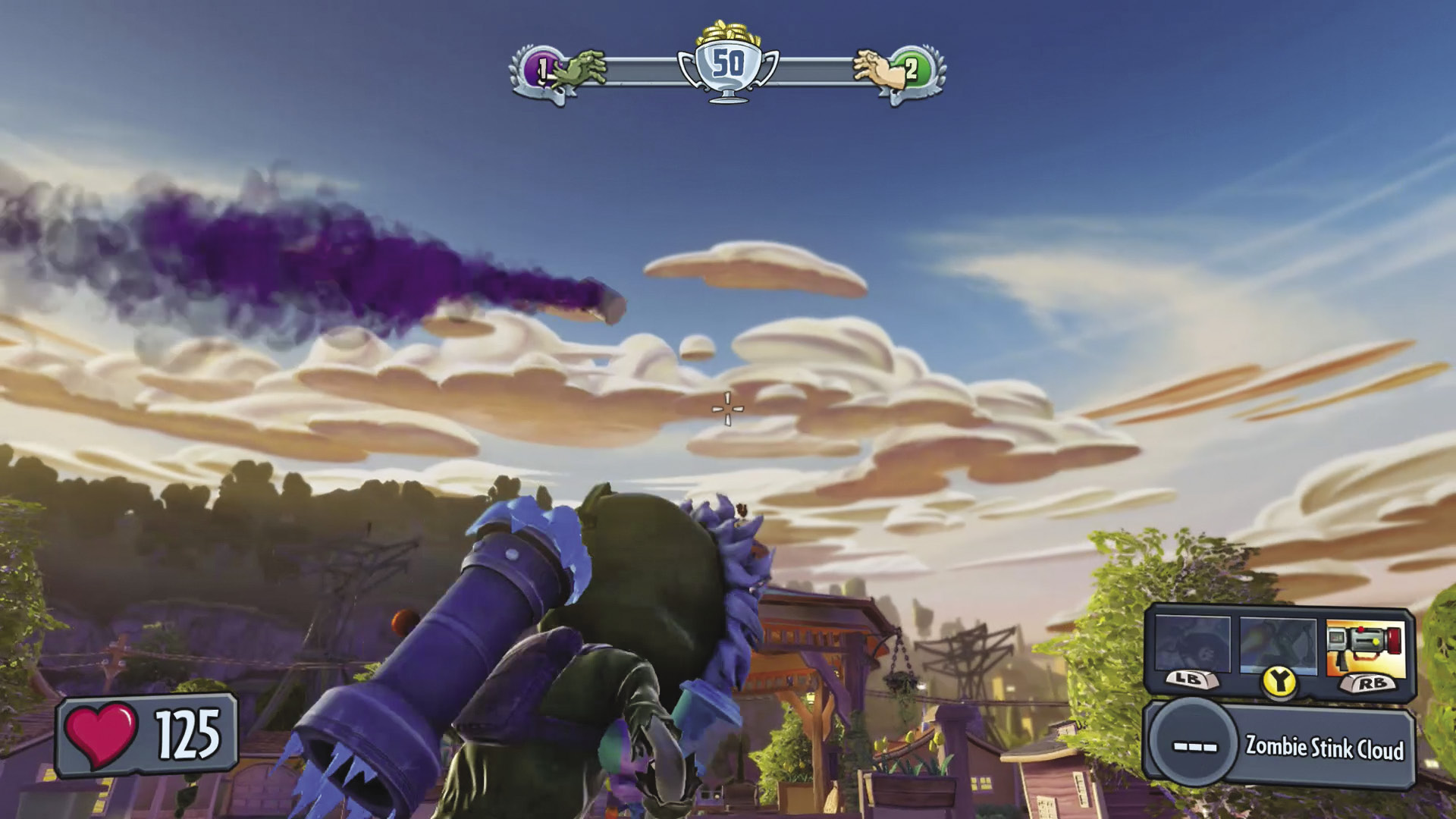
From special attacks to defensive maneuvers, your abilities are the cornerstone of what makes your character special. Press the Ability buttons to activate each one. Once you do, the icon for that ability dims, meaning that you won’t be able to use that ability for a set amount of time. Once the icon for that ability is bright once more, feel free to unleash it again!
Move/Strafe
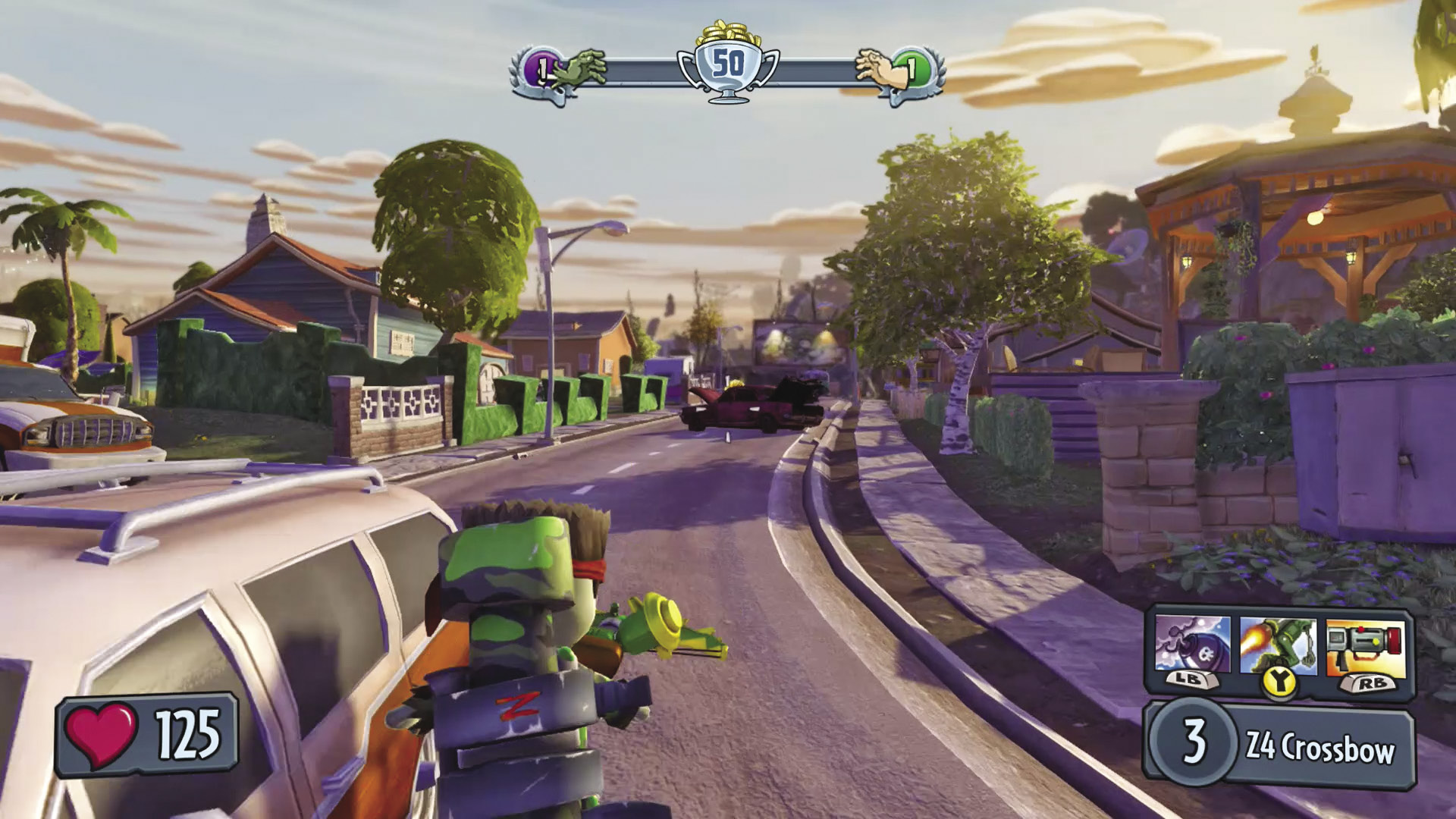
Movement is the most important function in Plants vs. Zombies Garden Warfare—without it, you’re stuck in one spot and are an easy target! Movement can be done in a forward or backward direction, as well as left and right (strafing). You can also mix up and combine these movement directions for some sneaky custom maneuvers. Never let the enemy see you moving in a completely straight direction if you can help it.
Rotate/Look
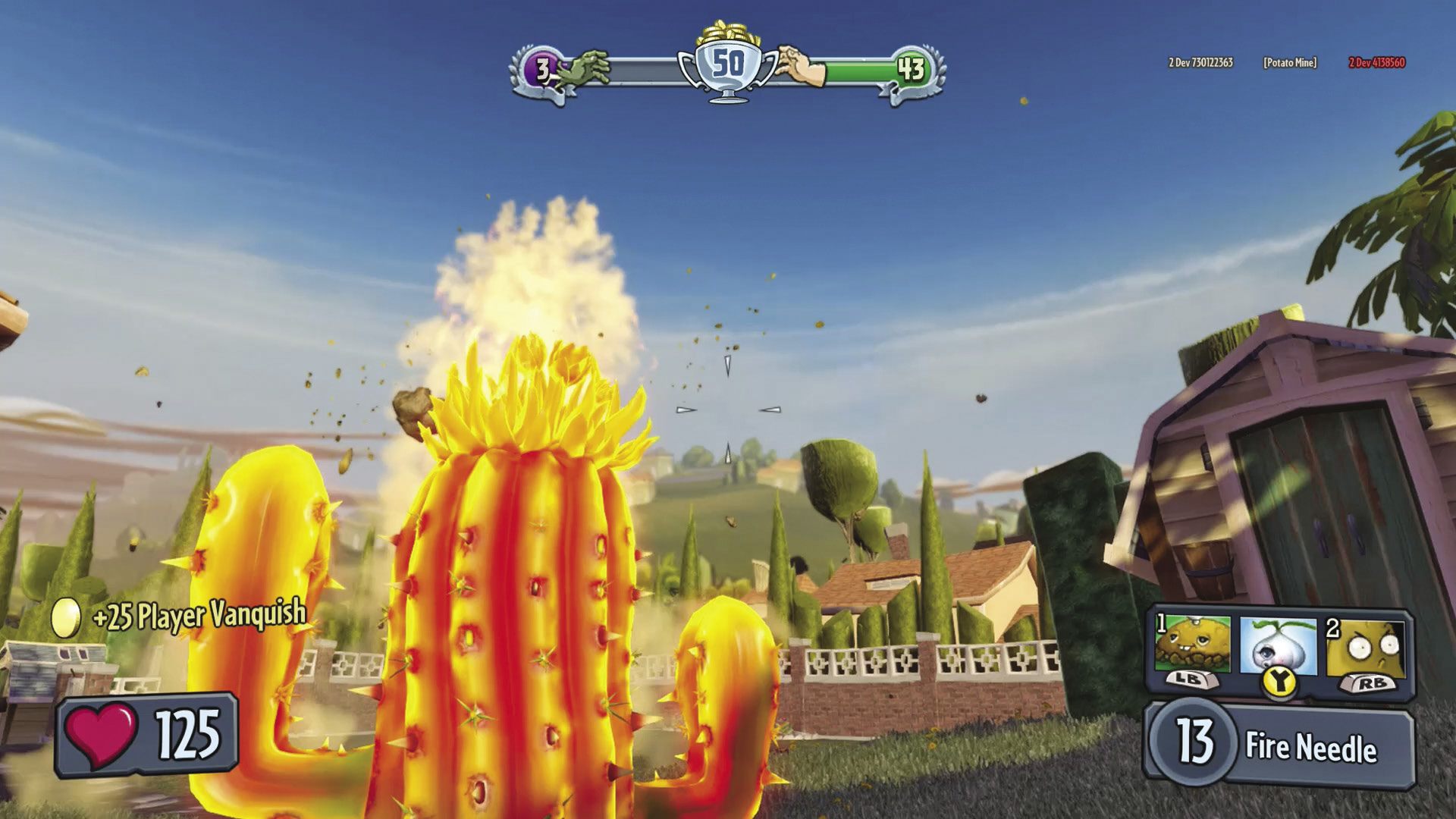
You can look up and down to check for points of interest or even enemies that might be above or below your current position. Rotating the camera, meanwhile, allows you to look completely around yourself in 360 degrees.
Reload
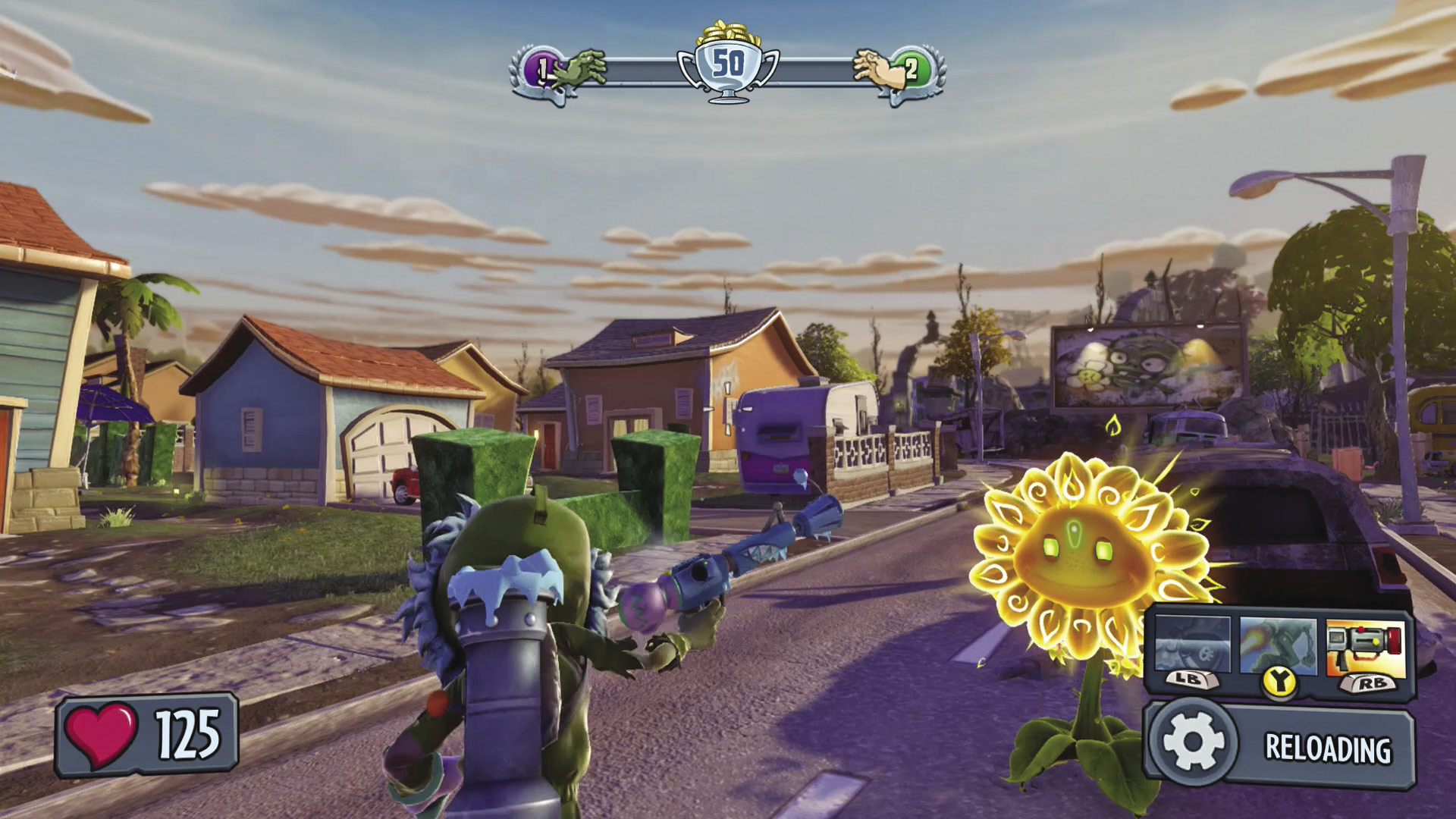
Press the Reload button to replenish your ammunition, bringing it back to full capacity.
Jump
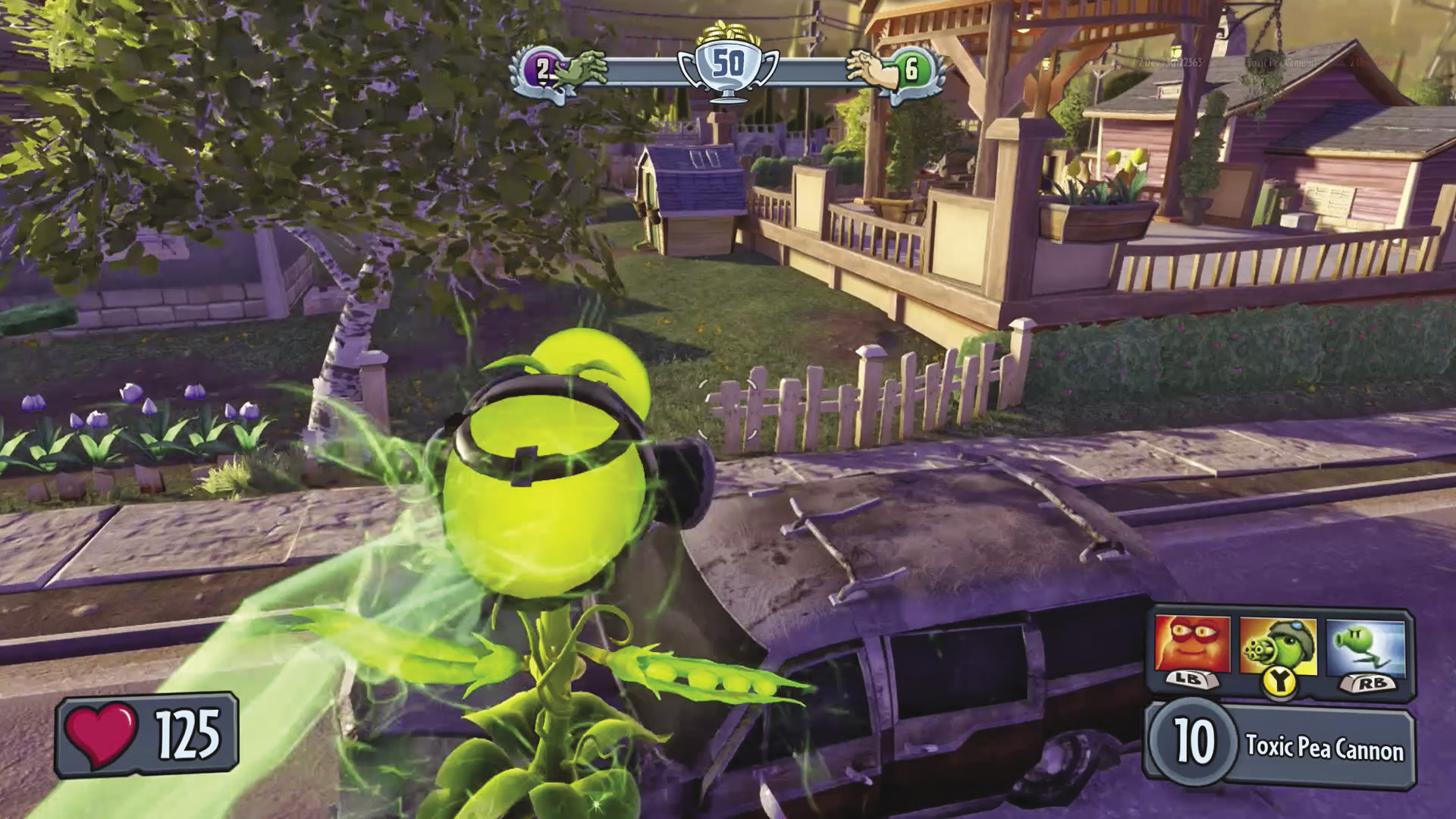
Press the Jump button to launch your plant or zombie a short distance into the air. Jumping allows you to reach higher places. Jumping repeatedly is also a good way to ensure that you’re a moving, unreliable target that can be harder to hit.
Scoreboard
Press this button to take a look at how your team—and individual teammates—are faring versus your opponents.
Pause Menu
Access the pause menu to adjust your in-game options, refer to the help documents, respawn as a new character, or quit the game you’re playing altogether.
Interact
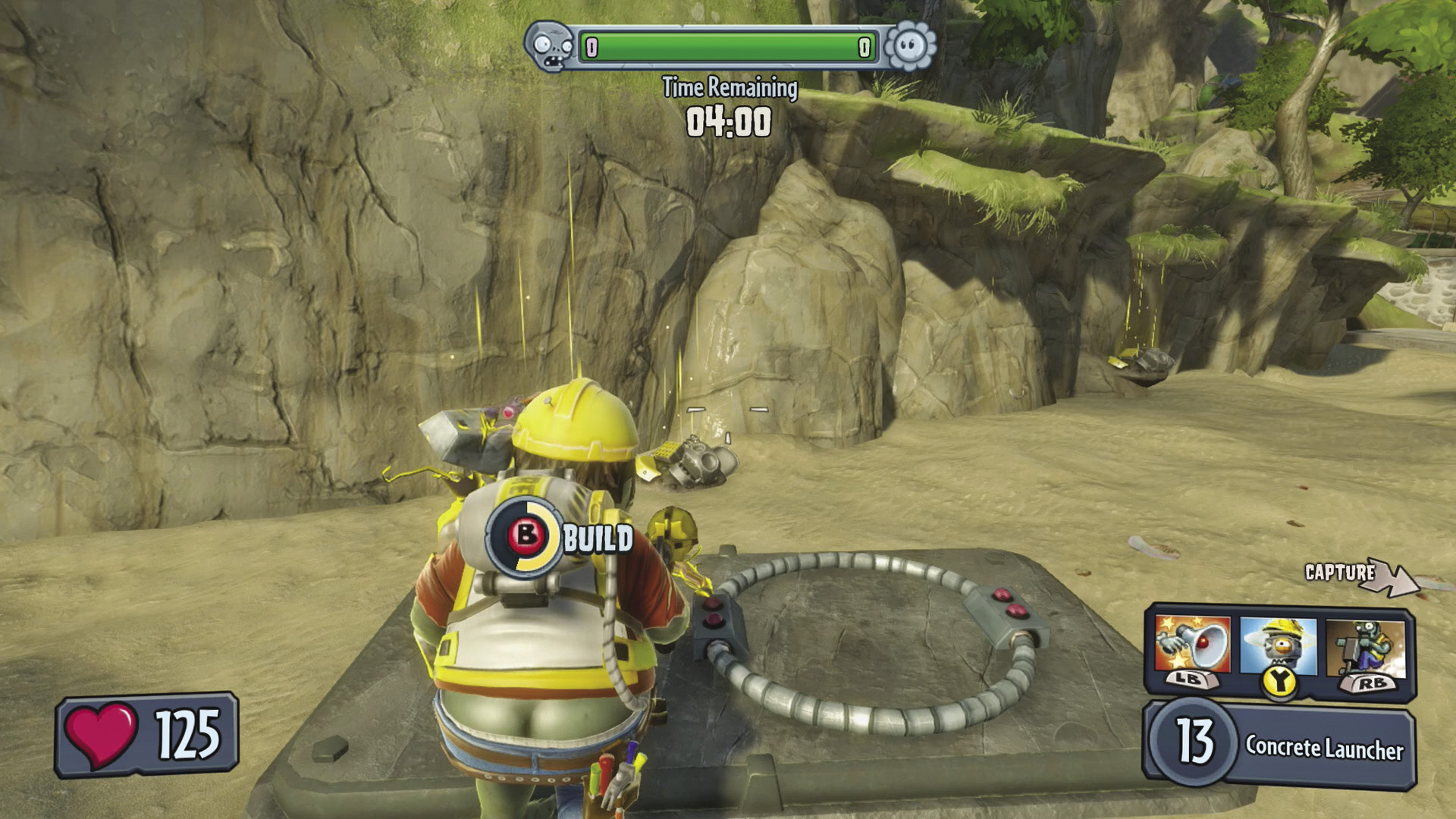
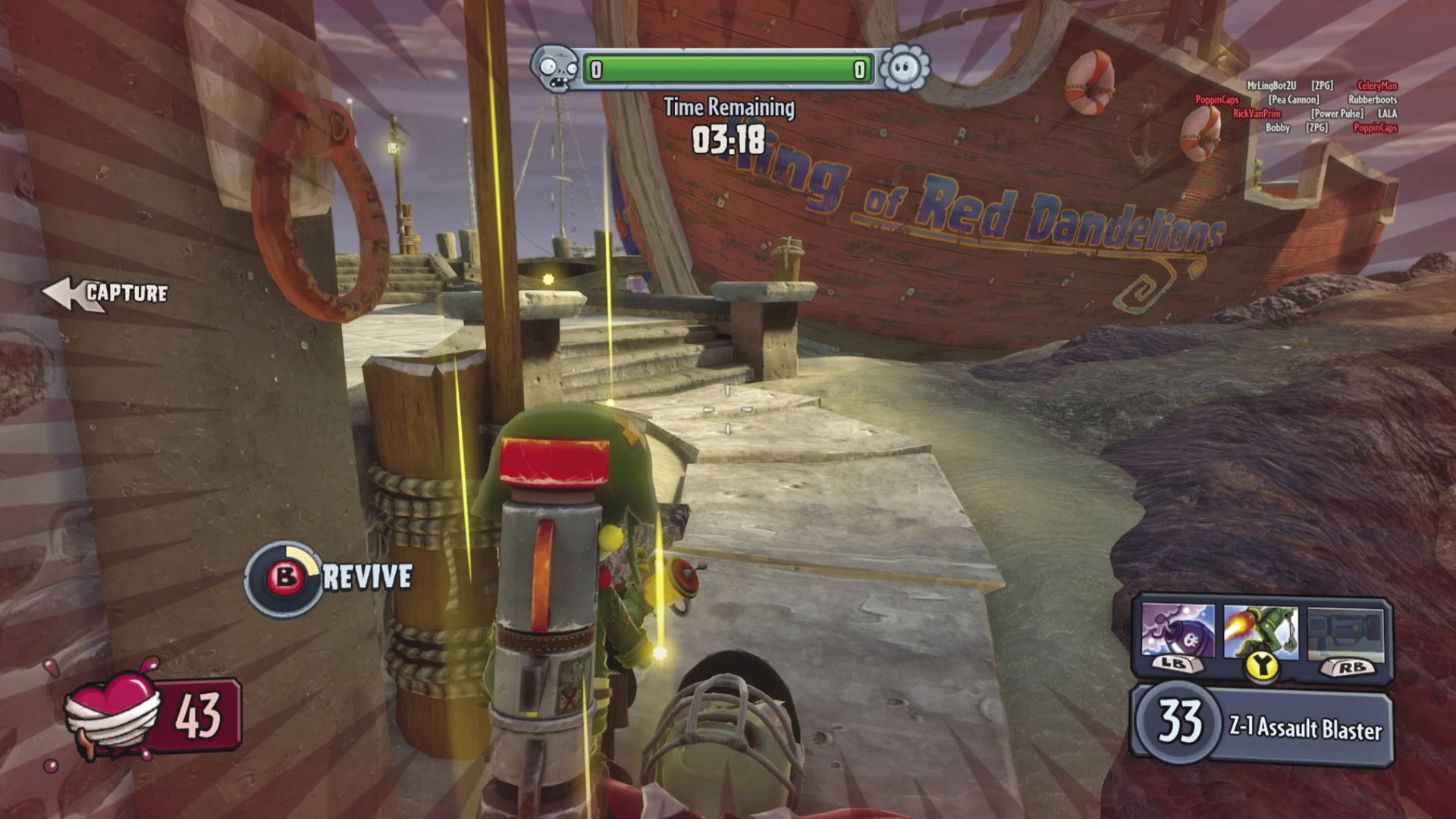
Interaction can sometimes prove beneficial to you and your teammates by allowing you to activate or deactivate defenses, or trigger mission-specific devices, for example. Approach any usable object in the game and press the Interact button when prompted to do so in the designated manner.
Gestures
Up to four gestures from a character’s customize menu can be assigned to these buttons. Taunt your opponents whenever you wish with mad, bad, and crazy moves! Keep in mind that you’re vulnerable while busting a move, so be sure you’re completely safe—you don’t want to be eating crow.