
Battlefield Bad Company 2 Guide Multiplayer Multiplayer
What’s New?
While the single-player campaign offers a great story and adventure, it’s only half of the game. The multiplayer experience is the other half.
Playing against other humans and working together as a team with members of your squad adds an entirely new dimension of fun.
Plus, earning new unlocks and ranks is incredibly addictive, making hours melt away. So before jumping into a multiplayer match, make sure you’ve set aside plenty of free time. After all, who needs sleep?
If you’re a grizzled Battlefield veteran, then you can jump online now and feel right at home among the whizzing bullets and exploding shells. But before rushing into action, make note of the new features availablein this installment.
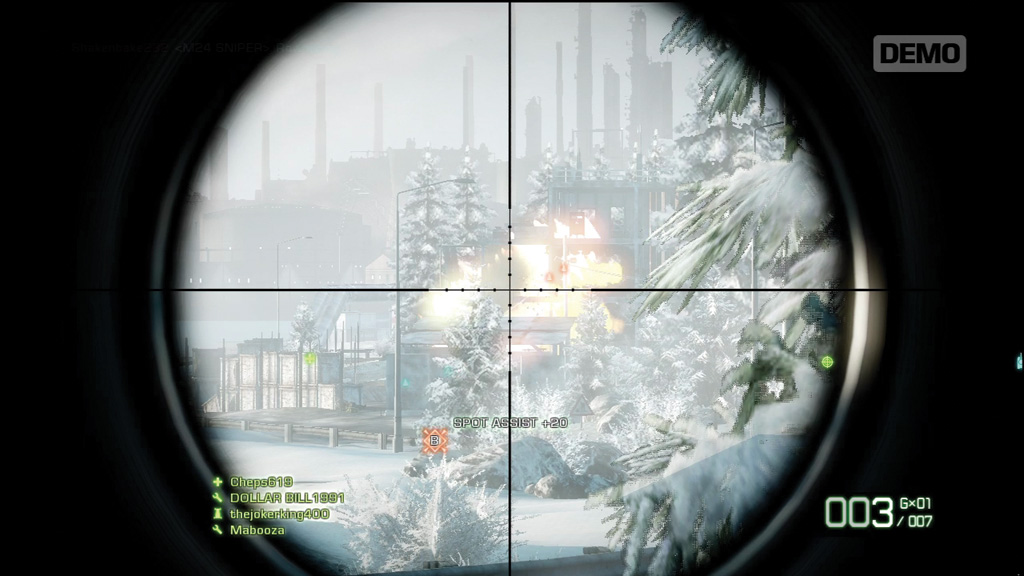
COMMS: Target Tagging
This isn’t a completely original feature, but it’s the first time it has been implemented so intuitively. When you have an enemy player or vehicle in your sight, press the COMMS button to tag it. This places a red icon on the HUD and minimap, showing your entire team where the enemy unit is located.
Enemy infantry show up as red triangle icons while vehicles are represented by red vehicle icons. Targets only remain tagged for approximately five seconds, but that’s usually more than enough time for your team to take notice of the threat. Also, once the icon disappears, you can tag the target again as long as you’ve maintained a line of sight.
If a teammate kills the target you tagged, you earn a spot assist bonus worth 20 points. So consider playing as recon with a high-powered scope and simply tag enemy units for your team. Even if you don’t kill anything yourself, you can still rack up an impressive score.
Killer Cam
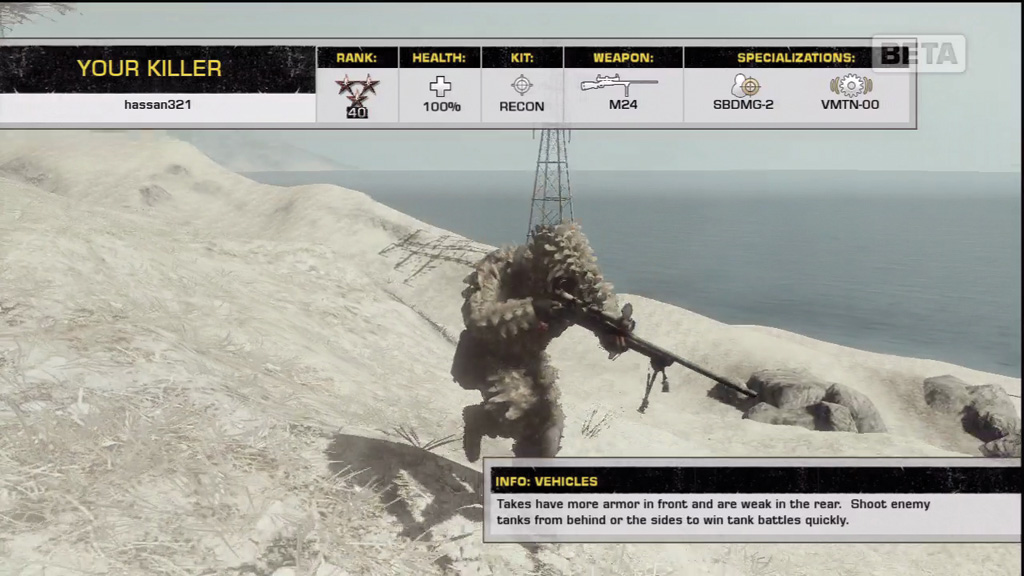
Every time you die, you get a brief glimpse of your killer through the new killer cam. This screen appears briefly immediately after your death, providing a shot of the player who killed you as well as their name, rank, health, kit, weapon, and specializations. It may seem like a frivolous addition, but the killer cam has larger implications for how the game is played.
Snipers can no longer camp in one spot and kill from an undisclosed location throughout the entire match. Through the killer cam, victims can see approximately where an enemy player is camping and enact revenge once they respawn. Make a habit of moving frequently, or else you’re likely to face one of your angry victims sneaking up behind you with a knife.
UAV
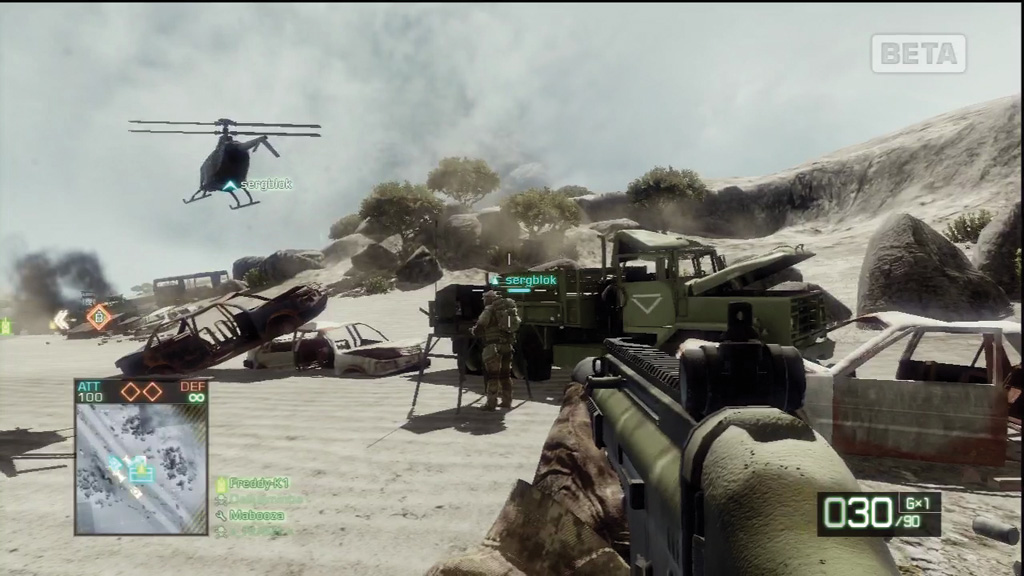
UAVs aren’t new to Battlefield, but this is the first time you can control one and order up some impressive air strikes. UAV terminals are found on both Conquest and Rush maps. Simply interact with one of these terminals to begin operating a UAV. If the terminal isn’t working, it’s momentarily offline. Like all vehicles, the UAV must respawn after being destroyed. Either wait around or come back later for your chance to pilot a UAV.
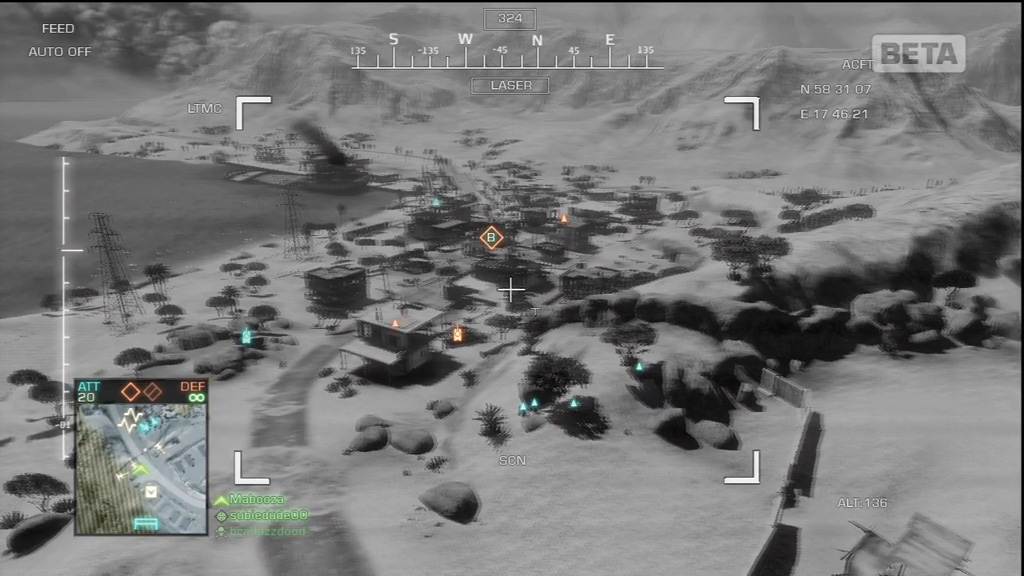
The UAV is a simple remote-controlled helicopter equipped with an infrared camera and laser designator targeting system. The UAV flies like the helicopters, but it’s much smaller, faster, and agile. It’s also extremely fragile, so keep it out of sight from enemy units as even pistol rounds can bring this little bird down. While flying the UAV, you can use it to tag enemy targets for your teammates by pressing the COMMS button. But the UAV is at its most destructive when initiating Hellfire missile strikes. Target an enemy vehicle (or any unit/location on the map) and pull the trigger to fire the targeting laser indicated by the red box icon at the center of the HUD. Keep this red box on the target until the missile strikes—the missile goes wherever the box icon is pointing, so track your target’s movements if necessary. Hellfire missiles are most effective against tanks, so try to locate a high-value target before initiating an attack. After firing a Hellfire missile, you must wait several seconds before another Hellfire is online. During this time, seek cover and protect your UAV from enemy fire by hiding behind hills, trees, or buildings. Continue tagging targets, but do so from long range. The red box icon in the center of the HUD disappears when a new missile is ready. Find a suitable enemy target, and call in another Hellfire missile. The UAV cannot be landed and repaired like traditional helicopters, so keep it in the air as long as possible. Given the popularity of these vehicles, you probably won’t get many chances to fly the UAV, so make the most of your opportunity.
Hardcore Mode
Tired of the easy-to-use interface and minimap showing you exactly where to go? Try the new hardcore mode setting, available on all four game modes. This setting removes most of the HUD elements, including weapon crosshairs. Therefore, you must aim using the weapon’s iron sight or scope view. There is also no killer cam, friendly fire is turned on, and weapons do much more damage, making for a hyper-realistic Battlefield experience designed specifically for experts.